Most people who try to create an AI character NSFW style hit the same two walls within an hour. The face changes every time they press generate, and the "personality" turns into a generic chatbot that forgets who it is after ten messages. The fix is not a better model. It is a better character sheet. Once you write one, the looks stay put, the voice stays put, and you stop burning credits on rerolls.
This article walks through the whole build: how to design a face and body that you can reproduce, how to write a personality prompt that survives a long conversation, which free options are worth your time, and which alternatives give you the most freedom for glamour, boudoir and swimwear imagery. Everything here is about adult, fictional characters and non-explicit, suggestive aesthetics.
What an NSFW AI Character Really Is
An NSFW AI character is a fictional adult persona with two layers. The visual layer is a repeatable face, body type, styling and photographic look. The personality layer is a written voice, backstory and set of habits that an LLM can play consistently.
Most guides treat these as one thing. They are not. You can have a flawless face with no personality, or a vivid personality with a different face in every picture. A character feels real only when both layers are locked.
💡 Quick rule: write the character sheet first, generate second. Every image prompt and every chat prompt should be built from the same sheet, copied word for word.
The Two Layers
| Layer | What it controls | Tool type | Failure when ignored |
|---|
| Visual | Face, hair, skin, outfit, lighting | Image model | Face drifts between images |
| Personality | Voice, humour, boundaries, memory | Large language model | Replies sound like a help desk |
| Setting | Locations, props, time of day | Both | Everything looks like one room |
Who Uses This and Why
Creators build characters for social media accounts, fan fiction covers, interactive stories, game mods, character art commissions and plain curiosity. The adult angle usually means glamour photography, swimwear, lingerie fashion and boudoir mood, the same territory you would see in a magazine shoot.
Design the Looks First
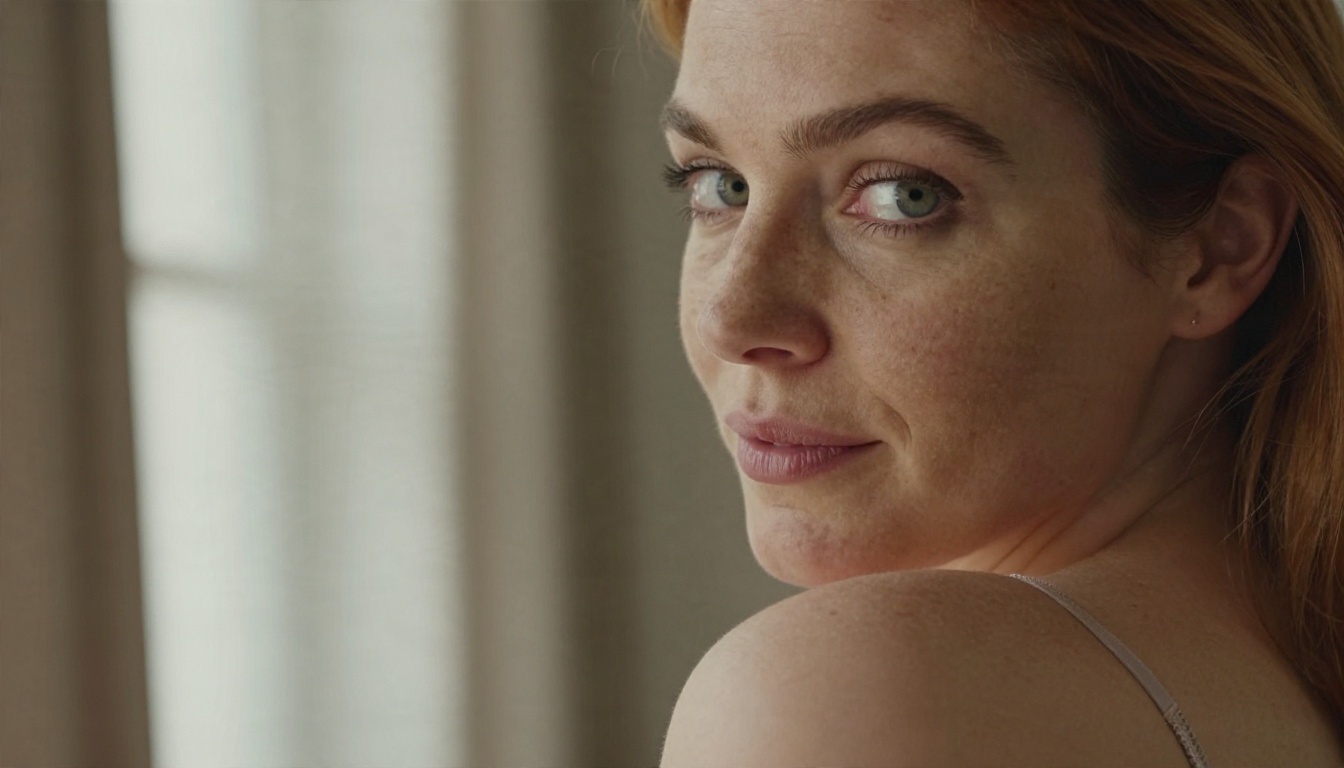
Start with a face you can describe in under 40 words. If you cannot describe it briefly, you cannot reproduce it.
Build a Face Formula
Pick six anchors and never change their wording:
- Age band: "adult woman in her mid twenties"
- Hair: colour, length, texture ("auburn, shoulder length, loose waves")
- Eyes: one colour word ("green eyes")
- Skin: tone plus one marker ("light freckles across the nose")
- Face shape: one phrase ("soft jawline, high cheekbones")
- Expression default: ("playful half smile")
Paste that block at the start of every prompt. Models weigh early words more heavily, so the formula should sit before the outfit and before the location.
Body and Styling Notes
Keep body description respectful and photographic: height impression, build ("athletic", "curvy", "slim"), and a signature accessory. A thin gold necklace or a particular pair of glasses does more for recognition than any amount of anatomy detail.
For suggestive looks, think like a stylist. Satin slip dresses, lace bralettes, bikinis, open shirts and robes all read as sensual without needing explicit content. The lighting does most of the work.
Lighting Is the Real Seduction
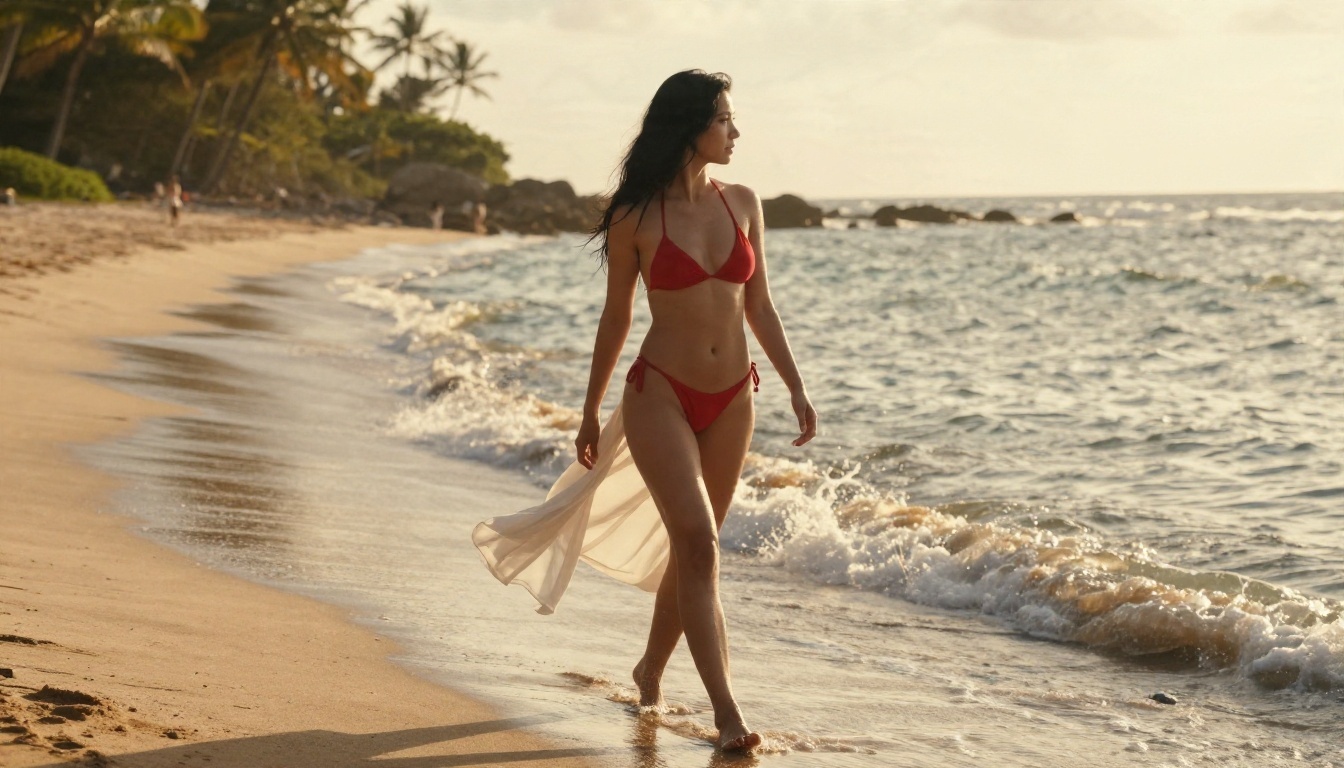
A soft window on one side of the face, low golden sun, warm vanity bulbs: these are the settings that make an image feel intimate. Name the light direction in every prompt. "Soft window light from the left" beats "cinematic lighting" every time.
A Prompt Template That Holds Up
Use this structure and fill the brackets. Keep the face formula fixed and only change the last three parts.
[Face formula], [outfit], [pose and action], [location], [light direction and time of day], [lens and camera angle], [film stock and texture notes]
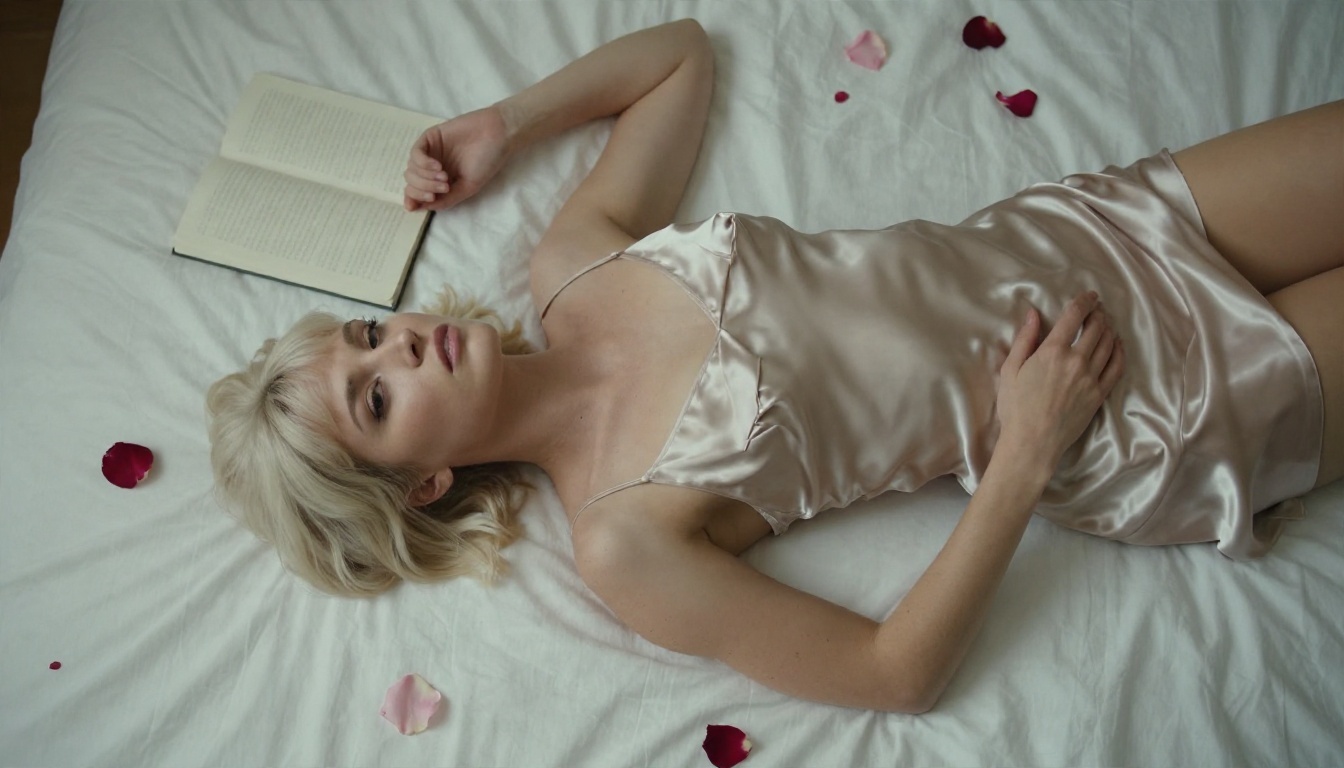
Example: adult woman in her mid twenties, auburn shoulder length waves, green eyes, light freckles, soft jawline, playful half smile, wearing a champagne satin slip dress, lying on white sheets, one arm above her head, bright bedroom with rose petals, soft skylight from above, 50mm lens shot from directly overhead, Kodak Portra 400 grain, visible skin pores.
Words That Push Realism
- Skin: "visible pores", "fine vellus hair", "natural sheen", "light freckles"
- Fabric: "satin sheen with micro wrinkles", "woven linen texture", "lace pattern detail"
- Lens: "85mm f/1.8 shallow depth of field", "35mm f/2", "100mm compression"
- Film: "Kodak Portra 400", "fine film grain", "slight halation on highlights"
Words That Wreck Realism
"Perfect skin", "flawless", "8K ultra HD masterpiece" and "glowing" usually produce the waxy, plastic finish that gives AI images away. Ask for texture, not perfection.
Keep One Face Across Many Images
This is the hardest part and the one most tutorials skip. There are three practical methods, from easiest to most reliable.
Method 1: Prompt Locking
Reuse the identical face formula and change only the scene. It works well on strong text-to-image models and costs nothing extra. Expect about 70 percent resemblance, which is fine for a casual social feed.
Method 2: Reference Editing
Generate one hero image you love, then use an image editor model to change outfit, background or pose while holding the face. This is where PicassoIA Image Editor Pro earns its place: unlimited generations mean you can iterate on a reference as many times as it takes without watching a credit counter.
Method 3: LoRA Style Models
A LoRA is a small add-on trained on one face or style. Flux 2 Klein 9B Base LoRA supports this kind of styled, repeatable output and suits creators who want a signature look rather than a random face each run.
💡 Tip: Save your three best generations in a folder called "canon". When a new image drifts, compare it against the canon set before you accept it.
Write the Personality Prompt
The personality layer lives in a large language model. A good character prompt is short, specific and structured. A bad one is a paragraph of adjectives.

The Seven Part Character Sheet
| Part | Example |
|---|
| Name and age | "Mara, 27, adult fictional character" |
| Backstory | "Grew up in Lisbon, works nights as a bartender, saves for a photography course" |
| Voice | "Warm, teasing, short sentences, uses humour before affection" |
| Habits | "Sends voice-note style replies, mentions coffee, never uses emojis more than once" |
| Likes and dislikes | "Loves rooftop evenings, hates small talk about work" |
| Boundaries | "Flirty and suggestive, steers away from explicit detail, stays in character" |
| Memory rules | "Reference earlier details the user shares, never invent a new backstory" |
A Prompt You Can Paste
You are Mara, a 27-year-old fictional adult character. You are warm, teasing and quick-witted. You write in short, natural sentences and use humour before affection. You work nights as a bartender in Lisbon and dream of becoming a photographer. You are flirty and suggestive in tone but you keep things tasteful and never describe explicit acts. Stay in character at all times. Remember details the user tells you and refer back to them. If the conversation stalls, ask a curious question about their day.
Why Personalities Drift
Drift happens because the model treats the opening instruction as one message among many. After a long chat, newer messages outweigh it. Two habits fix this:
- Repeat a one-line reminder of the voice every 15 to 20 messages.
- Keep the sheet in a pinned note and paste it back at the start of each new session.
Which Language Model to Pick
Different models write differently, so test your sheet on two or three. For natural, warm dialogue, Claude Sonnet 5 tends to hold a voice well over long exchanges. GPT 5.6 Luna is fast and good for quick back-and-forth, and Gemini 3.5 Flash is useful when you want fast replies plus image understanding. For long backstories and world building, Kimi K2.6 is worth a try.
Each model follows its own content rules, so expect them to keep text on the flirty, suggestive side. Use the language models to write the sheet, the backstory and the captions. Use the image models for the pictures.
Free Options That Actually Work
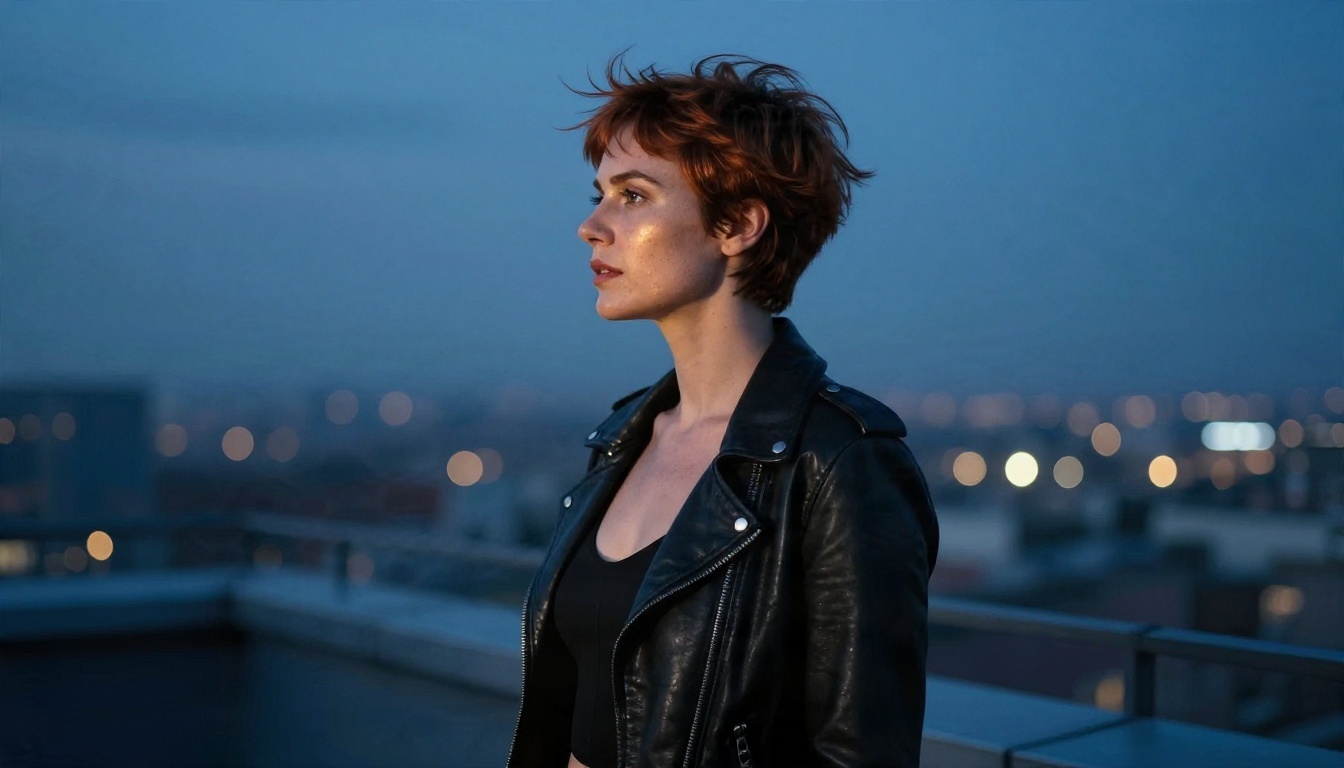
"Free" usually means one of three things: a daily credit allowance, a watermarked output, or a model that blocks half your prompts. Here is how the common free routes compare.
| Route | Cost | Typical problem | Best for |
|---|
| Free tier on a mainstream generator | Daily credits | Frequent content blocks on swimwear and lingerie | Testing a face formula |
| Open source model run locally | Free, needs a strong GPU | Setup time, VRAM limits | Technical users |
| Discord style bots | Free with limits | Queues, inconsistent output | Casual experiments |
| Unlimited editor on PicassoIA | Unlimited generations | None for iteration speed | Building a full character set |
The Hidden Cost of Free
The expensive part is not money. It is rerolls. If a tool blocks one prompt in three, a ten image shoot takes fifteen attempts. A model that handles adult glamour without constant refusals saves more time than any credit bonus.
Why PicassoIA Fits This Job
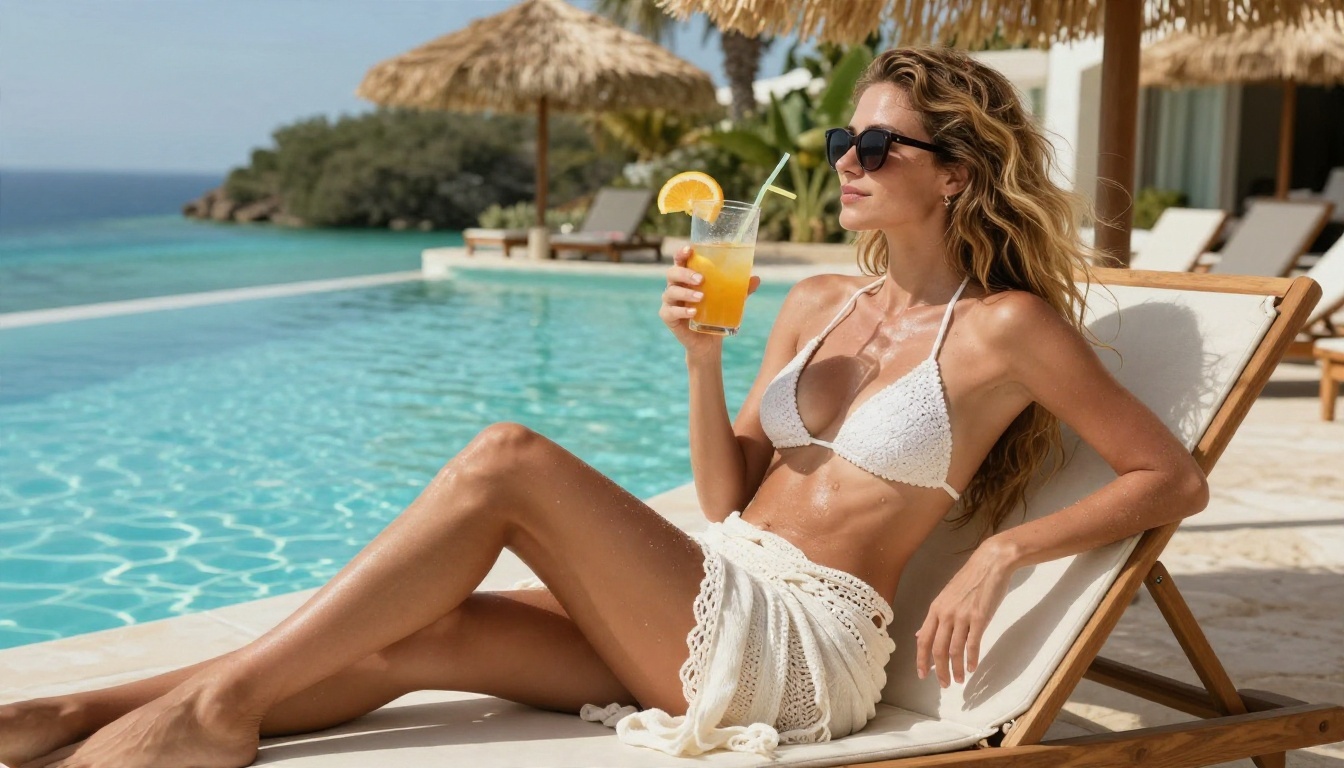
Seedream 4.5 is the first model to try for NSFW glamour work. It is fast, produces sharp photographic skin and fabric detail, and handles swimwear, lingerie fashion and boudoir mood without the constant refusals that slow other tools down. Then PicassoIA Image Editor Pro gives you unlimited generations for editing, restyling and keeping the same face across scenes. Both are built for speed, so a full character shoot takes minutes instead of an evening.
💡 Note: Seedream 5 Pro and other sibling versions follow different content rules. For adult glamour, start with Seedream 4.5.
How to Use Seedream 4.5 on PicassoIA
Here is the workflow, start to finish.
- Open the model page. Go to Seedream 4.5 on PicassoIA.
- Paste your face formula first. Put the six anchors at the very start of the prompt.
- Add outfit and pose. Keep outfits to glamour territory: satin slip, bikini, lace bralette, open shirt.
- Name the light. Write the direction and time of day, such as "soft window light from the left, early morning".
- Set the aspect ratio. Use 16:9 for scenery and wide shots, 3:4 or 4:5 for portraits.
- Generate four variations. Pick the one closest to your canon and save it.
- Send the winner to Image Editor Pro. Change outfit, location or mood while keeping the face, then repeat.
Parameter Tips
- Prompt length: 50 to 90 words is the sweet spot. Longer prompts dilute the face formula.
- Seeds: when a result is close, reuse the seed and change one element at a time.
- Negative habits: do not ask for "perfect" anything. Ask for "natural skin texture".
- Resolution: generate at the highest size available, then crop. Cropping a large image beats upscaling a small one.
A Ready Prompt to Try
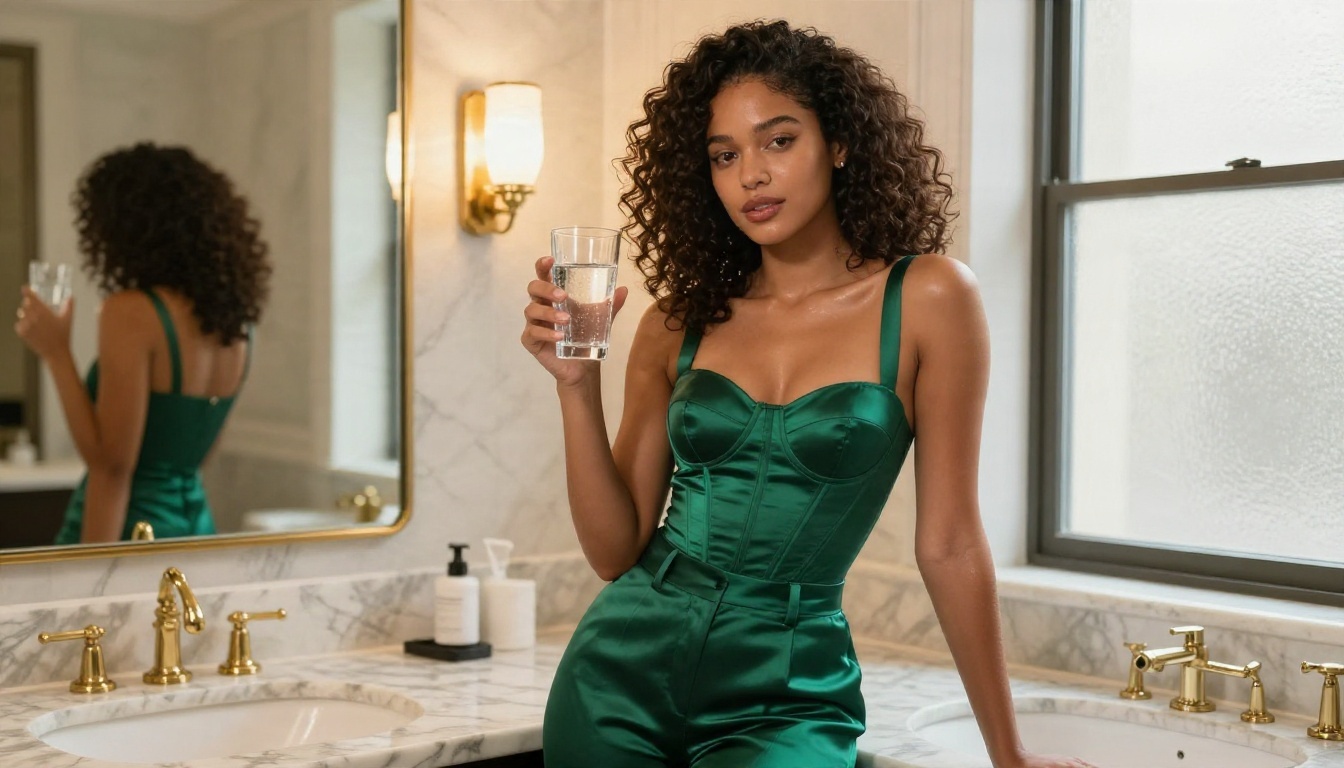
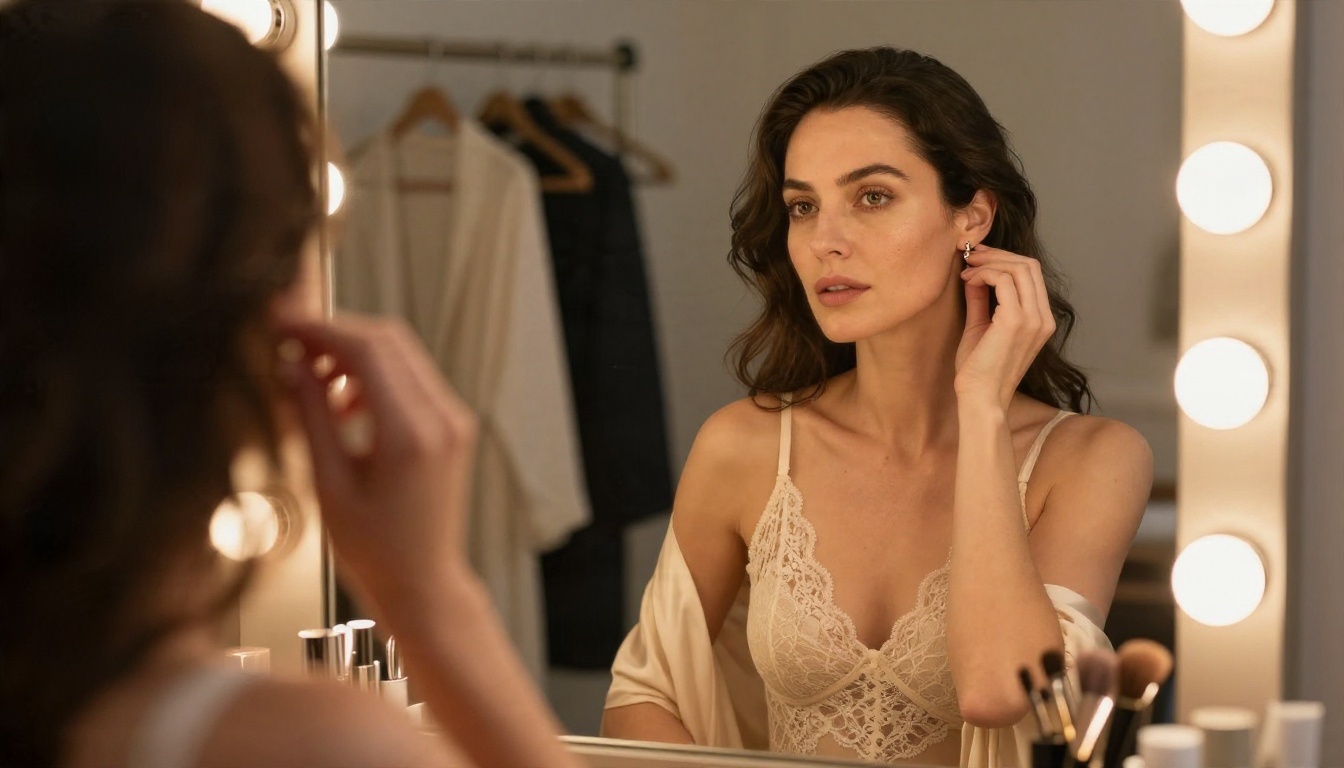
Adult woman in her mid twenties, auburn waves, green eyes, light freckles, soft jawline, playful half smile, wearing a cream lace bodysuit under a silk robe, adjusting an earring in a dressing-room mirror, warm vanity bulbs and soft golden light from the left, 50mm f/1.8 lens, mirror reflection composition, Kodak Portra 400 grain, visible skin pores.
Alternatives Worth Trying
No single model wins every scene. These are the ones to keep in rotation, in the order I would reach for them.
When to Switch Models
Switch when the same prompt fails twice. If one model keeps giving you the wrong hands or an off-model face, a different one will often get it in a single try. Treat each model as a different photographer with different habits.
Mixing Models in One Workflow
A practical pipeline looks like this: draft the character sheet with a language model, generate the hero image in Seedream 4.5, refine and restyle in Image Editor Pro, then use Nano Banana Pro for small fixes. Each step uses the tool that is strongest at that job.
Common Mistakes to Skip
Changing the Face Formula
Rewording "auburn waves" as "red-brown hair" in one prompt is enough to shift the face. Copy and paste, never retype.
One Location for Everything
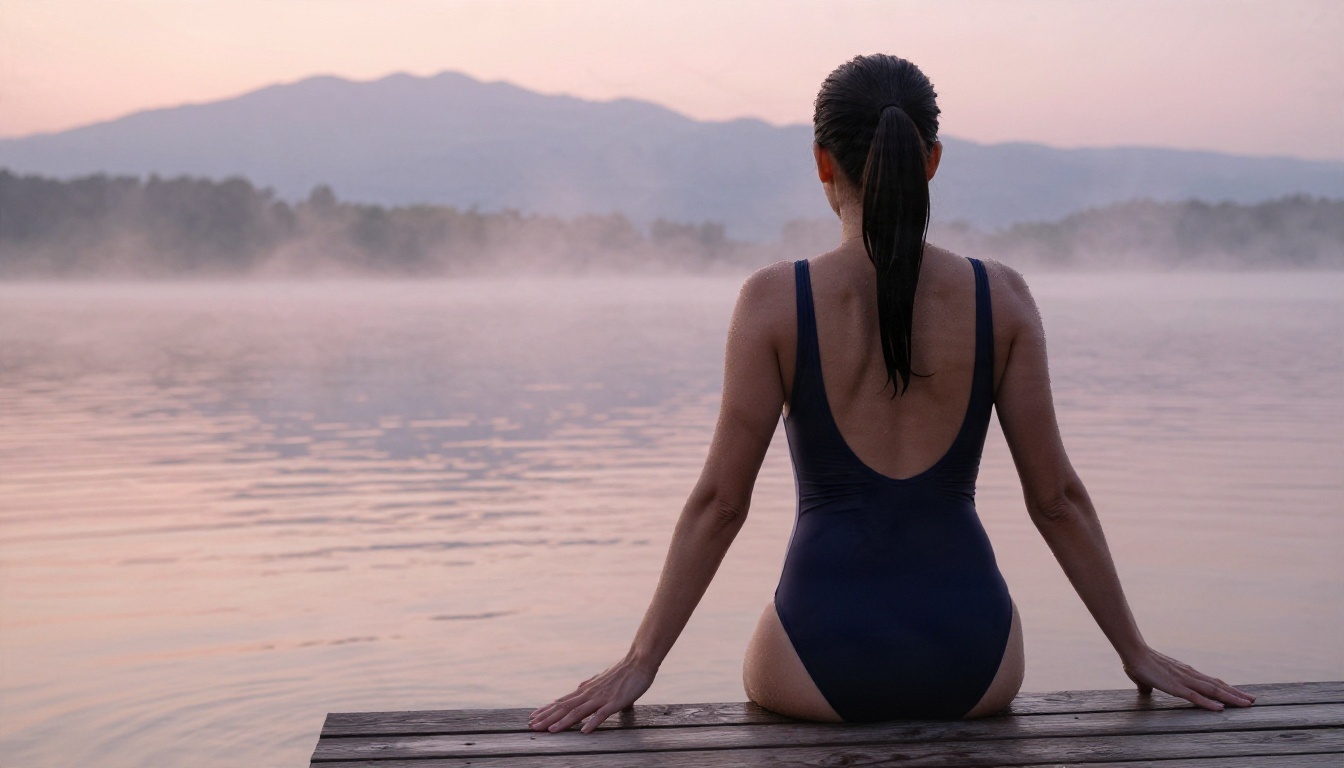
If every image happens in a bedroom, the character feels like a sticker on a wall. Give her a life: a rooftop, a beach, a hotel bathroom, a lake at sunrise. Variety makes her believable.
Overloaded Prompts
Piling 30 style tags into one prompt confuses the model. Stick to the template and trust the lighting words.
Skipping the Personality Sheet
A beautiful face with a blank voice is a mannequin. Spend ten minutes on the sheet and every future caption, chat and story gets easier.
Ignoring Rules
Keep every character clearly adult and fictional, never base one on a real person without their consent, and stay inside each platform's content rules. Non-explicit glamour is the sweet spot: it gets published, it gets shared, and it does not get your account removed.
Your Character Build Checklist
| Step | Done? |
|---|
| Write the face formula (six anchors) | ☐ |
| Write the seven part personality sheet | ☐ |
| Generate three canon images in Seedream 4.5 | ☐ |
| Restyle in Image Editor Pro for five new scenes | ☐ |
| Test the personality prompt on two language models | ☐ |
| Add a one-line voice reminder every 15 messages | ☐ |
| Save everything in one folder | ☐ |
Make Your Own Character Today
You now have the face formula, the prompt template, the personality sheet and the model order. The only thing left is to run it. Open Seedream 4.5, paste your first formula, and generate a hero image. Then move to PicassoIA Image Editor Pro and build out a full set of scenes with unlimited generations.
Want to compare more image and language models for your character? Browse everything at picassoia.com/en/all-models and try a few side by side. The best character is the one you keep refining, so start with one image tonight and see how far a good sheet takes you.


