Typing a few lines and getting back a believable, magnetic adult character used to take a studio, a model and a retoucher. Now it takes about ten seconds. If you want to create sex characters for a story, a game concept, a social profile or pure visual fun, a good AI maker handles the heavy lifting: face, skin, styling, light and mood. This article shows which tools work, how to write prompts that deliver, and what a realistic result looks like. Everything here stays on the suggestive and tasteful side: glamour, swimwear, lingerie style fashion and evening wear, never explicit content.
What a Sex Character Maker Does
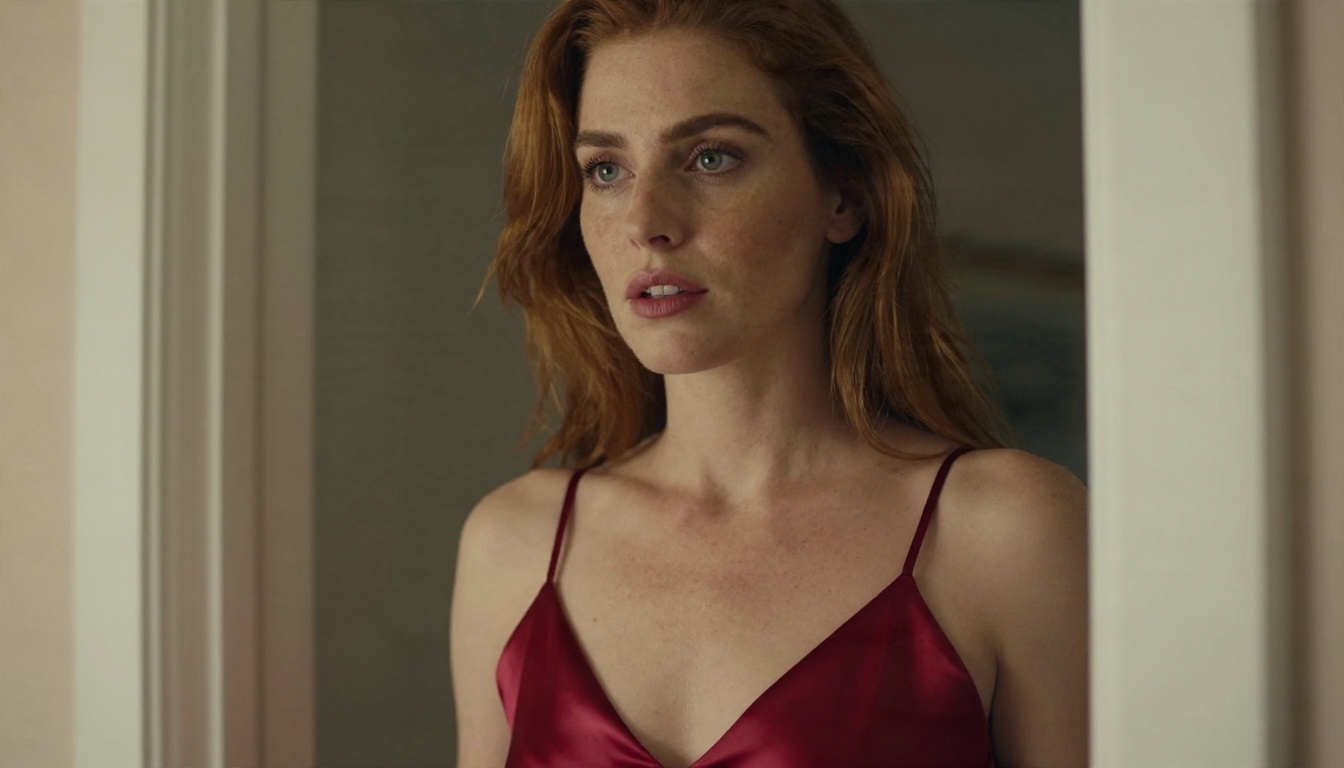
A sex character maker is a text to image generator tuned for attractive, sensual adult portraits. You describe a person, an outfit, a place and a light, and the model paints a photograph that never existed. The best ones skip the plastic look and give you pores, flyaway hair, fabric folds and believable shadows.
Who Uses These Tools
The audience is wider than most people expect:
- Writers and novelists who want a face for a romance lead.
- Game and comic designers building character sheets before hiring an artist.
- Content creators who need original glamour imagery without a photoshoot.
- Fashion and swimwear brands testing a look before a real campaign.
- Hobbyists who simply enjoy designing a fictional person.
Adults Only, Always
Every character you build must be a clearly adult, fictional person. Never base a character on a real individual without permission, never use a real celebrity's face, and never describe anyone who looks underage. Write ages in your prompts ("a woman in her late twenties") so the model leans toward mature features. That one habit keeps your output safe, believable and publishable.
💡 Quick rule: state an adult age, describe an original face, and keep outfits suggestive rather than explicit. You get better photos and fewer blocked generations.
Why Realism Beats Everything Else
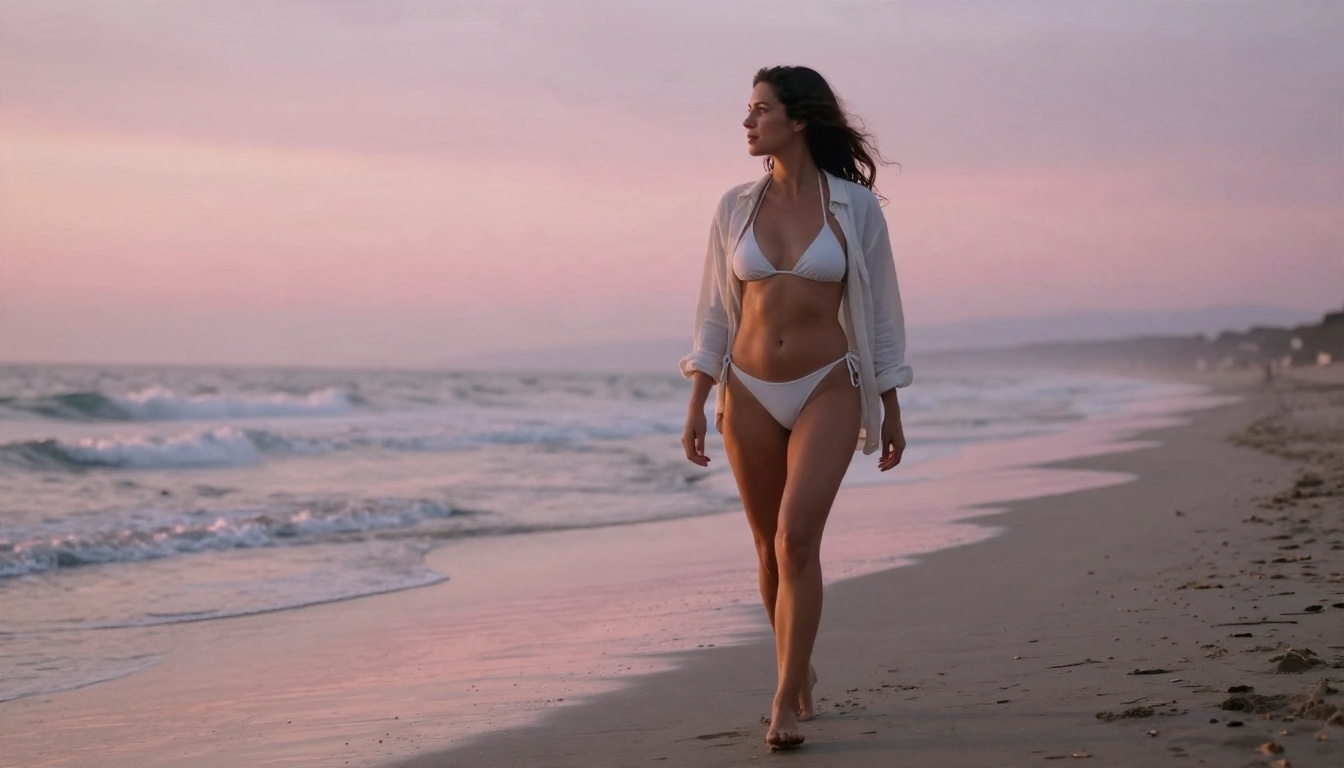
You can spot a weak AI portrait in half a second: waxy skin, symmetrical eyes, hands with the wrong number of fingers. A photorealistic character feels like a person you could meet. The difference comes from three things: the model you pick, the camera language in your prompt, and a little editing afterwards.
Compare the two approaches:
| Approach | Typical result | Time per image |
|---|
| Vague prompt, default model | Smooth skin, stock pose, generic face | 10 seconds |
| Specific prompt, photo model | Real texture, natural pose, unique face | 10 to 20 seconds |
| Specific prompt plus editing | Polished, consistent, ready to publish | 1 to 3 minutes |
Best Free AI Makers Right Now
Not every model treats adult glamour the same way. Some block anything beyond a portrait in a sweater. Others give you room to work with swimwear, lingerie style fashion and moody boudoir lighting. These are the ones worth your time on PicassoIA.
Seedream 4.5 Comes First
Seedream 4.5 is the model I reach for first. It produces sharp 2K and 4K images, handles skin texture very well, and gives you real freedom with glamour, beachwear and sensual styling. It also accepts up to 14 reference images, which matters a lot when you want the same character across several scenes. It is free to try online and needs no setup.
PicassoIA Image Editor Pro
PicassoIA Image Editor Pro is the second tool to keep open. It offers unlimited generations, so you can iterate as many times as you want without watching a counter. Use it to change outfits, adjust lighting, swap backgrounds or fix small flaws in a character you already like.
Other Strong Options
If you want variety, these models are also worth testing:
You can browse every available model at picassoia.com/en/all-models.
How to Use Seedream 4.5 on PicassoIA
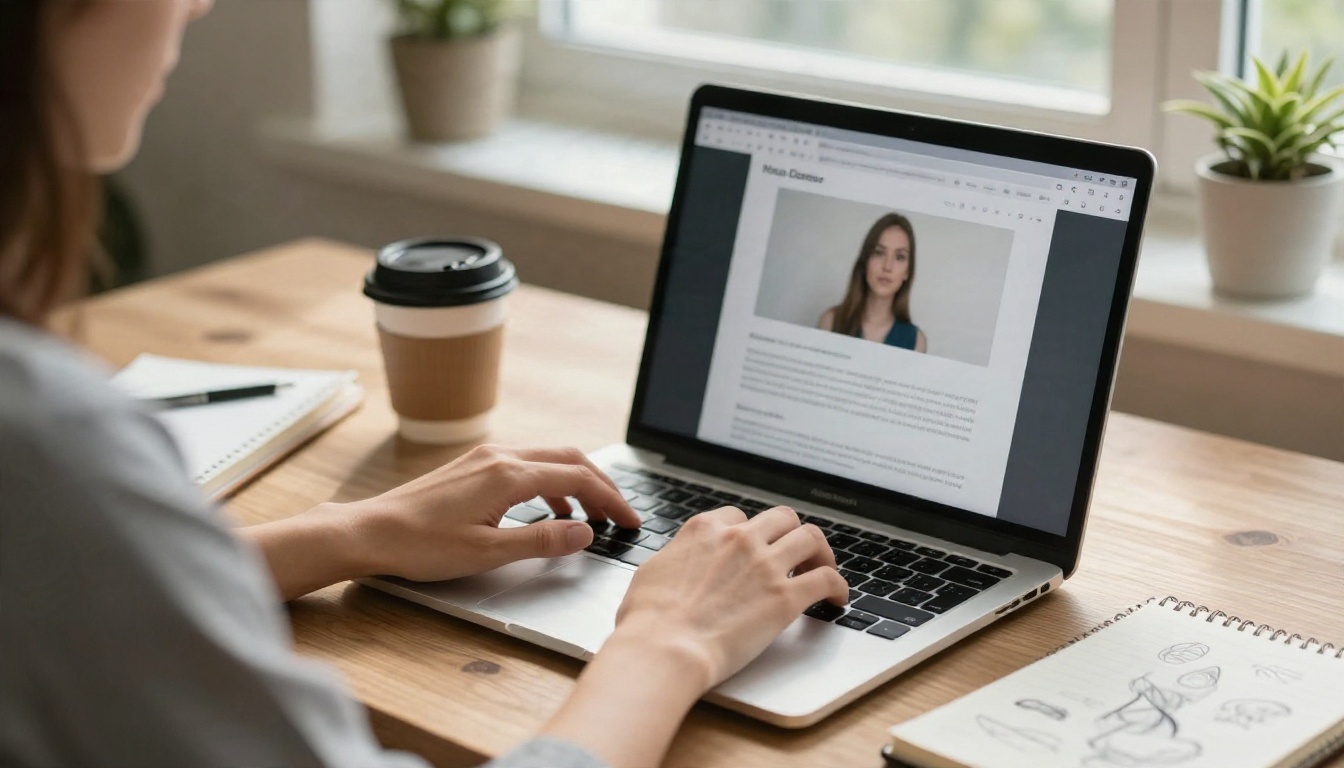
This is the fastest path from idea to finished character. Open the Seedream 4.5 page and follow these steps.
Step by Step
- Write your prompt. The field accepts up to 4,000 characters, so there is no need to be short. Describe the person, outfit, place, light and lens.
- Pick the size. Choose 2K for fast drafts and 4K when you have a keeper.
- Set the aspect ratio. Use 16:9 for wide scenes, 3:4 or 2:3 for portraits, 9:16 for phone screens.
- Add reference images (optional). Upload between 1 and 14 images to keep the same face, outfit or mood.
- Turn on batch mode (optional). Set sequential generation to auto and raise Max Images to get several character variations in one run, up to 15.
- Generate and compare. Pick the best frame, then refine the prompt instead of rewriting it.
Settings That Matter
- Size: start at 2K. Switch to 4K only for final images.
- Aspect ratio:
match_input_image is useful when you edit an existing picture.
- Batch mode: perfect for character sheets, where you want the same person in different scenes.
- Safety checker: the model includes one by default. Keep your prompts suggestive and tasteful, and you will rarely run into it.
💡 Tip: change one thing at a time. If you alter the outfit, the pose and the location together, you will never know which edit improved the result.
Good prompts read like a photographer's shot list, not a wish list. Here is the structure I use for nearly every character.
The Five Part Structure
- Subject: age, hair, eye color, build, expression.
- Outfit: fabric, color, how it sits on the body.
- Setting: room, beach, bar, rooftop, with two or three small props.
- Light: direction and quality, such as "warm window light from the left".
- Camera: lens, distance and depth of field, such as "85mm f/1.8, shallow focus".
Then finish with texture words: visible skin pores, soft film grain, natural fabric folds, Kodak Portra 400 colors. Those details push the model toward photography and away from the airbrushed look.
Wording That Keeps It Tasteful
Some words help, some hurt. A short cheat sheet:
| Use this | Avoid this |
|---|
| "silk slip dress, strap off the shoulder" | Explicit anatomy terms |
| "bikini on a sunlit beach" | Vague "naked" or "nude" phrases |
| "confident, playful, knowing smile" | "Sexy" repeated five times |
| "golden hour rim light" | "Perfect flawless skin" |
| "late twenties" | No age at all |
The word "sexy" alone gives the model almost nothing to work with. Describe what makes the image feel sensual: warm light on a bare shoulder, a half smile, a loosely tied robe, damp hair, a glance over the shoulder.
Prompt Examples to Copy
Paste these straight into Seedream 4.5 or PicassoIA Image Editor Pro and tweak the details.
Poolside Glamour
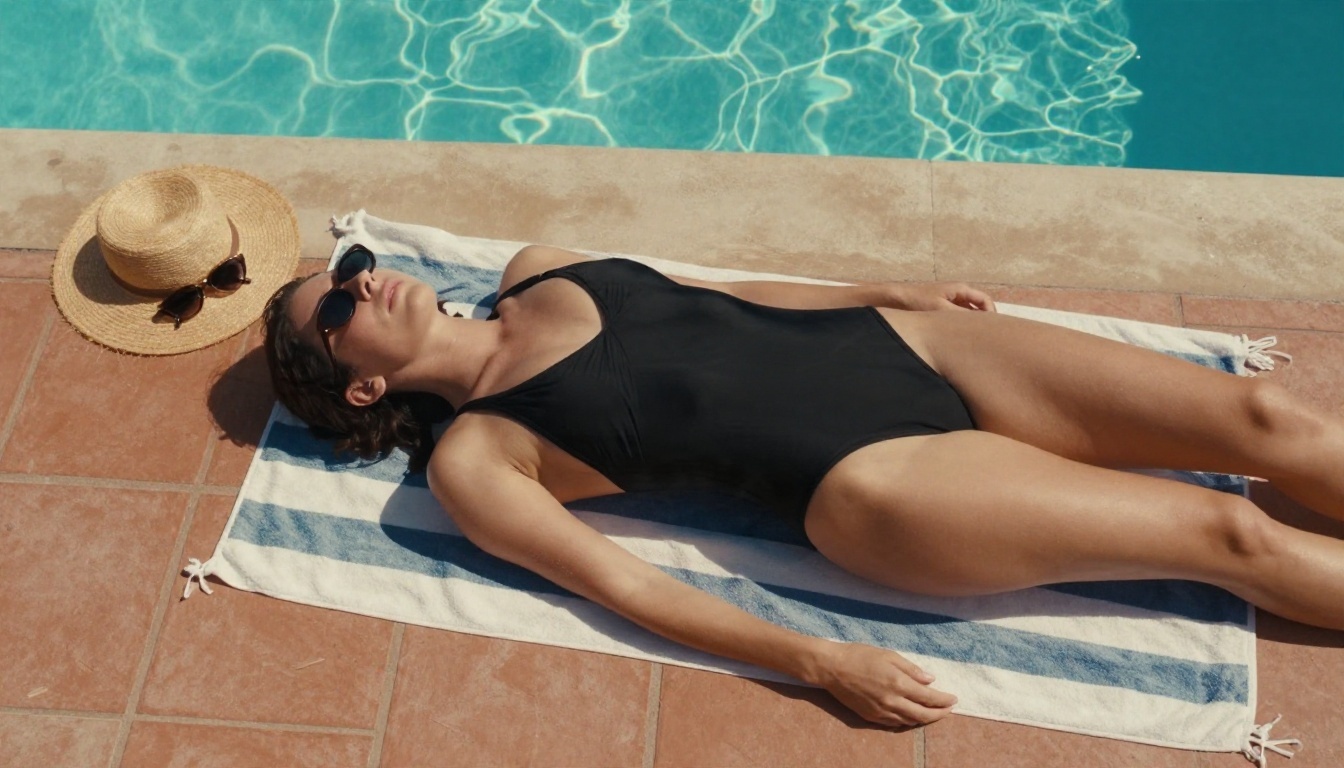
Prompt: Top-down aerial view of an adult woman in her late twenties in a black one piece swimsuit lying on a striped towel beside a turquoise infinity pool, sunglasses and a straw hat nearby, harsh midday sun with crisp shadows, 24mm lens from above, terracotta tile texture, realistic skin and fabric detail, film grain, raw photograph.
Why it works: the overhead angle is unusual, the swimsuit is flattering without being revealing, and the hard sunlight gives real shadows.
Speakeasy Femme Fatale
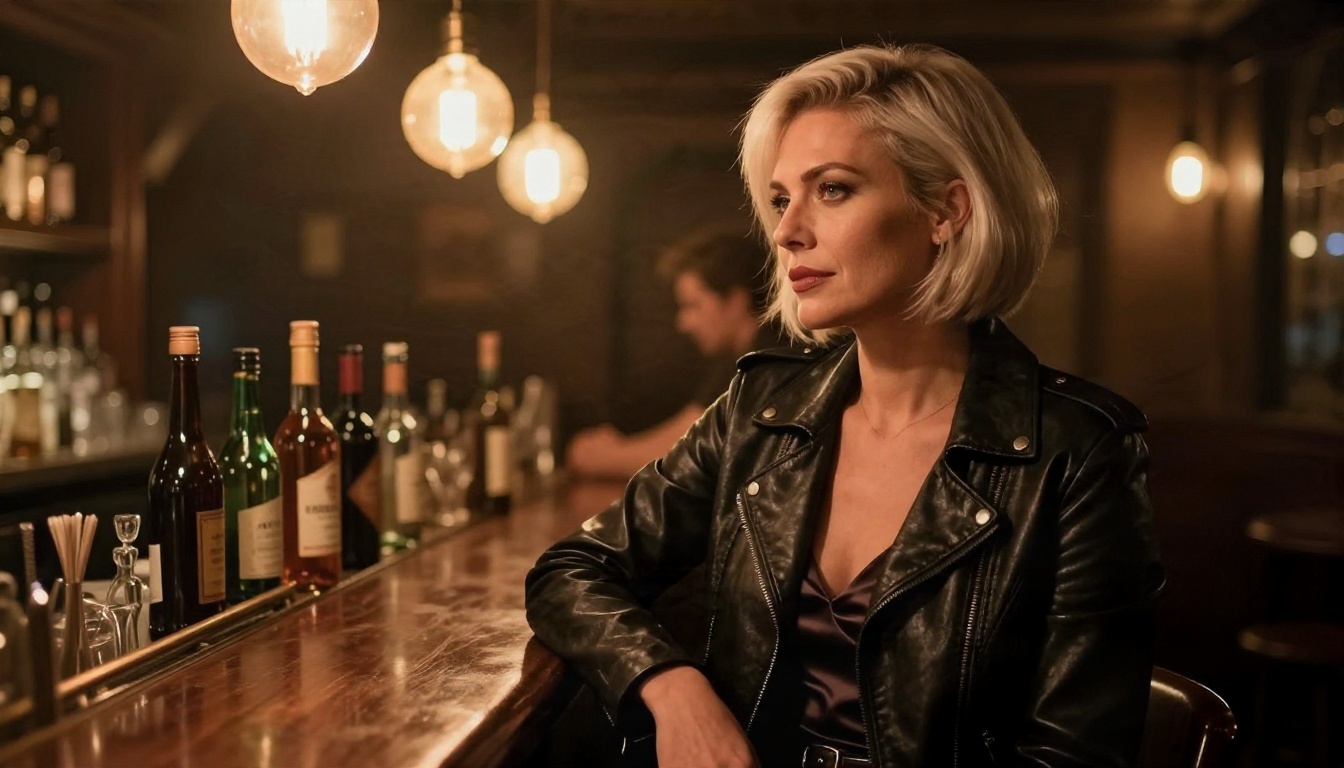
Prompt: Low angle shot of an adult woman with a short platinum bob in a fitted black leather jacket and dark satin dress, standing in a dim speakeasy bar with warm amber bulbs, moody side light from the left, 50mm f/1.4 lens, bokeh of bottles, realistic leather and skin texture, film grain.
Why it works: the contrast between rough leather and smooth satin gives the model rich material detail, and the low angle adds attitude.
Morning Vanity Mirror
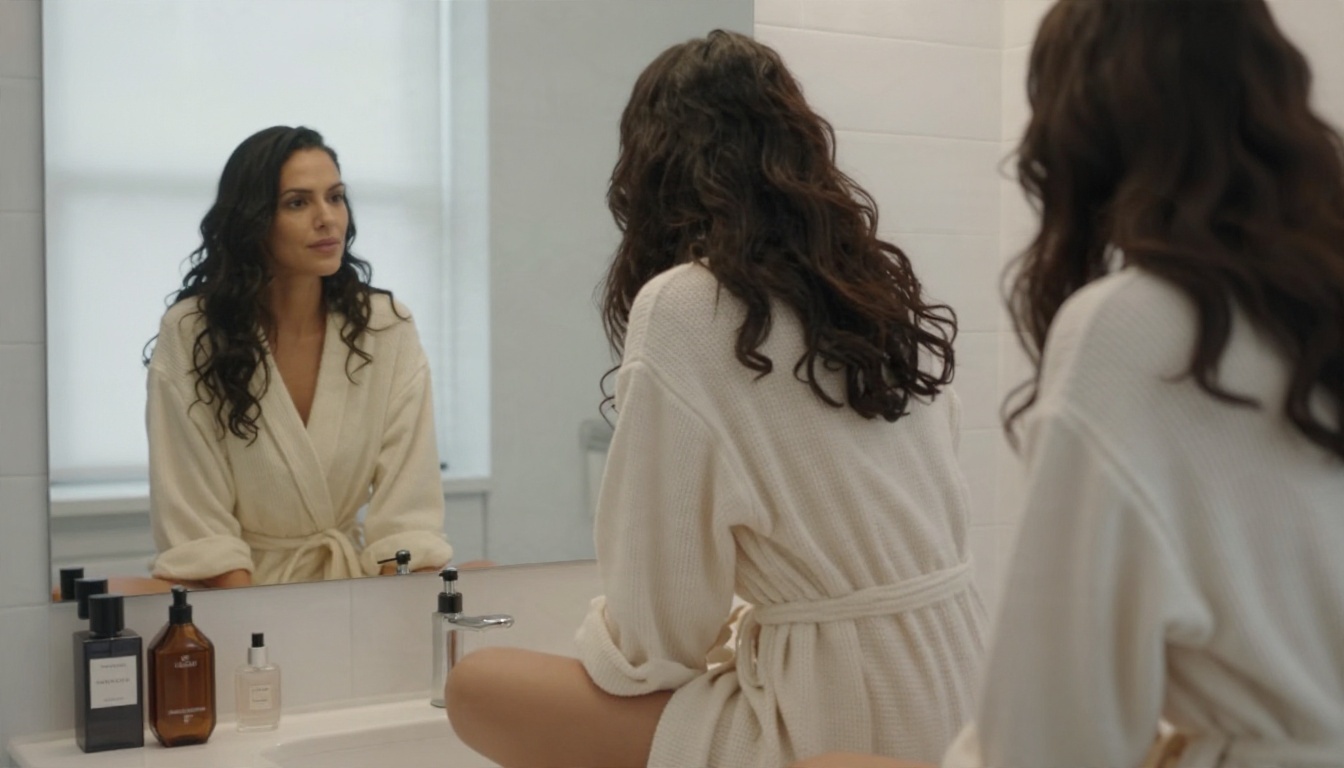
Prompt: Wide shot of an adult woman with long dark curls in a cream knit robe sitting at a vanity mirror in a bright bathroom, reflection visible in the mirror, soft overcast window light from the right, 35mm f/2 lens, perfume bottles and white tiles, realistic skin glow, subtle film grain.
Why it works: mirrors force the model to keep one character consistent across two views, which is a great test of quality.
Sunset Shower Close-Up
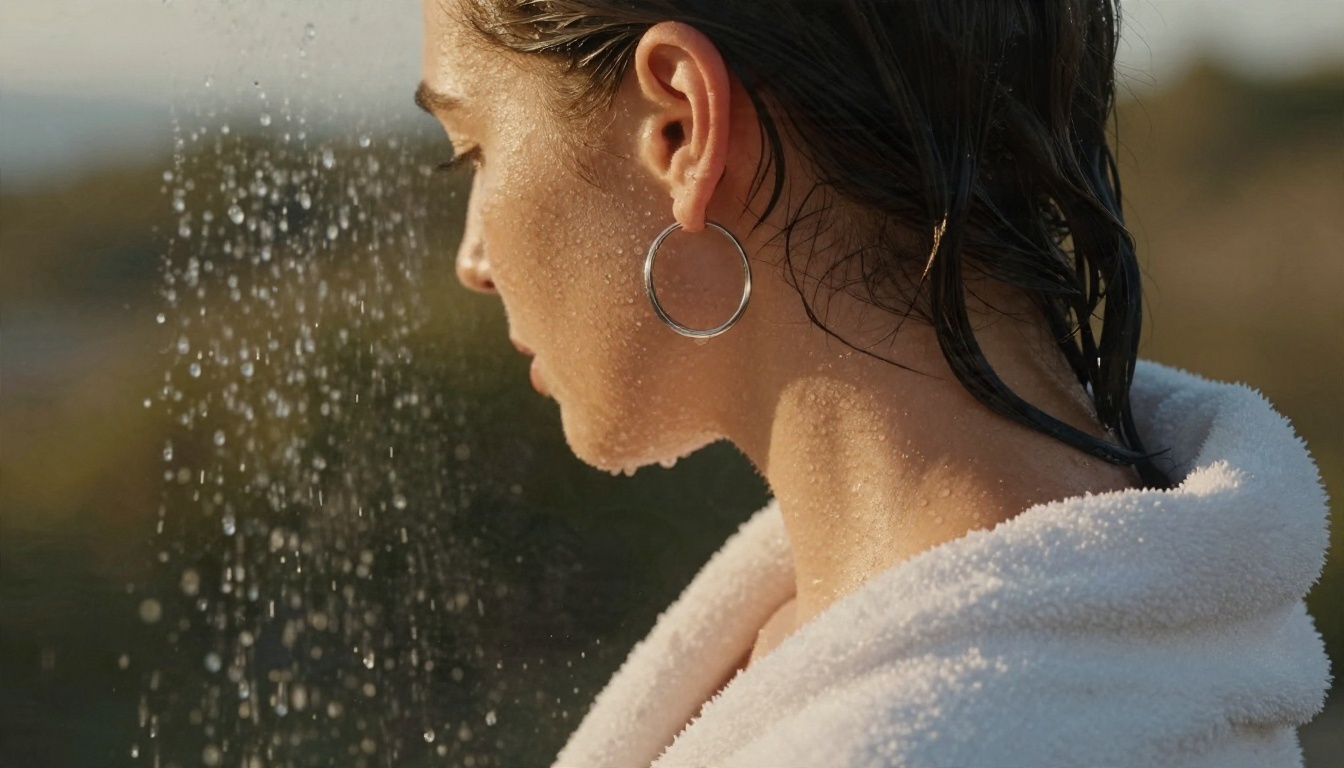
Prompt: Side profile close up of an adult woman with silver hoop earrings and wet slicked back hair stepping out of a seaside outdoor shower, water droplets on her shoulders, wrapped in a white towel, warm late afternoon sun from behind, 100mm f/2.8, shallow depth of field, film grain.
Why it works: water beads are a difficult texture, so a model that renders them well is usually strong everywhere else.
Build Male and Couple Characters Too
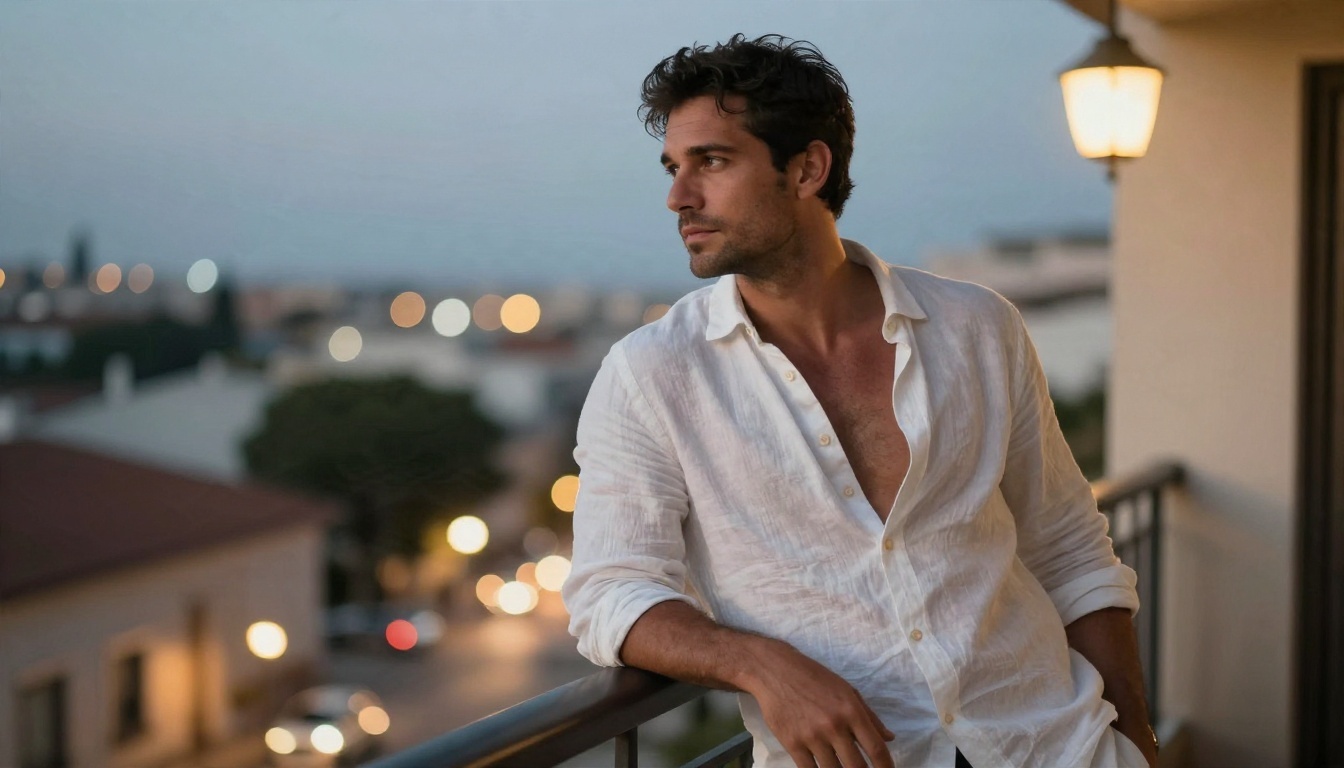
Sensual characters are not limited to women. The same formula works for men and for couples, and demand for male glamour portraits keeps growing. Swap in details like stubble, an open linen shirt, a watch, sharp side light, and keep the setting specific.
A Confident Male Lead
Prompt: Medium shot of an adult man with short dark hair and light stubble, open white linen shirt, leaning on a balcony railing at dusk, warm city lights bokeh behind him, side lighting from a lamp on the right, 85mm f/1.8 lens, realistic skin texture, Kodak Portra 400.
Romantic Couple Scenes
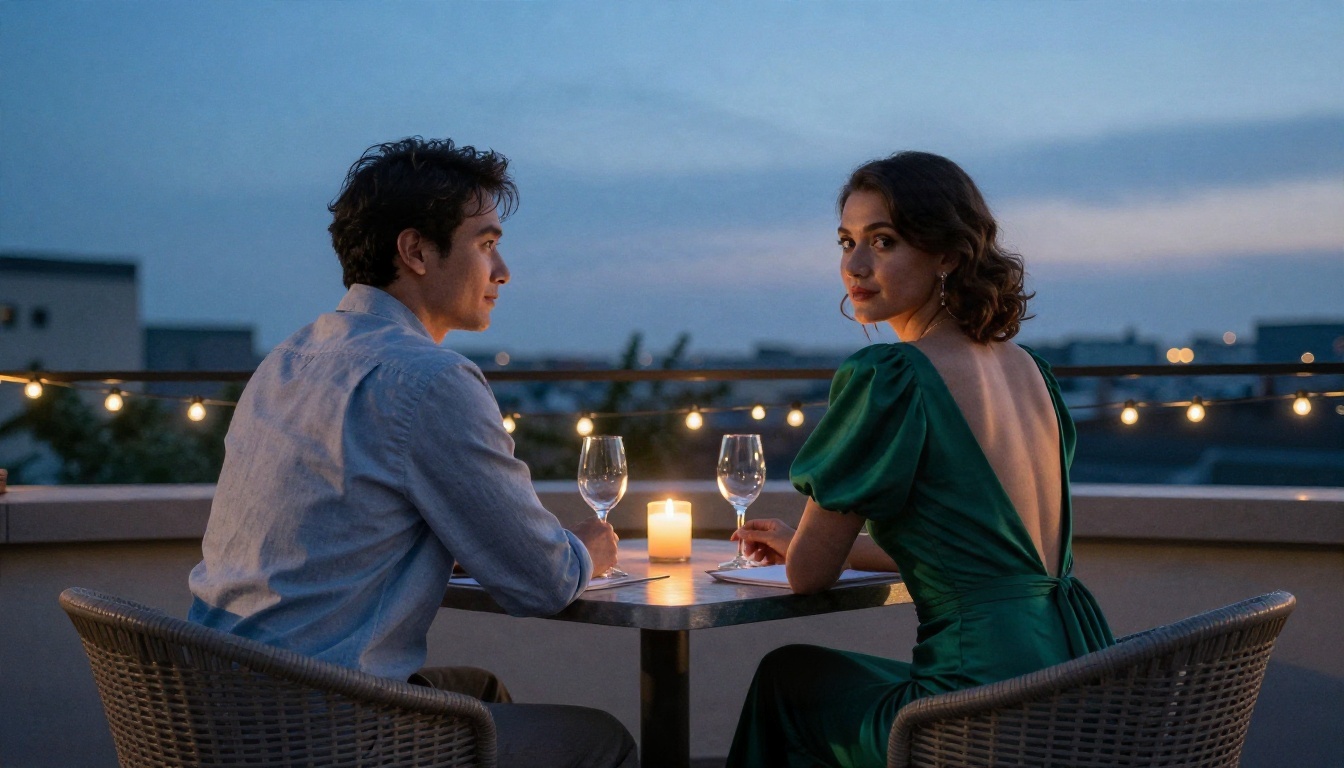
Couple images are harder because the model must keep two faces distinct. Describe each person separately, give them different hair colors, and keep the pose simple. A rooftop dinner, a dance, a shared balcony: all of these read as romantic without needing anything explicit.
Keep Your Character Consistent
One great image is nice. A recognizable character across ten images is what makes a project. Here is how to hold a face steady.
Use Reference Images
Take your favorite generation and feed it back in as a reference. Seedream 4.5 accepts several at once, so you can combine a face reference with an outfit reference. Keep a short character profile in a note: name, age, hair, eye color, one or two signature accessories such as a gold bracelet or silver hoops. Paste it at the start of every prompt.
Fix Details With Editing
Small flaws appear in almost every batch: a stray strap, an odd hand, a background object that does not belong. Rather than regenerating from zero, open the image in PicassoIA Image Editor Pro and edit only that part. Because the tool offers unlimited generations, you can try five versions of a dress color without worrying about cost.
If you want a bigger final file for print or a large screen, run the image through a super resolution model from the PicassoIA model collection to upscale it 2x to 4x.
Mistakes That Ruin Good Characters
- Writing too little. A ten word prompt leaves everything to chance. Aim for 60 to 120 words.
- Stacking styles. Asking for "photo, painting, anime and cinematic" gives a muddy mix. Choose one look.
- Ignoring light. Without a direction and quality of light, the model defaults to flat studio lighting.
- Forgetting the age. An unspecified age can produce unpredictable features. Always state an adult age.
- Using real people. Never type a celebrity or private person's name. Invent a face.
- Chasing perfection. Real skin has freckles, pores and tiny asymmetries. Ask for them.
- Changing everything at once. Edit one variable per attempt.
💡 Fast fix: if a result looks plastic, add "visible skin pores, subtle freckles, natural sheen, soft film grain" and reduce words like "flawless" or "perfect".
Start Creating Your Own Characters
You now have the formula, the models and a handful of prompts to copy. Open Seedream 4.5, paste one of the examples above, and change the hair, the outfit or the location. Then bring your favorite result into PicassoIA Image Editor Pro and polish it with unlimited retries. Try Z Image Turbo when you want quick drafts, and look through every model on PicassoIA to find the one that fits your style. Your first character is about ten seconds away, so write the prompt and see who shows up.


