You open a free AI girlfriend app, type three flirty messages, and a pop-up asks for $15 a month. Sound familiar? That wall is why so many people search for a way to create your own girlfriend with no rules and no filter, and why the phrase comes with more myths than answers. This article gives you the straight version: what the free apps really allow, where the daily limits bite, how to write a companion who feels like a person instead of a script, and how to give her a realistic face that stays consistent from one picture to the next.
Nothing here requires coding. You need a chat model for her voice, an image model for her looks, and about an hour to set both up properly.
What "No Rules" Really Means
Let's clear up the search phrase first, because it shapes everything that follows.
You Write the Rules
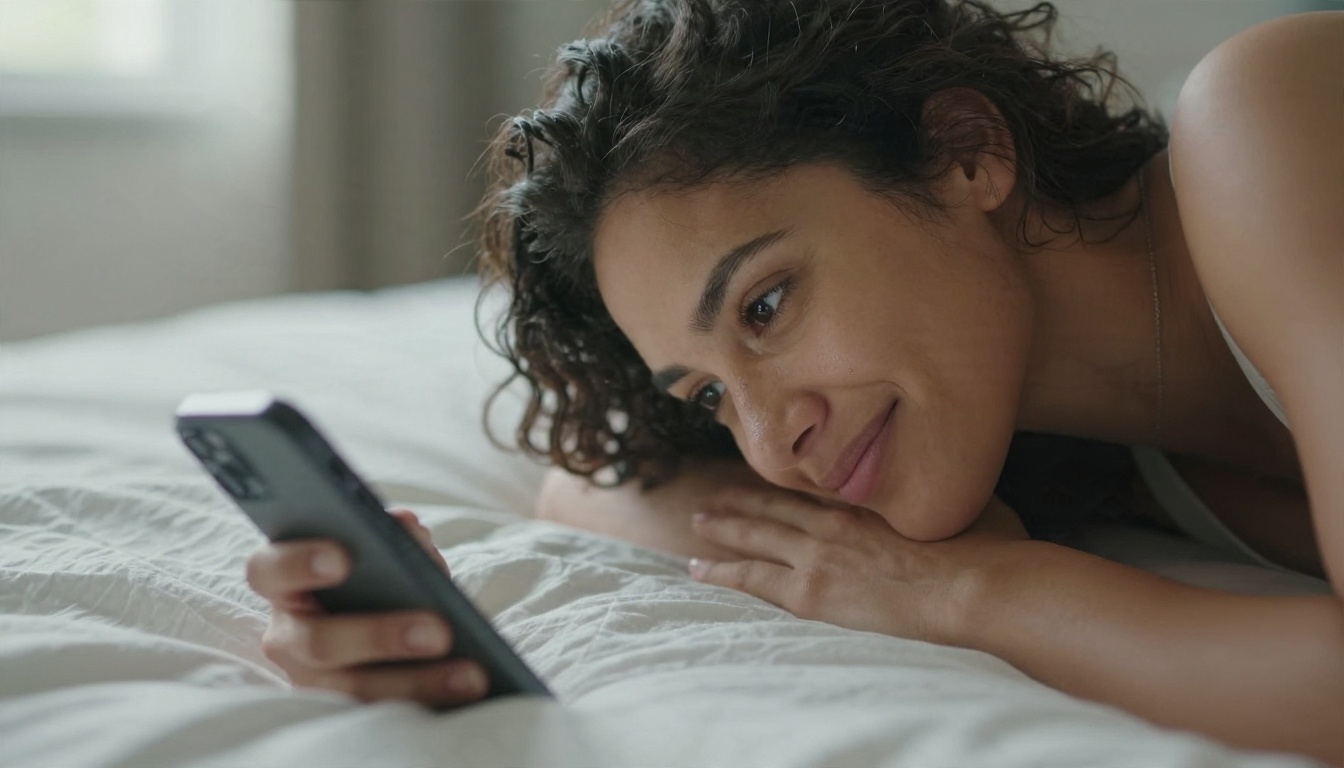
When people say "no rules," they usually mean one of two things. Either they are tired of a bot that breaks the mood with a canned refusal, or they want a companion whose personality they control. The second goal is completely achievable. You choose her name, age (an adult, always), job, humor, texting style, how fast she warms up, and what she cares about. That is the real freedom of building your own companion: you are the author, not a customer picking from a catalog.
The first goal, a chatbot with zero boundaries on every topic, is a different story. Every major language model has built-in safety behavior, and the hosted apps layer their own on top. Anyone promising an assistant with literally no limits is either overselling or hiding what they do with your messages.
Why "No Filter" Gets Misread
"No filter" is also used for pictures, and here the picture is more practical. Many mainstream image tools refuse anything beyond a plain headshot, even a swimsuit photo at a beach. Others are far more relaxed about glamour, swimwear, lingerie-style portraits and sensual lighting. That difference is what people mean when they ask for an "unfiltered" companion. It does not mean explicit content, and this article stays on the glamour and lifestyle side of that line.
💡 Quick reality check: A companion with a strong personality and good photos feels more real than one with fewer restrictions and a flat voice. Spend your effort on character, not on loopholes.
Free AI Girlfriend Apps and Their Limits
Before you build your own, it helps to know what the ready-made apps give you for free. Reviews published through 2026 agree on the pattern, even if the exact numbers conflict from one page to another. Treat every figure below as a rough range and check inside the app before you rely on it.

Message Caps
The most common limit is a daily message cap. Reported free allowances range from around 10 or 20 messages a day on the stricter apps to roughly 50 on the more generous ones. Once you hit the cap, you wait until the next day or pay. Some apps do not cap messages at all but slow you down in other ways, such as longer reply times or blocking image requests.
Paywalls Around Adult Chat
Adult-flavored conversation is where the paywall tends to land. Several popular apps keep romantic chat in the free tier but move anything spicier to a subscription, often priced around $15 a month. A few apps, such as CrushOn AI, are repeatedly described as the most open free option, with a daily allowance of adult chat. Others stay strictly safe for work: Character.AI is known for a generous free tier but does not allow adult content, and Replika positions itself as an emotional support companion without an adult mode.
Ads, Credits and Memory
Newer free tiers in 2026 add friction in quieter ways. Reviewers report full-screen ads, mid-conversation interruptions, and a credit currency that gets spent on regenerating a reply, sending a photo request or unlocking a voice message. Memory is another soft limit. Free plans often forget details after a few dozen messages, so your companion asks where you work for the third time.
| Limit | What free tiers usually do | What it feels like |
|---|
| Daily messages | Roughly 10 to 50 per day, depending on the app | Chat stops mid-conversation |
| Adult chat | Locked behind a subscription or a small daily allowance | Flirting works, then the app steers away |
| Photos | A handful of credits, then paid packs | Her face changes between pictures |
| Memory | Short context on free plans | She forgets your name or your job |
| Ads | Banners and full-screen breaks | The mood disappears |
| Privacy | Chats stored on the provider's servers | You never fully know who reads them |
💡 Tip: If an app's pricing page is hard to find before signup, assume the free tier is a trial, not a plan.
Build Her Personality With a Chat Model
The alternative to renting a character is writing one. A modern language model can hold a persona for hours if you give it a solid brief at the start of the conversation.

Write the Character Sheet
Open a new chat and paste a character sheet before anything else. A good one is short, specific and written in the second person, like instructions to an actor. Include these parts:
- Name and age: an adult, stated clearly, for example "Mara, 27."
- Background: where she grew up, her job, one embarrassing story, one thing she is proud of.
- Voice: sentence length, slang, whether she uses emojis, how she teases.
- Boundaries and mood: what she enjoys talking about, how fast she opens up, and what makes her drop the playful tone.
- Memory anchors: five facts about you that she should bring up naturally later, such as your dog's name or your favorite band.
Then end with a rule like "Stay in character and keep replies under four sentences unless I ask for more." Short replies feel like texting. Long paragraphs feel like an essay from a stranger.
Pick the Right Chat Model
Different models give a different feel. Here is how the main options on PicassoIA compare for companion-style chat. Each model keeps its own safety behavior, so expect warm, romantic and playful conversation rather than a bot with zero limits.
| Model | Best for | Feel |
|---|
| GPT 5.6 Luna | Fast, casual back-and-forth | Quick, light, texting rhythm |
| Claude Sonnet 5 | Long, emotionally detailed roleplay | Thoughtful, warm, consistent voice |
| Gemini 3.5 Flash | Fast chat that can also react to photos | Upbeat and responsive |
| DeepSeek V3.1 | Witty, direct banter | Dry humor, short replies |
Try the same character sheet in two models and keep the one whose replies make you smile. Switching is free, which is something no subscription app lets you do.
💡 Pro move: Ask the model to write the character sheet for you. Say "Interview me with ten questions about my ideal partner, then turn my answers into a persona brief." The result is usually sharper than anything you would write cold.
Give Her a Face
A voice alone gets old fast. Photos are what make the companion feel present, and this is where unlimited tries matter most, because getting the same face across ten pictures takes iteration.
Seedream 4.5 First
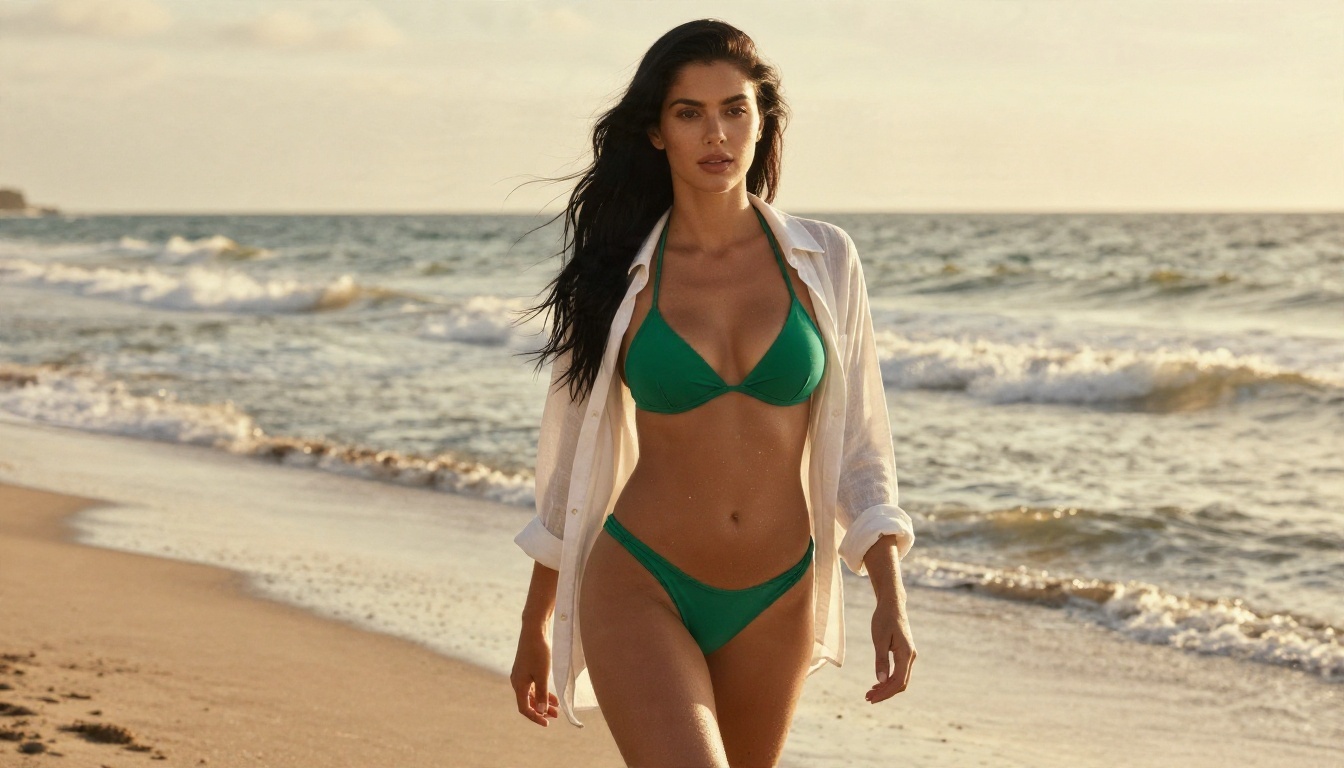
For realistic portraits, start with Seedream 4.5. It produces sharp skin texture, believable fabric and natural light, and it handles glamour scenes such as beach photos, swimwear, satin dresses and boudoir-style lighting without turning every request into a refusal. Explicit pornographic material is not the point, and you will get better results by aiming for sensual and stylish instead.
A prompt formula that works well:
- Subject: age (an adult), hair, eyes, build, one distinctive detail like freckles or a mole.
- Pose and expression: looking over her shoulder, laughing, resting her chin on her hand.
- Setting: loft apartment, rooftop at sunset, hotel room at dusk.
- Light: golden hour backlight, window light from the left, warm lamp mixed with blue dusk.
- Camera: 85mm f/1.8 for portraits, 35mm for lifestyle, 28mm for wide scenes.
- Film feel: Kodak Portra 400, light film grain, natural skin texture.

Image Editor Pro for Unlimited Tries
When you want to adjust one thing without rebuilding the whole picture, use PicassoIA Image Editor Pro. It offers unlimited generations, so you can change her outfit, swap the location, soften the lighting or fix a hand without watching a credit counter. That matters more than it sounds: companion apps charge per photo, and a single good picture often takes six or seven attempts.
Typical edits that save time:
- Change the outfit while keeping the face.
- Move her from a living room to a beach or a rooftop.
- Adjust the mood from playful daylight to a quiet evening.
- Clean up small flaws such as stray hairs, odd fingers or an off background.
Keep Her Face Consistent
Consistency is the hardest part of any AI companion. Three habits help:
- Reuse the same description block. Copy the same three lines about her hair, eyes and one distinctive feature into every prompt.
- Edit instead of regenerating. Start from a picture you like and change only the scene.
- Keep a reference folder. Save your best three portraits and describe them in text when you need a new setup.

A Simple Workflow, Start to Finish
Here is the whole process in one pass. It takes roughly an hour the first time and ten minutes afterwards.
- Pick her identity. Write her name, age, job, hometown and three personality traits.
- Generate the chat persona. Paste your notes into a chat model and ask for a one page character sheet with voice samples.
- Test the voice. Run a ten message conversation. If a reply sounds generic, add a rule such as "never start a reply with 'Sure' or 'Of course'."
- Create her portrait. Use Seedream 4.5 with the prompt formula above. Generate four versions and pick the one that feels like her.
- Build a small photo set. Make a morning selfie, a cafe date, a night out and a beach day, reusing the same face description.
- Refine with edits. Use PicassoIA Image Editor Pro for outfit swaps, lighting fixes and background changes.
- Save everything. Keep the character sheet and prompts in a document so you can rebuild her in any model.

| Step | Tool type | Time |
|---|
| Persona | Chat model | 10 minutes |
| Voice test | Chat model | 10 minutes |
| Portrait | Image model | 15 minutes |
| Photo set | Image model | 20 minutes |
| Edits | Image editor | 10 minutes |
Other Image Models Worth Testing
Different models have different skin rendering and styles, so a short comparison pays off. Z Image Turbo is quick for drafts and layout tests. Qwen Image 3 Pro leans photographic. Flux 2 Klein 9B Base LoRA is useful when you want a more stylized look. Run your portrait prompt in each and keep whichever gets closest to the face you imagined.
Privacy and Safety Habits
A companion feels private, and that is exactly why a few habits matter.

What Not to Share
Treat any hosted chat as something a company can store. Do not type your full name, home address, workplace, passwords, banking details or anything that could identify you to a stranger. At least one 2026 review flagged privacy concerns around an app developed abroad with unclear data handling, so read the policy before you pour your life into any companion app. Also remember that a chat feels like a diary, but it is not one.
Consent and Real People
Build a fictional adult, not a copy of a real person. Do not use a coworker's, ex's or celebrity's face. Do not generate pictures that resemble someone you know. That is a line worth keeping for the sake of the person involved, and it also keeps you clear of platform rules and legal trouble in many places. Invented characters are fair game, real people are not.
💡 Rule of thumb: If you would be uncomfortable with the real person seeing the picture or the chat, do not make it.
Questions People Ask
Is there a truly free AI girlfriend app?
Free tiers exist, but they trade limits for access: daily message caps, ads, short memory and paid photo packs. If you build your own with a chat model and an image tool that has no cap on generations, the limits become much looser.
Can she remember me?
Within one conversation, yes, as long as it fits the model's context. Across sessions, paste a short memory note at the top of each new chat: your name, three facts about your life, and the last topic you talked about.
Can she send me photos?
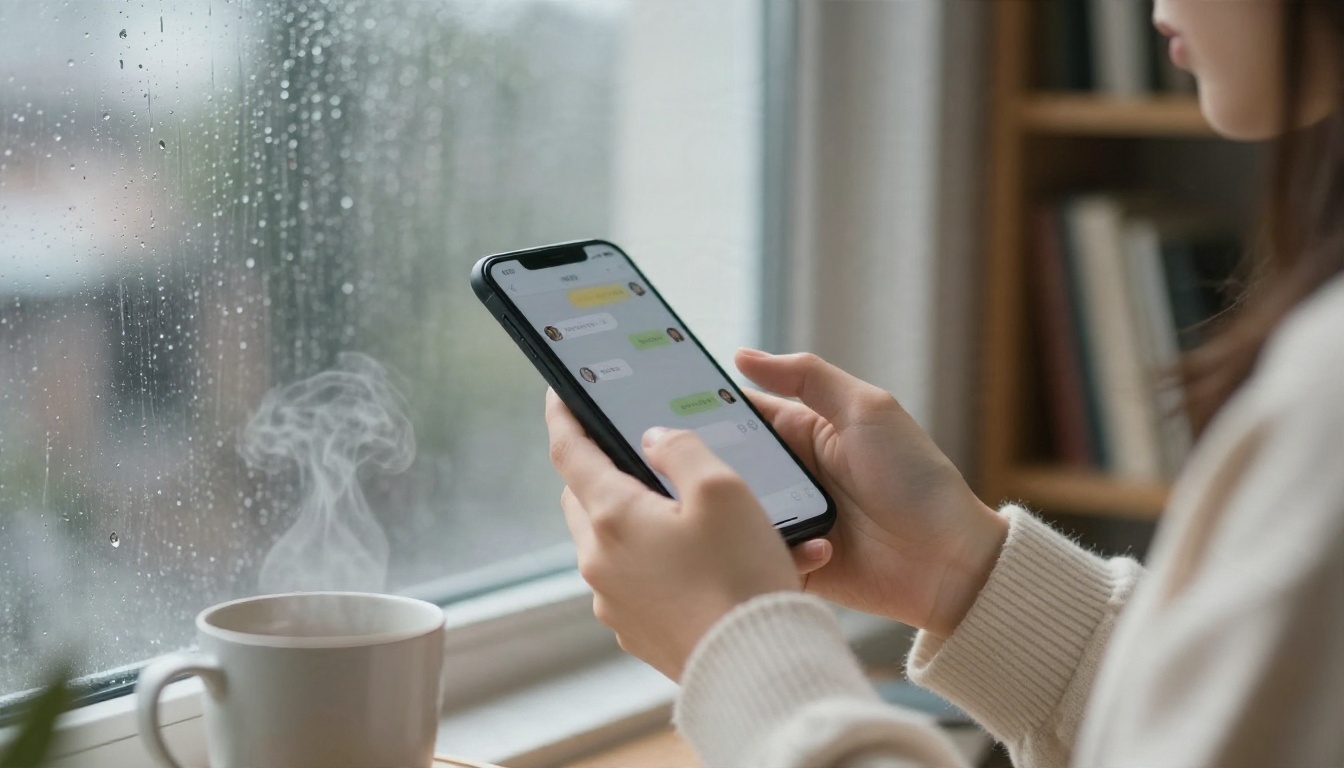
She can show up in pictures you generate, which is different from an app that sends them automatically. Keep her face description fixed and generate a scene whenever the conversation calls for one. A morning coffee shot or a rainy day picture adds more than a dozen text lines.
Will it replace real relationships?
It can be a pleasant companion, a way to practice conversation or something fun to build, but it works best as an addition to your life, not a substitute. If you notice you are skipping plans to keep chatting, that is your cue to step back.
Build Yours on PicassoIA
The ready-made apps will always limit what you can do, because limits are how they sell subscriptions. Writing your own character and generating her photos yourself puts the controls back in your hands. Start with a chat model such as Claude Sonnet 5 or GPT 5.6 Luna to write her voice, then bring her to life with Seedream 4.5 and polish every shot with PicassoIA Image Editor Pro, where generations are unlimited.
Pick a name, write three lines about who she is, and generate her first portrait today. Browse the full catalog of chat and image models at picassoia.com/en/all-models and see how far a few good prompts can take you.


