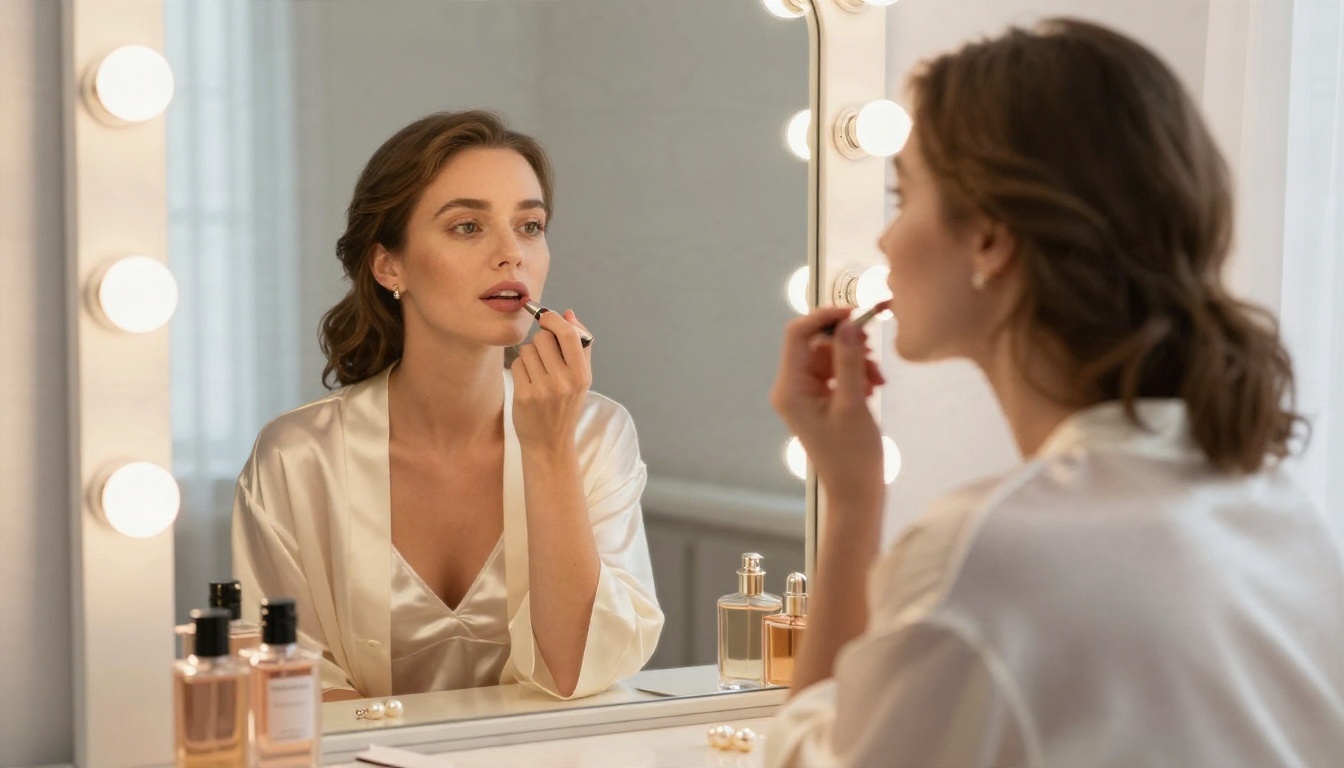
You typed a simple prompt. A woman in a satin robe, soft window light, a little glamour. Creative Fabrica returned a warning, a blank result, or an image so sanitized it looked like a stock photo of a laundry basket. If that sounds familiar, you are not doing anything wrong. You are using a tool that was built for a different job.
This article breaks down Creative Fabrica NSFW: Limits, Free Alternatives, and Uncensored AI Image Options in plain language. You will see why the limits exist, what the free alternatives actually give you, and which models on PicassoIA produce tasteful, suggestive, photorealistic images without the constant friction. Everything here stays non-explicit: think bikinis, silk, boudoir light and glamour portraits, not pornography.
Why Creative Fabrica Feels Restrictive
Creative Fabrica started as a marketplace for fonts, crafting files, digital papers and design assets. Its AI tools sit inside that world. The audience is crafters, Etsy sellers, print-on-demand shops and hobbyist designers who need mugs, planners and wall art that any platform will accept.
That context explains almost everything. A tool built to feed Etsy listings, printable products and commercial licenses has to stay safe for every storefront downstream. Adult-leaning content creates trouble with payment processors, marketplaces and licensing, so the generator is tuned to refuse it early.
💡 Quick note on facts: I could not find a public line in Creative Fabrica's Studio terms that explicitly allows adult or suggestive imagery. The published terms say the company does not endorse or take responsibility for user generated content, and that it can add or remove Studio features at its discretion. Policies change, so check the current terms before you build a workflow around any single rule.

A tool for products, not portraits
Creative Fabrica Studio shines at patterns, clipart, lettering mockups and product style visuals. Photorealistic people, especially glamour or swimwear shots, are not what it was designed to produce. Even when a prompt passes, the output often leans toward the generic.
Filters work on words, not intent
Most commercial platforms use prompt keyword filters plus an image classifier after generation. That means harmless requests get caught. Words like "lingerie", "boudoir", "bikini" or "sensual" can trigger a block even when the final image would be perfectly tasteful.
What users usually report
The patterns are consistent across general purpose creative platforms:
- Prompts get rejected with a vague policy message.
- Credits or daily quota can still be used up by refused runs on some tools.
- Results get softened: extra clothing, stiff poses, flat lighting.
- Rewording a prompt five times becomes the actual workflow.
What "NSFW" Really Means Here
The word covers a huge range. Most people searching this topic do not want explicit material. They want the kind of images you see in fashion editorials, swimwear campaigns and boudoir photography portfolios.
| Level | Typical content | Where it usually lands |
|---|
| Safe | Fully clothed portraits, casual fashion | Allowed almost everywhere |
| Suggestive | Bikinis, satin slips, robes, implied boudoir | Often blocked on craft and design platforms |
| Artistic glamour | Implied nudity, sheets, shadows, covered poses | Blocked on most mainstream tools |
| Explicit | Pornographic material | Not covered here, not something PicassoIA articles promote |
The middle two rows are where Creative Fabrica frustrates people. That is the gap this article fills.
Free Alternatives and Their Trade Offs
Free does not mean unrestricted. Here is how the common categories behave.
Free tiers on big platforms
Large chat and image assistants offer free daily generations. They are polished and fast, but they enforce some of the strictest filters on the market. Swimwear is hit or miss, and anything described as intimate gets refused.
Open source models you run yourself
Running Stable Diffusion style models locally gives you control. The price is setup time, a capable GPU, driver headaches and constant tinkering with checkpoints, LoRAs and samplers. Great if you enjoy that. Painful if you just want a good picture tonight.
Community sites with free credits
Some sites hand out daily credits. Quality varies wildly, queues are long at peak hours, and images are often public by default. That last point matters if you care about privacy.
The honest comparison
| Option | Cost | Speed | Photorealism | Friction |
|---|
| Creative Fabrica Studio | Subscription or credits | Fast | Moderate | High for glamour prompts |
| Big assistant free tiers | Free, capped | Fast | High | Very high |
| Local open source setup | Free plus hardware | Depends on GPU | High | Setup heavy |
| Community credit sites | Free credits | Slow at peak | Mixed | Public galleries |
| PicassoIA models | Free to start | Seconds | Very high | Low for non-explicit work |

Why Some AI Models Block and Others Don't
Every model ships with decisions made by its developer. Some teams train safety behavior into the model itself. Others leave the model broad and let the platform decide what to filter. That is why two tools running similar technology can behave so differently.
For this kind of work, the model matters more than the interface. A strong photorealistic model with sensible handling of skin, fabric and light will produce a better bikini or boudoir portrait than a design focused tool every time.
💡 Rule of thumb: If a platform's homepage is full of mugs, planners and clipart, expect the filters to match. If it lists dozens of image models, you have room to pick one that fits your subject.
The Models Worth Using on PicassoIA
PicassoIA lists many text to image models, and a handful stand out for tasteful glamour work. Here they are in the order I would try them.
Seedream 4.5 first
Seedream 4.5 is my first pick. It produces sharp, high resolution portraits with believable skin, accurate fabric folds and natural light. Swimwear, satin and sheer layers render cleanly, and it follows long prompts closely. That precision matters when you describe a specific lens, window direction and pose.
PicassoIA Image Editor Pro for unlimited runs
PicassoIA Image Editor Pro is the one to open when you want volume. It offers unlimited generations, so you can iterate on pose, outfit and lighting without watching a credit counter. It also edits existing photos, which helps when one image is nearly right and needs a small change.
Z Image Turbo for speed
Z Image Turbo returns sharp images in seconds. Use it to test ideas fast, then move the winning prompt to Seedream 4.5 for the final render.
Realistic Vision v5.1 for classic photo looks
Realistic Vision v5.1 leans into a classic photographic feel. It works well for warm portrait styles that resemble film photography.
Flux 2 Klein 9B Base LoRA for styled looks
Flux 2 Klein 9B Base LoRA suits styled results when you want a consistent look across a series.
Qwen Image 3 Pro for detailed scenes
Qwen Image 3 Pro handles busy scenes and environments well, such as a pool deck, a hotel suite or a studio set with props.
| Model | Best for | Speed | Link |
|---|
| Seedream 4.5 | Final, high detail portraits | Fast | Open |
| Image Editor Pro | Unlimited iteration and edits | Fast | Open |
| Z Image Turbo | Quick drafts | Very fast | Open |
| Realistic Vision v5.1 | Film style portraits | Fast | Open |
| Flux 2 Klein 9B Base LoRA | Consistent styled series | Fast | Open |
| Qwen Image 3 Pro | Rich environments | Moderate | Open |
How to Create Glamour Images on PicassoIA
Here is the workflow I use with Seedream 4.5. Nothing about it is complicated.
Step 1: Open the model
Go to the Seedream 4.5 page and open the prompt box.
Step 2: Write the subject first
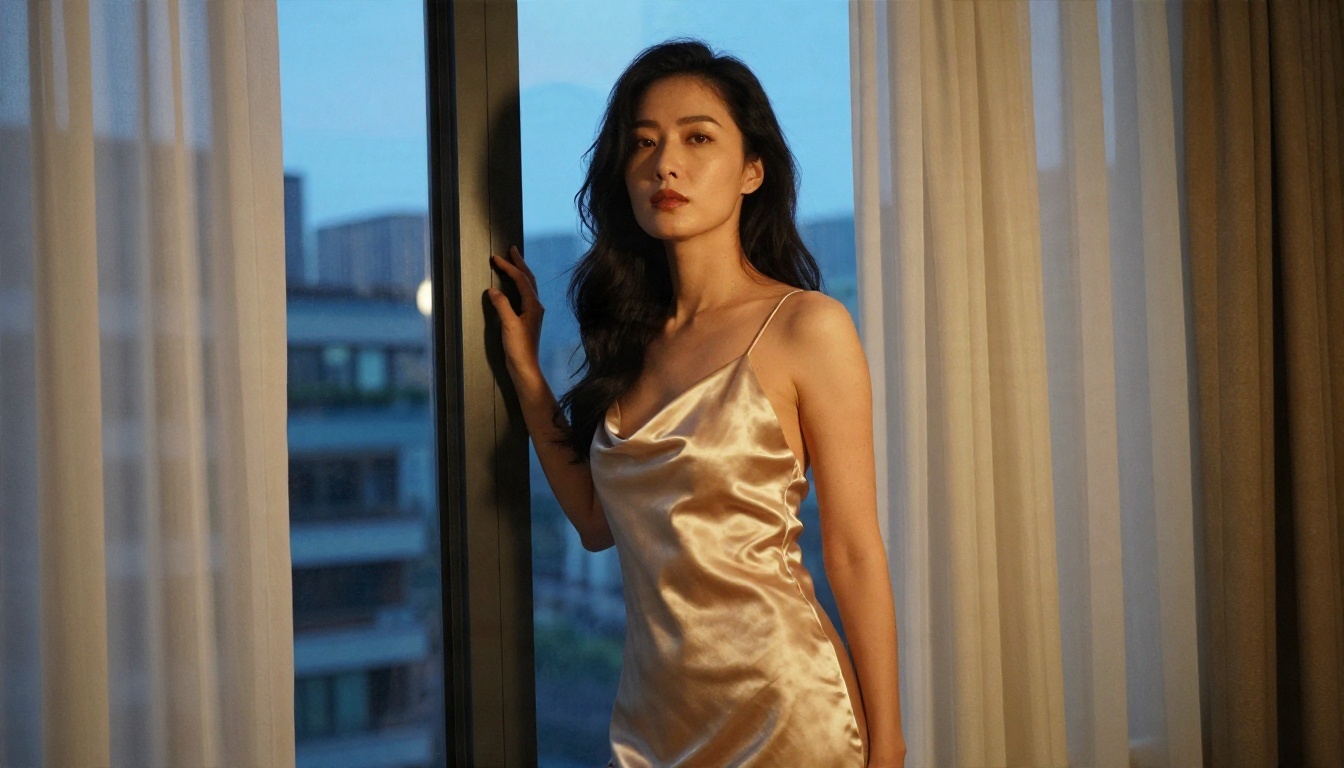
Start with who and what. For example: "a woman in a champagne satin slip dress standing beside a tall hotel window". Be literal. Name the clothing, the pose and the expression.
Step 3: Add the environment
Describe the room or location with two or three concrete objects. A coffee mug, a linen sheet, a teak rail. Real objects make the picture feel photographed instead of generated.
Step 4: Specify the light
This is where most people lose quality. Write the direction and type: "soft window light from camera left", "golden hour backlight", "warm tungsten lamp mixed with blue dusk". Light controls mood more than any other word.
Step 5: Name the lens and film look
Add "85mm f/1.8 shallow depth of field" for portraits or "35mm" for environmental shots. Finish with "Kodak Portra 400 film grain, natural skin texture". These phrases push the result toward photography.
Step 6: Set 16:9 and generate
Choose a wide ratio for editorial scenes or a vertical ratio for social posts. Generate, review, then adjust one thing at a time.
Parameter tips
- Change one variable per run. Swap the light, keep everything else.
- Describe skin honestly. Words like "visible pores" and "faint freckles" avoid the plastic look.
- Keep outfits specific. "Black lace bodysuit under an open cardigan" beats "sexy outfit".
- Use the editor for fixes. Open Image Editor Pro when a hand, strap or background needs a small correction.
Prompt Ideas That Work
Here are six scenes you can adapt. Each one stays tasteful and suggestive without crossing into explicit territory.
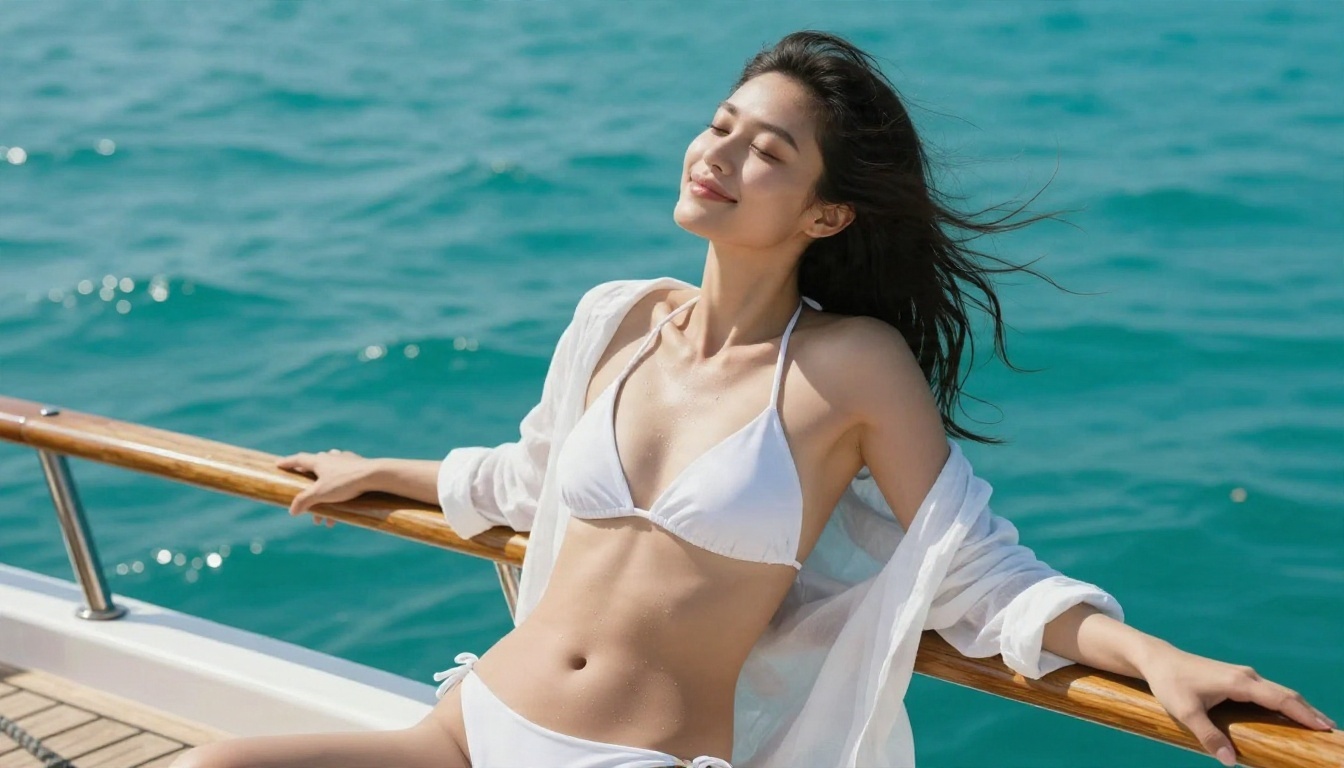
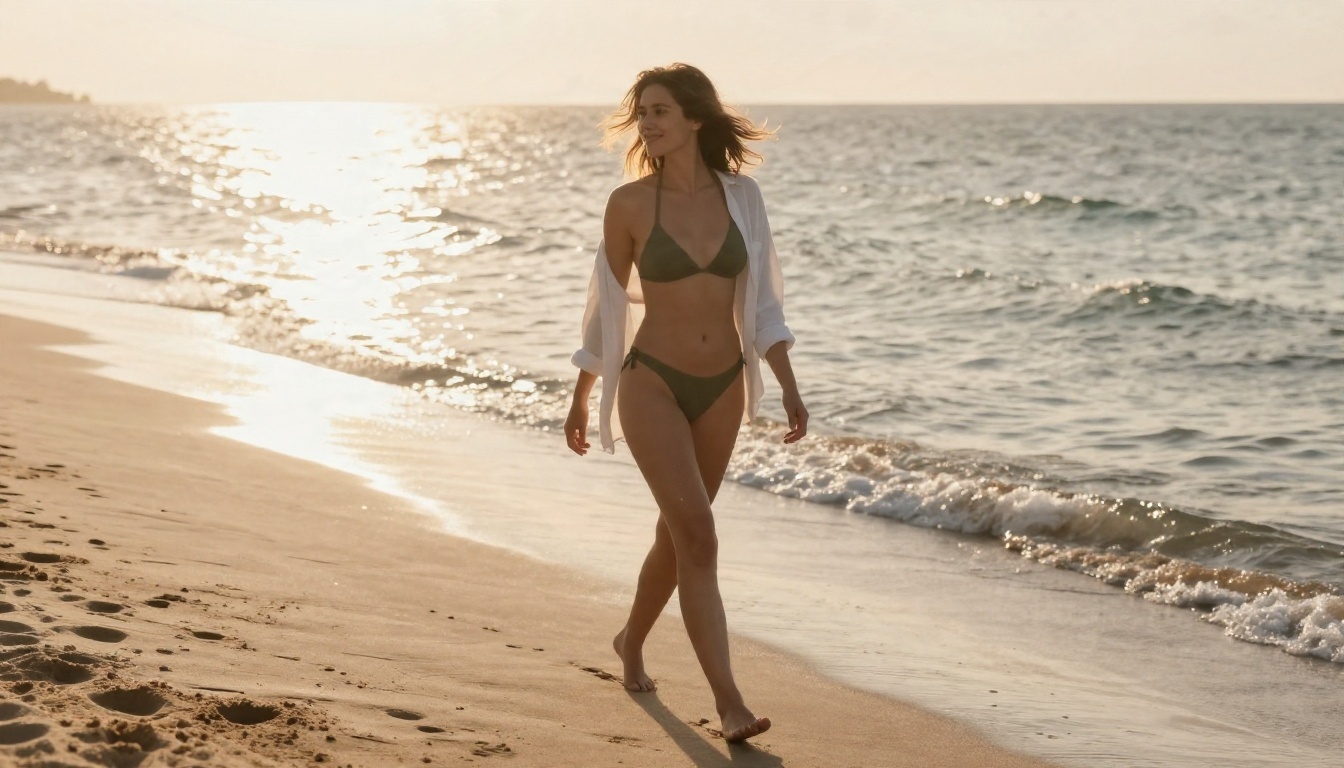
- Yacht deck: white bikini, sheer linen shirt, low angle, midday sun, sea spray on skin.
- Hotel window at dusk: satin slip, warm lamp against blue twilight, 50mm lens.
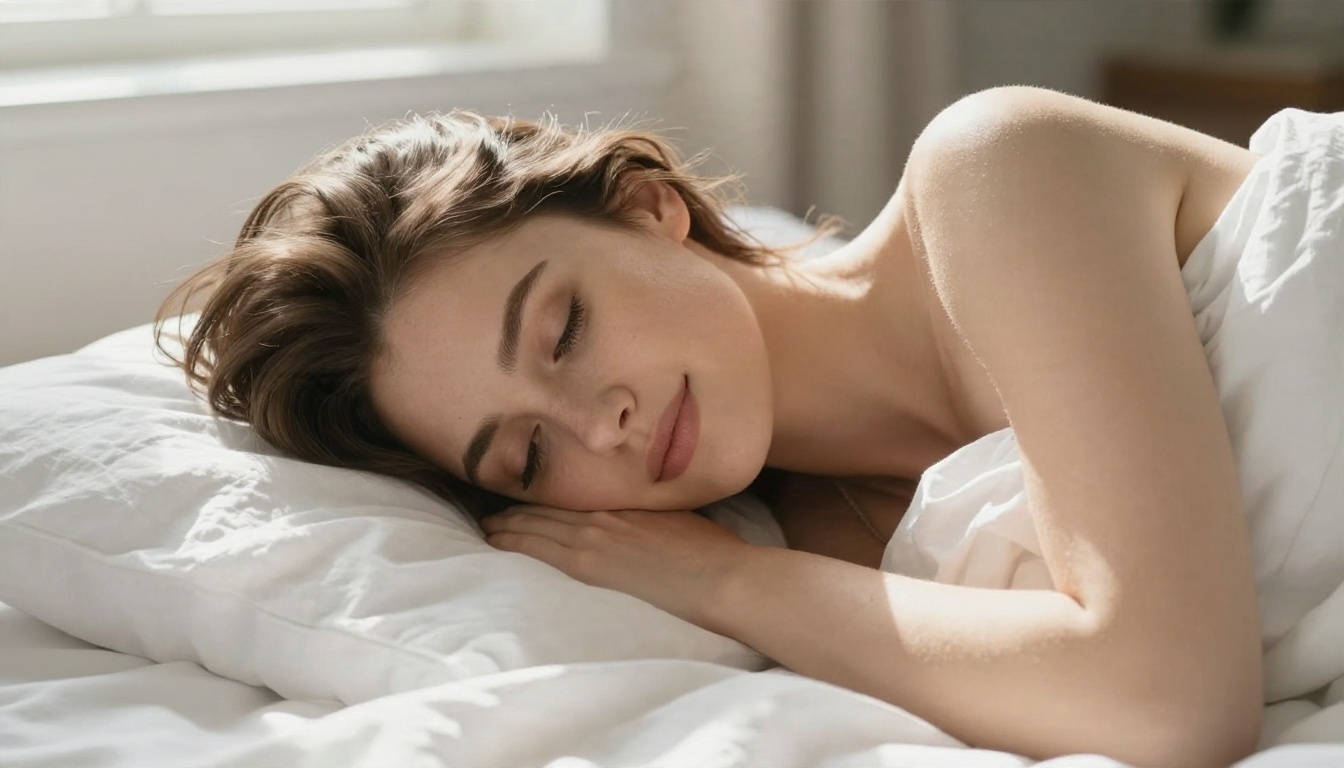
- Morning boudoir: white linen sheets, implied and covered, diffused window beams.
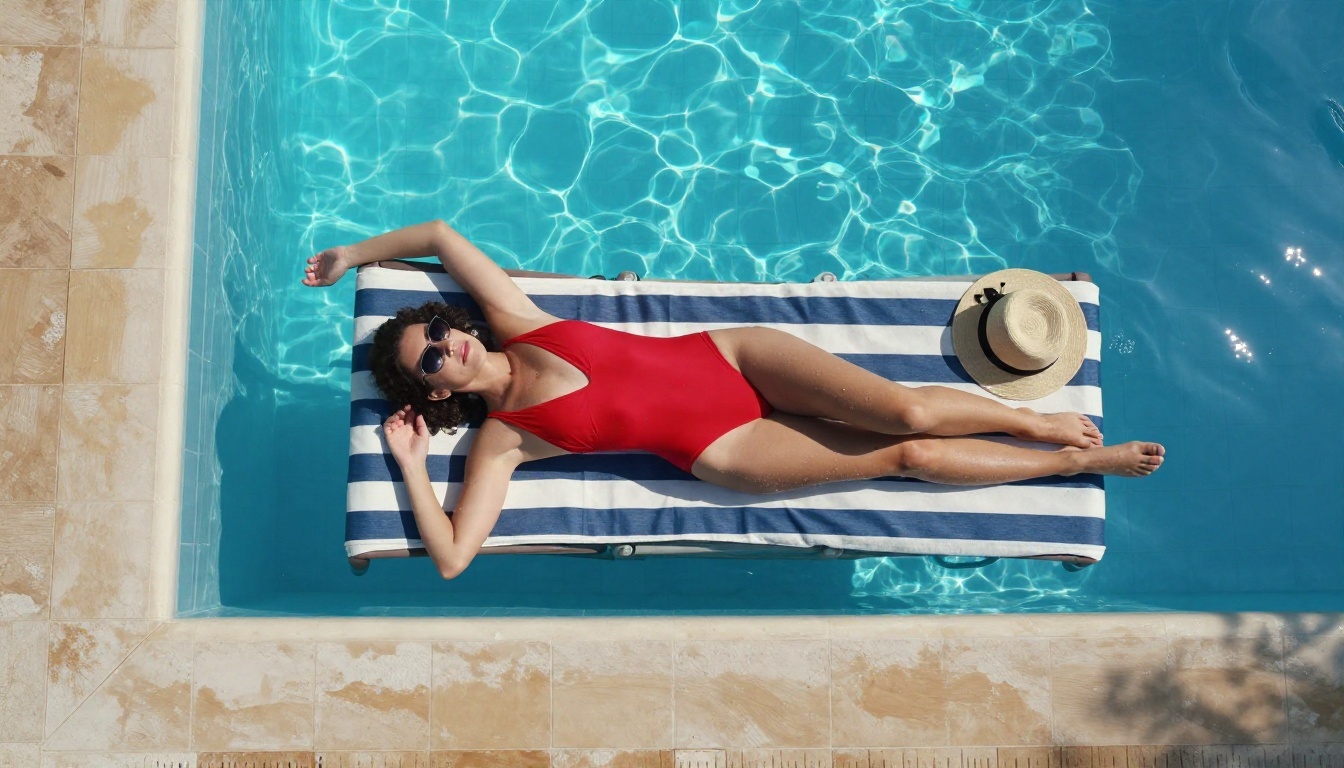
- Poolside overhead: red one piece, striped lounger, crisp midday shadows, top down view.
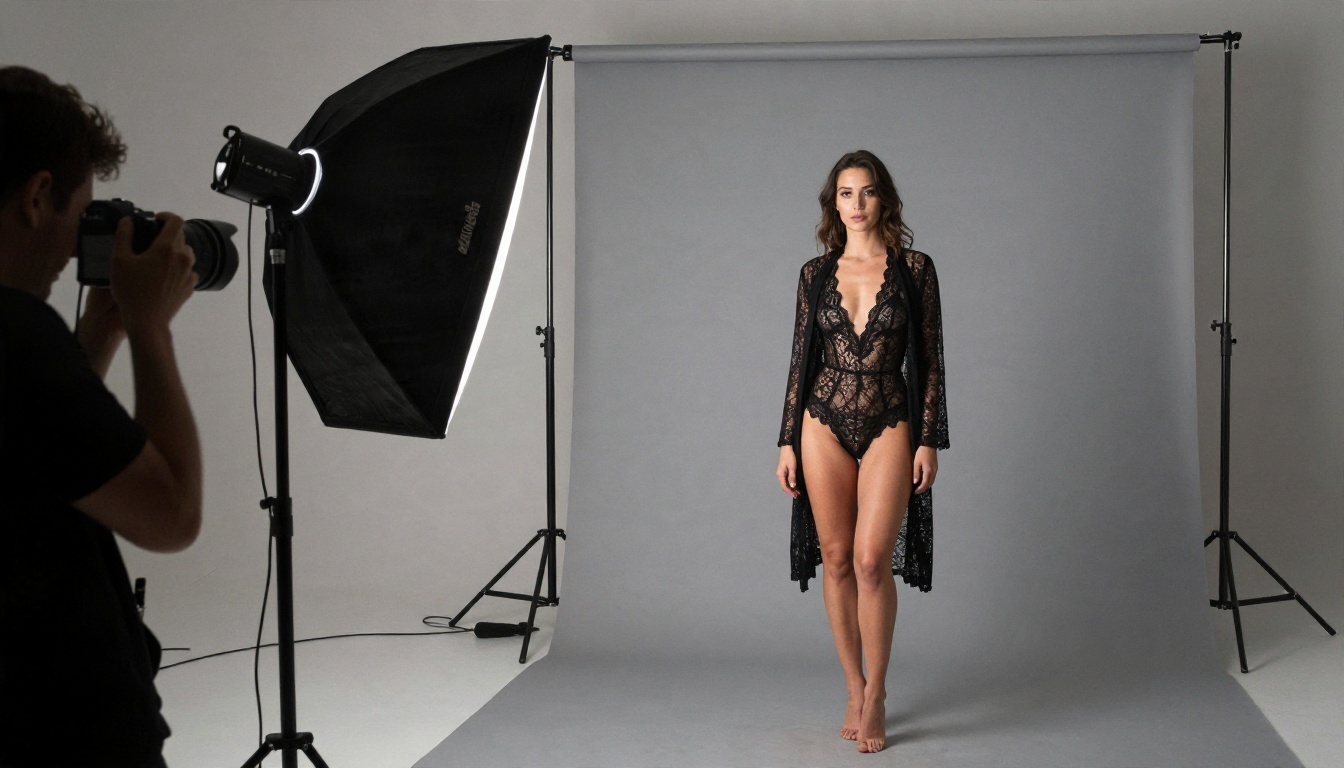
- Studio set: black lace bodysuit, grey backdrop, octagonal softbox, behind the scenes feel.
- Vanity mirror: sheer robe, bulb lit mirror, pearl earrings, reflection in frame.
Common Mistakes to Avoid
Stacking vague adjectives
"Beautiful sexy glamorous stunning woman" tells the model nothing. Replace adjectives with objects, light and lens details.
Ignoring the background
A blank background makes any portrait look fake. Add a window, a wall texture or a prop.
Overlighting
Flat front light kills depth. Use side light and let shadows fall naturally across the shoulder and jaw.
Skipping the edit pass
Even strong models sometimes bend a finger or misplace a strap. Fix it in the editor instead of regenerating twenty times.
Mixing too many styles
Do not combine film grain, studio flash, golden hour and candlelight in one prompt. Pick one lighting story.
Privacy, Rights and Common Sense
A few points deserve a straight answer before you start producing images at scale.
- Only generate fictional people. Never create suggestive images of a real person without their consent. That includes celebrities, coworkers and ex partners.
- Keep it non-explicit. The approach in this article is built around glamour and implied intimacy.
- Check where you publish. Social networks, print on demand sites and marketplaces each have their own adult content rules. Image generation freedom does not override them.
- Keep your files private. Store your outputs in your own account rather than public community galleries.
💡 Licensing tip: If you plan to sell prints or use images commercially, read the terms for the specific model and platform you used, and check the rules of the store where you list them.
When Creative Fabrica Is Still the Right Pick
I am not telling you to abandon it. Creative Fabrica remains a very good choice for:
- Fonts, SVG cut files and craft bundles
- Seamless patterns and digital paper
- Clipart and mockup ready design assets
- Commercial friendly products for marketplace listings
Use it for what it does best. Use a dedicated photorealistic image model for portraits, swimwear and boudoir style work. Many creators run both: Creative Fabrica for the product layer and PicassoIA for the photography layer.
Speed, Cost and Workflow Compared
If you create images weekly, the time spent fighting filters adds up. Consider a realistic session of ten finished images.
| Step | Restrictive tool | Dedicated image model |
|---|
| Prompt attempts per usable image | 4 to 8 | 1 to 3 |
| Refusals and rewording | Frequent | Rare for non-explicit work |
| Quality of skin and fabric | Often flat | Detailed |
| Total time for ten images | Long | Short |
| Frustration level | High | Low |
The difference is not magic. It comes from choosing a model that was built for photorealistic people, then writing prompts that describe light, lens and texture instead of fighting a filter.
Try It on PicassoIA Today
You do not need a subscription decision, a GPU or a stack of tutorials. Open Seedream 4.5, paste one of the six prompt ideas above, and see what comes back in seconds. When a picture is close, send it to PicassoIA Image Editor Pro for unlimited refinements. Need quick drafts? Z Image Turbo is ready.
Change the outfit, swap the location, move the light from left to right. Small experiments teach you more than any rulebook. For the full catalog of image, video and editing models, browse picassoia.com/en/all-models and pick the one that fits your next shoot.