You typed "Creators Com NSFW" into a search bar because you want adult-leaning, glamour-style images, and you want them without a maze of paywalls, credit meters and filters that block a simple bikini photo. Fair enough. This article gives you what that search is really after: free alternatives that work today, prompts you can paste and adjust, and a clear picture of which online image generators deliver sharp, photorealistic, tasteful results.
Everything here stays on the suggestive side: swimwear, lingerie editorials, boudoir light, evening gowns. No explicit content, no real people, only fictional adults.
The search intent behind the term
Most people who search this phrase fall into one of three groups. Some want a free NSFW image generator and have seen the name mentioned somewhere. Some already tried a tool, hit a limit and want a way out. The rest are creators who need glamour or swimwear visuals for mood boards, character design, fashion concepts or personal art projects.
All three groups want the same thing: good pictures, fast, with few restrictions and no surprise bills.
What I could and couldn't confirm
I looked for reliable details on the current free tier, filter rules and pricing behind the name, and I couldn't confirm them. Most pages that rank for this topic are promotional listicles written by sites that sell their own tools, so I wouldn't trust their rankings. This article makes no claims about that specific service. It focuses on what you can check yourself: the output quality, the limits and the rules of the tools below.
💡 Quick test for any generator: run the same prompt three times. If the quality swings wildly, or the tool blocks a plain swimsuit prompt on the second try, you will fight it every session.
Credits, queues and watermarks
"Free" usually means one of four things: a small daily credit pool, a long queue, a visible watermark, or a resolution cap that makes the picture useless for anything but a thumbnail. None of these is shocking, but they add up when you are iterating on a pose or a lighting setup and need twenty tries, not three.
Filters that guess wrong
The other pain point is inconsistent filtering. Mainstream chat-based generators often refuse harmless requests like a woman in a bikini on a beach, then allow something stranger a minute later. For a creator, unpredictability is worse than strictness. You can plan around a clear rule. You can't plan around a coin flip.
Best Free Alternatives Online
Here is how the models I recommend stack up for non-explicit adult and glamour work. They are listed in the order I would try them.
Seedream 4.5 comes first
Seedream 4.5 is where I would start any glamour project. It reads long prompts well, and it handles the things that usually give AI images away: skin pores, fabric sheen, hair strands, the way light falls off along a shoulder. It is also uncensored enough for suggestive work such as lingerie editorials and boudoir scenes, which is the main reason people look for an alternative to begin with.
Output goes up to 4K, so a picture holds up when you crop it for a poster, a print or a social banner.
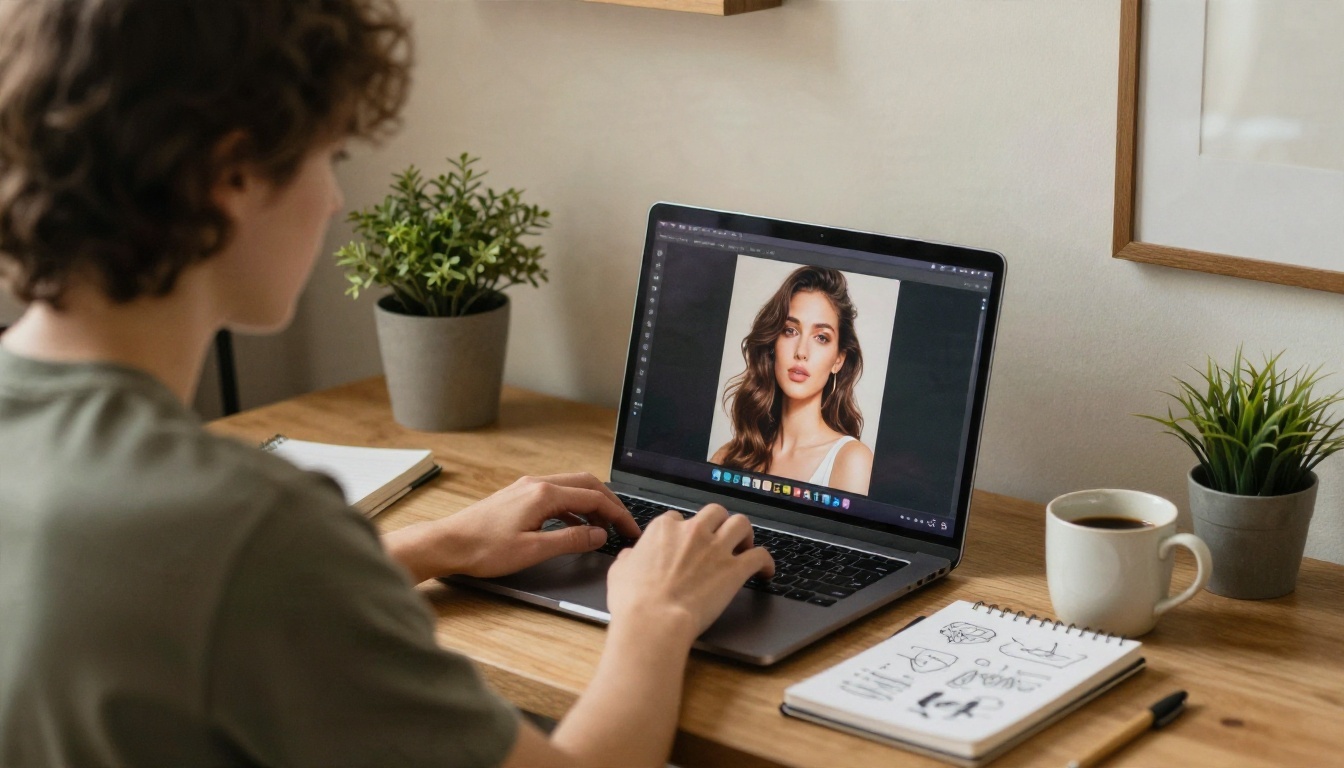
Image Editor Pro for unlimited runs
PicassoIA Image Editor Pro solves the credit problem. It offers unlimited generations, so you can try thirty variations of one pose without watching a counter. It also works as an editor: change an outfit color, fix a hand, adjust the background, or soften the lighting on an image you already have.
Think of the pair this way. Seedream 4.5 produces the strong first frame. Editor Pro polishes it, as many times as you need.
Qwen, Z Image Turbo and Flux LoRA
Three more models are worth keeping in your rotation:
- Qwen Image 3 Pro: reliable on realistic faces, hands and clothing textures. Good when your prompt has many details.
- Z Image Turbo: very fast. Use it to test compositions before spending time on a polished version.
- Flux 2 Klein 9B Base LoRA: pick it when you want a repeatable look across a whole series, for example the same film-stock mood in every frame.
Prompts That Actually Work
The five-part prompt formula
Strong glamour prompts are rarely clever. They are specific. I build every one from the same five parts, in this order:
- Subject and pose: who, what they wear, what they are doing
- Environment: the room, beach, pool or street, with two or three physical details
- Light: direction, color and quality, such as "soft window light from the left"
- Camera: lens and distance, such as "85mm f/1.8, medium shot"
- Texture and mood: skin, fabric, grain, atmosphere
If your result looks flat or plastic, the fix is almost always in part three or part five. Name the light and name the surface.
💡 Say "adult woman" in every prompt. It keeps results appropriate and gives the model a clearer target for age and proportions.
Ten glamour prompts to copy
Paste these into Seedream 4.5 and change the details to fit your project.
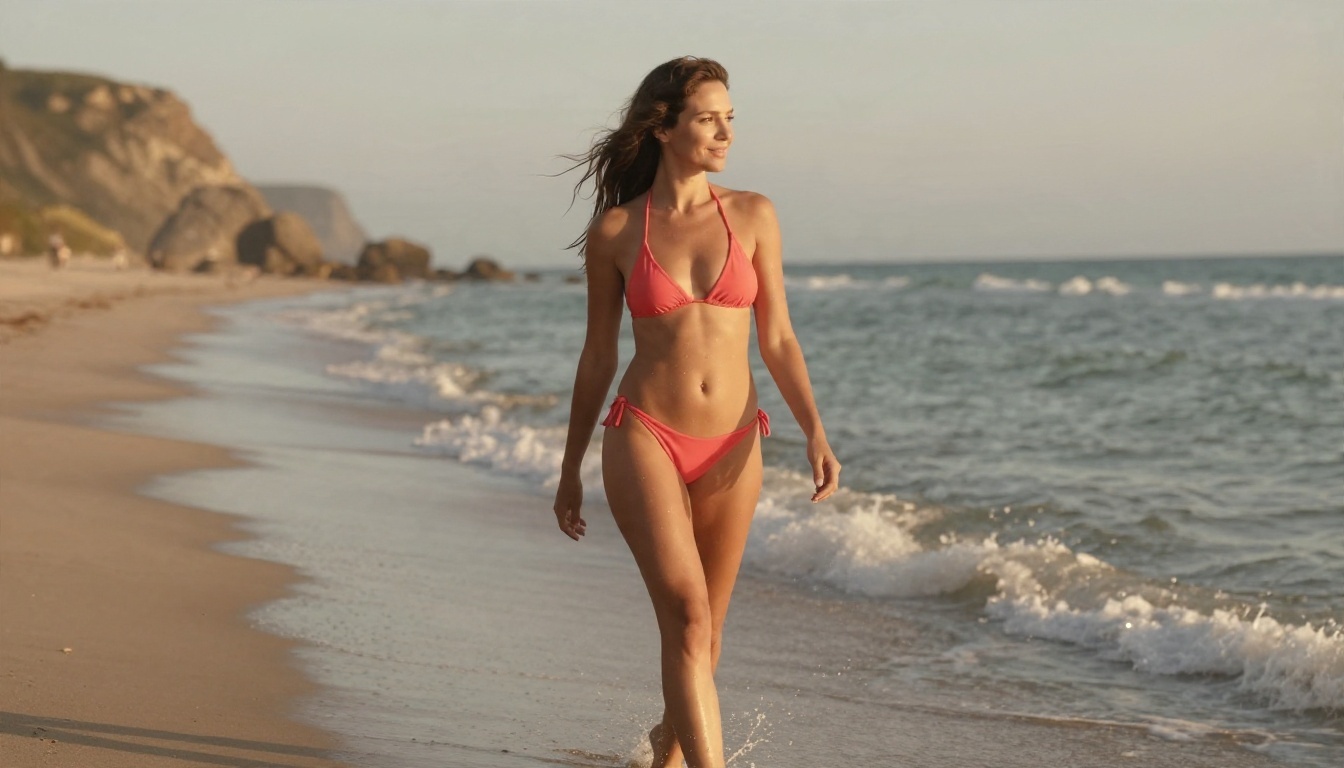
- Beach golden hour: "Adult woman in a coral bikini walking along wet sand at golden hour, looking over her shoulder, warm low sun from behind-right, droplets on tanned skin, 85mm f/1.8, shallow depth of field, Kodak Portra 400 grain."
- Hotel robe: "Adult woman in an ivory silk robe sitting on the edge of a large bed, sheer curtains moving, golden morning light from the left, visible skin pores, 85mm f/1.8."
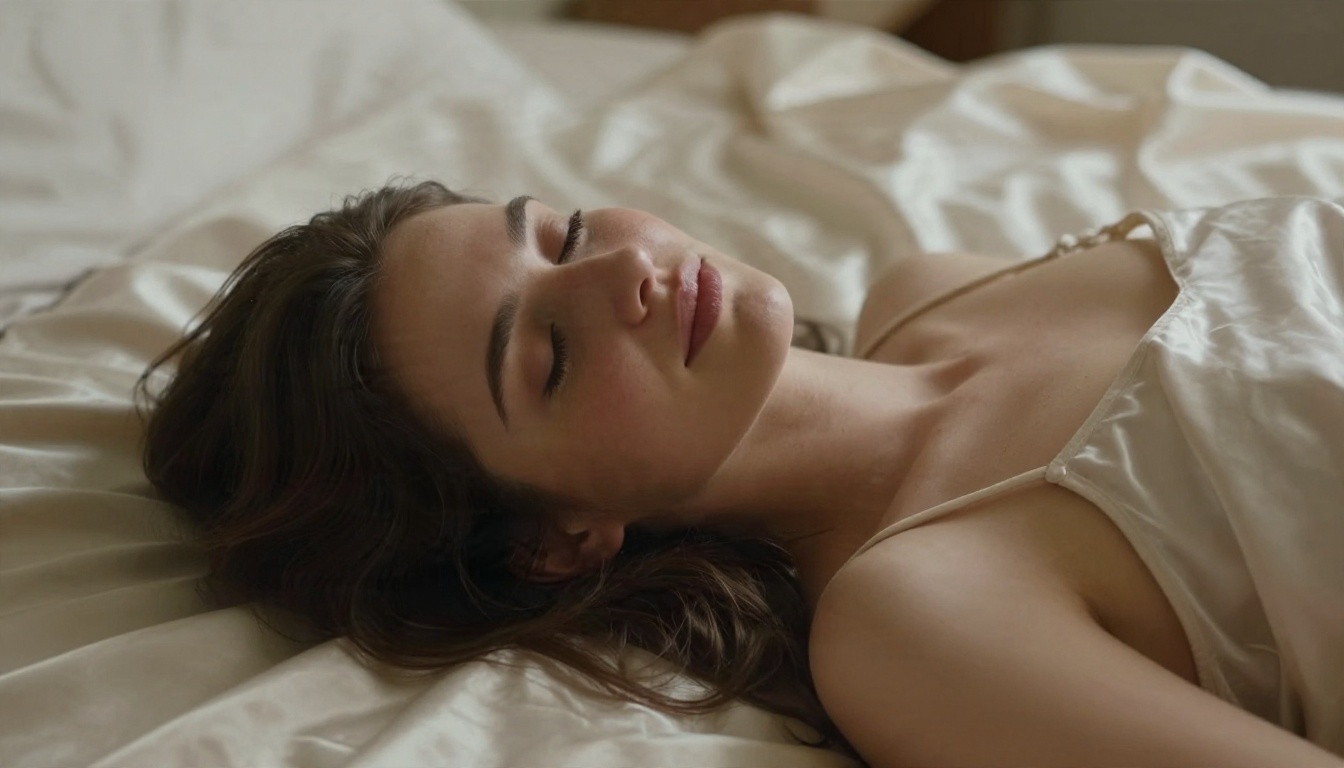
- Satin morning: "Adult woman lying on champagne satin sheets, cream camisole, hair fanned across the pillow, soft window light from the left, 50mm f/1.4."
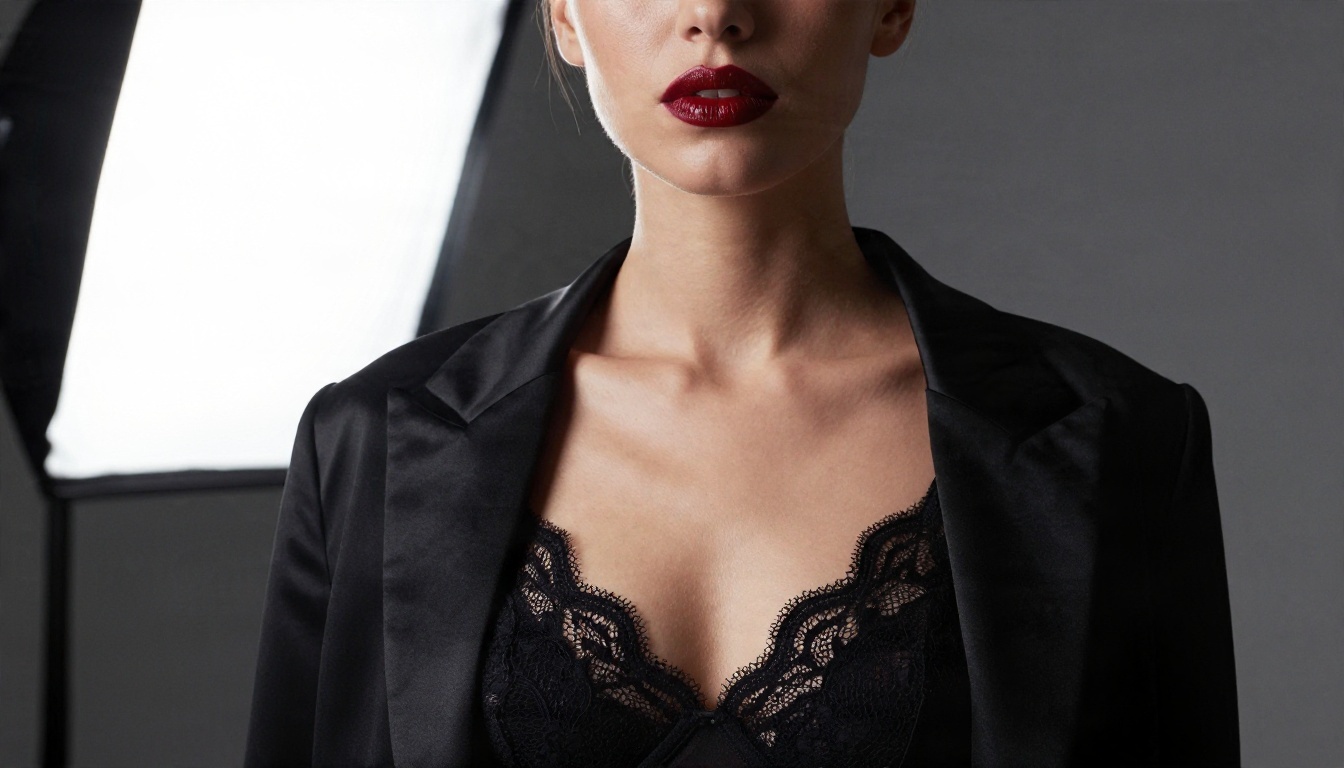
- Studio lace: "Close-up portrait of an adult woman in a black lace top and satin blazer, charcoal backdrop, large softbox camera-left, glossy red lips, 105mm f/2."
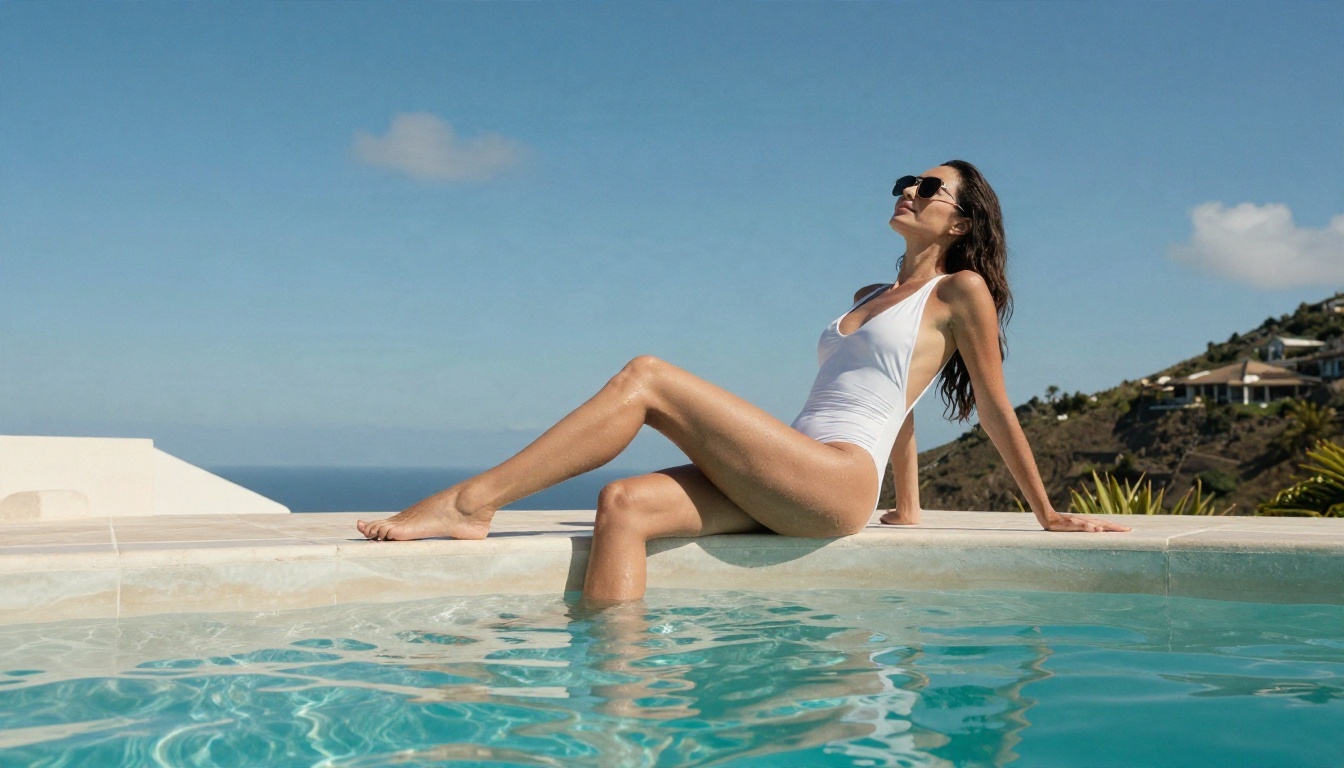
- Infinity pool: "Low-angle shot of an adult woman in a white one-piece swimsuit and sunglasses at an infinity pool edge, midday sun, droplets on skin, 24mm lens."
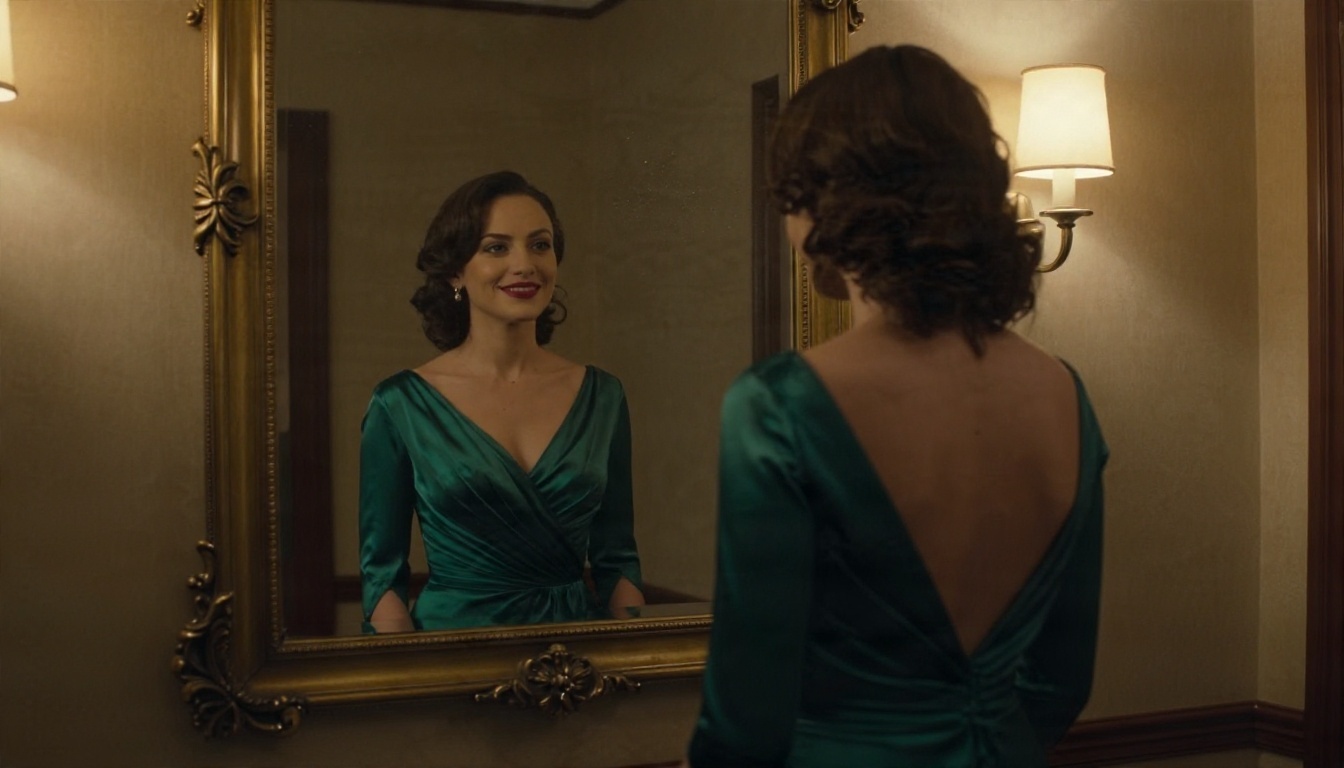
- Evening mirror: "Adult woman in a backless emerald gown before an antique mirror, art-deco hallway, warm sconce light from the right, 70mm f/2."
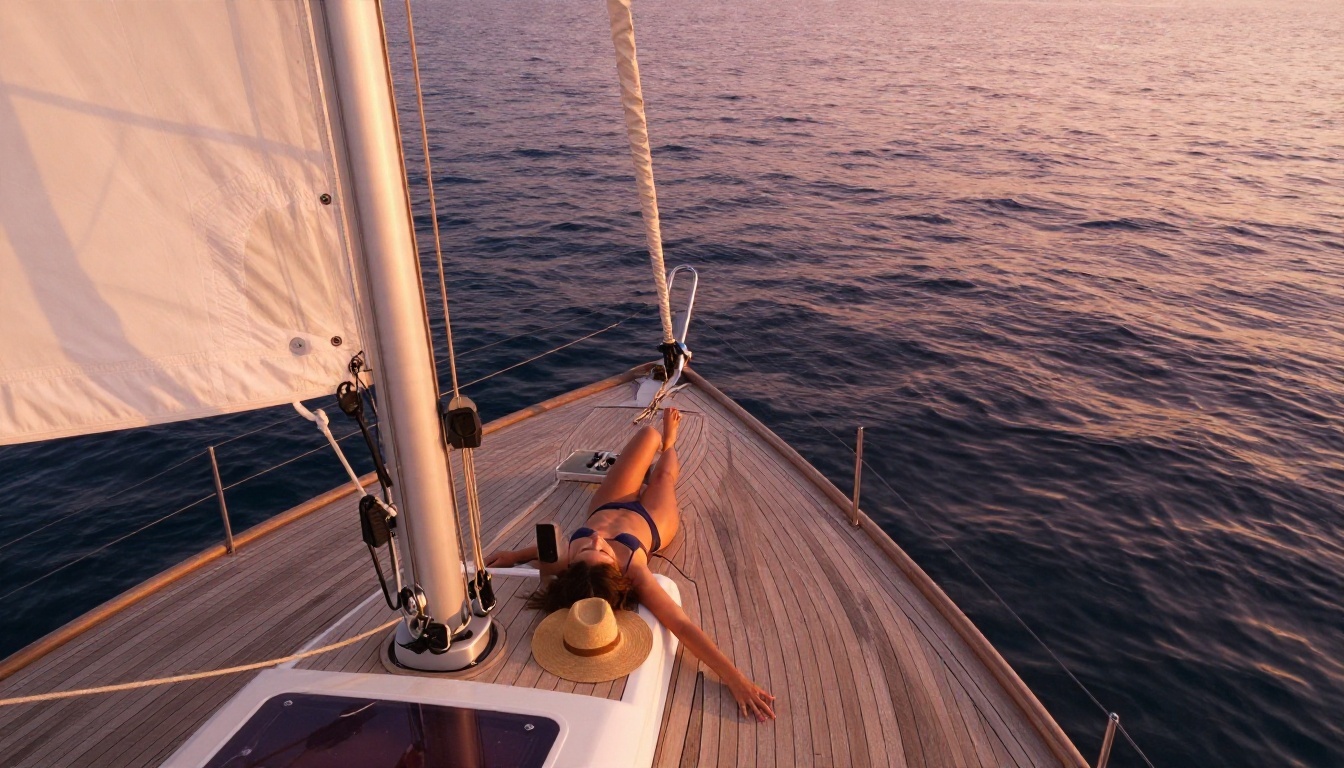
- Yacht sunset: "Aerial view of an adult woman in a navy bikini on a teak yacht deck at sunset, white sails, amber sea, 24mm lens."
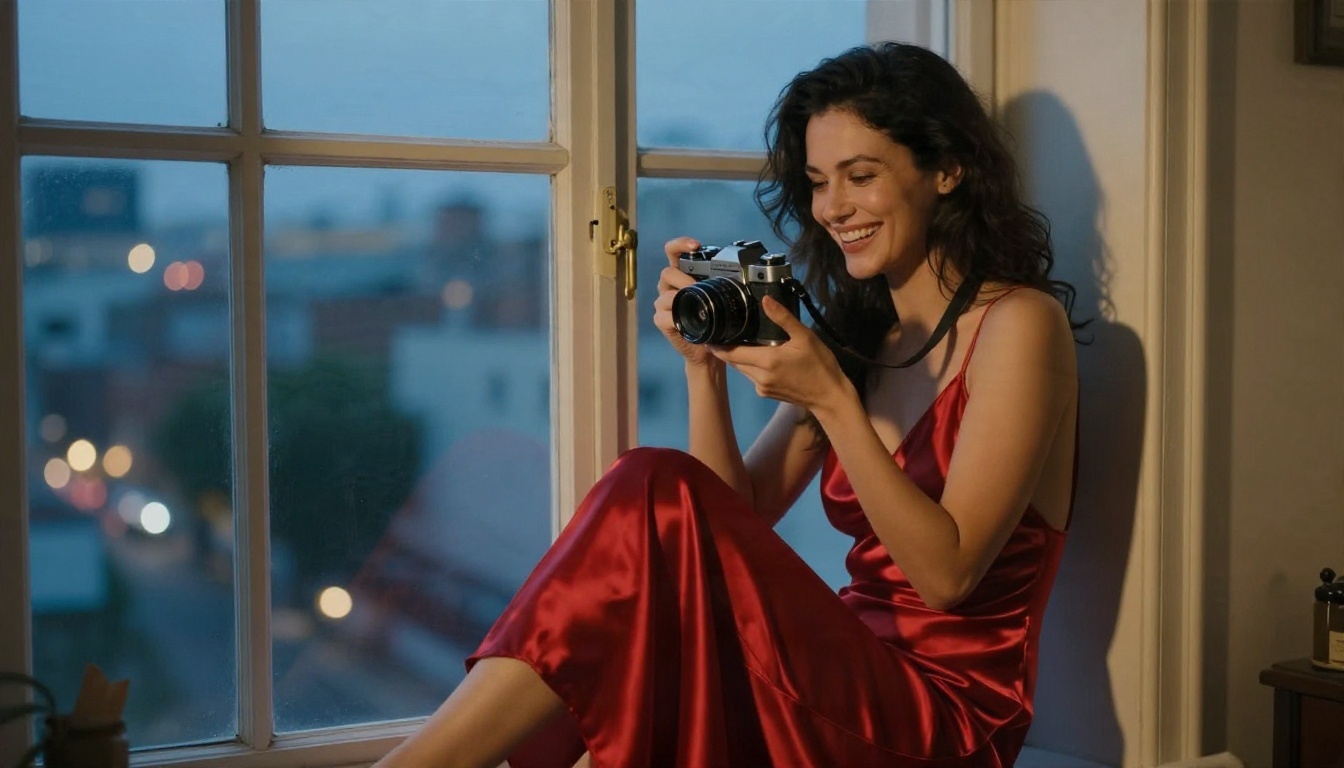
- Loft dusk: "Adult woman in a red satin slip dress on a loft windowsill, holding a film camera, warm lamp light and cool blue dusk, 50mm f/1.8."
- Poolside cabana: "Adult woman in a black halter swimsuit under a striped cabana, hard sun, deep shadows, glossy hair, 35mm f/2.8."
- Window reading: "Adult woman in an oversized white shirt reading by a rain-streaked window, soft grey daylight, bare legs on a wool blanket, 50mm f/1.6."
Lighting and lens words that help
A short vocabulary goes a long way. Mix and match from this table.
| Goal | Words to add |
|---|
| Soft, flattering skin | "large softbox", "diffused window light", "gentle shadow falloff" |
| Warm, intimate mood | "golden hour", "tungsten lamp", "warm bounce from cream walls" |
| Dramatic editorial look | "hard side light", "deep shadows", "charcoal backdrop" |
| Blurry background | "85mm f/1.8", "shallow depth of field", "creamy bokeh" |
| Wide scene | "24mm lens", "low angle", "aerial view" |
| Film feel | "Kodak Portra 400", "fine grain", "lifted blacks" |
How to Generate on PicassoIA
This is the workflow I use with Seedream 4.5, step by step.
- Open the model page and choose a text-to-image run.
- Paste your prompt. Keep it between 50 and 120 words. Shorter prompts give generic faces.
- Pick a 16:9 ratio for banners and scenes, or 3:4 for portraits.
- Generate three versions before judging. One result is luck. Three show what the prompt does.
- Change one variable at a time. Swap the light, then the lens, then the outfit. Changing everything at once hides what worked.
- Send the best frame to PicassoIA Image Editor Pro for touch-ups such as color, background or small fixes.
- Save the prompt next to the image so you can repeat the look later.
💡 If a frame is close but not right, don't rewrite the whole prompt. Edit the image instead. It is faster and keeps the pose you liked.
Parameter tips
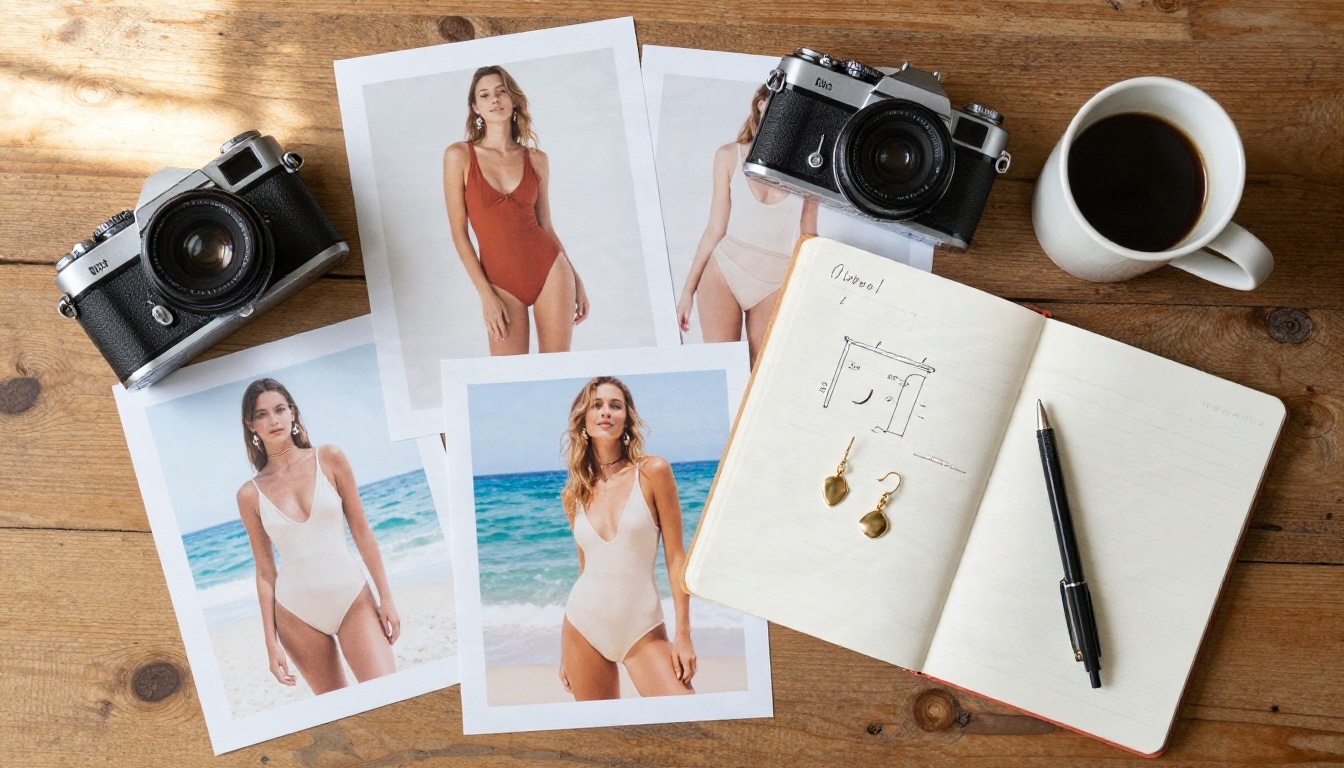
- Resolution: generate at the highest setting your project needs, then crop. Upscaling a small image rarely matches native detail.
- Seed: if the tool exposes a seed, lock it when you want to test a prompt change fairly.
- Negative wording: state what you want ("natural skin texture, fine pores") instead of a long list of things to avoid.
- Consistency: reuse the same face description word for word across a series.
Bring Your Stills to Life
A good still can become a short clip. Two video models on PicassoIA work well for this: Kling v3 Video for cinematic motion and LTX 2.5 Fast for quick turnarounds.
Keep the motion simple. A slow camera push, hair moving in a breeze, curtains lifting, waves reaching the sand. Complicated actions make faces and hands drift. Describe what moves, how the camera moves, and what the light does over a few seconds, and keep your original lighting words so the clip matches the image.
Rules That Keep You Safe
Fictional adults only
Never use a real person's face or name. Generate invented adults, and say "adult" in the prompt. That one habit avoids most of the legal and personal harm that gives this field a bad reputation.
Check the platform's terms
Read the usage terms of any tool before you upload or publish. Rules about commercial use, labeling and what you may post differ from service to service, and they change. If you publish on social platforms, check their own adult-content policies too, because a generator allowing something doesn't mean a feed will.
Guard your privacy
Free tools that want your photo library, your phone number or a card "for verification" deserve suspicion. A good generator needs a prompt, not your life story. Use a separate email for experiments and don't upload private photos.
Keep it tasteful
Suggestive is a wide, interesting lane: light, fabric, pose, expression. You will get better pictures by staying in it than by pushing against a filter, and the results are far easier to share and sell.
Make Your First Set Today
You don't need a special site name to get strong glamour images. You need a good model, a specific prompt and room to iterate. Start with Seedream 4.5 for the first frame, move to PicassoIA Image Editor Pro for unlimited polish, and keep Z Image Turbo open for quick drafts.
Pick two prompts from the list above, change the outfit and location, and generate a set of six images. By the third round you will know exactly which lighting words suit your taste. When you want more options, browse every available model at picassoia.com/en/all-models and try your own ideas on Picasso IA.


