Most online stores lose sales in two places: the product photo that makes a good item look average, and the unanswered question at 11 p.m. that sends a buyer to a competitor. Both problems are now cheap to fix. The catch is that generic AI gives you generic results. A chatbot that has never seen your return policy will guess, and an image model that does not know your brand will give you the same glossy stock look as everyone else. Customised AI for ecommerce means tuning each tool to your catalog, your tone and your customers, so the output feels like it came from your team.
This article walks through four building blocks: product images, chatbots, reusable prompts and free tools. You will see what to automate first, which models fit which job, and the exact prompt structures that save the most time.
What Customised AI Means for Stores

Generic tools versus tuned workflows
A generic setup is one person opening a chat window, typing "write a description for my candle" and pasting whatever comes back. A customised setup stores the things that make your shop yours: brand voice rules, product facts, shipping times, banned claims, preferred photo backgrounds and the angles your best sellers use. Every request starts from that context, so results stay consistent across five products or five thousand.
You do not need developers for this. A saved prompt template, a short style document and a folder of reference photos already put you ahead of most small stores.
Where the returns show up first
Not every task pays back equally. Based on how small shops usually spend their week, this is the order that tends to make sense:
| Task | Typical manual cost | AI replacement | Speed of payback |
|---|
| Product photos for new items | Studio time or freelancer fees | Image generation and editing | Fast |
| Answering repeat questions | Hours of inbox time | Support chatbot with catalog knowledge | Fast |
| Product descriptions | 15 to 30 minutes each | LLM with a voice template | Medium |
| Ad and social visuals | Designer rounds | Prompt library plus image models | Medium |
| Reviews and email replies | Scattered, often skipped | LLM drafts, human approves | Slow but steady |
💡 Start with images or the chatbot, not both. Pick the one that hurts more today. A working single use case beats four half-built ones.
Product Images That Look Shot
Shoppers judge quality in about a second, and the photo does most of the talking. The aim is not to fake products. It is to produce clean, believable visuals of items you actually sell, in settings you could not afford to build physically.
Clean studio shots for listings
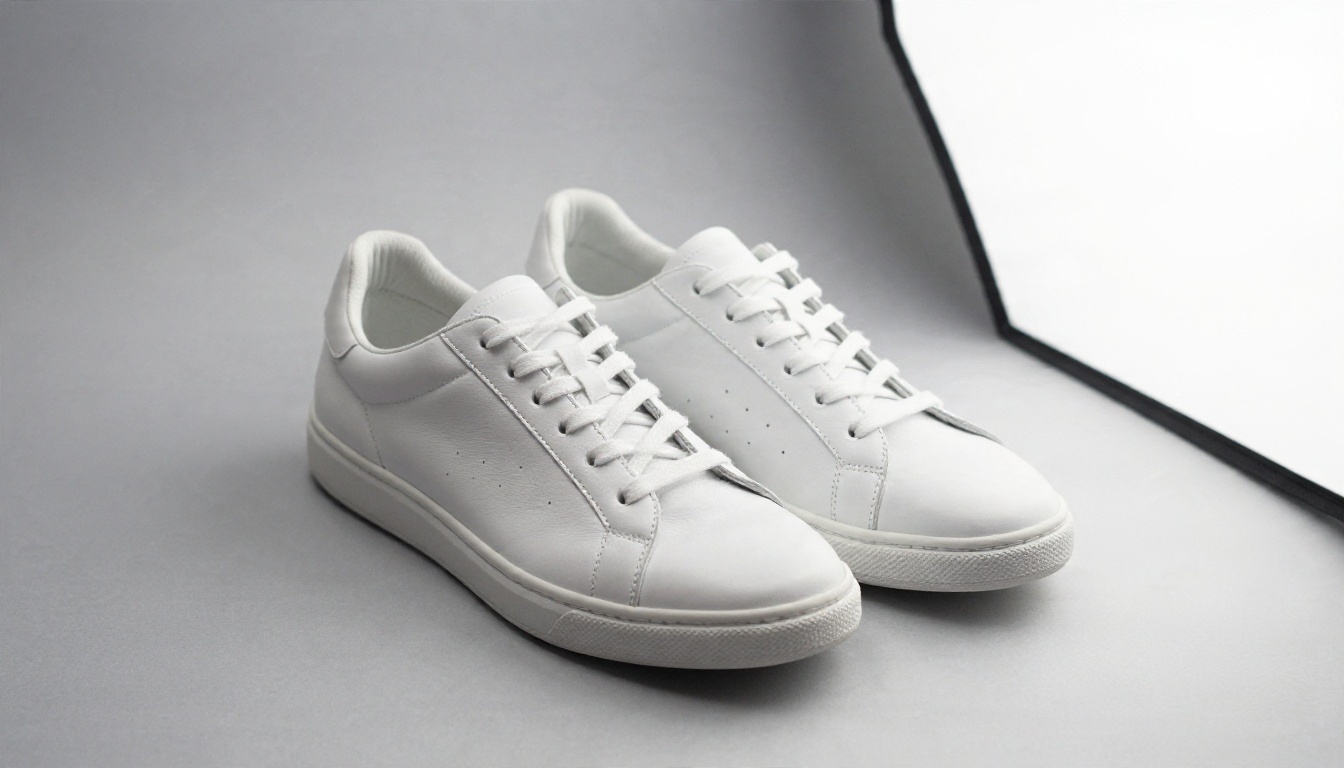
Marketplaces and comparison pages still reward the plain backdrop: even light, soft contact shadow, visible material texture. If you already have a phone photo of your product, upload it to PicassoIA Image Editor Pro and ask it to place the item on a seamless grey sweep with softbox lighting from the left. Editing a real photo keeps your product shape, logo and stitching accurate, which matters far more than creative freedom here.
For text-to-image from scratch, GPT Image 2 and Seedream 5 Pro both handle clean product scenes well. Riverflow v2.5 Pro is another strong option when you want high resolution output for zoomable listing images.
Lifestyle scenes without a studio
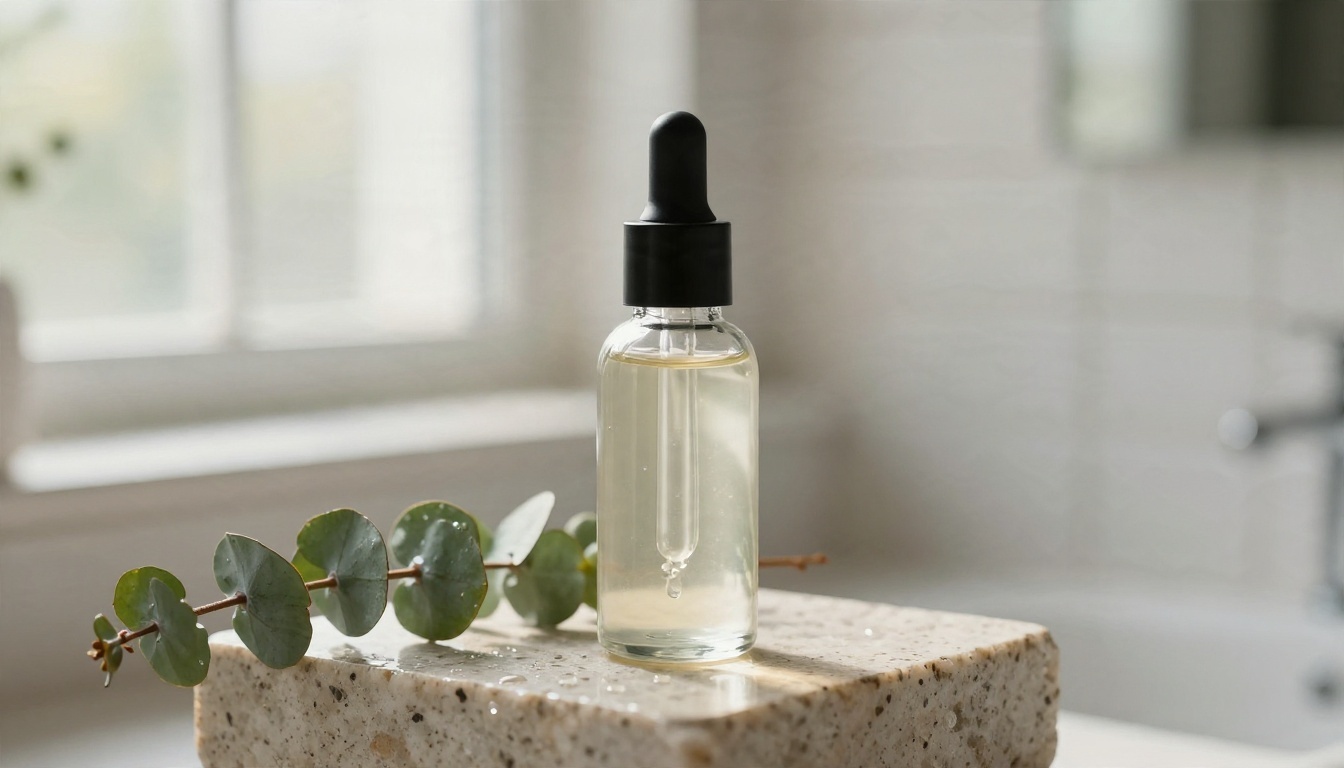
A bottle on white tells shoppers what it is. A bottle on stone beside eucalyptus in morning light tells them how it will feel in their bathroom. Lifestyle images lift click-through on ads and category pages because they let buyers picture ownership.
The workflow that works best: generate the scene first, then place your real product into it with an editing model, or generate the whole scene with a detailed description of the product. Nano Banana 2 Lite is fast and good for quick iterations when you are testing five backgrounds before choosing one. Qwen Image 3 Pro leans photorealistic and suits material-heavy items like ceramics, glass and leather.
On-model fashion visuals

Clothing sells better on a body. Hiring models, locations and a photographer for every drop is out of reach for most small brands. AI helps in two ways: generating a lifestyle shot with a described outfit, or trying a garment on a person image. P Image Try On is built for the second case, putting an outfit onto a photo so you can preview how items look worn.
💡 Be honest with shoppers. If the image is a visualization rather than a literal photo of the garment, make sure fit, color and fabric details in the listing stay accurate. Returns are expensive, and a pretty image that misleads creates more of them.
Cutouts, upscaling and text on images
Three small utilities save more time than any big model:
- Background removal. Remove Background gives you clean cutouts for marketplaces that require a white or transparent background.
- Upscaling. Supplier photos often arrive small. Clarity Pro Upscaler and Real ESRGAN sharpen low resolution images so they hold up on retina screens.
- Banners with text. Ideogram v4 Quality is a good fit when an image needs short, readable text such as a sale label or packaging mockup.
Chatbots That Know Your Catalog

Roughly the same ten questions fill most support inboxes: where is my order, how do I return this, does it come in another size, what is it made of, do you ship abroad. A chatbot that answers those accurately, at any hour, removes the busiest part of the day. A chatbot that answers them wrongly does the opposite, so setup matters more than model choice.
Pick a language model that fits
You do not need the largest model for support. You need one that follows instructions, stays inside the facts you provide and replies quickly. Here is a practical way to match models to jobs:
Test two or three on your own twenty most common questions before you commit. The cheapest model that answers all twenty correctly wins.
Write a system prompt that holds
The system prompt is where customisation lives. A strong one has five parts: who the bot is, what it knows, what it must never do, how it sounds and when it hands off to a human. Here is a template to adapt:
You are the support assistant for [Store Name], which sells [product type]. Answer only from the facts below. If the answer is not in the facts, say you will check with the team and ask for the customer's email. Never promise delivery dates beyond the ranges listed. Keep replies under 80 words, friendly and direct, with no exclamation marks. Facts: [paste shipping, returns, sizing, materials, contact hours].
Two small details raise quality a lot. First, paste your real policies instead of summarizing them. Second, add three or four sample questions with ideal answers. Models imitate examples more reliably than they follow abstract instructions.
Handoff rules and safety checks
Decide in advance when the bot stops talking. Good triggers include anger or repeated frustration, refund disputes over a set amount, anything about health or allergies, and any question the facts do not answer. Log every conversation for the first month and read twenty of them each week. You will spot wrong answers within days.
If your chatbot accepts open text from the public, a moderation layer is worth considering. Llama Guard 4 12B is built to classify unsafe content, which helps filter abusive or off-topic messages before your main model replies.
💡 Say it is a bot. Customers forgive a bot that admits its limits far faster than one that pretends to be a person and gets something wrong.
Prompts You Can Copy Today

A prompt library is the cheapest form of customisation. Keep it in a shared document, version it, and note which model each prompt works best with. Three templates cover most of a small shop's needs.
Product photo prompt
Structure matters more than length. Use this order: subject, setting, light, lens, texture.
A [product] on a [surface] in [setting], soft window light from the left, 50mm lens with shallow depth of field, visible [material texture], natural film grain, photorealistic.
Swap one variable at a time. If you change the surface, the light and the lens together, you will never learn which change helped. Save the winners with a note like "works for glass, fails on fabric."
Product description prompt
Write a product description for [product name]. Audience: [who buys it]. Facts: [materials, sizes, care, origin]. Tone: [two adjectives]. Length: 90 words. Start with the benefit, not the product name. Do not invent features. End with one line about shipping or returns.
The "do not invent features" line is not decoration. Without it, models love to add waterproofing, organic certification and lifetime warranties nobody asked for. Always check output against your fact sheet.
Support reply prompt
Draft a reply to this customer message: [message]. Use only these policies: [paste]. Apologize once if the customer had a problem. Offer one clear next step. Keep it under 70 words and sign off as [Name].
Use this for the human side of support, where the AI drafts and you approve. It keeps the voice consistent when several people share one inbox.
💡 Version your prompts. Name them "photo_v3" or "reply_v2." When results drop, you can trace the change instead of guessing.

You can build a working AI stack without a monthly bill, as long as you accept some limits. Here is how the free and low cost options line up for typical store tasks:
Beyond AI, a few ordinary tools pair well with it: a spreadsheet for your fact sheet, a shared folder for approved images and a simple form for collecting questions the bot could not answer. Those unanswered questions are the best source of your next FAQ entries.
💡 Free does not mean careless. Check the usage terms of any tool before using output in paid ads, and keep a note of which model produced which asset.
A Simple Weekly Workflow

Tools do not help if no one uses them. A routine does. Here is one that fits a store run by one to three people.
Monday: audit and plan
Open your analytics and sort products by traffic against conversion. Pick the five items with plenty of visits and weak sales. Those listings are where better images and clearer copy have the most room to pay off. Check your inbox for questions asked more than twice and add them to the chatbot fact sheet.
Midweek: produce and review
Generate or edit images for those five products. Make two versions of each: one clean studio shot, one lifestyle scene. Run the upscaler on anything below your site's largest display size. Write fresh descriptions with the template above, then compare each against your real specifications. This review step is where customised AI beats generic AI, because you are catching mistakes against your own facts.
Friday: publish and measure
Publish the new images and copy to the five listings. Note the date. Two weeks later, compare conversion and bounce rate against the old version. Keep what worked, rewrite what did not, and add the winning prompts to your library.

For home and decor shops this loop is especially effective, since styled room scenes sell the look as much as the object. A single vase photographed in a believable living room often outperforms ten catalog-style angles.
Mistakes That Cost Sales
Most failures come from the same handful of habits. Here are the ones worth avoiding.
Changing the product itself
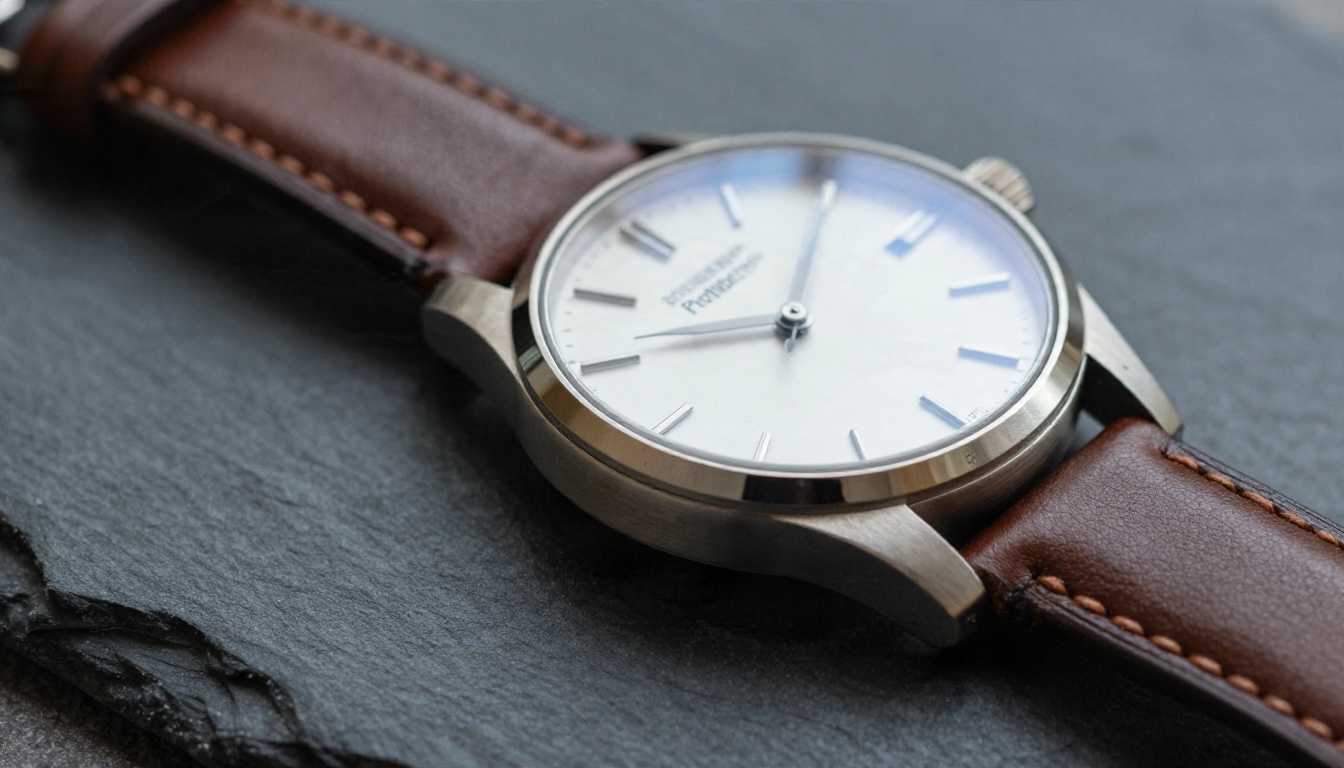
Detail shots like the watch above sell on precision: case finish, stitching, crystal glare. If an AI model quietly alters a buckle, a logo or a dial, the shopper who receives the real item feels misled. Use editing tools that preserve the item, and compare the final image against the real product before publishing.
Letting the bot guess
A chatbot with no facts will invent them. Keep the system prompt strict, keep the fact sheet current and review logs weekly. Update policies in one place and let everything else read from it.
Inconsistent visual style
When one product has a warm lifestyle photo, the next has a cold grey backdrop and the third looks illustrated, the store feels unreliable. Choose one lighting direction, one color palette and one lens feel, then write them into every image prompt. Consistency does more for perceived quality than any single great photo.
Skipping the human review
Draft with AI, approve with a person. A thirty second look catches wrong sizes, odd hands, garbled text and policy slips. It costs almost nothing compared with a refund or a bad review.
Measuring nothing
If you do not record what you changed and when, you cannot tell what worked. Keep a simple log: date, product, change, result.
Try It on Your Own Catalog
Pick three products that sell below their potential. Photograph each with your phone, then open PicassoIA Image Editor Pro and try a clean studio version and a lifestyle version. Use Remove Background for marketplace cutouts, then paste your return policy and shipping times into a Claude Sonnet 5 or Gemini 3.5 Flash chat to test a support assistant on your twenty most common questions.
An afternoon is enough to see which parts of your store AI can lift. Start with the one that hurts most, keep the prompts that work, and build from there. To browse everything else available for images, text and editing, visit all PicassoIA models and run your first experiment today.


