Type "DeepSeek V5" into a search bar and you get a pile of pages promising free chat, cheap API rates and a shiny new app. Most of them blur one awkward fact: as far as the coverage I could find shows, DeepSeek has not officially announced a model called V5. What people can actually use today is the V4 family, and that is where the free chat, the app and the API pricing questions get real answers. This article separates what is confirmed from what is rumor, then walks through access, costs and limits so you can decide where to spend your time and money.
💡 Quick answer: The newest DeepSeek model with a confirmed public release is V4-Pro, which left preview on August 13, 2026. A V5 launch was unconfirmed in the sources I checked, which ran through early autumn 2026. Check the official DeepSeek docs page before trusting any site that claims otherwise.
Is Deep Seek V5 Out Yet?
What the Record Shows
The most recent reporting I found describes V4-Pro as the current flagship. It spent time in preview, then shipped in its final form in mid August 2026, alongside changes to how the API is billed. A model tracker I came across stated plainly that "V5" was not an official name and that rumors about a September launch had no official source behind them.
That matters because DeepSeek has a habit of announcing models on its own documentation site and its official WeChat account first. If a V5 page does not exist there, treat any "V5 is live" headline as speculation or as a marketing label slapped on a reseller's listing.

Why the Name Keeps Spreading
There are three reasons "V5" is everywhere:
- Version momentum. V3 and R1 made DeepSeek famous, V4 followed, and people simply count upward.
- Reseller pages. API aggregators sometimes list placeholder pages under a future name to capture search traffic.
- Rumor cycles. Social posts about "the next big release" get reposted until they look like news.
So when this article says "DeepSeek V5," it means the topic people are searching for. For hands-on facts, it relies on V4-Pro and V4-Flash, the models you can really open today.
⚠️ Honest status: DeepSeek V5 is not on PicassoIA, and it has no confirmed public release in my research. The sections below describe the current V4 setup. Alternatives you can run on PicassoIA right now are listed near the end.
Free Chat and the App
Web Chat Basics
The free online chat is the easiest way in. You open the DeepSeek web chat in a browser, sign in with an email or a phone number, and start typing. For individual users it costs nothing, and you do not need to enter payment details.
What you get on the free web chat:
- Text conversations with the current V4 models
- Long pasted documents, with replies you can copy or regenerate
- A choice between a fast mode and a deeper reasoning mode
- Chat history tied to your account
What you do not get: guaranteed uptime, a published message quota, or a service agreement. Free means free of charge, not free of friction.
Expert Mode vs Instant Mode
DeepSeek's web and app interface exposes two modes, and they map to the two V4 models:
| Mode | Model behind it | Best for | Speed |
|---|
| Instant Mode | V4-Flash | Quick questions, rewrites, summaries, casual chat | Fast |
| Expert Mode | V4-Pro | Multi-step reasoning, code, long documents | Slower, more careful |
A simple habit saves time: start in Instant Mode, and switch to Expert Mode only when the answer feels shallow or the task has several moving parts. Expert replies take longer and, when servers are busy, they are the first to feel the squeeze.

Phone App Setup
The mobile app mirrors the web chat. Setup takes about two minutes:
- Open the official app store on your phone and search for DeepSeek.
- Check the publisher name and the number of reviews before tapping install. Copycat apps with similar icons exist.
- Sign in with the same account you use on the web so your history syncs.
- Pick Instant Mode or Expert Mode from the model selector near the message box.
- Turn off anything you do not need, such as notifications or contact access.
💡 Tip: If an app asks you to pay for "V5 access" or a "premium unlock," close it. The official chat is free for individuals, and a paywalled clone is a red flag.
API Pricing in Plain Numbers
The API is where DeepSeek earns its reputation for low prices, though the numbers have moved several times this year, so always confirm on the official pricing page before you budget.

Flash Rates
According to a third-party pricing summary, V4-Flash is billed per million tokens at roughly:
| Token type | Approximate price per 1M tokens |
|---|
| Input (cache miss) | $0.14 |
| Output | $0.28 |
| Input (cache hit) | $0.003 |
The cached rate is the interesting line. If you send the same long system prompt or document context again and again, repeat reads cost a tiny fraction of the first read. That is why chatbots with fixed instructions and retrieval tools can run so cheaply.
Pro Rates and Peak Hours
V4-Pro has had a bumpier price history:
- April and May 2026: a promotional discount made Pro unusually cheap, and DeepSeek then made a 75 percent cut permanent.
- August 2026: with the final Pro release, pricing was reworked. Several outlets reported sharp increases for some usage patterns, and one headline described some V4 prices rising by more than tenfold as demand strained capacity.
- Time of day: some reports describe lower off-peak rates and higher peak-hour rates, which means the same job can cost very different amounts depending on when it runs.
I could not verify exact current Pro figures, so I am not going to print a number that might be stale by the time you read this. The practical advice is simple: check the live pricing page, run a small test batch, and read your usage dashboard after one day before scaling up.
💡 Budget rule of thumb: multiply your expected monthly tokens by the output price, not the input price. Output tokens usually dominate the bill, especially in Expert Mode where the model writes out long reasoning.
How to Estimate Your Own Bill
- Count a typical request: how many tokens go in, how many come out.
- Multiply by your daily request volume.
- Split input into cached and uncached parts if your prompts repeat.
- Add a 30 percent buffer for retries and longer answers.
- Compare Flash and Pro on the same sample of ten real tasks. If Flash answers eight of them well, Pro may not be worth the premium.
Usage Limits to Expect
Soft Throttling
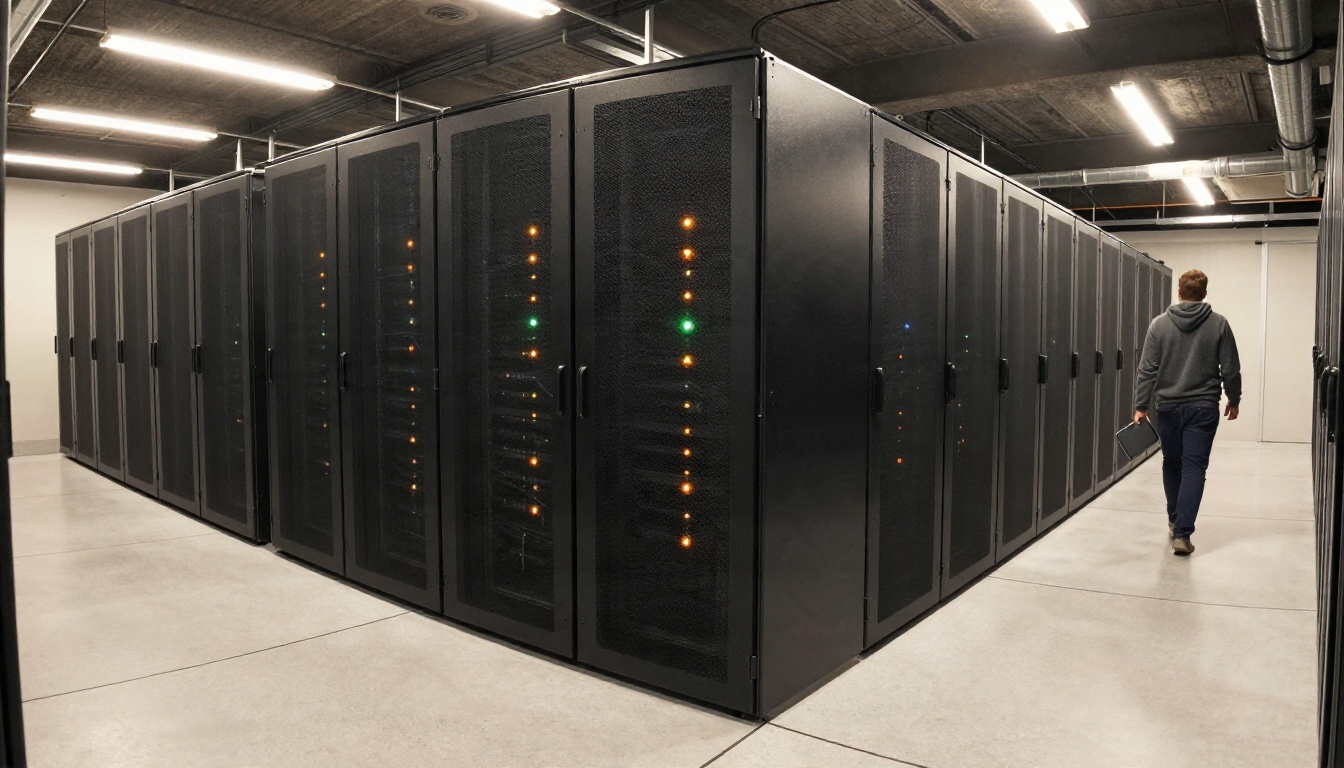
Here is the part most "free chat" articles skip. From what I found, DeepSeek does not publish a hard daily message cap for its free web chat or app. Instead, the free service appears to be throttled softly under load. In practice that can look like:
- A "server is busy" message during peak hours
- Slower replies in Expert Mode
- Occasional forced retries on long conversations
- Reduced availability right after a big launch, when everyone arrives at once
So the honest limit on free usage is capacity, not a counter. If your work is time sensitive, free chat alone is a risky foundation.
For the API, rate limits and concurrency rules apply per account, and they have tightened at times as demand grew. If you plan to ship a product on top of it, build in retries with backoff, a fallback model, and a queue for non-urgent jobs.
| Situation | Free chat | API |
|---|
| Casual questions | Works well | Overkill |
| Daily office tasks | Fine, with some waits | Better with a budget |
| Customer-facing product | Not suitable | Needed, with fallbacks |
| Large batch jobs | Not suitable | Use off-peak timing |
Privacy Before You Paste

Free chat services typically log prompts, and DeepSeek's servers are operated by a company based in China, which makes some organizations cautious. Reasonable habits for any hosted assistant:
- Do not paste passwords, client contracts, medical records or unreleased source code.
- Strip names and account numbers from text before you send it.
- Check your employer's policy; many companies restrict which chat tools staff may use.
- For sensitive work, consider a model you can run under your own agreement with a provider you have vetted.
Who Gets the Most Value
Developers
Developers care about three numbers: price per token, speed, and how well the model follows instructions in code tasks. DeepSeek's V4 family is built for that audience. Use Flash for linting suggestions, commit messages and quick refactors, and keep Pro for architecture questions or bugs that span many files.

A sensible rollout for a team:
- Prototype on the free chat to test prompts.
- Move the winning prompts to the API with a small budget cap.
- Log tokens per request from day one.
- Add a second provider as a fallback before launch.
Students
Students lean on the free chat for summaries, practice questions and step-by-step explanations of math or code. Expert Mode is useful when you want to see the reasoning. Just remember that any model can state wrong facts confidently, so verify citations, formulas and dates against your course materials.

Small Teams
A shop owner drafting customer replies, product descriptions or supplier emails does not need a reasoning engine. Instant Mode, or a cheap Flash-class API call, is enough. The savings show up when you reuse a fixed instruction block, such as your brand voice and return policy, because cached input is billed at a tiny rate.

How to Get Similar Results on PicassoIA
DeepSeek V5 is not on PicassoIA, and no V5 page should be assumed to exist anywhere official yet. For similar results today, try these language models, all available on the platform:

Pick the Closest Alternative
If you came for DeepSeek's style of reasoning and low cost, begin with DeepSeek V3.1. Note that it is a previous-generation model, not V4 and not V5, so expect weaker results on the hardest tasks. If your priority is agents and tool-heavy coding, try Kimi K2.6. If you want a model that can also read images, Qwen3.7-Plus is a good match.
Run Your First Prompt
- Open the model page for DeepSeek V3.1.
- Paste a real task from your workday, not a toy question. A bug report, a draft email or a messy paragraph works well.
- Give the model a role and a format in the first line, for example: "You are a senior editor. Rewrite this in 120 words with a friendly tone."
- Keep the temperature low (around 0.2 to 0.4) for code and facts, and raise it (0.7 to 0.9) for brainstorming.
- Set a sensible maximum length so replies do not run on.
- Run the same prompt on a second model from the table, then compare the answers side by side.
💡 Pro tip: Save the prompt that works best as a template. Swapping models while keeping the prompt fixed is the fastest way to find out which one deserves your budget.
Some quick parameter habits that pay off across all four models:
- Be specific about the output. "Three bullet points under 15 words each" beats "summarize this."
- Provide examples. One short sample of the style you want improves results more than a paragraph of adjectives.
- Ask for a plan first on multi-step tasks, then ask for the final answer.
- Split long jobs. Several focused prompts beat one giant request.
Try Alternatives Yourself on PicassoIA
The DeepSeek V5 story will keep moving, and the safest way to stay useful in the meantime is to avoid depending on a single model. PicassoIA lets you test several language models in one place, so you can see which one suits your writing, coding or study routine without signing up for five different services.
Start with DeepSeek V3.1, compare it with Kimi K2.6 and Qwen3.7-Plus, and bring your own prompts. When you want to go beyond text, the same platform offers image generation, video, speech and music models. Browse them all at picassoia.com/en/all-models and run your first experiment today.


