You type a flirty scene idea into DeepSeek, get three warm paragraphs back, and then the fourth reply turns flat: "I can't help with that." Sound familiar? That swing between generous and shut down is the most common complaint from people who use DeepSeek for romantic fiction, character chats and suggestive writing. The good news is that the behavior is far more predictable than it looks, and the prompt you write changes the outcome more than any setting does.
This article walks through DeepSeek NSFW prompt ideas that stay on the suggestive side, shows example prompts you can adapt, explains how chat limits really behave, and lists free alternatives for the moments when you want tasteful adult visuals instead of text. Everything here is non-explicit by design: think glamour, tension and atmosphere, not anything graphic.
💡 Quick take: DeepSeek is relatively flexible with romantic and suggestive fiction, but it publishes no official adult-content policy and no visible message counter. Expect occasional refusals, and keep a backup model and an image generator ready.
What DeepSeek Actually Allows
Before you write a single prompt, it helps to know where the lines sit. Nobody outside the company has a definitive rulebook, so treat everything below as observed behavior rather than a promise.
The official picture
DeepSeek has not published a detailed adult-content policy for its chat app. There is no public list of allowed and banned scenes, and no dashboard that shows how many messages you have left. What you get instead is a model trained to refuse certain categories and to be fairly relaxed about the rest.
That vagueness is why two people can send nearly the same request and get different results. The model reads tone, context and your earlier messages, not just keywords.
What reporting and users suggest
Tech press coverage from 2025 described DeepSeek as noticeably more flexible than some Western assistants when it comes to romantic and suggestive writing. Researchers quoted in that coverage also noted a pattern: the model sometimes declines at first, then continues if the request is rephrased or broken into smaller steps.
Community reports add a few consistent points:
- Fiction framing helps. Scenes with named characters, a setting and an emotional arc get further than blunt one-line requests.
- Real people are off limits. Requests about identifiable real individuals get refused, and they should be.
- Anything involving minors is refused outright, with no exceptions and no workaround.
- Third-party apps add their own filters. If you reach DeepSeek through a roleplay site or API wrapper, the platform may refuse things the original chat would allow.

DeepSeek NSFW Prompt Ideas That Work
The prompts below are written for suggestive, romantic and glamour-focused output. They lean on atmosphere, dialogue and implication. That is exactly the territory where DeepSeek tends to cooperate, and where the results read better anyway.
Romantic fiction openers
Start with a scene, not a request. Give the model a place, two characters and a mood:
"Write the opening scene of a slow-burn romance set in a rain-soaked Lisbon hotel bar. Two strangers, both adults, trade glances over a single bottle of wine. Focus on tension, body language and what is left unsaid. Keep it sensual and suggestive, no graphic detail."
The last sentence matters. By stating the boundary yourself, you steer the output and reduce the odds of a refusal triggered mid-scene.
Character and scene setup
Roleplay chats fall apart when the model has no anchor. Set up a short character card first:
"You are Marisol, a 32-year-old jazz singer with a dry sense of humor. She is confident, teasing and never rushes. Stay in character, keep replies under 150 words, and write in a flirtatious but tasteful tone."
A word limit keeps replies tight, which also saves your usable chat length (more on that below).
Slow-burn dialogue
Dialogue-only prompts are surprisingly effective:
"Write a 12-line conversation between two adults flirting over text at midnight. Playful, a little reckless, no explicit language."
Image prompt drafting
DeepSeek is a text model, so it cannot make pictures. What it can do is write detailed image prompts that you paste into an image generator:
"Write three photorealistic image prompts of a woman in a silk robe by a sunlit hotel window. Include lens, lighting direction and skin texture details. Keep the mood glamorous and non-explicit."
This is the bridge to the visual side of this article. A good LLM-written prompt saves you ten minutes of trial and error.

Example Prompts You Can Copy
Here is a quick reference table. Swap names, places and moods to match your own story.
| Goal | Prompt skeleton | Why it works |
|---|
| Romantic scene | "Write a slow-burn scene in [place] between two adults. Focus on tension and gesture. Keep it suggestive, not graphic." | States the boundary up front |
| Character chat | "You are [name], [age 25+], [personality]. Reply in under 120 words, flirtatious but tasteful." | Anchors tone and length |
| Poetry | "Write a sensual poem about a summer night, using imagery of heat, silk and distance." | Metaphor keeps it elegant |
| Photo prompt | "Write a photorealistic prompt: [outfit], [setting], [light], [lens]. Non-explicit glamour." | Produces usable image text |
| Story rewrite | "Rewrite this paragraph with more atmosphere and less description of the body." | Pulls tone toward suggestion |
Prompts that tend to fail
Some patterns almost always trigger a refusal or a mid-reply stall:
- One-line blunt requests with no setting or characters.
- Requests naming real celebrities, coworkers or acquaintances.
- Age ambiguity, such as school settings or undefined characters. Always state that every character is an adult.
- Pasted instructions telling the model to ignore its rules. These get flagged, and they tend to make later replies worse, not better.
💡 Tip: If a reply gets cut short, do not repeat the same request. Rewrite it with more story context and a clearer boundary.

Chat Limits Explained
Limits are the second source of frustration, and the numbers you find online do not agree with each other.
Message caps
For the free web and mobile chat, DeepSeek shows no usage meter. Some third-party articles quote a daily number of roughly fifty messages, others say there is no fixed cap at all and that slowdowns depend on server load. Both can be partly true: there may be no published cap, yet heavy traffic can still make the service say it is busy or cut off long sessions.
The practical lesson is simple. Do not build a project around an exact message count you read on a blog.
Context length and drift
A long roleplay thread has a different problem. Even when the chat keeps accepting messages, the model gradually loses track of early details: names, rules you set, the tone you asked for. Replies become generic, and generic replies are more likely to trip a refusal.

Server busy messages
"Server is busy" is a capacity message, not a content judgment. Waiting a few minutes or switching to another access point usually fixes it.
| Limit type | What you see | Practical fix |
|---|
| Message cap | Chat stops accepting new prompts | Start a new thread with a short summary |
| Context drift | Replies lose character or tone | Repeat the character card every 15 to 20 messages |
| Server load | "Busy" or slow replies | Retry later or use a hosted copy of the model |
| Content refusal | "I can't help with that" | Reframe the scene, restate the boundary |
Why Refusals Happen
Typical triggers
Refusals come from three places: the model itself, the app wrapped around it, and any moderation layer a host adds on top. A request can pass the first and still fail the second.
Common triggers include blunt wording, missing context, anything that sounds non-consensual, and any hint of an underage character. The model also gets more cautious as a conversation gets longer and more intense.
Fixes that stay within the rules
You do not need tricks. These changes fix most stalled chats:
- Add a setting and a character. Story context beats bare requests.
- State the tone. "Sensual, suggestive, no graphic detail" is a clear target.
- Shorten the ask. Request one scene at a time, not a whole chapter.
- Pivot the angle. Ask for dialogue, poetry or mood instead of physical description.
- Reset the thread. A fresh chat with a summary often works better than pushing an old one.
Jailbreak scripts circulate online, and they are a bad trade. They are unreliable, they can get an account flagged, and the output is usually worse. A calmer prompt wins more often.

Free Alternatives Worth Trying
Sometimes the better move is a different tool. If your goal is a visual, a dedicated image model gives you the result directly, without wrestling a chatbot. On PicassoIA, these are the picks, in the order I would try them.
Seedream 4.5 for glamour images
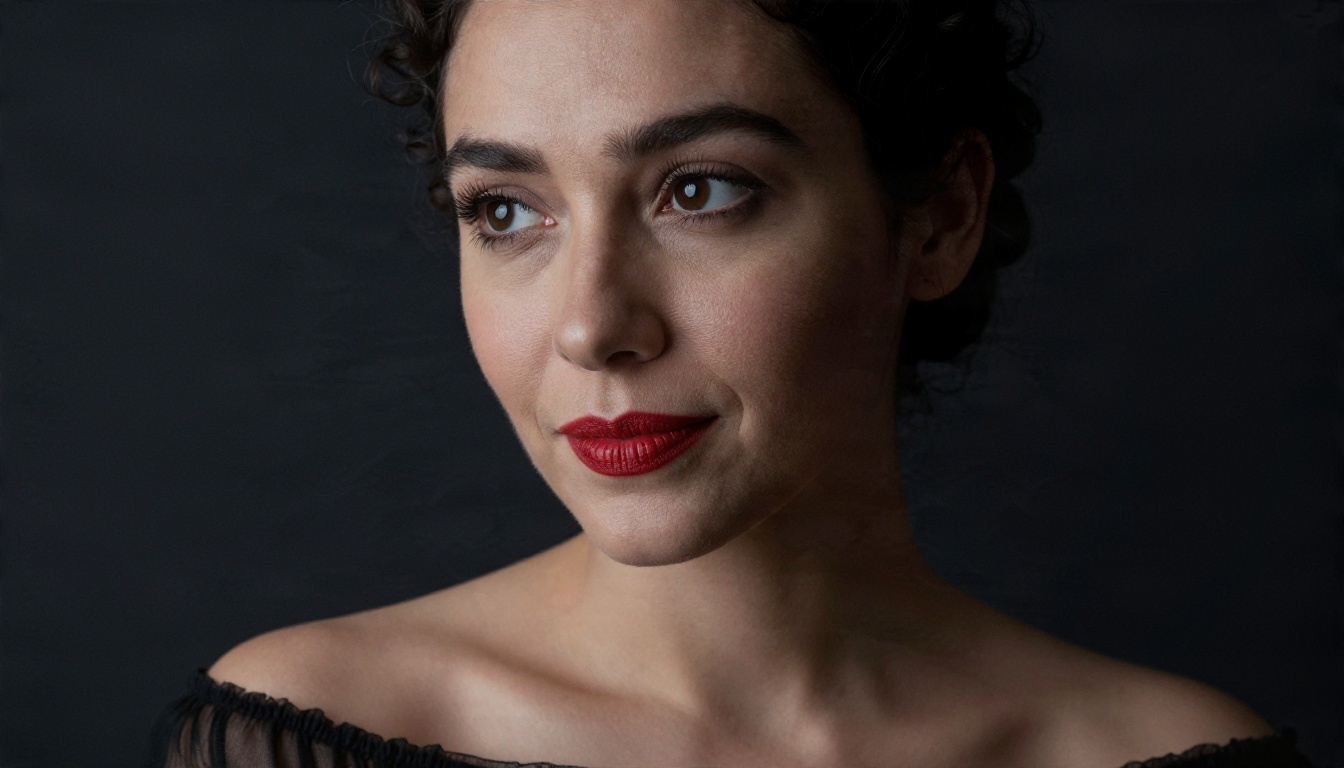
Seedream 4.5 is the first model to try for tasteful adult imagery. It produces sharp, photorealistic portraits with convincing skin texture, fabric and lighting, and it does not shut down at the first suggestive keyword the way many chat assistants do. Describe the outfit, the room, the light direction and the lens, and it follows closely. Speed is good too, so you can iterate several times in a few minutes.

PicassoIA Image Editor Pro for unlimited edits
PicassoIA Image Editor Pro is built for repeated tweaking, and generations are unlimited. That changes how you work: instead of rationing attempts, you can adjust an outfit color, change the background or refine lighting over and over until the frame looks right. It is the best answer to the "chat limit" problem, because there is no counter to watch.
More models worth a test
After those two, these models are good second options:
💡 Why it matters: An image model with no message counter and a lenient approach to tasteful adult content removes the two biggest pain points of chatbot-based workflows: sudden refusals and invisible limits.
How to Use DeepSeek V3 on PicassoIA
You can also use DeepSeek itself on PicassoIA. DeepSeek V3 is available there, alongside DeepSeek V3.1 and DeepSeek R1. Using a hosted copy sidesteps the busy-server problem of the public chat app. The same content boundaries still apply, so keep your prompts suggestive and non-explicit.
Step by step
- Open the DeepSeek V3 page and start a new session.
- Paste a character card or scene setup as your first message.
- State the tone and the boundary in plain words.
- Set a reply length so the thread stays tight.
- Ask for image prompts when you want a visual, then paste them into Seedream 4.5.
Parameter tips
- Temperature: around 0.7 to 0.9 gives livelier dialogue without drifting off topic.
- Max tokens: keep it moderate so replies stay focused.
- Model choice: use V3 for fast drafting, V3.1 for longer writing, and R1 when you want it to reason through a plot before writing.
A simple text to image workflow
- Ask DeepSeek V3 for three photorealistic prompts in a given setting.
- Pick the best one and add your own lens and lighting details.
- Generate it in Seedream 4.5, then refine in Image Editor Pro.
- Repeat with a new outfit or location.

A Short Prompt Checklist
Run through this before you hit send:
- Is every character clearly an adult?
- Did I give a setting, a mood and a length?
- Did I say "suggestive, no graphic detail" in my own words?
- Is this about a fictional character, not a real person?
- Would a one-scene request work better than a long one?
If you can answer yes to all five, your odds of a smooth reply go up sharply.

Start Creating Your Own Images
The pattern is clear: DeepSeek is a capable, fairly relaxed writing partner for romantic and suggestive fiction, but it has fuzzy limits, no visible counter and the occasional abrupt refusal. Use it for what it does best, which is story, dialogue and prompt drafting, and hand the visuals to a model built for them.
Try the workflow today. Write a scene with DeepSeek V3, turn it into an image prompt, render it in Seedream 4.5, and refine it with Image Editor Pro, where generations are unlimited. When you want to test more options, browse every model at picassoia.com/en/all-models and see which one fits your style. Your next favorite image is one good prompt away.


