Typing "DeepSeek nude AI" into a search bar usually means one of three things: you want to know if DeepSeek will generate nude pictures, you hit a refusal and want a way around it, or you just need a tool that does the job without a lecture. The short answer is no, DeepSeek is not built for that, and the workarounds you will find on forums mostly waste your time. The better answer is that other image models, several of them free to try, produce glamour, bikini, lingerie and boudoir photography with far fewer restrictions. This article sorts out what DeepSeek does, what it blocks, and where to go instead.
What DeepSeek Actually Does
DeepSeek is a text model first
Most people meet DeepSeek through its chatbot. Under the hood it is a family of large language models built to write, code and reason. On PicassoIA you can try DeepSeek R1 for step-by-step reasoning, DeepSeek V3 for general text and code, and DeepSeek V3.1 for a mix of writing and reasoning in one model.
None of these draws pictures. They output words. If you ask the chat for a nude photo, the best it can do is write a text description, and in many cases it will decline even that once the request turns explicit.
Janus Pro, the image side
DeepSeek did release an image model called Janus Pro, an open-weights multimodal model that arrived in early 2025. It can understand pictures and generate them, but its output is modest next to current photorealistic models. Skin texture, hands and lighting fall behind what newer image generators deliver, so even people who run it locally rarely get results worth sharing.
💡 Quick fact: The DeepSeek chat app, the DeepSeek text models and Janus Pro are three different things. A refusal in one does not tell you how the others behave.
Is Nude Content Allowed?
What the chatbot refuses
The official DeepSeek chat treats explicit sexual content as off limits. Ask for nudity, graphic descriptions or erotic roleplay and you will typically get a polite refusal or a deflection to a safer topic. Suggestive but tame requests, such as a flirty character description or a romantic scene that fades to black, are more likely to go through.
That makes the behavior similar to most mainstream assistants. The line sits roughly at "romantic and sensual" versus "explicit".
| Request type | Typical DeepSeek chat result |
|---|
| Romantic story, fade to black | Usually allowed |
| Swimwear or lingerie description in text | Often allowed, tone matters |
| Explicit sexual text | Usually refused |
| Nude image generation | Not possible in the chat, text only |
| Editing a real person's photo into nudity | Not supported and not acceptable |
Hosted versions add filters
Janus Pro is also offered through third-party hosting services, and those providers tend to add their own safety layer. Some return a flag when an output looks explicit, and some block the image and still charge for the run. So even if the open weights are permissive, the place you use them from decides what comes out.
Self-hosted copies and the catch
Because the weights are public, a person running Janus Pro on their own machine has no built-in gatekeeper unless they add one. That sounds appealing until you try it. You need a capable GPU, a working Python environment, and patience, and the picture quality is still below the best commercial and open models. For most readers, the effort is not worth the result.
Why Workarounds Fail
Jailbreak prompts waste time
Search the web and you will find "magic" prompts that claim to turn DeepSeek into an unrestricted writer. They get patched, they behave inconsistently, and the best case is still text, not an image. You spend twenty minutes pasting long prompts and end up with a paragraph. Meanwhile an image model would have given you a finished picture in seconds.
Risks of shady "nude AI" sites
Many sites ranking for this keyword are not what they claim. Common problems:
- Upload traps: you hand over personal photos to an unknown operator with no deletion policy.
- Hidden subscriptions: a "free" trial that bills you after a day.
- Fake DeepSeek branding: the site has no connection to DeepSeek at all.
- Face-swap abuse tools: services designed to violate real people, which you should never use.
⚠️ Rule of thumb: If a site asks you to upload a photo of someone else, close the tab. Only work with images you created or have full rights to, and only depict adults.
Free Alternatives That Work
If what you really want is beautiful, adult-oriented glamour imagery, such as bikini shots, boudoir portraits, lingerie editorials and implied artistic styling, then pick an image model that is made for photography instead of forcing a language model to do it.
| Model | Best for | Why pick it |
|---|
| Seedream 4.5 | Photorealistic glamour portraits, up to 4K | Sharp skin detail, strong lighting, loose enough for boudoir and swimwear |
| PicassoIA Image Editor Pro | Editing and restyling your own images, unlimited runs | No generation caps, quick iteration |
| Z Image Turbo | Fast drafts | Sharp results in seconds |
| Flux 2 Klein 9B Base LoRA | Styled looks | Good for fine control over mood |
Seedream 4.5 comes first
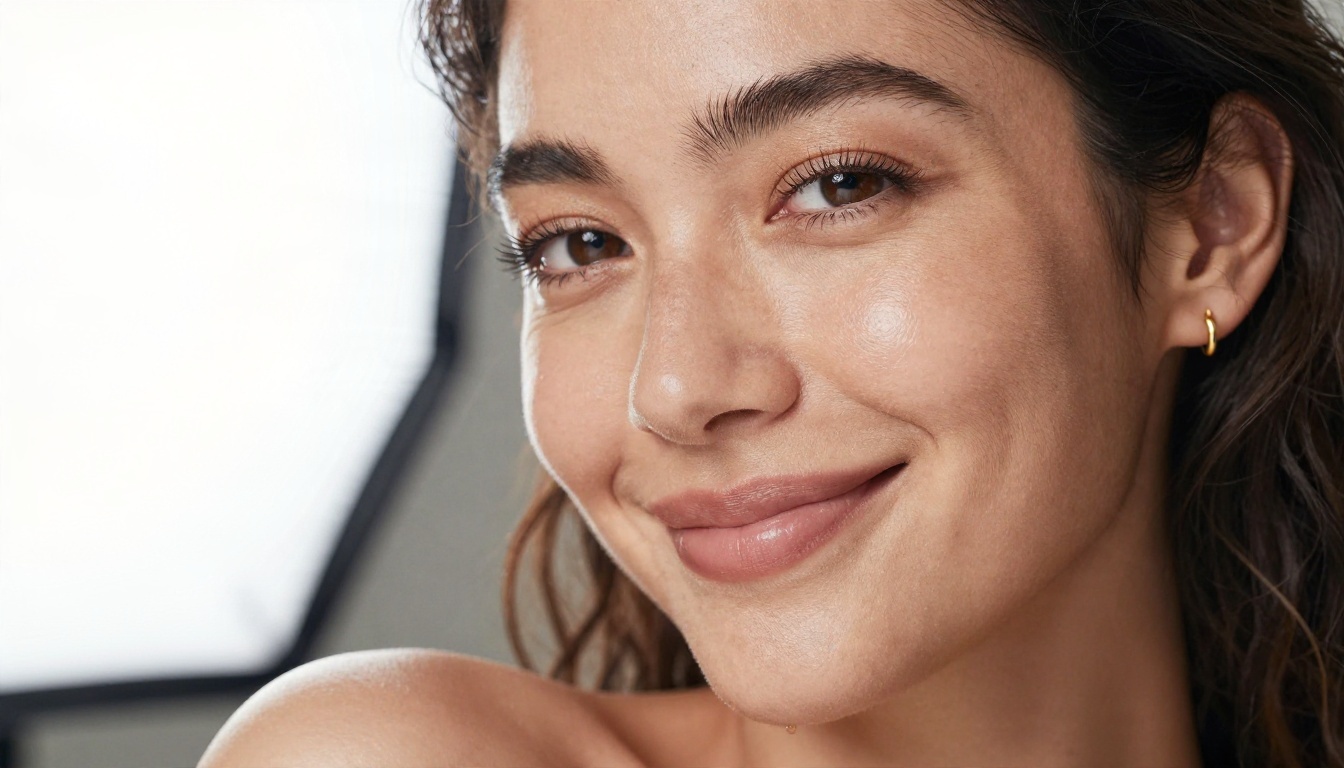
Seedream 4.5 is the model to start with for this kind of work. It renders skin the way a camera does: pores, freckles, small flyaway hairs, believable shadows on the collarbone. It handles fabric well, which matters for silk, lace and satin. It also accepts prompts for swimwear, lingerie and sensual poses that mainstream chat tools tend to refuse, so you can work without a wall of warnings. The result stays suggestive and attractive, not explicit.
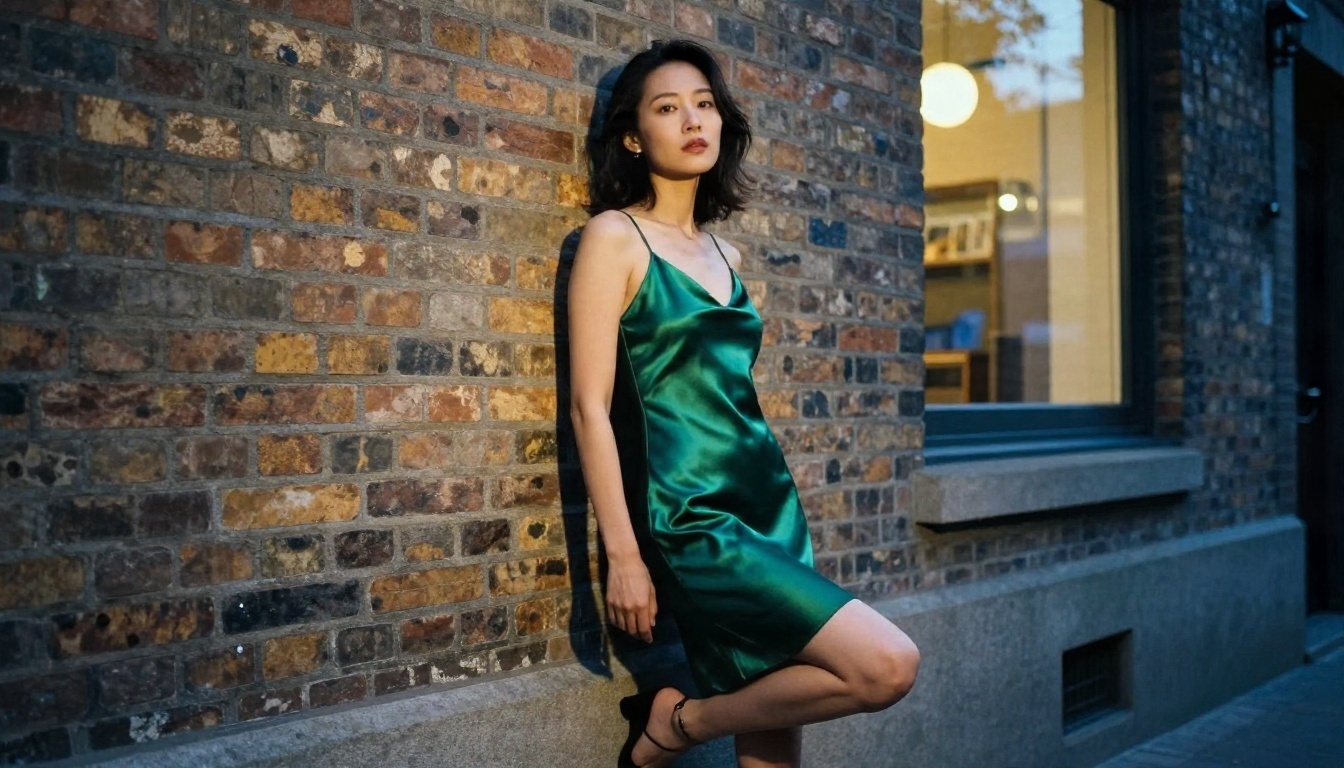
Image Editor Pro for unlimited runs
Once you have a base image, PicassoIA Image Editor Pro is where you iterate. The big draw is unlimited generations, so you can try ten variations of lighting, outfit color or background without watching a credit counter. It is quick, and it works well for adjusting a shot you already like: change the robe from ivory to black, move the scene from a bedroom to a terrace, soften the grain.
💡 Tip: Generate your first image in Seedream 4.5, then bring it into Image Editor Pro for the small changes. That split saves time and keeps your best frame intact.
Other fast options
When you only need rough drafts to test a concept, Z Image Turbo produces sharp frames in seconds. For stylistic control, Flux 2 Klein 9B Base LoRA is worth a try. Browse the full catalog at picassoia.com/en/all-models.

How to Get Similar Results on PicassoIA
DeepSeek will not give you the picture, so here is the workflow that does. It uses Seedream 4.5, the model I recommend first for glamour work.
Step by step
- Open the model page. Go to Seedream 4.5 on PicassoIA.
- Write the subject first. Start with who and what: "adult woman in her late twenties, ivory silk robe, seated on a linen bed".
- Add the setting. Hotel room, beach at golden hour, poolside deck, brick alley at dusk.
- State the light. Direction and quality matter most: "golden morning light from the left, soft rim light on hair".
- Name the camera. "85mm f/1.8, shallow depth of field, Kodak Portra 400 film grain".
- Set the ratio. Use 16:9 for wide scenes, 3:4 or 2:3 for portraits.
- Generate, then refine. Change one thing at a time. If skin looks too smooth, add "visible pores, natural skin texture".
- Polish in Image Editor Pro. Run small edits with Image Editor Pro and keep the best version.
Parameter tips
- Resolution: Go high when the model allows it. Skin detail is where cheap results give themselves away.
- Prompt length: 40 to 80 words works better than one line. Too long and elements start to fight.
- Fabric words: "silk with soft sheen", "lace with fine texture", "satin catching light" give the model something concrete.
- Avoid style traps: Words like "digital art" or "render" pull the output away from photography. Stay with photographic vocabulary.
- Seed: Keep the same seed when you want to change only the outfit or background.
Prompts That Work
Using DeepSeek to write your prompts
Here is a place where DeepSeek is genuinely useful. Use DeepSeek V3.1 as a prompt writer for the image model. It is good at expanding a short idea into a detailed photographic description, and it will happily produce suggestive but tasteful wording for swimwear or boudoir scenes. Try this request:
"Write three 60-word photography prompts for an adult woman in a sunlit hotel room wearing a silk robe. Include light direction, lens, film stock and skin texture. Keep it elegant and non-explicit."
Then paste the best result into Seedream 4.5. This two-model workflow gives you the writing strength of DeepSeek and the visual strength of an image generator. If you want deeper reasoning on a layout, DeepSeek R1 can plan a full shoot: location list, outfit sequence and lighting setups.
Prompt templates you can copy
Swap the bracketed parts and keep the structure.
Boudoir portrait
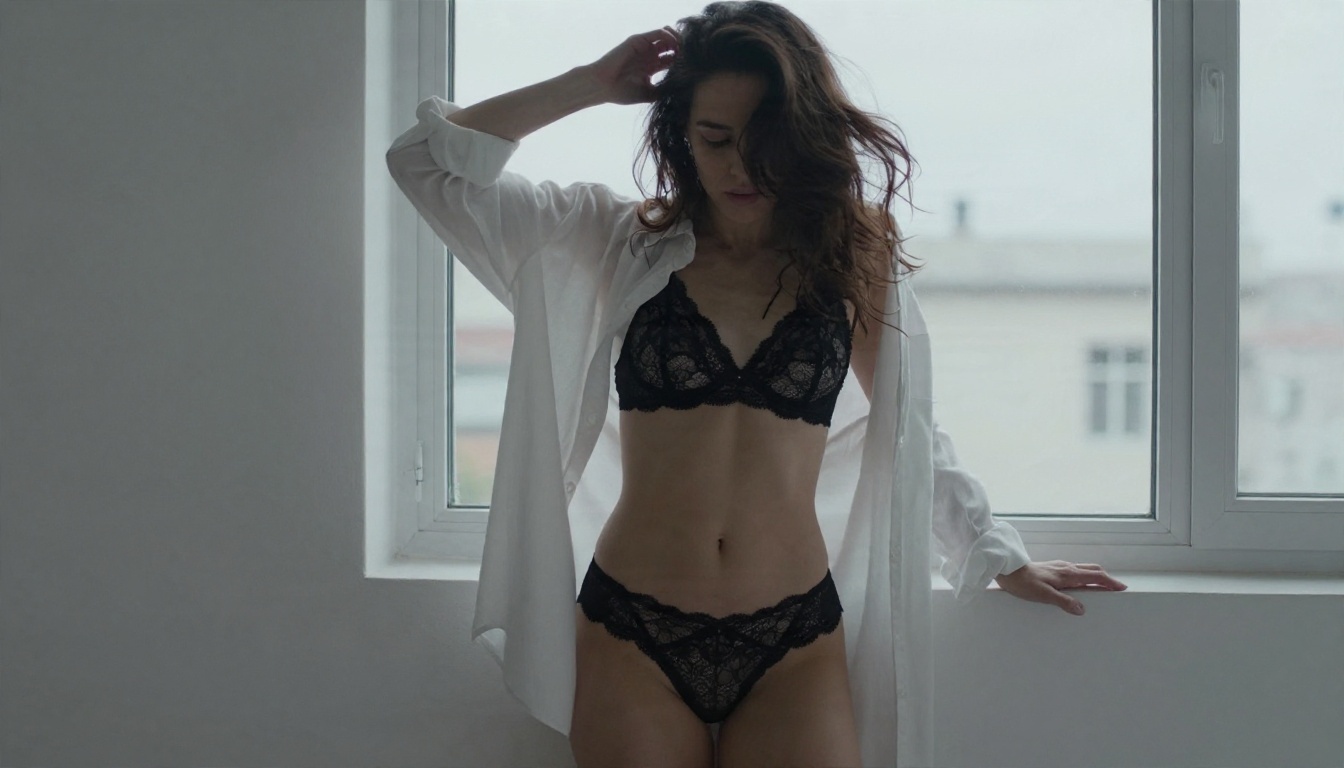
Adult woman in her late twenties, [ivory silk robe slipping off one shoulder], seated on the edge of a rumpled white linen bed, golden morning light from tall windows on the left, 85mm f/1.8, shallow depth of field, visible skin pores and freckles, Kodak Portra 400 film grain, elegant and intimate, non-explicit.
Beach editorial
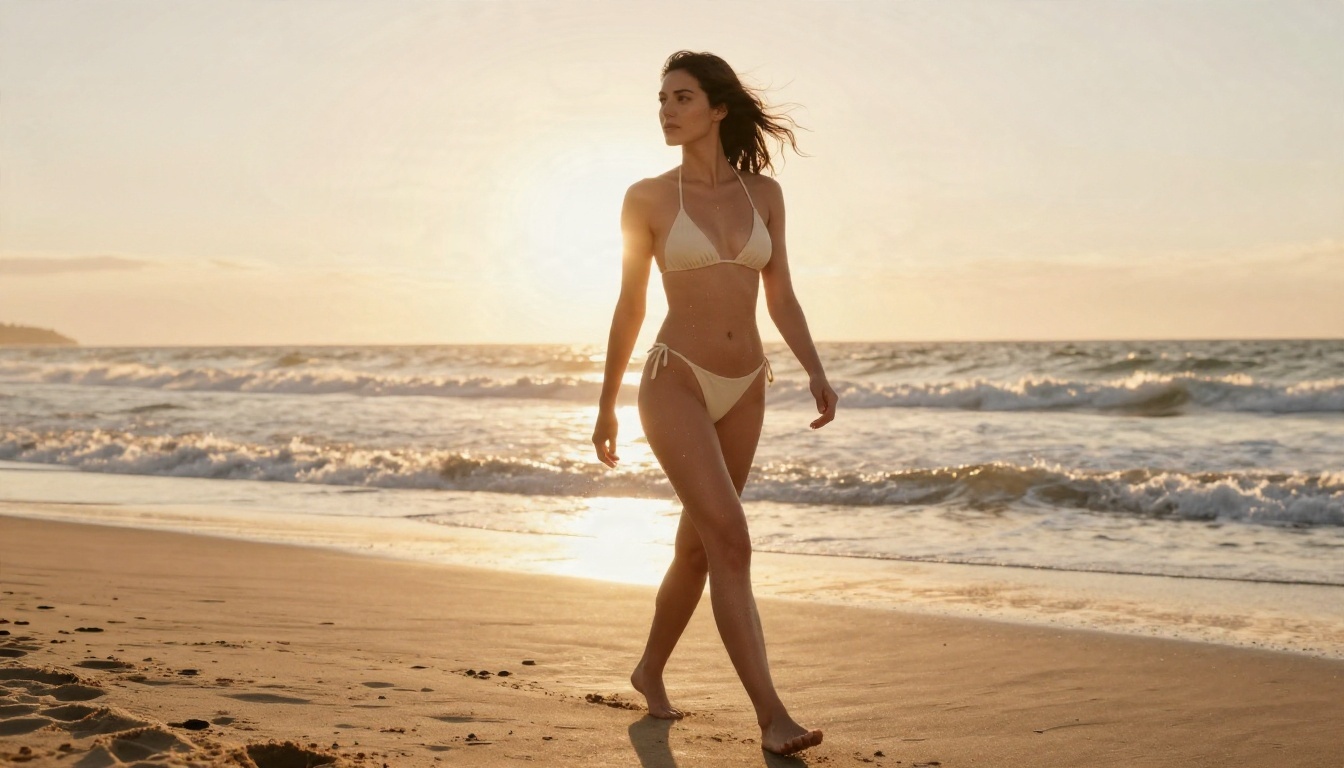
Adult woman in a [cream string bikini] walking on wet sand at golden hour, low-angle shot, warm backlight from the left, water droplets on tanned skin, 35mm f/2, natural film grain, glamorous magazine feel.
Poolside glamour
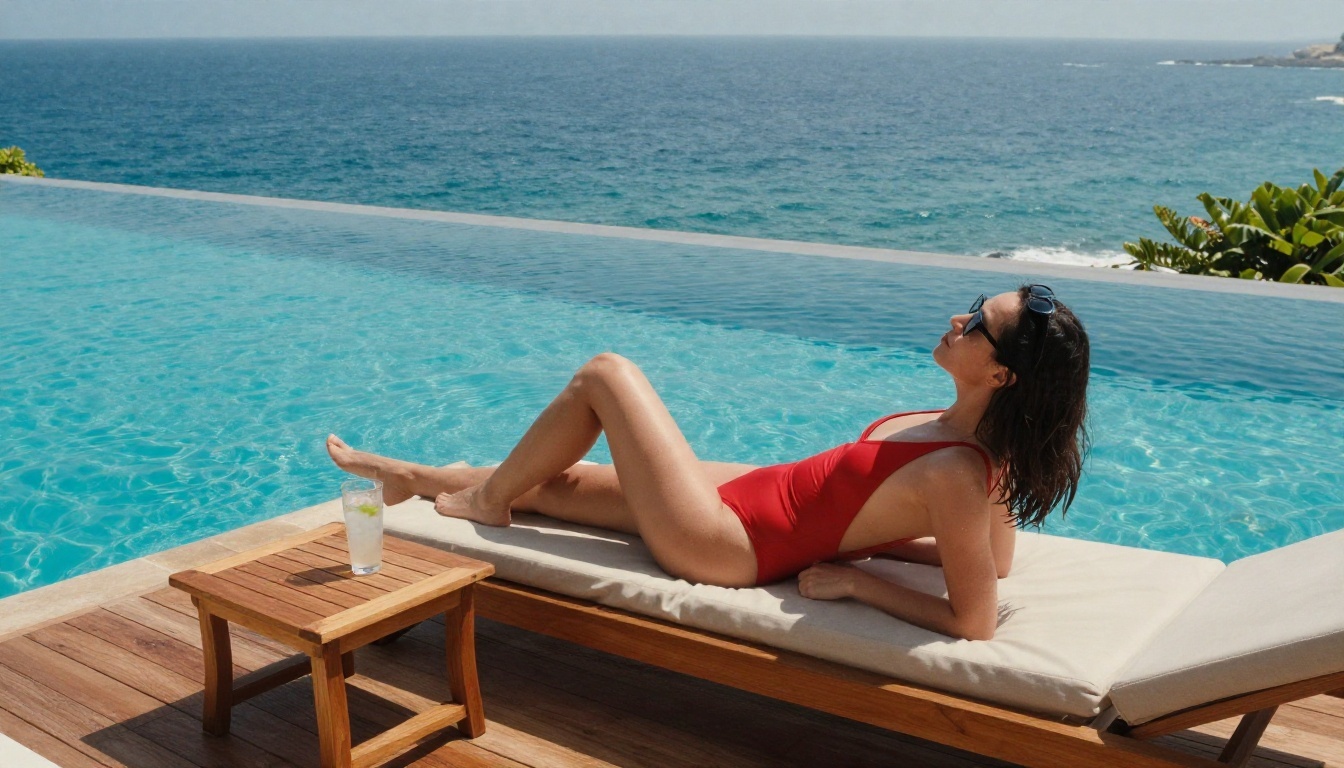
Adult woman in a [red one-piece swimsuit] on a teak sun deck beside an infinity pool, midday sun from above right with crisp shadows, 24mm wide lens, rippling water, vivid natural color.
Evening fashion
Adult woman in an [emerald satin slip dress] leaning on a brick wall in a quiet alley at dusk, warm shop light on the right mixed with blue hour ambient light, 70mm f/2, satin sheen, fine grain.
What to avoid in prompts
- Naming a real person. Never ask for a celebrity, coworker or ex.
- Describing anyone who looks young. Adults only, always.
- Piling on adjectives like "ultra sexy, hot, extreme". They lower quality. Describe light, fabric and pose instead.
Limits and Rules to Respect
Adults and consent only
Every image you create should show an adult who does not exist, or one who has clearly agreed to the use. That means invented characters, or your own photos where you decide how they are edited. Generating sexual or nude content of anyone who has not agreed is harmful, and in many places illegal.
Realistic expectations
Even the better image models have boundaries. Expect these:
- Non-explicit output: the sweet spot is suggestive and artistic, with implied styling, not pornographic.
- Occasional refusals: if a prompt gets blocked, rephrase around mood, fabric and light instead of pushing harder.
- Hands, jewelry and small text: still the places where flaws show up. Zoom in before you publish.
- Platform rules: if you post results on social networks, check each site's adult content policy first.
💡 Reality check: Good boudoir photography has always been about light, pose and fabric. The same goes for AI. The strongest images in this article come from a clear setting and a clear light source, not from pushing boundaries.
Try It Yourself
DeepSeek is a strong writer and reasoner, but it is the wrong tool for nude or adult imagery, and no prompt trick changes that in a useful way. Use it for what it does well, which is writing and refining prompts, and let an image model handle the picture.
Open Seedream 4.5 on PicassoIA, paste one of the templates above, and generate your first frame. Then move it into PicassoIA Image Editor Pro for as many variations as you like with unlimited generations. When you want more options, browse every model at picassoia.com/en/all-models and see which style fits your idea best. Start with one prompt, change one detail at a time, and you will have a portfolio of polished photographic images by the end of the evening.


