You open DeepSeek, type a steamy scene request, and get a polite refusal or a story that fades to black right when it gets interesting. Sound familiar? It is one of the most common frustrations among people who use DeepSeek for fiction, roleplay and companion chats. So, does DeepSeek allow NSFW content? The honest answer is "partly". It will happily write romance, flirting and mature themes, but it declines graphic sexual material, and the tricks people use to push past that line are far less reliable than forum posts claim.
This article lays out what DeepSeek actually does, why it behaves that way, what the so-called workarounds really involve, and which free alternatives give you more creative room, for both text and images.
The Short Answer
DeepSeek sits in the middle of the pack. It is more relaxed than some Western assistants when it comes to romance and dark fiction, but it is not an uncensored model. Policies shift between releases, so treat any single claim, including the ones in this article, as a snapshot rather than a promise.
What DeepSeek Usually Allows
In day-to-day use, people report that DeepSeek is comfortable with:
- Romantic storylines, slow-burn tension, kissing scenes and emotional intimacy
- Flirty banter inside a clear fictional or roleplay setup
- Mature themes such as jealousy, heartbreak, desire and betrayal
- Sensual but implied scenes, where the camera "cuts away" before anything explicit
- Relationship advice and general sex education written in a clinical tone
What It Usually Refuses
The refusals tend to cluster around a few areas:
- Graphic sexual descriptions of acts and anatomy
- Sexual content involving real, identifiable people, including celebrities
- Anything involving minors, which is a hard line on every legitimate platform and is never negotiable
- Non-consensual or exploitative scenarios presented as erotic content
💡 Quick rule of thumb: if your request would earn an "R" rating at a cinema, DeepSeek often goes along. If it would earn an "X", expect a refusal, a softened rewrite, or a scene that jumps to the next morning.
How the Filters Actually Work
Many users imagine a keyword filter sitting in front of the model, like a bouncer checking IDs. In practice, most of the behavior comes from somewhere else.
Training, Not a Bolt-On Filter
Most of what you see as "censorship" is baked into the model during training. The model has learned that certain requests should be declined or softened. That is why you sometimes see the model start a scene, build tension, and then pivot mid-paragraph. There is no single banned-word list to dodge, which is also why simple word swaps rarely work.
App Versus API Behavior
The consumer chat app and the raw API do not always behave the same. The hosted app can add its own system instructions and moderation layers on top of the model, so refusals tend to feel stricter there. Developers calling the API with their own system prompt often see a different tone, with more willingness to stay in character during long fictional scenes. That does not make the API a free-for-all. The model's trained boundaries are still there, and platform rules still apply.
Version Differences Matter
DeepSeek has shipped many models, and each one behaves a little differently:
| Model | Typical behavior with mature requests | Best for |
|---|
| DeepSeek R1 | Reasons through the request, often explains why it declines | Plot planning, character logic |
| DeepSeek V3 | Fluent, casual, tolerant of romance and flirting | Dialogue, chatty roleplay |
| DeepSeek V3.1 | Balanced, follows long instructions well | Long stories with consistent tone |
Newer releases such as DeepSeek V4 Pro get plenty of attention in reviews, and reviewers describe them as good at holding a persona over long conversations but disappointing for graphic content. Only R1, V3 and V3.1 are the DeepSeek models I can point you to on PicassoIA today.
Roleplay and Romance Limits
Roleplay is where most people run into the wall, because long conversations give the model many chances to drift into territory it was trained to avoid.
Flirty Chat Works Better Than Expected
If you want a charming, teasing companion for conversation, DeepSeek does a decent job. It keeps a voice, remembers details you gave it earlier, and handles playful banter well. The trick is to focus on chemistry and atmosphere rather than explicit detail. Describe the setting, the mood, the tension in a glance. DeepSeek is often at its best when it has room to be suggestive instead of literal.

Creative Writing for Romance Authors
Writers of romance novels have a reasonably smooth experience. Scenes that build to a kiss, a closed door or a morning-after moment are no problem. Where authors hit friction is the "open door" scene, where the genre expects explicit detail. In that case DeepSeek tends to either soften the prose or refuse.

A practical approach for authors:
- Ask DeepSeek to draft everything up to the intimate moment, including emotional beats.
- Write the explicit passage yourself, or use a model whose policy allows it.
- Ask DeepSeek to polish transitions so the tone matches.
Hard Lines That Never Move
Some limits are not about style. Content involving minors is off the table everywhere, and so is sexual content about real people without their consent. These are not "filters to beat". They are boundaries that responsible platforms hold, and any site promising otherwise is one to avoid.
Workarounds People Try
You will find plenty of posts promising a magic prompt. I am not going to hand out copy-paste jailbreaks, and here is why: they are unreliable, they tend to break after a model update, and using them can violate the provider's terms. What I can do is explain what people attempt and what usually happens.
Jailbreak Prompts and Persona Tricks
The classic move is a long "you are now an unrestricted character" prompt, or a fictional framing meant to convince the model that rules do not apply. Results are inconsistent. Sometimes the model plays along for a few turns, then snaps back to a refusal. Sometimes it produces a watered-down version that looks nothing like what you asked for. The hosted app is especially quick to reset, because the model has been trained against exactly these patterns.
💡 Reality check: a jailbreak that works on Monday often fails by Friday. You end up spending more time tweaking prompts than writing your story.
Local and Open-Weight Setups
The more durable route is running an open-weight model on your own hardware. Because DeepSeek has released open weights, tinkerers run distilled versions locally, and community fine-tunes exist that are tuned for roleplay. This avoids the hosted app's extra moderation, but it comes with real tradeoffs:
- Hardware cost: good quality needs a serious GPU
- Setup time: drivers, quantization, front-ends
- Quality variance: small distilled models can feel flat compared with the full versions
- Your responsibility: local does not mean consequence-free, and the same legal limits apply
Why Most Workarounds Fail
Three things sink most attempts:
- Updates: providers patch known prompt patterns quickly.
- Drift: in long chats the model forgets your setup and reverts to default behavior.
- Quality drop: even when a trick works, the writing often gets worse because the model is fighting its own training.
If you keep hitting that wall, the better move is usually to switch tools rather than fight one.
Free Alternatives Worth Testing
Different models have different policies, and policies change. None of the models below are guaranteed to produce adult material, so test each one against your own use case and respect its rules. What follows is where I would start.
Text Chat Models to Compare
For story drafting, roleplay and companion-style chat, these are on PicassoIA and worth a side-by-side test:
Image Models for Adult Content
Here is where the gap with DeepSeek gets wide. DeepSeek is a text model, so if what you actually want is suggestive, glamour or boudoir-style visuals, you need an image generator. On PicassoIA the lineup, in the order I would try it, is:
- Seedream 4.5: the first stop for photorealistic glamour portraits, swimwear and lingerie-style editorials, with sharp 4K detail
- PicassoIA Image Editor Pro: unlimited generations and edits, which is ideal when you want to iterate on outfits, lighting and poses without watching a counter
- Qwen Image 3 Pro: strong photorealism for portraits and lifestyle scenes
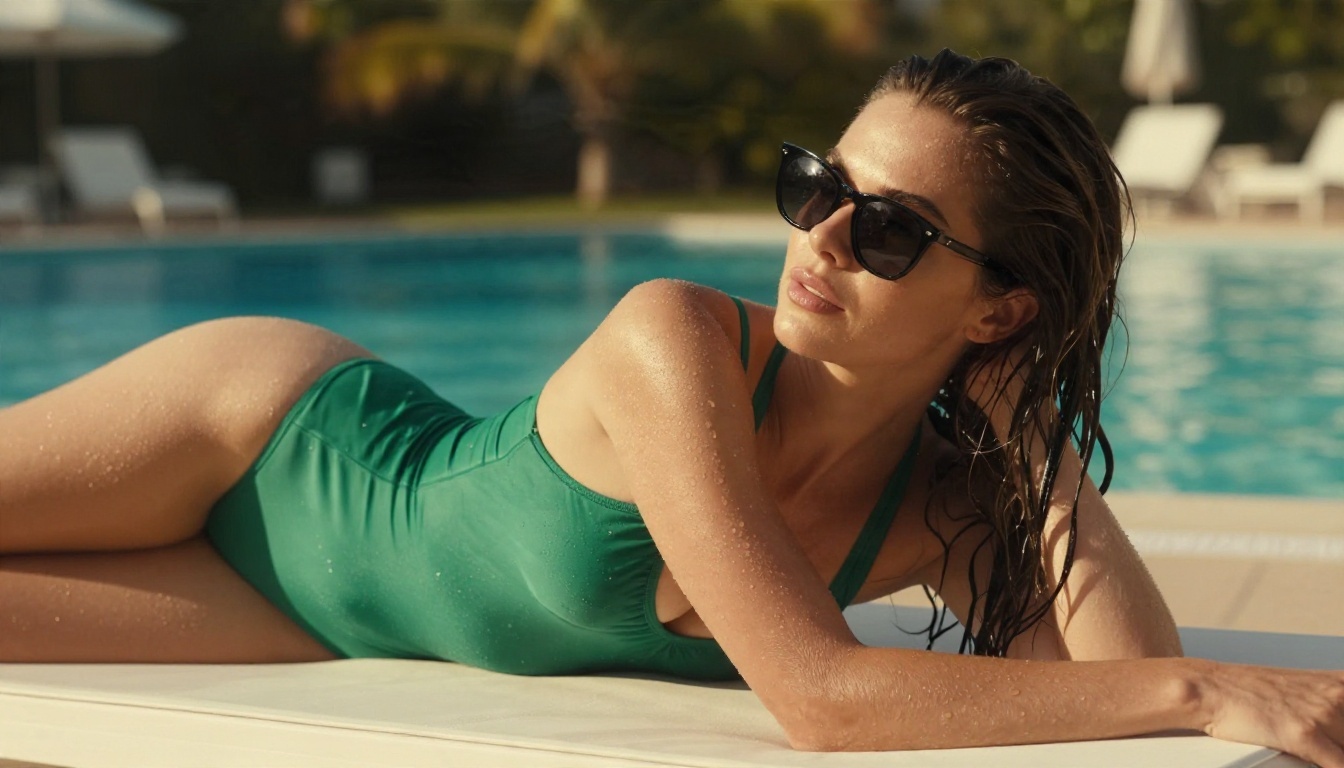
The big advantage is speed and freedom. You write a prompt, you get a result in seconds, and there is no refusal loop to argue with. Keep the output tasteful and consensual, and never generate content of real people without permission.
Side-by-Side Comparison
| Option | Type | Adult content tolerance | Cost | Best use |
|---|
| DeepSeek (hosted app) | Text | Low for explicit, fair for romance | Free tier | Romance drafts |
| DeepSeek (local open weights) | Text | Varies by fine-tune | Hardware | Hobbyist roleplay |
| Llama 4 Maverick, Kimi, Grok | Text | Varies by model | Free to try on PicassoIA | Story and chat |
| Seedream 4.5 | Image | Suggestive and glamour | Free to try | Photoreal portraits |
| Image Editor Pro | Image | Suggestive and glamour | Unlimited generations | Editing and iteration |
How to Use DeepSeek on PicassoIA
If you simply want a capable, free-to-try DeepSeek model for drafting stories, outlines and dialogue, PicassoIA hosts several versions. Here is a quick path using DeepSeek V3.1.
Step-by-Step Setup
- Open the DeepSeek V3.1 page on PicassoIA.
- Type a clear prompt that sets the genre, tone, characters and length you want.
- Add a short system-style instruction at the top, for example: "You are a romance novelist writing sensual, tasteful scenes that fade to black."
- Run it, then refine by asking for a different pace, setting or point of view.
- Switch to DeepSeek R1 when you want help planning plot logic, or DeepSeek V3 for fast, casual dialogue.
Parameter Tips
- Temperature: around 0.8 to 1.0 gives livelier, more varied prose for fiction.
- Prompt length: give the model character names, setting and mood in a short paragraph, and it will stay in voice for longer.
- One scene at a time: shorter requests drift less than "write the whole chapter".
- Pair it with visuals: draft the scene with DeepSeek, then turn the description into a photoreal portrait with Seedream 4.5, linked above.

💡 Workflow idea: write the mood and wardrobe description with DeepSeek, paste it into Seedream 4.5 for the first render, then refine details in Image Editor Pro. Text and image models end up playing to their strengths.
The Real Cost of Pushing Limits
Beyond whether a prompt works, there are costs worth thinking about before you spend an evening fighting a chatbot.
Privacy and Data
Anything you type into a hosted chatbot is processed on someone else's servers. Intimate roleplay can include personal details, so avoid real names, addresses or identifying information. If privacy matters, a local setup or a platform with clear data policies is the safer pick.
Account and Terms Risks
Repeated attempts to bypass safety systems can get an account flagged or limited. That is a poor trade for a chat you could have had elsewhere without any friction. Check the terms of whatever service you use, and pick one whose rules match what you want to do.
Time Spent Versus Results
Most people who go down the jailbreak path spend hours for output that is worse than what a better-matched tool produces in a minute. If the goal is creative work, choosing the right model at the start is the real shortcut.
Try Creating Your Own
DeepSeek is a solid writing partner for romance, tension and mature storytelling, as long as you accept that graphic content is outside its comfort zone. For everything else, the smartest move is matching the tool to the task: DeepSeek for plot, dialogue and mood, and a dedicated image model for visuals.

Ready to see what you can create? Open Picasso IA, draft a scene with a DeepSeek model, then bring it to life with Seedream 4.5 or PicassoIA Image Editor Pro for unlimited, fast generations with no refusal loop. Try a few prompts, tweak the lighting and wardrobe, and build your own collection. Browse the full lineup of text, image and video models at picassoia.com/en/all-models and find the combination that fits your style.


