Short answer: no, Gemini does not write explicit sexual content. If you ask for a graphic scene, you will get a polite refusal, a watered-down rewrite, or a story that cuts away right when things heat up. But that is only half the picture. Gemini is perfectly happy to write romance, slow-burn tension, flirty dialogue and sensual atmosphere, and the gap between "refused" and "allowed" is wider than most people expect. This article shows where the line sits, which prompts get you the most out of it, and where to go when you want adult visuals without a filter standing in the way.
The Short Answer
Google's published policy for Gemini says the model should not produce pornography or erotic content, including graphic descriptions of sexual acts or explicit depictions of sexual body parts. As far as I could find, there is no adult mode, no age-verified toggle and no setting that changes this. The same rules apply to the chat app, to image requests and to the lighter models.
💡 Quick take: Gemini writes sensual. It does not write explicit. Plan your prompts around that distinction and you will hit far fewer walls.
What Gemini Allows
In practice, these requests go through without drama:
- Romance fiction with kissing, longing, jealousy, wedding nights implied rather than shown
- Flirty dialogue between adult characters, texting scenes, dating app banter
- Sensual atmosphere: candlelight, silk, tension, a hand on a waist, a door closing
- Fade-to-black scenes where the narrative cuts away before anything graphic
- Adult relationship advice, intimacy communication, health questions asked in a factual tone
- Character development for romance novels, including desire and attraction as emotional beats

What Gemini Refuses
These requests will almost always trigger a refusal or a heavy rewrite:
- Graphic descriptions of sex acts or explicit anatomy
- Erotica written for arousal rather than story
- Sexual role-play where the model plays a partner
- Sexual content involving real, named people
- Anything sexual involving minors, which is blocked absolutely and is never a gray area
- Sexual violence presented in a graphic or glorifying way
| Request type | Gemini behavior | Typical result |
|---|
| Romantic short story | Allowed | Full scene, emotional focus |
| Steamy kiss and tension | Allowed | Sensual, suggestive prose |
| Implied intimacy, cut away | Allowed | Fade-to-black ending |
| Graphic sex scene | Blocked | Refusal or sanitized rewrite |
| Sexual role-play as a partner | Blocked | Refusal, redirect to safer topic |
| Explicit image of a person | Blocked | Image refusal |
| Sexual health information | Allowed | Factual, clinical answer |
Why Google Draws the Line
Gemini is a mass-market assistant that ships inside a search engine, a phone operating system, school accounts and workplace tools. That context explains almost every decision about its limits.
Policy Wording in Plain English
The rules boil down to three ideas. First, the model should not describe or depict explicit sexual acts. Second, it should not generate sexual body parts in an explicit manner. Third, it should not treat erotica as a product it will deliver on demand. Calling a request "art," "a novel" or "research" does not change how the filter reads the output. What matters is how graphic the actual generated text or image is, not the label you put on the request.
Why Filters Sometimes Misfire
Safety systems read patterns, not intent, so you will occasionally get a refusal on something harmless. Common false alarms include:
- A medical question that uses clinical anatomical terms
- A romance chapter that contains one blunt word surrounded by otherwise tame prose
- A swimwear or fashion description that sounds more suggestive than it is
- Long roleplay threads where earlier messages pushed the tone too far
If you hit a false alarm, the fix is usually to rephrase calmly and add context, not to argue with the model. More on that below.
Prompts That Actually Work
The trick is to ask Gemini to do what it is good at: emotion, tension, pacing and detail that is sensory but not graphic. Here are patterns that tend to land well.

Romance With a Fade to Black
Give it the destination and tell it where to cut. For example:
"Write a 600-word scene where two adult characters, Maya and Daniel, finally admit their feelings after a long dinner. Build the tension slowly, focus on glances, breath, and small gestures. End the scene as they close the apartment door behind them."
This gives Gemini a clear emotional arc and a safe cutoff point. The result is usually far better than a vague request for "a steamy scene."

Sensual Tone Without Graphic Detail
Ask for mood through the senses instead of through anatomy. Useful ingredients:
- Touch: the texture of fabric, warmth of skin, the weight of a hand
- Sound: a slow song, rain on glass, quickened breathing
- Light: candles, a single lamp, streetlight through blinds
- Subtext: what the characters are not saying out loud
A prompt like "Write the same scene with more slow-burn tension and sensory detail, but keep it suggestive rather than explicit" often gets you the most vivid version Gemini can deliver.
Rewriting a Refused Request
When Gemini declines, do not repeat the same request louder. Try this three-step reset:
- State the story goal: "This is chapter 12 of a published-style romance novel for adult readers."
- Name the emotional beat: "The goal of the scene is vulnerability and trust."
- Set the boundary yourself: "Keep the physical details implied and cut away at the bedroom door."
💡 Pro tip: Give Gemini a character sheet with names, ages (adults only), personalities and relationship history before you ask for scenes. Better context means better chemistry on the page and fewer false-alarm refusals.
What Not to Bother Trying
You will find forum threads promising a secret prompt that switches Gemini into "adult mode." Save your time.
Jailbreaks and Persona Tricks
"Pretend you are an unfiltered AI," role-play wrappers, fake developer modes and translated prompts are patched constantly. At best they work for one message and then break. At worst they get your account flagged. I am not going to hand out a workaround, partly because it would be outdated within weeks, and partly because the better move is simply using a tool whose rules match what you want to do. Which brings us to the options below.
Gemini Image Generation Limits
Image requests follow the same policy, and in many cases an even stricter filter. Expect refusals for:
- Nudity or near-nudity presented in a sexual way
- Realistic images of identifiable real people in suggestive situations
- Fetish content or explicit poses
Some swimwear, fashion and glamour images pass, but the results are inconsistent. The same prompt may work once and fail the next time, which is frustrating if you are building a consistent set of visuals.
Text Alternatives to Gemini
Be realistic about this part. Almost every major chat model, from Gemini to the big GPT and Claude families, applies content rules to sexually explicit writing. Switching brands will not turn a mainstream assistant into an uncensored one, so choose a text model for how well it writes, not for a promise of no limits.
Other Chat Models on PicassoIA
If Gemini's writing style is not clicking, these models are worth a try for romance and sensual fiction within normal limits:
Use Gemini 3.5 Flash on PicassoIA
If you want to keep working with Gemini for the sensual-but-not-graphic side of your writing, Gemini 3.5 Flash is quick and easy to run next to the other models above:
- Open the Gemini 3.5 Flash page on PicassoIA.
- Paste your character sheet and scene goal into the prompt box.
- State the boundary yourself, for example "suggestive, cut away before anything graphic."
- Ask for 400 to 700 words per scene so the pacing stays tight.
- Run the same prompt on a second model and keep the version with the better voice.
💡 Parameter tip: Keep scenes short and iterate. Three focused 500-word drafts beat one 2,000-word attempt that drifts off tone.
Uncensored Visuals on PicassoIA
Here is where the "uncensored" part of the title actually applies. For adult glamour, boudoir, swimwear and sensual portrait visuals, image models are far more flexible than chat assistants. On PicassoIA the goal is beautiful, suggestive and attractive imagery without a filter blocking every second prompt, and generation is fast.
Seedream 4.5 First
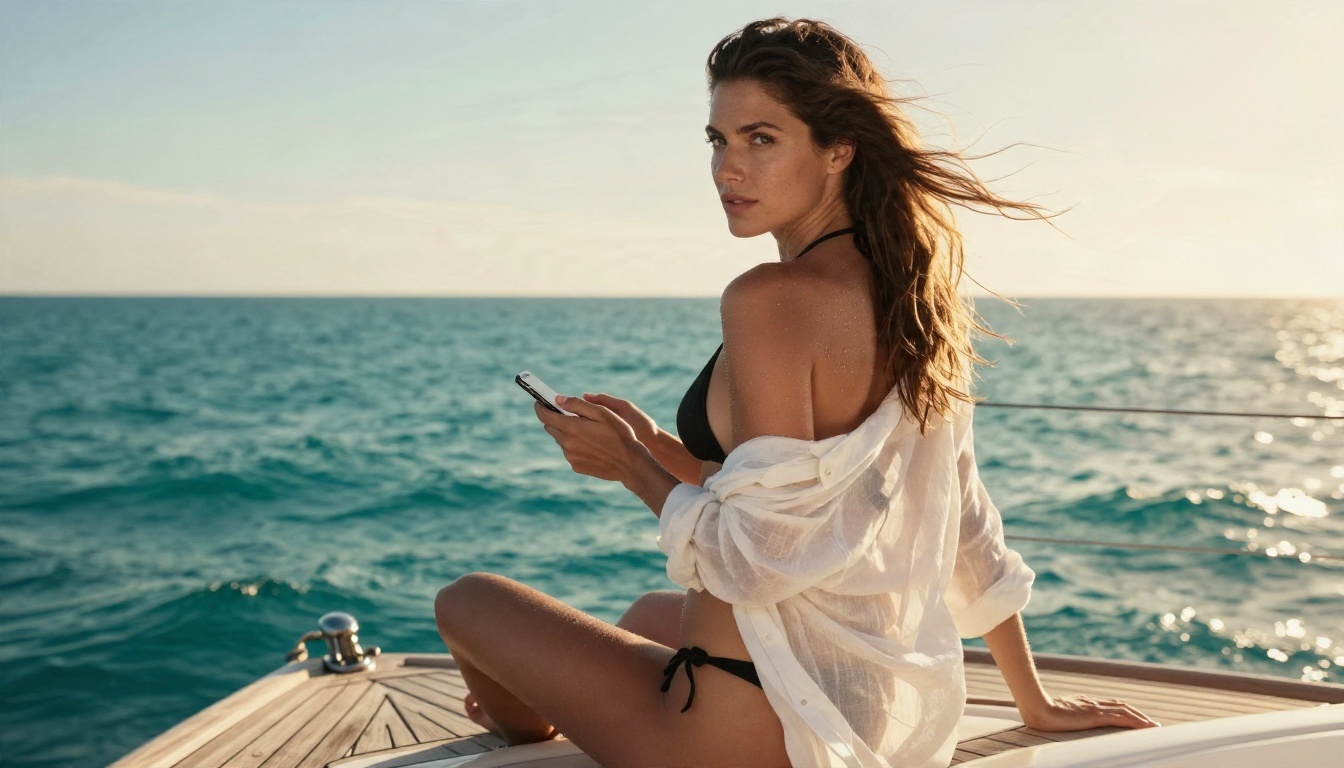
Seedream 4.5 is the model to start with. It handles skin texture, fabric, lighting and glamour poses with a photographic feel, and it does not shut down adult-themed aesthetics the way mainstream assistants do. It produces sharp images up to 4K, so portraits, lingerie-style editorials and swimwear shots hold up when zoomed in.

A prompt pattern that works well:
"Editorial studio portrait of a woman in a burgundy satin robe off one shoulder, seamless warm grey backdrop, large softbox from the left, 105mm lens, visible skin texture, Kodak Portra 400 film grain, photorealistic."
The recipe is subject, wardrobe, setting, light direction, lens and film stock. Photographic terms steer the model toward realistic results instead of a plastic look.
Image Editor Pro for Unlimited Edits
PicassoIA Image Editor Pro is the second stop, and the standout feature is unlimited generations. When you are trying to nail a pose, an outfit or a lighting setup, you can iterate dozens of times without watching a credit counter. It is also built for editing: change an outfit, adjust a background, refine a face, or restyle a photo you already have.
Other Models Worth Trying
Once you have your base look, these models give you different flavors of the same idea:
💡 Honest note: PicassoIA aims at beautiful, suggestive and glamorous imagery: swimwear, boudoir, silk, lace, artistic portraiture. It is a creative tool for adults, not a place for pornographic content, and the examples above reflect that.
Gemini vs PicassoIA Options at a Glance
| Need | Gemini | Better option |
|---|
| Romance story with fade to black | Works well | Gemini, Claude Sonnet 5 |
| Graphic written erotica | Blocked | Not offered by mainstream chat models |
| Sensual photo-style portraits | Inconsistent | Seedream 4.5 |
| Swimwear and glamour sets | Hit or miss | Image Editor Pro |
| Outfit or background edits | Limited | Image Editor Pro |
| Many iterations without limits | Quota applies | Image Editor Pro (unlimited) |
Try It Yourself on PicassoIA
If you came here wondering whether Gemini would write the scene you had in mind, you now know the answer and the workaround that actually holds up: let Gemini handle the story and the tension, and let an image model handle the visuals.

Here is a simple plan for your next session:
- Draft your romance scene in Gemini 3.5 Flash or Claude Sonnet 5, using the fade-to-black prompt pattern.
- Pull the mood, wardrobe and setting from your scene into an image prompt.
- Generate the first look with Seedream 4.5.
- Refine outfits, poses and lighting with PicassoIA Image Editor Pro, where generations are unlimited.
- Browse everything else at picassoia.com/en/all-models and mix models until the style is yours.
Experiment freely, run the same prompt through two or three models, and keep what looks best. Start with one scene and one portrait today, and see how far a fast, unlimited workflow takes your next story or photo set.


