Short answer: sometimes, and only inside a narrow lane. Grok Imagine became famous in 2025 because it shipped with a "Spicy" setting that produced suggestive, partly nude content, and that reputation still drives most searches today. But the rules have tightened since then, the filters behave differently depending on your account, and anything involving a real person is off the table. If you want to know what you can actually generate, where the walls are, and what to use when Grok says no, this is the breakdown.
What Grok Imagine Actually Allows
Grok Imagine is xAI's image and short video generator, built into the Grok app and the Grok website. From the start it was looser than rivals like Google's Gemini tools or OpenAI's image models, which refuse almost anything suggestive. That looseness is why people ask whether Grok AI generates NSFW images at all.

Here is the practical picture for adults using it in late 2026:
- Suggestive glamour of fictional adults: swimwear, lingerie style outfits, boudoir poses and sensual lighting are the zone where Grok is most permissive.
- Partial nudity of invented adults: reporting has described upper body nudity of imaginary adults being tolerated under adult content settings, though this is the least stable part of the system.
- Explicit sexual acts: not a supported use. Pornographic output is outside the rules even when a filter occasionally slips.
- Real people: blocked, and this is where xAI has been under the most pressure.
💡 Quick rule of thumb: the more a prompt looks like "a fictional adult in a glamorous photoshoot," the more likely Grok is to respond. The more it looks like "a specific named person," the faster it shuts down.
The Difference Between Image and Video
Grok Imagine started as a video-first tool with image generation alongside it. Moderation is applied separately to prompts, uploaded photos and the finished output, so a prompt that passes can still be blocked at the last step. You will sometimes see a blurred or "moderated" tile instead of your result. That is the output filter, not an error.
What "NSFW" Means Here
Most people searching this phrase mean one of three things: a bikini or lingerie photo, artistic nudity, or fully explicit content. Grok handles the first reasonably well, the second inconsistently, and the third not at all by design. Keep that split in mind because articles that say "Grok allows NSFW" or "Grok bans NSFW" are both partly wrong.
How Spicy Mode Changed the Rules
When Grok Imagine launched in August 2025, Spicy Mode was one of four presets, alongside Custom, Normal and Fun. It generated more revealing results and drew immediate criticism, including reports that it could produce sexualized clips of celebrities.
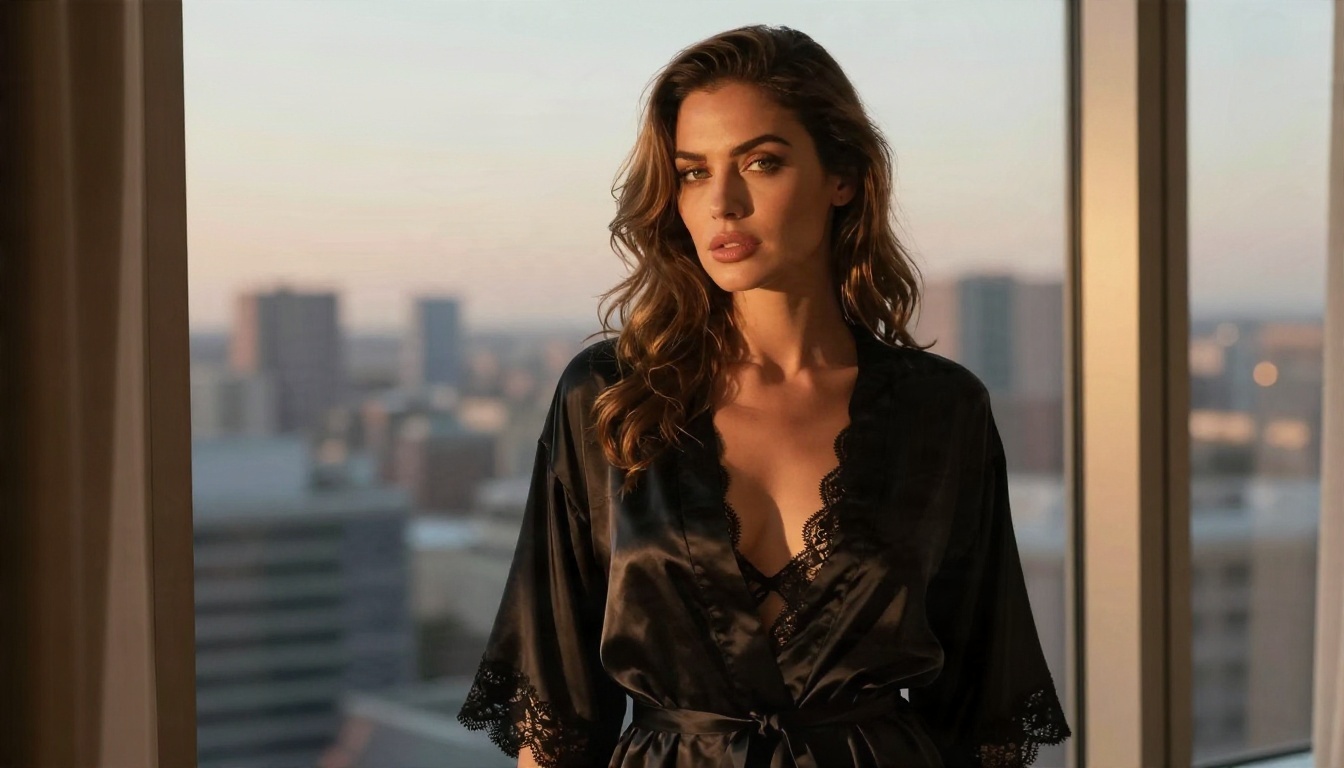
Then came the backlash of January 2026. After widespread reports of users asking Grok to "undress" photos of real women and, in some cases, minors, X announced that editing real people into revealing clothing such as bikinis would be blocked for everyone, including paying subscribers. It also said it would geoblock that kind of generation in regions where it is illegal. Regulators in several countries opened inquiries, and the company tightened its filters.
Where Spicy Mode Stands Now
This is the part where honest answers get messy. Some sources say the explicit preset was removed. Others report that visibility depends on your account, region, app version and whether you use the consumer app, the website or the API. I could not find a clear official statement describing the current status, so treat any claim of "Spicy Mode is fully on" or "fully gone" with caution and check the app you actually use.
What Later Reports Found
Even after the January changes, researchers and journalists kept reporting that some sexualized material of real women still got through, especially via workarounds. Those reports are about failures of enforcement, not about permission. If you plan your workflow around loopholes, expect it to break without warning.
| Period | What happened | Effect for users |
|---|
| August 2025 | Grok Imagine launches with Spicy Mode | Suggestive and partly nude fictional content possible |
| Late 2025 | Reports of celebrity deepfakes | Public and regulatory pressure grows |
| January 2026 | Editing real people into revealing clothing blocked | Real person edits refused for all users |
| Later 2026 | Mixed reports on leaks and account differences | Behavior varies, results unreliable |
Hard Limits Grok Will Not Cross
Whatever the toggle says, a few lines are fixed. Knowing them saves you time and protects you from content that is illegal in many places.
Real People and Likenesses
xAI's usage rules prohibit sexualized depictions of real individuals, and the January restrictions made image editing of real people in revealing outfits a refusal. Uploading a photo of a coworker, an ex or a public figure and asking for a bikini version is exactly what the system is built to stop. It is also the use that causes real harm to real people, and in a growing number of countries it is a crime.
Minors and Anything That Looks Young
Content involving minors is blocked without exception, and the filter errs on the side of caution with youthful looking characters. Do not try to test this boundary.
Explicit Sexual Content
Graphic sexual acts are outside what the product is meant to deliver. If an explicit result appears, it is a moderation miss that can disappear the next day, not a feature.
Violence and Non-Consensual Scenarios
Sexual content combined with violence, coercion or humiliation is refused, and prompts like these can lead to account action.
⚠️ Account risk: repeated attempts to bypass filters can lead to warnings, lost access or bans. Paid plans do not protect you from that.
Why Results Differ Between Accounts
Two people typing the same prompt can get different outcomes. This confuses a lot of users, and several factors explain it.
Region and Local Law
Because X said it would geoblock certain generation where it is illegal, someone in the European Union, the United Kingdom or Australia may see tighter behavior than someone elsewhere. Age verification requirements add another layer.
App, Website or API
The consumer app, the web version and the developer API are governed by different rules. A feature visible in one can be hidden in another, and the API typically applies its own policy checks.
Prompt Wording and Reference Photos
Short, concrete prompts about a fictional adult in a photoshoot setting pass more often than long prompts full of loaded words. Reference photos of real faces raise flags quickly because the system checks whether the face belongs to a real person.
The Output Filter
Even a clean prompt can end in a moderated tile. That means retrying with slightly different wording sometimes works, but it also means there is no stable recipe. Anything that depends on luck is a poor foundation for a project or a client job.
Better Options for Adult Glamour
If your goal is stylish, suggestive, adult photography of fictional characters, you do not need to fight a moving filter. Several models on PicassoIA are designed for photorealistic people, and they handle glamour, swimwear and boudoir style scenes far more predictably.
Seedream 4.5 First
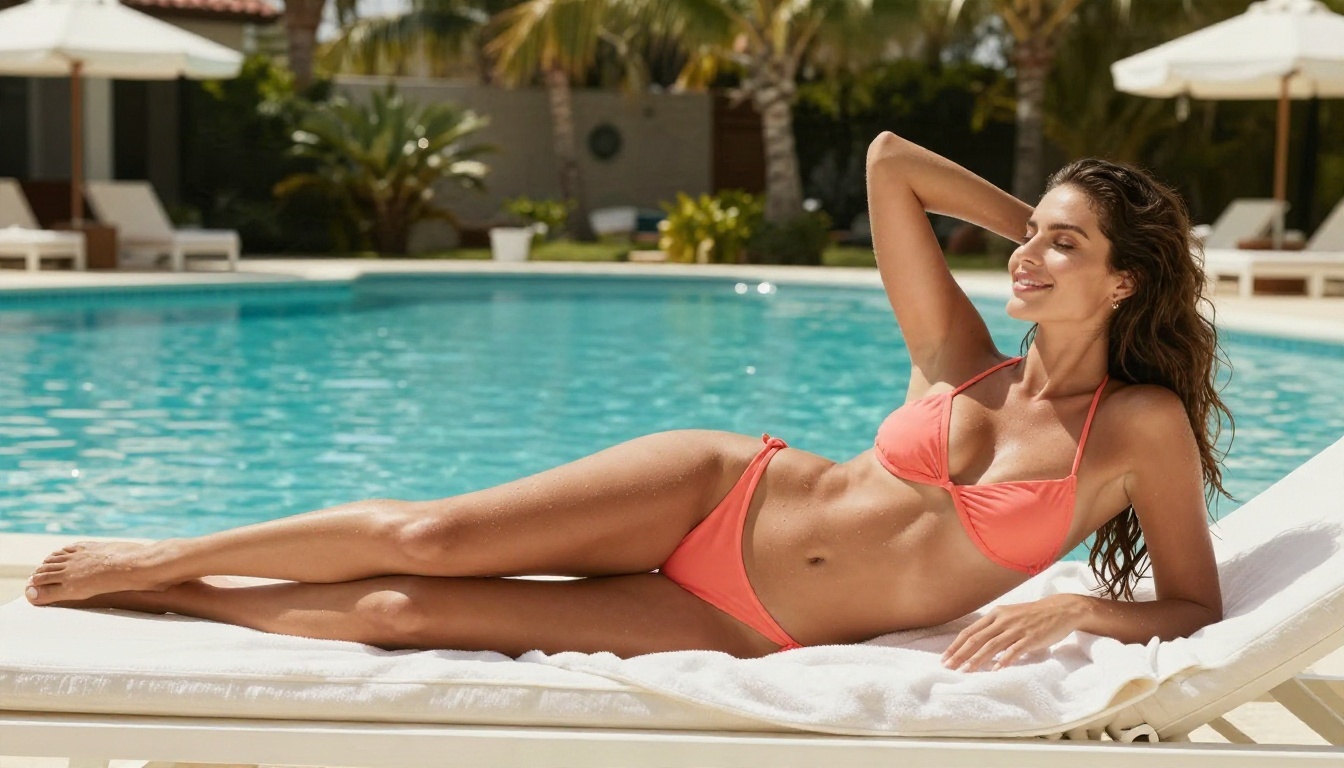
Seedream 4.5 is the model to start with. It produces sharp, high resolution photographic skin, fabric and lighting, and it follows detailed prompts about pose, outfit and mood well. For swimwear, lingerie style editorials and boudoir scenes it gives the cleanest, most natural looking results, with far fewer surprise refusals than you get from a mainstream assistant. Output goes up to 4K, which matters if you plan to print or crop.
PicassoIA Image Editor Pro
PicassoIA Image Editor Pro is the second stop. It offers unlimited generations, so you can iterate on pose, outfit, background and lighting without watching a credit counter. That freedom is what really separates it from the pay per attempt flow of many other tools, and it is fast enough to try ten variations in the time Grok takes to moderate three.
More Models Worth Trying
💡 Workflow tip: draft quickly with Z Image Turbo, pick the best composition, then rebuild it in Seedream 4.5 for the final high resolution version.
How to Use Grok Imagine on PicassoIA
If you like the Grok Imagine look and want to stay inside one platform, PicassoIA hosts the xAI models too: Grok Imagine Image 2, Grok Imagine Image Quality and, for motion, Grok Imagine Video 1.5. Here is the basic flow for the image model.
Step 1: Open the Model Page
Go to the Grok Imagine Image 2 page and open the generator. If you prefer a quality focused result, use Grok Imagine Image Quality instead.
Step 2: Write a Photographic Prompt
Describe the subject, outfit, setting, light and lens in one paragraph. For example: "adult woman in a white linen shirt on a sunlit balcony, soft morning light from the left, 85mm lens, shallow depth of field, natural skin texture, film grain."
Step 3: Set the Aspect Ratio and Generate
Pick 16:9 for landscape scenes or 3:4 for portraits, then generate. Review the result at full size to check hands, fabric and background details.
Step 4: Refine in Small Steps
Change one thing at a time: the light direction, the outfit color or the camera angle. Small edits keep the face and mood consistent, and they give you a clear idea of what each word does.
💡 These xAI models follow their own content rules on any platform, so for more glamour oriented work, switch to Seedream 4.5 or Image Editor Pro from the section above.
Prompt Tips for Suggestive Photos
Good glamour photography is about light, posture and restraint. The same prompts that look tasteful in a magazine also tend to pass filters more reliably.
Lead With Light and Lens
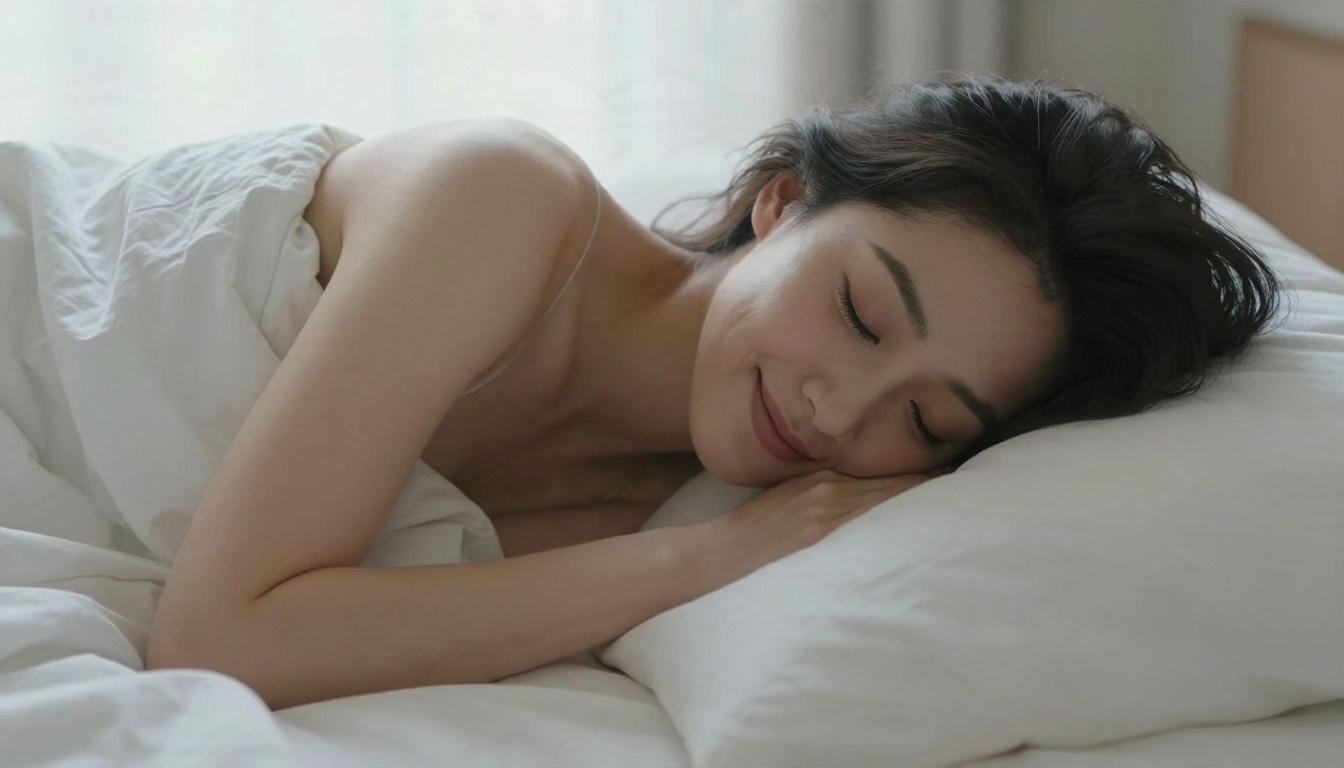
State the light first: "soft diffused morning light from a window behind her," "golden hour rim light," "large softbox from the front left." Then name a lens such as 85mm f/1.4 for portraits or 35mm for environmental shots. This gives the model a real photographic frame to follow.
Use Fabric and Skin Details
Words like "satin sheen," "linen creases," "water droplets on tanned skin," "fine pores" and "natural freckles" push models away from the plastic, over smoothed look that gives AI portraits away.
Imply Instead of Show
Implied glamour almost always looks better than literal exposure. A sheet draped over a shoulder, a robe slipping slightly, a silhouette in backlight: all of these read as sensual without becoming crude.
Keep Characters Fictional and Adult
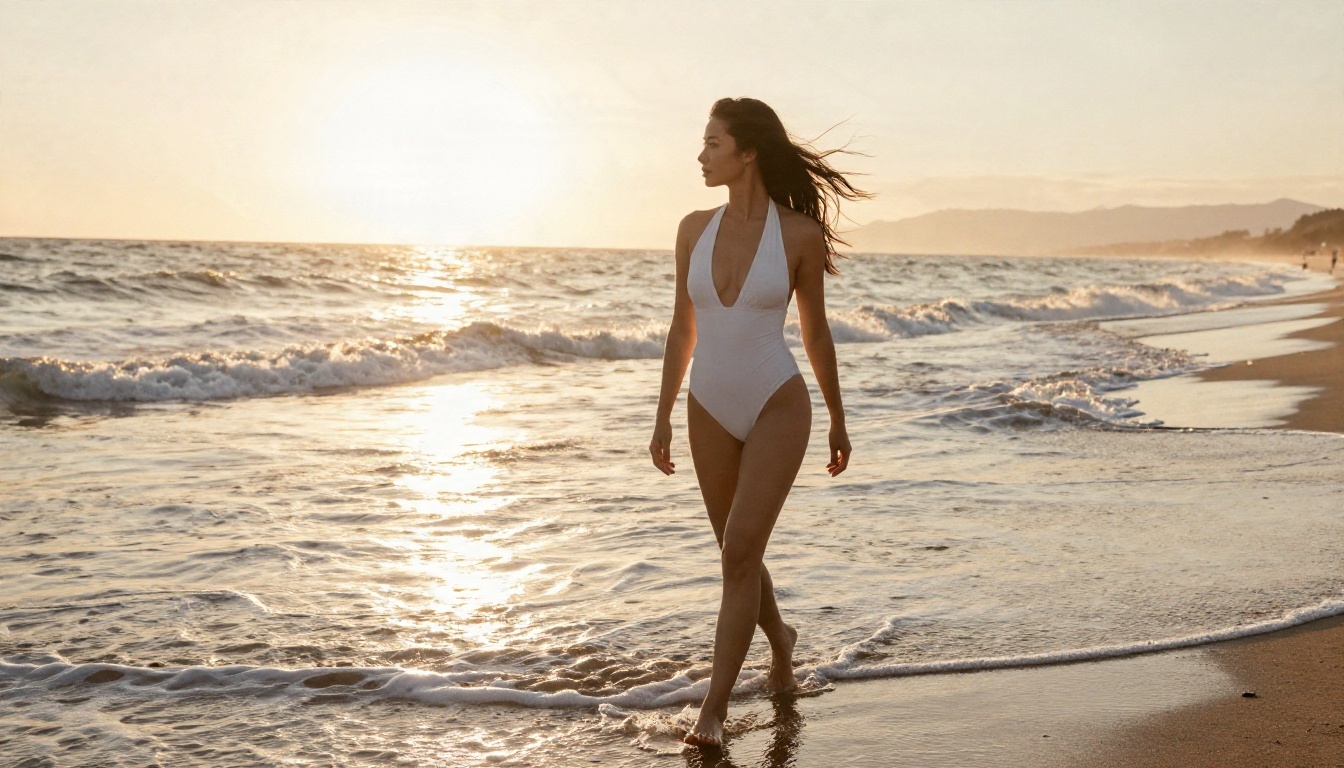
State "adult woman" or "adult man" and describe invented features. Never base a prompt on a real person's name or photo. This keeps your work legal, respectful and clear of the filters that cause most refusals.
A Prompt Template You Can Reuse
Copy this and change the bracketed parts:
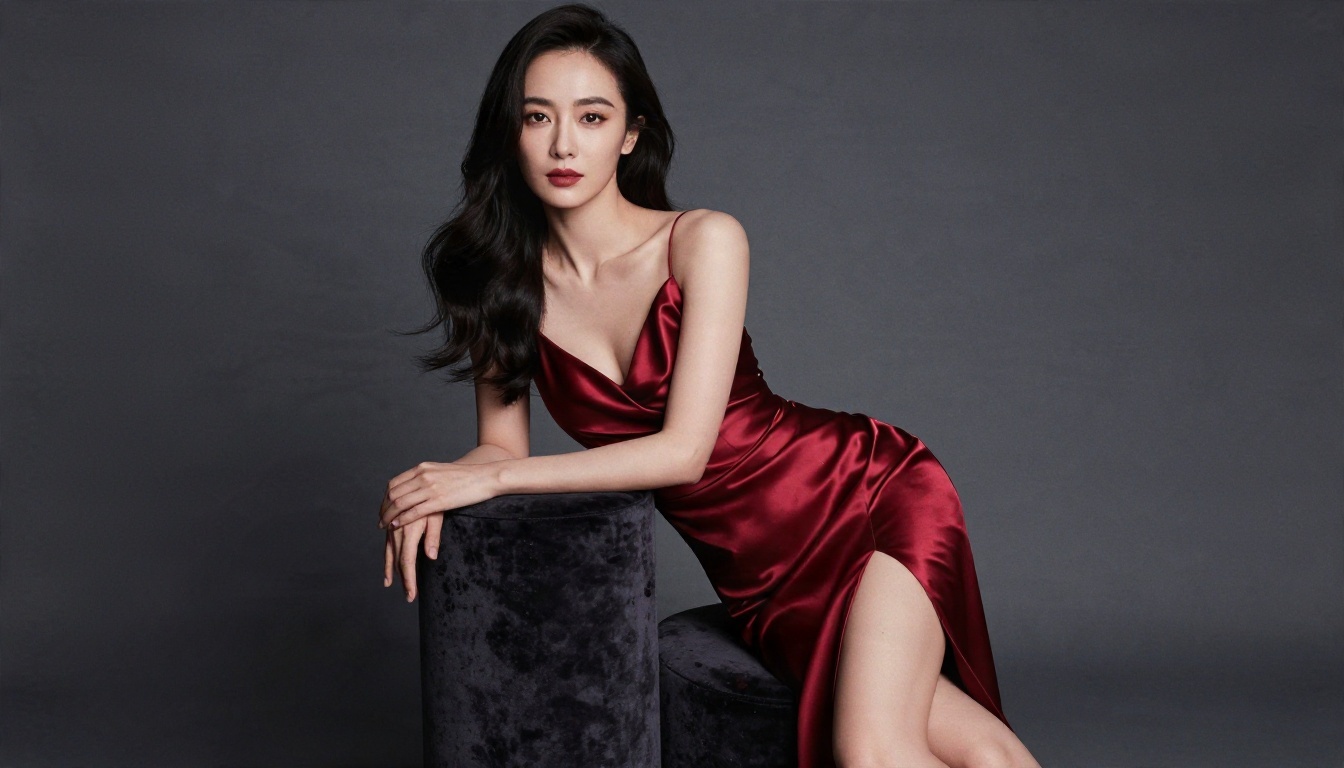
Adult woman in a [outfit], [pose] in [location], [light direction and quality], shot at [lens] f/[aperture], visible skin texture, [fabric detail], Kodak Portra 400 film grain, natural color.
Quick Answers to Common Questions
Does Grok generate NSFW images? It can produce suggestive content of fictional adults in some accounts and regions, but explicit material and real person edits are blocked, and behavior is inconsistent.
Is Spicy Mode still available? Reports conflict. Some say it was pulled, others say it depends on your account and app. Check the app you use rather than trusting a single source.
Can I edit a real person's photo into swimwear? No. This was explicitly blocked in January 2026 and it is the kind of use that gets accounts restricted.
Are there paid plans that unlock more? Paying does not remove the real person rule or the hard limits.
What is the most reliable alternative? Seedream 4.5 for quality, and Image Editor Pro when you want unlimited tries.
Start Creating Your Own Images
Grok Imagine is not a dependable tool for adult glamour work. It is permissive in some spots, strict in others, and the line moves with your account, region and the week's news. If you want predictable results, photorealistic detail and room to iterate, build your workflow on models that are made for it.
Open Seedream 4.5 for your first polished shot, then move to PicassoIA Image Editor Pro when you want to try dozens of variations without limits. Keep every character fictional and adult, write prompts like a photographer, and experiment with light, lens and fabric until the picture looks the way you imagined it.
Browse every available model at picassoia.com/en/all-models and pick the one that fits your next idea.


