You typed a perfectly reasonable glamour prompt into Grok, hit generate, and got a polite refusal or a blurred tile. Now you're wondering whether the tool ever allowed adult content, whether it still does, and what to use instead. The short answer: Grok launched with a "spicy" mode that generated suggestive material, then tightened its filters, and today it is an unreliable choice for anything beyond mild swimwear. Policies at xAI shift often, so treat every claim about "what works this week" with caution.
This article lays out what Grok allows, why prompts get blocked, the hard limits that never move, and the free alternatives that give you tasteful, photorealistic adult glamour without the guessing game.
What Grok Actually Allowed
The Spicy Mode Launch
When xAI introduced Grok Imagine in August 2025, the headline feature was a toggle labeled "spicy." It sat next to the normal, fun and custom options and produced noticeably more suggestive images and short clips than most mainstream tools. Tech outlets covered it heavily because it was rare for a large AI company to ship something like that on purpose.
The catch was inconsistency. Two nearly identical prompts could return very different results: one a clean, attractive portrait, the other a soft blur or a refusal. Users quickly realized that the mode was less a switch and more a loosened filter.
The Tightening That Followed
Through late 2025 and into 2026, reports from users described the guardrails closing in. Prompts that worked in the first weeks began to fail. Video outputs showed forced camera zooms or cropped framing when a scene drifted toward anything explicit. Then came public backlash early in 2026 over sexualized images of real people, and xAI responded with stricter enforcement.
As of November 2026, the most consistent reporting says there is no dependable adult image mode in Grok. Some third-party pages still claim otherwise, but they are often outdated or written by companies that sell competing tools. Always check xAI's current usage policy before relying on any claim, including mine.
💡 Tip: If a blog post says Grok "unlocks" adult content with a secret prompt trick, check its date. Filters change every few weeks, and old tricks stop working.

The Rules Behind the Refusals
What the Policy Prohibits
Grok's acceptable use rules draw lines that are not negotiable, no matter which plan you pay for:
- Real people in sexual content. Depicting a real, identifiable person in a sexual or pornographic way is banned. This includes celebrities, public figures and private individuals.
- Anyone who looks like a minor. Zero tolerance. Prompts that hint at youth are blocked, and ambiguous ones are blocked too.
- Explicit sexual acts. Fully pornographic output is not something the platform is built to deliver.
- Non-consensual imagery. Edits that undress or sexualize a photo of someone who didn't agree to it are prohibited.
A subscription does not change any of these. Paying removes usage caps, not policy.
Why Innocent Prompts Still Fail
Many refusals have nothing to do with explicit intent. Grok's moderation reads both your prompt and the finished image, so a harmless request can still trip the second check. Common triggers:
| Trigger | Example | Why it fails |
|---|
| Named real person | "Actress X in a bikini" | Real-person protection |
| Age ambiguity | "Girl", "teen", "schoolgirl" | Minor safeguards |
| Body focus wording | Anatomical terms | Explicit-content filter |
| Output check | Fine prompt, revealing result | Image-level moderation |
| Edit requests | "Remove her clothes" | Non-consensual edit rule |
Rewording helps with the second and third rows. It will never help with the first, fourth and fifth, and it shouldn't.

Real Limits You Will Hit
Moderation Is Layered
Think of it as three gates. The prompt filter scans your words. The generation stage can steer away from risky content on its own. The output filter inspects the picture before showing it to you. A request can pass the first gate and die at the third, which is why you sometimes wait for a render that then never appears.
Results Are Not Repeatable
Because the filters get tuned continuously, a prompt that worked on Monday can fail on Friday. For anyone building a portfolio, running a creator page or producing a consistent set of images, that unpredictability is the real cost, more than any single refusal.
Region and Account Rules
Availability, age verification and feature access can vary by country and account type. Adult-oriented features, when they exist, tend to sit behind age checks and may disappear without announcement.
💡 Rule of thumb: If your workflow depends on a feature that the provider can silently remove, you need a backup tool.
What Grok Does Well
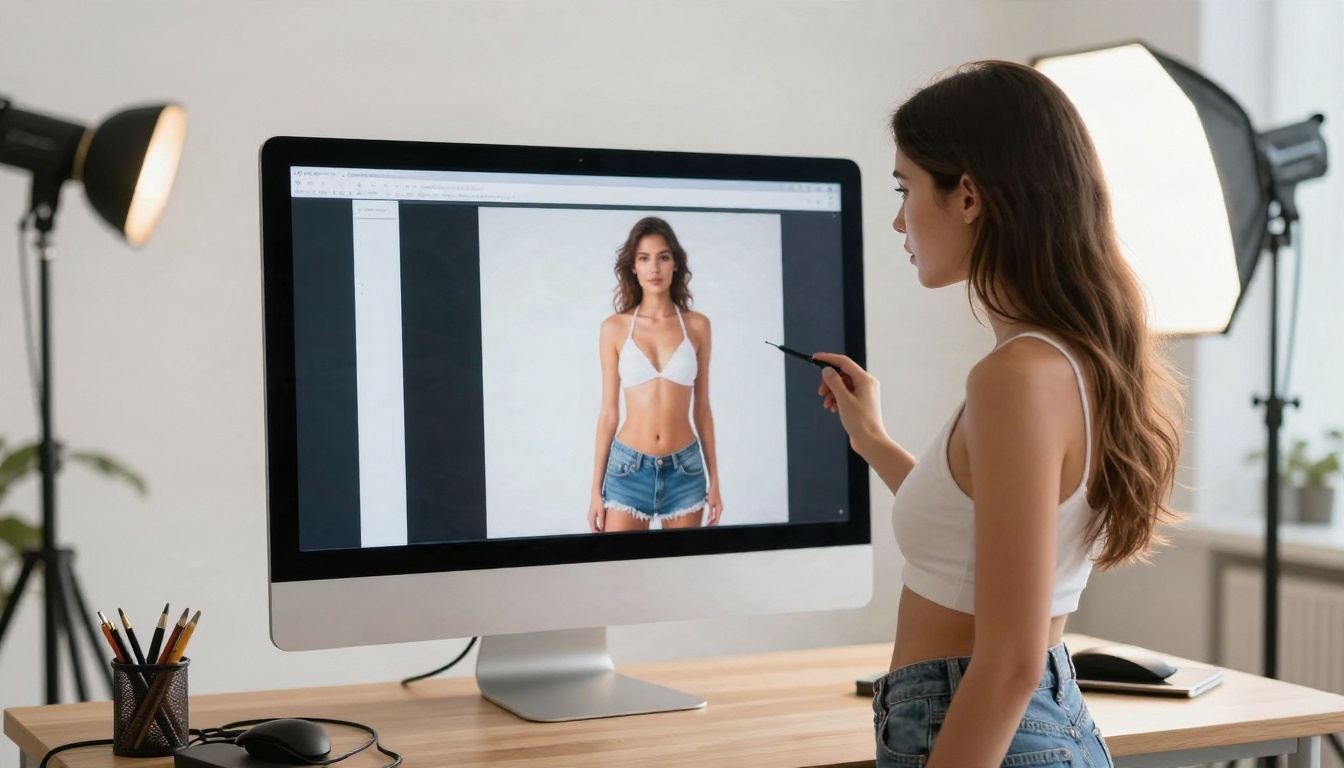
Being fair matters here. Grok's image models are good at plenty of things that have nothing to do with adult content: clean product shots, stylish portraits, fashion-style scenes and strong prompt following. If your goal is a swimwear lookbook or a summer beach shoot with modest styling, it can work.
You can also try the Grok family directly on PicassoIA, where Grok Imagine Image 2 and Grok Imagine Image Quality are available for general photorealistic work, and Grok Imagine Video 1.5 handles image-to-video with audio. These are great general-purpose tools. For glamour and adult-oriented aesthetics, though, the models below are a better fit.
Free Alternatives That Work
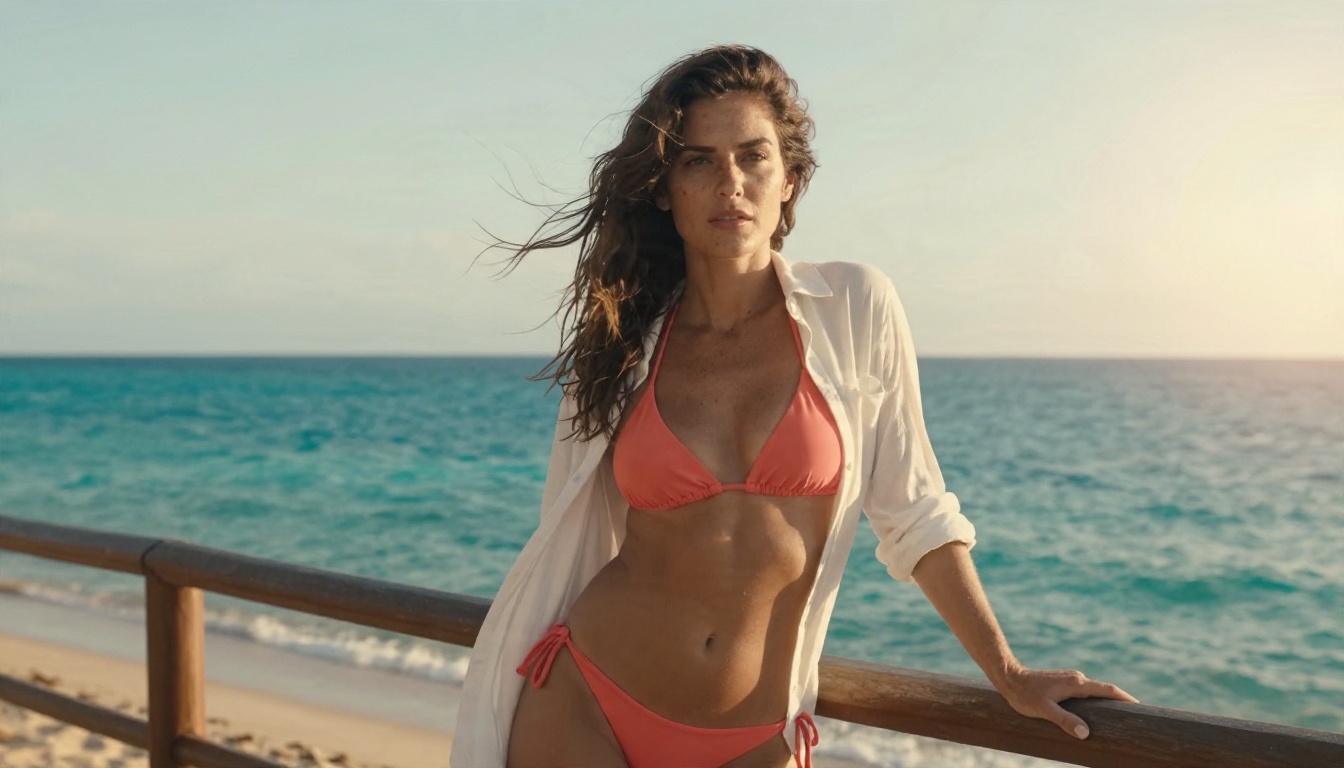
Here is the lineup worth trying, in the order I'd recommend. All of them run on PicassoIA, so you can switch between them from one account without juggling subscriptions.
1. Seedream 4.5 First
Seedream 4.5 is the strongest starting point for photorealistic glamour. Skin texture, fabric behavior and lighting look natural, prompts are followed closely, and it renders quickly in up to 4K. It handles bikini, lingerie-style and boudoir aesthetics far more predictably than Grok's filtered pipeline, and it stays on the tasteful side: suggestive and attractive, not pornographic.
2. PicassoIA Image Editor Pro
PicassoIA Image Editor Pro is the one to pick when you want to iterate without counting credits. It offers unlimited generations, so you can run dozens of variations of a pose, outfit or lighting setup until it looks right. It also edits existing images, which is handy for changing a wardrobe color, background or mood on your own creations.
3. Z Image Turbo for Speed
Z Image Turbo is built for speed. Results arrive in seconds, which makes it ideal for testing prompt ideas before spending time on a final render.
4. Realistic Vision v5.1 for Skin Detail
Realistic Vision v5.1 has a loyal following for lifelike portraits. It excels at skin pores, soft shadows and film-style looks.

Quick Comparison
⚠️ Heads up: Seedream 5 Lite blocks adult content, so skip it for this kind of work. Stick with Seedream 4.5.
How to Use Seedream 4.5 on PicassoIA
This is the workflow I'd follow for tasteful adult glamour portraits.
Step 1: Open the Model
Go to the Seedream 4.5 page and open the generator. No installation, no local GPU.
Step 2: Write a Photographic Prompt
Describe the shot the way a photographer would. A strong prompt has five parts: subject and pose, setting, lighting, camera and lens, and texture details.
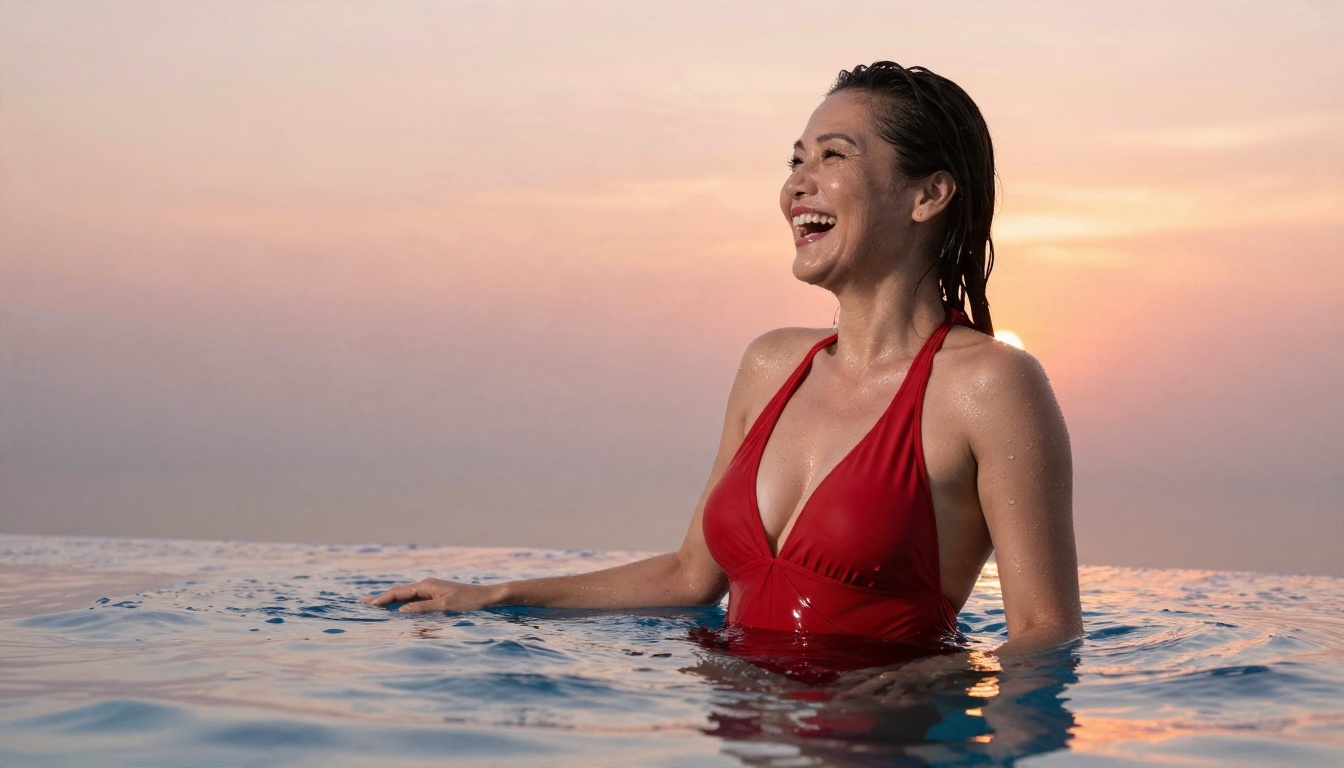
Adult woman in a navy one-piece swimsuit walking along a rocky coastline at golden hour, low warm sun from the right, 35mm lens, shallow depth of field, visible skin texture, Kodak Portra 400 film grain.
Step 3: Set Your Parameters
- Aspect ratio: 16:9 for landscape scenes, 3:4 or 4:5 for portraits.
- Resolution: Start at 2K for drafts, move to 4K for final output.
- Seed: Lock it once you like a composition, then change only one phrase at a time.
Step 4: Refine in Image Editor Pro
Send your favorite result to Image Editor Pro for edits. Change a swimsuit color, soften the background, or adjust the mood. Since generations are unlimited, you can afford to be picky.
Step 5: Upscale if Needed
If you want a poster or print, run the final image through a super resolution model to get a sharper 2x to 4x file.
Prompt Tips for Tasteful Glamour
The difference between a flat image and a magazine-quality one is almost always in the prompt. A few habits that pay off:
- Name the light. "Warm sunlight from camera left with soft rim light" beats "good lighting" every time.
- Specify the lens. An 85mm f/1.8 gives creamy backgrounds and flattering compression. A 35mm gives context and environment.
- Describe textures. Satin sheen, linen weave, sun-lotion glow, freckles, flyaway hairs. Texture is what makes an image read as a photograph.
- Use film language. "Kodak Portra 400, gentle grain" pushes warm, natural skin tones.
- State that the subject is an adult. Always. It keeps your work clearly within safe boundaries.
- Skip real names. Invent your subject. Never use a real person's likeness.
Words That Help
| Instead of | Try |
|---|
| "sexy girl" | "confident adult woman, glamour portrait" |
| "naked" | "silk slip dress, boudoir lighting" |
| "hot body" | "athletic build, sun-kissed skin" |
| "good photo" | "raw photograph, 85mm f/1.8, natural light" |
Common Mistakes to Avoid
Fighting the Filter
Spending an hour rewording a refused prompt is the least productive path. If a tool keeps blocking a style you want, change tools. It's faster.
Using Real Faces
Uploading a photo of someone you know, or a celebrity, and asking for sexualized edits is both a policy violation and a serious harm to a real person. Create original characters instead. They look just as good and carry no risk.
Skipping the Editing Pass
First generations are rarely the best ones. Most strong images come from three or four rounds: generate, pick, adjust, refine. Image Editor Pro makes this painless because there is no meter running.
Ignoring Platform Rules When You Publish
Even if a tool produces a tasteful image, social networks and ad platforms have their own nudity and swimwear policies. Check where you're posting. Suggestive but non-explicit images tend to travel further and survive moderation better.

Here's how the day-to-day experience compares.
With Grok: You get strong general image quality and quick results, but adult-leaning prompts are hit or miss, the rules change without notice, and real-person safeguards are strict. Expect to retry a lot.
With the PicassoIA lineup: You pick a model for the job. Seedream 4.5 for polish, Image Editor Pro for unlimited iteration, Z Image Turbo for speed, Realistic Vision for skin realism. Results are more repeatable, and you can build a consistent set of images for a project.
What About Video?
If you want to animate a finished image, Grok Imagine Video 1.5 turns a still into a short clip with sound, and it's worth trying for beach, pool and travel scenes. Keep the same rules in mind: adult original subjects, tasteful framing.
Who Should Stay With Grok?
If you mostly make general-audience images, fashion scenes or conversation-style creative work, and you don't need adult glamour, Grok is fine. Use it for what it does well and keep a second tool ready for everything else.
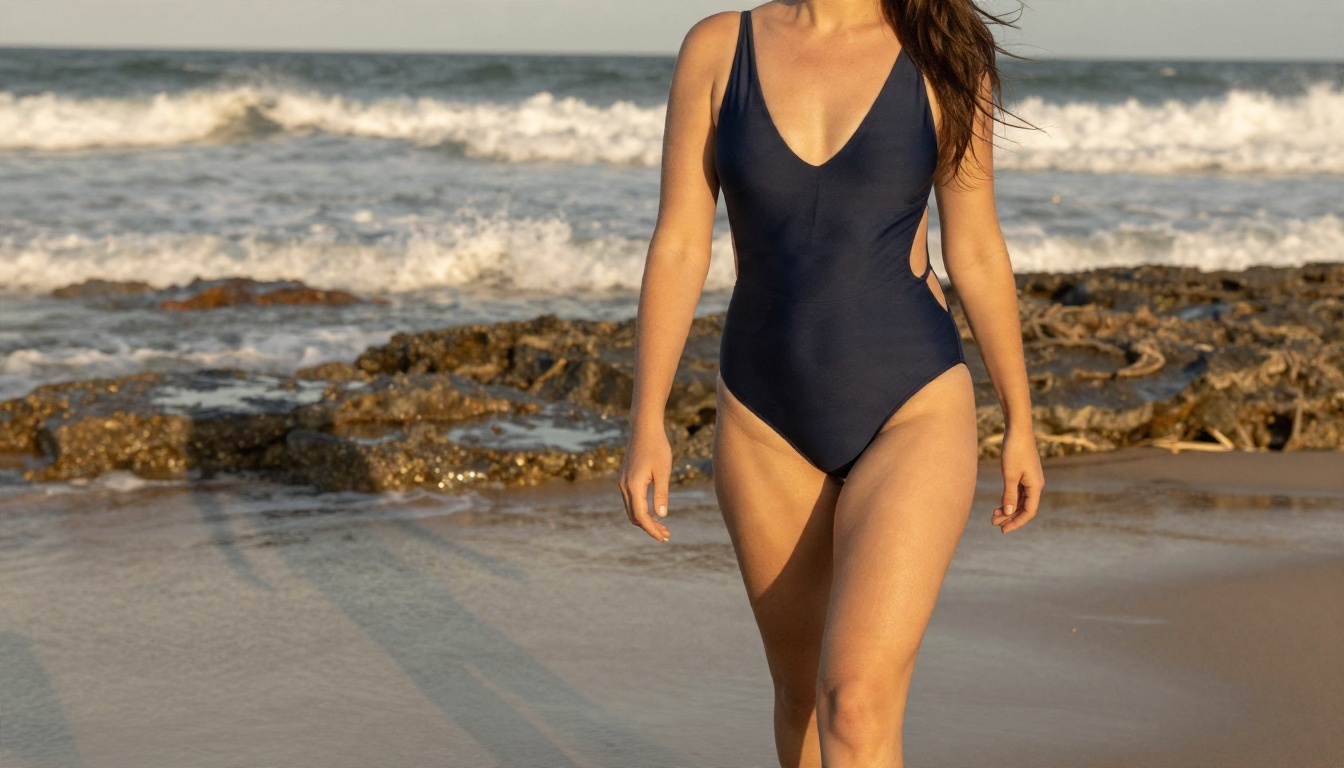
Make Your Own Photos Today
Grok's adult mode, if you ever saw it, was never something to build a workflow on. Filters tighten, features vanish, and real-person rules are strict for good reason. A smarter setup is to keep one reliable tool for tasteful glamour and use it every day.
Open Seedream 4.5 for your first batch, send your favorites into PicassoIA Image Editor Pro for unlimited refinements, and use Z Image Turbo when you want quick drafts. Try the same prompt in two or three models and compare the results side by side; you'll quickly see which one matches your taste.
Ready to experiment? Browse every available model at picassoia.com/en/all-models and start creating your own photorealistic portraits on Picasso IA right now.


