You type a prompt for a perfectly normal glamour shot, a woman in a silk robe by a window, and the tool answers with a polite refusal or a blurred square. Annoying. So before you spend an evening on a new generator, you search the one question that matters: does it allow adult content? The honest answer is almost never a plain yes or no. It depends on the tool, the plan you are on, the wording of your prompt, and where the platform draws the line between suggestive and explicit.
This article sorts it out. You will see how the big names treat adult requests, what free plans really limit, why some platforms changed their rules in the last year, and which alternatives on PicassoIA give you room to create tasteful glamour, boudoir and swimwear imagery fast.
💡 Quick answer: Most mainstream cloud tools block explicit material and anything that sexualizes real people. Many still accept non-explicit glamour (swimwear, lingerie fashion, boudoir lighting) if the prompt is written like a photographer's brief. Rules shift often, so test with a harmless prompt first.
What "Adult Content" Really Means Here
The phrase covers a wide range, and platforms treat each end very differently. If you do not separate them, you will misread every policy page you open.
Suggestive vs explicit
Suggestive content is the territory of fashion magazines: bikinis, satin slips, lace, bare shoulders, implied nudity, moody bedroom light. Explicit content is pornographic material. Nearly every hosted AI service bans the second category outright, and many of them are cautious with the first.

This article is about the first category: attractive, artistic, non-explicit adult imagery. That is also what most people actually want when they search this question. They want a swimwear campaign, a boudoir portrait, a glamour editorial, not something that gets an account banned.
Why platforms draw the line
Three pressures push companies toward strict filters: payment processors and app stores that restrict adult material, legal risk around deepfakes and non-consensual imagery, and brand safety for companies that sell to schools and businesses. A filter that blocks too much annoys users. A filter that blocks too little ends up in the news. Most vendors pick the first problem.
Policies change quickly, and some of what follows comes from reports about 2026 policy shifts. Treat it as a snapshot and read the current terms of any tool before you pay for it.
Big-brand assistants and image tools
Image features built into large assistants from the major tech companies are the strictest. Expect refusals for lingerie, partial nudity and anything described as "sexy." Swimwear on a beach often passes, but the result is usually modest and a little stiff. These tools optimize for safety first and creative freedom second.
Grok and the real-people rule
Grok, from xAI, has been described as more relaxed than its rivals, yet reports say its rules still prohibit sexualized depictions of real people at every subscription tier. After public criticism in January 2026 over sexualized images of real individuals, access to image generation was reported to tighten, with more weight placed on paid subscribers and stricter handling of real-person content. If a tool lets you upload a real person's photo and sexualize it, that is a red flag, not a feature.
Community platforms and policy shifts
Community art sites used to be the go to place for permissive generation. That is changing. One notable example reported in late 2025: Tensor.Art announced a move toward fully safe-for-work operation and prohibited NSFW generation. Other community tools still allow adult images under their own rules, but each has different limits, paywalls and moderation, so a platform that worked last spring may not work today.
Local open-source models
Running Stable Diffusion or FLUX style models on your own computer is the only route with no outside filter at all. It is also the hardest: you need a capable graphics card, patience with installs, and the discipline to follow the law yourself. For most people the cost and setup time outweigh the freedom.
| Tool type | Suggestive glamour | Explicit content | Real people | Effort |
|---|
| Big-brand assistants | Often refused or toned down | Blocked | Blocked | Very low |
| Grok style tools | Mixed, tier dependent | Restricted | Restricted | Low |
| Community art sites | Varies, shrinking | Varies | Varies | Low to medium |
| Local open-source | Yes | Your responsibility | Your responsibility | High |
| Model hubs like PicassoIA | Strong for non-explicit | Not the goal | Not supported | Low |
Free Limits You Will Hit
Even when a tool tolerates glamour prompts, the free plan usually makes experimenting painful. Here is what to watch for.
Credits and daily caps
Most free tiers give you a small number of generations per day or a one-time pile of credits. Glamour work eats them quickly, because you rarely get the right pose, outfit and light on the first try. Five or six variations per concept is normal. If a free plan caps you at ten images a day, you get roughly two finished ideas.
Watermarks, queues and resolution
Free output often carries a watermark, a lower resolution, or a slow queue that stretches to minutes at peak times. For portfolio, social media or print work, a soft 1024 pixel image with a logo in the corner is a dead end. Check resolution and commercial terms before you build a workflow around any free plan.
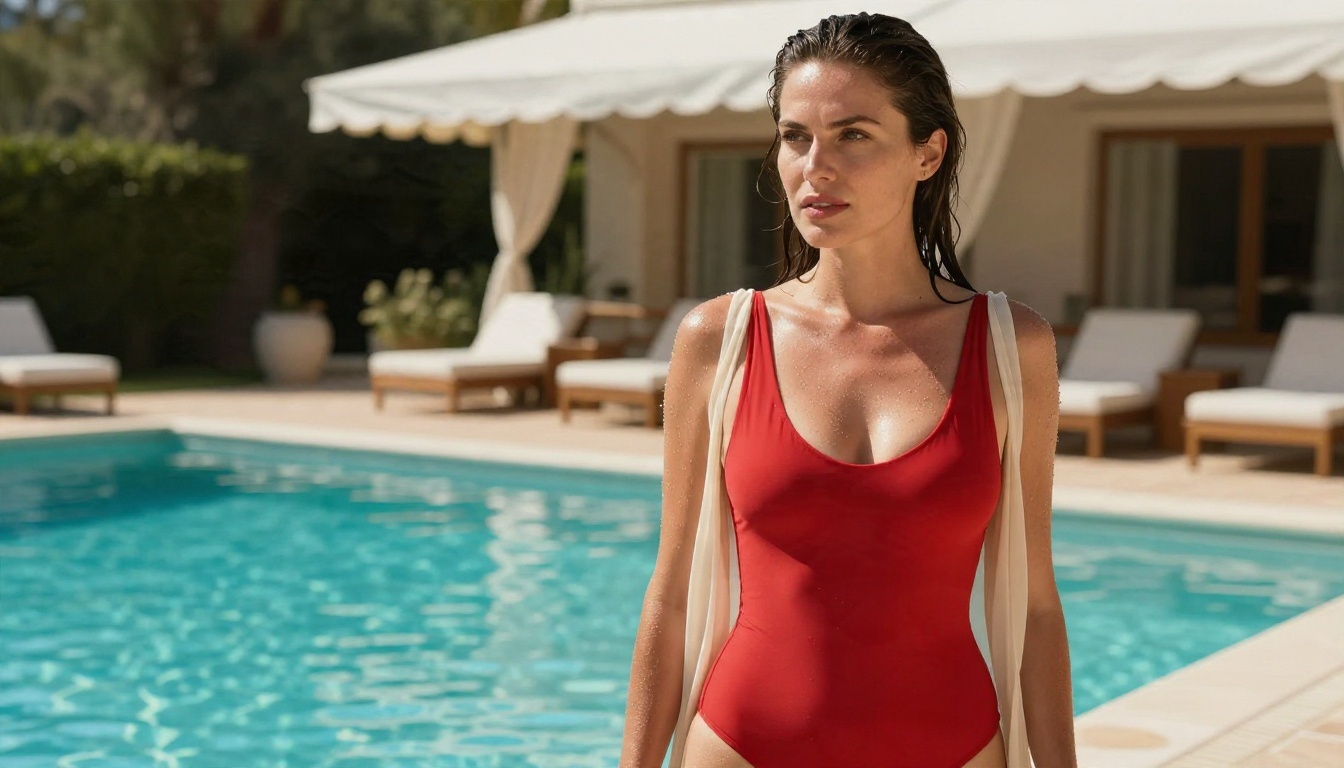
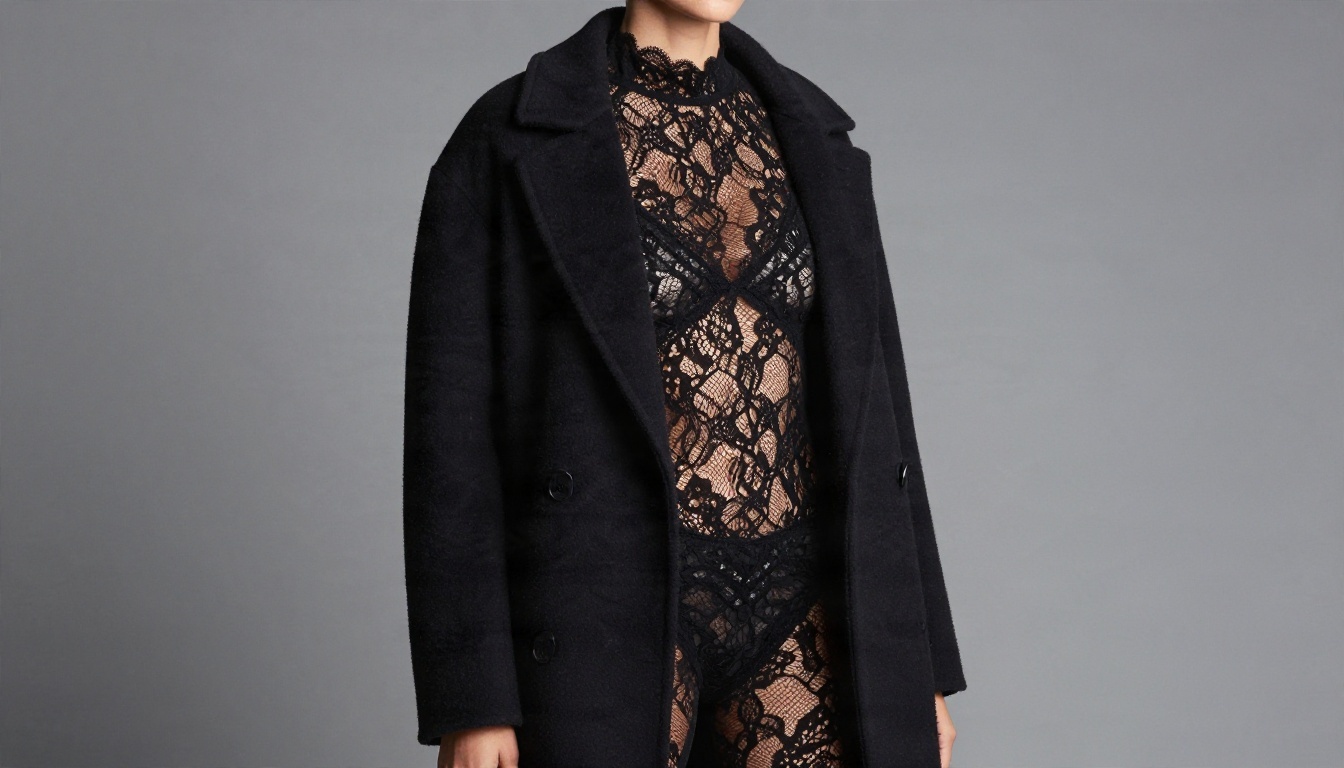
💡 Quick test: Run the same three prompts on any tool you are considering: a swimsuit by a pool, a silk robe at a window, and a lace bodysuit under a coat. How many pass, how long they take, and how sharp they look tells you more than any marketing page.
Best Alternatives on PicassoIA
If you are tired of refusals and capped plans, a model hub gives you more than one engine to try. Different models read the same prompt differently, so when one is overcautious, another often is not. PicassoIA focuses on non-explicit adult imagery: beautiful, suggestive, fashion-style results with fast generation.
Seedream 4.5 first
Seedream 4.5 is the model to open first for glamour, swimwear and boudoir portraits. It produces sharp skin texture, believable fabric and convincing light, and it handles detailed photographic prompts well. Its speed makes iteration cheap, so you can run a dozen variations in the time other tools take to finish a few.
PicassoIA Image Editor Pro
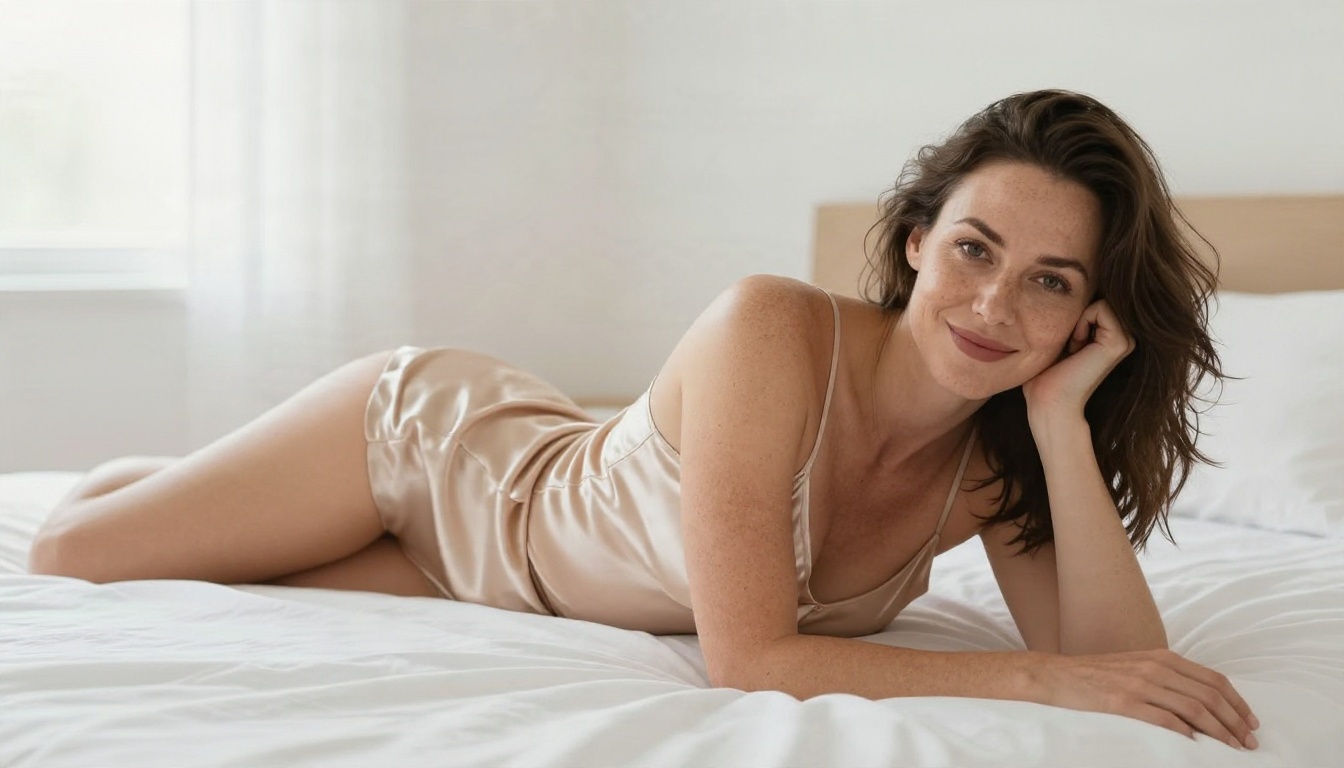
PicassoIA Image Editor Pro is the value pick: it offers unlimited generations, which removes the worst free-plan problem. You can refine an outfit, change the light, fix a hand or swap a background without watching a credit counter. For anyone who iterates heavily, this is the model that makes the economics work.
More models worth testing
After those two, test the others against your own prompts. Results vary by style, so keep a short list.
Looking for more? The full catalog lives at picassoia.com/en/all-models, with dozens of image engines to compare side by side.
How to Use Seedream 4.5 on PicassoIA
Here is the fastest route from blank prompt to a finished glamour image.
Step by step
- Open the Seedream 4.5 page on PicassoIA.
- Write your prompt like a photographer's brief: subject, outfit, setting, light, lens.
- Choose a 16:9 ratio for banners and editorials, or a vertical ratio for social posts.
- Generate, then pick the best frame and adjust one thing at a time.
- Send favorites to PicassoIA Image Editor Pro for unlimited touch-ups.
Parameter tips that matter
- Be specific about light. "Soft window light from the left" beats "good lighting" every time.
- Name the lens. "85mm f/1.8" gives flattering portrait compression and background blur.
- Describe fabric. "Satin with a soft sheen" or "fine lace with visible thread" gives texture the model can use.
- Change one variable per run. Swap the outfit or the setting, not both, so you know what worked.
- Keep the seed when a composition is close, then adjust the wording.
Prompts That Stay Tasteful
The wording of a prompt changes the outcome more than people expect. Photographers describe a mood. Filters react to vocabulary. Write the first way.
Words that work
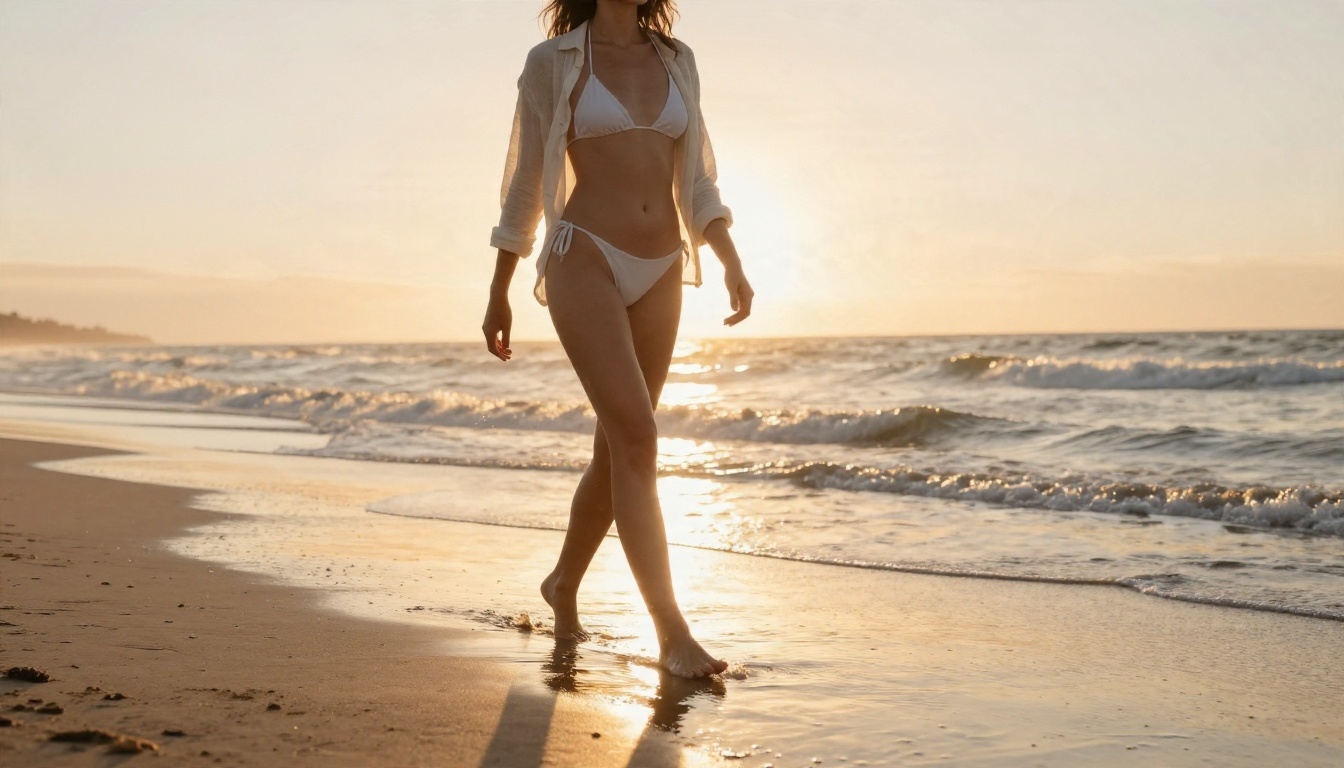
Use terms from editorial and fashion photography: glamour, boudoir, editorial, swimwear campaign, silk, satin, golden hour, backlit, film grain. These steer the model toward magazine-style results and tend to produce better pictures anyway.
Words that cause trouble
Blunt slang, explicit body terms, and anything that names a real person trigger refusals on almost every platform, and for good reason. Rewrite those ideas as scenes: a woman in a black satin slip, lit by a bedside lamp, shot from the doorway. You get an attractive, grown-up image, and you stay inside the rules.
💡 Prompt formula: [Adult subject and outfit] + [setting] + [light direction] + [camera and lens] + [texture details]. Keep it to two or three sentences and add detail only where the image needs it.
Rules That Apply Everywhere
Whatever tool you use, a few lines do not move. Following them also keeps your account safe.
Adults and invented people only
Only depict adults, always. Use invented characters, never a real person's face or name, and never a photo of someone who has not agreed to it. Deepfake and non-consensual imagery is illegal in a growing number of places, and every serious platform bans it.
Check commercial terms
If you plan to sell prints, run ads or post on a monetized account, read the license for the model you used. Social networks also have their own adult content rules that are stricter than many generators. A picture that is fine to create may still be removed when you post it.
Share with consent and context
If you work with friends or a team, agree on what gets shared. A quick conversation beats an awkward deletion later.

Create Your Own Images Today
So, does it allow adult content? The tool you are eyeing probably allows some of it, in a narrow, cautious way, and may charge you for the privilege. The practical move is to stop guessing and test. Start with Seedream 4.5 for sharp glamour and boudoir results, then switch to PicassoIA Image Editor Pro when you want unlimited generations to refine every detail.
Try the same three test prompts from this article, compare the results, and keep the engine that fits your style. When you want more options, browse the full catalog at picassoia.com/en/all-models and build your own shortlist. Your first finished image is one good prompt away.


