You opened Pollo AI, typed a prompt for a swimwear shoot or a moody boudoir portrait, and got a refusal or a blank result. Or maybe you have not signed up yet and want to know whether it is worth your time. Here is the straight answer: no, Pollo AI does not allow NSFW images. Its terms say so, and the platform has become stricter over the past year. The rest of this article explains how the filter behaves, what the free tier and the credit system look like in practice, and which tools let you create tasteful, adult-leaning, photorealistic images without constant blocks.
💡 Quick verdict: Pollo AI is built as a general video and image hub. If your goal is glamour, lingerie editorials, beachwear or artistic boudoir photography, you will fight the filter. A model with fewer restrictions will save you credits and patience.
The Short Answer
What Pollo's Terms Say
Pollo AI states in its replies to user reviews that its Terms and Conditions do not support the generation of any NSFW-related content. That is a blanket position, not a soft guideline. It covers prompts, uploaded reference images and the outputs the platform returns.
In plain terms, that means:
- Explicit content is off the table, which is true on almost every mainstream platform.
- Suggestive but non-explicit content (bikinis, lingerie, bare shoulders, sensual poses) is treated with caution and can be flagged depending on how the prompt is worded.
- Repeated violations can put your account at risk.
When the Rules Got Tighter
Several users reported that around March and April 2026 the platform began blocking material that had gone through earlier. One reviewer described the old setup as having few restrictions beyond an age gate. That experience no longer matches what the company says it enforces today.
If you read an older blog post or forum thread claiming Pollo AI is "open" or "uncensored", check its date. The policy that matters is the current one, and the current one is restrictive.

How the Filter Behaves
Prompt Blocking
The first layer sits on your text. Words tied to nudity, fetish content or explicit acts are rejected quickly. The less obvious part is that borderline wording can trip it too. Terms such as "sheer", "wet", "lingerie" or "topless" may be enough to get a refusal, even when your intent is a fashion shoot.
Output Screening
The second layer looks at the generated result. A prompt can pass, the model produces an image, and the output is then withheld because the classifier decided it showed too much skin or too suggestive a pose. This is the most frustrating scenario, because users report that a blocked or unwanted generation can still burn credits.
Reference Image Uploads
If you use an image-to-video or image-to-image workflow, the uploaded photo is checked as well. A beach photo of a real person in swimwear may be fine one day and refused the next. There is no public list of what passes, so you end up guessing.
Why False Flags Happen
Automated filters judge pixels and keywords, not context. A silk slip dress at golden hour looks, to a classifier, a lot like other categories it was trained to reject. That is why people doing legitimate fashion and swimwear work report more refusals than they expected.
Free Limits and Credits
What the Free Tier Gives
Pollo AI offers a free entry point, and one reviewer called the free plan nice before saying they planned to upgrade. What I could not confirm is a fixed, published number of free credits or daily generations. Allowances on this kind of platform change often, so treat any exact figure you see in a third-party post with suspicion and check the pricing page inside your own account.
What you can expect from the model in general:
- A small starter allowance meant to let you test a few generations.
- Faster queues and higher resolution reserved for paid plans.
- Watermarks or lower quality previews on some free outputs.
Where Credits Disappear
Reviewers raised three recurring complaints about credits:
- Expiry without warning. Credits earned from events and rewards reportedly lapse within roughly two weeks to a month, with no single clear rule.
- Failed generations that still cost credits. Some users said unwanted or failed results were charged anyway.
- Filter blocks on paid plans. Paying does not widen the content policy. A subscriber faces the same NSFW rules as a free user.
That last point matters most. If your main interest is adult-leaning imagery, upgrading Pollo AI will not change what you are allowed to make.

| Question | Pollo AI answer |
|---|
| NSFW images allowed? | No, per its stated terms |
| Does paying unlock them? | No, the policy is the same on every plan |
| Published free credit amount | Not confirmed, check your account |
| Do rewards expire? | Reportedly yes, often within weeks |
| Are failed runs charged? | Some users report so |
Why Creators Look Elsewhere
Swimwear and Glamour Need Room
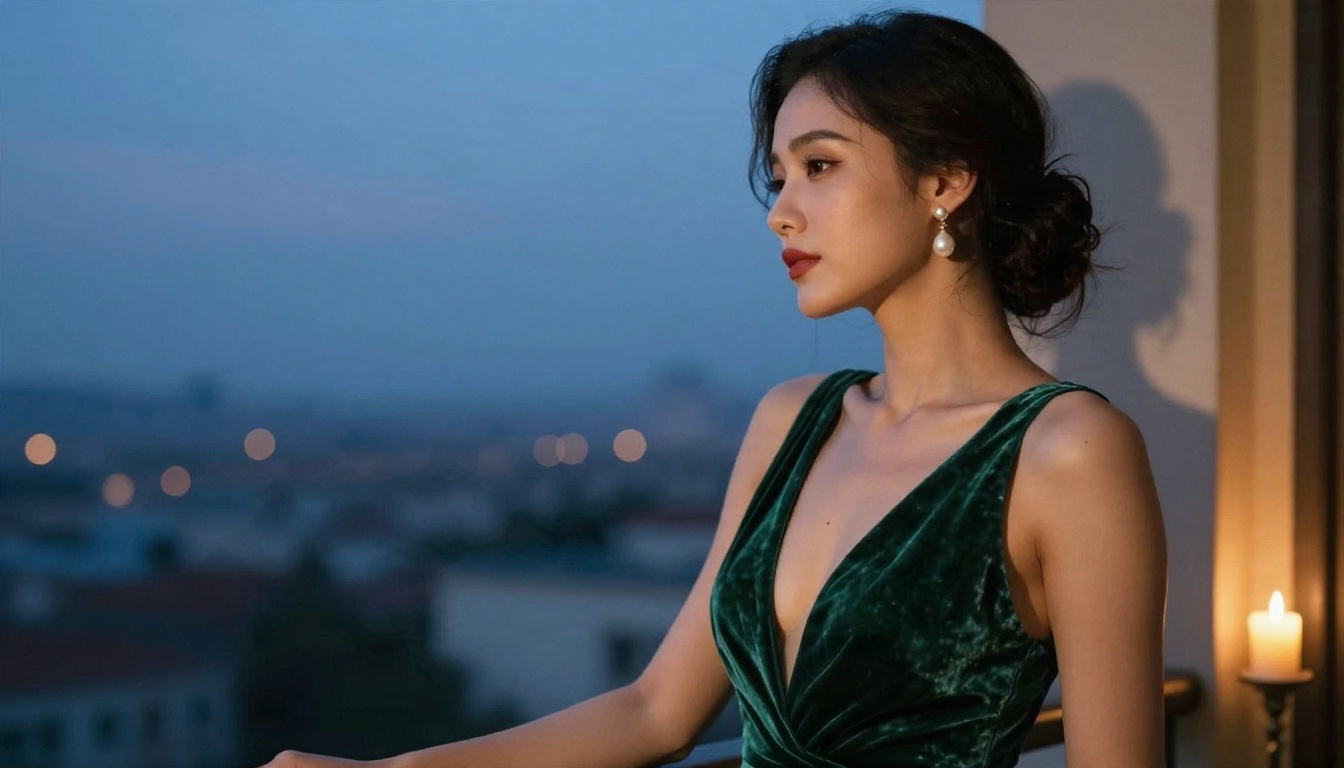
Most people searching this question are not after anything extreme. They want a bikini campaign for a brand mockup, a boudoir-style portrait, an evening gown with a plunging neckline, or a beach scene with natural skin. Those are mainstream photography genres. A platform that treats all of them as risky makes real creative work slow.
Credits Are Too Precious to Waste
When a refusal can still cost you, every experiment carries a penalty. Creators who iterate fifteen or twenty times on a single look need a setup where retries are cheap or unlimited.
Consistency Matters
Because Pollo's moderation is opaque, the same prompt can behave differently across days. For anyone building a series of images with the same style, that inconsistency is a deal breaker.
Alternatives That Allow Tasteful NSFW
Pollo AI is not on PicassoIA, so there is no Pollo model page to link to. For similar results today, these are the models to try, in the order I would recommend them. Each one is hosted on PicassoIA, where the focus is on non-explicit, beautiful, attractive imagery: swimwear, glamour, artistic and suggestive photography.
Seedream 4.5 First
Seedream 4.5 is my first pick for this use case. It produces sharp, high resolution, photorealistic people with convincing skin texture, believable fabric and natural lighting. It follows long prompts closely, which is exactly what you need when you describe a pose, a wardrobe piece, a lens and a light direction in the same sentence. Fewer restrictions than a typical general-purpose hub means your bikini, lingerie-style or boudoir prompt is far less likely to be turned away.
PicassoIA Image Editor Pro
PicassoIA Image Editor Pro is the one to open when you want volume. It offers unlimited generations, which removes the credit anxiety described above. You can generate, edit, regenerate and refine as many times as the shot needs. For creators who iterate heavily on wardrobe, pose and mood, that freedom is the biggest difference from a metered platform.
Z Image Turbo for Speed
Z Image Turbo is built for speed. Images arrive in seconds, so you can test ten prompt variations in the time another tool finishes two. It is useful for the exploration stage, when you are still choosing a pose or a setting and do not need final polish yet.
Flux 2 Klein 9B Base LoRA
Flux 2 Klein 9B Base LoRA is a good fit when you want a consistent styled look across a set. LoRA support lets you push a specific photographic feel, such as a warm film-like palette, and keep it steady from one image to the next.
💡 Not every model suits adult-leaning prompts. Some newer lightweight versions of popular models apply strict blocks, so stick to the list above for this kind of work.
How to Get Similar Results on PicassoIA
Since Pollo AI is not available on PicassoIA, the closest match for realistic people is Seedream 4.5. Here is a workflow that works well.
Step by Step
- Open the Seedream 4.5 page on PicassoIA.
- Write your prompt in the order subject, wardrobe, setting, light, lens.
- Choose a 16:9 ratio for landscape scenes or 3:4 for portraits.
- Generate, then compare the result against your intent.
- Change only one thing at a time, such as the light direction or the pose, and run it again.
- Move the best frame into PicassoIA Image Editor Pro for unlimited touch ups and variations.
Prompt Tips That Work
- Name the camera and lens. "85mm f/1.8, shallow depth of field" gives portraits a natural look.
- Describe the light. "Warm late afternoon sun from the left with a soft rim light on the shoulders" beats "nice lighting".
- Add skin and fabric texture. Words like "fine pores", "water droplets", "satin sheen" and "linen weave" push realism up.
- Ask for film grain. A Kodak Portra 400 feel adds warmth and removes the plastic look.
- Keep it tasteful. Think magazine editorial, not explicit content.
Here is a sample prompt you can paste in and adjust:
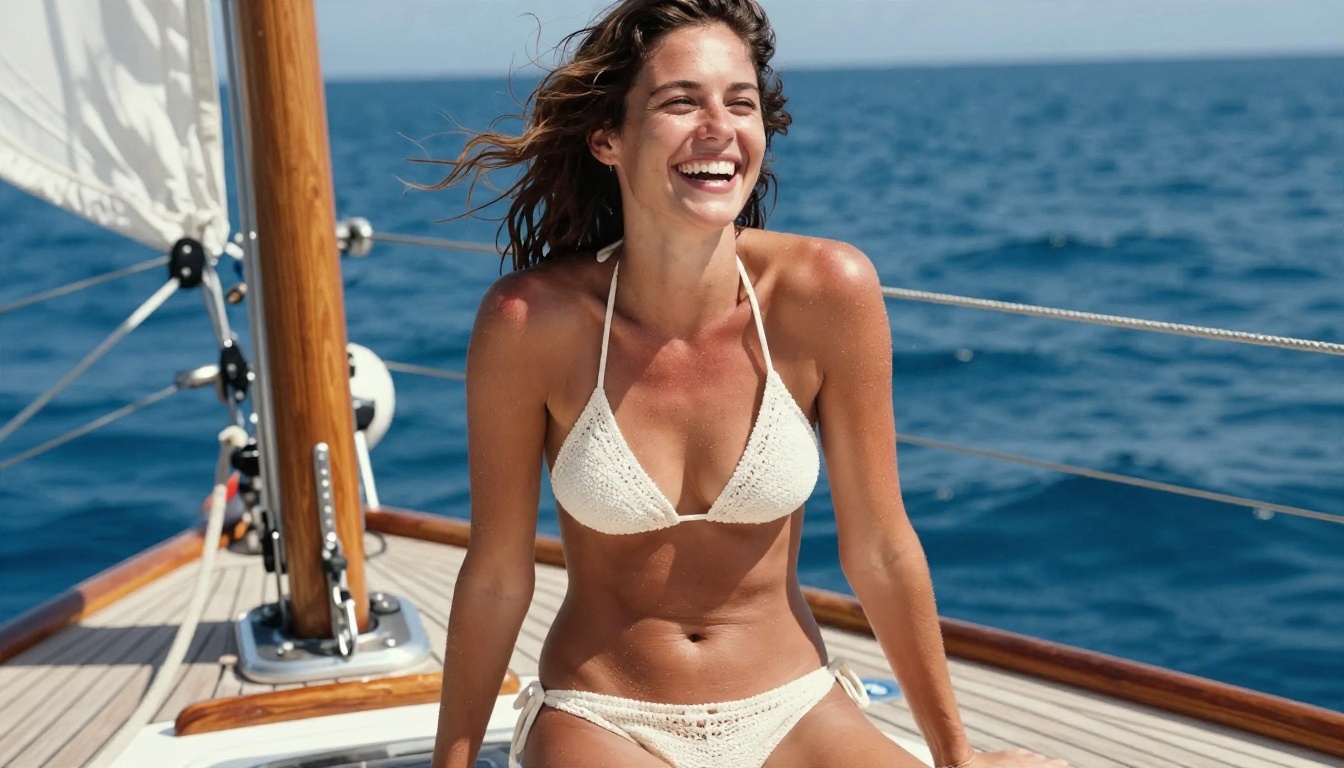
A confident woman in a champagne silk two-piece swimsuit on a white linen daybed at a villa pool, golden hour sun from the left, 85mm f/1.8, shallow depth of field, visible skin texture, Kodak Portra 400 film grain, relaxed glamour editorial.
Three Common Mistakes
- Vague prompts. "Sexy woman" produces generic results. Specific wardrobe, setting and light give you something usable.
- Changing everything at once. If you edit five variables between runs, you will never know which one helped.
- Skipping the lens. Without a focal length, faces and bodies often look flat or distorted.
From Stills to Video
Pollo AI is best known as a video hub, and that is part of the appeal for many people. If you like to animate a finished still, PicassoIA also has video models, including LTX 2.5 Fast for quick text-to-video clips. A solid workflow is to build a polished image first, then animate it, so your credits go into motion only after the frame looks right.
Safe and Legal Lines
Fewer restrictions does not mean no rules. A few lines stay fixed no matter which tool you use:
- Adults only. Every person depicted must be clearly an adult.
- No real people without consent. Do not generate suggestive images of real, identifiable individuals, including celebrities, coworkers or exes.
- No explicit content. Everything in this article, and the approach I recommend, stays suggestive and artistic: bikinis, glamour, evening wear, boudoir styling.
- Respect local laws. Rules on adult imagery differ by country, and you are responsible for following yours.
Staying inside these lines keeps your work publishable, shareable and safe.
Pollo AI vs Alternatives in Practice
| Factor | Pollo AI | Alternatives on PicassoIA |
|---|
| NSFW policy | Not supported | Tasteful, non-explicit work is workable |
| Paid plan changes policy | No | Not applicable |
| Generation limits | Credit based, expiry reported | Image Editor Pro offers unlimited generations |
| Speed | Varies by queue | Seconds with Z Image Turbo |
| Photorealism | Depends on selected model | Strong with Seedream 4.5 |
If you only want to animate a safe, general-purpose scene, Pollo AI is a fine option. If you want swimwear, glamour or boudoir imagery, the alternatives above are simply a better fit.
Make Your Own Images Today
You now know the answer: Pollo AI does not allow NSFW images, paying does not change that, and credits can vanish faster than you expect. You do not have to settle for that.
Start with Seedream 4.5 for sharp, photorealistic glamour. Move to PicassoIA Image Editor Pro when you want unlimited tries. Use Z Image Turbo for fast drafts and Flux 2 Klein 9B Base LoRA for a consistent look across a series.
Pick one prompt from this article, run it, and adjust a single detail at a time. Within a few generations you will have a shot you can use. When you want to see every option, browse the full list at picassoia.com/en/all-models and start creating on PicassoIA today.