You finished a batch of designs in an afternoon, the previews look sharp, and now the only thing standing between you and a shop full of posters, stickers, and tote bags is one nagging question: does Redbubble allow AI art, or will your account get flagged the moment you upload? It is the question every print-on-demand seller types into a search bar at some point, and the answers floating around the internet contradict each other.
Here is the short version. Redbubble appears to accept AI-assisted artwork, but the written rules are thin, and many popular blog posts claim specifics (mandatory disclosure fields, daily upload caps) that nobody has been able to verify from official pages. This article separates what is reasonably established from what is rumor, shows you which rules clearly apply to every upload, and lays out the alternatives if you want a platform with clearer language.
💡 Quick take: AI-generated designs are not treated as banned on Redbubble, but you remain fully responsible for originality, copyright, and honest tagging. Always check the current upload form and help center before listing a large catalog.
What Redbubble Actually Says
Let's start with the uncomfortable part: the public picture is murky. Several seller blogs say Redbubble lets artists upload and sell AI-generated designs as long as they follow its content rules. Other write-ups say there is an AI checkbox on the upload form and that mislabeled work can be delisted. A third group of comparisons looked for a dedicated written AI policy at Redbubble and found none.
That disagreement is itself useful information. It tells you that no single, widely quoted AI paragraph exists that you can paste into a support ticket and rely on.
Confirmed vs. disputed claims
| Claim you will see online | Status | What to do |
|---|
| Redbubble permits AI-assisted designs | Widely reported, not backed by a single quoted rule | Treat as allowed, stay cautious |
| AI disclosure is required in the description | Disputed, no verified source | Disclose honestly anyway where a field exists |
| New accounts have a daily AI upload cap | Unverified | Upload at a human pace |
| Copyright and trademark rules apply to AI work | Yes, same as any upload | Check every design |
| Accounts can be suspended for misleading tags | Reported by several sources | Never hide or misstate how a design was made |
Why the rules feel vague
Print-on-demand marketplaces grew up around millions of independent uploads, and their moderation leans on a mix of automated screening and complaint-based takedowns. AI art arrived faster than policy pages could be rewritten. Some platforms (Etsy is the most documented example) published detailed creative-involvement standards. Others quietly folded AI work into their existing content rules and left it there.
The practical reading
If a platform has no AI ban in writing, the safest assumption is that all its existing rules apply to your AI work, with extra scrutiny on originality. Think of it like this: the marketplace does not care how the pixels were produced, but it cares a great deal about whose intellectual property those pixels resemble.
The Rules That Still Apply
Regardless of how a design was made, these concerns apply to every listing, and they are where AI sellers most often run into trouble.
Copyright and likeness
An AI model can output something that looks suspiciously like a famous character, a recognizable celebrity, or a living artist's signature style. If a buyer, a rights holder, or an automated check spots it, the listing goes. "The AI made it" is not a defense.
💡 Avoid prompts that name characters, brands, sports teams, movie franchises, or real people. Prompt for original subjects and settings instead.
Trademarks and logos
Generators sometimes hallucinate logos, brand-like lettering, or garbled slogans. Zoom into every design at 100% before you upload. A stray swoosh-like shape or a fake brand name in the corner of a poster is enough to cause a takedown.
Text accuracy
Garbled letters, extra fingers, and melted details hurt more on merchandise than on a screen, because a customer holds the product in their hands. Real buyers leave real reviews about print quality, and one bad batch can tank a new shop.
Resolution
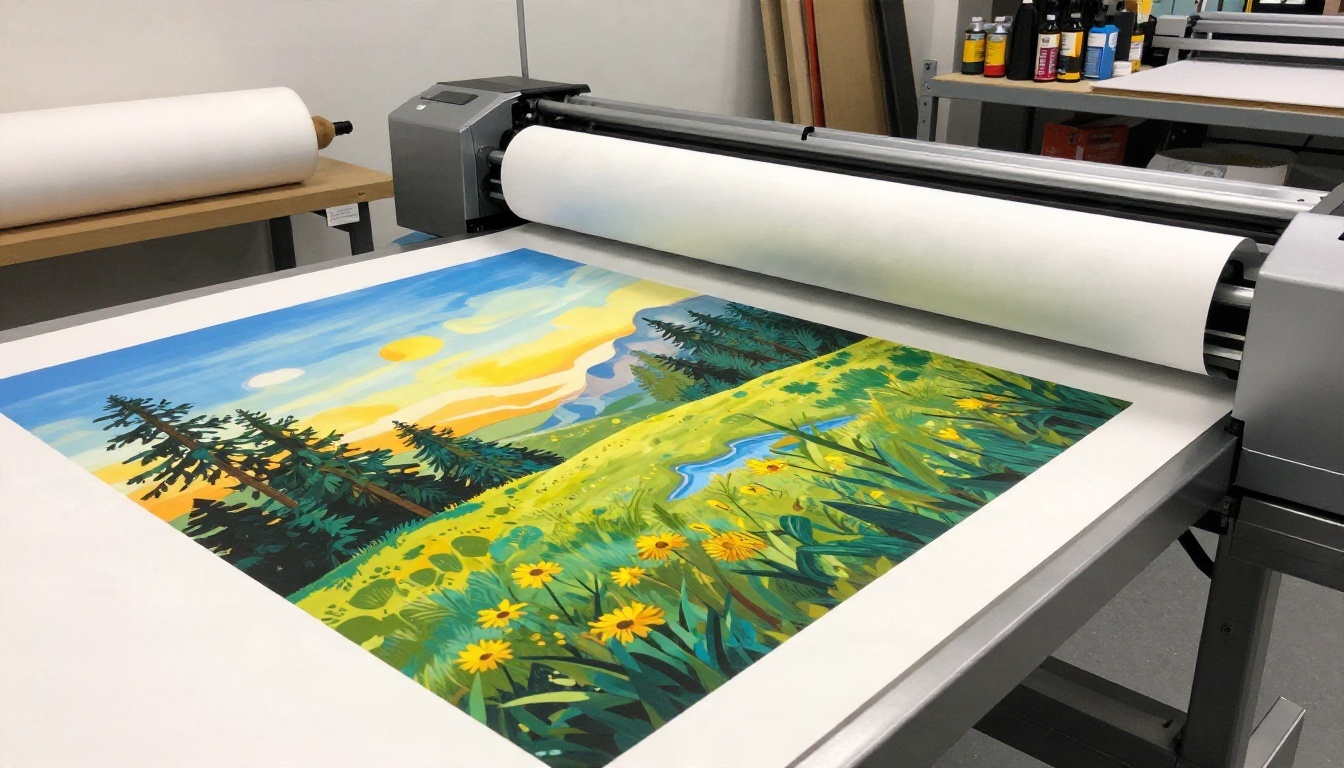
Redbubble products range from stickers to large wall prints and apparel, so your source files need real pixels. Many AI generators output 1 to 2 megapixels by default, which is not enough for a big print. This is where upscaling helps. Real ESRGAN can push a 1024 pixel image up 4x so fine lines hold up on paper and fabric.
Risks of Uploading AI Work
Let's be realistic about what can go wrong. None of these are guaranteed, but all of them are reported by sellers who experimented with bulk AI uploads.
Mass uploads look suspicious
A brand-new account that posts 300 near-identical designs in a weekend resembles spam, whether the art was drawn by hand or generated. Slow, curated releases look more like a real shop.
Misleading tags
Tagging a design as "hand painted" or "original watercolor" when it was generated is the quickest path to a complaint. Honest labeling protects your account far better than clever wording.
Saturated niches
The easiest prompts (cute cats in space helmets, generic mountain sunsets, lo-fi coffee scenes) are exactly what thousands of other sellers are generating. Even if the platform accepts your files, buyers scroll past sameness.
Unclear ownership
Copyright law around AI output differs from country to country, and in some places purely machine-made images may not qualify for protection. That matters if you ever need to defend your designs against copycats. Adding genuine creative input (your own composition, edits, hand-drawn elements, typography) strengthens your position.
💡 Keep a simple record of your process: prompts, edits, and the final file. If a dispute ever happens, a folder of working files shows you were more than a button-pusher.
A Safer Workflow for Sellers
If you plan to sell on Redbubble or any similar marketplace, a repeatable process reduces nearly every risk above.
Step 1: Start with an original concept
Write down a subject, mood, and color palette that belongs to you. Skip celebrity names, franchises, and "in the style of [living artist]" shortcuts.
Step 2: Generate with a strong photorealistic or illustrative model
Different models suit different products. Seedream 4.5 is a solid pick for crisp, detailed 4K compositions that print well. Nano Banana Pro handles edits and iterations nicely when you want to adjust a design without starting over. Imagen 4 is dependable for clean, realistic scenes.
Step 3: Add human work
Re-arrange the layout, draw over details, set your own typography, or combine two outputs into a single composition. This step is what moves a design from "raw output" to "authored artwork."
Step 4: Clean the file
Many Redbubble products, especially stickers and phone cases, need a transparent background. The Remove Background tool gives you a clean cutout in seconds, and Product Cutout is handy when you are working with object-style designs.
Step 5: Upscale and check
Run the final file through an upscaler, then inspect it at full size. Look for warped text, odd edges, and anything resembling a brand mark.
Step 6: Tag honestly
Describe the design for what it is. If the upload form offers a field for AI involvement, use it. If it does not, do not invent claims about hand-made origins.
| Step | Goal | Time cost |
|---|
| Concept | Original subject, no IP | 10 minutes |
| Generate | 3 to 6 variations | 5 to 15 minutes |
| Human edits | Layout, type, details | 20 to 60 minutes |
| Cutout and upscale | Print-ready file | 5 minutes |
| Final check | Zoom, text, logo scan | 5 minutes |
How Redbubble Compares
Sellers rarely choose a platform in isolation. Here is how the main print-on-demand options are described by recent seller write-ups. Treat this as a snapshot, because marketplace rules shift often.
| Platform | AI stance (as reported) | Best for |
|---|
| Redbubble | No clear written AI rule found, possible tagging expectations | Broad product range, existing traffic |
| TeePublic | No clear written AI rule found | Apparel, trend-driven designs |
| Society6 | Reported as restrictive, curated artists, AI art not accepted from new applicants | Gallery-style wall art, if accepted |
| Zazzle | Accepts AI work, asks creators to tag generative content | Custom products, flexible niches |
| Etsy | Allowed with creative involvement and disclosure, with stricter limits on AI patterns | Digital downloads, handmade-style shops |
| Amazon Merch on Demand | No clear written AI rule found | High-volume apparel |
When Redbubble makes sense
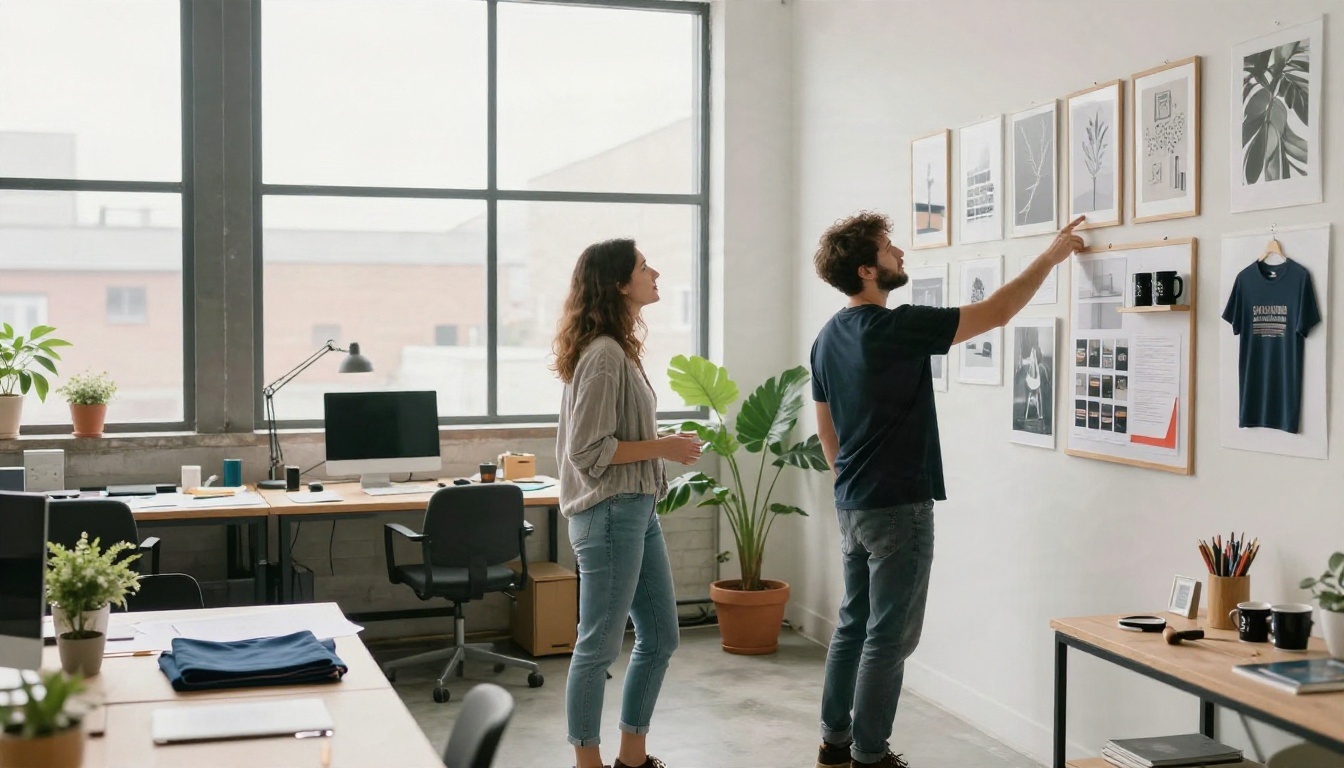
Redbubble still offers one of the widest catalogs of products you can put a design on, from stickers and posters to throw pillows and notebooks. If your designs are original, well finished, and honestly labeled, you can reasonably try it with a small test batch.
When to look elsewhere
If you want explicit written permission, Zazzle and Etsy have the clearest public language, at least according to current reports. If your style is gallery-like and highly curated, you might aim for platforms with an application process, though some of those reject AI work outright.
Alternatives for AI Sellers
You do not have to depend on one marketplace. Diversifying also protects you from sudden policy shifts.
Zazzle
Reported as accepting AI work with a tagging request for generative content. It rewards niche products such as custom invitations, stationery, and event goods.
Etsy
Etsy allows AI-assisted items when the seller plays a clear creative role and discloses it, and it has banned AI-generated functional patterns and instructions. It works well for digital downloads like wall art bundles, planners, and stickers, provided you follow its standards closely.
Your own storefront
A shop on your own domain connected to a print-on-demand partner removes marketplace policy risk, though you handle your own traffic. It suits sellers who already have an audience on social media or a newsletter.
Stock and licensing sites
Some stock libraries accept AI imagery with labels and tight quality checks. Returns are slower, but a good image can sell for years.
💡 Spread your risk. List a small number of your best designs on two or three platforms instead of pushing hundreds onto one.
Making Designs That Sell
Policy is only half the story. Even if everything is allowed, a design still has to earn its spot on a buyer's wall, shirt, or laptop.
Pick a niche with a point of view
"Moody botanical posters for small apartments" beats "nature art." A focused theme gives you consistent tags, a coherent shop look, and repeat buyers.
Think about the product first
A wraparound mug design, a centered chest print, and a sticker all need different compositions. Decide the product, then generate for it. Bold shapes and strong contrast read well on small items, while detailed scenes shine on posters.
Test on real items
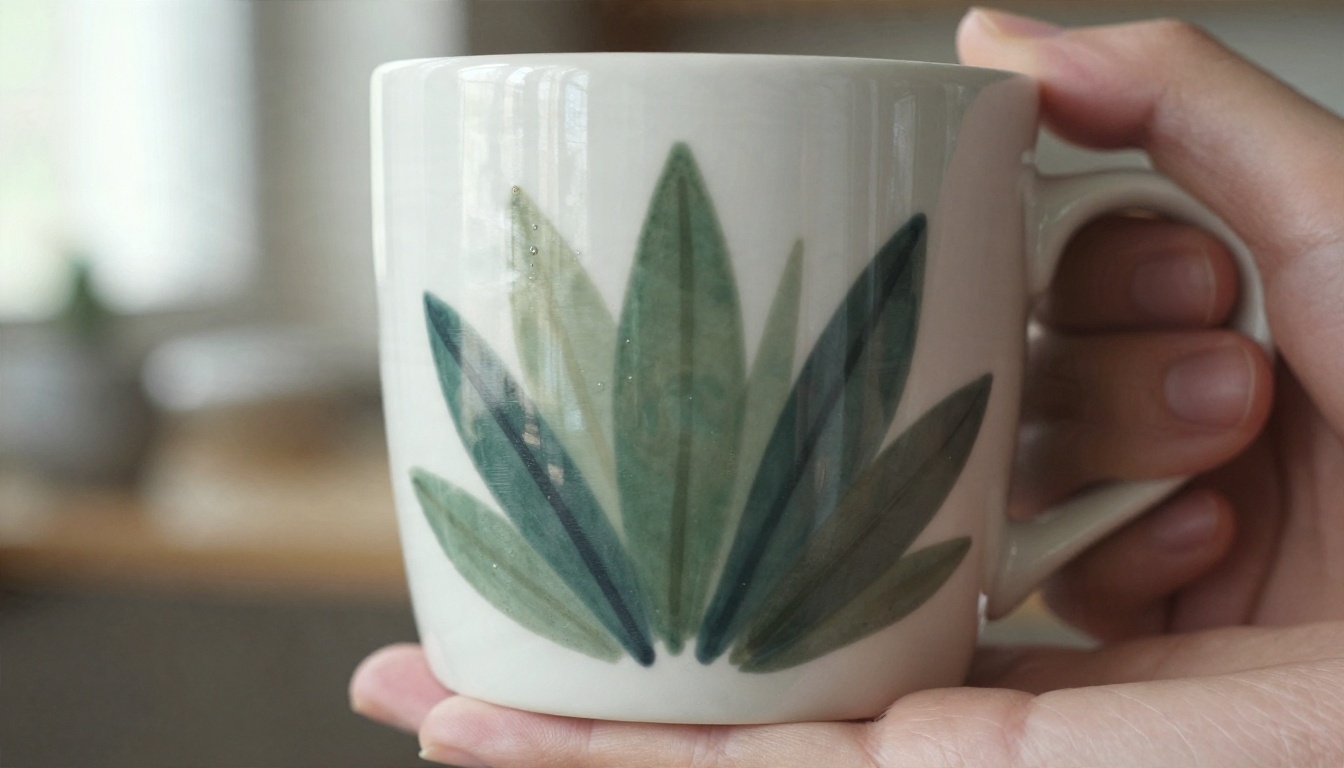
Order a sample of your own product. Colors on paper and fabric differ from screens, and thin lines can disappear on textured materials. A single test mug or tote can save you from a bad batch of listings.
Package the story
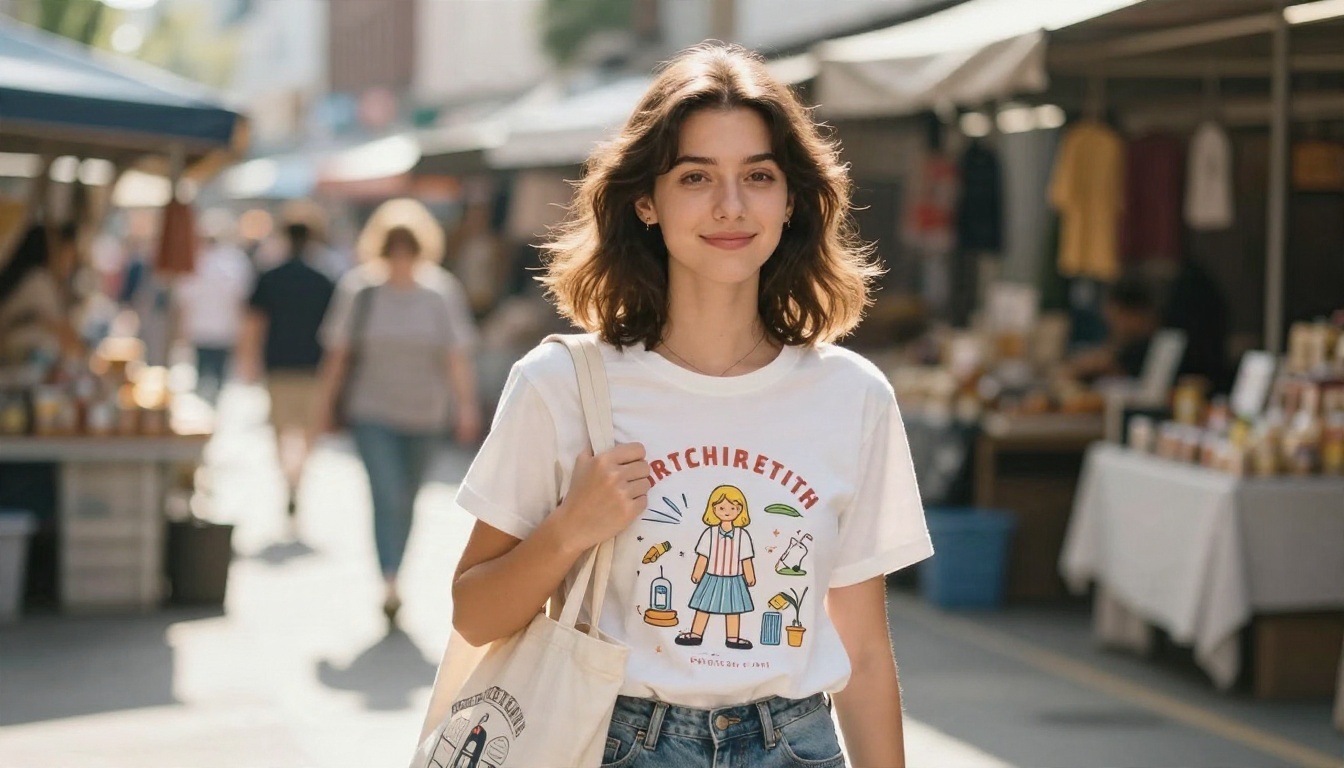
Buyers respond to a point of view. A short, honest shop bio that explains how you create (including that you use AI tools alongside your own edits) builds trust rather than weakening it.
Keep shipping details in mind
If you sell your own physical prints outside the marketplace, protect them properly. Rolled posters in sturdy tubes arrive in better shape, and happy buyers leave reviews.
Common Mistakes to Avoid
- Uploading raw output. Unedited, low-resolution generations look generic and print poorly.
- Copying trending IP. A design inspired by a popular show can be removed within days.
- Skipping the zoom check. Tiny artifacts become obvious on a 24 inch print.
- Fake handmade claims. Misrepresenting your process is the easiest way to lose trust, and possibly your account.
- Flooding one niche. Hundreds of near-duplicates dilute your shop and may attract scrutiny.
- Ignoring updates. Policies change. Revisit the upload form and help pages every few months.
FAQ for AI Sellers
Can I sell AI art on Redbubble?
Reports suggest yes, as long as the work follows the platform's content rules and does not infringe anyone's rights. Because the official wording is not clearly published, confirm in the upload form and help center.
Do I have to label my designs as AI?
Some sources say there is a field or checkbox, others say no. If you see a place to indicate AI involvement, use it. When in doubt, honesty is the lowest-risk path.
Will my account be banned?
Accounts are generally at risk for the same reasons as any seller: infringement, spam-like behavior, and misleading information. AI use alone is not described as a ban reason in the sources I found, but that can change.
Is AI art copyrightable?
It depends on your country and on how much human authorship went into the final work. Adding your own edits and creative choices strengthens your case.
What if Redbubble changes its rules?
Keep your source files, your prompts, and your edit history. Diversify onto a second platform so a policy change never takes your whole income with it.
Make Your Own Print-Ready Designs
Whether Redbubble, Zazzle, Etsy, or your own shop becomes your home base, the winning formula is the same: original ideas, clean files, honest labels, and a steady release rhythm.
You can build that pipeline on Picasso IA in one place. Generate concepts with Seedream 4.5, refine them with Nano Banana Pro, cut out backgrounds with Remove Background, and push the final file to print resolution with Real ESRGAN. Want to see what else is available? Browse every model at picassoia.com/en/all-models, pick a subject you actually care about, and make your first batch of designs today.


