You typed a prompt for a moody swimwear shoot, hit generate, and got a polite refusal. If that sounds familiar, you already know the answer to Does Sora Allow NSFW? in practice: no. OpenAI built its video model with layered filters that check your prompt, the frames it renders and even the audio, and they are tuned to reject anything sexual. This article lays out what the rules say, where the filters get strict, what happened to Sora in 2026, and which uncensored alternatives give you real creative room for glamour, swimwear and boudoir style work without crossing into explicit territory.
The Short Answer
Sora does not allow NSFW content. Not explicit material, not nudity, and in many cases not even content that reads as suggestive. OpenAI treats the absence of sexual content as a design choice, not a bug, and the model ships with classifiers meant to stop it before a video ever reaches you.
💡 Quick take: If your project involves bikinis, lingerie style fashion, artistic glamour or anything adult, Sora is the wrong tool. Pick a model built for it, and keep your results non-explicit and tasteful.
What Sora Blocks
Based on OpenAI's published safety material and reports from people who tested the model, the blocked list looks like this:
- Explicit nudity and sexual acts of any kind
- Sexualized content involving minors, which is blocked absolutely and is illegal everywhere
- Non-consensual or deepfake style sexual content featuring real people
- Suggestive output that the classifiers read as sexual, even when the prompt sounds innocent
- Sexual audio, including voice lines and transcripts that trip the audio moderation layer
What Still Gets Through
Not everything with skin gets refused. Reports describe ordinary beach scenes, fitness clips, fashion walks and swimwear in neutral contexts passing through in many cases. The catch is inconsistency. A prompt that works on Monday can be rejected on Tuesday after a filter update, and the same wording can produce a full video in one run and a block in the next.
| Content type | Sora behavior |
|---|
| Explicit nudity | Blocked |
| Sexual acts | Blocked |
| Suggestive poses, lingerie style looks | Usually blocked, inconsistent |
| Neutral swimwear on a beach | Often allowed |
| Real public figures in any adult context | Blocked |
| Artistic glamour with a strong sensual mood | Frequently flagged |
How Sora's Filters Work
Sora is not guarded by a single keyword list. The published system card describes a stack of checks that run at different stages of generation. That stack is the reason blunt rewording so rarely helps.
Prompt Checks
The first gate reads your text. It looks for direct terms, but it also looks for euphemisms and coded phrasing, which is why swapping one word for a softer synonym tends to fail. Prompts that were harmless in isolation can still be flagged when the overall intent reads as sexual.
Frame and Audio Scans
The second gate is the one that surprises people. OpenAI states that output frames, audio transcripts and scene descriptions all pass through moderation models. So even if a prompt gets through, the finished video can still be thrown out when a frame or a spoken line is classified as sexual. You can burn a generation and still receive nothing.
Likeness and Cameo Rules
Sora also has a likeness layer. OpenAI describes its Cameo feature as consent based: people decide who can use their face and voice, and can revoke access at any time. Public figures are blocked, and videos that include a cameo get extra guardrails. Teen accounts get stricter limits on mature material on top of everything else.
💡 Worth knowing: Putting a real person's face into an adult scene is a hard no on Sora, and it is a bad idea anywhere. Stick to original, fictional or consenting subjects.
Sora's Status in 2026
The picture has changed this year. According to OpenAI's own pages, the Sora app stopped being available at the end of April 2026, and the API was reported to be on a path to discontinuation later in the year. I could not confirm every date independently, so check OpenAI's current announcements before you build a workflow around it.
There is a second thread to the story. In January 2026, reporting described people getting around the safeguards to produce inappropriate material, which spread to other platforms and raised sharp questions about whether the safety systems were doing enough. That pressure pushed OpenAI toward tighter moderation, not looser. The direction of travel is clear: Sora is not heading toward adult content.
For anyone who wants Sora style video quality, the models still exist as hosted options. PicassoIA lists Sora 2 and Sora 2 Pro for standard, safe-for-work video, and they keep the same content rules described above.
Why Prompts Get Rejected
If you are using Sora for ordinary fashion or lifestyle clips and still hit refusals, these are the usual causes.
Common Triggers
- Body focused language like "sensual," "seductive" or "revealing" in the prompt
- Clothing descriptions that imply undressing, wet fabric or sheer materials
- Close framing on the chest, hips or lips
- Bedroom or bathroom settings paired with minimal clothing
- Real names of celebrities or influencers
- Spoken lines with innuendo, since audio is scanned too
Why Rewording Rarely Helps
Plenty of forums swap tips for dodging filters. In practice, the moderation checks the finished frames and not just the text, so a clever prompt only moves the rejection to a later stage. It also wastes credits. A better move is to match the tool to the job. If the job is glamour, boudoir or swimwear, use a model that was made to allow it.
💡 Rule of thumb: If you have to fight a model to get a bikini shot, you picked the wrong model.
Uncensored Alternatives That Work
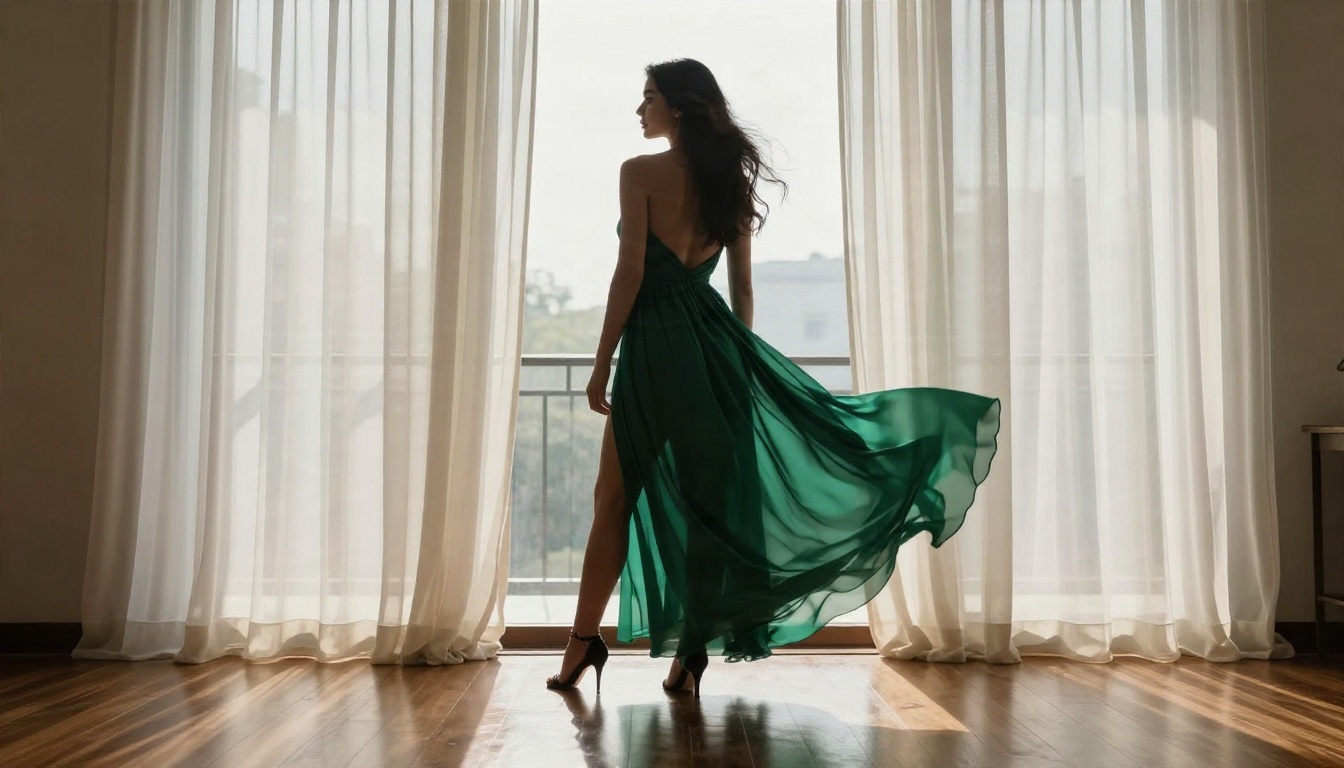
PicassoIA hosts models with far more creative freedom than Sora. The rule on this platform is simple: non-explicit, tasteful, attractive. Think swimwear, glamour, artistic silhouettes and boudoir mood, never pornographic content. Here is the order I recommend, from the strongest starting point down.
Seedream 4.5 for Photoreal Glamour
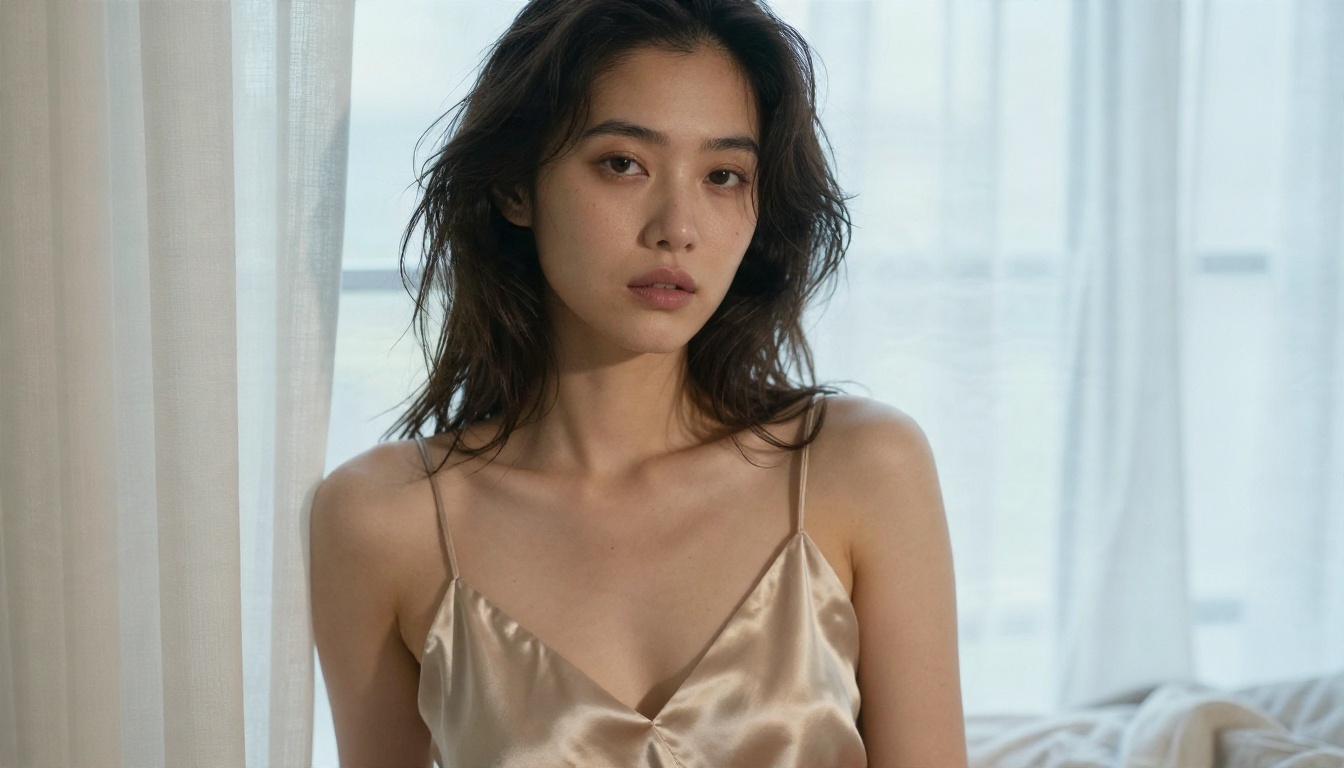
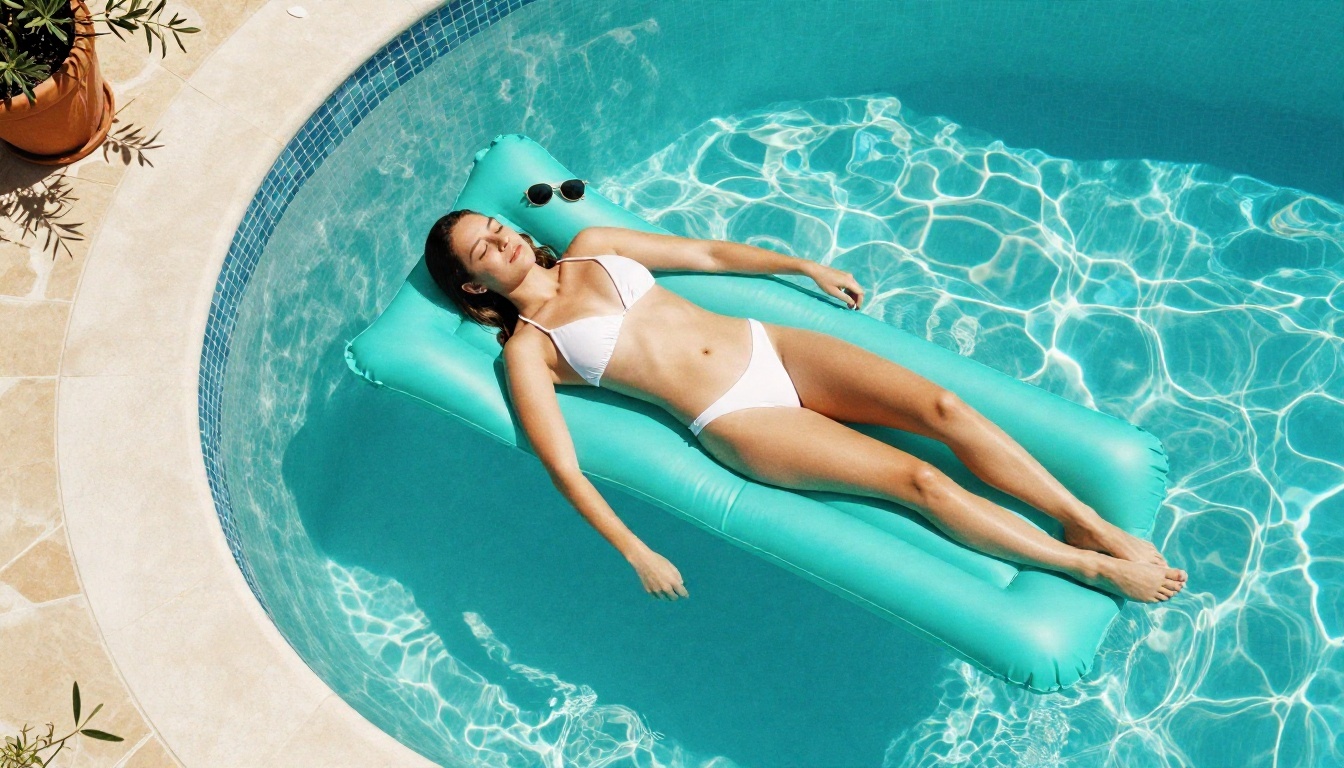
Seedream 4.5 is the first model I reach for. It produces sharp, high resolution photographs with believable skin, fabric and light, and it does not shut down at swimwear or tasteful boudoir prompts the way Sora does. Describe the lens, the light direction and the skin texture, and you get editorial quality frames in seconds.
Best for: bikini shoots, fashion glamour, silk and satin portraits, beach editorials.
PicassoIA Image Editor Pro
PicassoIA Image Editor Pro is the one to pick when you want volume. It offers unlimited generations, so you can iterate on wardrobe, pose and lighting without watching a credit counter. It is also an editor, which means you can take an existing photo and change outfits, backgrounds or mood with a text instruction.
Best for: iteration, outfit swaps, style changes, large batches.
More Image Models Worth Trying
Once you have your look from the first two, these round out the toolkit:
Video Models for Motion
Sora was the reason many people wanted adult friendly video in the first place, so here is where motion fits in. The most practical workflow is image first, then animation. Build the exact still you want with Seedream 4.5 or Image Editor Pro, then bring it to life with an image to video model:
- Wan 2.5 I2V Fast animates a still image quickly, which suits wind in hair, water ripples and slow camera drifts
- Kling v3 Video delivers cinematic motion with smooth camera work for fashion style clips
💡 Why this works: Because the still frame is yours, you control the look before motion begins. That removes the biggest source of rejections, which is the model interpreting a vague prompt in a risky direction.
How to Use Sora 2 on PicassoIA
If your project is safe for work and you want Sora quality, here is the process on Sora 2. For higher fidelity, Sora 2 Pro follows the same steps.

Step by Step
- Open the model page. Go to the Sora 2 page on PicassoIA and choose the text to video tool.
- Write the scene. Describe the subject, setting, action and mood in two or three sentences.
- Add camera language. Phrases like "slow dolly in," "handheld follow" or "low angle" give the model clear direction.
- Describe the light. Say whether it is golden hour, overcast, window light or night.
- Generate and review. Watch the clip, then adjust a single element at a time.
- Save the winner. Download the version you like and iterate from there.
Parameter Tips
| Setting | Recommendation |
|---|
| Prompt length | 2 to 4 sentences, specific and visual |
| Camera | One clear movement per clip |
| Lighting | Name a time of day or a light source |
| Audio | Keep spoken lines short and neutral |
| Subjects | Original characters, never real public figures |
💡 Reminder: Sora 2 and Sora 2 Pro keep OpenAI's content rules. For swimwear glamour and boudoir style work, move to the image models above and animate afterward.
Sora vs Alternatives at a Glance
Here is how the options compare when the goal is tasteful adult leaning content.
Prompt Recipe That Works
For image models, use a structure like this and swap in your own details:
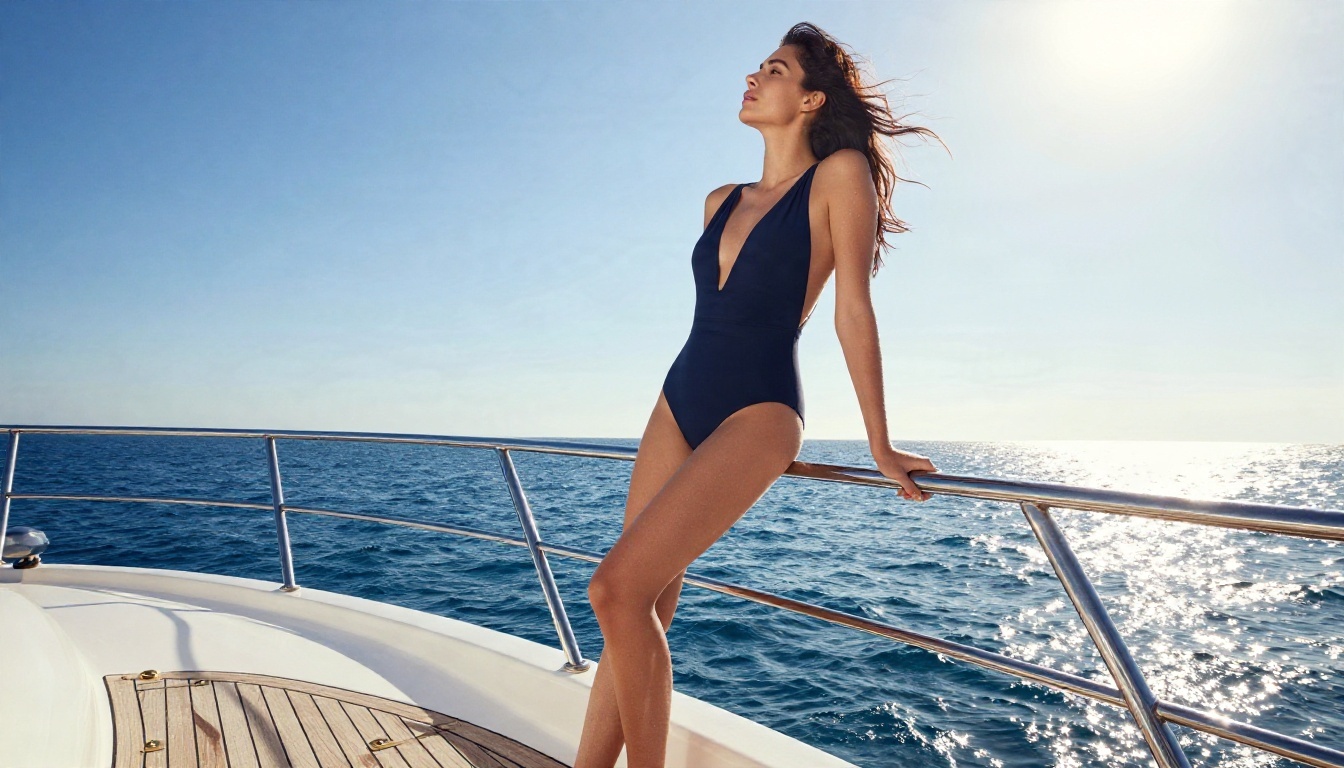
- Subject and pose: "woman in a navy one piece swimsuit leaning on a yacht railing"
- Setting: "white deck, teak planks, deep blue sea behind"
- Light: "bright sun from upper right, wind in her hair"
- Lens: "28mm, f/4, low angle"
- Texture: "natural skin texture, salt on the skin, fine film grain"
The more physical detail you give, the less the model has to guess, and the more your result looks like a real photograph instead of a generic render.
Staying Within Safe Lines
Freedom is not the same as anything goes. Keep your work non-explicit: swimwear, glamour, silhouettes, boudoir mood and fashion editorials are all fine. Never generate sexual content involving minors, and never use a real person's likeness without their consent. Following those two lines keeps your work legal, shareable and free of platform trouble.
Start Creating Your Own
Sora's answer on NSFW is a firm no, and in 2027 that answer is not getting softer. The good news is that you do not need Sora to get stunning, sensual and photorealistic results. Start with Seedream 4.5 to build the exact still you picture, refine it with unlimited edits in PicassoIA Image Editor Pro, then bring it to life with Wan 2.5 I2V Fast or Kling v3 Video.
Pick a scene you have been trying to get out of Sora, write it as a photograph with a lens, a light source and a mood, and run it. You will see the difference within minutes. When you want to try more options, browse the full catalog at picassoia.com/en/all-models and build your own look on PicassoIA.


