You typed a perfectly reasonable prompt about a woman in a bikini on a beach, hit generate, and got a blank error or a blurred clip. Now you are asking the obvious question: does Wan 2.1 allow NSFW content, or is it locked down? The honest answer depends on where you run it. The model and the website serving it are two different things, and almost every frustration people have comes from mixing them up.
This article sorts it out. You will see what the open weights do and do not filter, why most hosted platforms reject adult prompts anyway, which free routes exist, and which alternatives give you more room for suggestive, glamour and swimwear-style visuals without crossing into explicit territory.
The Short Answer
Wan 2.1 is an open-weights video model from Alibaba. It ships as downloadable files, in text-to-video and image-to-video versions, with a small 1.3B variant and a large 14B variant. Because the weights are public, there is no single gatekeeper that decides what you can type. Moderation happens in the layer around the model: the website, the app, the API provider, the payment processor.
💡 Quick rule: the model itself is not a content police officer. The service that hosts it usually is.
Open Weights vs Hosted Service
When you run a model on your own machine, you control the whole pipeline. When you use a hosted version, you accept the host's rules. Those rules can include prompt screening before generation, output screening after it, and account-level bans for repeated violations.
On PicassoIA you can try Wan 2.1 T2V 720p and Wan 2.1 I2V 720p directly, and the practical approach is to keep your content in the suggestive, non-explicit lane that hosted platforms generally tolerate.
What "Filter" Actually Means
People use the word "filter" for three different things, and mixing them up leads to bad troubleshooting:
| Type of filter | Where it lives | Can you change it? |
|---|
| Prompt screening | The website or API, before generation | No, set by the host |
| Output screening | A classifier that checks the finished clip | No, set by the host |
| Model bias | Baked into training data and the weights | Only by fine-tuning |
That third row matters. Even with no screening at all, a base model only produces what its training data taught it. Wan 2.1 is strongest on clothed, cinematic, well-lit scenes. It was not built as a specialist for adult material, so results on that kind of prompt tend to look generic or anatomically off.
How Wan 2.1 Handles Adult Content
Let's separate what is reasonably well established from what is rumor. Community discussion and several third-party write-ups say the base Wan 2.1 weights do not ship with a dedicated safety classifier attached. I could not confirm that against an official statement, so treat it as community reporting, not a guarantee. What is certain is that hosted versions add their own moderation.
Base Weights
The downloadable checkpoints are research and creator tools. Running them locally means no account, no upload, and no host-side review. It also means you carry the responsibility: local does not make illegal content legal, and it does not remove the need for consent when real people's likenesses are involved.
Prompt Rewriting and Refusals
Many hosted pipelines use a language model to expand your short prompt into a longer one. That rewriting step is often where a refusal or a softened result comes from. You write "glamour portrait, swimsuit, poolside", and the pipeline quietly returns something more conservative than you asked for.
If you want to see how much prompt wording shifts the output, compare a plain version against a detailed cinematic version. Specific camera, lighting and wardrobe details often matter more than any attempt to push boundaries.
Community Fine-Tunes
Search any model-sharing site and you will find LoRAs and merged checkpoints built on Wan 2.1 and, more often now, on Wan 2.2. Their quality is uneven, their licenses vary, and files from unknown uploaders can carry risk. If you go that route, stick to well-reviewed sources, read the license, scan what you download, and never use anyone's likeness without permission.
If the weights are open, why does nearly every website refuse adult prompts? Three reasons keep showing up.
Payment and Hosting Rules
Card processors and cloud providers set conditions on the businesses they serve. A platform that lets explicit content through can lose its payment processing overnight. So even teams that personally do not care end up enforcing strict rules.
Legal and Safety Risks
Video models can be misused to make non-consensual deepfakes or content involving minors. Hosts add broad filters because narrow filters are hard to build and the downside of a miss is severe. That is why a harmless swimwear prompt sometimes gets caught: the classifier errs on the side of blocking.
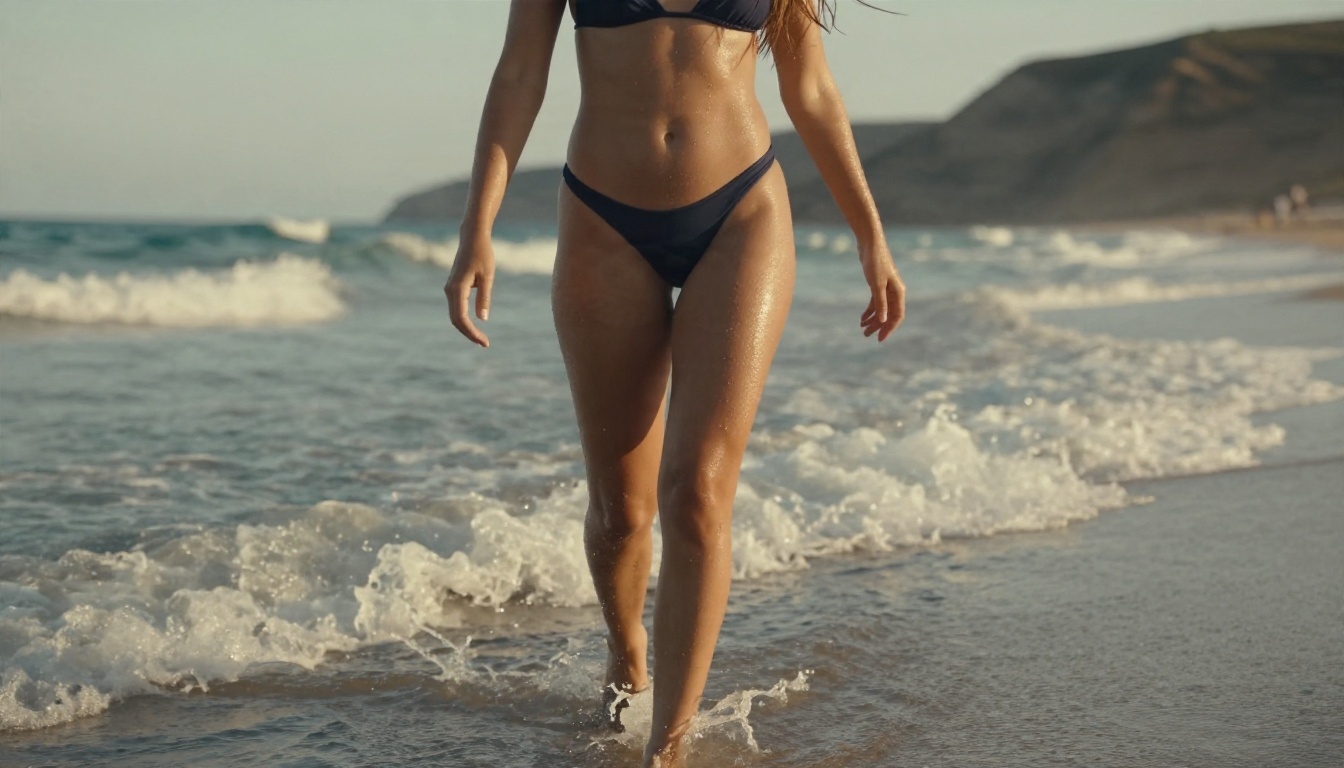
💡 Tip: if a harmless prompt is blocked, rephrase it around the visual scene rather than the body. "Woman in a navy swimsuit walking out of the sea at golden hour, 35mm, warm backlight" tends to pass more often than short, vague prompts.
Free Options That Actually Work
"Free" has levels. Some are truly free but need hardware; others are free only up to a limit.
Free Tiers and Trials
Most hosted generators offer a small number of free generations, then ask for credits. Read the limits before you plan a project. A clip that costs a few credits in a test can cost far more once you iterate ten times to get the motion right.
Running Locally
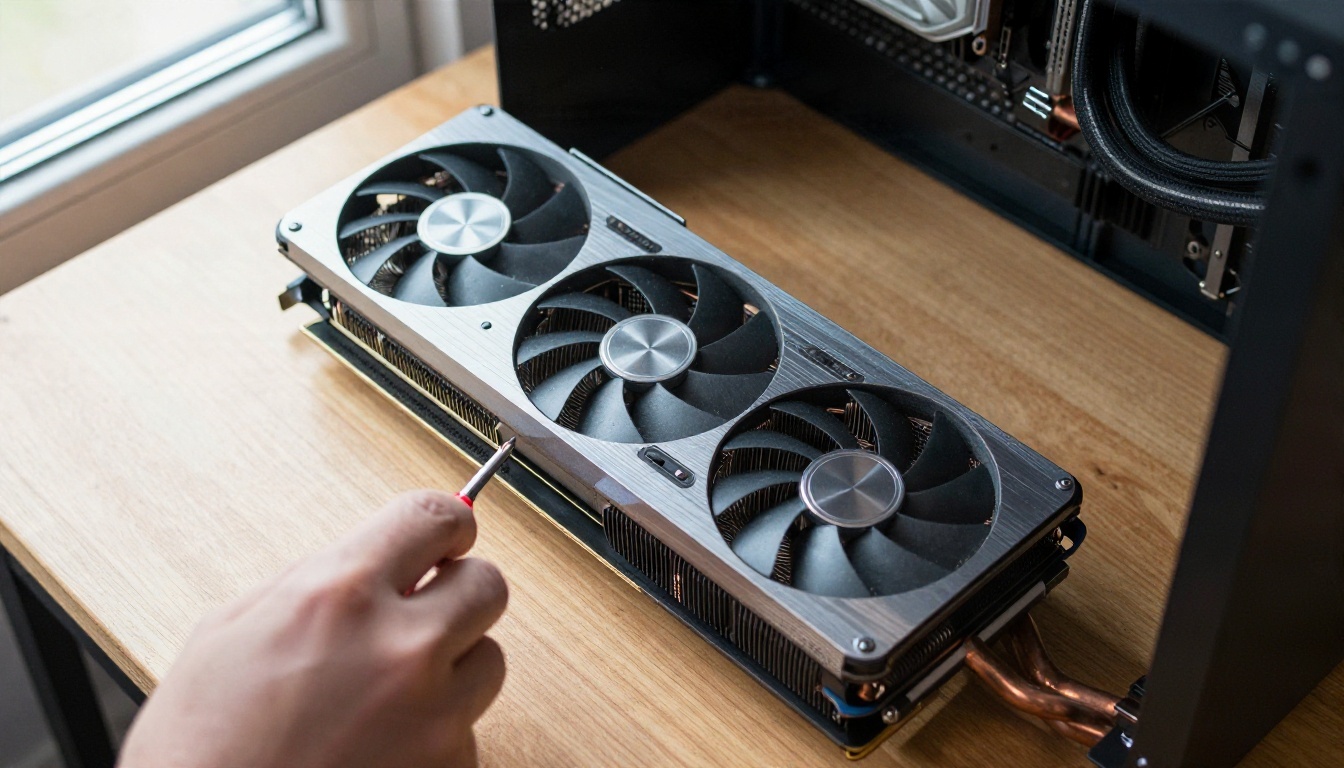
If you have a capable GPU, you can run Wan 2.1 yourself. The 1.3B text-to-video version is the friendly one: it was designed to run on consumer cards with roughly 8 GB of VRAM, though slowly. The 14B version wants much more memory and patience.
Hardware You Will Need
| Setup | Typical result |
|---|
| Laptop GPU, 6 to 8 GB | 1.3B model, short low-resolution clips, slow |
| Desktop GPU, 12 to 16 GB | 1.3B comfortably, 14B with heavy compromises |
| 24 GB or more | 14B at 480p or 720p, usable iteration speed |
| No GPU | Use a hosted service instead |
Local also means setup time: Python environments, ComfyUI or similar interfaces, model downloads of many gigabytes, and troubleshooting. For many creators, a hosted tool is simply faster.
Best Alternatives on PicassoIA
If your real goal is attractive, glamour-style content such as swimwear shoots, boudoir-inspired editorials, fashion portraits and beach scenes, you do not need to fight a video model's filters. The smarter workflow is to build the still image first with a strong image model, then animate it.
Seedream 4.5 Comes First
Seedream 4.5 is the model I would start with for suggestive, photorealistic imagery. It renders skin texture, fabric, and lighting at a level that makes the final animation look far more convincing. Bikinis, lace, sheer fabrics, poolside and bedroom editorials all sit comfortably in its range, as long as you stay non-explicit.
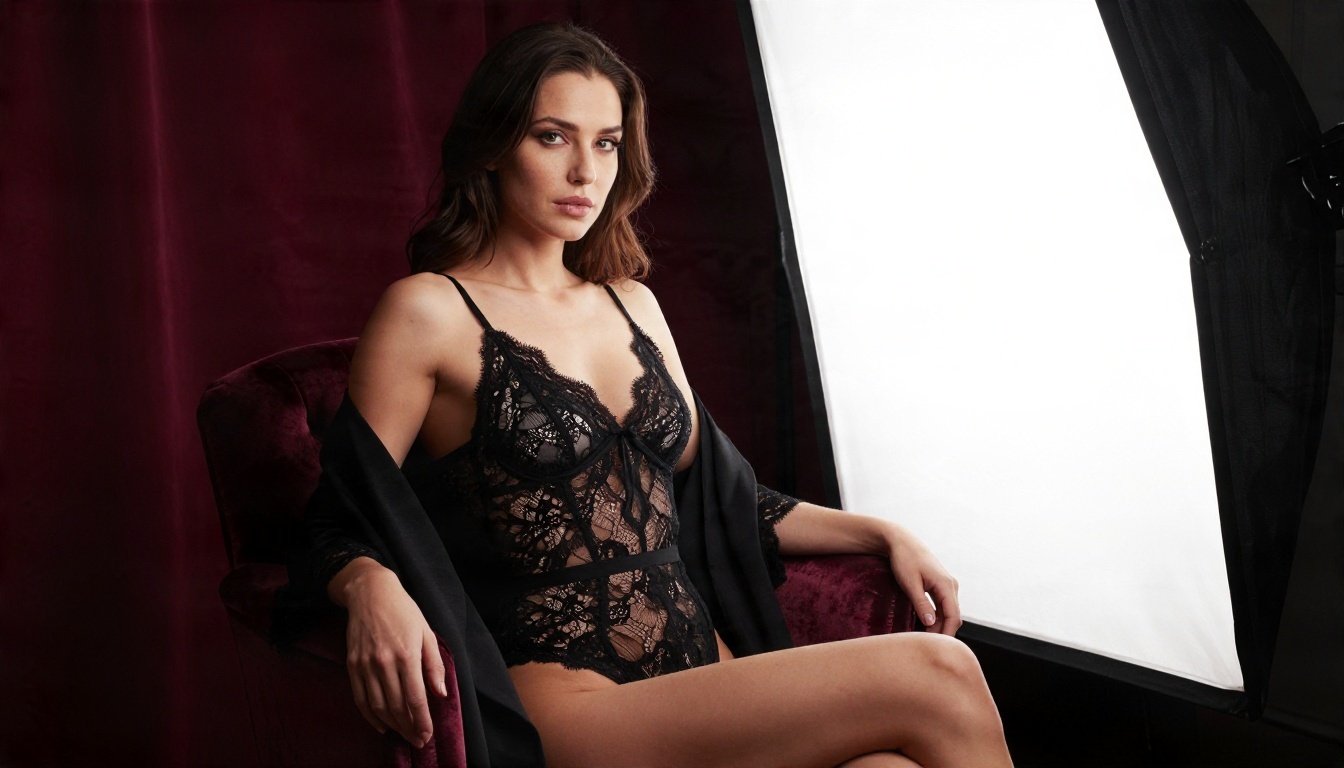
Image Editor Pro Is Unlimited
PicassoIA Image Editor Pro is the second stop. Its big advantage is unlimited generations, which changes how you work. Instead of rationing a handful of attempts, you can iterate freely: adjust wardrobe, change the pose, swap the background, and keep refining until the frame is right. That is also the cheapest way to build a clean first frame before animating.
Wan Family for Motion
Once you have a good still, bring it to life with a Wan model. These are all on PicassoIA:
| Model | Best for | Link |
|---|
| Wan 2.1 I2V 720p | Animating a still at 720p | Open model |
| Wan 2.1 T2V 720p | Text-only video at 720p | Open model |
| Wan 2.2 I2V A14B | Smoother motion from photos | Open model |
| Wan 2.5 T2V | Stronger prompt following | Open model |
| Wan 2.6 I2V | Newest image animation | Open model |
If you want a lighter, faster option, Wan 2.2 5B Fast generates 720p video from text in less time.
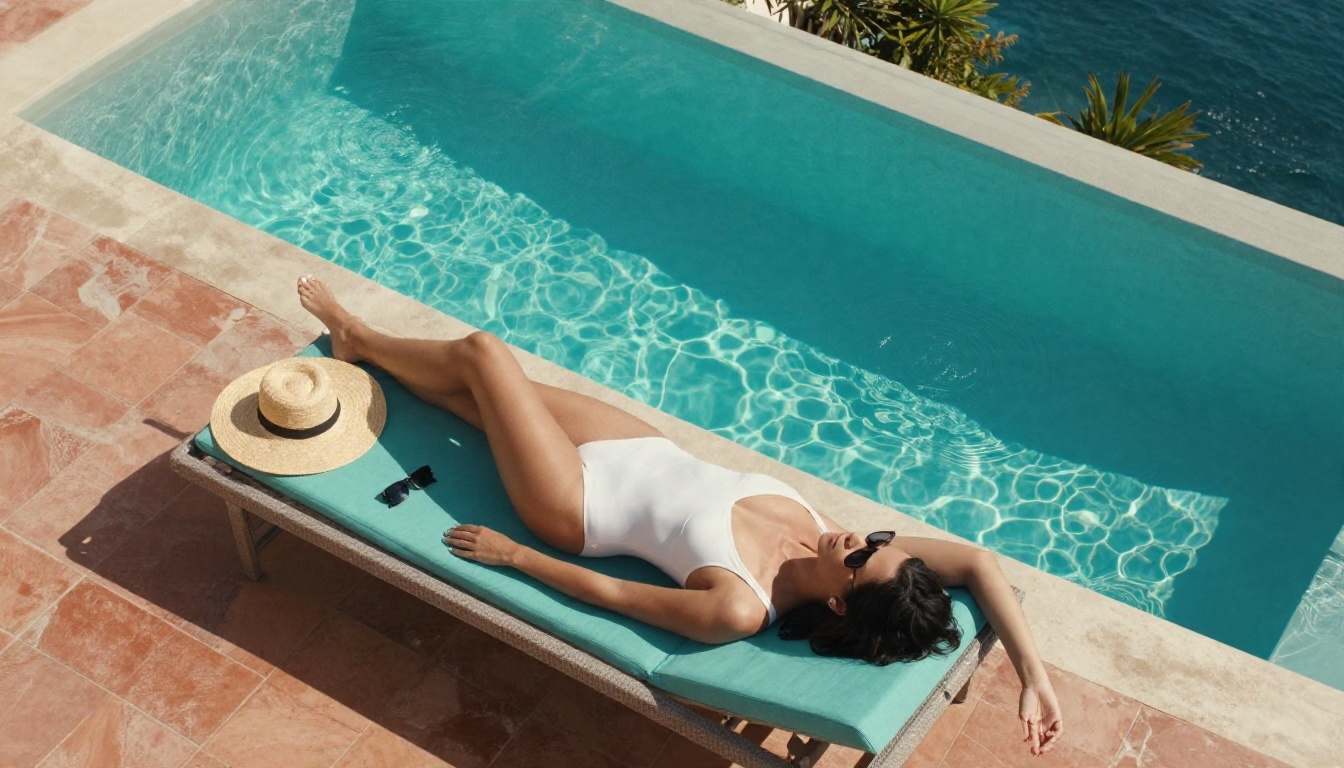
💡 Note: Seedream 5 Lite blocks adult content, so skip it for this kind of work. Seedream 4.5 and Image Editor Pro are the better picks.
How to Use Wan 2.1 on PicassoIA
Here is the workflow I recommend for a glamour or swimwear clip. It uses Wan 2.1 I2V 720p, and the same steps work with the 480p image-to-video version if you want faster, lighter tests.
Step by Step
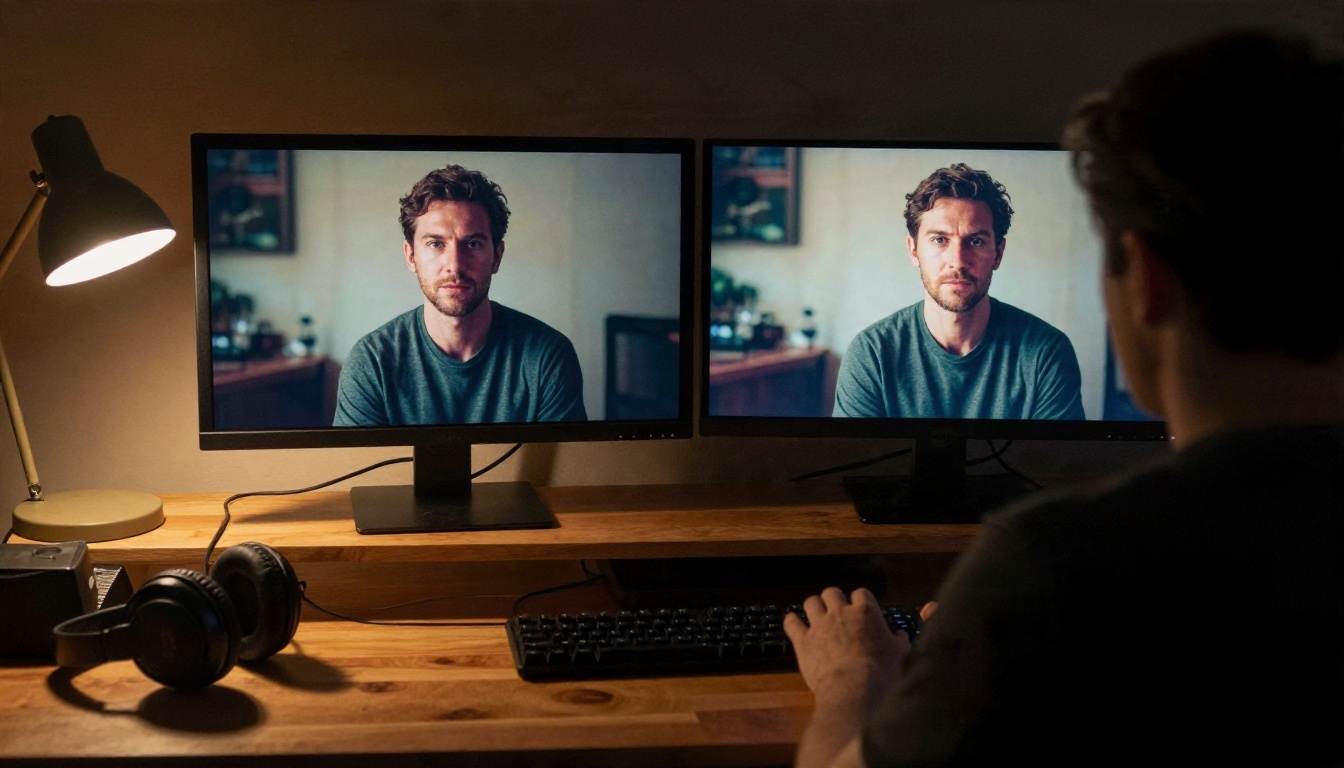
- Create your first frame. Open Seedream 4.5 or Image Editor Pro and generate a photorealistic still. Describe the pose, the wardrobe, the location, the light direction and the lens.
- Pick the best frame. Choose an image with a clean subject, natural hands, and plenty of space around the body for movement.
- Open Wan 2.1 I2V 720p. Upload that image as the starting frame.
- Write a motion prompt. Describe what moves and how the camera behaves over the clip.
- Generate and compare. Run two or three versions, then keep the one with the most natural motion.
Parameter Tips
- Keep motion small. Hair moving in a breeze, a slow turn of the head, fabric shifting. Big, fast actions break anatomy.
- Name the camera move. "Slow dolly-in" or "gentle pan left" gives the model something concrete.
- Describe light, not just the subject. "Warm backlight from the setting sun" keeps the look consistent with the still.
- Avoid contradictions. If the still shows a daytime beach, do not ask for a night scene in the motion prompt.
- Match the aspect ratio. Start from a 16:9 image if you want a 16:9 clip.
A motion prompt that works well looks like this: "A woman in a navy bikini stands at the water's edge at golden hour. She turns her head slowly toward the camera while a light breeze moves her hair. Slow dolly-in, warm backlight, soft film grain, natural skin texture."
What to Expect From the Results
Be realistic about what a 5 second clip can do. Wan 2.1 handles slow, natural motion very well. It struggles with fast hand movements, complicated interactions, and long continuity. If a clip looks off, the fix is usually in the still or the prompt, not in the model.
Wan 2.1 vs Newer Versions
Wan 2.1 is still a solid, efficient choice, but newer releases in the family improved motion quality and prompt following. If you are building something new today, test a Wan 2.5 or Wan 2.6 version alongside it, then keep whichever gives the cleaner result for your scene. Using Wan 2.6 T2V for text-only drafts is a good way to compare.
Speed and Cost
Image-to-video is typically cheaper and more predictable than text-to-video because the hard part, the composition, is already solved by your still. That is another reason to lead with Seedream 4.5 and Image Editor Pro.
Common Mistakes to Avoid
Most failed attempts come from the same handful of habits.
- Blaming the model for the host's rules. If a site blocks you, that is the site's policy. A different service may behave differently.
- Using short prompts. "Sexy woman beach" gives the pipeline nothing to work with and invites a refusal or a generic result. Describe the scene like a photographer.
- Skipping the first frame. Text-to-video gambles on composition. Image-to-video lets you approve the look first.
- Downloading random LoRAs. Unknown files can be unsafe, low quality, or built on content you should not touch. Be selective.
- Using real people's likenesses. Never generate suggestive content of a real person without their consent. It harms people and can be illegal.
- Over-animating. One subtle movement beats five chaotic ones.
When a Filter Is Not the Problem
Sometimes a clip fails for boring reasons. Low-resolution sources, blurry faces, cluttered backgrounds and conflicting instructions all produce warped results that look like a filter but are not. Before you assume you hit a block, test the same scene with a cleaner image and a simpler prompt.
A Note on Limits
There are lines that no platform will cross and that you should not want to cross: content involving minors, non-consensual imagery, and anything built to deceive or harass. Staying on the right side of that line is not a limitation of the tools. It is the baseline for using them.
Try It Yourself Today
So, does Wan 2.1 allow NSFW content? The weights themselves are open, and community reports say they carry no built-in classifier, but every hosted service wraps them in its own rules. For suggestive, glamour-style work, the better route is a two-step workflow: build a striking still, then animate it.
Start with Seedream 4.5 for the photorealistic first frame, use PicassoIA Image Editor Pro when you want unlimited tries, and then bring the best frame to life with Wan 2.1 I2V 720p or a newer Wan model.
Pick one scene you have in mind, write it like a photographer, and run your first test on PicassoIA today. When you want more options, browse every available image and video model at picassoia.com/en/all-models.


