You typed "Dondi AI app" into a search bar and expected an App Store button. Instead you probably found a pile of reviews that contradict each other: one says 20 free messages a day, another says 5, and prices change from page to page. That confusion is the whole reason this article exists. Below you will find what Dondi is, how to open it online, what the free chat limit most likely looks like, what its image tools do, and which alternatives give you more control over the pictures you make.
One point first. Dondi is a companion service for adults, built around chatting with a customizable AI character, and it comes with NSFW positioning. Everything here stays informational and safe for work.
💡 Quick answer: Dondi runs in a web browser (no native mobile app was found), the free plan is capped by a daily message allowance, and image or video generation sits mostly behind paid tokens or a subscription. Check the live pricing page before you pay.
What Dondi Actually Is
Dondi AI is an AI girlfriend and virtual companion platform. You pick or build a character, then talk to it through text, voice, custom images and short AI video. Reviewers describe a persistent "memory" feature that tries to remember details from earlier chats, so the character can refer back to what you said last week.
It is an entertainment product. It is not a therapy tool, a dating service or a replacement for real relationships, and several reviewers say that plainly.
Who It Is Built For
The service is marked 18+. Its audience is adults who want roleplay, casual conversation or a character to talk to in the evening. If you want a general assistant for emails, code or research, a standard chatbot is a better fit, and I list some options further down.
What Reviews Agree On
Across the third-party reviews I found, a few points repeat:
- It works in a browser, with no dedicated mobile app found.
- It mixes chat, voice, images and video in one place.
- It uses a token or credit system for premium actions such as voice replays.
- Chat quality gets mixed marks. Some reviewers call it polished, others say replies can wobble or repeat.
Where reviewers disagree is pricing and free limits, which I get to next.

Dondi Online Access Without an App
If you searched for a download link, stop. Based on what reviewers report, Dondi is used through its website, and the advice for phones is to open the site in Safari, Chrome or another mobile browser.
How to Open It in a Browser
- Open a modern browser on your laptop or phone.
- Type the service name into the address bar or a search engine and choose the official site, not a lookalike. Several review sites rank above the real one, so check the address before you sign up.
- Create an account with an email address, and confirm you are an adult.
- Pick or build a character, then start chatting.
💡 Tip: Fake app listings exist for almost every popular AI companion. If a store listing claims to be the official Dondi app and the developer name does not match the website, skip it.
Using It on a Phone
Because there is no native app, you can save the site to your home screen from the browser menu. It then opens like an app icon, though it is still a web page. Notifications and offline behavior will be more limited than in a real app. Expect to be online whenever you chat.
Chat Limits on the Free Plan
This is where most readers get stuck. Sources give different numbers, and that is a real problem for anyone trying to plan around it.
20 Messages or 5?
The service's own site lists 20 messages per day on its free plan. One third-party review cites 5 messages a day, with each message costing one token. Another review simply says free chat is available with a large character library, without giving a number.
The likely explanation is that limits change over time, or that different account types and promotions get different allowances. I could not confirm anything from a developer statement or press release, so treat all numbers as approximate.
| Source type | Reported free limit | How much to trust it |
|---|
| Official website | 20 messages per day | Highest, but can change |
| Third-party review | 5 messages per day | Possibly outdated |
| General review copy | "Free chat" with no number | Low |
Tokens, Voice Replays and Paid Plans
Premium features are usually tied to tokens. One review notes that replaying a voice message costs a token each time, which adds up fast if you like hearing replies repeatedly.
On price, the picture is just as mixed. One source lists a monthly plan around 14.99, while structured data on the official site lists an annual plan around 47.88. Those two figures can both be true, since annual billing is normally cheaper per month, but you should confirm the currency, billing period and renewal terms at checkout.

How to Stretch a Daily Limit
If you stay on the free tier, a few habits help:
- Write longer, fuller messages. One thoughtful paragraph does more than five short lines when each send counts.
- Skip voice replays unless you really want them.
- Check when the counter resets. Some services reset at midnight UTC, others 24 hours after your first message.
- Avoid retrying replies you do not like. A rewrite may count as another message.
Image Options Inside Dondi
Dondi advertises custom images and AI-generated video as part of the companion experience. You describe or select a look for your character, and the service produces pictures that stay roughly consistent with that character.
What You Can Generate
Reviewers describe three kinds of visual output:
- A portrait for the character you build
- Images sent during a chat, based on the conversation
- Short AI video clips
Most of these sit behind tokens or a paid plan. Free users mainly get text chat.
What Quality to Expect
Images from companion apps tend to look polished, but they are tuned for one purpose: keeping a character consistent. That means you get less freedom over lighting, lens, pose, wardrobe, location or editing than you would from a dedicated image model. If you care about photographic realism, or want to produce portraits and lifestyle pictures with real control, a general image generator gives you much more room.

Is It Safe and Private?
Companion apps collect intimate conversations, so this question deserves a straight answer.
Privacy Checks Before You Sign Up
Spend two minutes on these before you share anything personal:
- Read the privacy policy for how chats and images are stored.
- Look for a delete-account option that also deletes chat history.
- Check whether chats are used to train models.
- Use an email address you do not mind losing, and never share a real address, workplace or financial details with a character.
Age Rules and Realistic Expectations
Dondi is for adults only. It is also a product designed to keep you chatting, so set your own limits on time and spending. Token systems make small charges feel harmless, and they add up. Decide on a monthly budget before you buy your first token pack.
💡 Rule of thumb: If the free tier does not make you want to pay, the paid tier probably will not either. Test chat quality at the free limit first.
Alternatives Worth Trying Today
Dondi is not on PicassoIA, so there is nothing to link and no way to use it there. If what you want is better pictures, more control or a general chat assistant, these alternatives are on PicassoIA and work for the same tasks.
For Chat and Writing
If you want a conversational assistant for planning, writing or role-based creative scenes, these language models are available:
- Gemini 3.5 Flash is fast and handles chat, code and image-related prompts.
- Claude Sonnet 5 is strong at long, careful writing and keeping a conversation coherent.
- GPT 5.6 Luna gives quick text replies for everyday tasks.

For Images
Dondi is not on PicassoIA yet; for similar results today, try these image models:
| Model | Best for | Why it works as an alternative |
|---|
| Seedream 4.5 | Photorealistic portraits up to 4K | Sharp skin, fabric and lighting detail |
| PicassoIA Image Editor Pro | Unlimited generations and edits | No daily counter to watch |
| Qwen Image 3 Pro | Natural, photorealistic scenes | Reliable with long, detailed prompts |
The real difference is control. A companion app decides how the picture looks. With an image model, you pick the pose, outfit, lens, light and setting, and you can regenerate as many times as you like.
How to Get Similar Results on PicassoIA
For portrait and lifestyle images with the polished, photographic look people want from a companion app, start with Seedream 4.5. It is fast, handles skin texture and fabric well, and outputs up to 4K.
Step by Step with Seedream 4.5
- Open the Seedream 4.5 page on PicassoIA.
- Write your prompt in the text box. Describe the subject, the setting, the light and the camera.
- Choose a 16:9 or 3:4 aspect ratio, depending on whether you want a landscape or a portrait.
- Pick the resolution. Start at 2K for testing and move to 4K for the version you keep.
- Generate, review, and tweak one detail at a time.
Prompt Tips That Work
- Name the lens. "85mm f/1.8" produces the soft background of a real portrait.
- Describe the light direction. "Warm lamp from the left, cool window light from the right" gives depth.
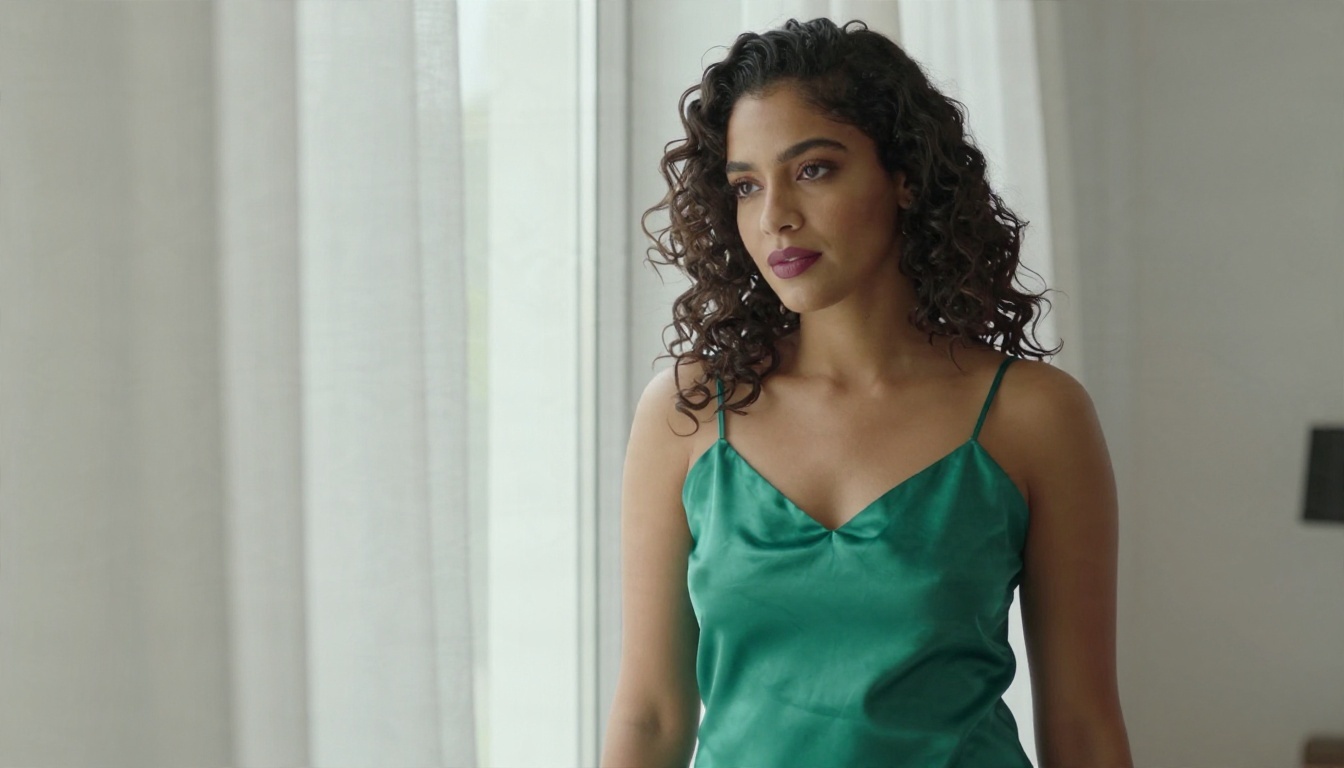
- Add texture words. Knit wool, satin, freckles, wet sand and denim all push realism.
- Keep the mood simple. One feeling per image, such as quiet, playful or confident.
Edit and Refine with Image Editor Pro
Once you have a picture you like, open it in PicassoIA Image Editor Pro. It is built for unlimited generations and edits, so you can change the outfit, adjust the background, fix small details or try five variations without watching a message counter. That is the biggest practical gap versus a free tier capped at a few messages a day.
For a quick extra option, Nano Banana Pro is another strong pick for 4K images and edits.
Dondi Versus PicassoIA: Side by Side
| Feature | Dondi (as reported) | PicassoIA image tools |
|---|
| Access | Web browser | Web browser |
| Free limit | Daily message cap (5 to 20, sources differ) | Image Editor Pro built for unlimited use |
| Image control | Character-based, limited | Full control over pose, light, lens, setting |
| Chat | Companion roleplay | General language models for many tasks |
| Cost model | Tokens and plans | Pick the model that fits the job |
| Best for | Ongoing character chat | Photoreal images and edits |
Which One Should You Pick?
Choose Dondi if the character relationship is the point. You want a persistent personality, voice replies and a place to chat in the evening, and the free tier lets you try it first.
Choose an image model if the pictures are the point. You want photorealism, a specific look, a repeatable style or the freedom to make fifty versions of one idea. That is where Seedream 4.5 and PicassoIA Image Editor Pro pull ahead.
A hybrid works well too. Chat wherever you prefer, then bring your visual ideas to an image model, where you decide what the picture looks like and nothing counts against a daily allowance.

Create Your Own Images Now
Waiting for a message counter to reset is a poor way to be creative. Open Seedream 4.5 on Picasso IA, paste in a prompt like "woman on a quiet beach at sunrise, 70mm lens, natural skin texture, warm pink light", and see what comes back in seconds. Then send your favorite result to PicassoIA Image Editor Pro and keep refining without a cap. If you want to see every option, browse all PicassoIA models, and start with one idea you have been meaning to try.


