You downloaded the app, sent a few messages, and now a paywall is asking for your card. Before you pay, you want to know three things: what Dondi AI really costs, how much you get for free, and whether the conversations and pictures feel real or feel like a template. This review answers those questions in plain terms, flags what could not be verified, and finishes with alternatives you can use today if Dondi does not fit.
Dondi AI is not on PicassoIA. There is no Dondi model page here, and nothing in this article suggests you can run it on this platform. What you will find below are honest notes on the product, plus four image models and three chat models that are on PicassoIA for people who want similar results without a subscription lock-in.
💡 Quick verdict: Dondi AI looks like a chat-first AI companion service with image generation attached. Conversation quality gets decent marks from reviewers, memory gets weaker ones, and pricing details are inconsistent across the web. Check the official pricing page before you enter payment details.
What Dondi AI Actually Is

Dondi AI sits in the crowded category of AI companion platforms: you create or pick a character, chat with it, and request pictures of that character in different outfits and settings. The pitch is a personalised, always-available conversation partner with visuals that match the persona you built.
Chat First, Images Second
Based on the reviews that exist, the text conversation is the core product. Image generation is the add-on that makes the character feel visible. That order matters when you judge value. If you mostly want pictures, you are paying for a chat product to get an image tool. If you mostly want conversation, the image allowance is a bonus.
Who It Targets
The audience is people who want a companion style experience: casual daily chat, roleplay, some flirtation, and custom portraits. It is not built as a professional image studio, a photo editor or a general writing assistant. Knowing that helps you set expectations for realism and for limits.
What Is Hard to Verify
Honesty note: coverage of Dondi AI is thin. Many pages that rank for it read like promotional write-ups, and some results mix it up with unrelated products that have similar names. Treat any single number you see, including the ones in this article, as a starting point rather than gospel.
Dondi AI Pricing Breakdown
Pricing is where the sources disagree the most. One third-party tool listing describes a free tier plus paid plans at roughly $14.99 per month, about $11.99 per month on a quarterly plan, and about $5.99 per month when billed annually. Other comparison pages simply say that Dondi has a free plan and do not publish plan prices at all.
Reported Plan Prices
Here is how the reported figures line up. These come from a single listing, so confirm them on the official site.
| Plan | Reported monthly cost | Billing pattern | Best for |
|---|
| Free | $0 | None | Testing the chat and the tone |
| Monthly | About $14.99 | Billed every month | A short trial of paid features |
| Quarterly | About $11.99 | Billed every 3 months | Regular users |
| Annual | About $5.99 | Billed once a year | Long-term users who are sure |
What the Math Really Says
The annual plan looks cheap per month, but you pay the whole year up front. If you cancel after two weeks because the memory annoys you, a refund is not guaranteed. A cheaper path is to start monthly, test for a week, and only then move to a longer plan.
💡 Tip: Screenshot the pricing page on the day you subscribe. Subscription prices for AI apps change often, and a record of what you agreed to saves arguments later.
Hidden Costs to Watch For
With companion apps, the headline price rarely tells the full story. Check for these before you pay:
- Credits or tokens for image generation on top of the plan
- Daily caps on messages or pictures even on paid tiers
- Auto-renewal that is switched on by default
- Region pricing that changes the amount at checkout
- Content limits that apply on cheaper tiers only
Free Limits in Practice

One listing claims the free tier has no message throttling. Another source says free access exists but gives no specifics. No independent test publishes exact free-tier numbers, so the safest reading is this: free access exists, but the precise caps are not confirmed.
What Free Usually Means
Across AI companion apps, a free tier normally gives you enough to judge the writing style and personality. It rarely gives you everything. Typical restrictions include fewer image generations, slower responses at busy hours, shorter memory, and locked character customisation options.
Where the Wall Appears
Most people hit the wall in one of three places. The first is image requests, because pictures cost the provider far more than text. The second is memory length, where the character forgets earlier details. The third is customisation, where voices, outfits or personality sliders sit behind a plan. If any of these matter to you, test them on day one rather than day ten.
A Simple Free-Tier Test
Run this five-minute check before you pay for anything:
- Send 20 varied messages, including one long paragraph.
- Ask for three pictures in different lighting and outfits.
- Mention a personal detail, then ask about it ten messages later.
- Close the app, reopen it the next day and see whether the character remembers.
- Note which feature first shows a lock icon or a prompt to upgrade.
How Real Does It Feel?
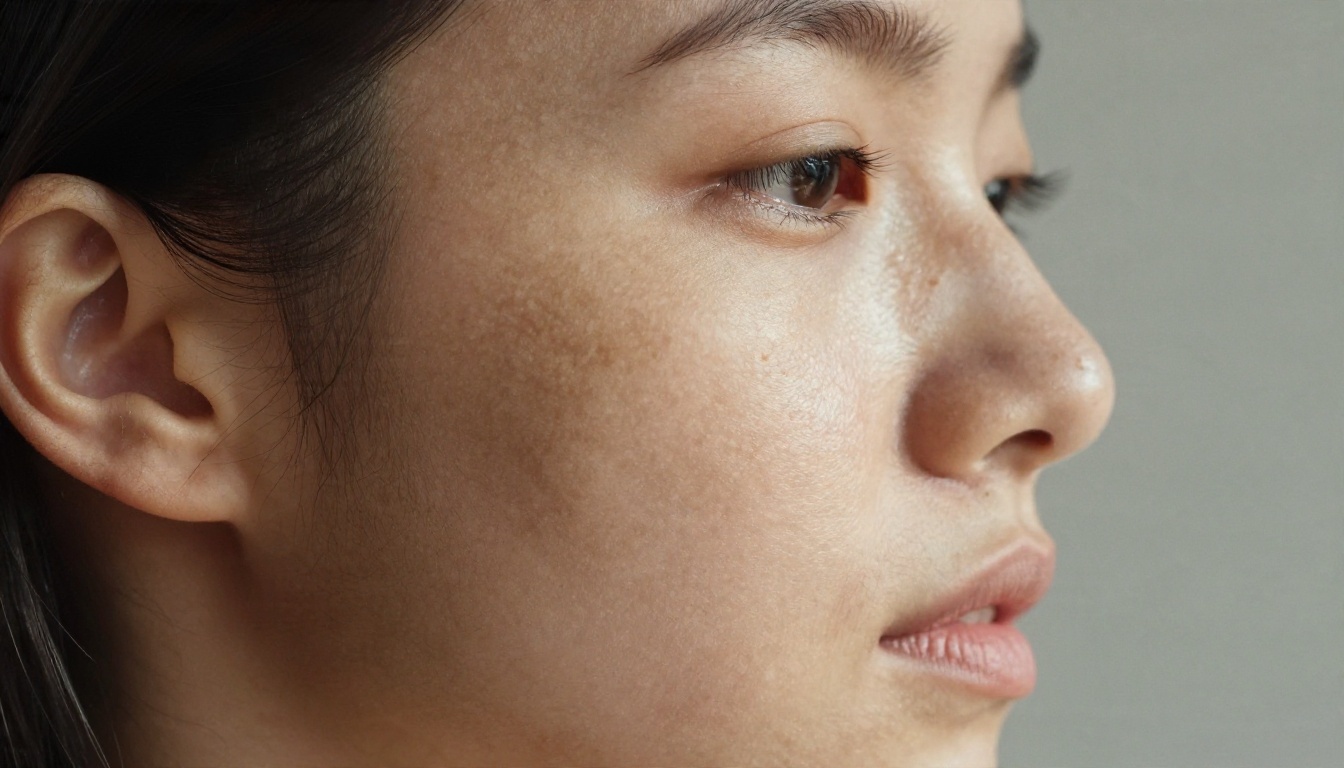
"Realism" means two different things here: how natural the conversation feels, and how photographic the images look. They are scored separately.
Conversation Quality
One review site rates Dondi AI around 7.6 out of 10 and describes its conversation as natural, without the stiff phrasing that gives many chatbots away. That is a solid result for the category. It suggests the underlying language model handles tone, humour and follow-up questions well.
Memory Gaps
The same review calls the memory system basic compared with stronger competitors. In practice that means a character may recall your name and a few preferences but lose the thread of a long story. For casual chat that is fine. For ongoing roleplay with plot continuity, it becomes a frustration.
Image Realism
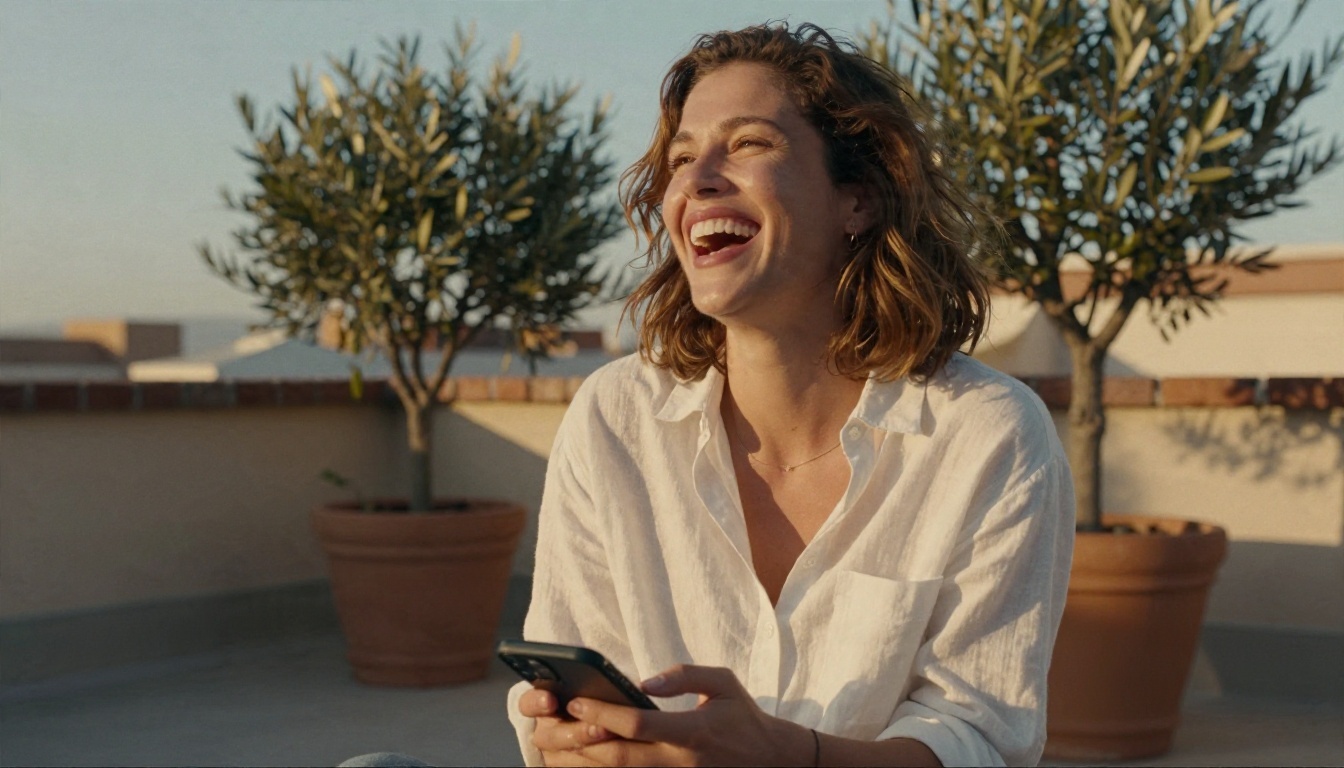
Independent, side-by-side image tests for Dondi are scarce. So here is a practical way to judge realism yourself. Zoom into the picture and look at five details:
- Skin texture: real skin has pores, tiny hairs and uneven tone. Over-smooth skin looks synthetic.
- Hands and fingers: count them, and check how they grip objects.
- Light logic: shadows should fall in the direction of the light source.
- Fabric and hair: individual strands and weave patterns should look physical.
- Background consistency: straight lines should stay straight, and objects should not melt together.
If a generator passes all five at full zoom, it is producing genuinely photographic output. Many companion apps pass at phone size and fail at full screen.
Dondi AI Alternatives Worth Trying

Dondi AI is not on PicassoIA yet. For similar results today, the image models below are the closest match for photorealistic portraits, character consistency and stylish glamour shots. They split the job in two: image models for pictures and language models for the chat side.
Seedream 4.5 for Portrait Realism
Seedream 4.5 is the first model to try when you want photographic people. It handles skin texture, fabric, window light and tasteful glamour looks with very little prompt effort. It is the strongest all-round pick if your goal is to replace the image side of a companion app.
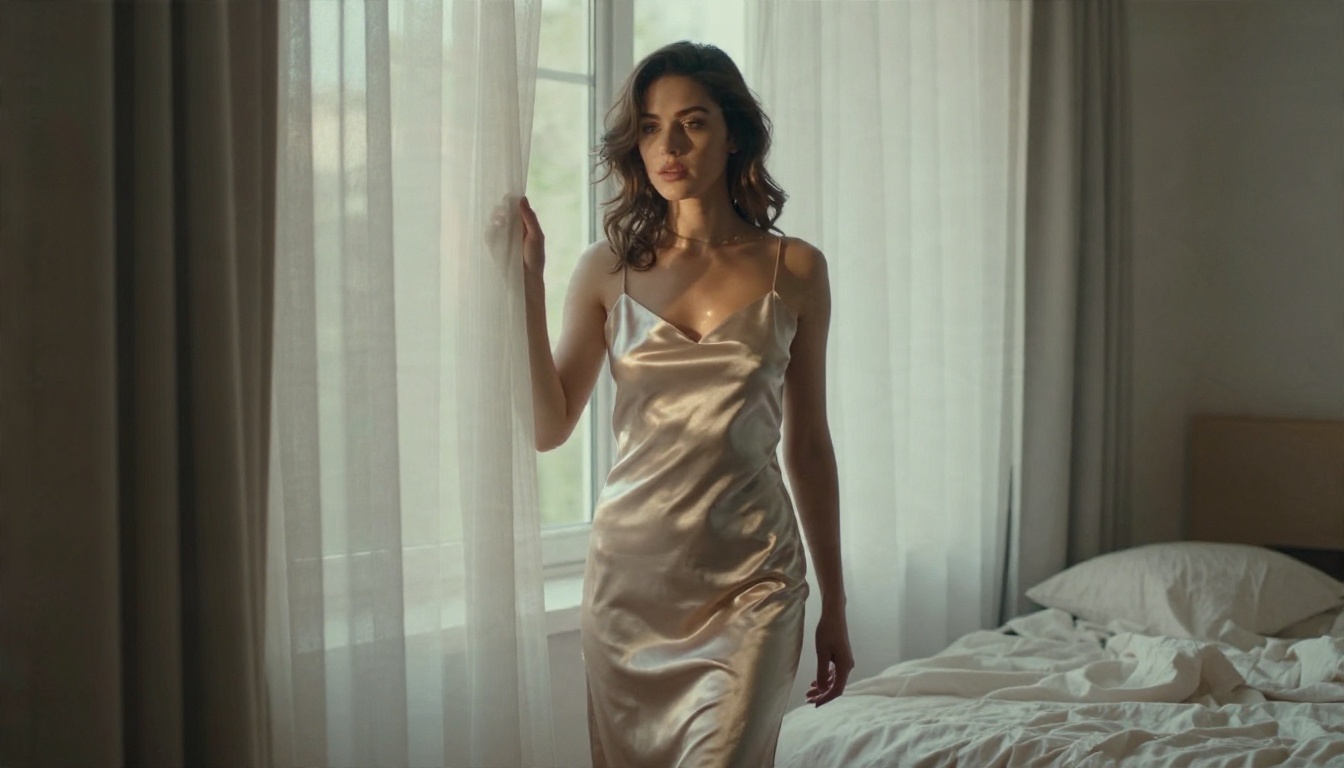
Image Editor Pro for Unlimited Edits
PicassoIA Image Editor Pro is built for unlimited generations and edits. You can restyle an existing photo, change outfits, fix details and adjust lighting without watching a credit counter. If the daily cap is what frustrates you in companion apps, this is the direct answer.
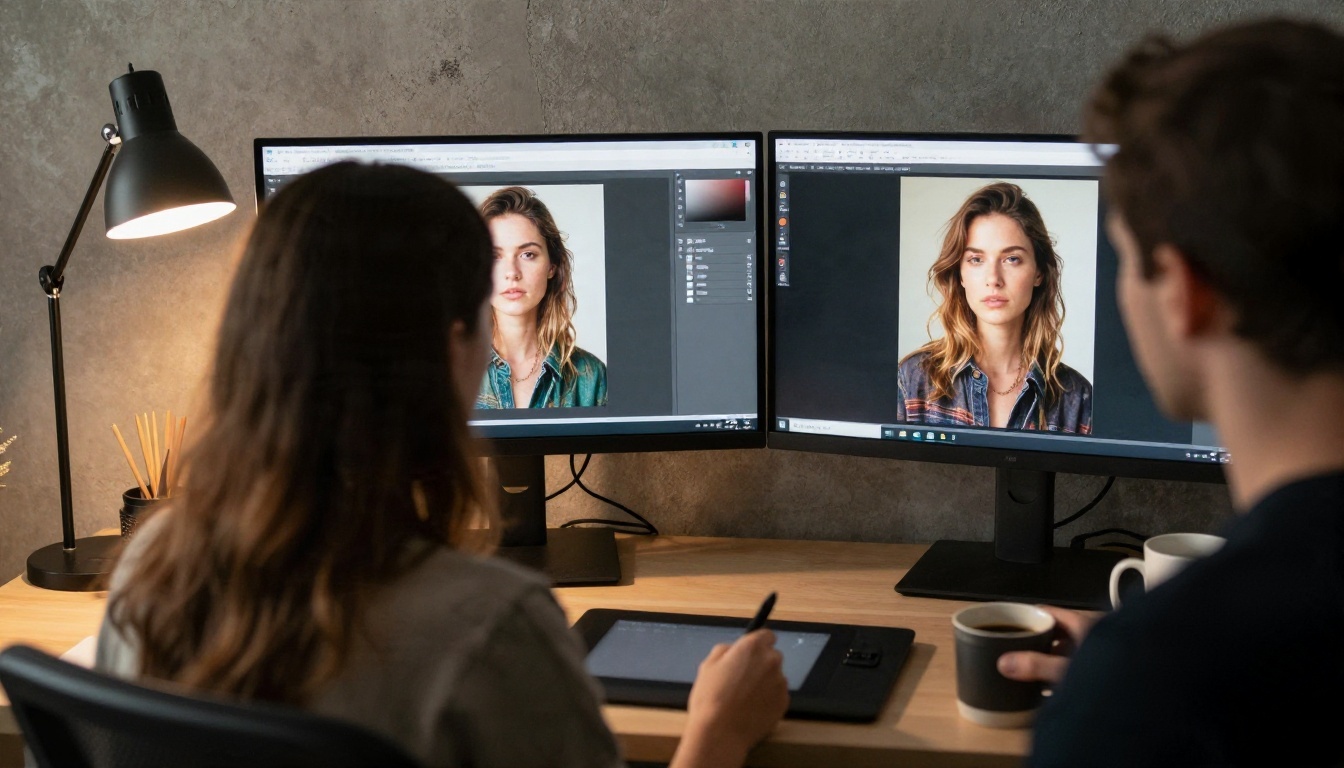
Flux 2 Pro and Nano Banana Pro
Flux 2 Pro is a sharp, prompt-faithful option for editorial and lifestyle portraits, and it can work from text or from a reference photo. Nano Banana Pro is a strong choice for 4K output and for keeping a face consistent across edits.
Chat Models for the Conversation Side
If you want the conversation without a companion subscription, three language models are worth a test: Claude Sonnet 5 for natural, nuanced writing, GPT 5.6 Luna for fast replies, and Gemini 3.5 Flash for quick chat that can also read images.
Side-by-Side Comparison
How to Get Similar Results on PicassoIA
The fastest route to realistic character pictures is Seedream 4.5. Here is a workflow that takes about two minutes per image.
Step by Step
- Open the Seedream 4.5 page on PicassoIA and choose the text-to-image mode.
- Write one sentence for the subject: age range, hair, outfit and expression.
- Add one sentence for the place: room, window, street or terrace.
- Add one sentence for the light: direction, time of day and softness.
- Add camera language such as "85mm lens, shallow depth of field, fine film grain".
- Pick a 16:9 or 3:4 ratio, depending on whether you want a scene or a portrait.
- Generate, then change one detail at a time so you can see what each change does.
Prompt Tips That Work
- Name real textures: "knit wool sweater", "satin slip dress", "linen sofa".
- Describe skin honestly: "visible pores, light freckles, natural sheen".
- Choose one light source: "soft window light from the left" beats a vague "good lighting".
- Keep a character sheet: save the exact wording for face, hair and eye colour and paste it into every prompt for consistency.
- Avoid stacking styles: one photographic style per prompt keeps results clean.
💡 Consistency trick: Generate your best portrait once, then open it in PicassoIA Image Editor Pro and edit outfit, setting or lighting. The face stays far more stable than when you regenerate from scratch.
Pairing Pictures With Chat
For a companion style experience, write your character's personality in a short paragraph and paste it as the first message in a chat with Claude Sonnet 5 or GPT 5.6 Luna. Then generate matching pictures with Seedream 4.5 using the same appearance description. You control the memory by pasting a short summary when a conversation gets long.
Who Should Pay, Who Should Skip

Dondi Fits You If
You want a ready-made companion experience in one app, you value natural-sounding chat above everything, and you are comfortable with a subscription. Start on the free tier, run the five-minute test from earlier, and only upgrade monthly if it holds up.
Skip It If
You care most about photographic image quality, you want predictable unlimited image generation, or you need a character that remembers long storylines. Those needs are better served by dedicated image models plus a strong language model, where you control both sides and pay for what you use.
The Honest Scorecard
| Category | Rating | Why |
|---|
| Conversation | Good | Reviewers call it natural |
| Memory | Average | Described as basic |
| Pricing clarity | Weak | Sources disagree |
| Free tier transparency | Weak | No confirmed limits |
| Image realism | Unverified | Few independent tests |
Make Your Own Images Today
You do not need a subscription to find out how realistic AI portraits can look. Open Seedream 4.5, paste the prompt structure from this article, and generate your first character portrait in under a minute. Then take it into PicassoIA Image Editor Pro for unlimited edits, and try Flux 2 Pro or Nano Banana Pro when you want to compare styles.
Want more options? Browse every image, chat and editing model at picassoia.com/en/all-models and build the exact setup you were hoping an app subscription would give you. Create your own images with PicassoIA today, and judge the realism with your own eyes.


