Type "Dream Companion uncensored" into a search bar and you will get a wall of promo pages, each promising unlimited chats, custom characters and video clips for next to nothing. The reality is quieter. Dream Companion is a freemium AI companion app, the free tier is small, video sits behind a paywall, and the reviews disagree on what anything costs. This article sorts the claims from the facts, shows where the limits sit, and points you to alternatives that give you far more room to create.
💡 Quick answer: Dream Companion lets you chat with an AI character with relaxed content rules, but free access is limited, video is a paid feature, and prices vary from review to review. Check the official site before you pay for anything.
What Dream Companion Actually Is
The Basic Pitch
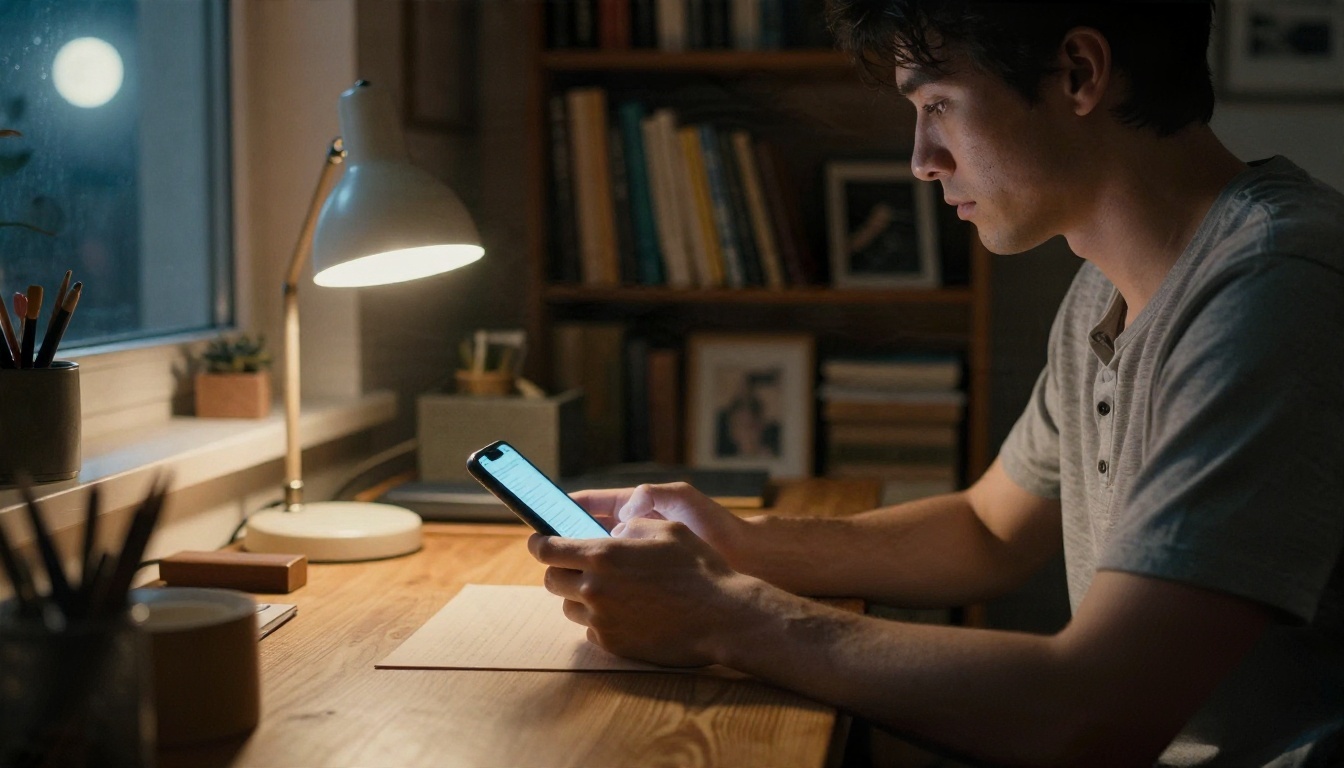
Dream Companion is an AI companion platform. You build a character, pick a personality, and talk to it in a chat window. Roleplay, flirting, long running storylines and a persistent "memory" of earlier conversations are the main draw. On top of text, the app sells generated photos and, on paid plans, short video clips of your character.
It sits in the same crowded category as Replika, Candy AI, Character AI, Chai and a long tail of newer apps. What sets this style of product apart is the marketing angle: fewer filters than mainstream chatbots, and a focus on adult themes.
What "Uncensored" Means Here
"Uncensored" is a marketing word, not a technical one. In practice it means the app allows romantic and adult themed conversation that ChatGPT or Gemini would refuse. It does not mean there are no rules at all. Every serious platform still blocks illegal content, and payment processors push apps to keep hard limits in place.
So the honest reading is: relaxed rules for adult fiction between consenting adult characters, with a safety floor you cannot remove. If a promo page claims "zero limits", treat that as a sales line.
Free Options and Their Limits
What the Free Tier Gives You
Reports on the free plan are patchy. One review describes it as limited text messaging with no coins included. Another says you can build a basic companion, chat, and try a small number of image generations. Neither source confirms any free video.
Here is a realistic picture of how most freemium companion apps behave, which matches what reviewers describe for Dream Companion:
| Feature | Free tier | Paid tier |
|---|
| Text chat | Limited messages | Higher caps or unlimited on top plans |
| Character creation | Basic options | Full customization |
| Photo generation | A small trial, if any | Paid with coins or credits |
| Video clips | Not reported as free | Paid feature |
| Memory length | Short | Longer |
Coins, Credits and Message Caps
The currency in this kind of app is the credit. One review says images cost around 5 coins each and videos around 20 coins each. That makes video four times the price of a photo, which is normal because video generation costs far more to run.
Message caps are the other lever. One comparison mentions a monthly allowance of roughly 6,000 messages on the lower paid plan and unlimited on the top plan. Heavy roleplayers burn through 6,000 messages faster than you would think, since a single evening of back and forth can reach several hundred.
⚠️ Keep in mind: Many of the pages ranking for this topic are affiliate or promo pages. Some even mix up Dream Companion with similarly named products such as Dreamz AI or OurDream. Always confirm the product name and the price on the official site.
Video Features and What They Cost

How Video Credits Work
Video is the headline upgrade. According to reviews, you spend credits to turn a character image into a short animated clip, and the NSFW version is locked to paid access. The pattern is the same as in standalone tools: you supply a still image and a short text prompt, and the model animates it for a few seconds.
Short clips matter because video costs scale with length. A five second clip is cheap to produce. A thirty second clip is not. If an app sells "unlimited video", check the fine print for duration caps, resolution caps and queue times.
What to Expect From the Quality
Companion app video tends to land in the 480p to 720p range. Faces hold up well in slow, simple motion such as a head turn, a smile or hair moving in a breeze. They fall apart in fast motion, hands near faces, and complex camera moves.
A few things worth testing before you commit credits:
- Consistency: does the character look like the same person across clips?
- Motion limits: can the character do anything beyond a loop of small gestures?
- Audio: is there sound, or is it a silent clip?
- Ownership: can you download the file, or does it live only inside the app?
Pricing Reports Disagree

Reported Plans
Three sources give three different pictures of the premium tier. One lists roughly $5.84 per month when billed annually, another says $11.99 per month, and a third says $12.99 per month. For the top plan, figures run from $24.99 to $44.99 per month. Those gaps are too large to be a rounding error. They point to old pages, regional pricing, promo discounts or plain mistakes.
| Plan | Reported price range | Notes |
|---|
| Free | $0 | Limited text, small or no image trial |
| Premium | About $5.84 to $12.99 per month | Depends on annual or monthly billing |
| Ultimate | About $24.99 to $44.99 per month | Unlimited messages reported |
Treat every number in that table as unverified until you see it on the checkout page.
Hidden Costs
The subscription is rarely the whole bill. Extra coin packs for images and video, annual plans that auto renew, and trial offers that convert to full price are the usual surprises. Before you pay:
- Screenshot the price and the renewal terms.
- Use a virtual card or a card with a spending limit if your bank offers one.
- Set a calendar reminder two days before renewal.
- Check how cancellation works before you subscribe, not after.
Privacy Before You Pay

What You Hand Over
An AI companion works because it remembers you. That memory is stored on someone else's servers. Your chats, the character descriptions you write, the photos you generate and your payment details all end up in a database. Intimate roleplay is the type of data you would least like to see leaked.
Safer Habits
- Use a separate email address that does not carry your real name.
- Skip uploading real photos of yourself or other people.
- Read the data retention section of the privacy policy, and look for a way to delete your account and chats.
- Never use a real person's face to build a character. That is a legal and moral problem, and most platforms ban it.
- Avoid reusing a password from another service.
💡 If a service cannot tell you in plain language how to delete your data, that is your answer.
Better Alternatives Today

The reason people look past Dream Companion is simple. A companion app bundles chat, images and video into one subscription, and you pay a premium for the bundle. If what you really want is beautiful character images and short video clips, specialist tools give you more control, better quality and no message caps.
Dream Companion is a standalone app and it is not on PicassoIA. For similar creative results today, these are the tools to try.
Image Alternatives
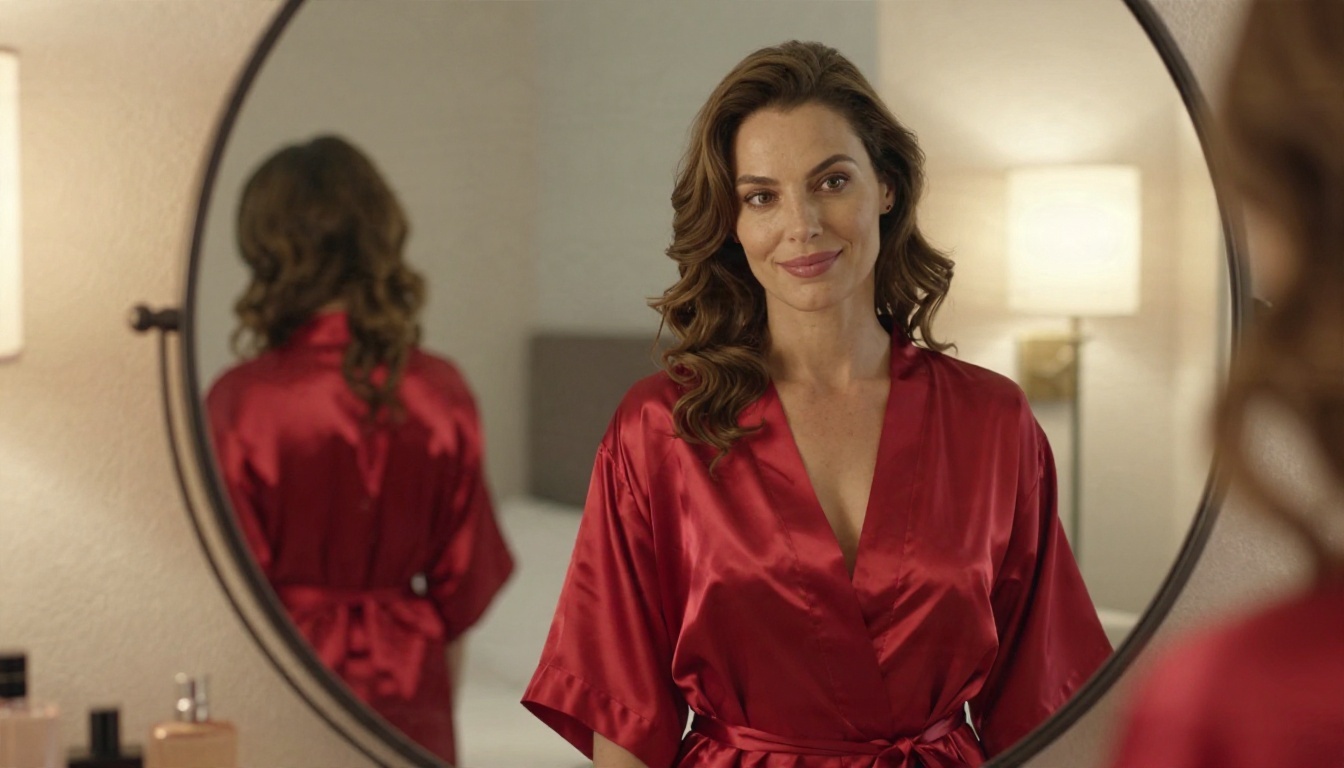
Seedream 4.5 is the first model to try. It produces sharp, photorealistic portraits with natural skin, believable fabric and clean lighting, and it handles glamour and swimwear shots without the plastic look of cheaper generators.
PicassoIA Image Editor Pro is the pick for editing and unlimited generations. Feed it a character image and ask for a new outfit, a new location or a different expression, and keep the same face across a whole set.
P Image Edit is a fast editor that returns results in a moment, which makes it useful when you are trying ten variations of the same scene. P Image Edit LoRA adds style control on top.
Chat Alternatives
If the chat is the part you care about, the picture changes. Mainstream language models keep their own safety rules, so they are not a drop in replacement for an adult roleplay app. They are, however, excellent for building the character itself: backstory, voice, speech habits and scene setting.
On PicassoIA you can use GPT 5.6 Luna for fast replies, Gemini 3.5 Flash for quick drafts, or Qwen3.7-Plus for longer character sheets. Write the character once, then paste the description into an image model as a prompt.
Video Alternatives
For video, the cleanest route is to generate a still first and animate it. Seedance 2.5 Lite is listed as a free and unlimited generator for clips up to 10 seconds. Wan 3 gives cinematic motion, and Veo 3.1 Fast is a good choice when you want sound in the clip.
How to Get Similar Results on PicassoIA

Here is a simple workflow built around Seedream 4.5, then the editor and a video model. It gets you what a companion app sells, a consistent character in many scenes and short clips, without a message meter running.
Step by Step
- Open Seedream 4.5 and write a detailed portrait prompt: age range, hair, outfit, setting, light direction and lens. Aim for tasteful glamour such as a robe, swimwear or evening wear.
- Generate four to six variations and pick the face you like best. This is your character reference.
- Open PicassoIA Image Editor Pro and upload the chosen image. Ask for new outfits, locations and moods one at a time. Because generations are unlimited there, you can iterate freely.
- Use P Image Edit when you want quick tweaks such as a different background or hair colour.
- Animate your favourite still with Seedance 2.5 Lite or Wan 3. Describe a single slow motion, such as a smile, a turn of the head or wind in the hair.
- Download everything. The files are yours, not locked inside an app.
Prompt Tips That Work

- Name the light. "Golden hour backlight from the right" does more than "beautiful lighting".
- Name the lens. "85mm f/1.8, shallow depth of field" gives portrait style blur.
- Describe skin and fabric. Words like "visible pores", "silk sheen" and "knit texture" push the result toward real photography.
- Keep the character description identical in every prompt. Copy and paste the same first sentence.
- For video, request one motion. A single slow gesture beats a busy scene.
- Add a film stock. "Kodak Portra 400, subtle grain" gives warm, natural color.
💡 Write the character sheet with a chat model first, then reuse its description as the opening line of every image prompt. That keeps your character recognisable from shot to shot.
Compared With a Companion App
| Question | Companion app | Image and video models |
|---|
| Message caps | Yes, on lower plans | None |
| Photo cost | Coins per image | Generate freely, especially with the editor |
| Video | Paid, locked to plan | Free options available |
| File ownership | Often kept in app | Download directly |
| Chat roleplay | Built in | Use a language model for character writing |
The trade off is honest. You lose the built in chat partner. You gain image quality, control and freedom from caps.
Try It Yourself on PicassoIA

If you came here to decide whether Dream Companion is worth paying for, you now have the picture: a limited free tier, video behind a paywall, and prices that no two reviews agree on. If you came for the pictures and clips, you can skip the subscription and build your own.
Start with a single portrait in Seedream 4.5, take it into PicassoIA Image Editor Pro for unlimited edits, and bring your best frame to life with Seedance 2.5 Lite. It takes a few minutes, and every file you make is yours to keep.
Browse every image, video and chat model in one place at picassoia.com/en/all-models, pick a prompt from this article, and make your first character today.


