An erotic AI reel is a short vertical clip, usually five to ten seconds long, where a glamour or boudoir style subject moves just enough to make the frame feel alive: a slow glance over the shoulder, a silk strap sliding, hair lifting in a breeze. The best ones never show anything explicit. They sell a mood. And in 2027 you can build one in a few minutes without a camera, a studio or a budget.
The workflow is simple once you see it. You create one strong still image, then you hand it to an image-to-video model and describe what should happen over the next few seconds. Most people get stuck on the second part, because a weak motion prompt gives you a rubber-faced slideshow. This article walks through the free tools that work, the prompts worth copying, and the mistakes that make a clip look cheap.
💡 Quick answer: Generate your first frame with Seedream 4.5, polish it in PicassoIA Image Editor Pro, then animate it with Seedance 2.5 Lite or PicassoIA Video. All of them are free to start.
What an Erotic AI Reel Really Is
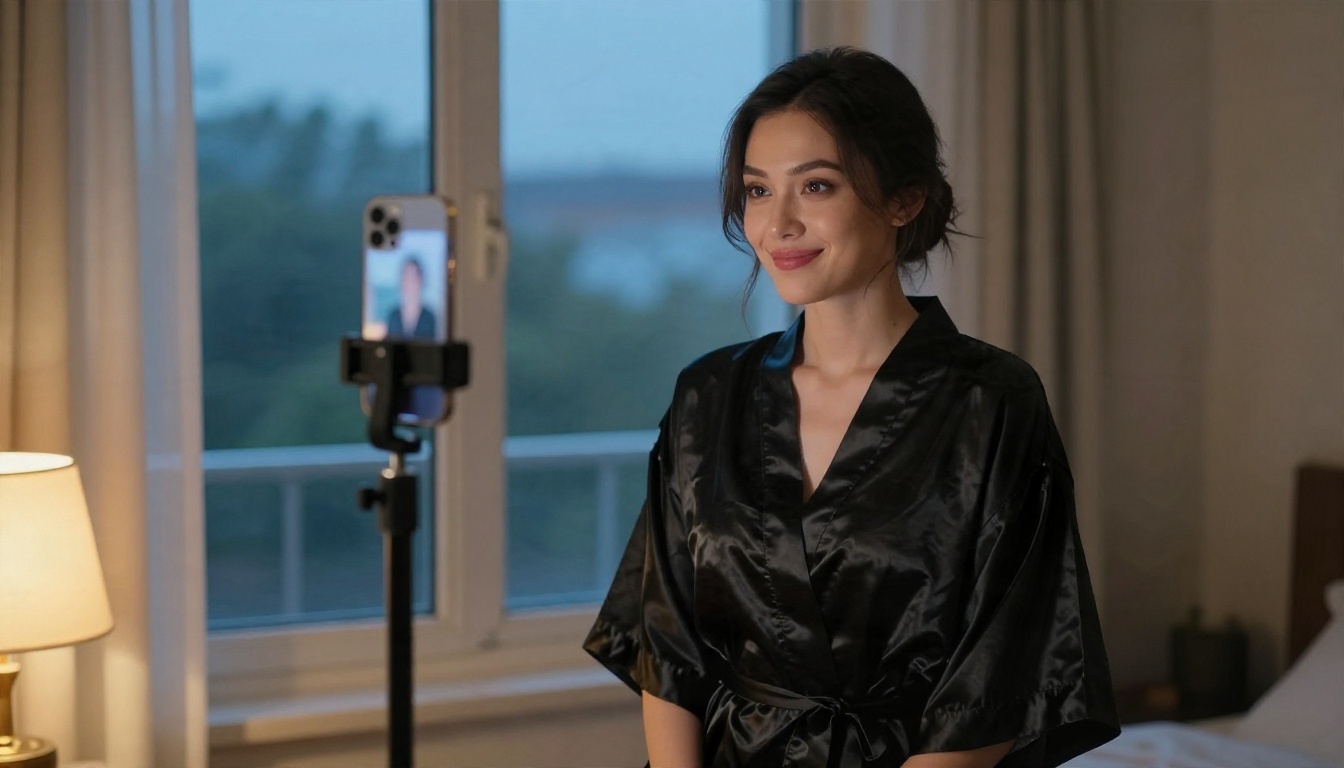
Short, Vertical, Suggestive
The format borrows from Instagram Reels, TikTok and YouTube Shorts: a single scene, one camera move, one small action. Think glamour, boudoir, swimwear and evening wear, shot as if a skilled photographer had pressed record instead of shutter. The appeal is atmosphere. Warm light, textured fabric, a calm expression and slow movement do more than anything explicit ever could.
That also explains why this content has become so popular with AI creators. A real shoot needs a model, a location, lighting and permits. An AI reel needs a prompt and a few minutes.
What It Is Not
It is not pornography, and the tools on this list will not and should not produce it. Good platforms moderate sexual content, and the clips that spread widely are the ones that stay inside platform rules. Keep your subjects clearly adult, keep clothing on, and aim for the look of a fashion editorial or a perfume advert. You will also get far fewer blocked generations.
The Three Building Blocks
Every reel comes down to three decisions:
- The first frame: composition, lighting, outfit and expression.
- The motion: what moves, and how fast.
- The camera: static, slow push-in, gentle pan or orbit.
Get these three right and the model does the rest.
Free Video Makers Worth Using
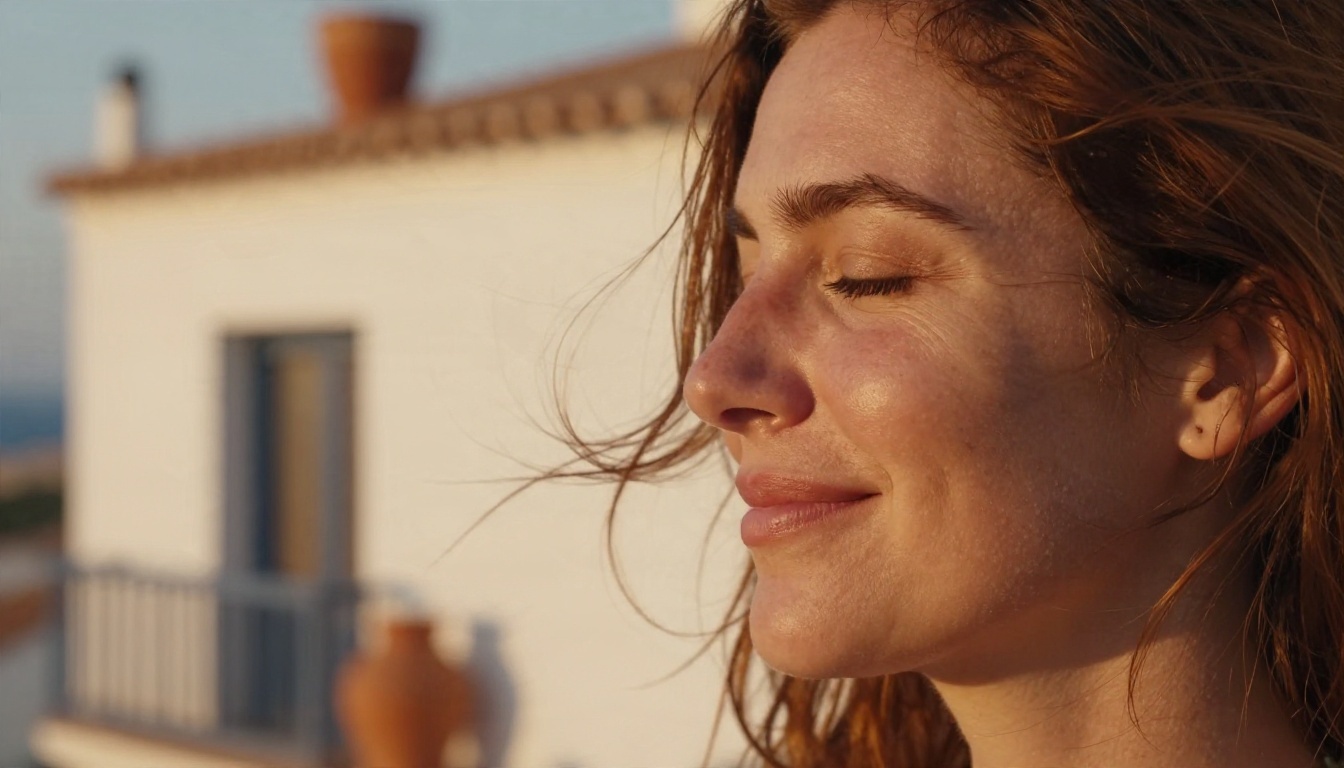
Not every video model handles skin, fabric and hair equally. Some smear faces during head turns. Others add random camera shake. These are the ones that hold up best for slow, sensual movement.
Seedance 2.5 Lite
Seedance 2.5 Lite is the easiest place to begin. It is free and unlimited, runs clips up to ten seconds, and handles slow body movement with very little warping. It follows motion prompts closely, which matters when you want a single clean gesture instead of chaos. If you want longer scenes, the full Seedance 2.5 goes up to thirty seconds.
PicassoIA Video
PicassoIA Video is a free, unlimited generator that accepts either text or an image as input. It is a good pick for quick tests: you can run ten variations of the same photo, keep the best one and drop the rest without worrying about credits.
Wan 2.7 I2V and Grok Imagine Video
Wan 2.7 I2V is strong on realistic fabric and hair physics. Grok Imagine Video 1.5 adds audio to image-to-video clips, which is handy when you want ambient sound like waves or soft room tone. Happyhorse 1.1 is another option for text or image input. Stricter models may refuse some outfits, so if one blocks your frame, try a different one before rewriting everything.
Quick Comparison
💡 Tip: Always pick the image-to-video mode. Text-to-video invents a new face every run, so your character will not stay consistent from one reel to the next.
How to Use Seedream 4.5 on PicassoIA
The video is only as good as the picture it starts from. For erotic and glamour work, Seedream 4.5 is the best first-frame model on the platform. It produces sharp, photographic skin, handles swimwear and lingerie-adjacent styling that stricter models refuse, and renders fabric detail that survives the jump into video.
Step 1: Write the First Frame
Open Seedream 4.5 on PicassoIA and write a prompt with five parts: subject and pose, environment, lighting direction, lens, and texture. A reliable pattern looks like this:
An adult woman in a champagne silk slip dress sitting on the edge of a rumpled linen bed in a sunlit hotel suite, golden morning light from tall windows on the left, 85mm f/1.8 shallow depth of field, visible skin texture, fine film grain, Kodak Portra 400 tones.
Use a 9:16 ratio if you plan to post vertically, or 16:9 if you want a cinematic strip. Generate four or five options and choose the one with the cleanest hands and the calmest expression. Hands and faces are where video models struggle most, so start with a frame that already looks right.
Step 2: Fix Details in Image Editor Pro
Before you animate, open the winner in PicassoIA Image Editor Pro. It offers unlimited generations, so you can fix a stray finger, soften harsh shadows, change the outfit color or extend the background without spending anything. Spending two minutes here saves you from regenerating a flawed video five times.
Step 3: Animate the Frame
Upload the final still to Seedance 2.5 Lite. Paste a motion prompt (examples below), set the duration to five seconds for a first test, and run it. If the movement looks good, rerun at ten seconds.
Parameter Tips That Help
- Duration: start at five seconds. Short clips stay stable, long ones drift.
- Seed: when a result is nearly right, keep the seed and tweak one word in the prompt.
- Resolution: generate at 720p for testing, then rerun the winner at the highest setting.
- Aspect ratio: match the input image so the model does not crop the face.
Prompts That Actually Work
Motion Prompt Formula
Write motion the way a director would describe a shot, in chronological order:
[Subject and starting pose] + [one action over time] + [camera movement] + [light and atmosphere]
Keep it to one action. Models fall apart when you ask for a head turn, a dress adjustment and a hair flip in five seconds.
Prompt Bank
Copy any of these and swap in your own subject:
- She sits still, then slowly turns her head toward the camera and gives a soft half-smile. Slow push-in. Warm morning light, dust floating in the sunbeam.
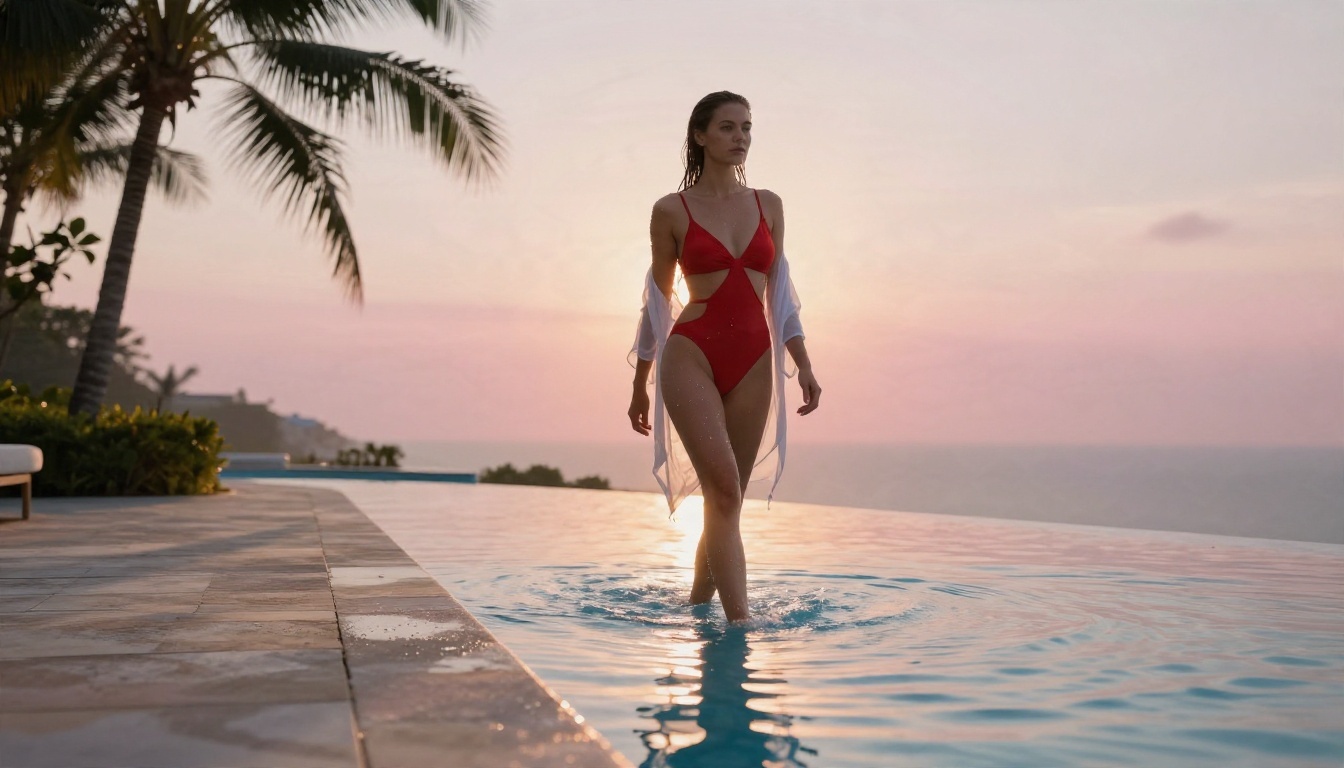
- Wet hair and water droplets on her skin, she walks slowly along the pool edge. Camera tracks sideways at waist height. Pink sunrise reflections ripple on the water.
- A breeze lifts the sheer curtains and a few strands of her hair. She closes her eyes and breathes in. Static camera, soft white light.
- She glances back over her shoulder, the satin robe shifting slightly. Gentle handheld sway. Warm lamp glow against cool blue dusk.
- Waves wash around her ankles as she laughs and brushes sandy-blonde hair from her face. Slow orbit to the left. Low golden sun.
Words That Break Clips
Avoid vague or aggressive verbs: dance wildly, spin, jump, quickly. Prefer slowly, gently, softly, subtle, drifts. Slow motion is your friend because it hides small artifacts and reads as more sensual.
Camera Moves Ranked
| Camera move | Risk of artifacts | Feel |
|---|
| Static | Very low | Calm, editorial |
| Slow push-in | Low | Intimate |
| Gentle pan | Low | Cinematic |
| Slow orbit | Medium | Dramatic |
| Handheld sway | Medium | Candid, documentary |
| Fast tracking | High | Often breaks faces |
Examples You Can Copy
Hotel Morning
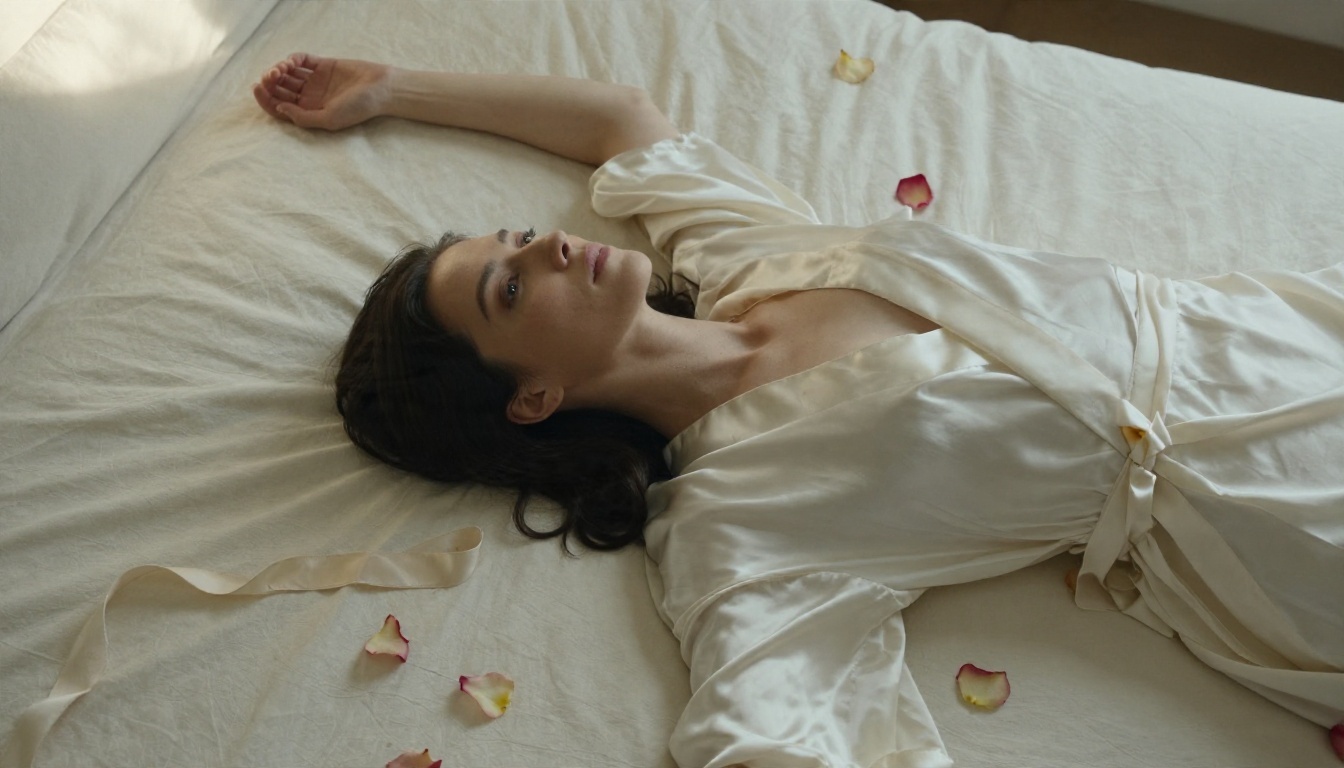
An overhead shot of a woman in an ivory silk robe, hair fanned across a pillow, rose petals nearby. The motion prompt: She slowly stretches one arm above her head, then looks up at the camera with a calm smile. Static overhead camera, soft diffused window light. Top-down frames work well because the camera has nothing to track, so the face stays stable.
Candlelit Lounge
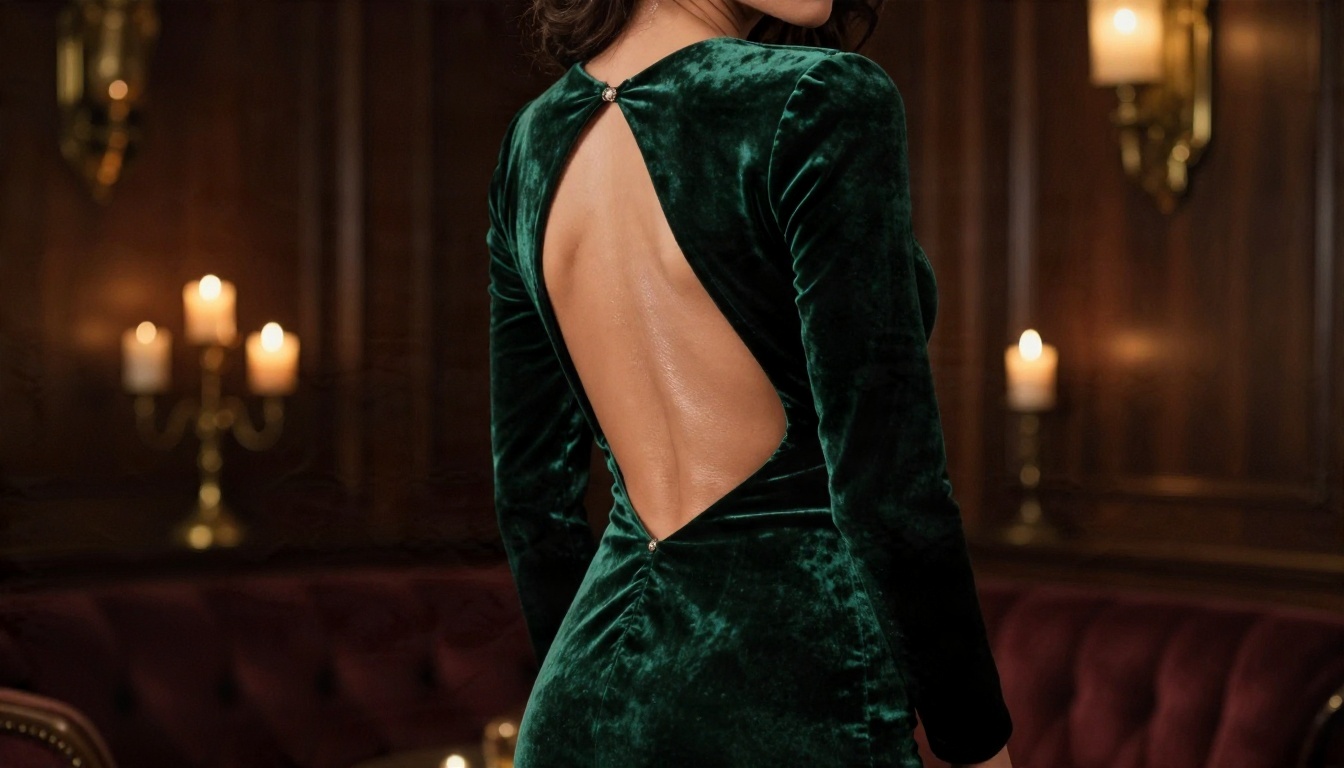
Low-key lighting gives you drama without showing skin. The velvet dress, brass fixtures and tiny flame points in the background carry the mood. Try: She turns her head slowly toward the camera, candlelight flickering across her cheek. Slow push-in. Flickering light is a great motion cue because the model animates it for free.
Beach at Golden Hour
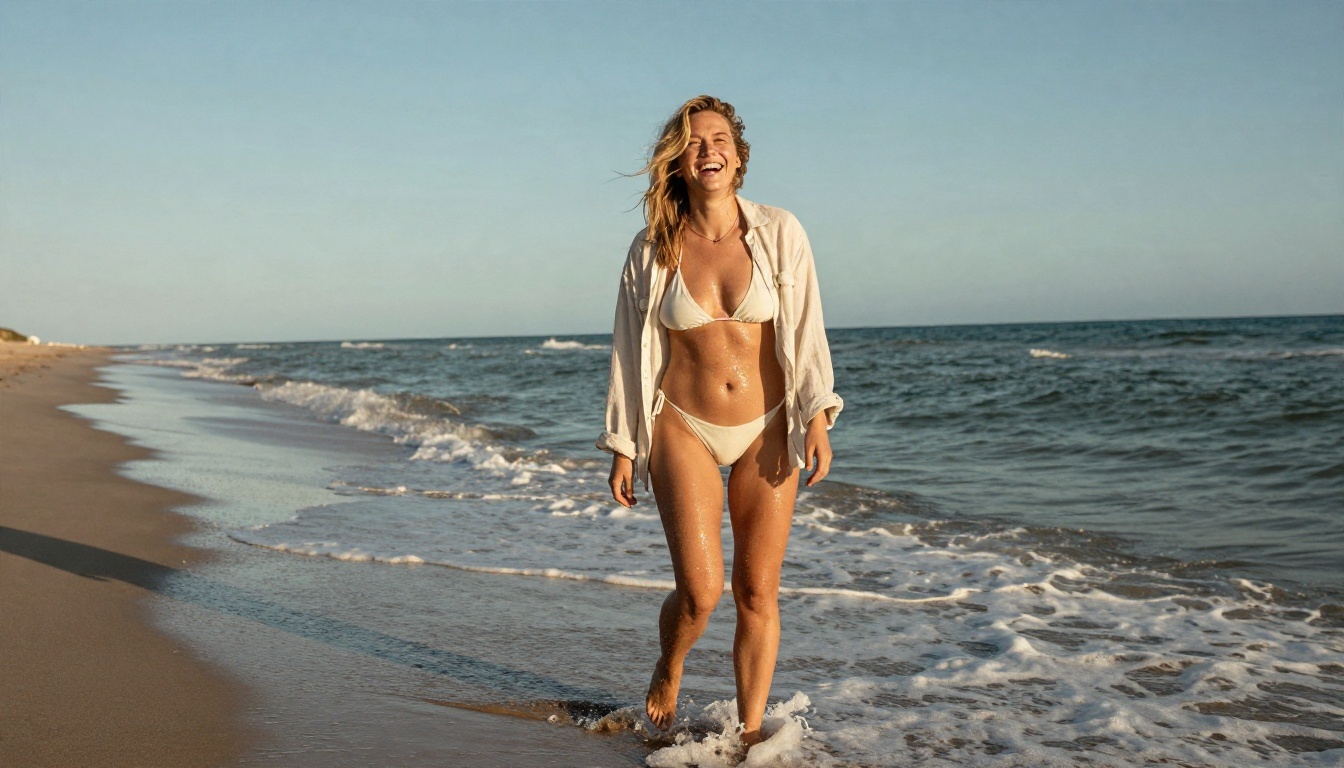
Beach scenes give the model plenty to animate: foam, wind, wet sand, hair. A natural laugh keeps the clip warm and playful instead of posed. Use a slow orbit or a gentle pan and let the waves do most of the work.
Which Example Suits Which Audience
A Workflow That Saves Hours
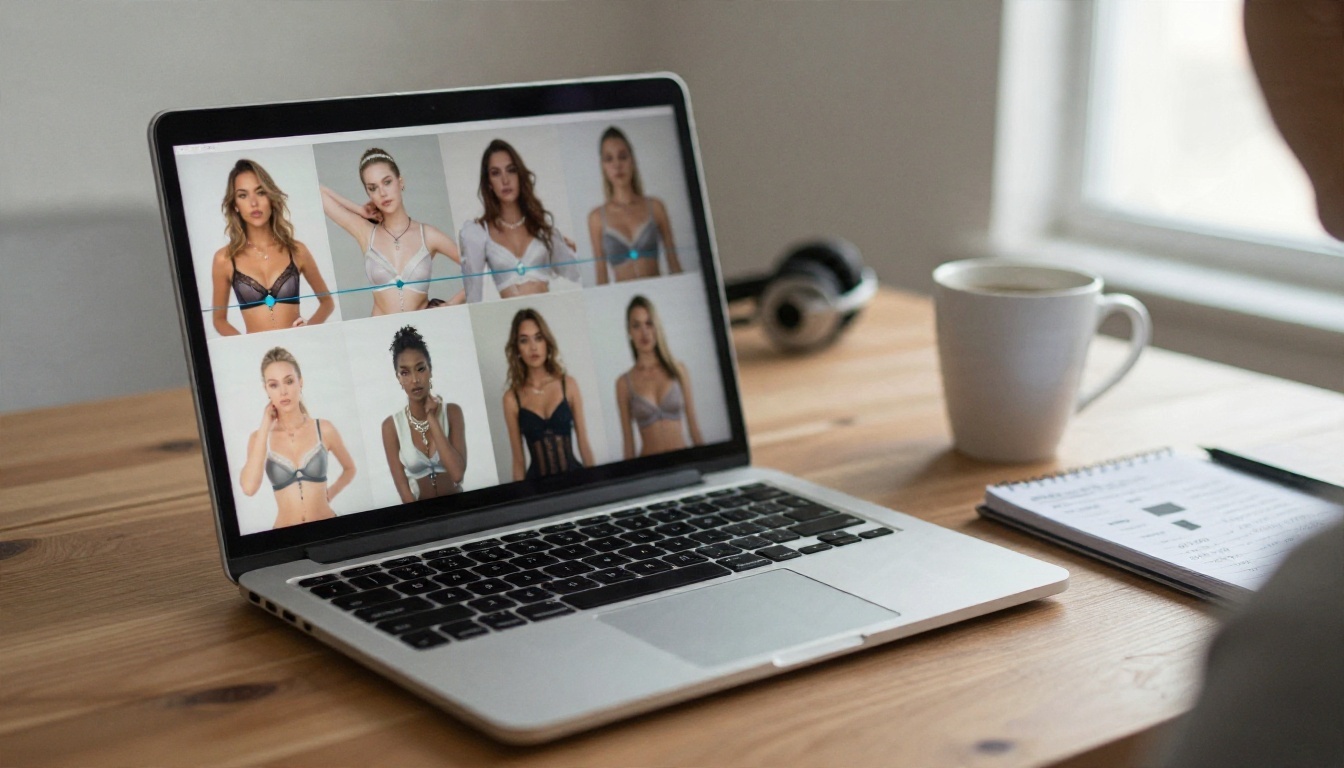
Plan Five Shots at Once
Most creators post one reel, then stall. A better habit is to plan a small series. Write five first-frame prompts that share the same character description, outfit family and color palette. Generate all five stills in Seedream 4.5, and you have material for a week of posts.
Keep the Character Consistent
Reuse the exact same descriptors every time: hair color, hair length, skin tone, approximate age, signature accessory. If you need to correct a face between shots, use PicassoIA Image Editor Pro. For tougher consistency problems, PicassoIA Reference to Video lets you feed in reference images, clips and audio so the subject stays recognizable.
Add Sound and Polish
Silence looks cheap. Pick a model that generates audio, or lay in a slow ambient track. A few seconds of waves, room tone or a soft piano loop makes a five-second clip feel finished. If a clip looks soft after export, run it through a super-resolution tool before posting.
Mistakes That Ruin a Reel
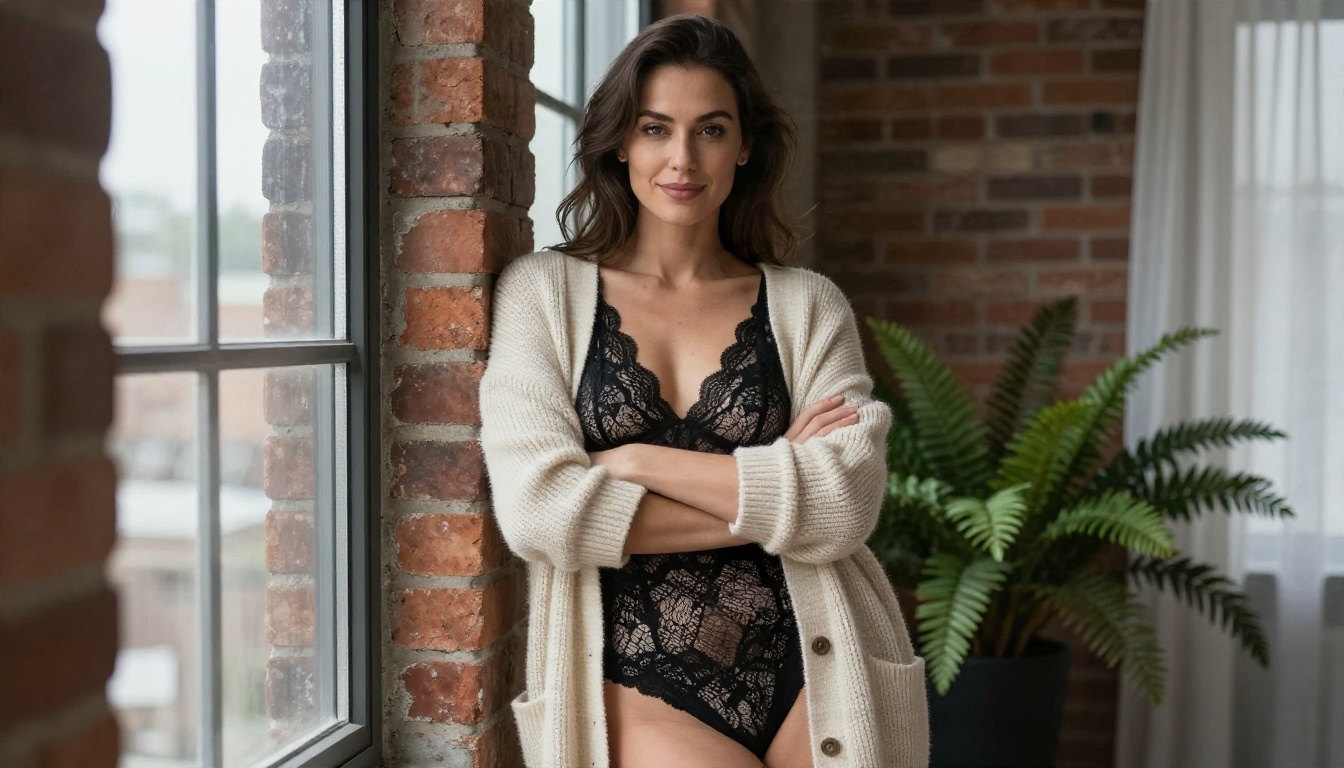
Asking for Too Much Motion
The number one error. If your prompt contains three actions, the model invents all three badly. One gesture, one camera move, five seconds.
Skipping the First Frame
Typing a video prompt straight into text-to-video feels faster, but you lose control of the face, the outfit and the light. Starting from a polished still is always better.
Ignoring Hands
Hands are the weak spot of every model. Hide them in frame: behind hair, on a railing, resting in fabric, or crossed on the chest. Fewer visible fingers means fewer artifacts.
Over-Smoothing the Skin
Prompts like flawless perfect skin produce plastic-looking faces that turn uncanny in motion. Ask for visible pores, fine freckles and natural skin texture instead. Real texture reads as real.
Pushing Past the Rules
Explicit prompts get blocked, waste credits and can get your account flagged on social platforms. Suggestion beats display every time, and it also makes the better reel.
💡 Rule of thumb: If a magazine editor would print the still on a glossy page, it is in the right zone. If not, change the outfit or the pose.
Make Your Own Reel Today
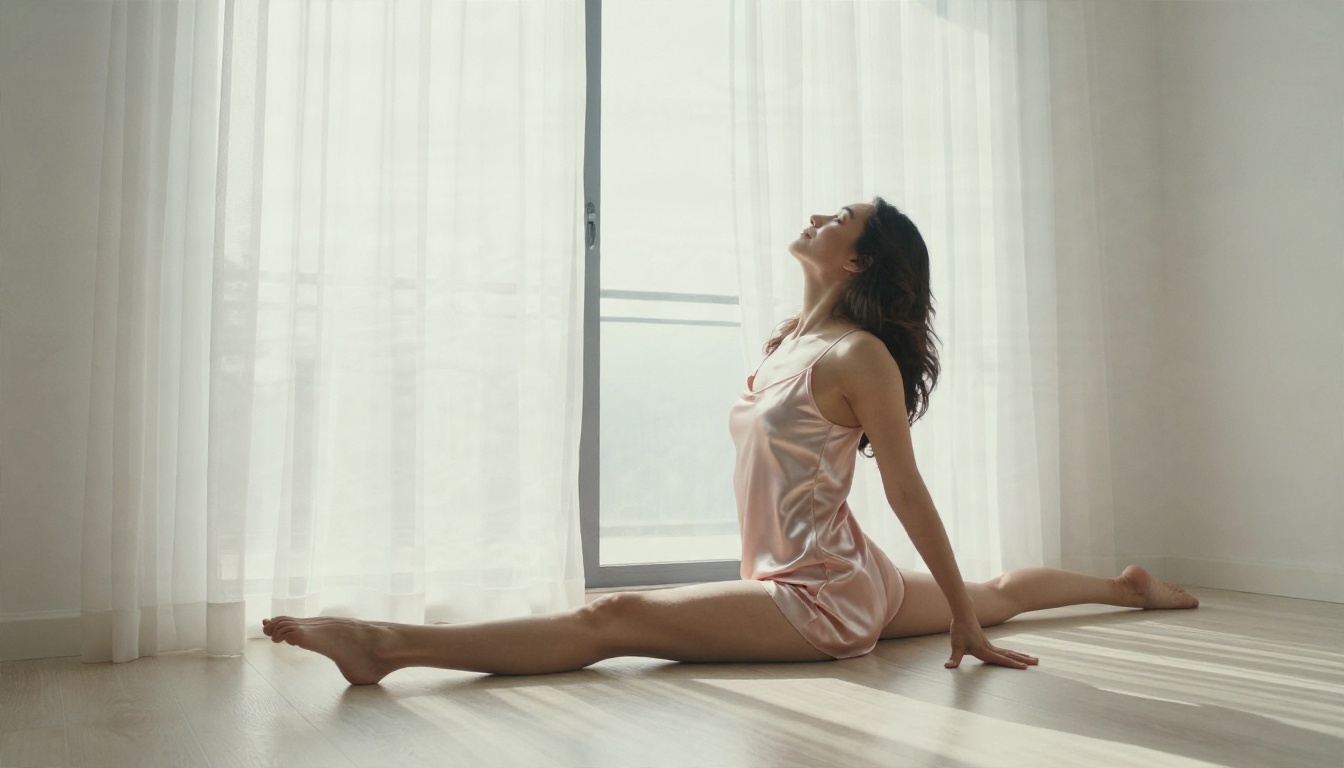
You do not need a studio, a model or an editing suite. You need one good first frame, one slow motion prompt and a few free generations. Start with Seedream 4.5 for the image, tidy it in PicassoIA Image Editor Pro, then bring it to life with Seedance 2.5 Lite. Try the same still in two or three different video models and see which one moves it best.
If you want a stronger photographic look from a different engine, Qwen Image 3 Pro is another good option for realistic portraits. When you are ready to compare everything side by side, browse the full lineup at picassoia.com/en/all-models, pick a scene from the examples above, and make your first reel on PicassoIA tonight.


