Type "erotic AI video free" into a search bar and you get a wall of promises: no login, no watermark, unlimited clips, zero limits. Most of it is marketing. Some of it is true for about ten minutes, until a queue, a credit counter or a moderation filter shows up. This article sorts the real from the hype, so you know what a free, no-login video maker can actually do for sensual, glamour-style clips, and where you will hit a wall.
One note on scope before we start. Everything here is about adult, consensual, non-explicit glamour: boudoir, swimwear, lingerie-style fashion, slow and suggestive motion. Explicit material is not what these tools are good at, and it is not what this article is about.
What "Free" Really Means Here
The word "free" hides at least three different offers, and mixing them up is how people waste an evening.
Free Trial vs Free Tier
A free trial gives you a pile of credits once. When they are gone, they are gone. A free tier refills, usually daily, but at a small size. And free with no cap is rare and almost always means a lighter model, shorter clips or a queue that moves slowly at peak hours.
💡 Quick test: open the pricing page before you write a single prompt. If you cannot find the daily limit in under thirty seconds, assume it is smaller than you want.
Why No Login Is Rare
Video generation burns real GPU time. A site that lets anonymous visitors generate clips pays for every attempt, and that invites abuse. That is why true no-login tools tend to run lighter open-source models and cap you with a daily allowance. Some vendors, such as Upsampler and Magic Hour, advertise generation without sign-up, but these are vendor claims, and terms change often, so check the current rules on the page itself.
Many tools that say "no sign up" still ask for a one-click Google login the moment you press the generate button. That is not a scandal, it is just the economics. Treat "no login" as a nice bonus when you find it, not as the thing to build your workflow around.
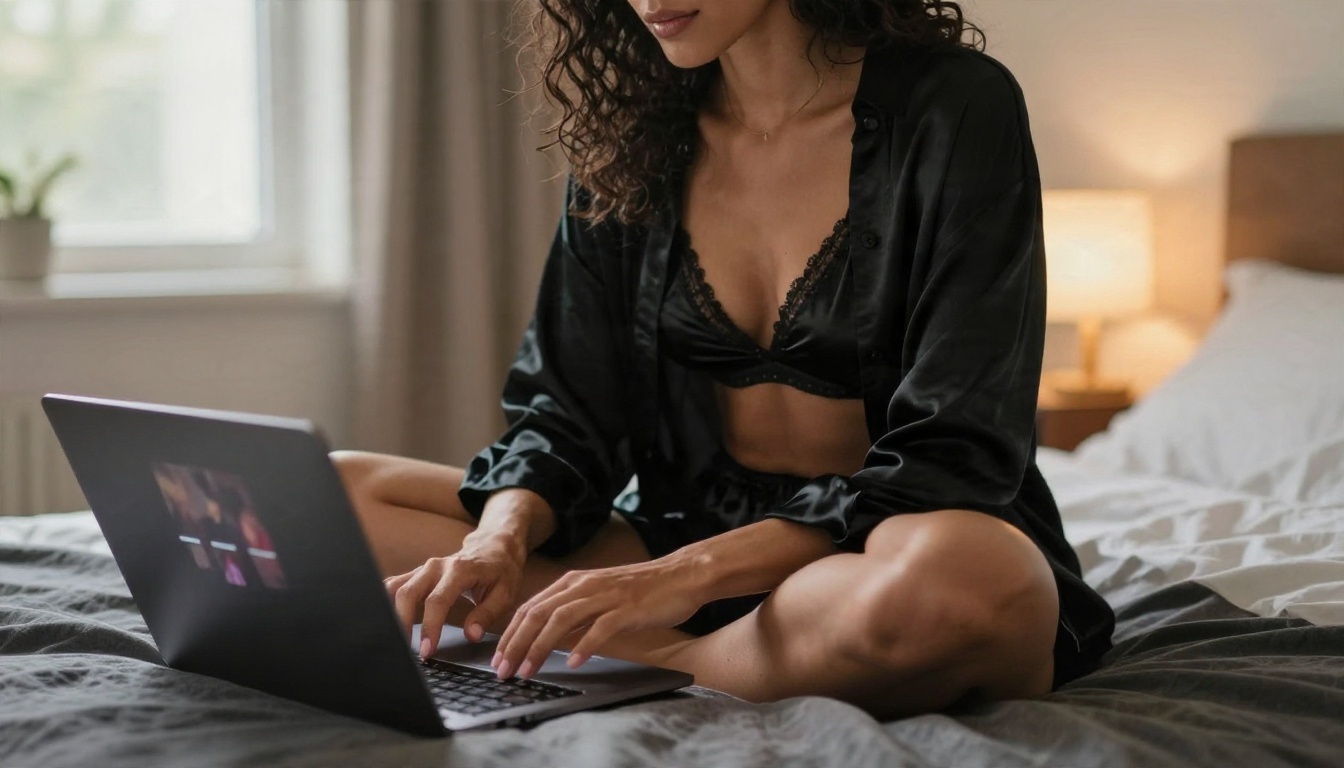
Online Makers and No Login Reality
Most free online makers fall into two camps: text to video, and image to video. For glamour content the second one wins, and I will explain why in a moment.
Text to Video Makers
You type a sentence, the model invents the person, the room and the motion all at once. That is a lot of things to get right in a single shot. Faces drift, hands bend, and the lighting changes halfway through a clip. Free text-to-video tools are usually the worst offenders because they run smaller models to keep costs down.
Image to Video Makers
Here you hand the model a finished still, and it only has to invent motion. The subject, the wardrobe, the light and the framing are already locked in. The result looks more consistent, and you waste fewer generations. If you care about a particular look, this is the route that gives you control.
| Approach | Control over look | Consistency | Free-tier friendliness |
|---|
| Text to video | Low | Medium to low | Often heavily limited |
| Image to video | High | High | Short clips, but fewer retries |
| Video from reference clips | Very high | High | Usually paid |
What a No-Login Session Looks Like
In practice, a no-login session goes like this. You paste a prompt or upload an image. You wait in a queue, sometimes a few seconds and sometimes several minutes. You get a short clip, often with a small watermark and a modest resolution. You can repeat that a handful of times per day. It is fine for testing an idea. It is not great for producing a series.
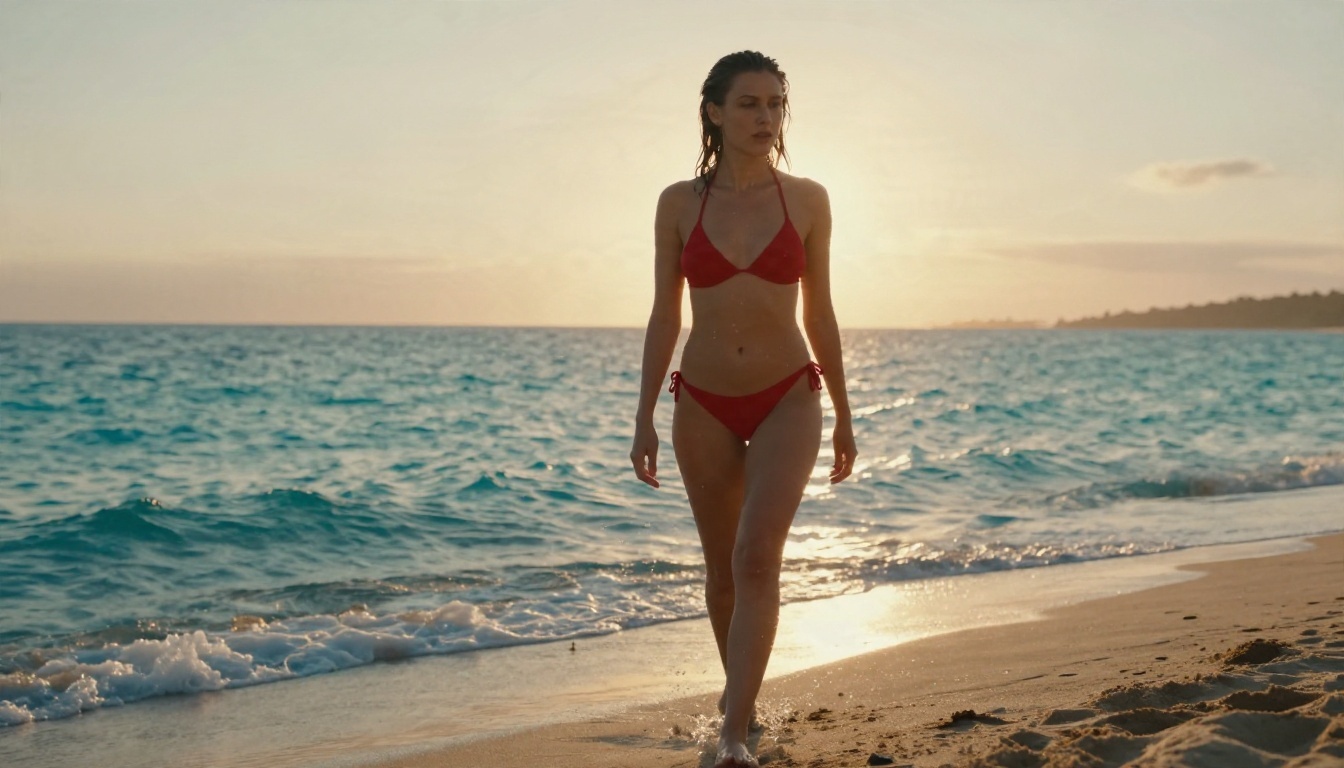
Clip Length and Other Limits
Limits are where free tools quietly differ. Here is what to check before you commit.
Length and Resolution
Free clips commonly run in the range of 3 to 10 seconds. Resolution is often 480p or 720p on free tiers, with 1080p pushed behind a paywall. A short clip is not a disaster for glamour work: a slow hair flip, a breeze through a curtain or a turn toward the camera only needs a few seconds.
Watermarks and Queues
Watermarks are the classic trade-off. Some tools remove them if you sign in, some only on paid plans. Queues matter more than people think: a tool that makes you wait ten minutes per clip is effectively limited to a few attempts per session even if the counter says otherwise.
Moderation Filters
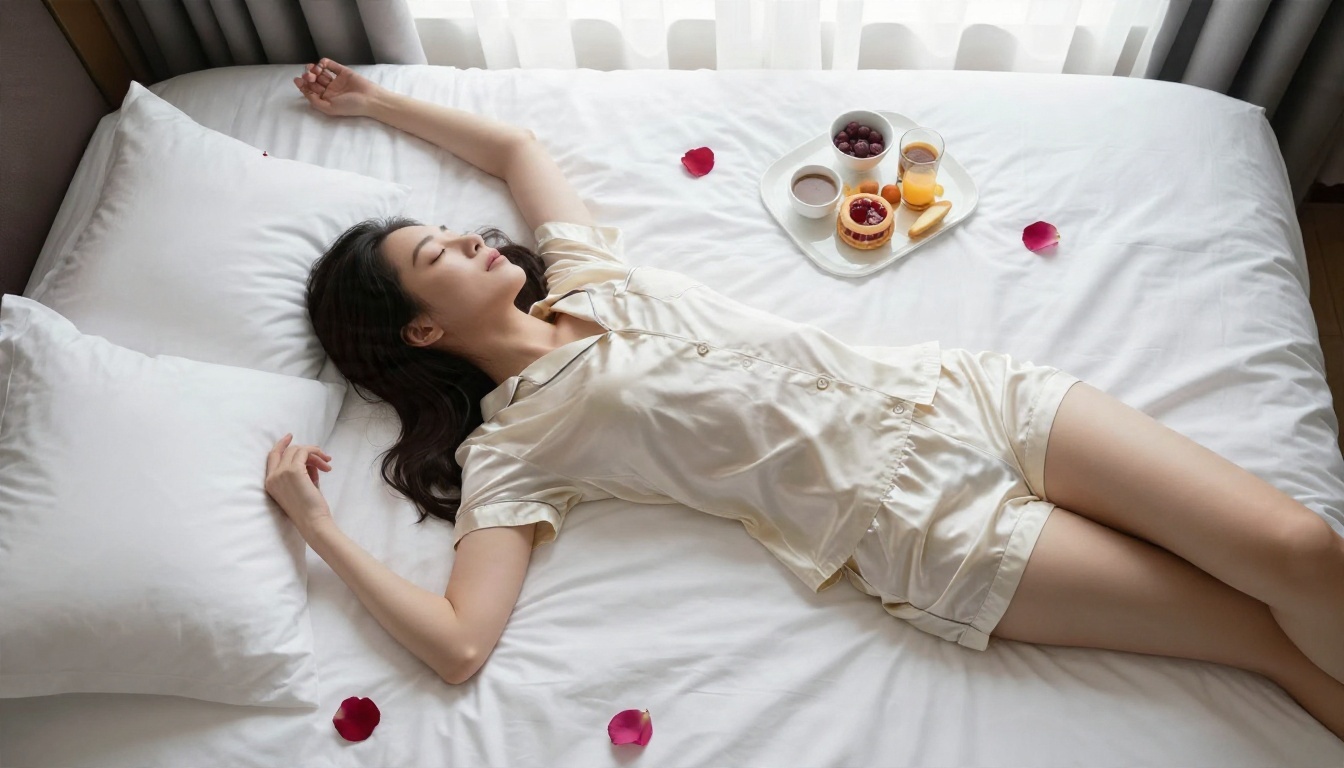
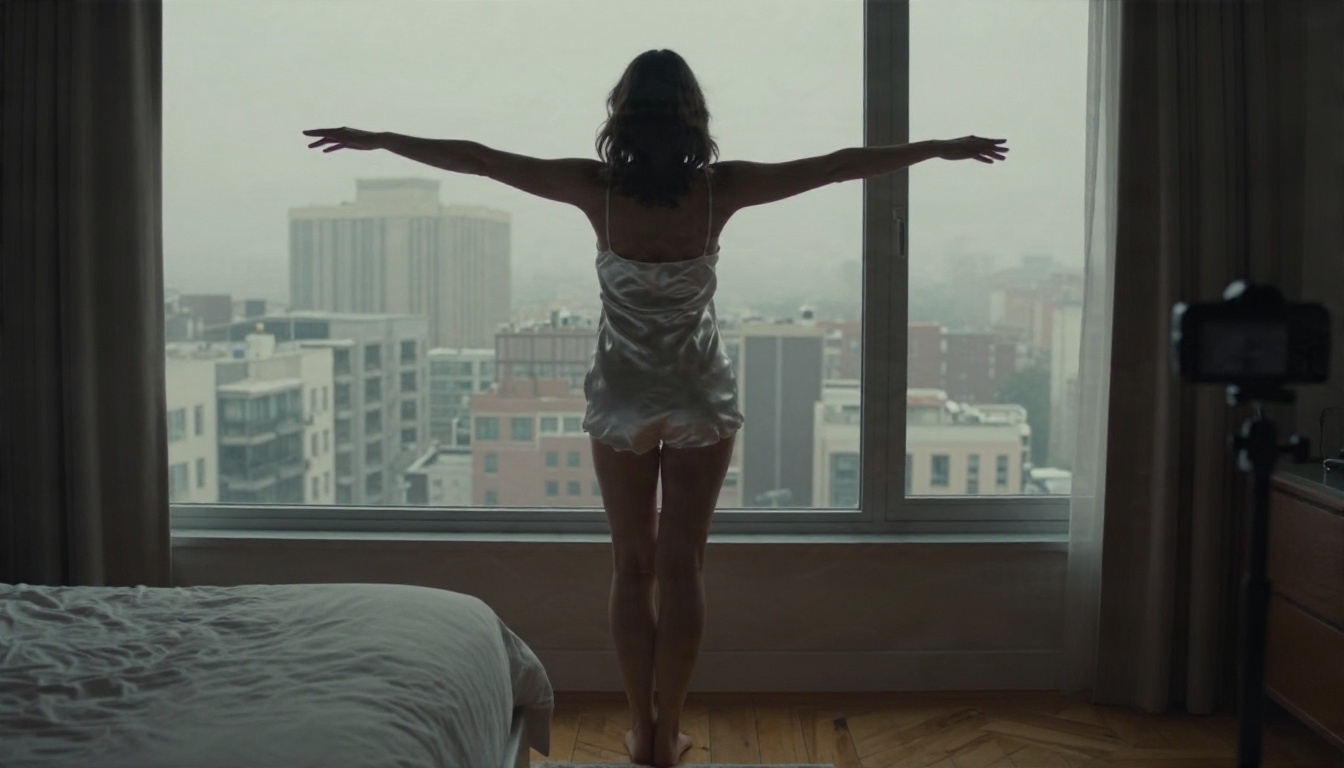
This is the limit nobody advertises. Mainstream generators filter sexual content aggressively, and even tasteful prompts get blocked. I hit this myself while preparing the images for this article: a perfectly ordinary lingerie overhead shot was refused by a safety filter, and swapping to silk pajamas got it through. Expect to rephrase, and expect some prompts to fail regardless of wording.
| Limit | Typical free tool | What it means for you |
|---|
| Clip length | 3 to 10 seconds | Plan one simple motion per clip |
| Resolution | 480p to 720p | Fine for social, soft on large screens |
| Daily cap | A few clips to a few dozen credits | Test with stills first |
| Watermark | Common on anonymous use | Check before sharing |
| Content filter | Strict on adult themes | Keep prompts suggestive, not explicit |
Build the Still First
Because image to video gives you the most control, the best free workflow is simple: make a great still, then animate it. The still does 80 percent of the work. A weak still gives you a weak clip no matter how good the video model is.
Start With Seedream 4.5
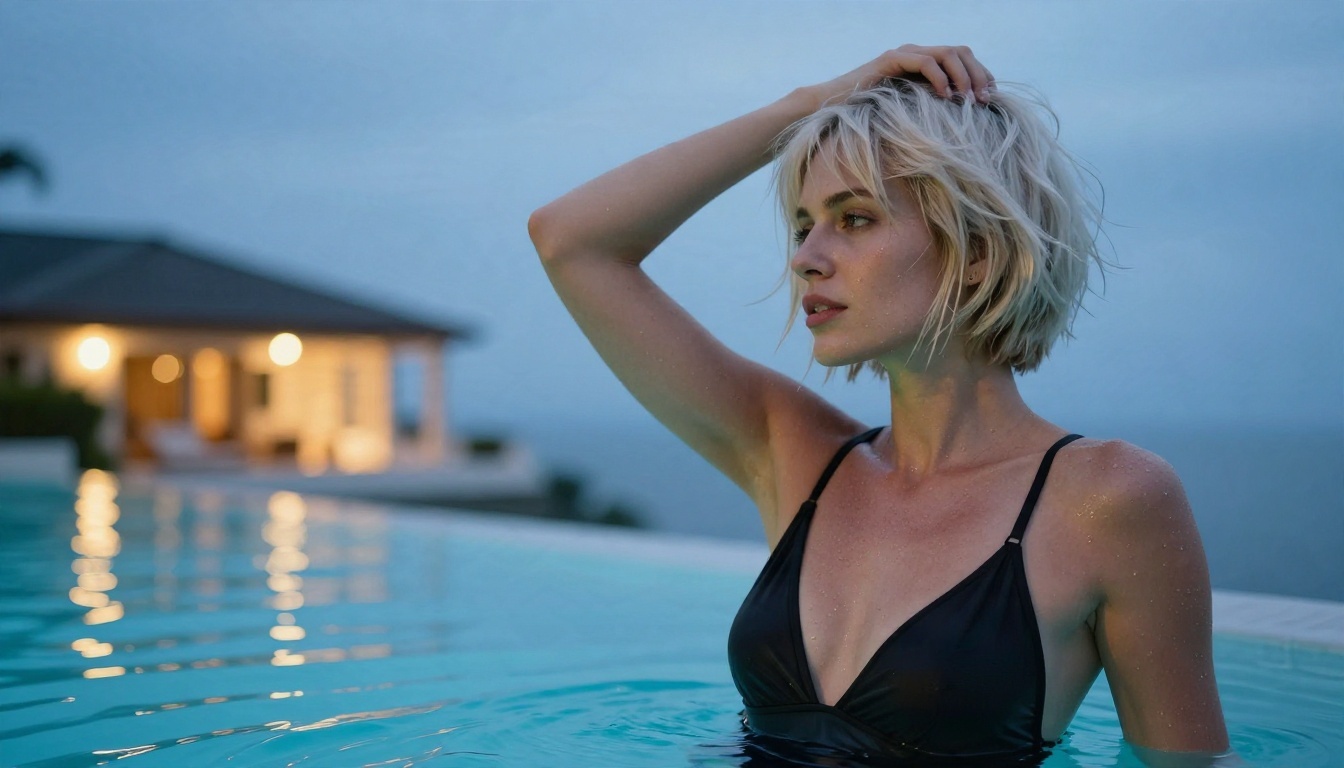
For adult-leaning glamour stills, lead with Seedream 4.5. It handles skin texture, fabric sheen and lighting well, and it is far less restrictive about suggestive themes than most mainstream generators. It is also fast, so you can iterate on wardrobe, pose and light without burning your patience.
A prompt structure that works:
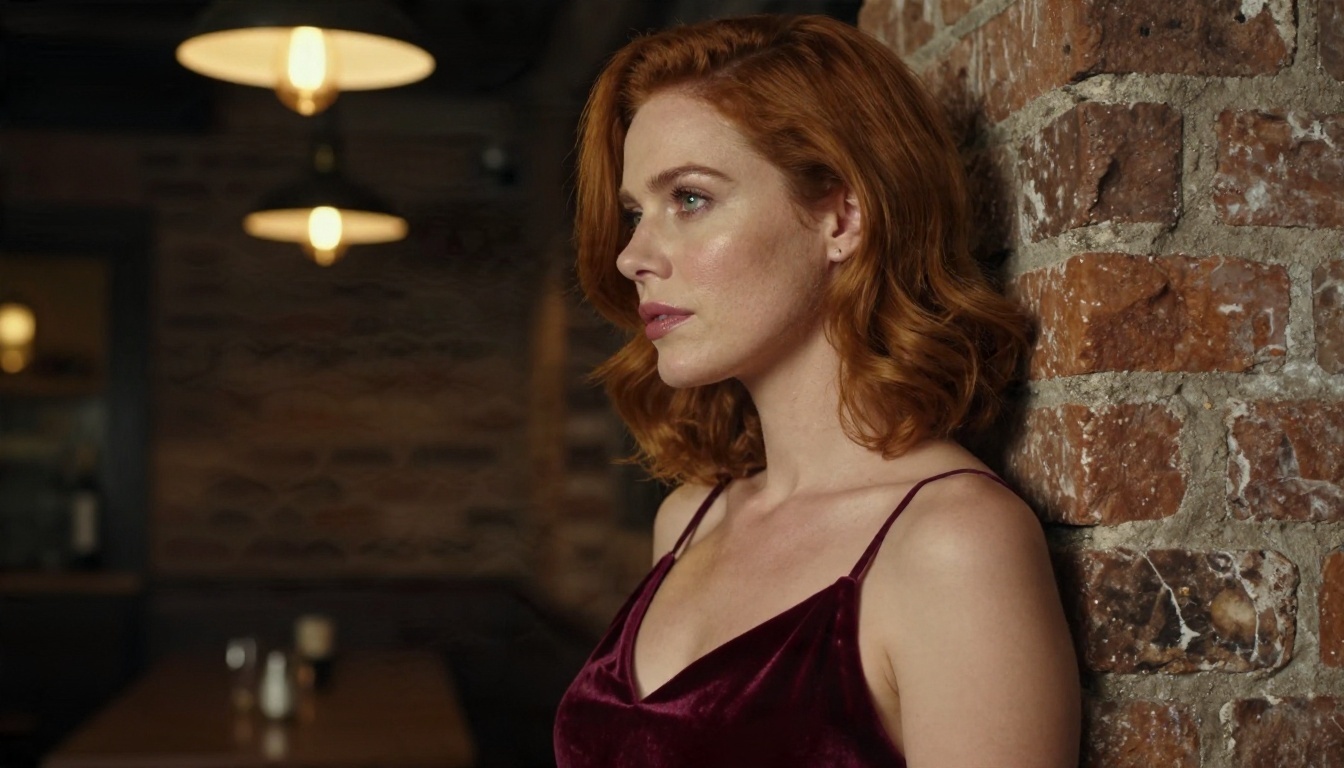
- Subject and pose: "adult woman in a burgundy velvet slip dress leaning on a brick wall"
- Setting: "dim wine bar corner, old brick, warm pendant light"
- Light: "warm tungsten from above left, soft shadow along the jawline"
- Camera: "100mm f/2, shallow depth of field, Kodak Portra 400 grain"
Refine With PicassoIA Image Editor Pro
Once you have a still you like, tweak it with PicassoIA Image Editor Pro. It offers unlimited generations, which matters when you are fixing small things: a strap, a hair strand, the background, the color of the outfit. Unlimited edits mean you can chase the exact frame you want before you ever spend a video attempt.
💡 Tip: keep one clean "master still" per scene. Animate that one, not a dozen near-duplicates. You will save far more time than you spend.
Animate It on PicassoIA
Now the video step. For a free option with real room to experiment, Seedance 2.5 Lite is listed as a free and unlimited video generator with clips up to 10 seconds. PicassoIA Video is another free, unlimited option that takes either text or an image. Both let you take the still you just built and add motion without counting credits.
Step by Step
- Open the model page. Start with Seedance 2.5 Lite.
- Upload your still as the starting frame.
- Write a motion prompt. Describe only what moves, in the order it happens.
- Pick the longest duration you are happy with, then generate.
- Review, then adjust one thing. If the clip is off, change the prompt or the still, not both.
- Save the best take and, if it is close but not perfect, run it again with a small wording change.
Writing Motion Prompts That Work
Think like a camera operator. Write what moves, how fast, and where the camera goes, in chronological order. Compare these two:
- Weak: "sexy woman dancing"
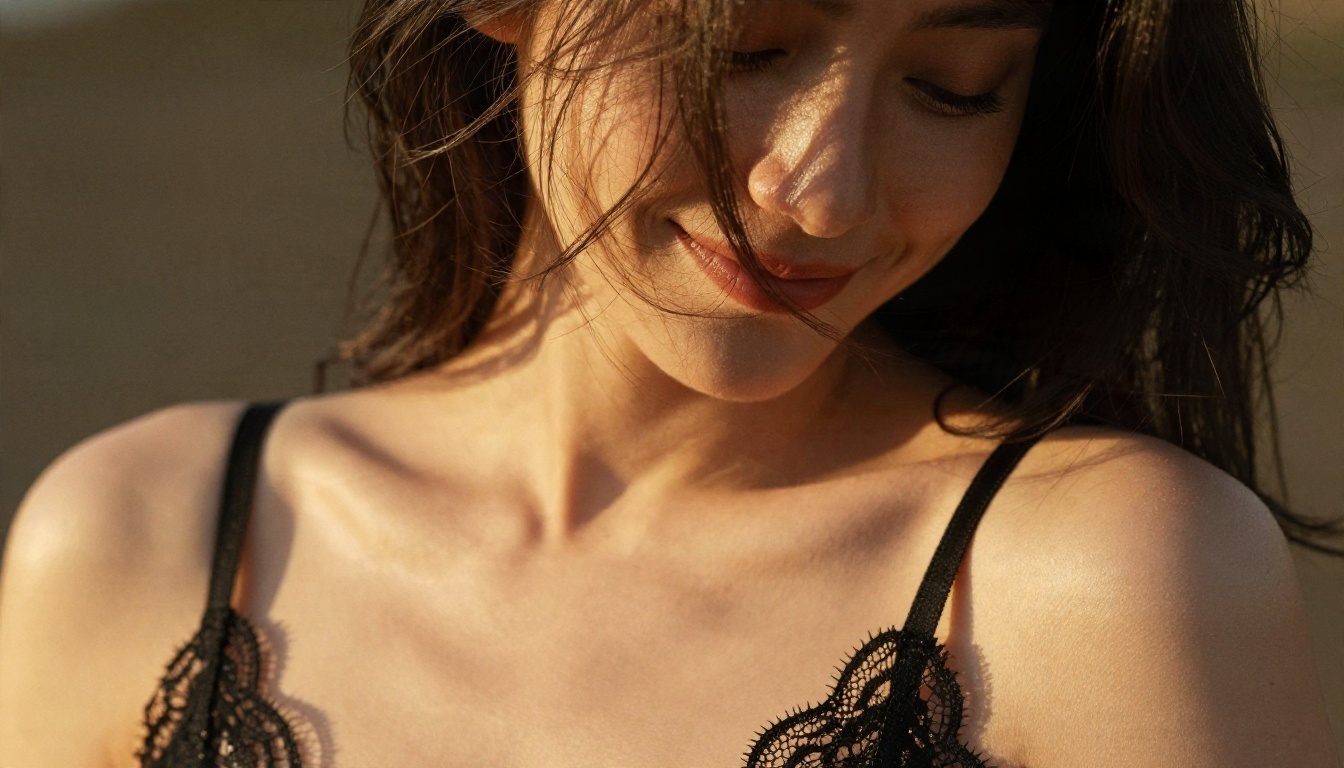
- Better: "she slowly turns her head toward the camera and smiles, loose hair moves in a light breeze, camera pushes in slowly, warm sunlight flickers across her shoulder"
Other habits that pay off:
- One motion per clip. A hair flip, a turn, a stretch. Not all three.
- Slow beats fast. Fast movement is where faces and hands break down.
- Mention the light. "Warm backlight, gentle lens flare" keeps the mood stable.
- Avoid crowded scenes. One subject, one setting, fewer artifacts.
More Video Models Worth Trying
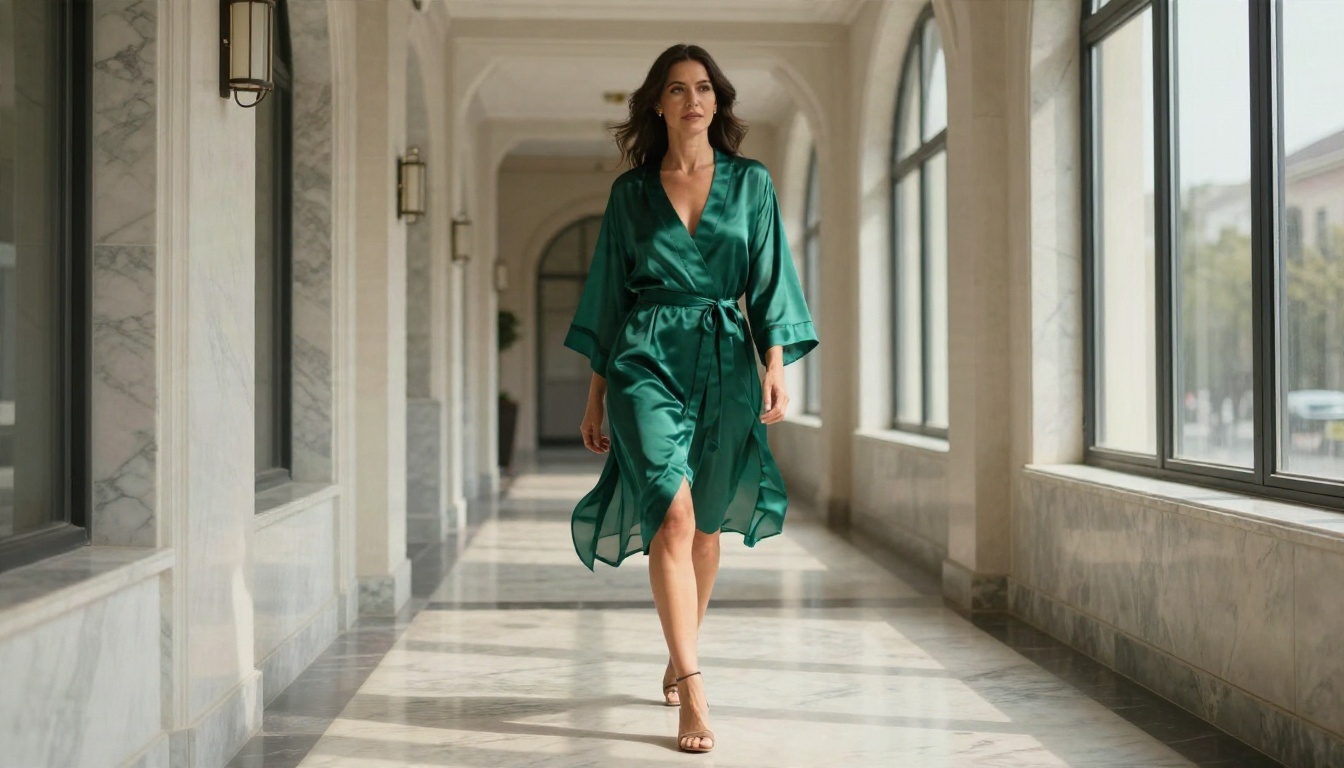
Free tools are great for testing. When you want sharper output or longer or more cinematic motion, try other models on the same platform. Here is how a few of them compare for animating a glamour still.
💡 Workflow idea: draft with a free model, pick the take with the best motion, then re-run that same still through Kling v3 Video or Wan 2.6 I2V for a polished final version.
Rules for Adult Content
A few ground rules keep you out of trouble, and they apply no matter which tool you use.
Adults Only, Always
Every subject must be an adult. Describe the person as an adult in your prompt and check the output. Anything that looks even ambiguous should be discarded, not tweaked.
No Real People Without Consent
Never use a real person's photo or likeness for sensual content without their clear consent. That includes celebrities, coworkers, exes and strangers from social media. Generate original characters instead. It is safer legally and it is the right thing to do.
Keep It Tasteful, Keep It Shareable
Suggestive beats explicit for a practical reason: it travels. Non-explicit glamour can be posted on far more platforms, passes more moderation filters and holds up better in the long run. Think magazine editorial, not adult site.
| Do | Don't |
|---|
| Use original, clearly adult characters | Use real people's faces without permission |
| Aim for suggestive, stylish and tasteful | Push for explicit output |
| Read each platform's content rules before posting | Assume every site allows the same content |
| Label AI-generated content where required | Pass off AI clips as real footage |
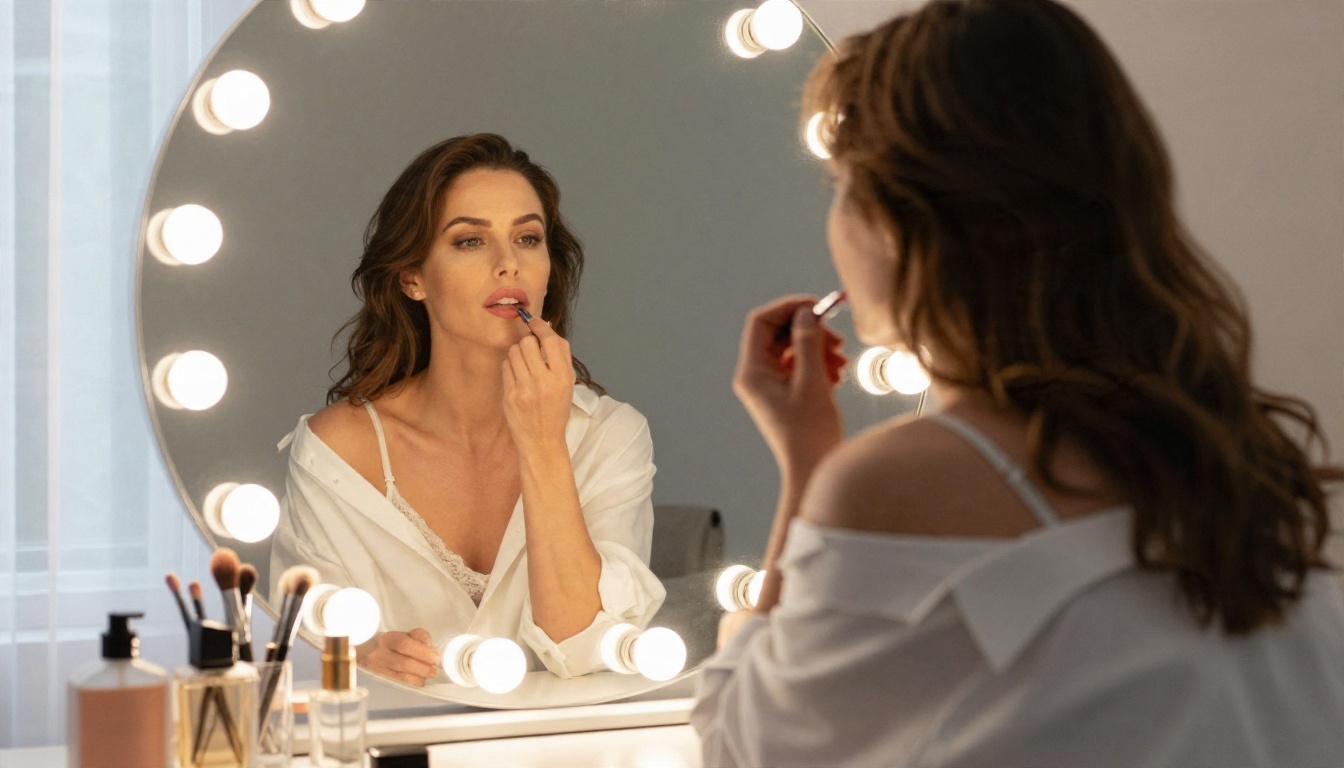
Make Your Own Clips Today
Here is the short version. Truly free, no-login erotic AI video makers exist, but they come with short clips, watermarks, queues and strict filters. The smarter route is to build a strong still first, then animate it with a free model that does not make you count credits.
On Picasso IA you can do the whole thing in one place: create the still with Seedream 4.5, refine it with the unlimited PicassoIA Image Editor Pro, then bring it to life with Seedance 2.5 Lite or PicassoIA Video. Start with one scene, one motion and one still, and see how far a five-second clip can go.
Want more options? Browse every model at picassoia.com/en/all-models and try a few side by side. Pick a mood, write your first prompt, and make something that looks like you meant it.


