Most people who try erotic writing AI quit after ten minutes. The first reply is stiff, the second one repeats the first, and by the third the model has forgotten the character's name. The problem is almost never the idea. It is the setup: a vague prompt, the wrong model, and no plan for tone. Fix those three things and the same tool that gave you cardboard dialogue will start producing slow, charged, genuinely readable scenes.
This article covers what these tools can and cannot do, which free options are worth your time, prompts you can paste right now, annotated examples, and a way to add artwork to your story. Everything here is aimed at adults writing fiction about adult characters.
What Erotic Writing AI Really Is
Erotic writing AI is simply a language model used for romance, sensual fiction and adult storytelling. There is no special category of software behind it. You are using a general chat model, a fine-tuned one, or a local one, and steering it with instructions about tone, pacing and character.

Who Uses It and Why
The audience is wider than you might expect. Hobby novelists use it to draft romance chapters faster. Fan fiction writers use it to test a pairing's chemistry before committing to a long piece. Couples write private stories together. Roleplayers use it as a patient partner at 2 a.m. Some people just want a well-made tension scene without the blank-page dread.
What they share is a need for voice control. A good story depends on pacing, restraint and specificity far more than on anything explicit.
What "Uncensored" Actually Means
"Uncensored" is a marketing word, and it covers a range of behavior:
- Mainstream chat models apply content policies. Many will happily write romance, flirtation, sensuality and fade-to-black scenes, and will decline or soften anything graphic.
- Open weight models run on your own computer. Whatever limits exist depend on the specific model and how it was tuned.
- Roleplay-focused services set their own rules, which change often and differ by country and payment provider.
💡 Tip: Don't pick a tool by the word "uncensored". Pick it by how well it holds a voice across 2,000 words. A model that writes great tension and then cuts to morning is more useful than one that writes anything but writes it badly.
You do not need a subscription to start. Free tiers, open weights and in-browser chat models are enough to find out whether this fits your writing.

Chat Models on PicassoIA
PicassoIA lists a wide range of language models you can chat with from one place, which makes it easy to compare voices side by side using the same prompt. Good candidates for sensual fiction and romance drafting:
- Claude Sonnet 5 tends to write careful, literary prose with strong emotional interiority. Ideal for slow-burn tension.
- GPT 5.6 Terra is fast and consistent, good for long drafts and dialogue-heavy scenes.
- Gemini 3.1 Pro handles long context well, which helps when a story runs across many messages.
- DeepSeek V3.1 is a solid open-lineage option for fluent, flexible drafting.
- Llama 4 Maverick Instruct is a lighter model that is quick for brainstorming and rewriting.
- Kimi K2.6 is worth testing for long, structured storylines.
Each model has its own content policy and its own tolerance for adult themes. Expect them to differ. Test with a mild romantic scene first, then see where each one draws its line.
Local and Open Weight Options
If you want full control over privacy, local models are the other route. Apps such as KoboldCpp, LM Studio and SillyTavern let you load open weight models on your own machine and keep every word offline. The trade-off is hardware: a decent graphics card with plenty of memory makes a large difference to quality and speed.
Quick Comparison
| Option | Cost | Best for | Weak spot |
|---|
| Hosted chat models | Free tiers or credits | Polished prose, fast iteration | Content policies vary |
| Open weight local models | Free software, your hardware | Privacy, full control | Needs a strong computer |
| Roleplay services | Free tiers, paid upgrades | Ongoing character chat | Rules and pricing change |
| Human editing pass | Your time | Voice, originality | Takes longer |
Prompts That Set the Mood
A prompt is a brief to a collaborator. The more it sounds like a writer's note and the less it sounds like a search query, the better the result.
The Character Brief
Start every project by giving the model two adult characters with wants, flaws and a voice. Paste this and fill the brackets:
"You are a romance author. Characters: [Name], 34, a restoration architect, dry humor, guarded after a long divorce. [Name], 36, a chef who talks too much when nervous. Both are adults. Setting: a rainy week in Lisbon. Write in close third person, past tense, literary but warm. Do not write anything yet. Confirm you understand the voice, then ask me two questions about the story."
That last instruction matters. Letting the model ask questions produces better material than letting it guess.
The Scene Request
Once the characters exist, ask for a scene with a specific emotional goal, not a vague "write something steamy":
"Write 600 words. The two of them are stuck in a narrow stairwell during a power cut. Focus on what they notice about each other: breath, hands, the pause before a sentence. Build tension, keep it sensual, end on an unspoken decision."
Notice the instruction to focus on small details. Sensory specifics are what make this kind of writing land.
The Slow Burn Prompt
Models rush. They want to resolve tension in the first paragraph. Counter that directly:
"Slow this down. Spend the next scene entirely on anticipation. No kiss yet. Use short sentences when the tension peaks and longer ones when the characters relax."
Rewrite and Tone Prompts
Rewriting is where most of the quality comes from. Keep a few ready:
- "Cut every adverb and every cliché. Replace them with one concrete detail."
- "Rewrite from his point of view, same events, different perception."
- "Make the dialogue sound like people interrupting each other."
- "Raise the heat one notch, keep it suggestive, no anatomical terms."
💡 Tip: Save your best character brief as a text file. Paste it at the start of every new chat. It is the cheapest memory upgrade you can make.
Writing Examples With Annotations
Seeing a weak draft next to a strong one teaches more than any list of rules. Here is a sample, kept deliberately non-explicit.
The Flat First Draft
Prompt: "Write a romantic scene on a balcony."
"They stood on the balcony. The city lights sparkled below. She felt her heart race as he came closer. He looked into her eyes and she knew she wanted him. The night was warm and full of possibility."
It is grammatical and dead. Every line is a stock phrase, and nothing is specific to these two people.
The Revised Version
Prompt after the character brief and a rewrite instruction: "Same scene. Use one concrete detail per sentence. Let her hesitate."
"The balcony door stuck, the way it had all week, and he shouldered it open without looking at her. Below, a tram bell rang twice. Marta kept her hands on the railing, aware of exactly how much space he was leaving between them and how deliberately he was leaving it. 'You're quiet,' he said. 'I'm deciding something,' she said, and watched him stop breathing for half a second."
Why the Second One Works
- Specific objects (the sticking door, the tram bell) anchor the scene in a real place.
- Subtext carries the tension. Nothing is announced, everything is implied.
- Rhythm shifts: a long opening sentence, then clipped dialogue.
- Restraint makes the reader lean in. This is what separates sensual from merely crude.
Fixing Flat, Repetitive Output
Even good models drift. These are the usual problems and what to do about them.
Memory and Consistency
Long chats lose details. Eye color changes, a scar disappears, the setting shifts from Lisbon to nowhere. Fixes that work:
- Re-paste your character brief every 15 to 20 messages.
- Ask for a running summary after each chapter and keep it in a separate note.
- Use a model with a large context window for novel-length projects.
- Write chapter by chapter, not scene by scene, so the model keeps the thread.
Avoiding Clichés
Models love the same phrases: "heart hammering", "electricity", "breath she didn't know she was holding". Add a ban list to your brief:
"Never use: heart hammering, shiver down spine, electric, breath she didn't know she was holding, orbs."
It works better than you would expect.
Repetitive Structure
If every scene follows the same arc (meet, tension, kiss, fade), say so. Ask for a scene that starts in the middle or one that ends on an argument instead of a kiss. Variety is a decision you have to request.
Pair Your Story With Images
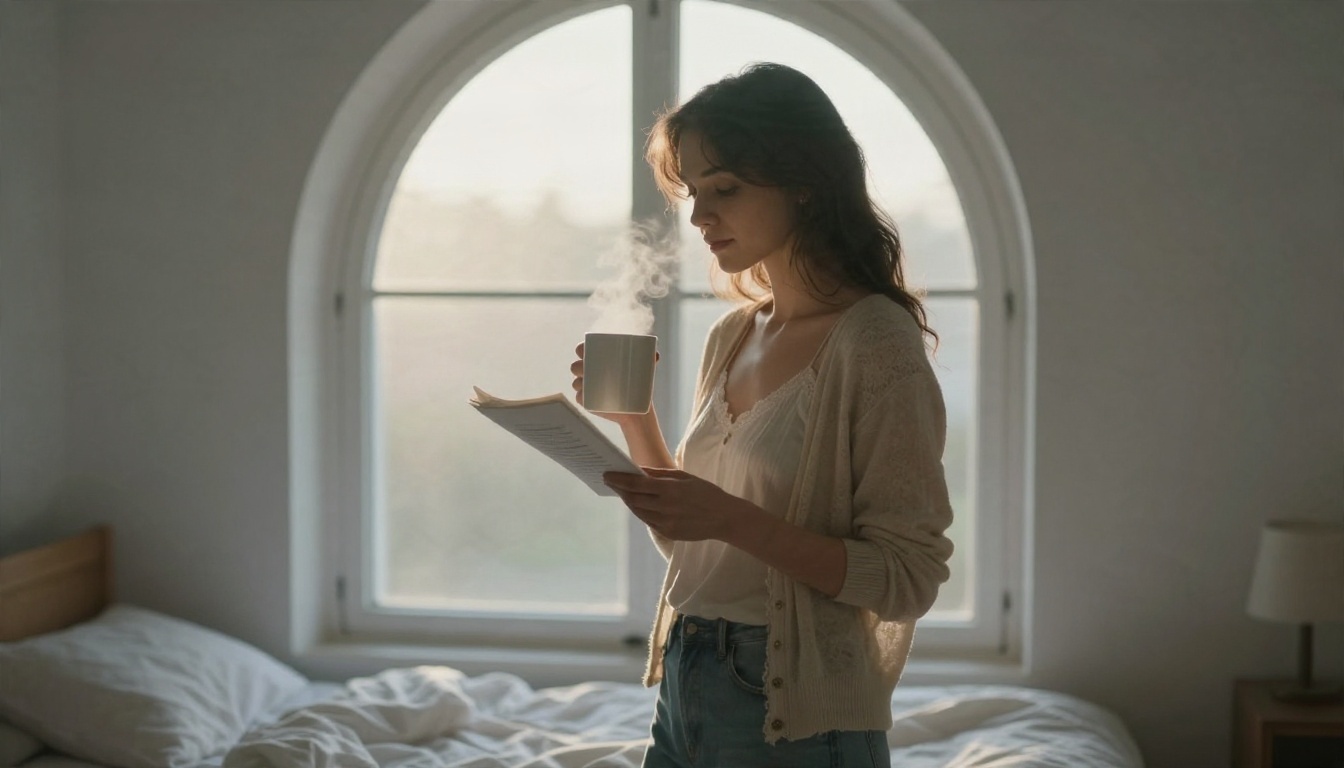
A story gets a second life when it has a face and a setting. Illustrating characters is also a useful writing exercise, because it forces you to decide what they actually look like.
Seedream 4.5 for Scene Art
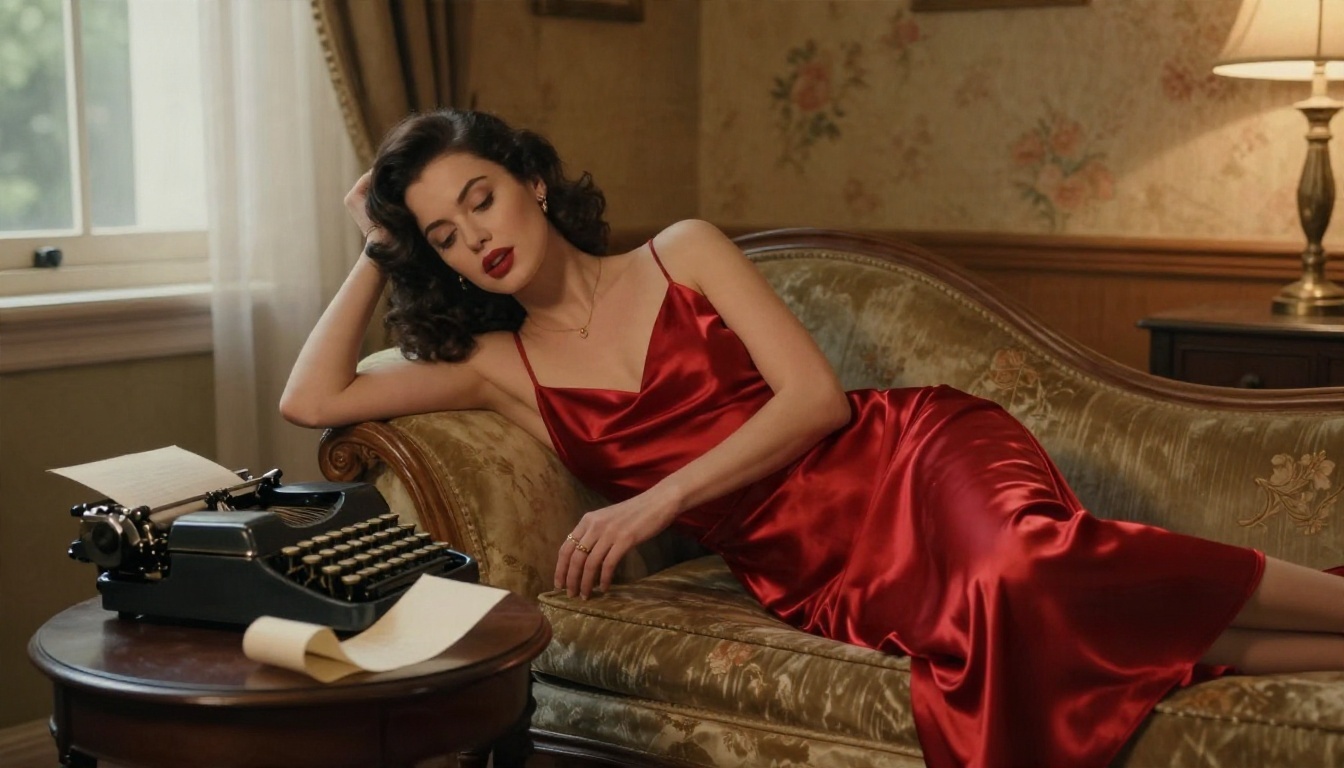
Seedream 4.5 is the model to start with for photorealistic portraits and atmospheric scenes. It follows detailed prompts closely and handles skin, fabric and lighting with convincing realism. It also allows glamour, boudoir and suggestive adult imagery, which many text-to-image models refuse.
A prompt that works well for a character portrait:
"Photorealistic portrait of a 34-year-old woman with short dark hair and dry, amused eyes, wearing a loose linen shirt, standing in a sunlit Lisbon apartment, soft window light from the left, 85mm lens, shallow depth of field, natural skin texture, film grain."
Copy the character details straight from your story brief so the face stays consistent across scenes.
Image Editor Pro for Unlimited Edits
PicassoIA Image Editor Pro is the practical choice when you want to keep adjusting. It offers unlimited generations, so you can iterate on an outfit, a hairstyle or a background fifteen times without watching a credit counter. Use it to fix small things in a Seedream image: change the dress color, soften the lighting, swap the setting from a bedroom to a balcony.
Both models are quick, so the loop of writing a scene, picturing it and refining it stays fast enough to remain fun.
💡 Tip: Generate your characters first, then describe them in the story brief using what the image shows. The model will write them more consistently when the description comes from a fixed reference.
Rules That Keep You Safe
Adult fiction tools come with real responsibilities. They are short, and they are not optional.
Adults Only, Always
- Every character is an adult, and you state it in the brief.
- No real people. Do not write sexual fiction about actual named individuals, including celebrities, coworkers or exes.
- No content involving minors in any form. Models refuse it and so should you.
- Respect each platform's terms. If a model declines, rewrite the scene instead of looking for ways around it.
Privacy Habits
Your private stories are personal data. A few habits help:
- Do not paste real names, addresses or workplace details into any chat.
- Check whether a service stores or trains on your conversations.
- Prefer local models for anything you would not want leaked.
- Keep your drafts in your own files, not only inside a chat history.

A Simple Workflow You Can Reuse
- Write the character brief and save it.
- Draft one scene with a clear emotional goal.
- Run two rewrite prompts: cut clichés, then adjust the heat.
- Read it aloud and fix anything that sounds like a template.
- Generate a portrait or setting image to anchor the next scene.
- Summarize the chapter and carry the summary forward.
The routine takes minutes and removes most of the frustration that makes people give up.

Start Writing Your Own Story
You now have what you need: a few chat models to compare, a character brief template, prompts for slow tension and rewrites, and an image pipeline for your characters. The next step is to try it with one scene and one pair of characters you actually care about.
Open a chat model on PicassoIA, paste the character brief from this article, and ask for a 600-word stairwell scene. Then turn your lead character into a portrait with Seedream 4.5 and polish it with PicassoIA Image Editor Pro, where generations are unlimited. If you want to compare more voices or visuals, browse every model at picassoia.com/en/all-models and see which one writes and draws the way you imagine.


