Type "explicit AI generator" into a search bar and you get a wall of tools that all promise the same thing: no filters, no limits, no cost. Most of them deliver one of the three. A few deliver two. Almost none deliver all three at once. If you have ever watched a free credit counter drain after four renders, or seen a polite "this prompt violates our policy" banner on a harmless glamour request, you already know the problem.
This article sorts the noise. You will see what people actually mean by an explicit AI generator, which free options are worth your time, which models produce the most believable adult glamour photos, and how to write prompts that give you sharp skin texture instead of the plastic look. There is also a step by step walkthrough for Seedream 4.5 and a comparison table of online apps.
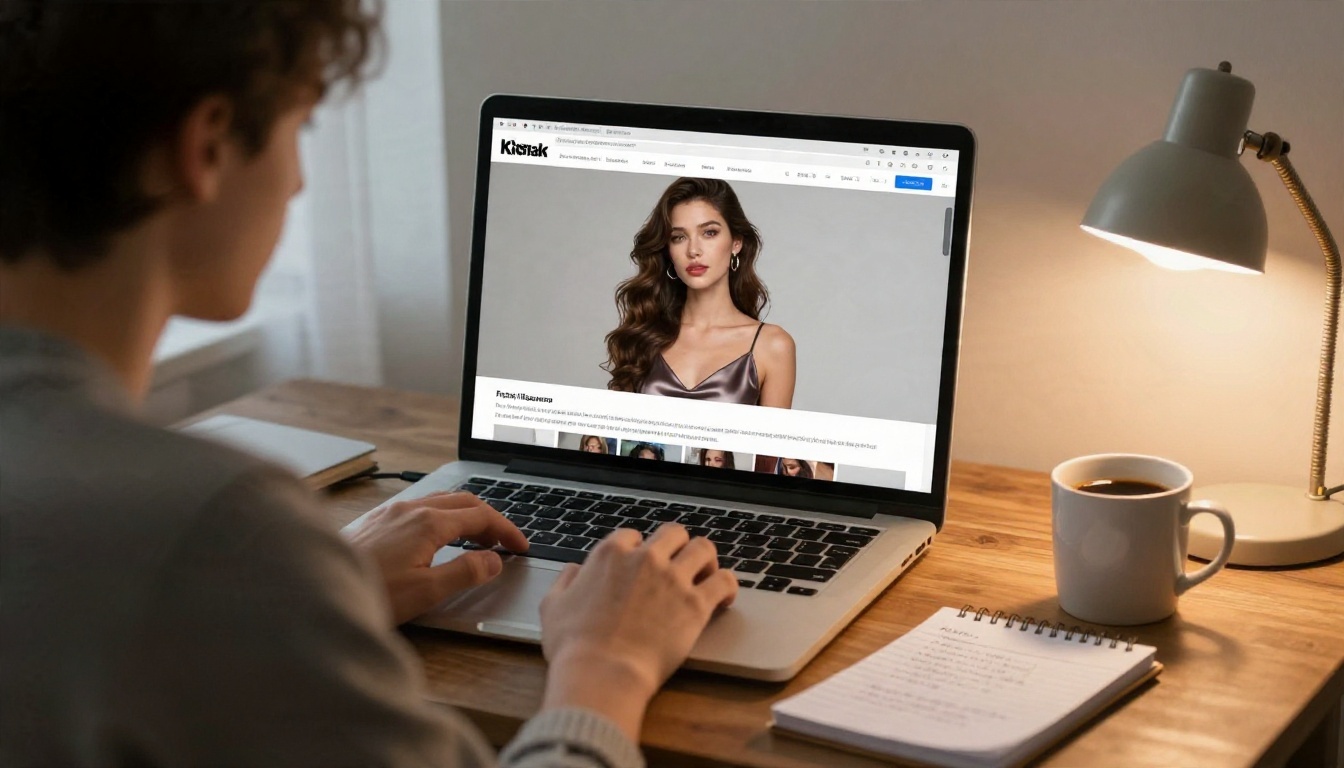
💡 Quick answer: For the best mix of realism, speed and few restrictions, start with Seedream 4.5 for generation and PicassoIA Image Editor Pro for unlimited edits and variations.
What an Explicit AI Generator Does
An explicit AI generator is a text-to-image or image editing tool that accepts adult themed prompts instead of rejecting them. Mainstream assistants from big technology companies tend to block anything involving lingerie, bare skin or sensual mood, even when the result would be tame by magazine standards. Adult oriented generators exist because a large group of creators wants that creative room.
Explicit Versus Suggestive
The word "explicit" covers a wide range. At one end sits glamour: bikinis, boudoir, lace, silk, implied nudity and sensual mood. At the other end sits pornographic material. This article stays on the glamour side. It is the part of the spectrum where aesthetics, lighting and skin realism decide whether an image is good, and it is also where most legitimate creators work: pin-up style portfolios, fashion mood boards, book illustrations, social media content for adult audiences and private art.
Every image in this article was made in that spirit: photorealistic, tasteful, and clearly of adults.
Why People Search for It
The motivations are less dramatic than the keyword suggests.
- Frustration with false positives. A swimwear shoot gets flagged because the model panics at the word "bikini".
- Creative control. Photographers and illustrators want to test moods, outfits and poses before booking a real shoot.
- Privacy. Some users want to generate images without a content team reviewing their history.
- Cost. Subscription tools that meter every render add up fast.
- Curiosity. The technology is new, and people want to see how real it can look.
Free Options Worth Trying
Free is the most abused word in this niche. Here is how the main routes really work.
Free Tiers and Their Limits
Hosted apps such as SeaArt, Mage.space, Venice.ai and Promptchan come up again and again in 2026 roundups, and most of them offer some kind of free daily allowance. Grok Imagine is often described as the most permissive mainstream hosted model right now. The pattern is consistent across them:
- A small pool of free credits that refills daily or monthly
- Slower queues for free users
- Lower resolution or watermarks on free output
- Fewer model choices unless you pay
- Vague or missing statements about how prompts and images are stored
Most review sites in this space are run by the vendors themselves, so rankings lean toward whatever product the site sells. Treat any "number one" label with suspicion and test two or three tools yourself with the same prompt.
Local Models: Free but Heavy
Running Stable Diffusion or FLUX style models on your own computer is the only route with truly no external filter. It is also the route with the most friction. You need a graphics card with plenty of memory, a few hours of setup, patience with model files that weigh many gigabytes, and the willingness to troubleshoot driver issues. For hobbyists who enjoy tinkering, it is a great deal. For anyone who wants a decent image in thirty seconds, it is not.
Where Unlimited Beats Free
A free tier that stops after five images is not really free; it is a trial. What most creators want is unlimited generations at a predictable cost, because good results come from iteration. A single portrait might take eight or ten attempts to land the right expression, light and wardrobe. That is why tools that allow unlimited generations, like PicassoIA Image Editor Pro, change the math. You stop rationing prompts and start refining them.
💡 Rule of thumb: If an app makes you count credits before every render, you will write worse prompts. Fear of waste kills experimentation.
Best Models for Adult Glamour
Not every image model handles skin, fabric and lighting equally. Some excel at illustration and fall apart on realistic portraits. For photographic adult glamour, these are the ones worth running.
| Model | Best for | Strength | Watch out for |
|---|
| Seedream 4.5 | Photoreal portraits, up to 4K | Natural skin, accurate fabric, strong prompt following | Very long prompts can dilute focus |
| PicassoIA Image Editor Pro | Editing and unlimited variations | Fast iteration, wardrobe and background changes | Needs a good source image for best edits |
| Flux 2 Klein 9B Base LoRA | Styled looks and LoRA flavors | Flexible styling, quick output | Style can drift without a clear prompt |
| Qwen Image 3 Pro | Photorealistic scenes | Clean composition and detail | Test your wording, behavior varies by prompt |
Seedream 4.5: The Realism Leader
Seedream 4.5 is where I would begin. It produces 4K output, and it handles the things that usually betray an AI image: pores, flyaway hair, fabric folds, hands. It also follows long, structured prompts closely, which matters when you describe lens, light and wardrobe in detail. For glamour work, that precision is what separates a believable photo from a smooth, waxy render.
Image Editor Pro: Unlimited Iteration
PicassoIA Image Editor Pro is the second tool in the chain. Generate a strong base portrait, then use the editor to swap wardrobe, shift the background, adjust mood or produce a set of variations in a consistent look. Because generations are unlimited, you can chase small improvements without watching a counter. It is also fast, which keeps the creative loop tight.
Other Models Worth a Test
Once you have a baseline from Seedream, try Flux 2 Klein 9B Base LoRA for stylized looks, Flux 2 Klein 4B Base for lighter, quicker drafts, and Qwen Image 3 Pro for a different take on realism. Different models read the same prompt differently, and running one prompt through three models is the fastest way to find your favorite.
If you want to animate a finished still into a short clip, a fast video model such as LTX 2.5 Fast can add gentle motion like moving hair or a slow camera push.
How to Use Seedream 4.5 on PicassoIA
Step by Step
- Open the Seedream 4.5 page on PicassoIA.
- Write your prompt in the text box. Describe the subject first, then setting, light, lens and texture.
- Choose a wide aspect ratio such as 16:9 for scenery and editorial layouts, or a portrait ratio for social posts.
- Pick the highest resolution you need. Use a lower setting for drafts and 4K for your final pick.
- Generate, then compare the results. Change one thing at a time: wardrobe, light direction or camera angle.
- Send the best frame to PicassoIA Image Editor Pro for finishing touches and variations.
Parameter Tips
- Be specific about light. "Warm morning light from the left" beats "nice lighting".
- Name a lens. "85mm f/1.8" nudges the model toward a flattering portrait look with soft background blur.
- Mention film. "Kodak Portra 400, fine film grain" adds natural color and removes the over-polished sheen.
- Describe skin honestly. Words like "visible pores", "fine peach fuzz" and "natural freckles" push realism.
- Keep one subject per prompt. Crowded scenes make faces and hands less reliable.
💡 Draft low, finish high. Do your first rounds at a smaller size to save time, then upscale only the winner.
Prompts That Actually Work
The Prompt Formula
The structure that produces the most consistent photos is simple:
Subject and pose + wardrobe + environment + light direction + camera and lens + texture and film look.
Here is the formula applied to a boudoir portrait:
An adult woman in her late twenties with freckles, sitting on a white linen bed, wearing a champagne silk robe over black lace, soft morning light from the left through sheer curtains, 85mm f/1.8, shallow depth of field, visible skin texture, Kodak Portra 400, fine film grain.
Five Prompts to Copy
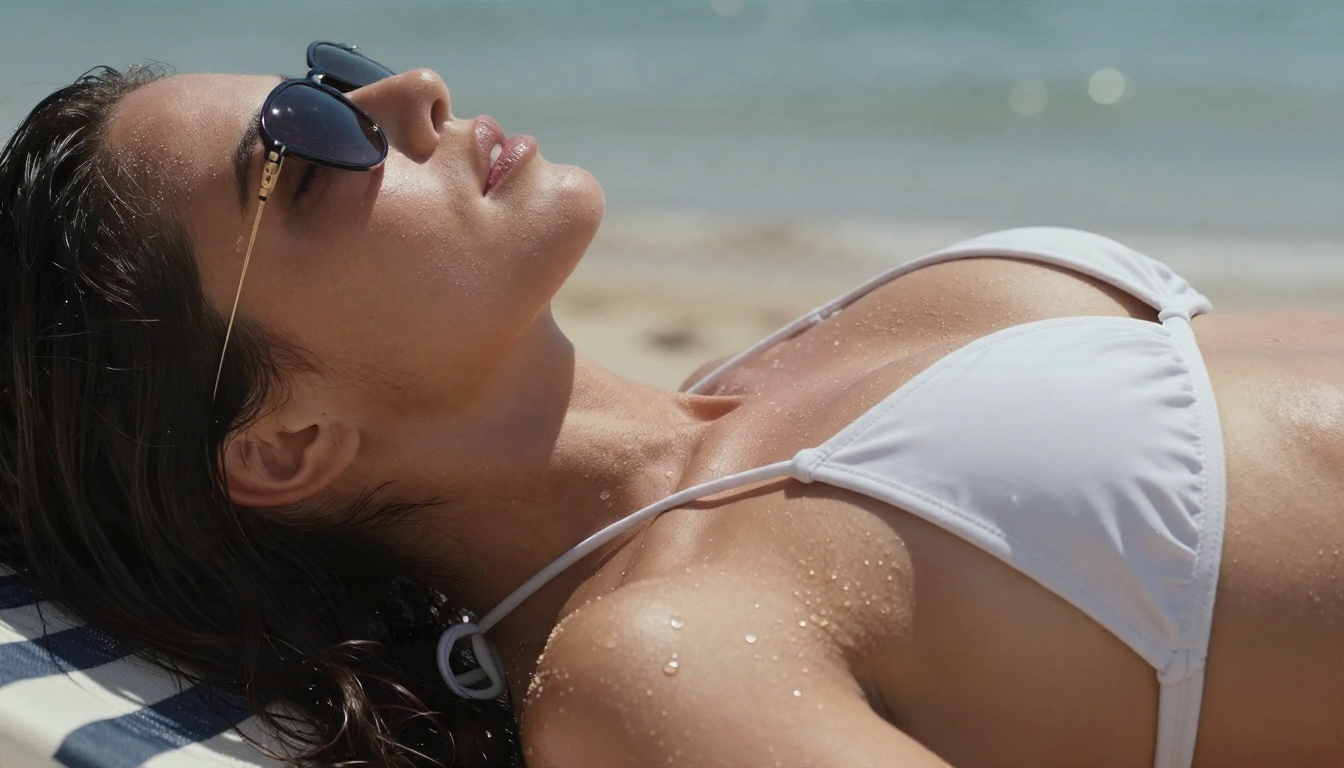
- Beach glamour: An adult woman in a white string bikini on a striped lounger, wet slicked-back hair, hard midday sun from above left, 100mm f/2.8, water droplets on skin, sea haze behind, film grain.
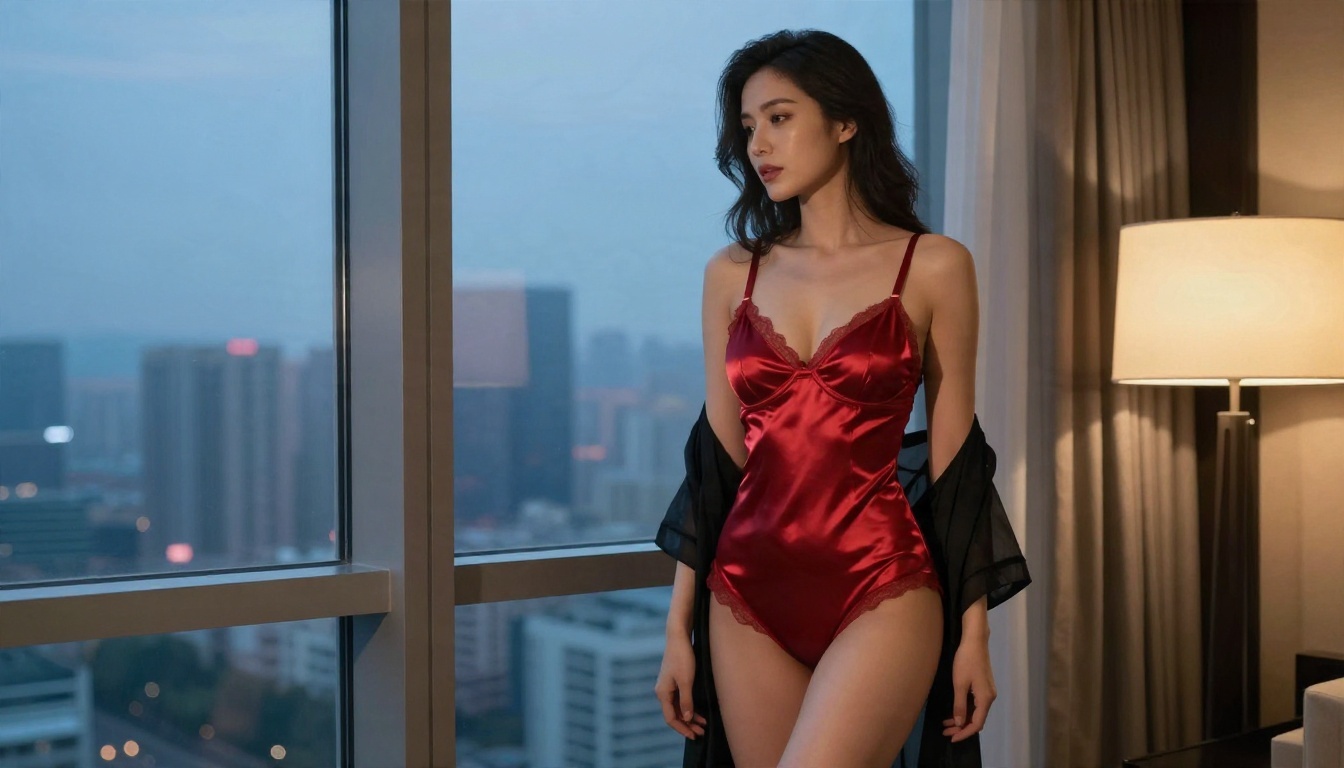
- Hotel suite dusk: A woman in a red satin set with a sheer robe near a floor-to-ceiling window, warm lamp light from the right and blue twilight from the left, 50mm f/1.4, low angle.
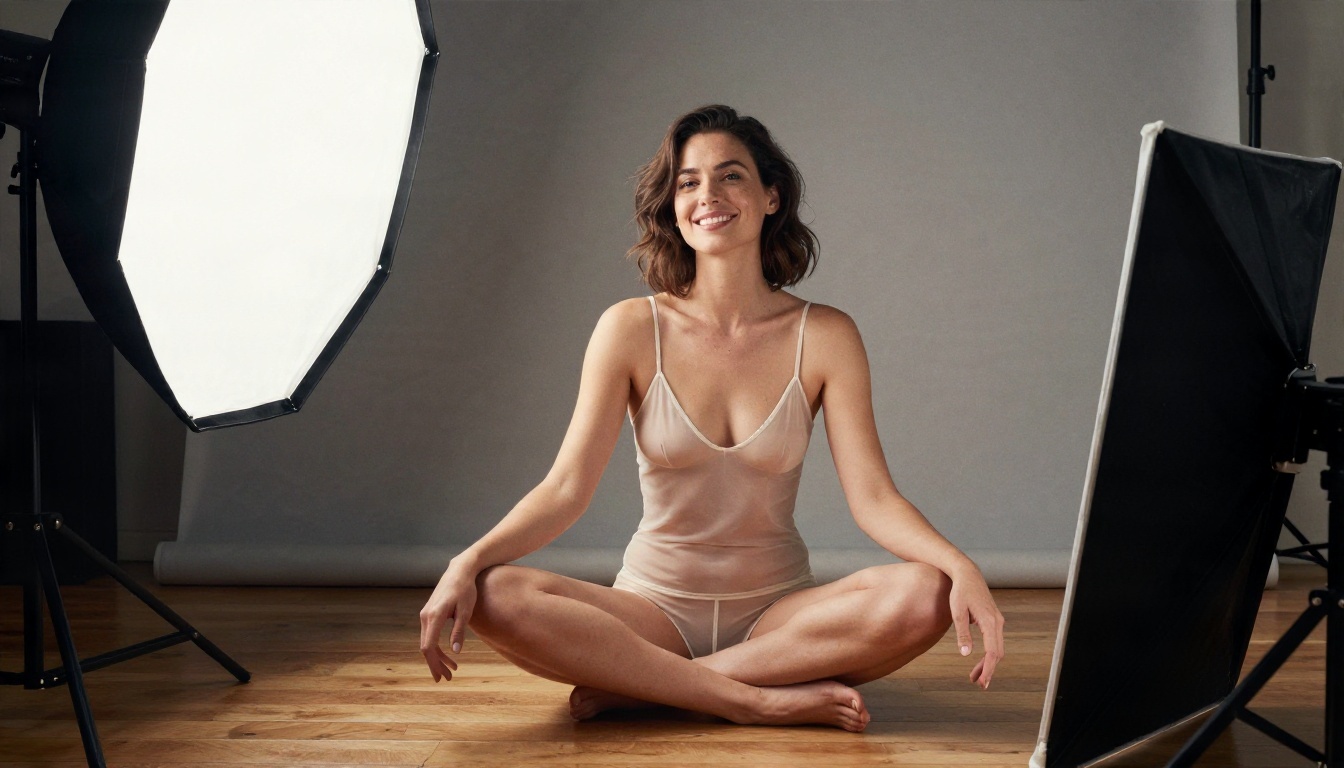
- Studio softbox: A woman in a sheer ivory chemise sitting on a wooden floor, large softbox on the left, gray seamless backdrop, 70mm f/2.2, relaxed smile.
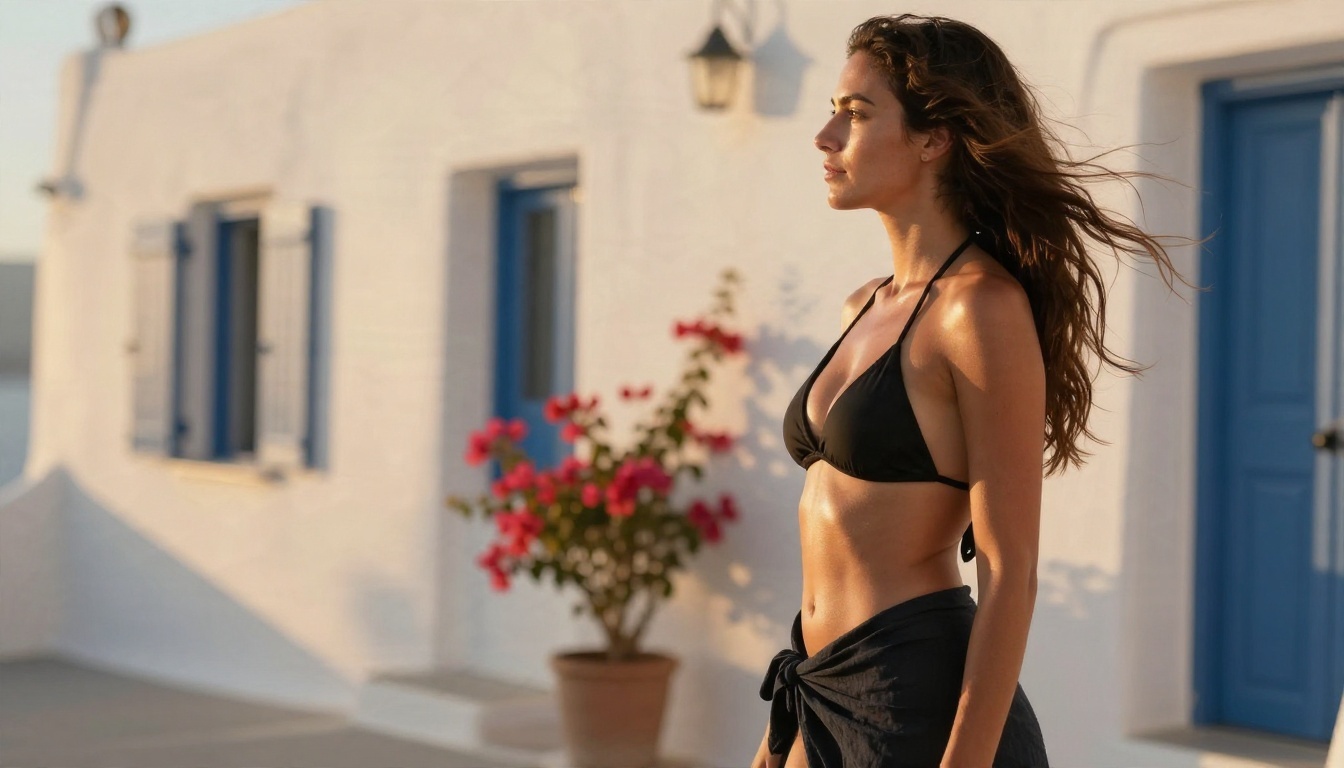
- Terrace golden hour: Side profile in a black halter top and linen wrap skirt, low warm sun behind right, whitewashed wall, blue shutters, 85mm f/1.8.
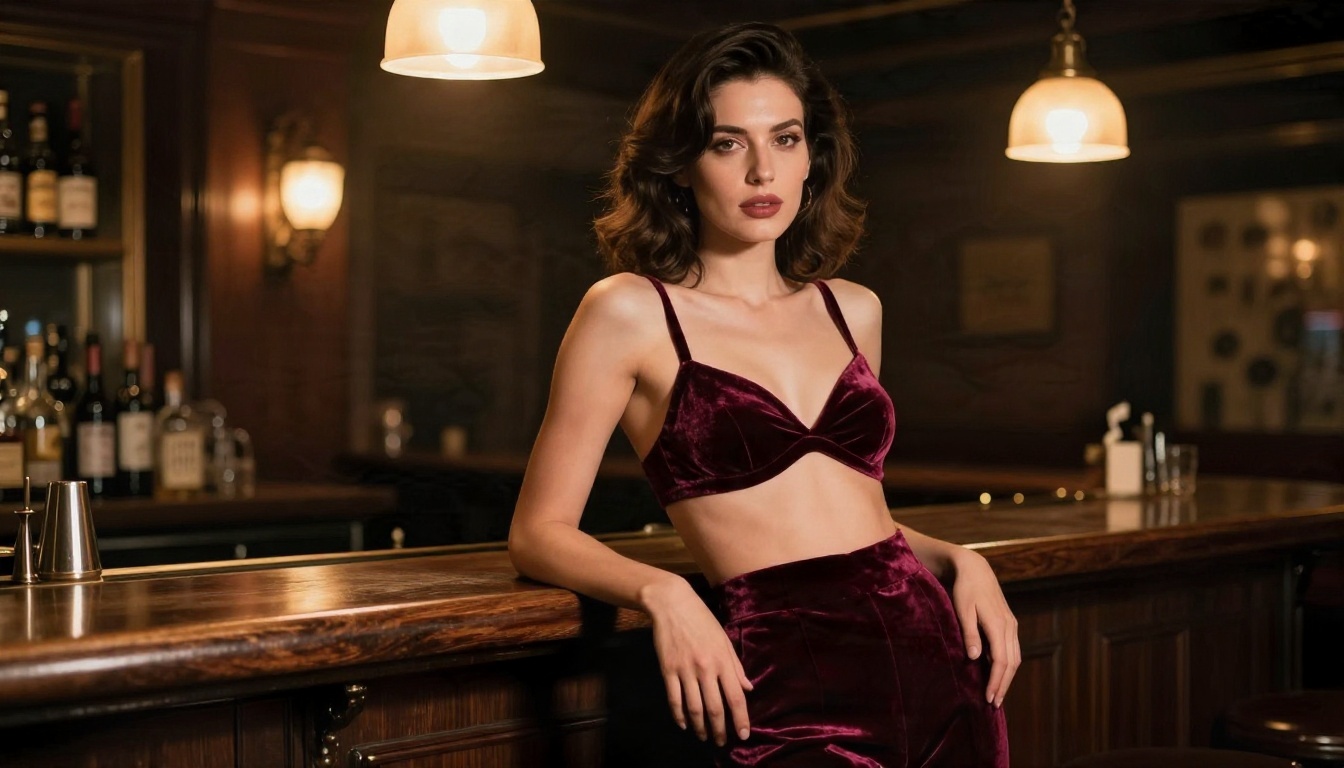
- Jazz lounge: A woman in a burgundy velvet bralette and tailored trousers leaning on a vintage bar, amber light from above right, smoky background, 50mm f/1.4.
Notice that every prompt names an adult, a clear light source and a lens. Those three ingredients do more for quality than any list of buzzwords.
Mistakes That Ruin Results
- Stacking adjectives. "Ultra hyper realistic stunning masterpiece" adds nothing. Describe what the camera sees instead.
- Ignoring hands. Give hands something simple to do, like resting on a knee or holding a cup.
- Mixing lighting cues. Do not ask for both "hard noon sun" and "soft candlelight" in the same scene.
- Skipping negative detail. State what you want removed: "no text, no watermark, no plastic skin".
- Changing five things at once. You will never know which edit helped.
Online Apps Compared
What to Check Before You Sign Up
Before trusting any online app with your prompts, run through this short list:
- Does it show clear pricing, or hide it behind sign-up?
- Does it state how long prompts and images are kept?
- Can you download images without a watermark?
- Is the output resolution high enough for your use?
- Does it let you edit and iterate, or only generate once?
- Is it clear about what content is allowed?
Side by Side
| Route | Cost | Speed | Realism | Iteration |
|---|
| Free tiers (SeaArt, Mage.space, others) | Free with limits | Slow queues | Varies by model | Credit capped |
| Local Stable Diffusion or FLUX | Hardware cost | Depends on your GPU | High with setup | Unlimited, but heavy setup |
| Grok Imagine | Subscription based | Fast | Good | Moderate |
| Seedream 4.5 on PicassoIA | Affordable | Fast | Very high, up to 4K | Strong |
| Image Editor Pro on PicassoIA | Unlimited generations | Very fast | High | Unlimited |
💡 Test fairly. Run the same prompt in three tools, then compare skin, hands, fabric and background. Ten minutes of testing beats an hour of reading reviews.
Editing Instead of Starting Over
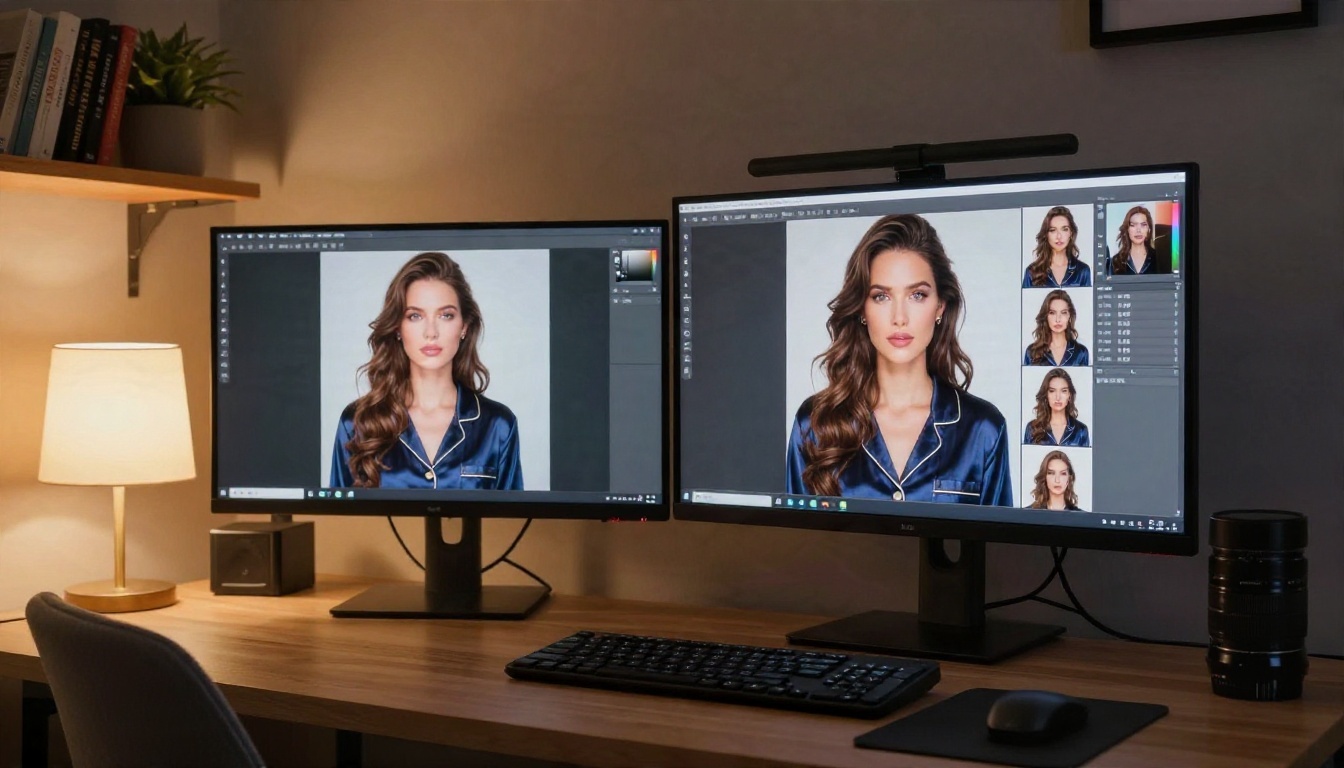
A common beginner habit is regenerating from scratch every time one detail is wrong. The better habit is editing. If the face and pose are right but the robe color is off, change the robe. If the lighting is perfect but the room is dull, change the room. PicassoIA Image Editor Pro is built for this loop: take a strong frame, give a short instruction, and get a variation that keeps what worked.
This approach also helps you build a consistent set. Photographers and content creators often need ten images that feel like the same shoot: same model, same light, same mood. Editing from one source frame keeps that continuity far better than ten independent generations.
A few edit ideas that work well:
- Swap the outfit while keeping pose and face
- Move the scene from morning to dusk
- Change the background from bedroom to terrace
- Adjust mood from playful to quiet and moody
- Fix small flaws such as a stray hair, an odd fold or a soft eye
Safety, Consent and Limits
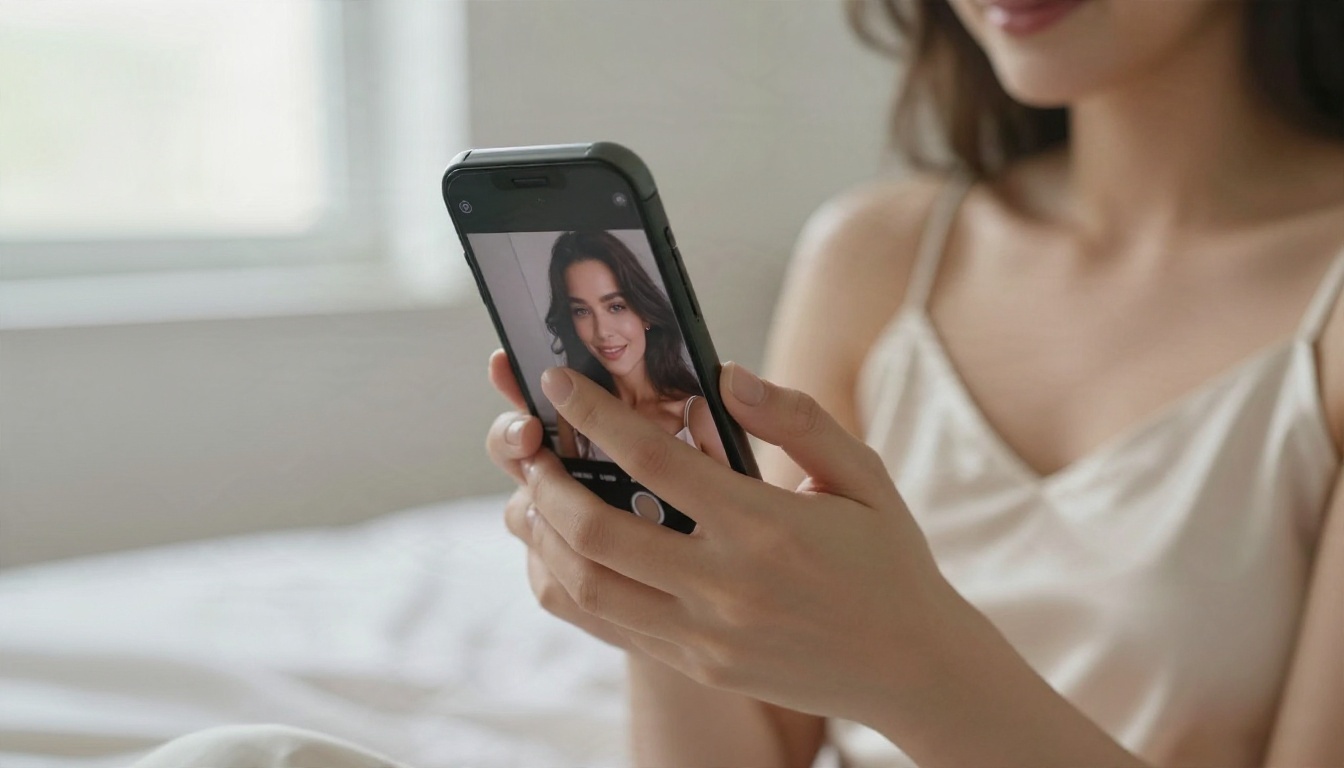
"No filters" does not mean "no rules". Law and common decency still apply, and the stakes are real.
Adults Only
Every subject you generate must be clearly an adult. State it in the prompt ("an adult woman in her late twenties") and discard any result that looks younger. Reputable platforms block anything involving minors, and so should you. This is an absolute line.
Real People and Consent
Never generate sensual images of real, identifiable people without their clear permission. That includes celebrities, coworkers, classmates and exes. Face swaps and look-alike prompts used this way cause serious harm, and in many places they are illegal. Invent your subjects. A made-up person gives you total creative freedom without hurting anyone.
Privacy Habits
- Avoid uploading personal photos to apps with unclear storage policies.
- Do not reuse your main email or password on niche sites.
- Keep generated files in a folder you control rather than a public gallery.
- Check regional rules about adult content before you publish anything.
Make Your Own Images Today
You now have the full picture: free tiers are fine for a quick test but run out fast, local setups are powerful but heavy, and the sweet spot for most people is a fast, realistic model paired with an editor that does not cap your attempts.
Open Seedream 4.5, paste one of the five prompts above, and render your first portrait. Then send the best frame into PicassoIA Image Editor Pro and push it through five or six variations. By the tenth render you will know your own style better than any review could tell you.
Ready to try more models? Browse the full catalog at picassoia.com/en/all-models and pick the one that matches your idea. Experiment freely, keep it adult, keep it consensual, and enjoy the results.


