You do not need a face, a ring light or a thick skin to run a video channel. Thousands of creators publish every week without ever stepping in front of a lens, and the gap between a faceless video generator and a full production crew is shrinking fast. A script, an AI voice, a handful of generated clips and some music are enough to ship a watchable video in an afternoon.
The catch is that "free" is a slippery word. Some tools are generous, some hide a watermark behind the export button, and some give you three clips before asking for a card. This article sorts the real options from the noise, hands you prompts you can paste right now, and shows what finished faceless videos look like across different niches.
💡 Quick answer: the cheapest reliable setup is a free text-to-video model for clips, a text-to-speech model for narration, a free music generator for the soundtrack, and any basic editor for captions. Everything below fits that pipeline.
What Faceless Video Really Means
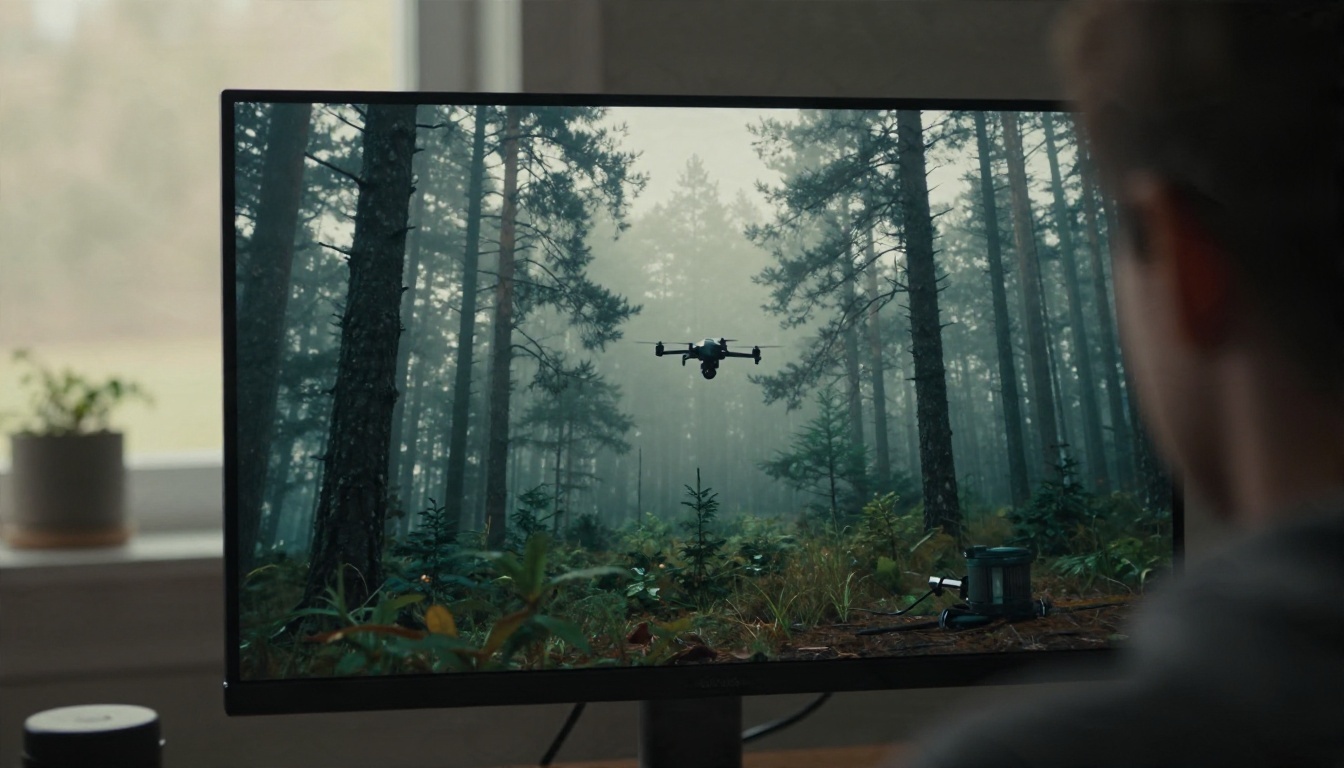
A faceless video is any video where the creator never appears on screen. The audience sees footage, animation, hands, objects, landscapes or text, and hears a voice that may be recorded or synthetic. That is the whole definition. It says nothing about quality, and the best examples feel more cinematic than a talking head ever could.
Who Uses Faceless Video
The audience is wider than most people assume:
- Privacy-minded creators who want a channel without a public identity
- Small business owners who need product clips and explainers without hiring talent
- Educators turning lesson notes into short narrated lessons
- Marketers testing dozens of ad variations before spending real budget
- Storytellers who write audio dramas, history recaps or horror narration
- Musicians who want visualizers instead of music videos with their own face
Formats That Work
Not every format suits a faceless approach. These do, and they dominate the platforms:
| Format | Typical length | What the viewer sees |
|---|
| Narrated explainer | 3 to 10 minutes | Stock-style clips, diagrams, b-roll |
| Short-form facts | 20 to 60 seconds | Fast vertical clips with captions |
| Product showcase | 15 to 45 seconds | Close-ups, rotating objects, hands |
| Story narration | 5 to 20 minutes | Atmospheric scenes, slow camera moves |
| Music visualizer | 2 to 4 minutes | Looping landscapes or abstract textures |
| Tutorial with hands | 1 to 8 minutes | Hands at work, screen recordings |
The Free Faceless Workflow
Every faceless video, whatever the niche, passes through four stages. Skip one and the final result feels hollow.

Step 1: Write the Script First
Do not generate a single clip until the script exists. The script decides how many scenes you need, how long each should run, and what the voice will say. A good rule: one scene per sentence or two, and aim for 3 to 6 seconds per scene. Short scenes hide the small flaws that AI footage still has.
Free helpers for this stage include any chat assistant. On PicassoIA you can also draft with the large language models in the platform, then paste the final text straight into a voice tool.
Step 2: Record or Generate the Voice
Voice is where faceless videos succeed or fail. A flat robotic read makes viewers leave in seconds. Natural pacing, small pauses and a voice that matches the topic keep them watching.
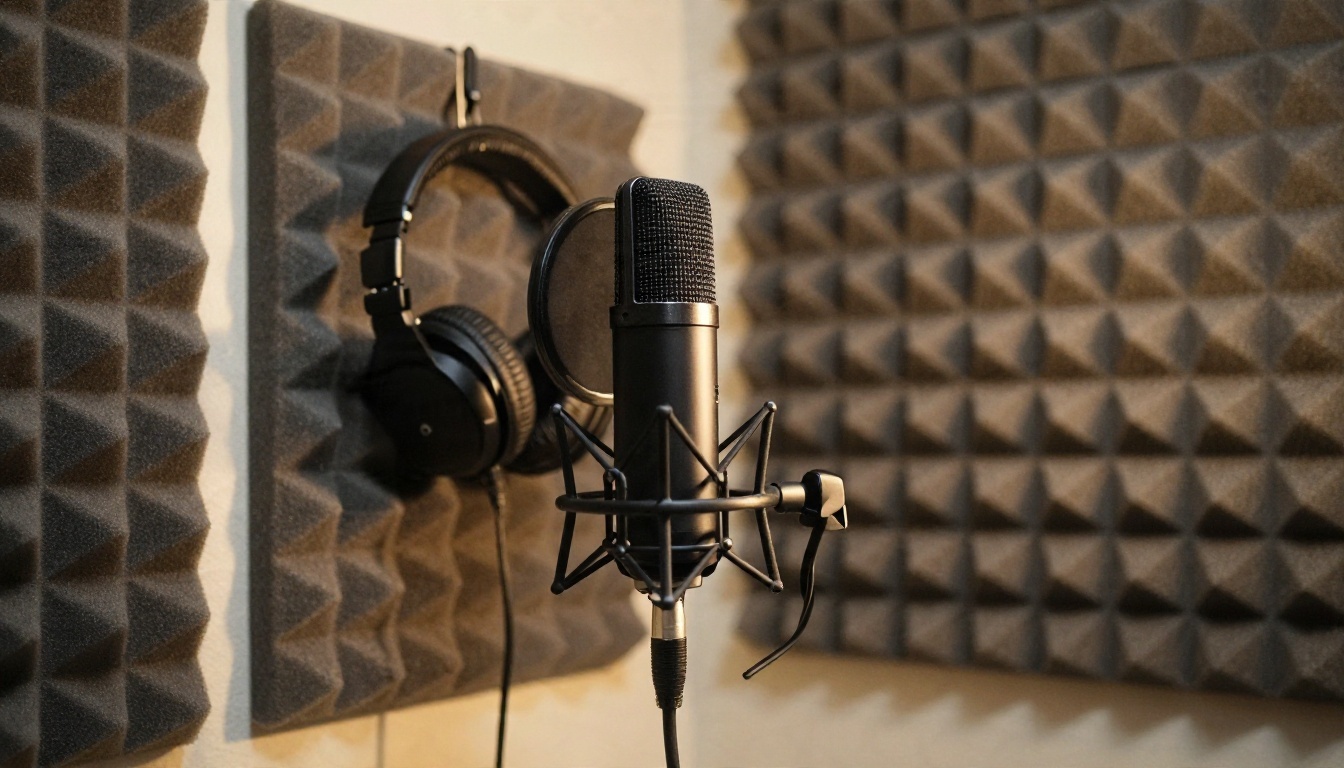
You have two paths. Record yourself (your face stays off camera, so it still counts as faceless), or synthesize a voice. For synthetic narration, these text-to-speech models on PicassoIA are worth testing:
💡 Tip: write for the ear, not the eye. Short sentences, contractions and a question every few lines make synthetic voices sound far more human.
Step 3: Generate the Visuals
This is the part that used to cost a fortune in stock footage subscriptions. A text-to-video model now produces a custom clip from one sentence, and an image-to-video model animates a still you already like. Two habits make a big difference:
- Generate a still first with an image model, approve the look, then animate it. You keep the character, color palette and lighting consistent across scenes.
- Keep camera moves simple. Slow push-ins, gentle pans and static shots with natural motion inside the frame look expensive. Whip pans and chaotic action look broken.

Step 4: Add Music and Captions
Music glues unrelated clips into one mood. A free generator such as Music 2.6 can produce a full track from a text description, and Lyria 3 is another solid option for instrumental beds. Pick low-energy, steady tracks for narration. Anything with a strong melody fights the voice.
Captions matter more than most beginners think. A large share of viewers watch with the sound off, so burned-in captions are not optional for short-form content. Most free editors add them automatically.
Free Options Compared
Here is where the honest part starts. Free tiers in this category tend to share the same limits: a watermark, a cap on export length, a monthly credit pool or lower resolution. Reviews of the category regularly point out that no single free tool delivers a scripted, voiced, captioned, watermark-free video at high volume. Plan your workflow around that reality.
What Free Actually Costs
| Tool type | Common free limit | Best use |
|---|
| All-in-one faceless makers (InVideo AI, Kapwing) | Watermark, capped length or credits | Fast Shorts and Reels drafts |
| Template editors (Canva, CapCut) | Basic templates free, premium assets paid | Captions, cuts, simple layouts |
| Single-purpose AI models | Free tiers or daily credits | Custom clips, voice, music |
| Open-weight models run locally | Free, but needs a strong GPU | Heavy users with hardware |
All-in-one makers are the fastest route to a first draft because they pick stock footage for you. The downside is sameness: when a thousand channels use the same stock library and the same default voice, viewers notice. Single-purpose models cost more setup time but give each video its own look.
Video Models on PicassoIA
For clip generation, these are the models most faceless creators reach for:
If you need to turn a finished video into another language without re-recording, Dubbing translates videos into more than 90 languages, which is a cheap way to multiply the reach of one script.
💡 Budget tip: do your experiments on the free, fast models. Save the premium ones for the two or three hero shots that carry the video, such as the opening scene.
Prompts You Can Copy
A faceless prompt follows the same shape every time: subject, action, setting, light, camera move, mood. Replace the brackets and paste.

Landscape and Atmosphere Prompts
These suit narration, history, travel and relaxation channels:
- Slow aerial push-in over a misty pine forest at dawn, soft golden light through the fog, gentle camera drift, photorealistic, natural film grain.
- Waves rolling onto a dark sand beach at dusk, low camera near the water line, slow pan right, muted blue and amber tones.
- Rain on a quiet city street at night, wet asphalt reflecting warm shop windows, static camera, shallow depth of field.
- Sunrise over rolling farmland, light mist in the valleys, slow dolly forward, cinematic natural color.
Hands-Only and Product Prompts
Hands are the faceless creator's best friend. They show action without identity:
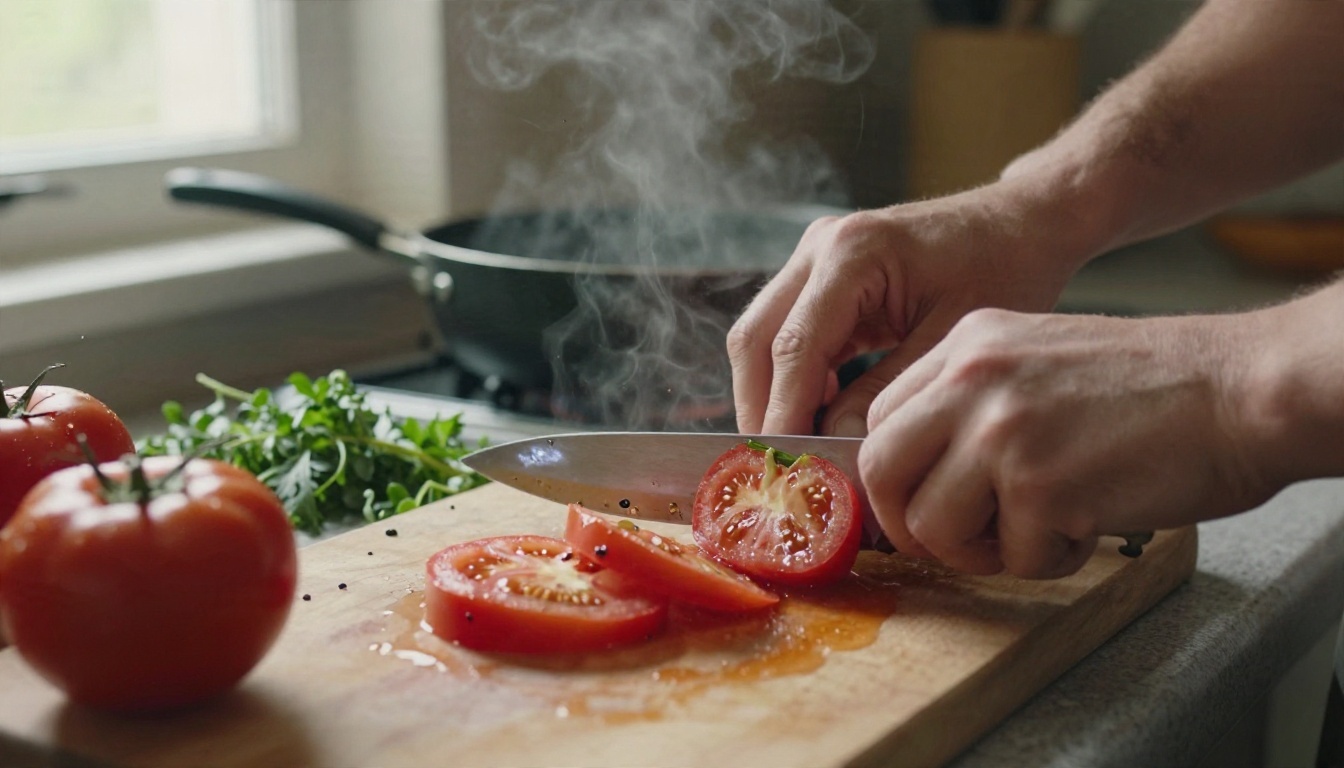
- Close-up of hands chopping fresh tomatoes on a wooden board, steam rising in the background, warm window light from the left, shallow depth of field.
- Overhead shot of hands writing in a notebook beside a laptop, soft morning light, gentle camera lift upward.
- A ceramic mug on a wooden table, hands slowly rotating it to reveal the glaze, soft side light, macro lens feel.
- Hands unboxing a small package on a clean white desk, slow tilt down, diffused daylight.
Silhouette and Back-View Prompts
When you need a human presence without a face, shoot from behind or in shadow:
- A person seen from behind walking along a quiet cliff path at sunrise, wind moving their jacket, slow tracking shot.
- Silhouette of a figure standing in a sunlit window, dust drifting in the light, static wide shot.
- Over-the-shoulder view of someone watching a glowing monitor in a dim room, subtle handheld sway.
💡 Consistency trick: reuse the same lighting and color words in every prompt of one video, for example "warm amber light, muted tones, natural film grain". The clips will feel like they belong together.
Examples by Niche
Seeing the formula in action helps. Here is how three common faceless channels are put together.
Cooking and Lifestyle Shorts
A 30-second recipe short needs five to seven scenes: ingredients, chopping, pan, plating, final reveal. Hands, steam and close-ups carry everything. A cheerful AI voice reads the steps while captions pop up for each ingredient. Because the subject is food, small AI quirks like slightly odd knife motion disappear behind fast cuts.
Explainers and Finance Videos
Explainers lean on metaphor. A video about saving money might show coins on a desk, a calendar page turning, a laptop with a rising chart, and a person walking toward a skyline from behind. The visuals do not need to be literal. They need to match the mood of each sentence.

Story Narration Channels
Mystery, history and horror channels succeed with atmosphere. Foggy streets, candlelit rooms, old letters and slow camera drifts, paired with a calm low voice and a sparse music bed. Here, Kling v3 Video or Veo 3.1 Fast earn their keep on the opening scene, while a faster model fills the middle.
Mistakes That Look Cheap
Most faceless channels fail for the same handful of reasons. None of them are about the tools.
The Flat Robotic Voice
Choosing the default voice and pressing play is the fastest way to lose a viewer. Test three voices on the same paragraph, adjust the pacing, and add pauses with punctuation. A good narration model makes the difference between a channel and a content farm.
Repeating the Same Visual
If the same type of shot appears five times in a row, the video feels like a slideshow. Alternate between wide, medium and close shots, and between motion and stillness. A simple pattern like wide, close, hands, wide, detail keeps the eye moving.
Ignoring Captions and Pacing
Long scenes drag. If a clip lasts more than six seconds without something changing in the frame, cut it. Add captions in a large, readable font, and keep the text to a few words at a time.
Mismatched Music
Music with a strong beat under calm narration feels off. Match the tempo to the speaking pace, and drop the music volume far below the voice.
Publishing Without Burning Out
A faceless channel scales only if the workflow is repeatable. Build a template once: the same caption style, the same music mood, the same intro length. Then each new video becomes a matter of swapping the script and regenerating clips.
A few habits that keep production sustainable:
- Batch your scripts. Write five on one day, produce them over the next two.
- Keep a prompt library. Save every prompt that produced a clip you liked, with the model name beside it.
- Reuse approved stills. One good character or location image can seed dozens of animated scenes.
- Check the numbers weekly. Watch where viewers drop off and trim that kind of scene in the next video.
- Test thumbnails and titles as seriously as the video itself, since they decide whether anyone clicks.
💡 Reality check: faceless does not mean effortless. The creators who grow are the ones with a clear topic, a consistent look and scripts worth listening to. The tools only remove the camera, not the craft.
Make Your First Faceless Video Today
Pick one topic you could talk about for ten minutes. Write a 100-word script, split it into six scenes, and generate each scene with a free video model. Add a narrated voice, drop in a quiet music bed and burn in captions. You will have a finished short before dinner.
PicassoIA keeps the whole pipeline in one place: text-to-video and image-to-video models for clips, text-to-speech for narration, music generation for the soundtrack, plus background removal, upscaling and video editing tools when a shot needs polishing. Start with Seedance 2.5 Lite for free experiments, then move your best prompts to a premium model once the idea works. Browse everything available at picassoia.com/en/all-models and make your first faceless video now.


