You typed "Fal Flux 1.1" into a search bar because you want sharp, believable images without a monthly bill. Fair goal. The catch is that Fal is a hosting platform, Flux 1.1 Pro is a closed model from Black Forest Labs, and the word "free" means something different on each side of that arrangement. This article sorts out what you can really run at no cost, what the settings do, what Fal charges when the free part ends, and which alternatives give you similar quality today.
What Fal Flux 1.1 Actually Means
Fal (fal.ai) is an inference platform. It rents out GPU time and exposes models through an API and a browser playground. Flux 1.1 Pro is a text to image model made by Black Forest Labs, the team behind the original Flux family. When people say "Fal Flux 1.1," they usually mean one of two things: the standard Flux 1.1 Pro endpoint on Fal, or its higher resolution sibling, Flux 1.1 Pro Ultra.

Two facts shape everything else in this article:
- Flux 1.1 Pro is closed. The weights are not public, so you cannot download it and run it on your own graphics card. You reach it through a host.
- Hosts bill per image or per megapixel. Fal charges for the compute each generation uses, which is why a truly unlimited free tier does not exist on that side.
💡 Quick distinction: Flux Schnell and Flux Dev are the open weight relatives. Flux 1.1 Pro is the polished, closed, faster and more detailed sibling. They share a name, not a license.
Who searches for this
The intent behind this keyword is mostly practical. Designers want to test the model before wiring it into an app. Hobbyists want realistic portraits without paying. Developers want to compare Fal against other hosts. Each group needs a slightly different answer, so the sections below split them up.
Free Ways to Try Flux 1.1
Let me be direct: there is no permanent, unlimited, free Flux 1.1 Pro endpoint on Fal. What exists are trial credits, free playground sessions and other platforms that bundle the model into a free plan. The amount of free credit on Fal has changed over time, and I could not confirm a current figure, so check the signup screen before you count on any number.

Option 1: Fal playground credits
Fal offers a browser playground for the Flux 1.1 Pro endpoint. New accounts have historically received a small starter balance, enough for a handful of test images. It is a fine way to check prompt behavior, but treat it as a sample, not a workflow.
Option 2: Free plans on other platforms
Several image platforms bundle Flux models into free daily or monthly allowances. This is where most casual users end up, and it is usually the better route if you only want pictures, not an API.
Flux 1.1 Pro on PicassoIA runs in the browser with no code, accepts a prompt, aspect ratio and seed, and returns a high resolution image in seconds. No server setup, no API keys.
Option 3: Open weight Flux models
If your real priority is zero cost per image, the open weight siblings are the answer. Flux Schnell is built for speed, and Flux Dev trades a little speed for richer detail. Both can be tried online without writing a line of code.
| Route | Cost to start | Best for | Limit |
|---|
| Fal playground | Small trial credit, amount varies | Testing the API endpoint | Credit runs out fast |
| Browser platforms with free plans | Free allowance | Casual image making | Daily caps |
| Open weights online | Free to try | Speed and volume | Different look from Pro |
| Local install of open weights | Hardware cost only | Unlimited private use | Needs a strong GPU |
What Fal Charges for Flux 1.1
Pricing on hosted models moves, so treat these numbers as a snapshot and verify on the Fal pricing page before you commit. At the time of writing, the pattern looked like this.
- Flux 1.1 Pro standard: billed per megapixel, roughly four cents for a 1024 by 1024 image. Fal rounds up to the next megapixel.
- Flux 1.1 Pro Ultra: a flat rate near six cents per image, aimed at higher resolution output.
- Direct from Black Forest Labs: a similar per image price, so Fal is not dramatically cheaper or dearer.
Four cents sounds trivial until you iterate. Ten tries to land one good portrait is forty cents. A hundred product shots with three retries each is twelve dollars. Costs stack quietly.
A quick budget table
| Images per month | Approx. spend at 4 cents | Approx. spend at 6 cents |
|---|
| 50 | $2 | $3 |
| 250 | $10 | $15 |
| 1,000 | $40 | $60 |
| 5,000 | $200 | $300 |
💡 Cost habit that saves money: draft with a faster, cheaper model, then run only the winning prompt through Flux 1.1 Pro for the final render.
Settings That Change the Result
Flux 1.1 Pro has fewer dials than older diffusion models, and that is a feature. Fewer knobs means fewer ways to ruin an image. The ones that matter are below, using the names you will see in most interfaces.

Aspect ratio and size
Choose the canvas before you write the prompt. A 16:9 frame invites wide landscapes, a 2:3 frame suits portraits, and 1:1 is safe for product shots. If you pick custom, keep width and height in multiples of 32 because the model rounds to the nearest one anyway. Bigger is not always better here: more megapixels means more cost on Fal and slower renders.
Seed
The seed fixes the random starting noise. Same prompt plus same seed gives the same image. This is the single most useful setting for iteration: lock the seed, then change one word at a time and watch what that word does.
Prompt upsampling
This option lets the system rewrite your prompt to be more descriptive. It can add creative detail you did not ask for. Turn it on for short, vague prompts. Turn it off when you wrote a careful, specific prompt and want the model to follow it literally.
Safety tolerance
A number from 1 (strictest) to 6 (most permissive) that controls how aggressively the model filters content. The default of 2 is conservative and fine for most commercial work. Raising it rarely improves normal images, so leave it alone unless a harmless prompt keeps getting blocked.
Output format and quality
WebP is small and good for the web. PNG is lossless and best when you plan to edit afterward. JPG is a safe middle ground. Quality sliders only affect the lossy formats.
| Setting | Recommended start | Change it when |
|---|
| Aspect ratio | Match the final use | Layout changes |
| Seed | Fixed while iterating | You want fresh variety |
| Prompt upsampling | Off for detailed prompts | Your prompt is very short |
| Safety tolerance | 2 | Harmless prompts get blocked |
| Output format | WebP or PNG | You need lossless editing |
Prompts That Show What It Can Do
Flux 1.1 Pro responds best to concrete, physical descriptions. Instead of "beautiful lighting," say where the light comes from. Instead of "a nice portrait," name the lens, the distance and the skin detail you want.
Landscapes with scale
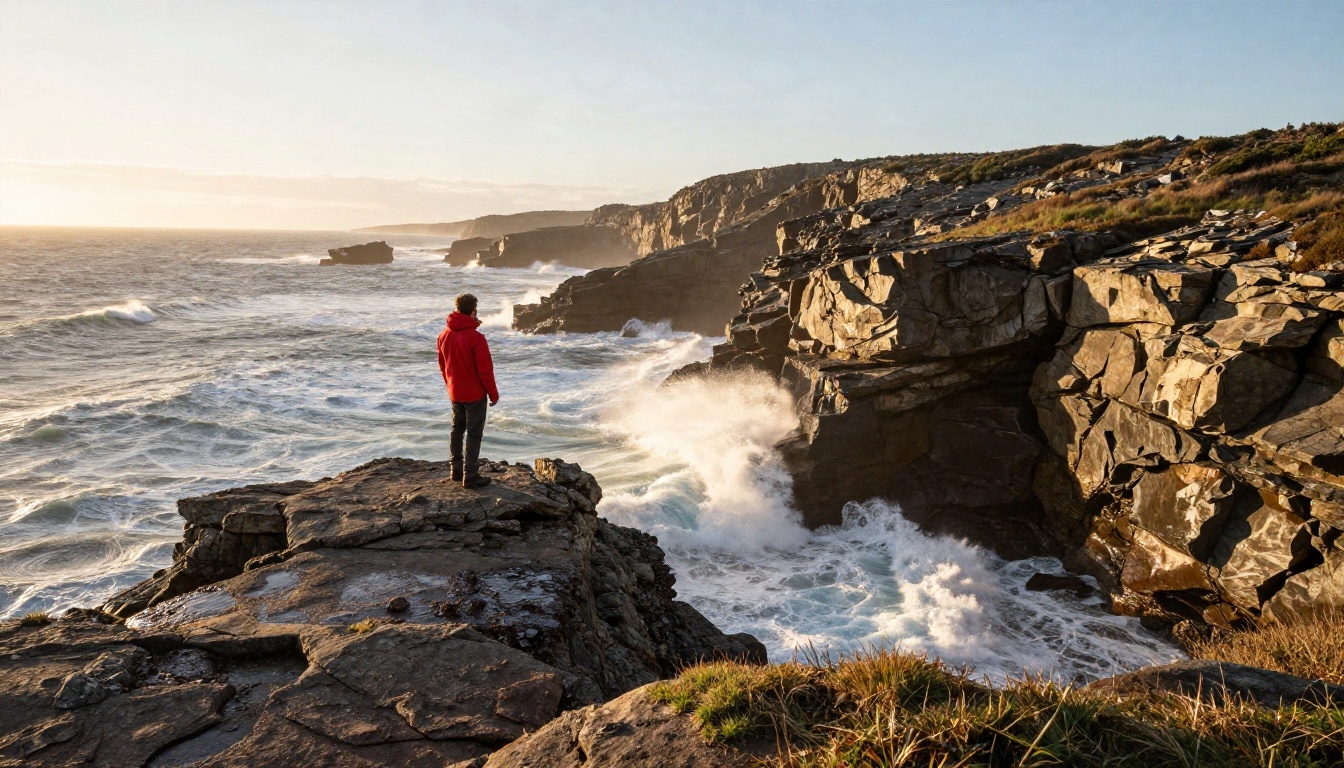
Landscapes look believable when a small human figure gives the scene scale. Describe the time of day, the direction of light, and one or two surface textures such as wet rock or windblown grass. Add a wide lens such as 24mm and the model tends to deliver deep focus and long shadows.
Portraits with texture
Portraits are where this model earns its reputation. Ask for pores, laugh lines, stray hairs and a shallow depth of field, and results lean toward photographic realism instead of the airbrushed look older models produced.

A prompt formula you can reuse
- Subject and action: who or what, doing what.
- Environment: where, with two or three background objects.
- Light: direction, softness, time of day.
- Camera: angle, lens, aperture.
- Texture: the surfaces you want to see clearly.
Here is a working example: an elderly woodworker laughing in a cluttered workshop, sawdust in the air, soft window light from the left, 85mm lens at f/1.4, visible skin pores, warm earthy palette.
💡 Avoid long text inside images. Even strong models stumble on paragraphs of lettering. Keep any required text to one or two short words.
Street scenes and mood
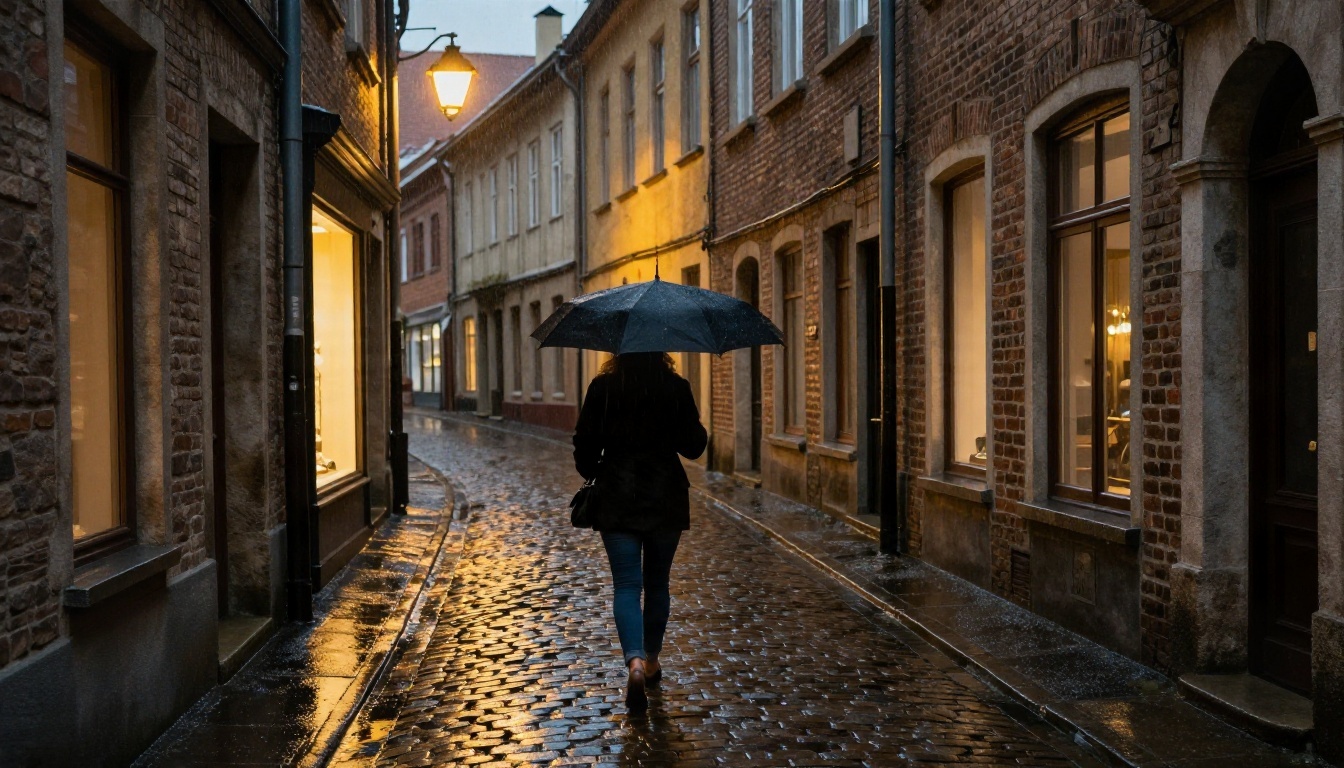
Mood comes from weather and light. Rain, dusk and warm shop windows give you reflections on stone, which is something photographic models handle well. A low camera angle adds drama without extra words.
Alternatives Worth Trying
Fal is one road to Flux 1.1 Pro, not the only one, and Flux is not the only strong image model. Here are the options I would test side by side, all available on PicassoIA.
| Model | Strength | Pick it when |
|---|
| Flux 1.1 Pro | Balanced speed and detail | You want the model Fal hosts, without an API |
| Flux 1.1 Pro Ultra | Higher resolution, photographic feel | You need large prints or crops |
| Flux Schnell | Very fast drafts | You iterate dozens of times |
| Flux Dev | Rich detail, open weights | You want quality without the Pro tier |
| Seedream 4.5 | Sharp 4K output | Resolution matters most |
| Nano Banana Pro | Strong 4K images and editing | You want to edit after generating |
| Flux 2 Klein 4B Base | Newer Flux generation, lighter | You like Flux but want something newer |
Flux Ultra for big files
Flux 1.1 Pro Ultra pushes output to around four megapixels with a raw, photographic character. If your goal is realistic photography, it is a natural step up from the standard model. For custom styles, Flux 1.1 Pro Ultra Finetuned adds finetuning support.
Flux LoRA variants for custom looks
When you want a consistent character or style, LoRA models are the usual route. Flux Dev LoRA and Flux Schnell LoRA accept custom weights, which helps with brand characters and repeated product looks.
Variations from a reference
Flux Redux Dev and Flux Redux Schnell produce variations of an image you already have, useful when a layout works and you only want different details.
How to Use Flux 1.1 Pro on PicassoIA
Flux 1.1 Pro is on PicassoIA, and it is the quickest way to try the same model without handling an API. Here is the process.

Step by step
- Open the model page. Go to the Flux 1.1 Pro page.
- Write the prompt. Use the five part formula from earlier: subject, environment, light, camera, texture.
- Pick an aspect ratio. Ten presets are available, including 16:9, 3:2, 2:3, 4:5 and 9:16. Choose custom only when you need exact dimensions, in multiples of 32.
- Set a seed. Leave it blank for variety. Once a result looks promising, copy the seed and reuse it while you adjust single words.
- Decide on prompt upsampling. Off for detailed prompts, on for short ones.
- Keep safety tolerance at 2 unless harmless prompts are being blocked.
- Choose the output format. WebP for web, PNG for editing, JPG for compatibility. The default quality of 80 is fine for most uses.
- Generate, compare, iterate. Change one variable per run so you know what caused each difference.
Optional: image prompt
The model accepts an image prompt, an existing picture used together with your text to steer composition. It is handy when you have a reference layout and want a fresh subject inside it.
Parameter tips that save retries
- Name the lens. "35mm f/2" and "85mm f/1.4" produce clearly different looks.
- Describe light direction. "Soft window light from the right" beats "nice lighting."
- List textures. Wood grain, knit fabric and wet stone give the model material to render.
- Limit the scene. Three to five concrete objects work better than fifteen.
- Reuse seeds. It is the cheapest form of control you have.
💡 Workflow suggestion: draft with Flux Schnell, pick a winner, then render the final with Flux 1.1 Pro or Flux 1.1 Pro Ultra. You spend less and finish faster.
Common Mistakes to Avoid
Chasing "free" across five tabs. Time is a cost too. Pick one platform with a free allowance and stay there while you test.
Overlong prompts. Past a certain length, details compete and the model drops some. Trim to what the picture needs.
Changing many settings at once. If you alter the seed, aspect ratio and prompt together, you learn nothing from the result.
Ignoring licensing. Check the terms of whichever platform you use if the images are for clients or products. Open weight models and closed hosted ones have different terms.
Expecting readable paragraphs. Short words work. Long text usually does not.
Frequently Asked Questions
Is Flux 1.1 Pro free on Fal?
Not permanently. Fal charges per generation, with trial credits at signup whose size can change. Free access over the long run comes from other platforms or open weight Flux models.
Can I run Flux 1.1 Pro on my own computer?
No, the weights are closed. You can run Flux Dev or Flux Schnell locally if you have enough graphics memory.
Which Flux model should I pick for realistic photos?
Start with Flux 1.1 Pro for balance. Move to the Ultra variant when you need larger, more photographic output.
Is Fal cheaper than Black Forest Labs directly?
The prices are close. Choose by convenience: Fal for its playground and tooling, a browser platform if you want no code at all.
Start Making Your Own Images
You now have the pieces: what Fal Flux 1.1 really is, where free access exists, which settings are worth touching, and which alternatives deserve a test. The fastest way to see the difference is to run the same prompt through two or three models and compare.
Open Flux 1.1 Pro on PicassoIA, paste in the portrait prompt from this article, and lock a seed. Then try the same text on Flux 1.1 Pro Ultra and Seedream 4.5. Ten minutes of side by side testing will tell you more than any spec sheet. For the full catalog of image, video, audio and editing models, browse picassoia.com/en/all-models and build your own workflow from there.


