You typed "FavMe NSFW image editor" into a search bar because you want one thing: upload a photo, type a short instruction, and get back a polished, suggestive result without a paywall popping up after the first try. That is a fair expectation. It is also where most people get stuck, because the market for adult-leaning editors is full of tools that blur your output, charge per click, or quietly rewrite your prompt into something bland.
This article is built around what you actually need. First, what we can and cannot say about FavMe. Then the free alternatives worth your time, the prompts that produce glamour results without crossing into explicit territory, and a plain comparison of the online tools you can use today.
💡 Quick answer: If you want an unrestricted, fast editor with tasteful glamour output, start with Seedream 4.5, then move to PicassoIA Image Editor Pro for unlimited edit generations.
What FavMe Actually Is
Let's be direct. FavMe is not on PicassoIA, and I could not confirm reliable public details about its features, pricing, or how it handles uploads. Searching for it returns mostly generic "NSFW AI image editor" listings rather than a clear product page. So this article will not invent a feature list or a price for it.
What that means for you:
- Treat any claim you read about FavMe, good or bad, as unverified until you test it yourself.
- Check the privacy policy before uploading anything personal.
- Look for clear information about how long uploaded files are stored.
- Compare the free tier against what you really need: edits per day, output resolution, watermarks.
FavMe is not available on PicassoIA, so there is no link and no tutorial for it here. For similar results today, the models below are the ones to try.
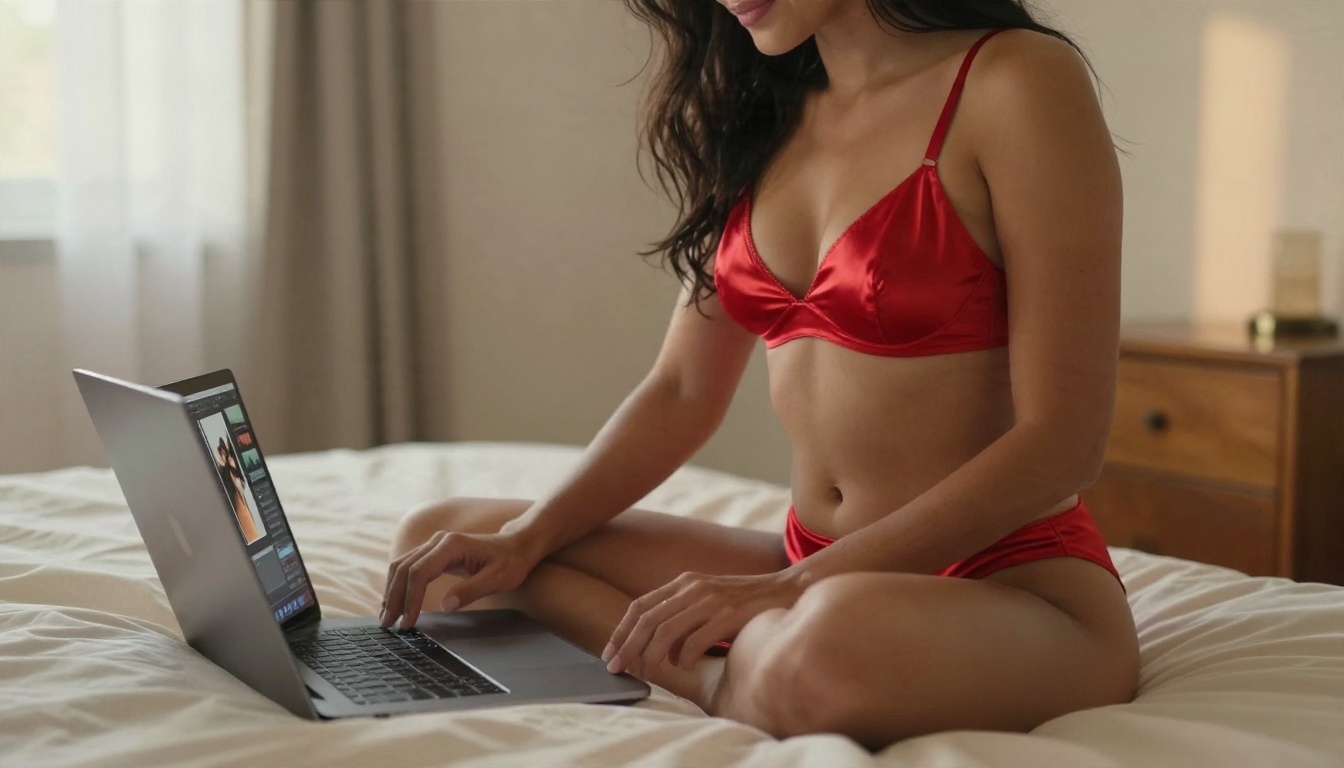
Why People Search for It
Most readers land on this topic with one of three goals:
- Edit an existing photo: change an outfit, swap a background, adjust the mood of a portrait.
- Generate a glamour image from scratch: swimwear, lingerie-style fashion, boudoir lighting.
- Find something free: the first two goals, without a subscription.
Each goal points to a slightly different tool, which is why a single "NSFW editor" label can be misleading.
The Problem With Most Free Editors
Free adult-leaning editors tend to share the same weaknesses. Outputs are low resolution. Faces drift between edits. Skin looks plastic. And the moment a prompt gets slightly suggestive, the tool refuses or silently softens it. If you have ever watched a bikini request come back as a fully clothed stock photo, you know the feeling.
Free Alternatives Worth Trying
Here is the shortlist, in the order I would test them. All links go to model pages on PicassoIA.
| Model | Best for | Strength | Watch out for |
|---|
| Seedream 4.5 | Glamour generation and edits | Sharp skin texture, strong prompt following, up to 4K | Needs a specific lighting prompt for best results |
| PicassoIA Image Editor Pro | Photo-to-photo edits | Unlimited generations, quick turnaround | Works best with one clear change per prompt |
| Qwen Image Edit Plus | Outfit and scene changes | Keeps faces and poses stable | Long prompts can dilute the edit |
| Flux 2 Klein 9B Base LoRA | Styled, photographic looks | Fast, flexible, good with film aesthetics | Less precise on small edits |
Seedream 4.5 First
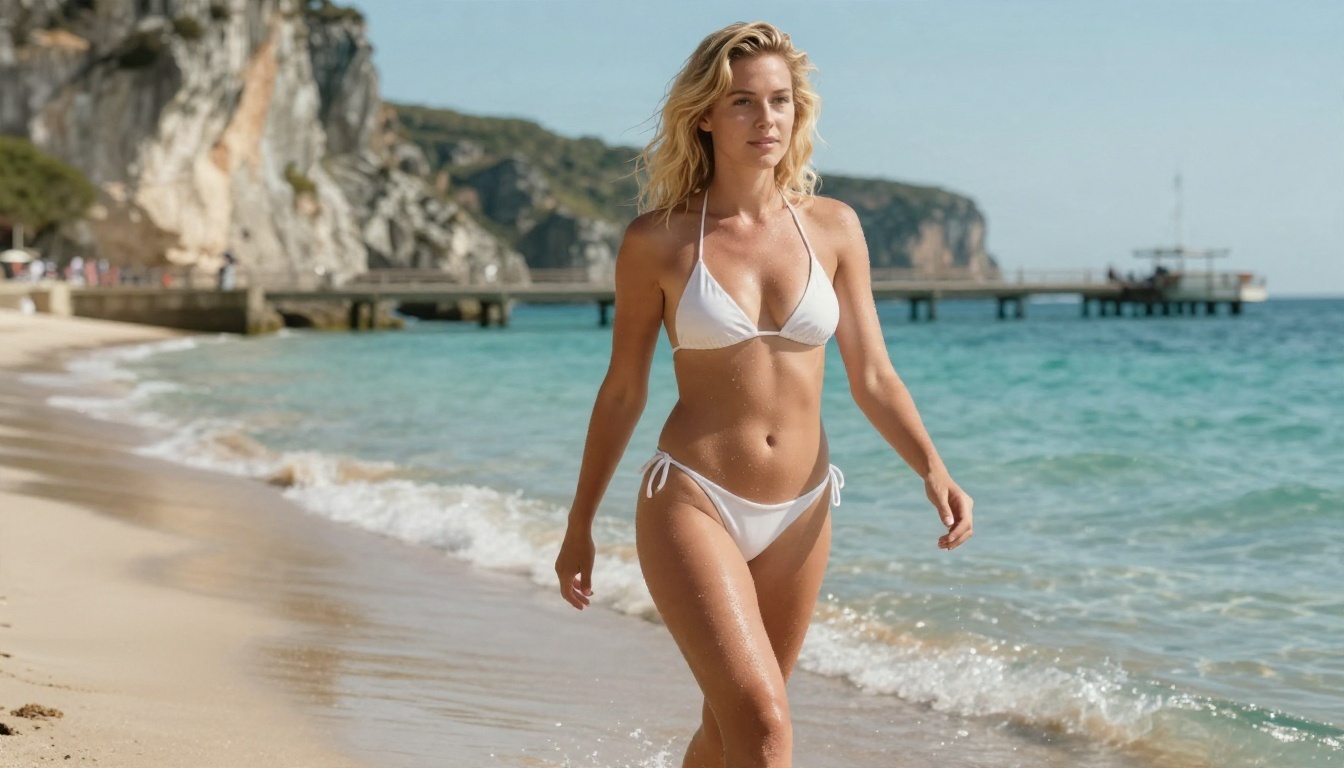
Seedream 4.5 is the model I reach for when the result has to look like a real photograph rather than a render. It handles skin pores, fabric sheen, and wet hair with a restraint that cheaper models lack. It also follows long prompts well, which matters because good glamour prompts are rarely short.
It is fast, it does not push you into a vague "safe" interpretation of a bikini or lingerie request, and the output holds up when you zoom in. For anyone coming from a closed editor, the difference in sharpness is the first thing you notice.
PicassoIA Image Editor Pro Second
When you already have a photo and want to alter it, PicassoIA Image Editor Pro is the practical choice. Generations are unlimited, so you can iterate ten times on the same photo without watching a credit counter. That changes how you work: instead of writing one perfect prompt, you can run quick experiments and keep the best.
Qwen and Flux for Variety
Qwen Image Edit Plus is good at keeping the person recognisable while the outfit or setting changes. Flux 2 Klein 9B Base LoRA suits stylised, filmic looks, such as a warm Portra-like palette. Use them as second opinions when the first model gives a result you almost like.
💡 Tip: Run the same prompt through two models. The differences in skin tone, lighting and fabric usually tell you which one fits your project.
How to Get Similar Results on PicassoIA
Since FavMe is not on PicassoIA, the closest workflow is Seedream 4.5 for new images and PicassoIA Image Editor Pro for edits to an existing photo. Here is the step-by-step.
Step by Step With Seedream 4.5
- Open the Seedream 4.5 page.
- Paste a prompt that names the subject, outfit, setting, light direction, lens and film look.
- Choose a 16:9 or 3:2 aspect ratio for scenic shots, 2:3 for portraits.
- Pick the highest resolution the interface offers for the final render.
- Generate, check the hands and eyes, then regenerate with one small prompt change.
Parameter Tips That Matter
- Keep one change per run. Changing outfit, pose and background at once makes it hard to see what worked.
- Name the light. "Soft window light from the left" beats "good lighting" every time.
- Name the lens. An 85mm look gives flattering compression for portraits. A 35mm look suits full-length scenes.
- Add texture words. "Visible skin pores", "satin sheen", "linen weave" push the model toward real surfaces.
- Avoid contradictory words. "Glossy" and "matte" in one prompt confuse the output.
Editing an Existing Photo
- Open PicassoIA Image Editor Pro.
- Upload your source photo. Use one you own or have permission to edit.
- Write one clear instruction, for example: "change the outfit to a black string bikini, keep face and pose".
- Generate several variants, since generations are unlimited.
- Keep the best and run a second pass for lighting or background.
Prompts That Actually Work
Good prompts for suggestive, non-explicit images share a structure: subject, outfit, setting, light, lens, texture, film look. Here are templates you can adapt.
Beach and Poolside Prompts
Prompt: Raw photograph of an adult woman in her late twenties with wavy blonde hair walking out of shallow turquoise water in a white triangle bikini, water droplets on tanned skin, bright midday sun behind her, 35mm lens, visible skin texture, Kodak Portra 400 film grain.
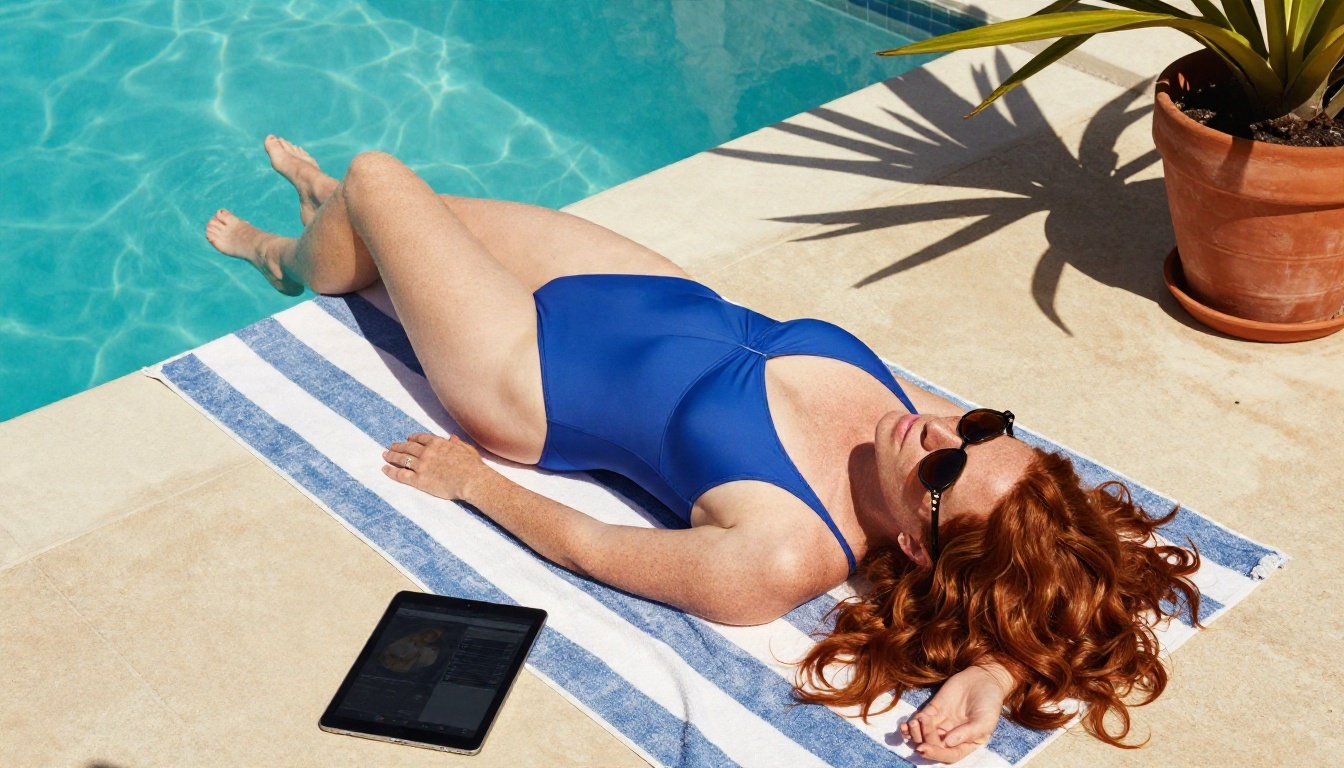
Prompt: Overhead photograph of an adult woman lying on a striped towel beside a rooftop pool in a cobalt one-piece swimsuit, hard noon sun with crisp shadows, turquoise reflections, freckled skin texture, natural grain.
Boudoir and Lingerie Style Prompts
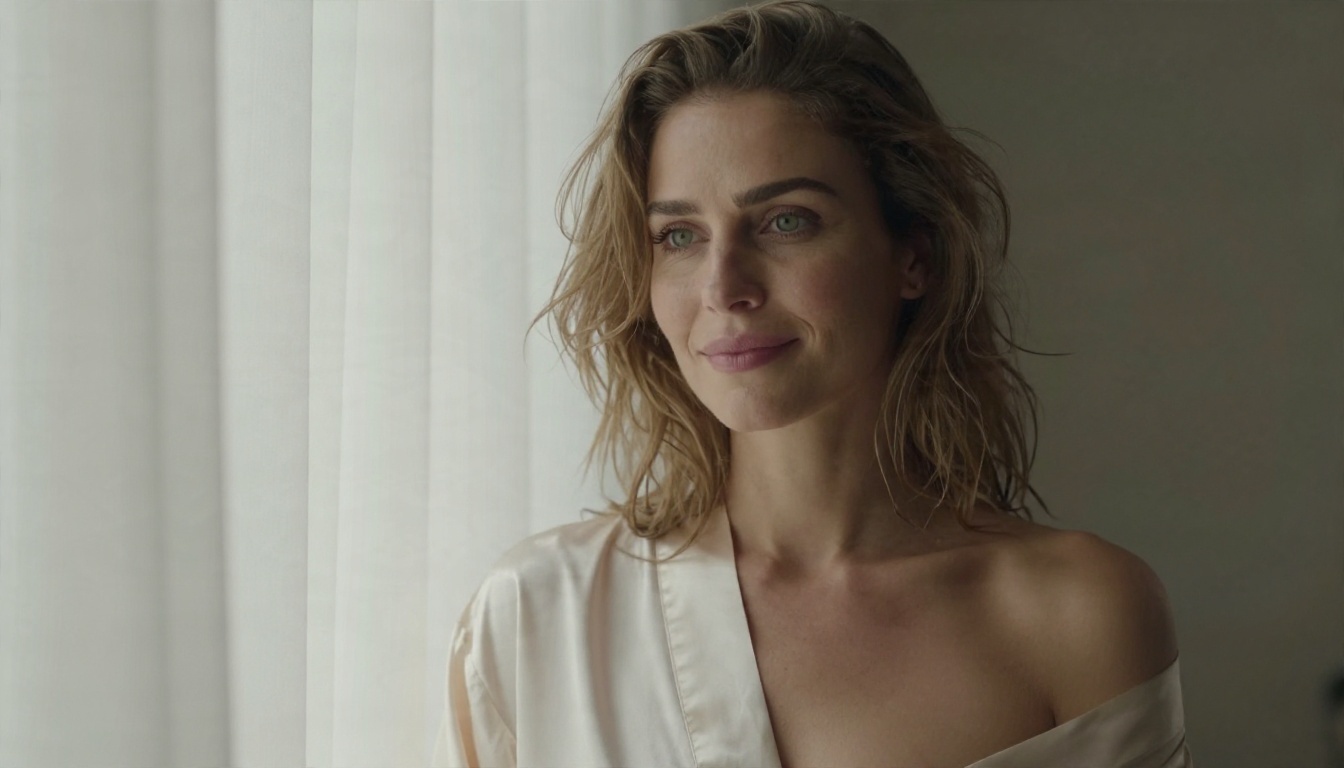
Prompt: Portrait of an adult woman in her twenties in a cream silk robe slipping off one shoulder, standing by a tall window at dawn, soft diffused light from the left, 105mm lens, shallow depth of field, detailed skin micro texture.
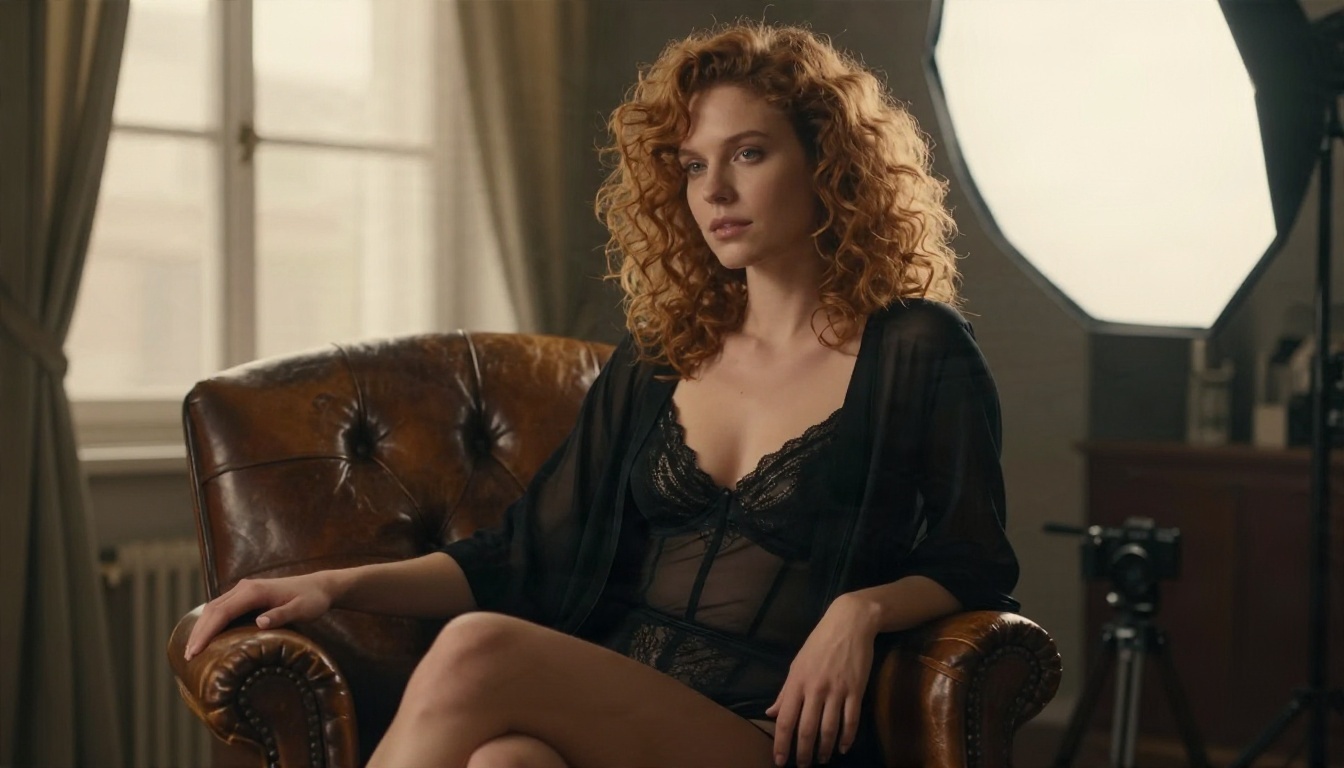
Prompt: Side-angle photograph of an adult woman with curly auburn hair sitting on a vintage leather armchair in a black lingerie set with a sheer kimono robe, warm window light plus a softbox from the right, 85mm lens, leather grain.
Evening and Fashion Prompts
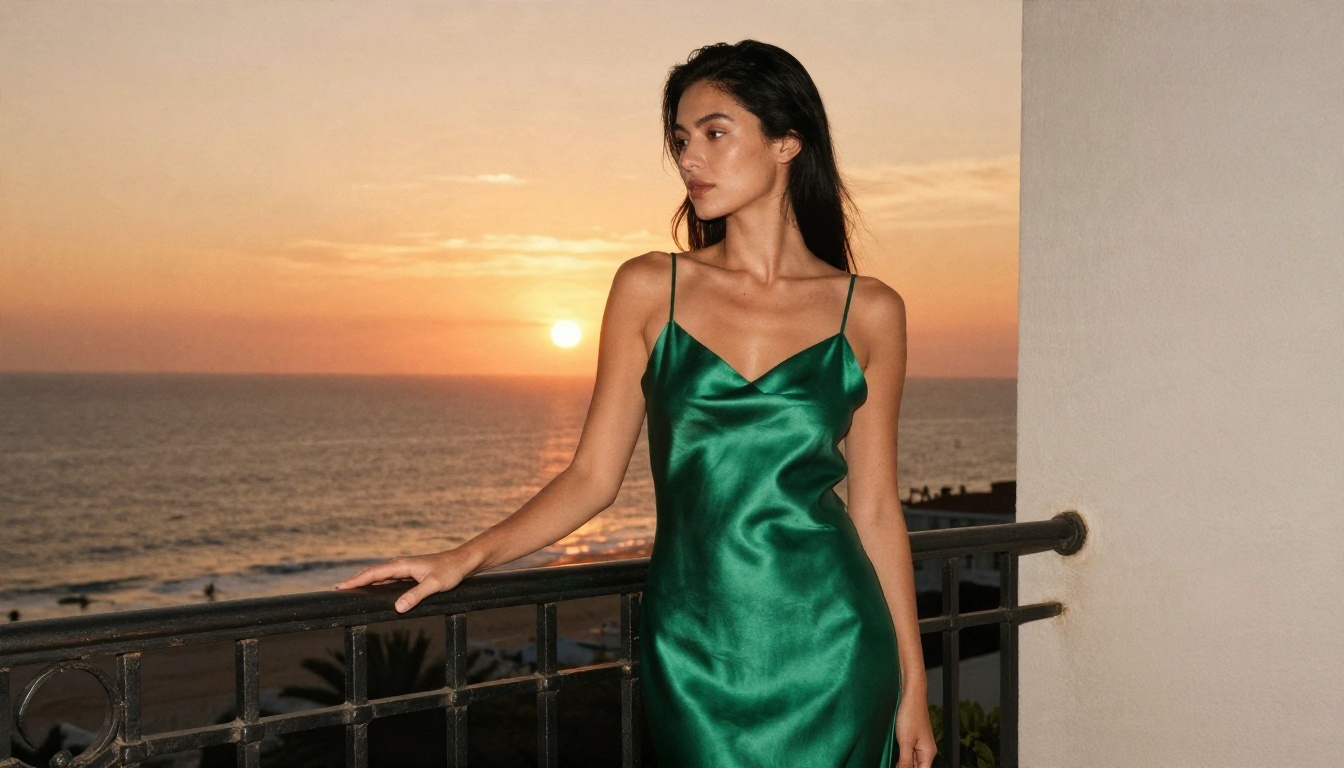
Prompt: Full-length photograph of an adult woman in an emerald satin slip dress on a hotel balcony at sunset, golden backlight, coastal town behind her, 70mm lens, satin sheen and fabric folds.
Editing Prompts for an Existing Photo
When you edit instead of generate, shorter is better. Try these:
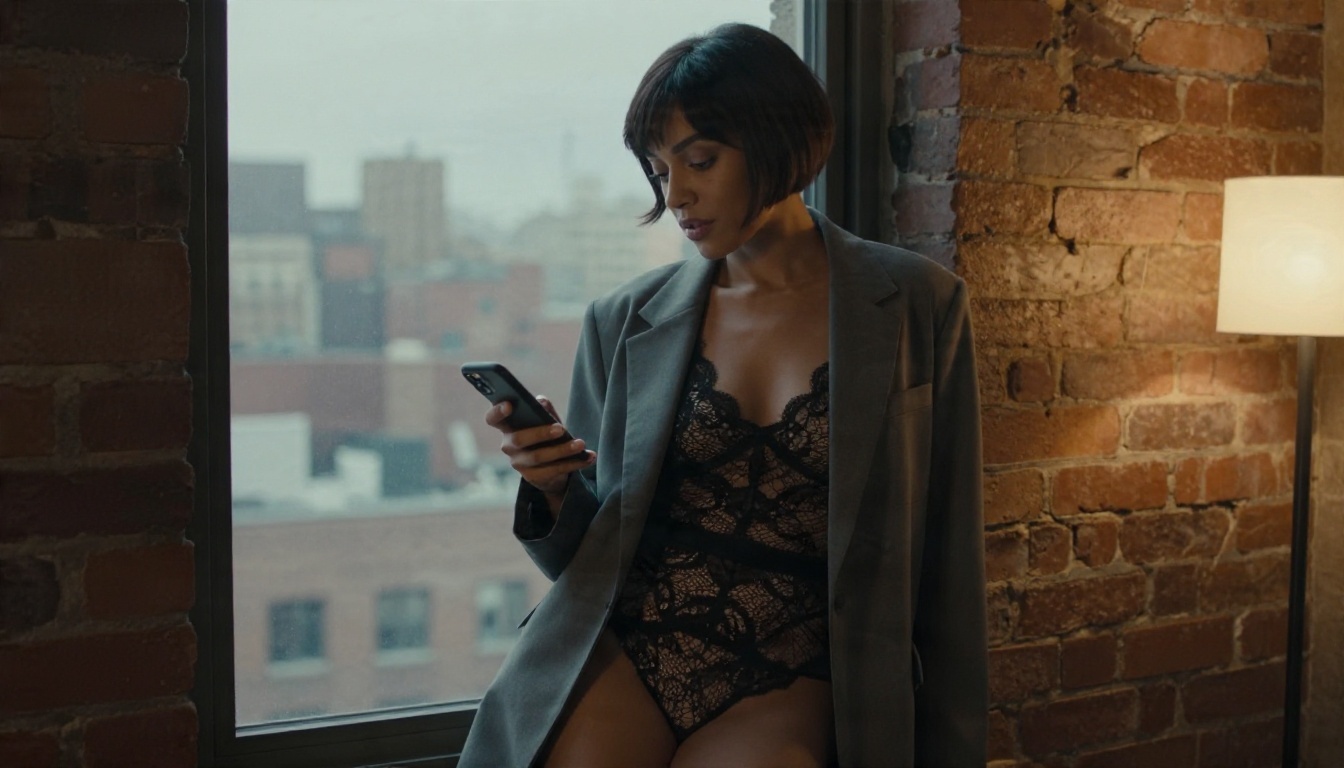
- "Change the outfit to a black lace bodysuit under an oversized blazer. Keep face, pose and background."
- "Move the scene to a sunlit beach at golden hour. Keep the person and outfit unchanged."
- "Make the lighting warmer and softer, like late afternoon window light."
- "Add subtle film grain and a Kodak Portra 400 colour palette."
💡 Tip: Always end an editing prompt with "keep face and pose" if you want the person to stay recognisable.
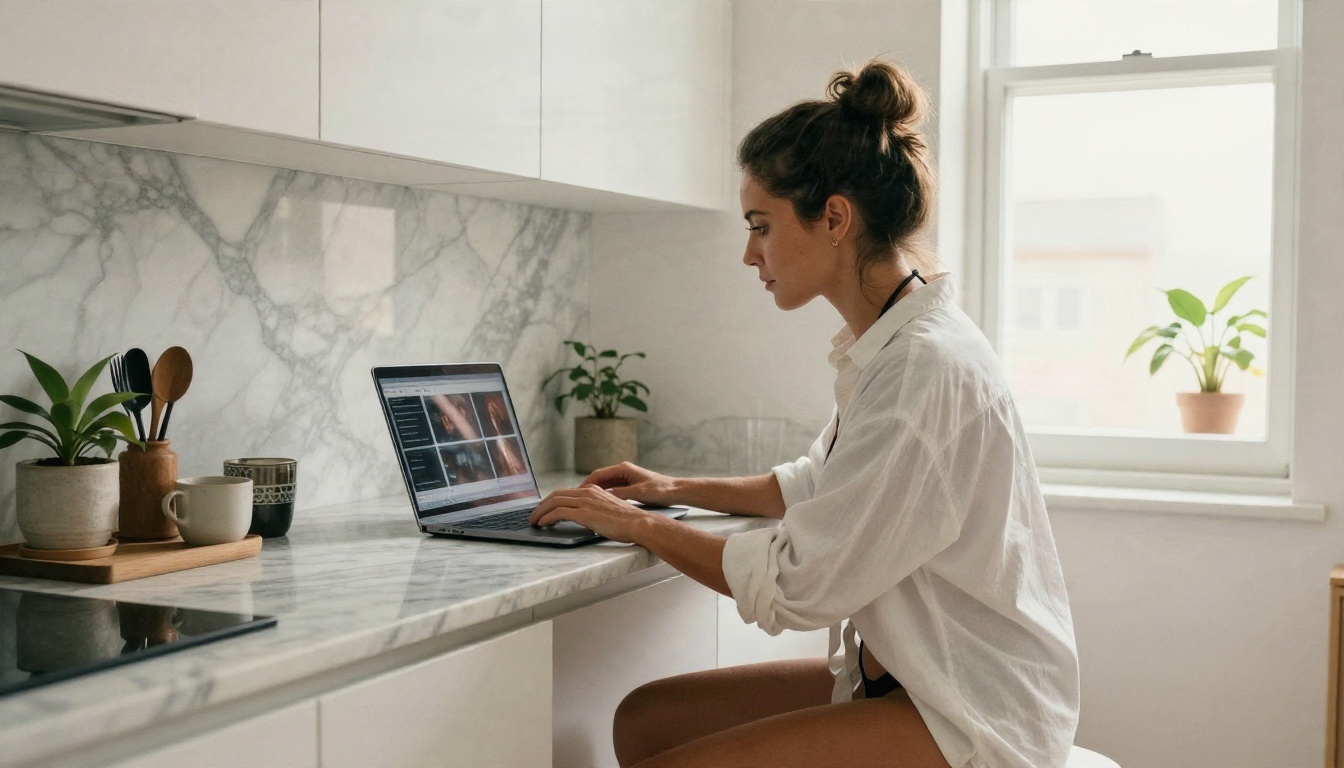
Rather than guess at specs for tools I cannot verify, here is a framework for judging any online editor, FavMe included. Score each one on the questions below before you commit time.
| Question | Why it matters | What a good answer looks like |
|---|
| Are generations limited? | Iteration is how you get good results | Unlimited or a generous daily cap |
| Is output watermarked? | Watermarks kill usability | No watermark on free tier |
| What is the resolution? | Low resolution looks soft on screens | 2K to 4K output |
| Does it refuse swimwear or lingerie prompts? | Over-filtering wastes credits | Handles glamour prompts without rewriting them |
| Does it keep the face stable? | Identity drift ruins edits | Same face across variants |
| How is data stored? | Privacy of uploads | Clear deletion policy |
Browser Tools Versus Apps
Browser tools need no install and work on any device, which suits a quick edit. Apps may be faster on mobile but often ask for broad permissions. For anything sensitive, a browser tool with a clear policy beats an app that requests access to your whole photo library.
Speed and Cost in Practice
Speed matters more than most people think. If each edit takes a minute and costs a credit, you will stop experimenting after three tries. Fast, unlimited generation lets you refine a prompt properly, and that is where PicassoIA Image Editor Pro earns its place.
Making Results Look Real
The difference between a convincing glamour image and an obvious AI image is almost always in small details, not in the subject.
Light Does Most of the Work
Soft directional light from a window gives skin natural gradients. Hard noon sun creates crisp shadows that suit beach scenes. Avoid prompts with "perfect lighting" or "studio lighting" with no direction, because the model fills in a flat default.
Texture Sells the Photo
Add surface words: skin pores, wet hair strands, satin sheen, linen weave, sand grain, leather grain. These cues push Seedream 4.5 away from the airbrushed look.
Film Look Finishes It
A Kodak Portra 400 reference gives warm skin tones, lifted blacks and subtle grain. It is a reliable finishing phrase because it pulls the whole image toward a single, believable palette.
Common Mistakes to Skip
- Writing prompts with ten different subjects and settings.
- Forgetting to state that the subject is an adult.
- Using "ultra HD 8K" without describing any actual surface.
- Regenerating without changing anything, then expecting a different result.
- Stacking three style references that fight each other.
Privacy and Consent Rules
This is the part most NSFW editor articles skip, and it matters.
- Only edit photos of adults. No exceptions.
- Only use photos you own or have permission to use. Editing a real person's photo without their consent can cause real harm and may be illegal where you live.
- Do not upload sensitive images to a tool you have not checked. Read how files are stored and deleted.
- Keep your results private. Do not post suggestive images of real people online without their agreement.
- Prefer generated subjects. Creating a fictional adult from a prompt removes most consent concerns.
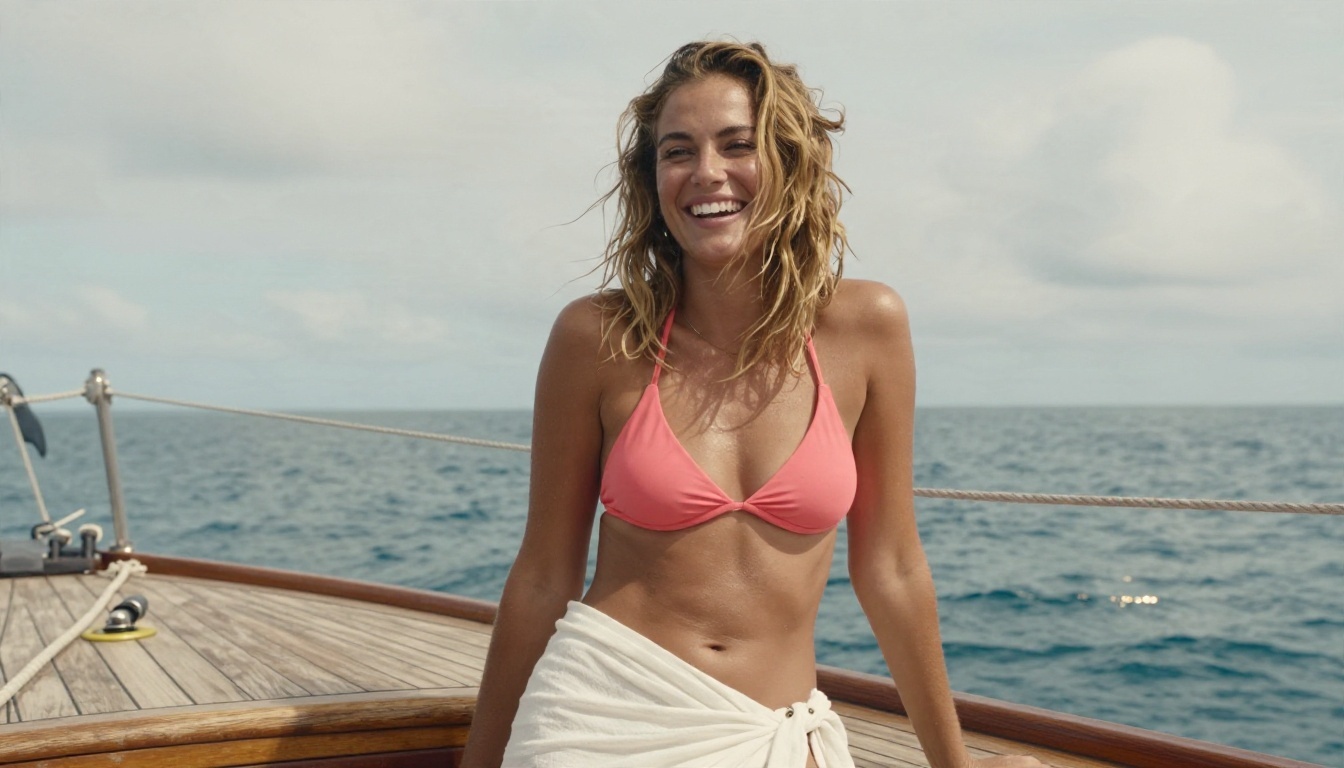
💡 Safer habit: Generate a fictional model with Seedream 4.5 rather than editing a photo of a real person. You get full creative control and no consent problem.
If you want to generate new glamour images, go with Seedream 4.5. If you want to modify photos you already own, go with PicassoIA Image Editor Pro. If you want outfit changes that keep faces steady, add Qwen Image Edit Plus. For filmic, stylised looks, test Flux 2 Klein 9B Base LoRA.
Start Creating Your Own Images
You do not need to settle for a locked-down editor or wait to find out what FavMe offers. Pick a prompt from this article, paste it into Seedream 4.5, and see what comes back in seconds. Then take a photo you own into PicassoIA Image Editor Pro and run ten quick variations at no extra cost.
Change one thing at a time, keep notes on what works, and build your own prompt library. When you want to see what else is available, browse the full catalogue at picassoia.com/en/all-models and try a few models side by side. The best tool is the one that gives you the look you want, so test a few and keep what works.


