You typed "Fays Forge NSFW" into a search bar because you want one thing: a tool that makes attractive, adult-leaning images without a wall of refusals, a paywall, or a complicated install. That is a reasonable goal. The catch is that the name itself is murky. When I searched for it, I could not confirm who runs a product called Fays Forge, what it costs, how it handles privacy, or what its content rules look like. The results were mostly recycled listicles, and none of them gave reliable facts.
So this article does two jobs. First, it tells you plainly what is and is not known about the name. Second, it gives you something you can use right now: free alternatives that run in a browser, prompt formulas that produce photorealistic glamour, and a repeatable workflow. Every image you see below was generated with the same approach, and all of them stay suggestive and tasteful rather than explicit.

What Is Fays Forge, Really?
Let me be direct, because most pages ranking for this term are not. Fays Forge is not a model I could verify, and it is not on PicassoIA. I found no trustworthy source describing its features, pricing, or whether it even exists as a standalone service.
Part of the confusion probably comes from the word "Forge." Stable Diffusion WebUI Forge is a well-known local interface for running image models on your own graphics card. It is a different thing from whatever "Fays Forge" refers to, and the NSFW behavior of any local interface depends entirely on the model files you load into it, not on the interface itself.
What We Can and Cannot Confirm
| Question | Status |
|---|
| Does a product called Fays Forge exist? | Could not confirm |
| Official site, pricing, free tier | Could not confirm |
| Content and privacy policy | Could not confirm |
| Is it a local tool, a hosted site, or a model? | Unclear |
| Is it on PicassoIA? | No |
💡 Quick rule: If you cannot find a clear privacy policy, a company name, and a refund policy within two minutes, do not upload photos or enter payment details. That applies to every NSFW generator, not only this one.
Why Unknown Tools Are a Risk
Adult image generators attract copycats. Some are fine. Others log your prompts, bury recurring charges in the fine print, or ask for uploads of real people's photos. Using a service with no visible owner means you carry all of that risk alone.
The safer path is to use established models with documented behavior, and to keep your own rules simple: adult subjects only, fictional people only, nothing that imitates a real person.
Free Alternatives That Work Today
Since Fays Forge is not on PicassoIA, here is what to try instead. Each of these is a real model with its own page, and each handles glamour, swimwear, and fashion photography well. Start at the top of the list, because the order matters.
Seedream 4.5 for Photoreal Skin
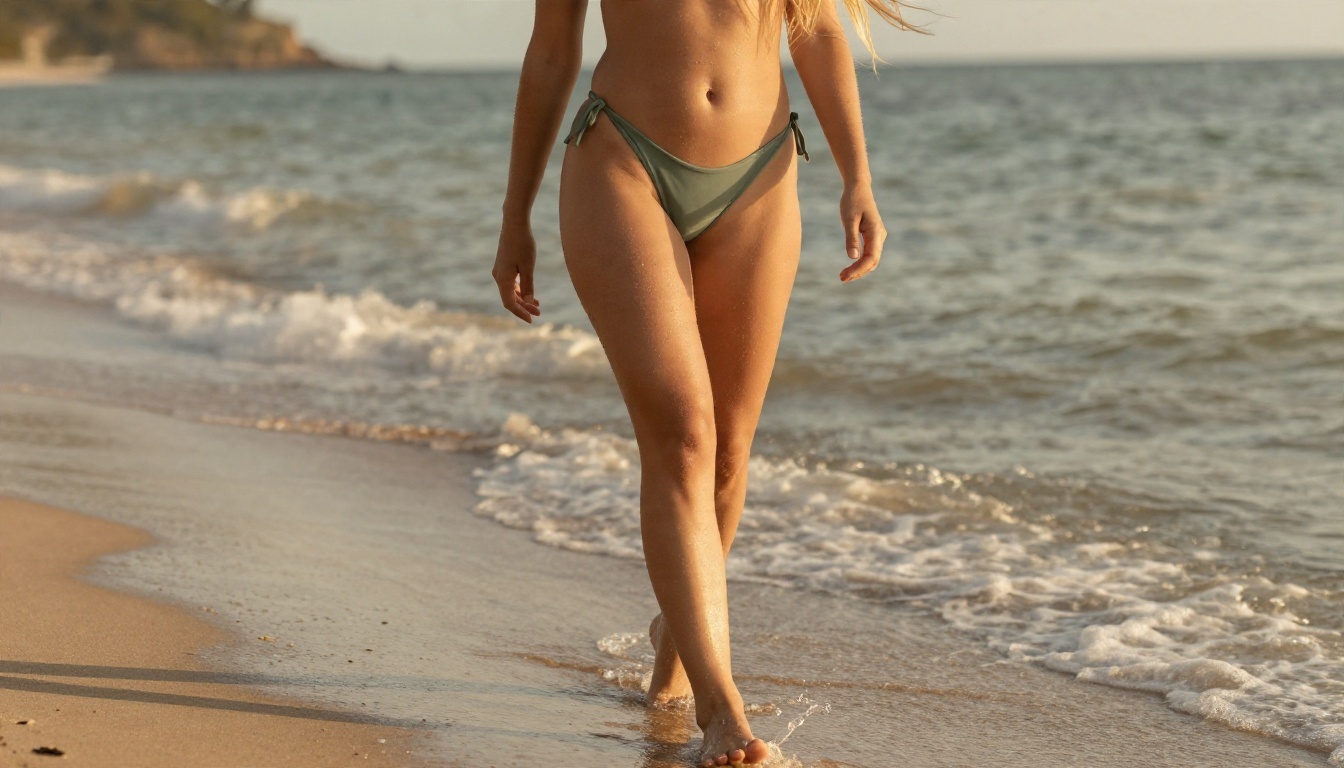
Seedream 4.5 is the first model I reach for when the goal is believable skin, natural lighting, and sharp output up to 4K. It reads long, descriptive prompts well, which suits glamour work where lens, light, and fabric all matter. It is fast, and it is relaxed enough about adult-leaning themes such as bikinis, silk, and boudoir mood that you do not spend your session fighting refusals.
PicassoIA Image Editor Pro for Unlimited Runs
PicassoIA Image Editor Pro is the one to open when you want to iterate without counting generations. It offers unlimited generations, so you can run the same idea twenty times, tweak a single word, and keep the best frame. It also edits: change an outfit color, swap a background, or soften a shadow on an image you already like.
Z Image Turbo for Fast Drafts
Z Image Turbo is built for speed. Use it to test five prompt variations in a couple of minutes, then move your winning prompt to Seedream 4.5 for the final render.
Flux 2 Klein 9B Base LoRA for Styled Looks
Flux 2 Klein 9B Base LoRA is useful when you want a consistent styled look across a batch, such as a vintage film feel for a whole set.
Quick Comparison
Get Similar Results with Seedream 4.5
Fays Forge is not on PicassoIA, but you can get the kind of photoreal glamour people search for with Seedream 4.5. Here is the exact process I use.
Step by Step
- Open the Seedream 4.5 page and choose the text-to-image input.
- Paste a prompt built from the formula in the next section.
- Set the aspect ratio. Use 16:9 for scenery and wide fashion shots, 3:4 or 2:3 for portraits.
- Pick the highest resolution offered for your final render. Use a smaller size while you are still testing wording.
- Generate, then change only one element per run: light, lens, pose, or wardrobe. That way you know which change caused which result.
- When a frame is close, open it in Image Editor Pro and fix small details without regenerating the whole scene.
Parameter Tips That Matter
- Prompt length: 50 to 90 words gives Seedream 4.5 enough to work with. Shorter prompts drift toward generic stock photo looks.
- Resolution: draft small, finish large.
- Seed: if the tool exposes a seed, lock it once you like a composition, then vary the wording.
- Negative wording: describe what you want ("natural skin texture, visible pores") rather than listing what you do not.
💡 Pro habit: keep a text file of prompts that worked. A good glamour prompt is a reusable template, and you will swap only the outfit, location, and light.
Good NSFW-style prompts for photoreal glamour are not about shock words. They are about photography. The model responds best when you write like a photographer briefing an assistant.
The Five-Part Structure
- Subject and pose: who, what they are doing, and the mood of the expression.
- Wardrobe: fabric, color, and cut. Silk, satin, lace, linen, and swimwear all have distinct textures the model can render.
- Environment: a specific room or location with two or three physical details.
- Light: direction, softness, and time of day.
- Camera: lens, aperture, angle, and film look.
Put together, it reads like this:
An adult woman in a champagne satin slip leaning on a wrought iron balcony railing at sunrise, soft warm backlight with a thin rim light on her hair, city rooftops and pastel clouds behind her, 85mm f/1.8 lens, shallow depth of field, natural skin texture with visible pores, Kodak Portra 400 film grain.
Words That Help
| Goal | Add this to the prompt |
|---|
| Believable skin | "natural skin texture, fine pores, faint freckles, no airbrushing" |
| Film look | "Kodak Portra 400, subtle film grain, warm highlights" |
| Soft mood | "soft window light from the left, gentle shadow falloff" |
| Depth | "85mm f/1.8, shallow depth of field, creamy bokeh" |
| Fabric realism | "fine creases in the satin, specular highlights on the silk" |
| Sharp eyes | "focus on the eyes, catchlight in each iris" |
Words That Hurt
Avoid stacking vague quality tags such as "masterpiece, ultra HD, best quality, trending." They add nothing for modern models and push results toward an over-polished, plastic look. Avoid neon, glow, and anything that pulls the image toward illustration or CGI if photorealism is your goal.
Ten Prompts You Can Paste
These are written for photoreal, suggestive but non-explicit results. Swap details freely.
Beach and Pool Prompts
- Adult woman in a sage green bikini walking along wet sand at golden hour, waves around her ankles, windblown hair, warm low sun from behind, 50mm f/1.8, Kodak Portra 400 grain.
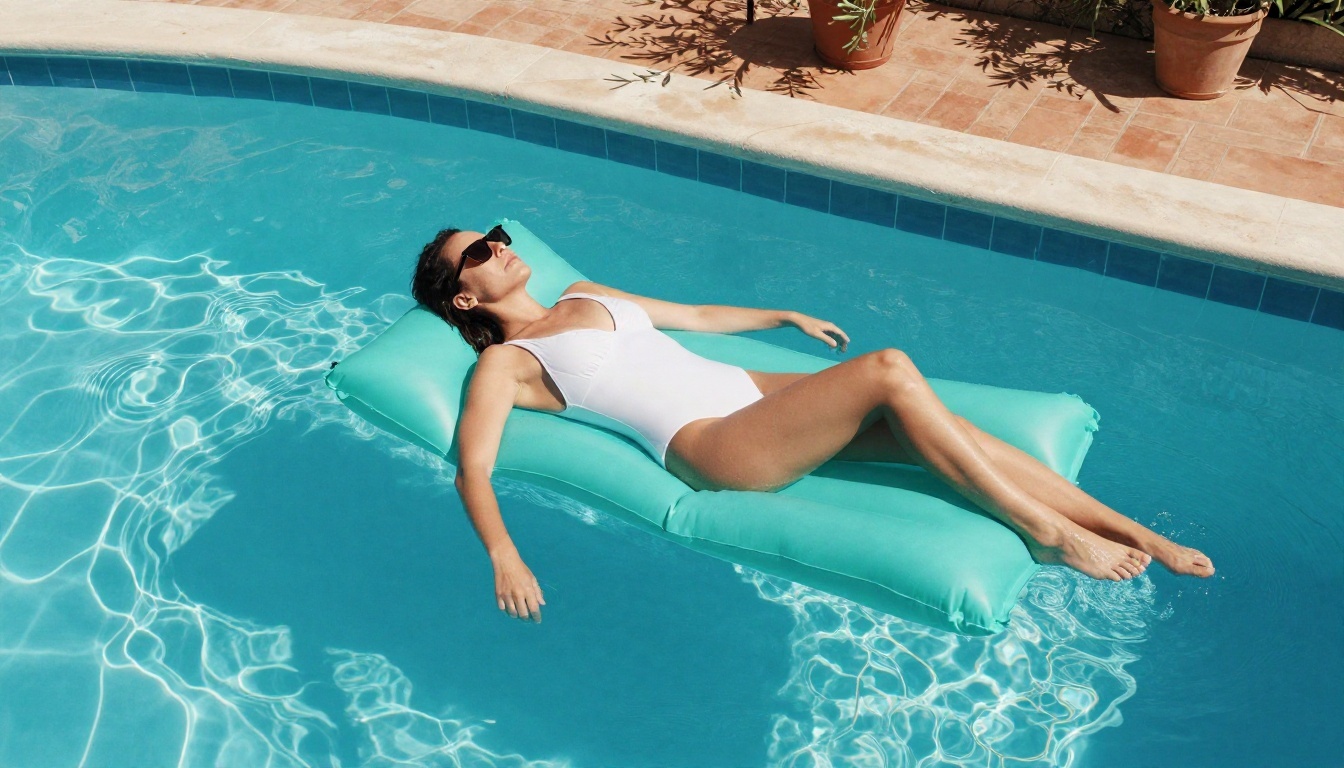
- Aerial top-down shot of an adult woman in a white one-piece lying on a turquoise float in a clear pool, caustic light on the pool floor, terracotta tiles, 24mm lens.
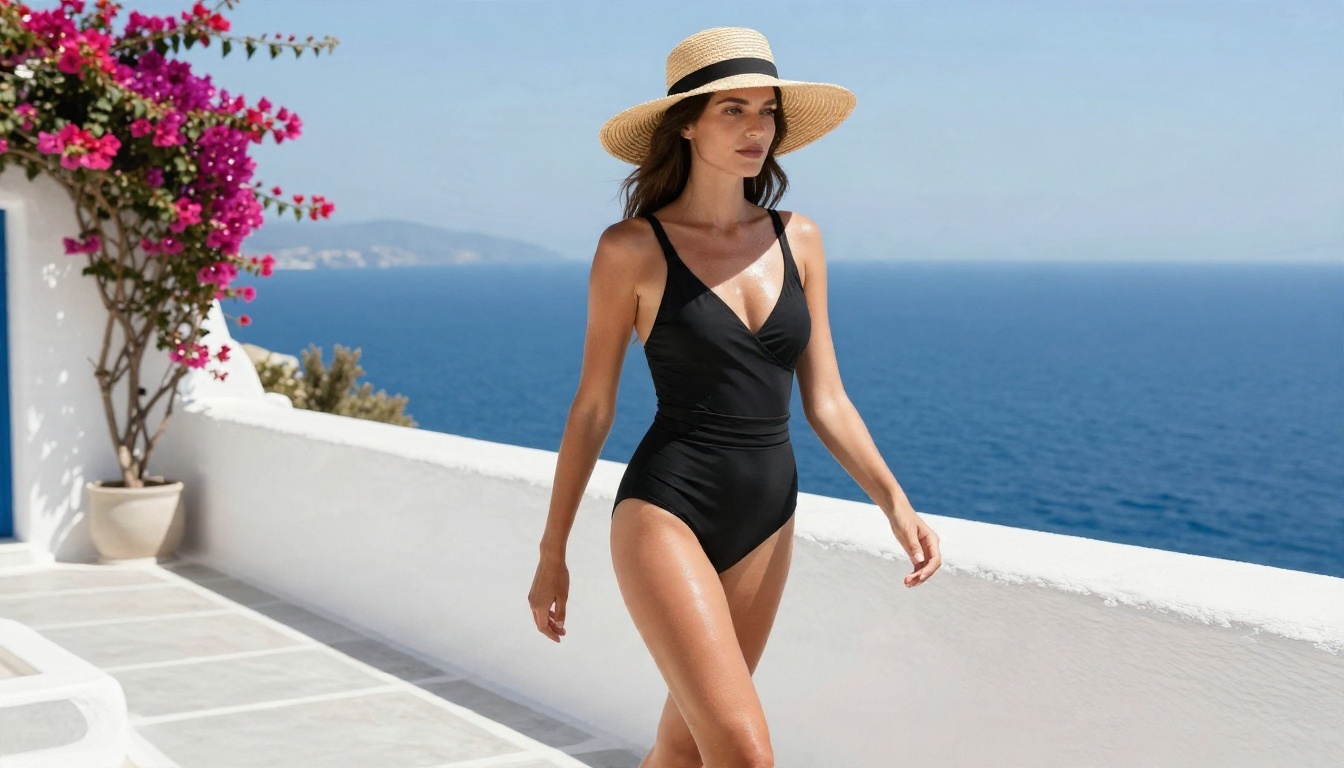
- Low-angle shot of an adult woman in a black high-waisted two-piece and a straw hat on a whitewashed terrace, blue sea behind, crisp afternoon shadows, 35mm f/2.8.
Evening and Studio Prompts
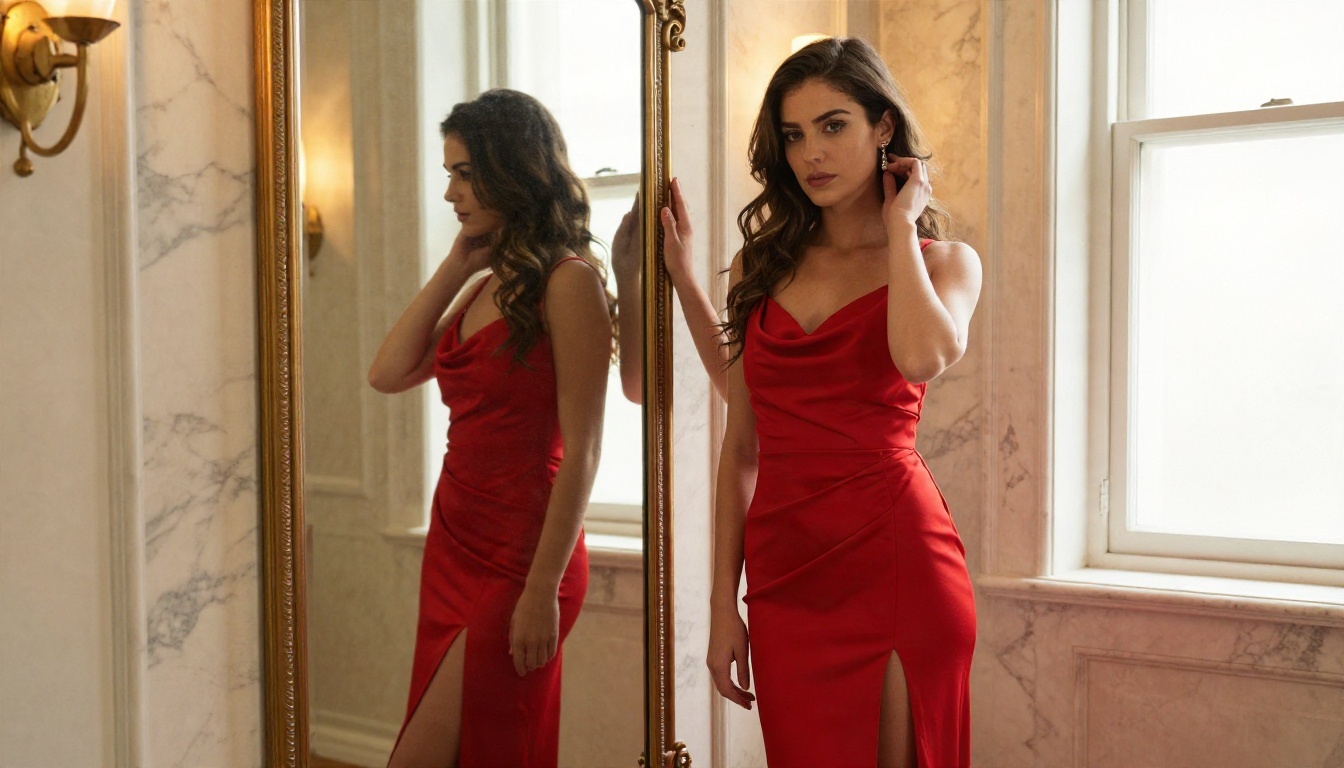
- Adult woman in a fitted red evening gown with a high leg slit in front of a tall antique mirror in a marble hallway, reflection visible, soft window light, 50mm f/2.
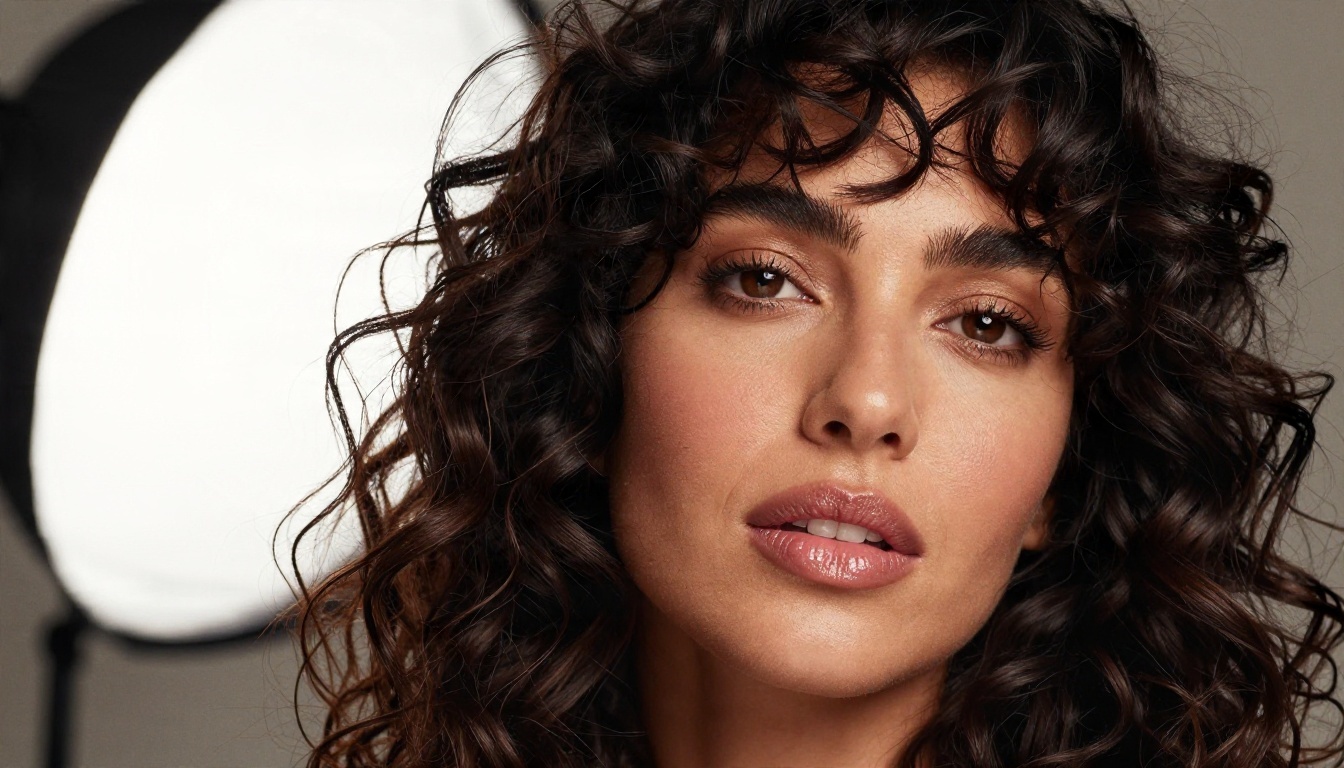
- Tight beauty close-up of an adult woman with dark curly hair, single softbox from the left, plain warm grey backdrop, visible pores, 105mm f/2.
- Adult woman in a black satin cocktail dress with a sheer shawl, seated on a velvet armchair in a dim vintage lounge, lamplight from the left, 85mm f/1.4.
Morning and Home Prompts
- Adult woman in an ivory silk robe over a champagne satin slip on a rumpled linen bed, French windows on the left, volumetric morning light, 85mm f/1.8.
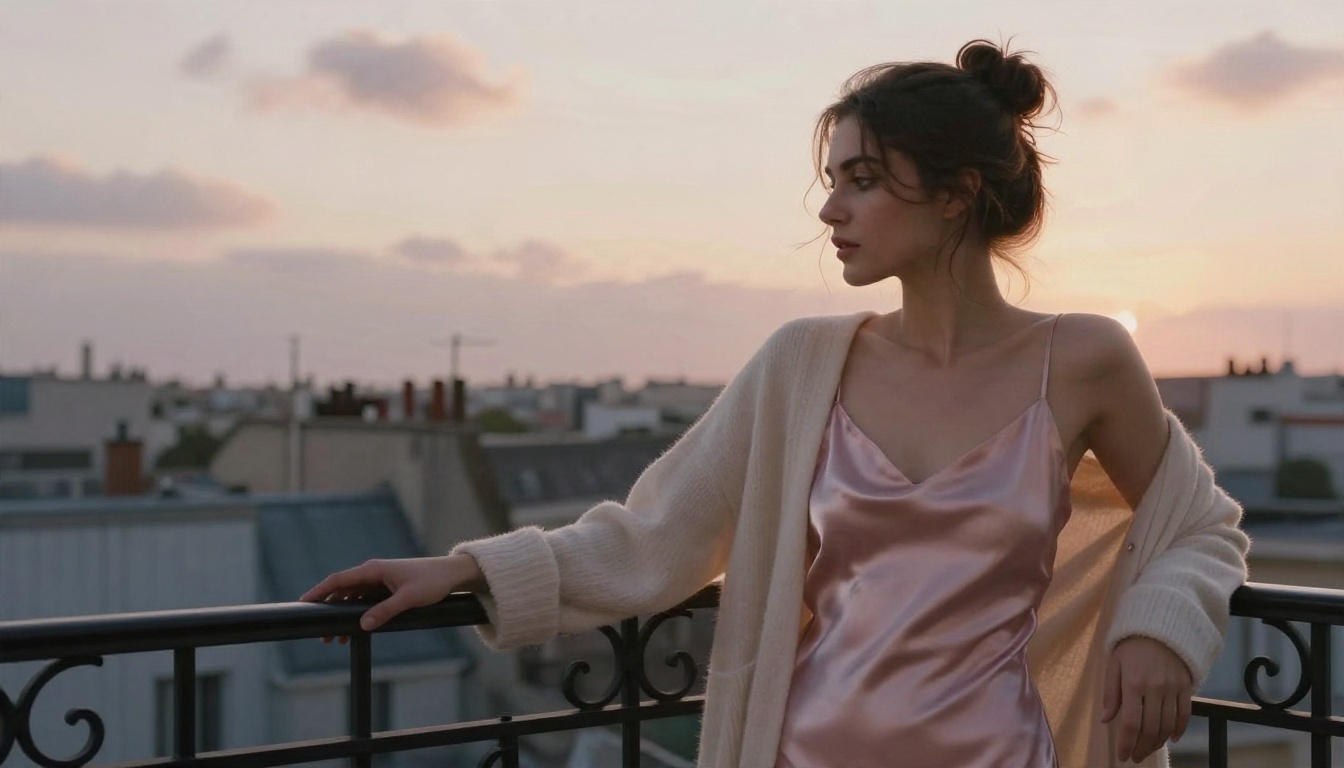
- Adult woman with a messy bun on a balcony at sunrise, pale pink satin slip dress and an oversized cardigan sliding off one shoulder, 85mm f/1.8.
- Adult woman in a white linen shirt sitting on a windowsill with a coffee cup, rain on the glass, cool diffused light, 50mm f/2.
- Adult woman in a knit sweater and bare legs curled on a sofa under a wool blanket, fireplace glow on one side, daylight on the other, 35mm f/1.8.
💡 Tip: if a prompt is refused, soften the wardrobe wording rather than piling on extra adjectives. "Satin slip dress" and "silk robe" almost always pass, and they photograph beautifully.
Building a Repeatable Workflow
One great image is luck. Twenty great images in a row is process. Here is the loop that works.
Draft Fast, Finish Slow
Open Z Image Turbo and run five variations of one idea. Choose the strongest composition. Copy that prompt into Seedream 4.5 for the final render at high resolution.
Fix with Editing, Not Rerolls
Hands, jewelry, and fabric edges are where small errors show up. Rather than rerolling an entire scene you like, open it in Image Editor Pro. With unlimited generations you can adjust the problem area as many times as it takes.
Keep a Series Consistent
For a set of images with a shared look, reuse the same lighting and film wording in every prompt and change only the location and outfit. If you want a locked style across a whole batch, try Flux 2 Klein 9B Base LoRA.
A Simple Routine
| Step | Tool | Time |
|---|
| 1. Draft five variations | Z Image Turbo | 2 to 3 minutes |
| 2. Pick one composition | Your eyes | 1 minute |
| 3. Final render | Seedream 4.5 | 1 minute |
| 4. Fix small details | Image Editor Pro | 2 to 5 minutes |
| 5. Save the prompt | Text file | 30 seconds |
Common Mistakes to Skip
Most disappointing results come from the same handful of habits.
Writing Tags Instead of Sentences
A pile of comma-separated buzzwords gives the model nothing to build a scene from. Write a short description of a real photograph: a person, a room, a light source, a lens.
Ignoring Light
Light is what separates a snapshot from a photograph. Always name its direction and quality. "Soft window light from the left" does more than ten quality tags.
Trusting Unverified Tools with Personal Data
This is the main worry with a name like Fays Forge. Without a visible owner and policy, do not upload personal photos or pay anything. Stick with platforms that publish their terms.
Using Real People
Never prompt for a real person's likeness, and never upload someone else's photo for adult content. Keep every subject fictional and clearly adult. It protects other people, and it keeps your account in good standing.
💡 Reminder: the images in this article are suggestive, not explicit. Swimwear, silk, evening wear, and boudoir mood look more striking in photographic style than anything blunt, and they are far easier to share and publish.
Try It Yourself Today
You do not need Fays Forge to make polished, photorealistic glamour images. You need a good model, a prompt written like a photographer's brief, and a loop for refining the result.
Start with Seedream 4.5 for the first render, then open PicassoIA Image Editor Pro to iterate with unlimited generations and polish the details. Use Z Image Turbo for quick drafts and Flux 2 Klein 9B Base LoRA when you want a consistent look across a series.
Pick one of the ten prompts above, paste it in, and change a single detail: the outfit color, the time of day, or the lens. Then do it again. Ten minutes of that will teach you more than any listicle. When you are ready for more options, browse the full catalog at picassoia.com/en/all-models and see what else you can build.


