Four steps. That is all Flux 1 Schnell needs to turn a sentence into a finished image, and it is the reason people keep coming back to it even after newer models arrived. If you have ever waited thirty seconds for a single render and lost your train of thought, Schnell feels almost unfair: type, press generate, and the picture is there before your coffee cools.
This article covers what the model is, how to run it free online, the prompts that actually produce photorealistic results, the settings worth touching, and an honest look at the NSFW limits that nobody explains properly. You will also see where it falls short and which models handle those gaps better.
💡 Quick answer: Flux Schnell runs on PicassoIA with unlimited generations. Keep steps at 4, write prompts as natural sentences, and do not expect it to be your tool for adult content.
What Schnell Actually Is
Schnell means "fast" in German, and the name is literal. Black Forest Labs released it as the speed-focused member of the FLUX.1 family, a roughly 12 billion parameter model distilled so that it reaches a usable image in one to four denoising steps instead of the twenty to fifty that older diffusion models needed.

Schnell, Dev and Pro Compared
The FLUX.1 family has three tiers, and picking the wrong one wastes time. Here is how they differ in practice:
| Variant | Typical steps | Speed | Licence | Best for |
|---|
| Schnell | 4 | Seconds | Apache 2.0, commercial use allowed | Drafts, volume, iteration |
| Flux Dev | 20 to 50 | Slower | Non-commercial weights | Finer detail, final renders |
| Pro | API only | Medium | Paid commercial | Production work |
The Apache 2.0 licence is the detail that surprises people. Schnell's weights are open for personal, scientific and commercial use without a licence application, which is rare among top-tier image models.
Where the Speed Comes From
Schnell is a distilled model. A larger teacher model was used to train a smaller student that skips most of the intermediate denoising. The trade-off is real: less fine texture, a narrower range of styles, and almost no response to negative prompts. For most everyday work, that trade is worth it.
Free Online Use Without Limits
"Free" online usually hides a catch: watermarks, daily credits, or a queue. On PicassoIA, Flux Schnell is offered with unlimited generations, so you can run a hundred variations of one idea without watching a counter.
What You Get for Nothing
- No credit counter. Generate as many images as you like.
- Eleven aspect ratios, from 1:1 to 21:9 and 9:21.
- Three output formats: webp, jpg and png, with quality from 0 to 100.
- Seed control for repeating a result exactly.
- Two images per run by default, which doubles your choice for the same wait.
What You Do Not Get
Be realistic. Schnell does not give you the micro-detail of a 50-step model, it reads long prompts loosely, and it is weak with text inside images. For readable words on a sign or a poster, a newer model is a better bet.
Running Schnell on Your Own Machine
You can also download the open weights and run them locally, but a 12 billion parameter model needs a capable GPU and some patience with setup. For most people, the online route saves an evening of installing dependencies.
How to Use Flux Schnell on PicassoIA
The whole process takes under a minute. Here is the exact flow.
Step by Step
- Open the Flux Schnell page on PicassoIA.
- Type your prompt in the main field. One clear sentence is enough to start.
- Choose an aspect ratio. Use 16:9 for banners, 4:5 for social posts, 9:16 for stories.
- Leave number of inference steps at 4. That is the recommended value.
- Keep Go Fast on while you experiment. Turn it off for a final render if you want the original bf16 precision.
- Set megapixels to 1 for full quality or 0.25 for very quick thumbnails.
- Press generate and pick the better of the two outputs.
- Copy the seed of any image you like, then change only one word in the prompt to refine it.
Parameter Tips
| Setting | Recommended | Why |
|---|
| Steps | 4 | Fewer steps lower quality, more rarely help |
| Go Fast | On for drafts | fp8 speed, but outputs are not deterministic |
| Megapixels | 1 | Native resolution is around 1024 pixels |
| Output format | png for edits, webp for web | Quality slider is ignored for png |
| Output quality | 90 or higher | Default of 80 can soften fine grain |
| Num outputs | 2 to 4 | More options per wait |
💡 Seed trick: Go Fast makes results non-deterministic even with a fixed seed. If you need an exact repeat, switch Go Fast off before you rerun.
Prompts That Work
Schnell reads language more like a person than a tag list. Old habits from earlier models, such as piling up "masterpiece, 8k, trending" tags, do very little here.
The Four Part Formula
Write in this order and keep it under about 60 words:
- Subject and action: who or what, doing what.
- Setting: where, with one or two specific objects.
- Light: direction and quality, such as "soft window light from the left".
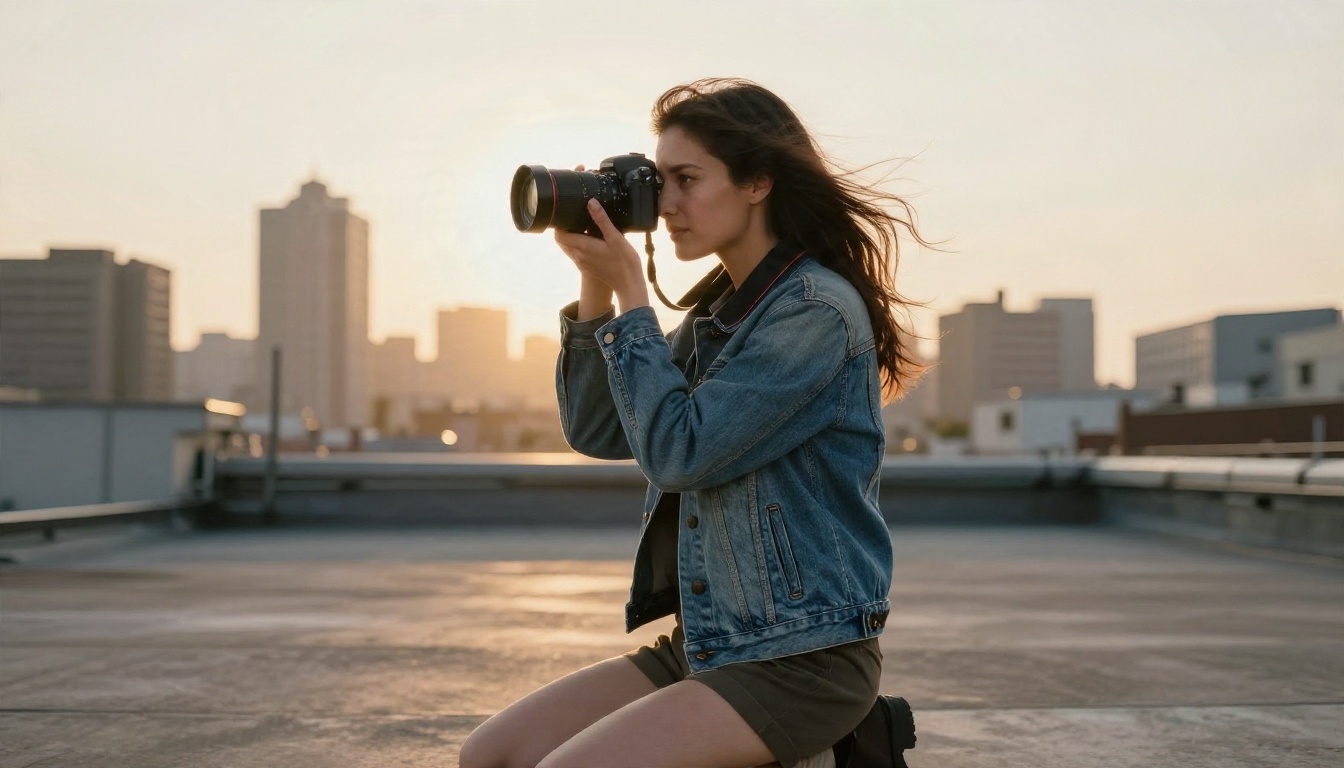
- Camera: lens and distance, such as "85mm, shallow depth of field".
Five Prompts to Copy
- Portrait: A woman in her thirties laughing near a window, natural freckles and visible skin texture, soft morning light from the left, 85mm f/1.8, shallow depth of field, Kodak Portra 400 film grain.
- Street: A man in a yellow raincoat crossing a wet cobblestone street at dusk, shop lights reflected on the stone, 35mm lens, eye level, muted colors.
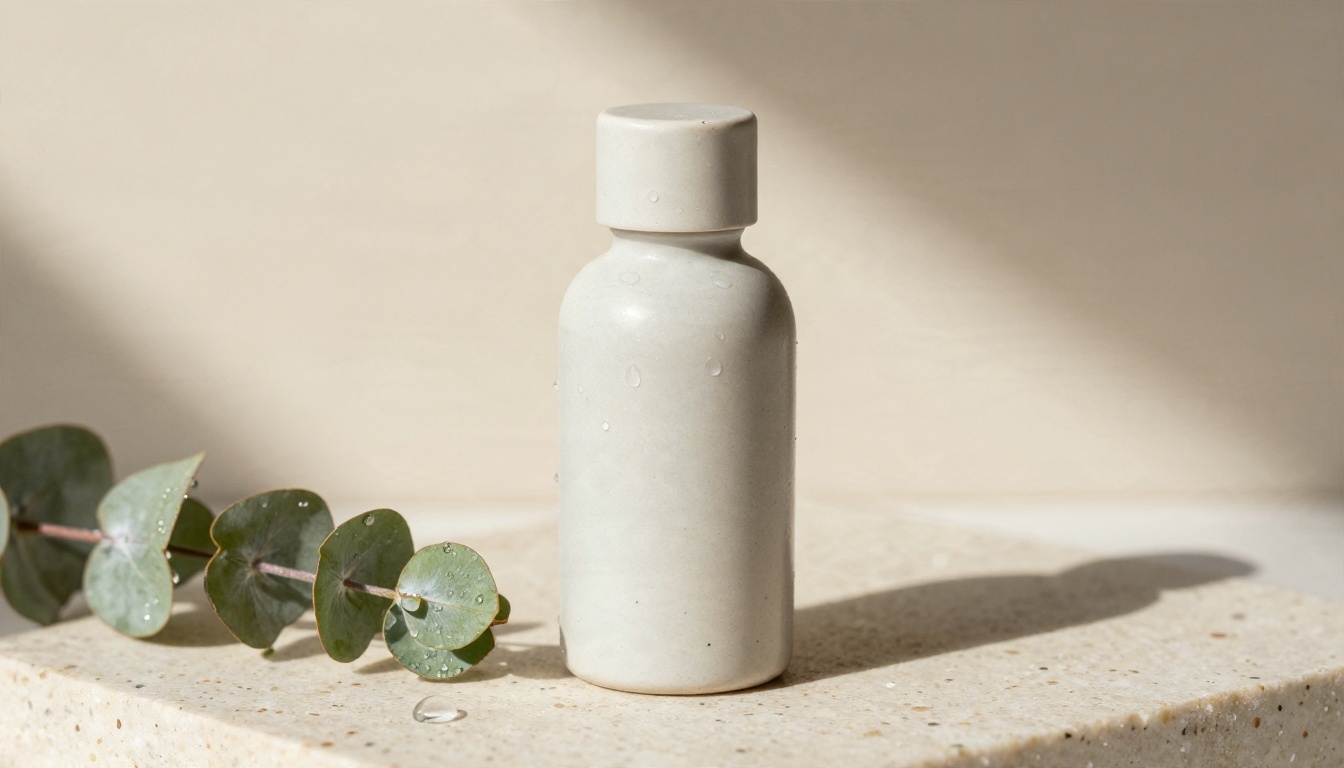
- Product: A glass perfume bottle on a travertine slab with a eucalyptus sprig, hard light from the right, crisp shadow, 90mm macro.
- Food: Overhead view of a rustic sourdough loaf on a linen cloth, flour dust, window light, 50mm lens.
- Interior: A reading corner with a worn leather armchair and a stack of books, warm lamp light, late evening, 28mm wide angle.
Words That Help, Words That Waste Space
| Helps | Wastes space |
|---|
| Lens and aperture ("50mm f/1.4") | "Ultra HD, 8k, masterpiece" |
| Light direction and time of day | Long lists of negative terms |
| Material texture ("wool", "brushed steel") | Contradictory styles |
| One film stock reference | Several art movements at once |
💡 Because Schnell is guidance distilled, a negative prompt has a much weaker effect than it did in SDXL. Describe what you want, not what you fear.
Settings That Change Results
Most sliders matter less than people think. Three of them decide almost everything.
Steps: Stay at Four
The model was trained to land its best result at around four steps. Going to one or two gives rougher, softer images, which is useful only for very fast thumbnails. Going far above four does not add detail the way it would with a 30-step model, so there is no reason to push it.
Aspect Ratio and Megapixels
Composition changes with the frame. A 21:9 ultra-wide pushes the model toward landscapes and cinematic scenes, while 2:3 favors full-body portraits. Match the ratio to the subject before you start rewriting the prompt, because a wrong frame is a common reason a good prompt looks off.
Seed and Variation
Keep a seed that gives a good composition, then edit one phrase at a time: the lighting, the lens, the clothing. This is the fastest way to build a style you can repeat across a whole batch.
Guidance and Samplers
Schnell is designed to run with guidance fixed near 1.0. Raising it tends to produce artifacts instead of sharper results. If you run the weights locally, a simple Euler sampler with a simple schedule is the usual choice, and on PicassoIA these decisions are already made for you.
Getting Photorealism From a Fast Model
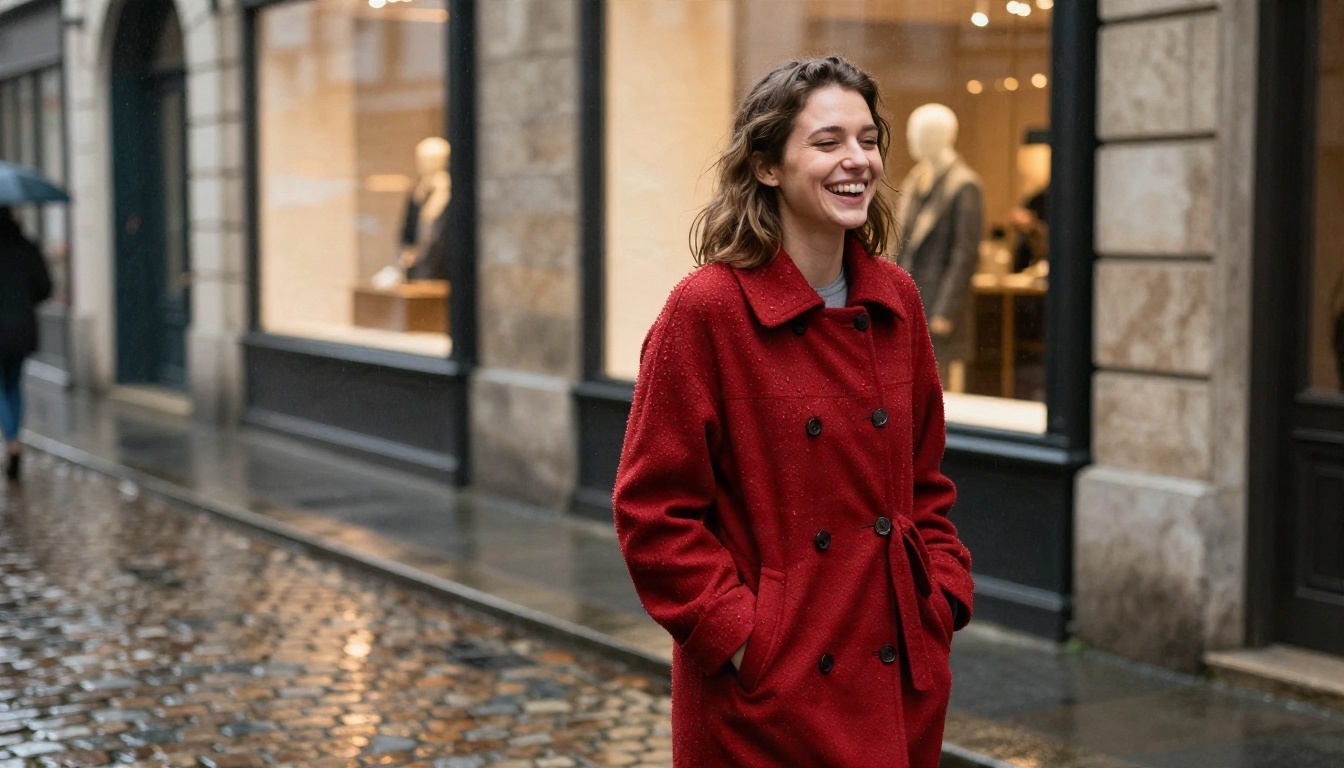
Schnell can look photographic, but it needs help. Plastic skin and over-smooth backgrounds are the usual complaints.
Skin, Light and Grain
- Name skin texture directly: "visible pores", "faint freckles", "no retouching".
- Give one clear light source and its direction.
- Add a single film stock such as Kodak Portra 400 for tonal consistency.
- Use real lens language instead of generic quality words.
Fixing Common Faults
| Problem | Fix |
|---|
| Waxy skin | Add "natural skin texture, visible pores" and a harder light source |
| Soft background mush | Name specific objects in the background |
| Odd hands | Place hands on an object, such as a cup or a camera |
| Garbled text | Avoid text, or limit it to one short word |
| Flat lighting | Specify direction and time of day |
Commercial Work
Because the weights carry an Apache 2.0 licence, many creators use Schnell for mood boards, packaging concepts and social content. For product shots like the one below, keep the scene simple and the light directional.
NSFW Limits Explained
This is the part most articles skip, so here is a plain answer. Flux Schnell is a poor choice for adult content, and not mainly because of a filter.
What the Model Can Do
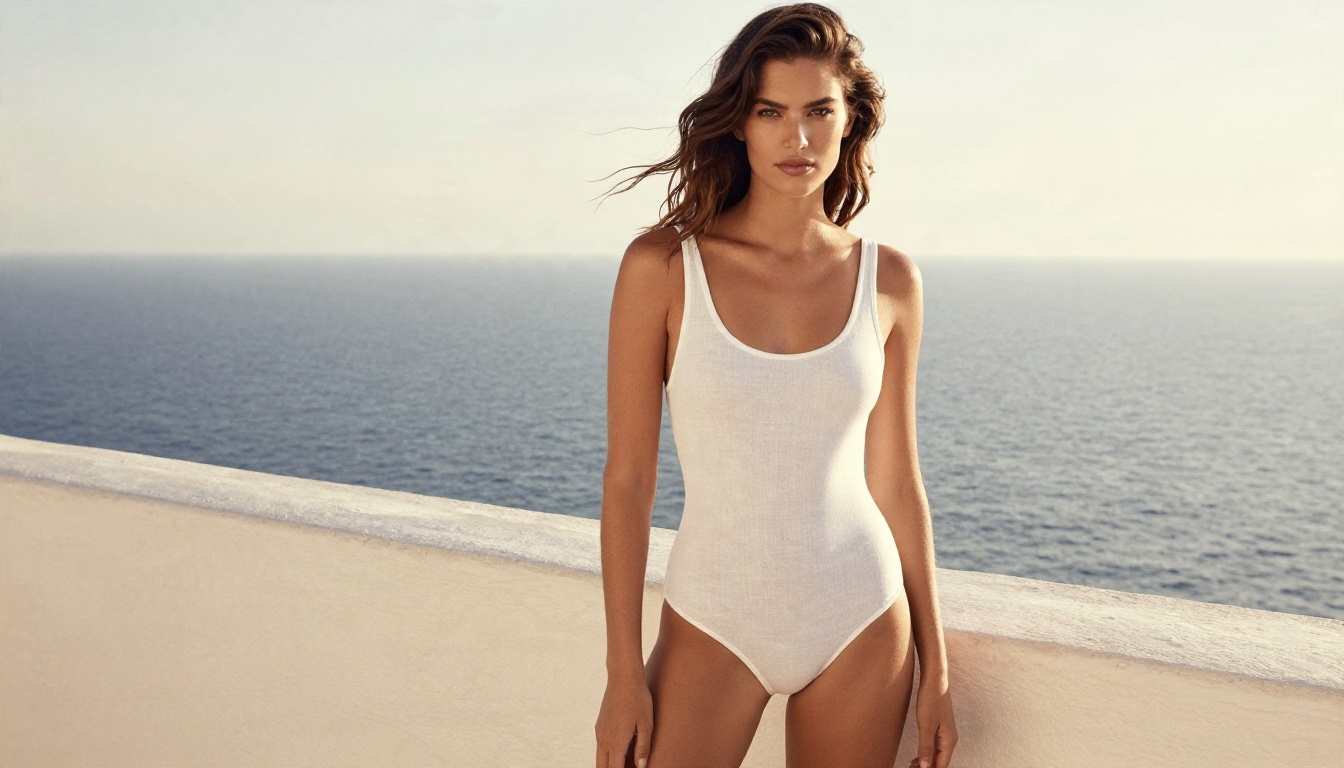
Schnell handles suggestive but non-explicit imagery without much trouble: swimwear, beach fashion, boudoir lighting, glamour portraits. If your aim is attractive, tasteful photography, it will get you there. The image above is typical of what a short prompt about resort fashion produces.
Where It Breaks Down
There are two separate limits, and people often mix them up:
- Training limits. The model was not built around adult material. Anatomy outside clothed or lightly clothed scenes is unreliable, and a four-step distilled model has little room to correct errors in skin, hands and proportions.
- Safety settings. The model exposes a safety checker setting, and platforms decide how it is configured. Whether an image is blocked depends on the service you use, not only on the model.
💡 A fast model is the wrong tool for anatomy-heavy images. The detail you need is exactly the detail a four-step model gives up.
What Works Better for Adult Aesthetics
For suggestive, glamour and adult-themed photography, start with models built for detail and flexibility:
- Seedream 4.5 is the first model to try. It produces sharp, photographic skin and lighting and gives you far more room than Schnell.
- PicassoIA Image Editor Pro offers unlimited generations and is useful when you want to edit or refine an image rather than start over.
- Flux Dev keeps the Flux look with more steps and more detail than Schnell.
Keep everything within the law and the platform's rules, and only depict adults. Speed is where Schnell shines, so use it for the draft and a heavier model for the final.
When to Pick Something Else
Schnell is a sprinter. For long distances you want a different runner.
Fast Alternatives on PicassoIA
A Workflow That Saves Time
- Draft ten ideas with Flux Schnell at 0.25 megapixels.
- Pick the best two compositions and note their seeds.
- Rerun them at 1 megapixel with Go Fast off.
- Send the winner to Flux Dev or Seedream 4.5 for the final render.
- Use an upscaler if you need print size.
Mistakes to Skip
- Writing 200 word prompts. Schnell loses the end of long prompts.
- Chasing more steps. Four is the sweet spot.
- Relying on negative prompts. Rewrite the positive side instead.
- Asking for readable paragraphs of text. Keep any text to one or two words.
Try It and Make Your Own
Flux Schnell rewards short sessions. Open the Flux Schnell page on PicassoIA, paste one of the five prompts above, change a single detail, and watch what happens. Within ten minutes you will have a feel for how the model reads light and lenses.
When a draft deserves more detail, send the idea to Seedream 4.5 or refine it in PicassoIA Image Editor Pro. To see every model side by side and pick the one that suits your next project, visit picassoia.com/en/all-models and start creating.


