People type "FLUX.2 Dev NSFW" into search bars expecting a one line answer, and most of the pages they land on dodge it. So here is the straight version. FLUX.2 Dev is not uncensored out of the box. It ships with safety filtering and extra safety tuning. It is free to download but not free for business use. And yes, you can use it online without owning a monster GPU. The rest of this article shows where the lines sit, what "free" really means, and which models give you suggestive, glamour style photos with far less friction.
What FLUX.2 Dev Actually Is
FLUX.2 Dev comes from Black Forest Labs, the team behind the original FLUX family. It is the open weights release of the FLUX.2 generation, which means anyone who accepts the license can download the model files and run them on their own hardware. It handles text to image generation and also accepts reference photos, so you can steer style, pose or subject with up to four input pictures.
You can try it directly on PicassoIA through the Flux 2 Dev page, with nothing to install.
Why People Link It to NSFW
Two reasons. First, FLUX models are very good at skin, fabric and lighting, which is exactly what glamour and boudoir style imagery depends on. Second, open weights invite experiments. Whenever a strong model is released openly, people ask what happens when the guardrails come off.
Dev Versus the Other FLUX.2 Variants
The FLUX.2 family has several tiers. Dev is the open weights model aimed at developers and hobbyists. The smaller Klein models are lighter and, depending on the variant, carry different license terms. If you want to compare siblings, PicassoIA lists Flux 2 Klein 4B Base and the Flux 2 Klein 9B Base LoRA alongside it.
Is FLUX.2 Dev Uncensored?
Short answer: no, not by default. The official release includes filtering for NSFW content and for intellectual property abuse, applied to both inputs and outputs. On top of that, the developers say they did additional safety tuning before releasing the weights. The license also expects anyone who deploys the model to keep filters or manual review in place.
💡 Quick read: "Open weights" and "uncensored" are different things. Open means you can download it. Uncensored means nothing steers or blocks the output. FLUX.2 Dev is the first, not the second.
What the Filters Do in Practice
| Layer | What it does | What you notice |
|---|
| Input screening | Checks prompts and reference images | Some requests get refused or ignored |
| Output screening | Checks the finished image | Flagged results are blanked or replaced |
| Safety tuning | Baked into the weights | The model drifts away from explicit anatomy |
| License terms | Expects filters or review in deployments | Public services usually keep moderation on |
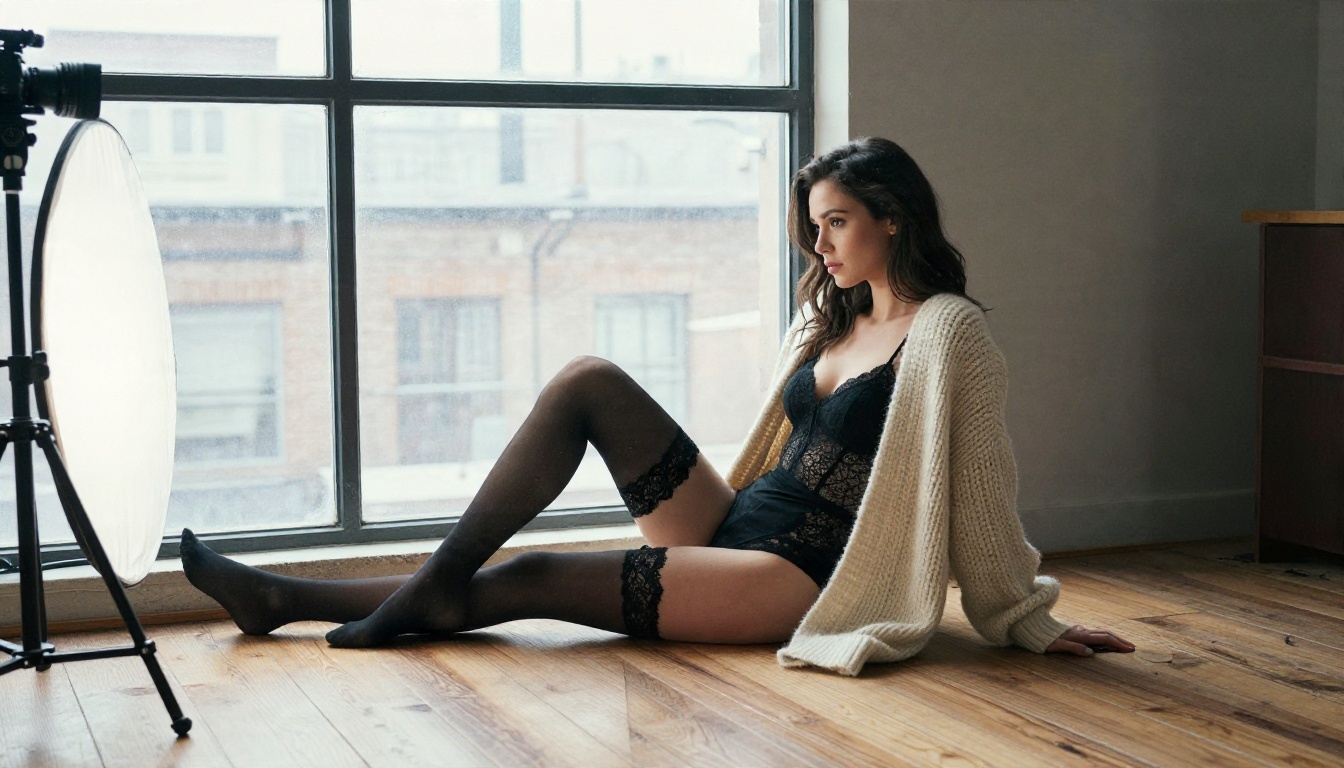
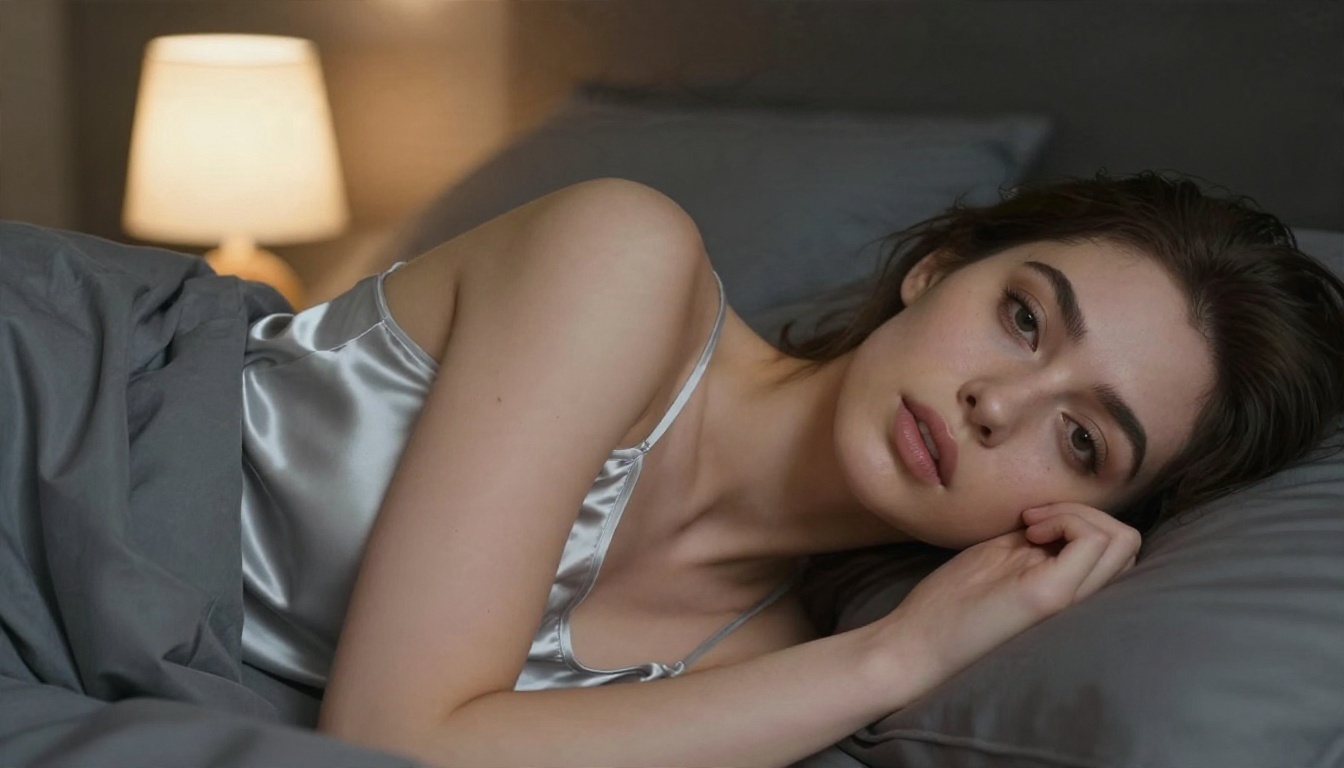
Suggestive content such as swimwear, lingerie, evening dresses and bedroom portraits generally passes. Explicit material is where the model resists, and that is by design.
The Safety Checker Toggle
If you look at the model's settings, there is a Disable Safety Checker option, and it is off by default. Whether an interface exposes it, and how it behaves, depends on where you run the model. Turning it off does not remove the safety tuning inside the weights, and it does not change your license obligations. Treat it as a technical setting, not as a promise of unrestricted output.
Community Modifications
Fine tunes and add ons for open models appear quickly, and some aim to loosen restrictions. They come from unknown authors, their quality varies, and they sit on top of a license that still applies. This article does not point to any of them. If your goal is attractive, suggestive photography, there are cleaner routes, covered below.
Is FLUX.2 Dev Really Free?
It depends on what you mean by free. There are three separate questions hiding in that word.
Free to Download
Yes, with conditions. The weights are published on a gated repository. You agree to the license terms and share contact details before you get the files.
Free for Commercial Work
This is where people get caught. FLUX.2 Dev is released under the FLUX Dev Non-Commercial License. That license is limited and revocable, and "non-commercial" excludes anything tied to direct or indirect payment. Different pages describe the status of generated outputs in slightly different ways, so if money is involved, read the license text itself before you publish or sell anything. The smaller Klein 4B model has been released under a more permissive Apache 2.0 license, which makes it the easier pick for business projects.
Free to Run
Running it locally costs nothing in licensing for personal use, but it is not free in hardware terms. FLUX.2 Dev is a very large model. Local use typically means a high end GPU with lots of video memory, quantized builds, or patience.
💡 Rule of thumb: Personal experiments are fine. Anything that earns money needs a license check first.
Can You Use It Online?
Yes. That is the easiest path for most people, and it removes the hardware problem completely.
Running It Locally
Local setups give you control, offline use and no per image cost. They also demand a big GPU, a working Python environment, a gated download and time spent on troubleshooting. If you only want pictures, this is a lot of setup.
Running It in the Browser
On PicassoIA you open the model page, type a prompt, pick an aspect ratio and generate. Reference images, seeds and output formats are all in the same panel. There is no download, no driver update and no memory error.
| Option | Setup time | Hardware needed | Best for |
|---|
| Local install | Hours | High end GPU | Tinkerers, offline work |
| Online on PicassoIA | Seconds | Any browser | Fast results, no setup |
How to Use Flux 2 Dev on PicassoIA
Here is the quick workflow for Flux 2 Dev, aimed at tasteful, suggestive photography.
Step by Step
- Open the model page and find the prompt box.
- Write the subject first. Example: "a woman in a black silk slip dress sitting on the edge of a bed in a sunlit hotel suite".
- Add light and lens. Phrases like "golden morning light from the left, 85mm f/1.8, shallow depth of field" push the model toward photographic realism.
- Name textures. Skin pores, satin sheen, linen weave and film grain all help.
- Choose an aspect ratio. 16:9 suits wide scenes, 2:3 or 4:5 suits portraits.
- Generate, then adjust one thing at a time. Change the light, the pose or the outfit, but not all three together.
Parameter Tips
| Setting | Suggested value | Why |
|---|
| Aspect ratio | 16:9, 4:5 or 2:3 | Matches the final use |
| Go Fast | On for drafts, off for finals | Speed versus extra polish |
| Output format | PNG or JPG | Cleaner edges than WebP for editing |
| Output quality | 90 to 100 | Keeps skin detail intact |
| Seed | Fixed once you like a result | Lets you repeat and refine |
| Input images | Up to 4 | Guide pose, outfit or mood |
Prompts That Work
- "Editorial glamour portrait, woman in a white linen shirt, sunlit hotel room, soft window light, 85mm lens, Kodak Portra 400 film grain."
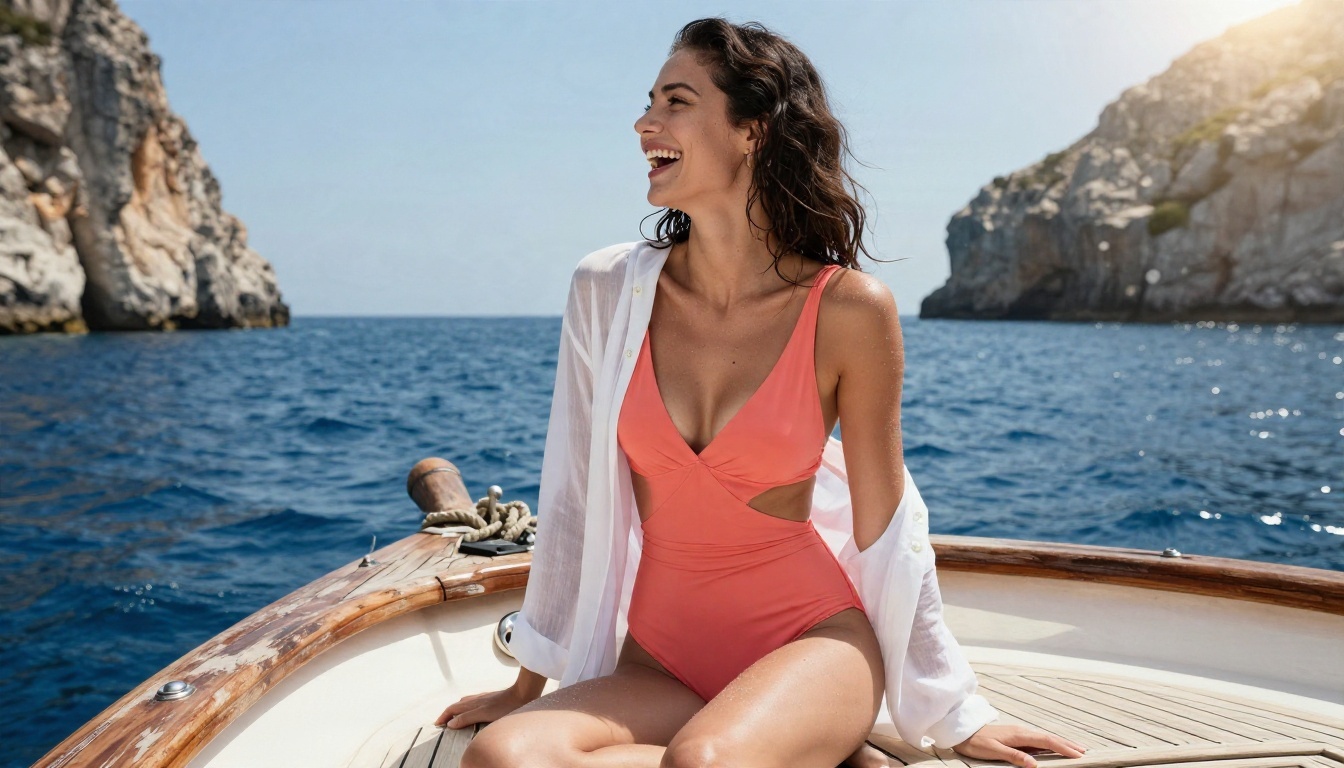
- "Woman in a navy one piece swimsuit floating in a turquoise pool, top down view, hard midday sun, realistic water caustics."
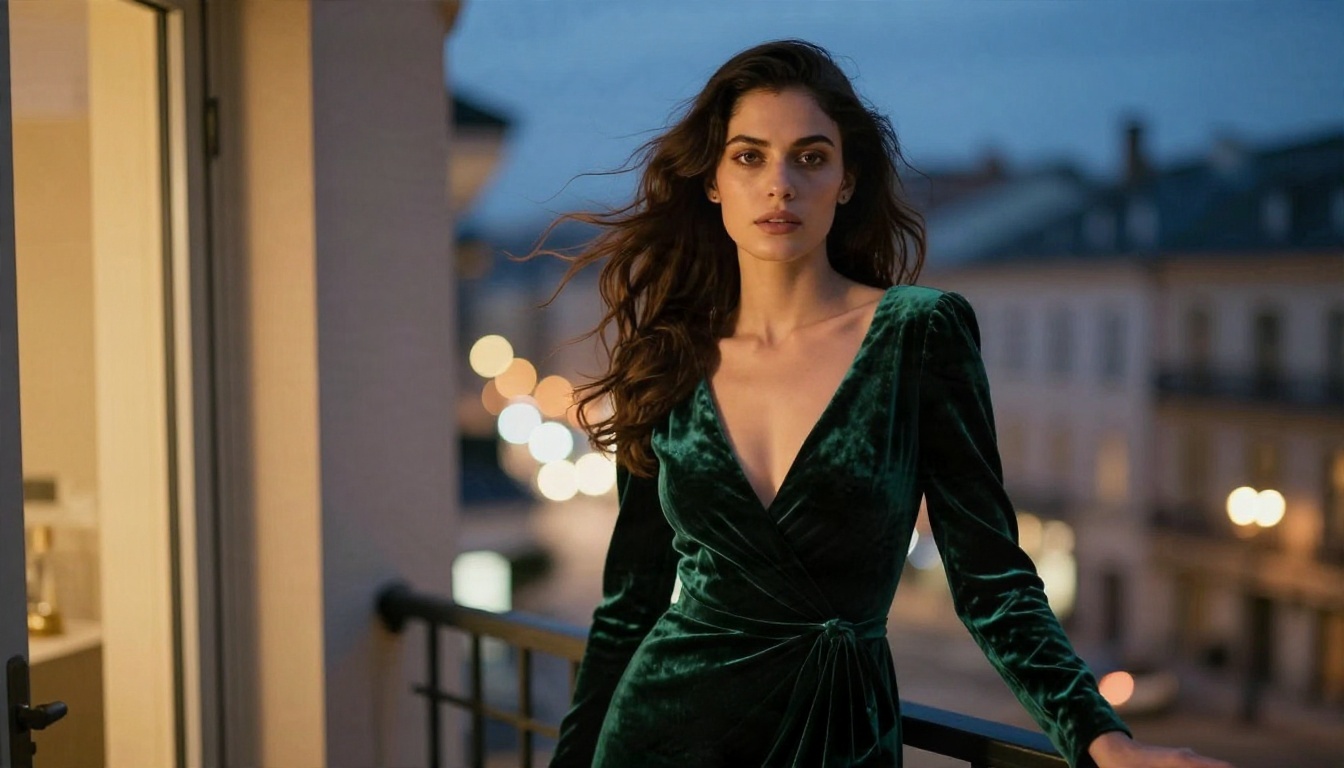
- "Woman in an emerald velvet evening gown on a balcony at blue hour, warm light from a doorway, shallow depth of field."
💡 Tip: Describe the lighting before the outfit. Light decides whether skin looks like skin or like plastic.
Better Picks for Suggestive Glamour
If the real goal is attractive, adult leaning but non-explicit imagery without fighting a filter, FLUX.2 Dev is not the first model to reach for. These are the PicassoIA options, in the order worth trying.
1. Seedream 4.5 First
Seedream 4.5 is the model to lead with. It produces sharp, high resolution photographic images, handles skin, fabric and lighting with confidence, and is far more relaxed about suggestive subjects such as swimwear, lingerie and boudoir scenes. It is fast, so you can run many variations in a short session.
2. PicassoIA Image Editor Pro
PicassoIA Image Editor Pro offers unlimited generations, which matters when you iterate. Upload a photo, describe the change, and rework outfit, lighting or setting again and again with no counter ticking down. For people who refine a lot, unlimited use is the real value.
3. Flux 2 Dev for Reference Work
Keep Flux 2 Dev for what it does well: realistic textures, strong prompt following and reference image guidance. It is excellent for fashion, portraits and lifestyle scenes that stay within its filters.
4. Flux Dev and Flux Dev LoRA
The older Flux Dev and Flux Dev LoRA remain popular for photographic looks and custom styles. They are worth testing when you want a slightly different feel from the newer generation.
💡 Note: Seedream 5 Lite blocks adult leaning content, so skip it for this kind of work. Seedream 4.5 is the better match.
Side by Side
| Model | Suggestive content | Speed | Iteration cost | Best use |
|---|
| Seedream 4.5 | Flexible | Fast | Standard | Glamour, swimwear, boudoir |
| Image Editor Pro | Flexible | Fast | Unlimited | Editing and endless variations |
| Flux 2 Dev | Filtered | Medium | Standard | Realistic fashion and portraits |
| Flux Dev | Moderate | Fast | Standard | Classic photographic looks |
Realism Tips That Work Everywhere
Whatever model you choose, the same habits produce better photographs.
Write Like a Photographer
Name the lens, the aperture, the light direction and the film stock. "85mm f/1.8, soft window light from the left, Kodak Portra 400" does more than ten adjectives like "beautiful" or "stunning".
Describe Surfaces
Skin pores, freckles, satin highlights, lace stitching, wet sand and weathered wood all give the model something concrete to render. Flat prompts give flat, waxy images.
Vary Angle and Distance
Mix low angle, overhead, close up and wide shots. One strong pose in five different framings gives you a full set rather than five copies of the same picture.
Keep Hands and Anatomy Simple
Hands are still the most common failure. Keep them in natural, simple positions, such as near the face or resting on fabric, and regenerate if a finger count goes wrong.
Rules Worth Following
Adult leaning imagery comes with responsibilities, whichever model you pick.
Use Fictional or Consenting Subjects
Never generate images that imitate a real person without their consent. That includes celebrities, coworkers and ex partners. Prompt for original, fictional people.
Respect License Terms
Check what the model license allows before you publish, sell prints or run a paid account built on the output. Non-commercial terms are not a suggestion.
Label and Place Content Sensibly
If you share suggestive images, post them only where adult content is allowed, and label them clearly.
Quick Answers
Is FLUX.2 Dev NSFW capable? It handles suggestive and glamour themes. Explicit output is limited by filters and safety tuning.
Is it uncensored? No. The release includes input and output filtering plus additional safety tuning.
Is it free? Free to download for non-commercial use. Commercial use needs a different arrangement. Running it locally has hardware costs.
Can I use it online? Yes, in a browser on PicassoIA, with no install.
What is faster for glamour imagery? Seedream 4.5 and PicassoIA Image Editor Pro.
Try It Yourself
The fastest way to settle the question is to test it. Open Seedream 4.5, write one detailed prompt with a lens, a light source and a fabric, and see what comes back. Then run the same prompt in Flux 2 Dev and compare skin, light and mood. Take your favorite into PicassoIA Image Editor Pro and refine it as many times as you like, with unlimited generations. For the full lineup, browse every model on PicassoIA and build your own set of photorealistic images.


