You typed "ProFlux" into a search bar and landed here, so let's clear it up fast: the model people mean is FLUX.2 Pro, the production-tier image generator from Black Forest Labs. It turns a text prompt, or a prompt plus a few reference photos, into sharp, believable pictures with accurate skin, fabric, glass and light. It is also one of the easier models to test for free if you know where to look.
This article explains what FLUX.2 Pro does, how it differs from its siblings, which free options are real, how to run it step by step, and which prompts give the best results. Every example image below was made with the same approach: short scene, clear light, a named lens, and a few texture cues.
What FLUX.2 Pro Actually Is
FLUX.2 Pro arrived in November 2025 as the hosted, ready to use member of the FLUX.2 family. Black Forest Labs built the family around a large rectified flow transformer paired with a vision-language model, which is why it reads long, detailed prompts better than most older systems. Reports describe a 32 billion parameter image model working with a 24 billion parameter Mistral-3 language model, though sources vary on the finer details, so treat the exact numbers as approximate.
In plain terms, you get three things:
- Photorealism that holds up at full size. Pores, fabric weave, wood grain and water droplets look like they came from a camera.
- Prompt obedience. If you ask for a camel trench coat, a zinc counter and blue tiles, you get all three, in the right places.
- Reference image support. You can feed in several photos and ask the model to keep a face, a product or a style consistent.
💡 Quick note on the name: "ProFlux" is a search habit, not a separate product. When people write it, they almost always want FLUX.2 [pro]. You can run it on PicassoIA as Flux 2 Pro.
Where the "ProFlux" Name Comes From
Black Forest Labs sells FLUX.2 in tiers: pro, flex, dev and smaller open models. Writing "pro" and "flux" together is natural shorthand for "the pro FLUX." Nobody ships a product called ProFlux, so ignore any site that claims to sell one under that name.
What Changed From FLUX.1
The first FLUX generation was already strong, but it struggled with long prompts, small text and multi-subject scenes. FLUX.2 improved on all three. It also added proper editing with reference images, so one model now handles both "make this from scratch" and "change this photo."
The Whole FLUX.2 Family
Picking the right tier saves money and time. Here is how the main variants compare, with each one linked to its PicassoIA page.
| Model | Best for | Speed vs quality | Notes |
|---|
| Flux 2 Pro | Final images, client work | Balanced, high quality | Text to image and photo editing |
| Flux 2 Flex | Controlled, flexible runs | More adjustable | Create or edit images |
| Flux 2 Dev | Open weights style testing | Good quality, lighter | Text or photo input |
| Flux 2 Klein 4B Base | Fast drafts, tuning | Very fast | Small footprint |
| Flux 2 Klein 9B Base LoRA | Styled output with LoRAs | Fast, flexible | Style control through LoRA |
Pro vs Flex vs Dev
Pro is the one you reach for when the picture has to be right the first time. Flex gives you more room to adjust how the model behaves, which suits people who like to experiment. Dev is the open-weights relative: a bit lighter, popular with people who tinker, and typically limited to non-commercial use when you run it yourself.
The Klein Models
The Klein line is small and quick. Flux 2 Klein 4B Base is useful for fast drafts, and Flux 2 Klein 4B Base LoRA and Flux 2 Klein 9B Base LoRA let you apply LoRA styles. Use them to find a composition, then re-run the winner on Pro for the final render.
Free Options That Work
Black Forest Labs does not run a free consumer app for FLUX.2 Pro, and its own API is paid, billed per megapixel or per image. Published prices differ between providers, with figures that start at a few cents per image, so check the current rate before you run a large batch. Free access comes from other routes.
The Open-Weights Route
Flux 2 Dev is the open-weights model, and it is the usual answer to "is there a free FLUX.2?" The weights are free for non-commercial use, but running them yourself needs a strong GPU, a working Python setup and patience. Commercial use requires a separate license.
Free Tiers and Trials on PicassoIA
Several FLUX.2 pages on PicassoIA, including Flux 2 Flex, advertise free generation. That is the easiest way to test the family without a GPU. Allowances change, so read the model page for the current limit before you plan a project around it.
What "Free" Usually Costs
Free tools tend to trade something: resolution, queue time, a watermark, or a license that bans commercial use. If you need images for a client, a store listing or an ad, read the terms before you publish anything.
💡 Practical shortcut: Draft on a free or fast model, then spend your paid credits only on the final render in Flux 2 Pro. You will waste far fewer runs.
How to Use FLUX.2 Pro on PicassoIA
You do not need a GPU, an API key or any code. Here is the whole process.
Step by Step
- Open the model page. Go to Flux 2 Pro on PicassoIA.
- Write your prompt. Use one clear scene, in plain sentences. The prompt formula below works well.
- Pick an aspect ratio. Choose 16:9 for banners and covers, 4:5 or 3:4 for portraits and social posts, and 1:1 for product tiles.
- Add reference images if you want them. Upload one or more photos when you need to keep a face, a product or a color palette consistent.
- Generate and compare. Run two or three variations, keep the best, and refine the prompt by changing one thing at a time.
- Download the result. Save the image at full size for editing or publishing.
Settings Worth Changing
| Setting | What it does | Practical tip |
|---|
| Aspect ratio | Sets the frame shape | Decide before you write the prompt, since composition depends on it |
| Seed | Repeats a result | Keep the seed when you tweak a single word, so you see only that change |
| Reference images | Locks identity or style | Use clear, evenly lit photos for the best consistency |
| Output format | File type | Pick PNG when you plan to edit further, JPG for quick sharing |
If a setting you want is not visible on the model page, it is not exposed for that model, so lean on the prompt instead.
Prompts That Work
FLUX.2 Pro rewards specific language. It does not need a wall of buzzwords, and it does not need "masterpiece" or "8K" repeated five times. It needs a subject, a place, a light source and a lens.
A Simple Prompt Formula
Use this order:
Subject and action + environment + light direction + camera and lens + texture details
For example: "A barista in a black apron placing a latte on a zinc counter in a small Lisbon café, blue hand-painted tiles behind, morning sunlight from a side window, shot from a low angle with a 35mm f/2 lens, visible foam detail and ceramic glaze, Kodak Portra 400 film grain."

Portrait Prompts
Portraits are where FLUX.2 Pro shows off. Name the age, the expression, the clothing material and the light.
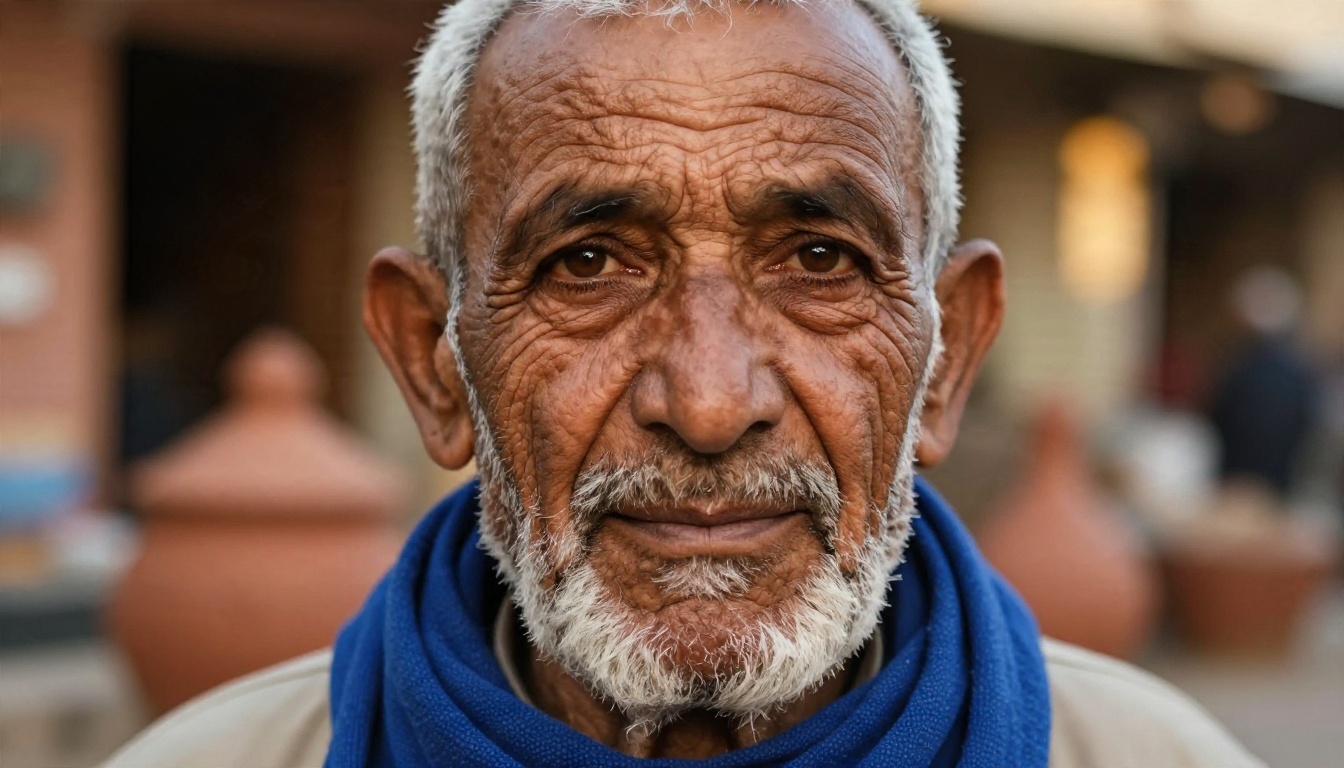
Close-up portrait of an elderly Moroccan craftsman with deep wrinkles and white stubble, warm brown eyes looking into the lens, faded indigo scarf, blurred terracotta market stall behind him, soft golden hour light from the right, 85mm f/1.4 lens, visible skin pores, Kodak Portra 400 grain.
Two tricks help. First, say "visible skin pores" or "natural skin texture" to avoid the waxy look. Second, give the eyes a direction, such as "looking into the lens" or "glancing out of frame."
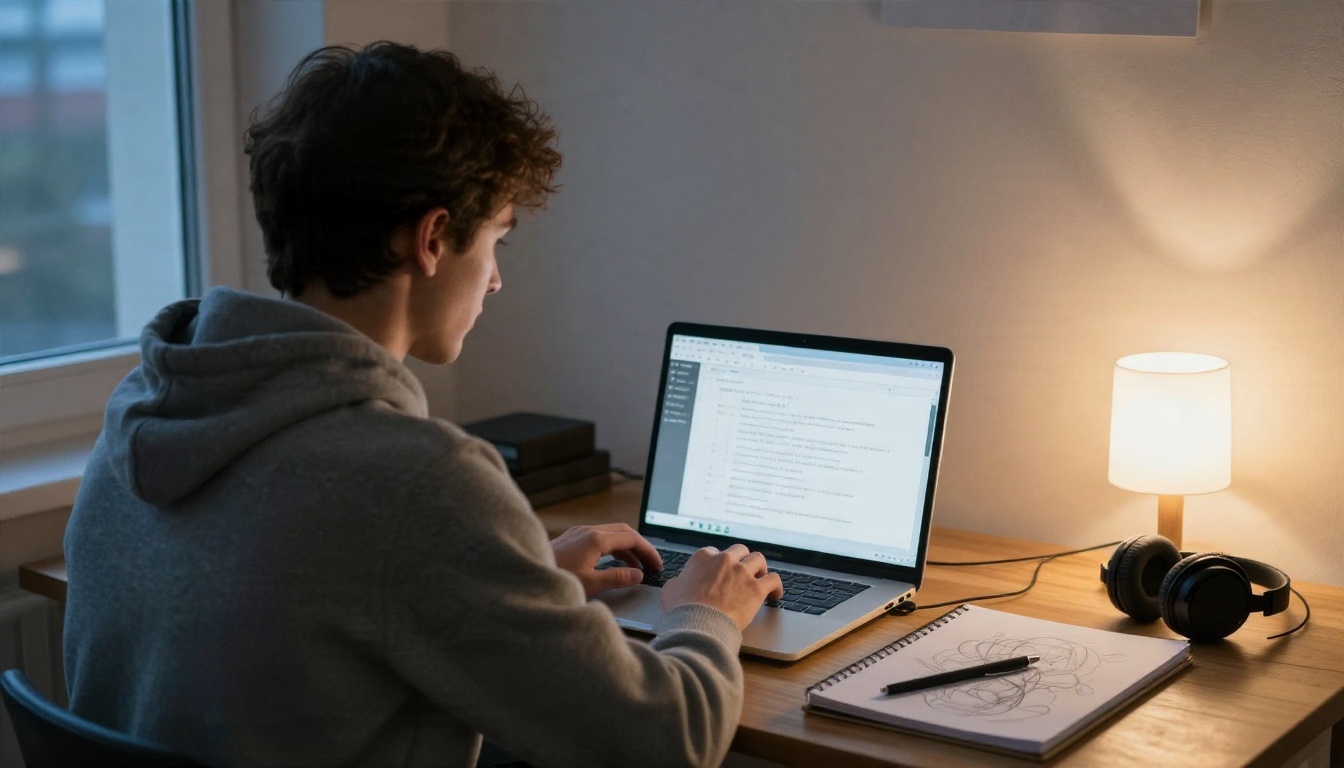
Product and Food Prompts
For product shots, describe the surface, the angle and the softness of the light.
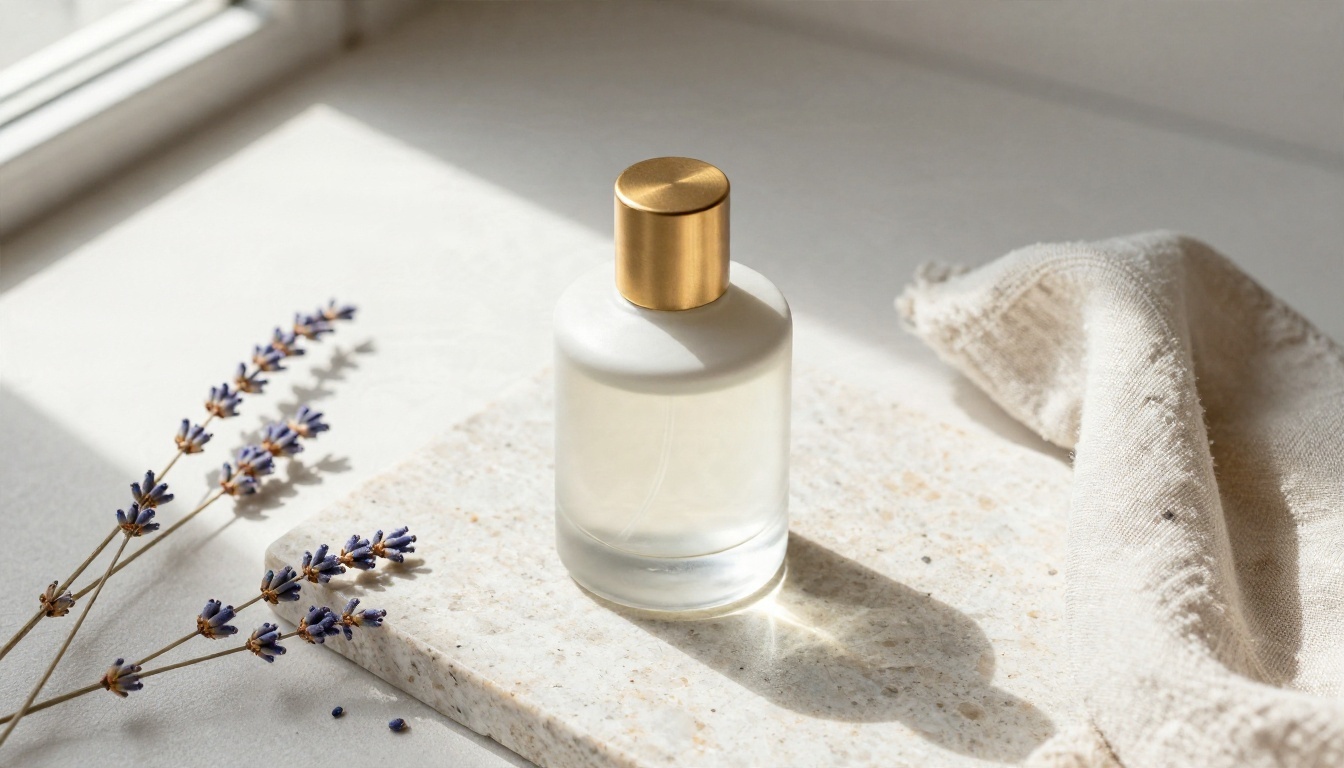
Overhead flat-lay of a minimalist ceramic perfume bottle with a brushed brass cap on a pale travertine slab, dried lavender stems and a folded linen cloth beside it, soft window light from the upper left, 50mm lens at f/4, crisp glass reflections, visible stone grain.
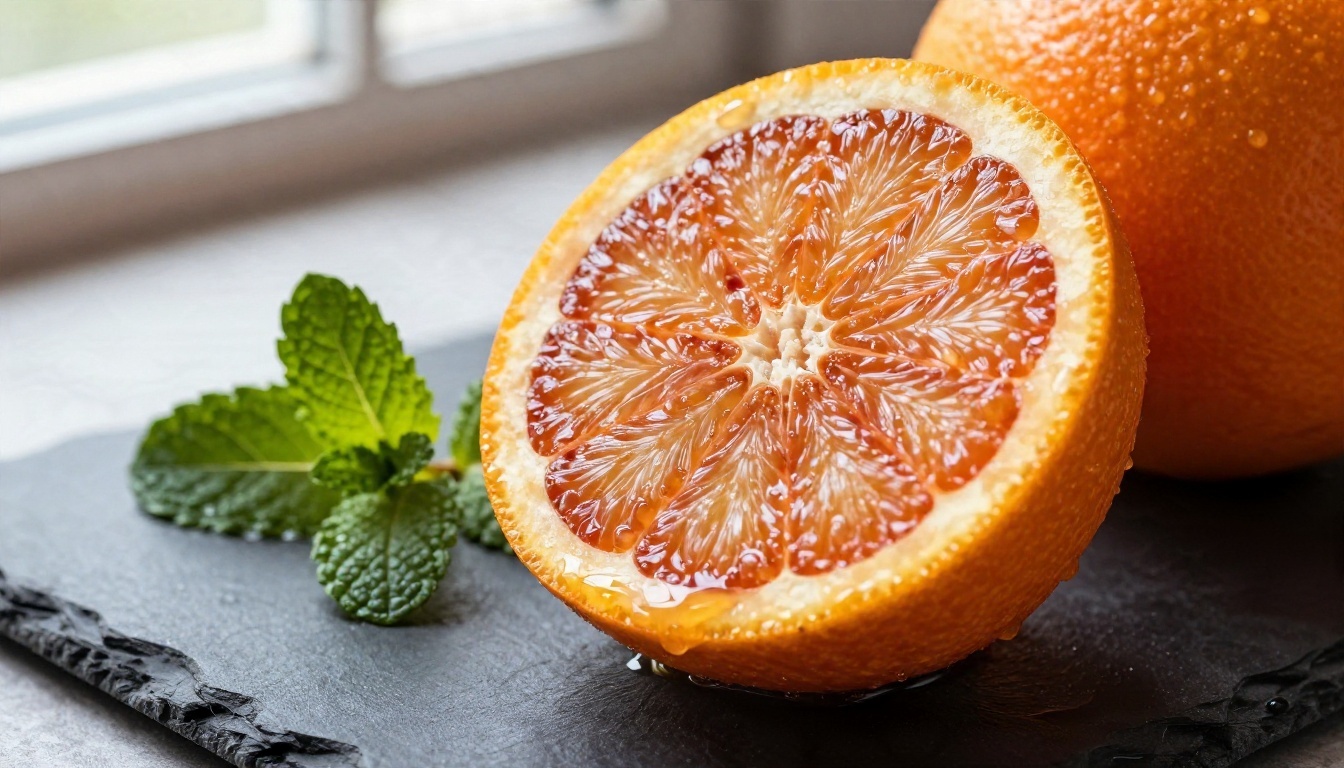
For food, move closer and use a macro lens.
Macro close-up of a sliced blood orange on a dark slate board with a drizzle of honey and fresh mint, water droplets on the peel, side light from the left, 100mm macro lens at f/3.5, shallow depth of field.
Fashion, Interior and Landscape Prompts
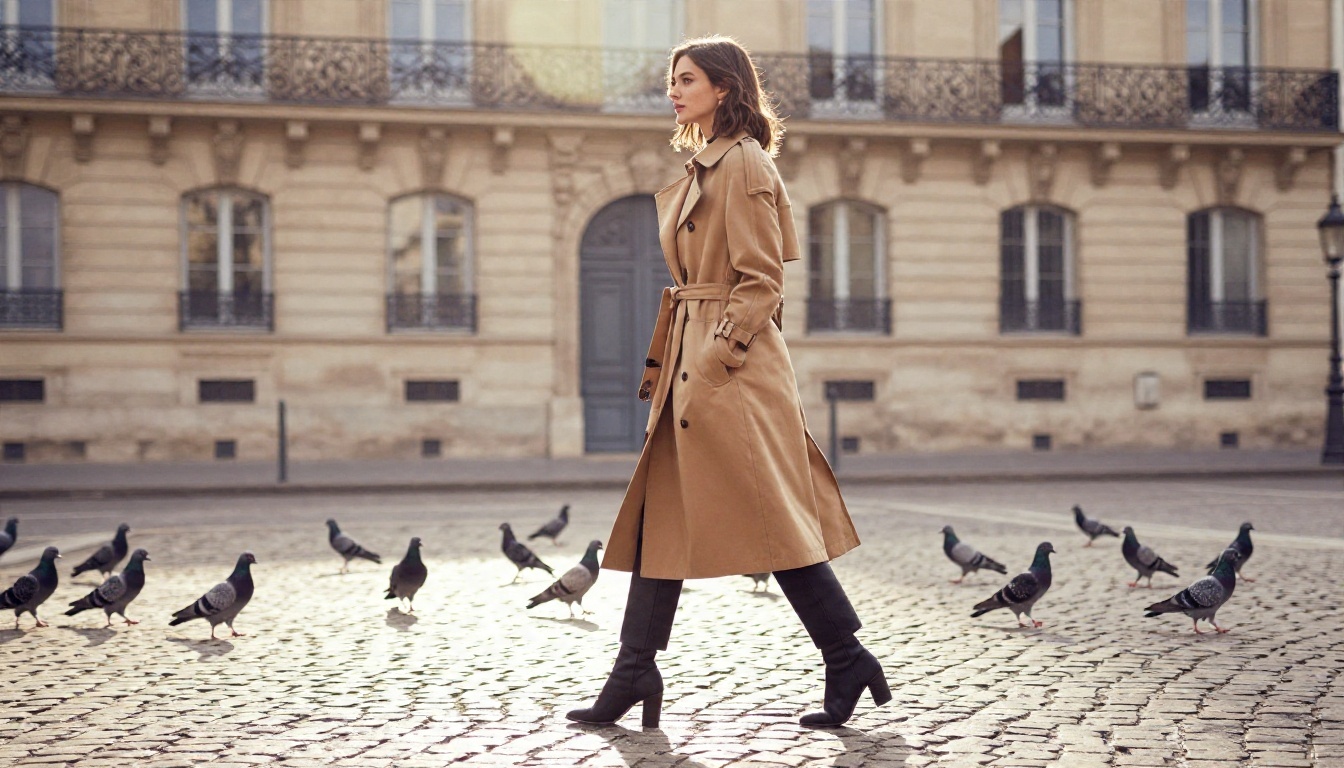
For fashion, specify the garment, the movement and the street.
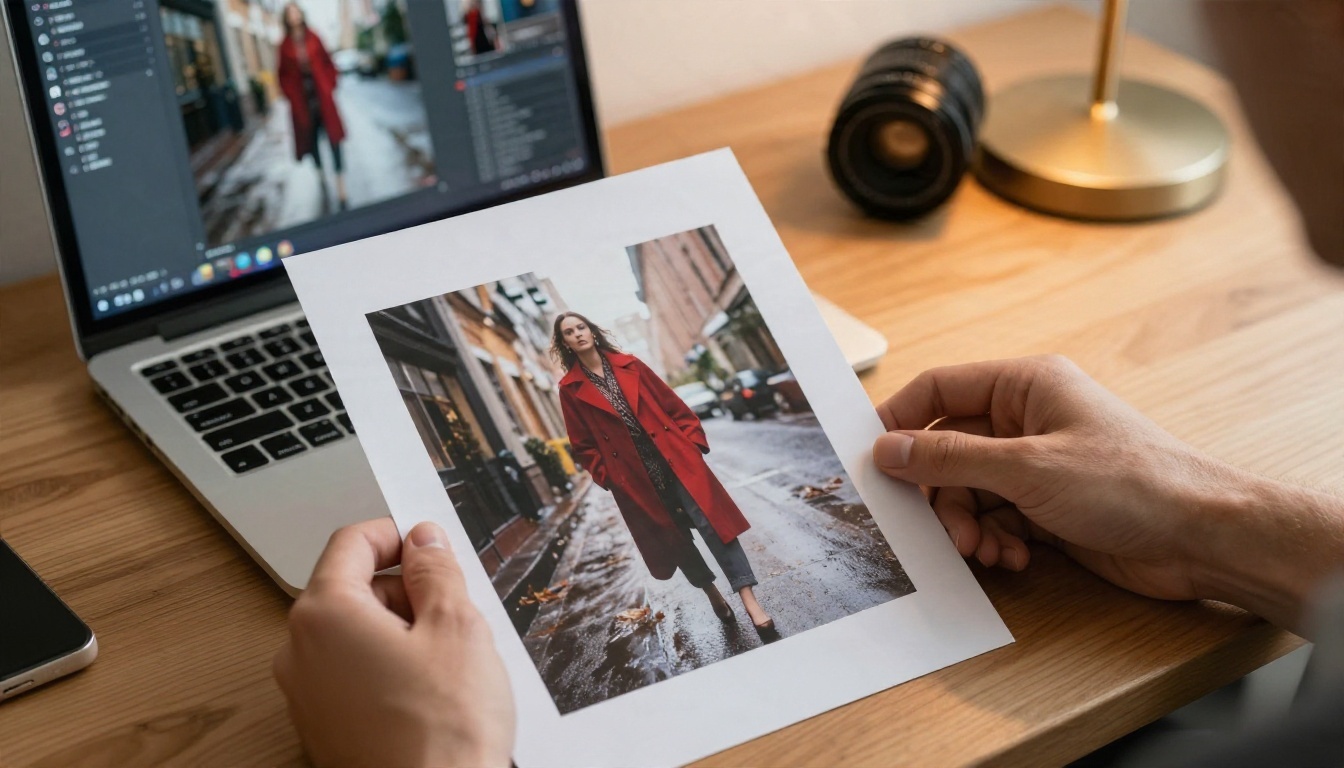
Full-length photograph of a woman in a tailored camel trench coat walking across a sunlit cobblestone square in Paris, pastel stone facade with wrought iron balconies behind her, soft overcast light with a warm break from behind, 70mm f/2.8 lens, visible fabric weave.
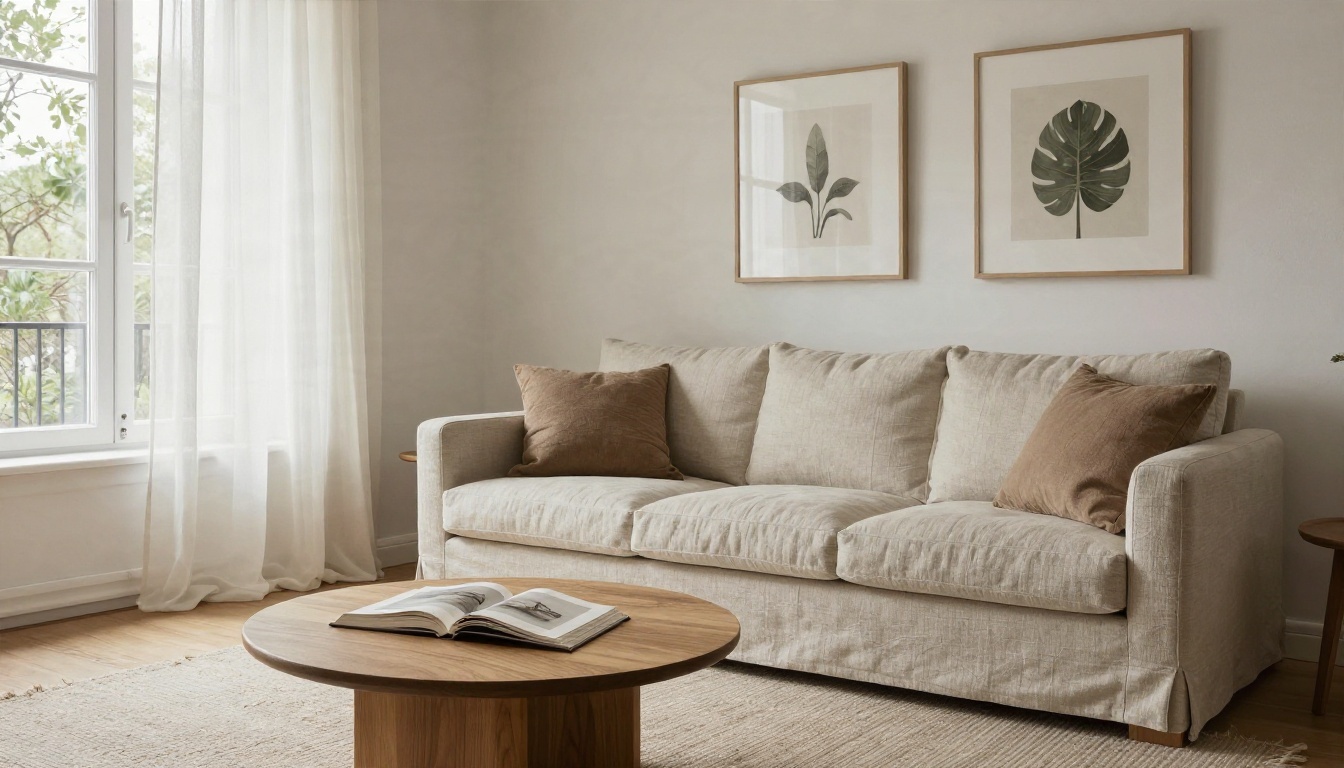
For interiors, a wide lens and a low corner angle sell the space.
Scandinavian living room with a linen sofa, round oak coffee table with an open art book, tall window with sheer curtains, shot from a low corner with a 24mm tilt-shift lens, soft daylight from the right, visible wool rug fibers and plaster wall texture.
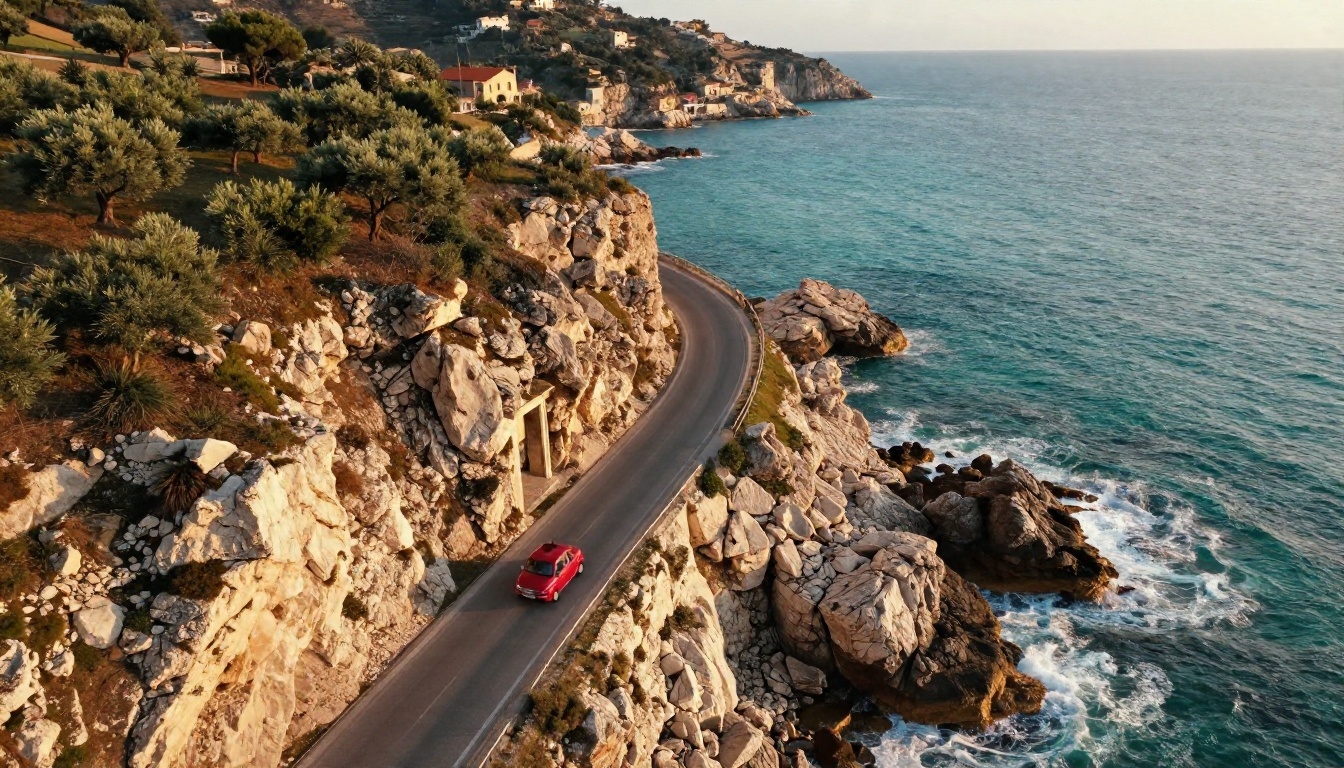
For landscapes, state the height and the time of day, such as "aerial view at sunrise, low golden light raking from the east."
Reference Images and Editing
One of the biggest reasons to pick FLUX.2 Pro over a plain text model is how it handles reference photos. Reports mention support for several references at once, and output that reaches around 4 megapixels, though limits can vary by provider. Here is where it earns its place:
- Consistent characters. Upload two or three photos of the same person and ask for new scenes.
- Product variations. Keep the bottle, change the surface, the light or the season.
- Style matching. Feed in a mood board photo and ask for a new subject in the same palette.
- Targeted edits. Say what to change and what to keep, for example "change the coat to dark green, keep the face, pose and background."
💡 Edit prompt rule: Always name what must stay the same. "Keep the face, pose and lighting" saves you from a lot of unwanted drift.
Common Mistakes
Most disappointing FLUX.2 results come from the same few habits.
- Prompts that are too vague. "A nice portrait of a woman" leaves everything to chance. Give age, clothing, light and lens.
- Contradictory style words. Asking for "photorealistic" and "cartoon" in the same prompt confuses the output. Pick one look.
- Changing five things at once. When you edit a prompt, change one element, keep the seed and compare. That is how you find out what works.
A fourth tip: avoid asking for long paragraphs of text inside the image. Short words and signs work, but long blocks of small lettering are still risky on any model.
When to Pick Another Model
FLUX.2 Pro is strong, but it is not the only good option. If you want a different look, try these on PicassoIA:
A good routine is to run the same prompt through two models and keep the better frame. It costs a minute and often changes which one you choose.
Make Your Own Images Today
Reading about prompts only takes you so far. The fastest way to see what FLUX.2 Pro does is to run one. Open Flux 2 Pro on PicassoIA, paste one of the prompts above, and change a single detail: the lens, the light direction or the setting. Then try Flux 2 Flex or Flux 2 Dev with the same text and compare the results side by side.
Start with a portrait, add a reference photo, then try a product shot. Within a handful of runs you will know which prompts suit your work, and you can browse every other generator at picassoia.com/en/all-models.


