You type the same sentence into two image generators and get two pictures that both look like photographs. One has a slightly dreamy, magazine-cover glow. The other looks like something a documentary photographer shot on a gray Tuesday. That gap is the whole FLUX.2 vs Midjourney V7 debate when the goal is realism, and it is smaller, and stranger, than most comparison posts admit.
This article breaks down where each model earns its reputation, which prompts push both toward believable photographs, and what you can try for free without paying for a subscription first.
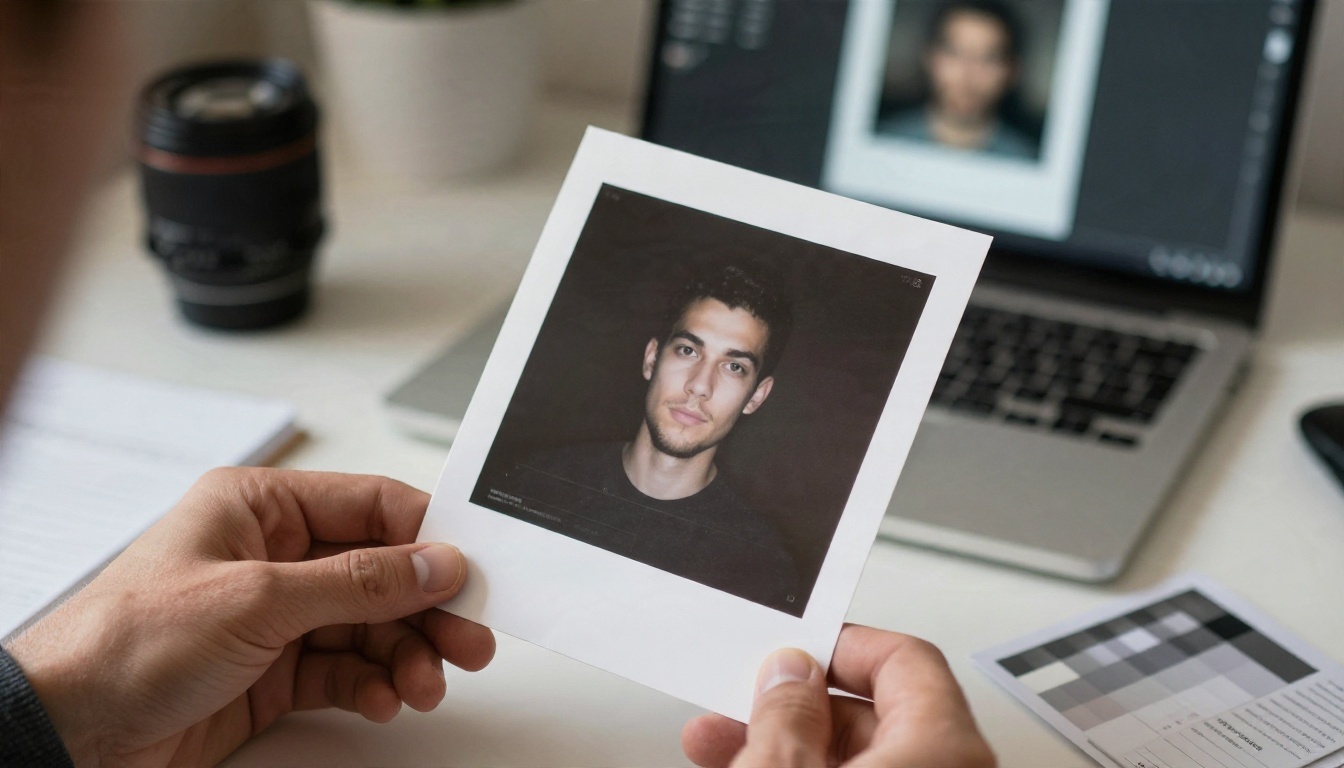
💡 Honest note on the images: the photos in this article show the kind of results a photographic prompt should aim for. They are illustrations of the prompt styles discussed, not side-by-side renders from FLUX.2 and Midjourney V7. For a real verdict, run your own prompts through each model, and the last sections show how.
The Short Answer First
If you want the verdict before the details: FLUX.2 tends to win on literal, documentary realism, while Midjourney V7 tends to win on mood, composition and polish. Most outside comparisons lean this way, but the evidence is thinner than the confident headlines suggest.
One blind test reported through second-hand coverage scored FLUX.2 at 8.78 and Midjourney V7 at 8.62 across 29 prompts. That is an overall score, not a realism-only score, and a gap of 0.16 points is small enough that your own taste could flip it.
| Question | FLUX.2 | Midjourney V7 |
|---|
| Literal photographic realism | Strong, especially skin and fabric | Strong, with a stylized lean |
| Cinematic mood and composition | Good | Excellent |
| Following long, detailed prompts | Very good | Good |
| Free access | Open-weight variants and hosted options | No standing free tier confirmed |
| Where to run it | Several platforms, including PicassoIA | Midjourney's own service |
Midjourney V7 has been the default Midjourney model since mid-2025, and a newer V8 alpha has appeared since. FLUX.2 is a family of models from Black Forest Labs, which matters because "FLUX.2" can mean very different things depending on the variant you pick.
How the Two Models Differ
What FLUX.2 Does Well
FLUX.2 is built around following instructions precisely. Give it a scene with a woman, a navy coat, a bakery window and wet cobblestones, and it tends to place every element you named. That matters for realism because real photographs are full of specific, slightly boring details: a scuffed shoe, a fingerprint on glass, a crooked shelf.
Reviewers also single out its handling of skin pores, fabric weave and foliage at close inspection. If you crop into the face at 100 percent, FLUX.2 images usually hold up better than glossy alternatives.
You can run the family on PicassoIA through Flux 2 Pro, which accepts text prompts and photo inputs.
Where Midjourney V7 Pulls Ahead
Midjourney has always been the model that makes an average prompt look like a good photograph. Its default taste in color, depth and framing is strong, so a short prompt produces something pleasing without much effort. It also offers consistency tools, such as character and style references, that help when you need the same face across many images.
The trade-off is that its taste is always present. Skin can look a touch retouched, light a touch too flattering, and backgrounds a touch too tidy. For fashion, editorial and mood-driven work, that is a feature. For "this should look like my phone took it," it can be a problem.
What Outside Tests Suggest
Public comparisons broadly agree on a pattern: FLUX.2 for prompt accuracy, text inside images and product-style realism, Midjourney for artistic output. Many of those comparisons come from sites that sell access to one model or the other, so treat them as hints instead of proof.
💡 Tip: when you read any "X beats Y" test, check how many prompts were used and who ran it. Ten prompts from a vendor blog tell you far less than thirty prompts you wrote yourself.
Photo Examples by Subject
Realism is not one skill. A model can ace portraits and fall apart on interiors. These are the six subjects worth testing, with what to look for in each.
Skin and Faces
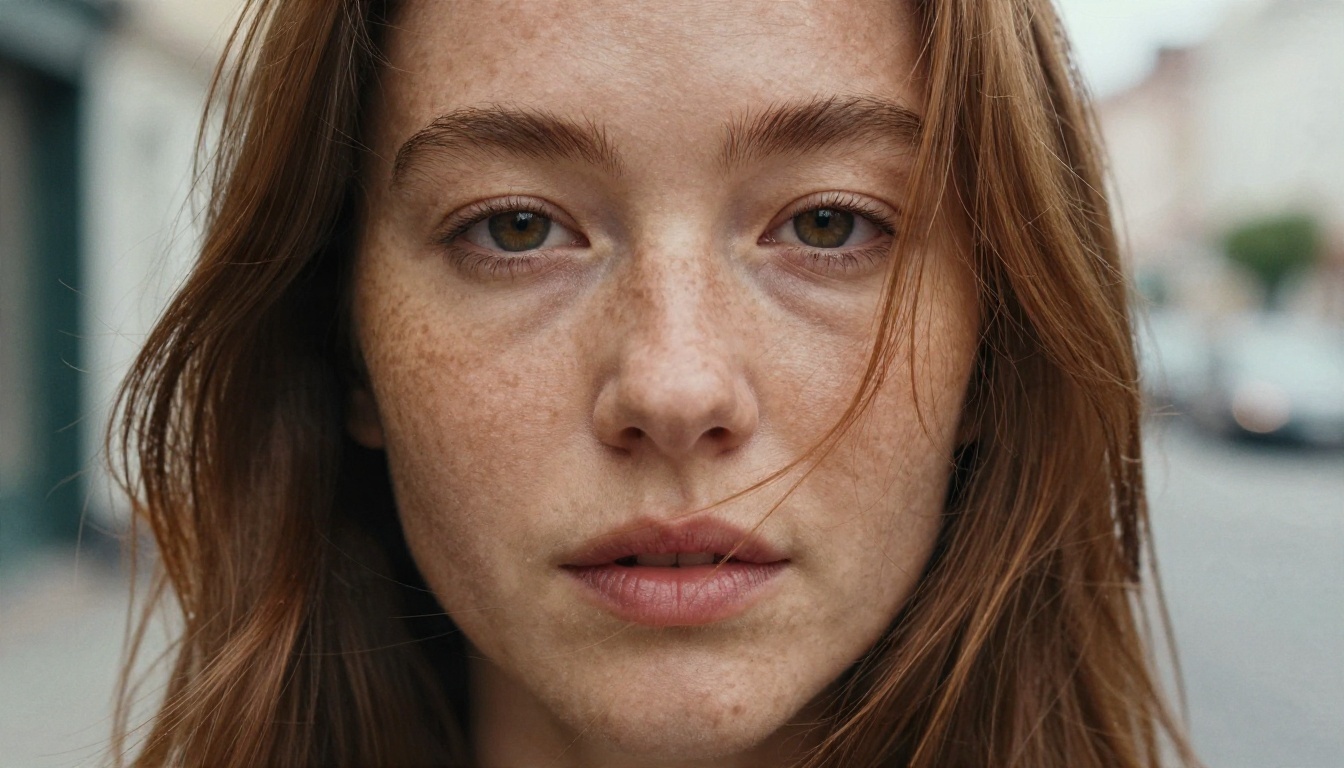
Zoom to 100 percent and look for pores, tiny vellus hairs, uneven lip texture and catchlights in the eyes that match the light direction. Over-smooth skin is the most common giveaway of an AI face. FLUX.2 usually errs toward texture, and Midjourney V7 toward polish.
Street and Weather
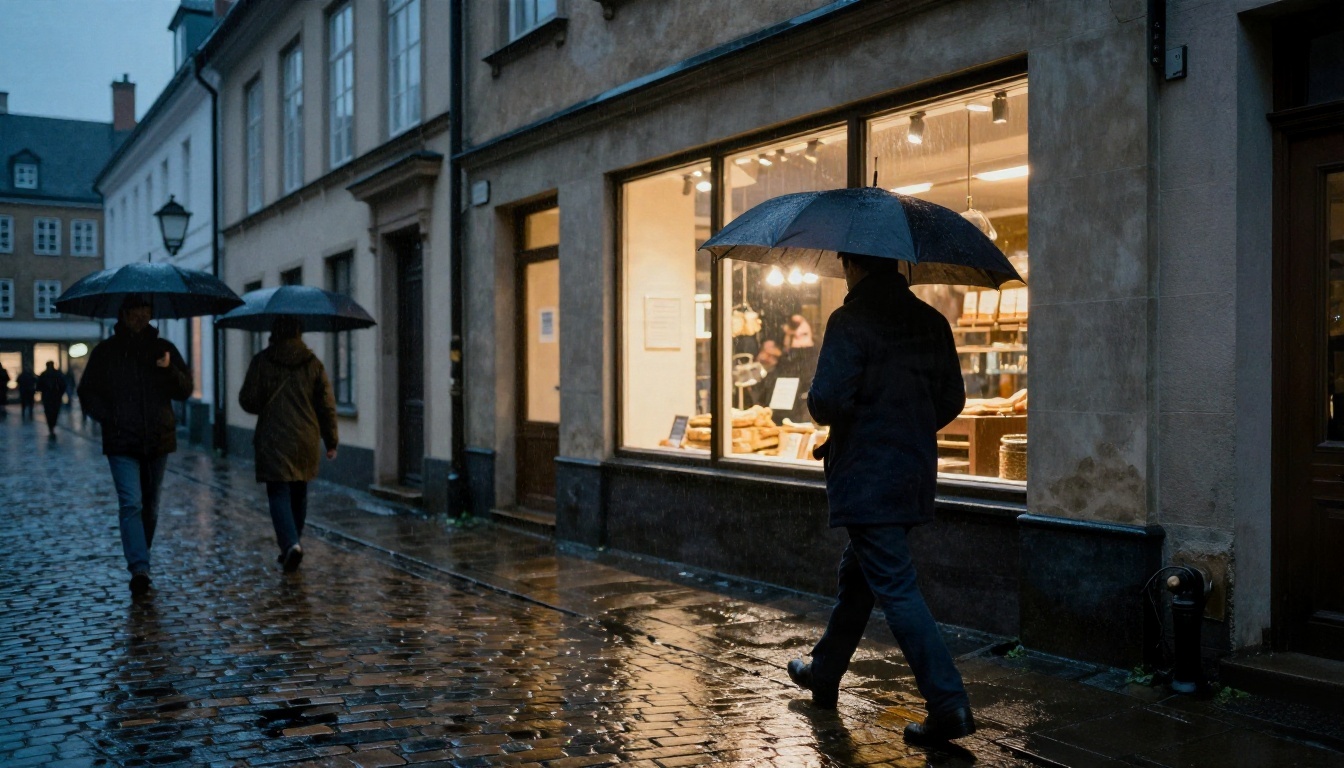
Rain, reflections and mixed light are hard. Check that wet pavement reflects the right colors, that a person's shadow agrees with the lamps, and that background figures do not melt.
Product Flat Lays
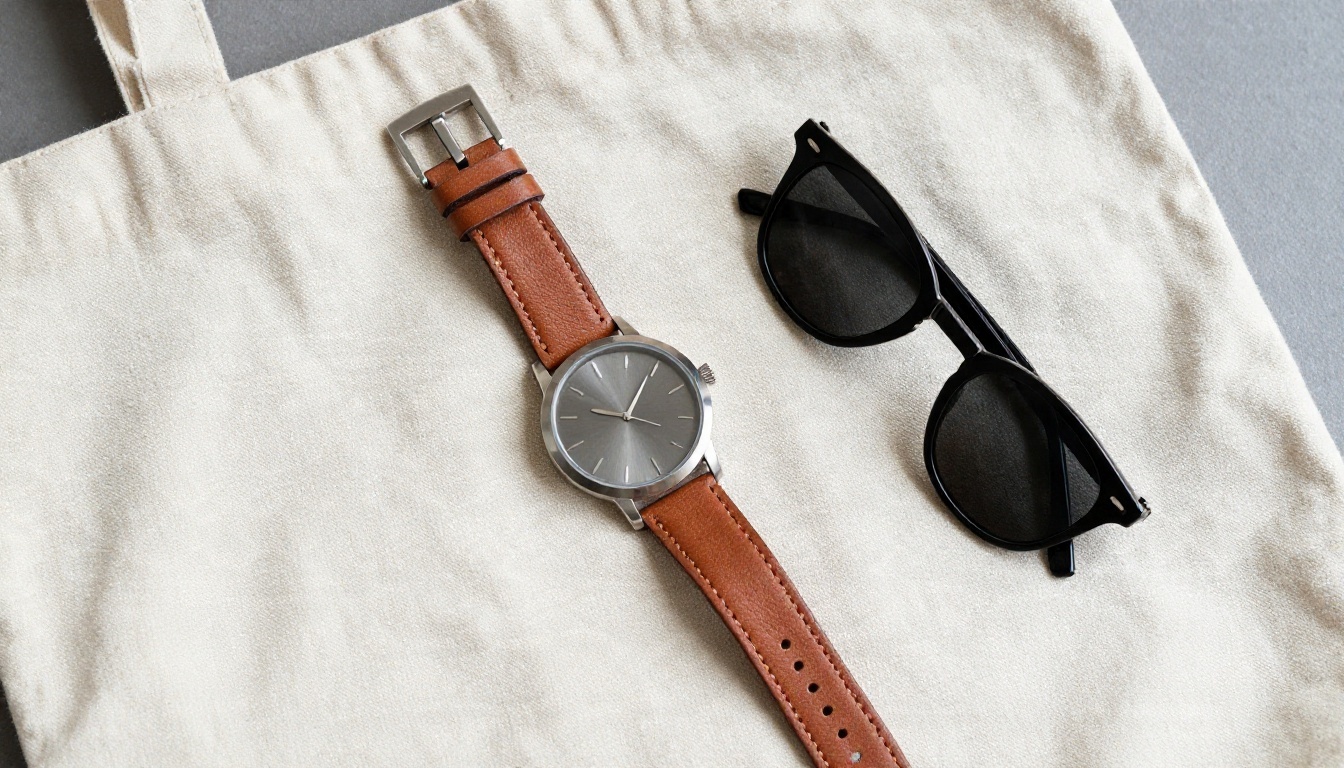
Products punish sloppy detail. Look at stitching, watch faces, metal edges and the weave of cloth. Literal models usually do better here because the prompt is a list of objects and materials, not a mood.
Landscapes From Above
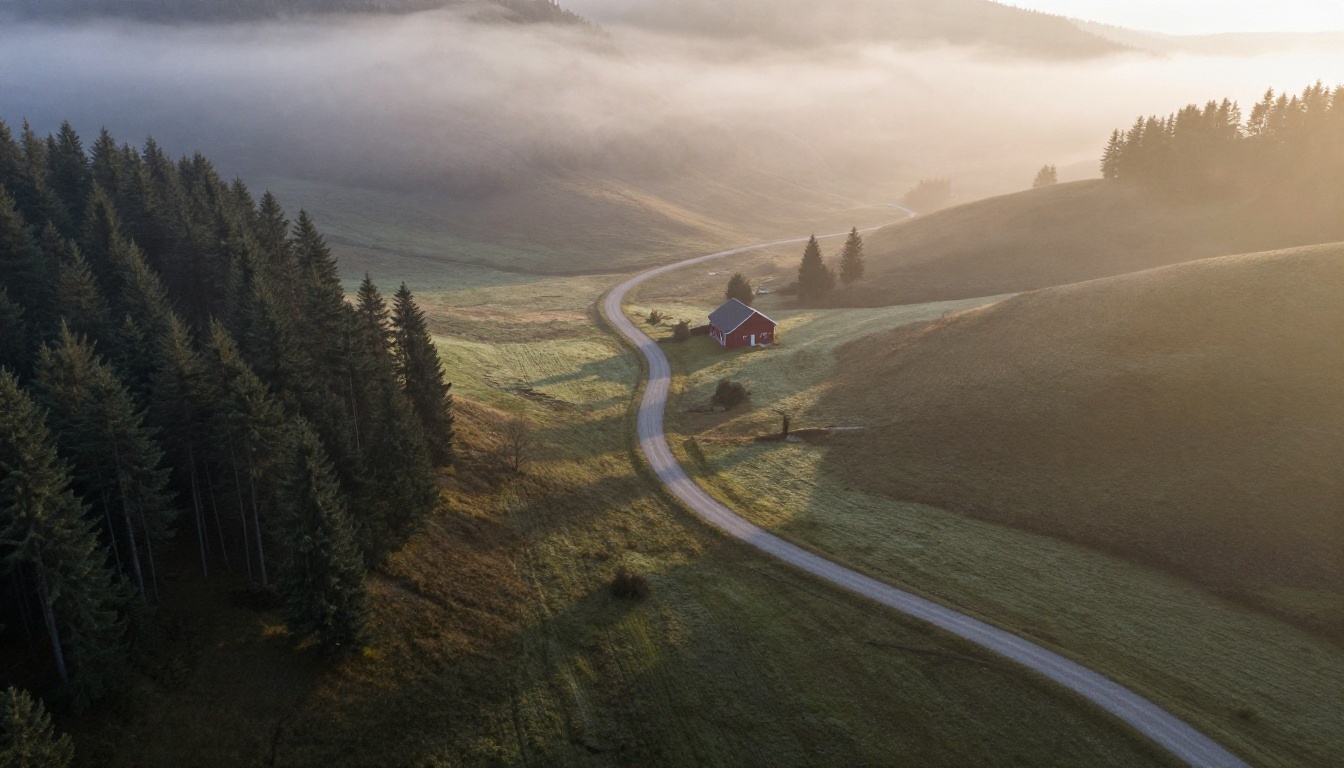
Landscapes are the great equalizer. Both models handle fog, foliage and golden light well. The difference is usually in restraint: does the valley look like a real Tuesday morning, or a calendar page?
Interiors and Food
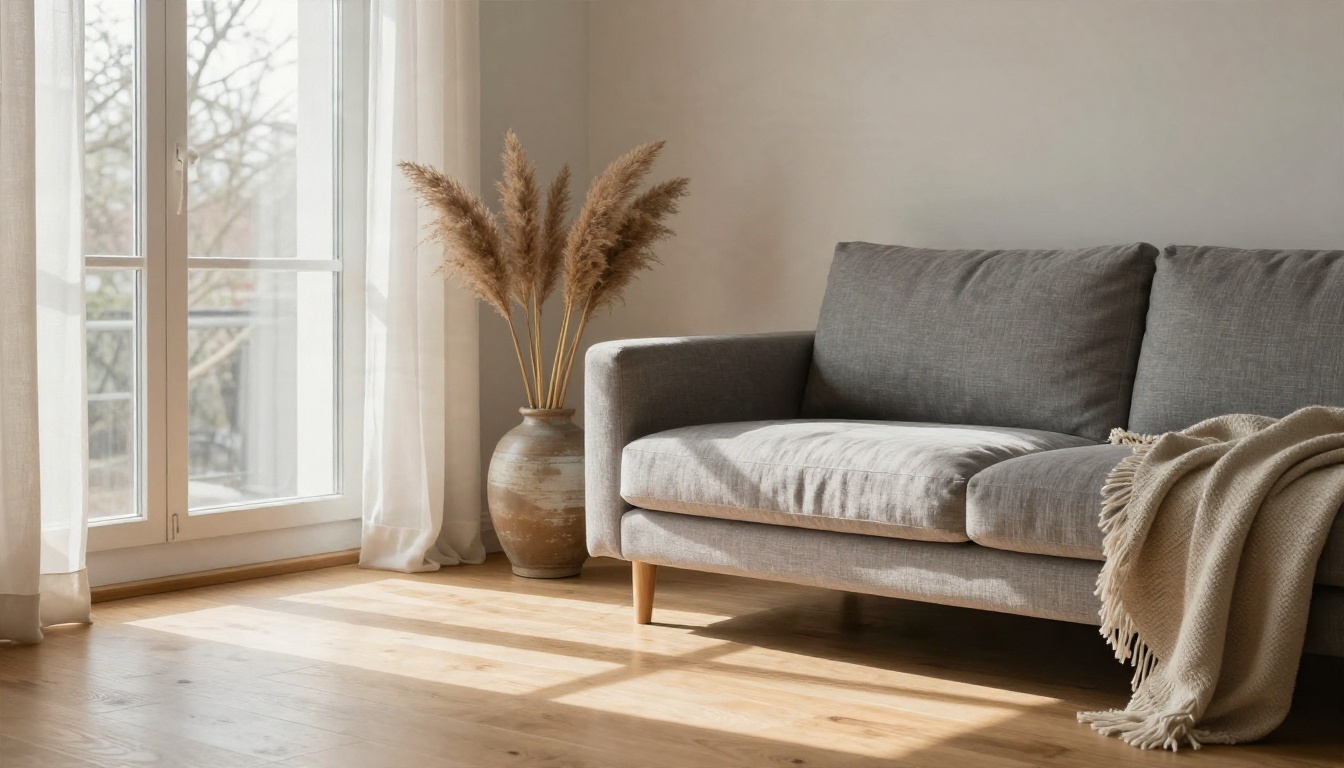
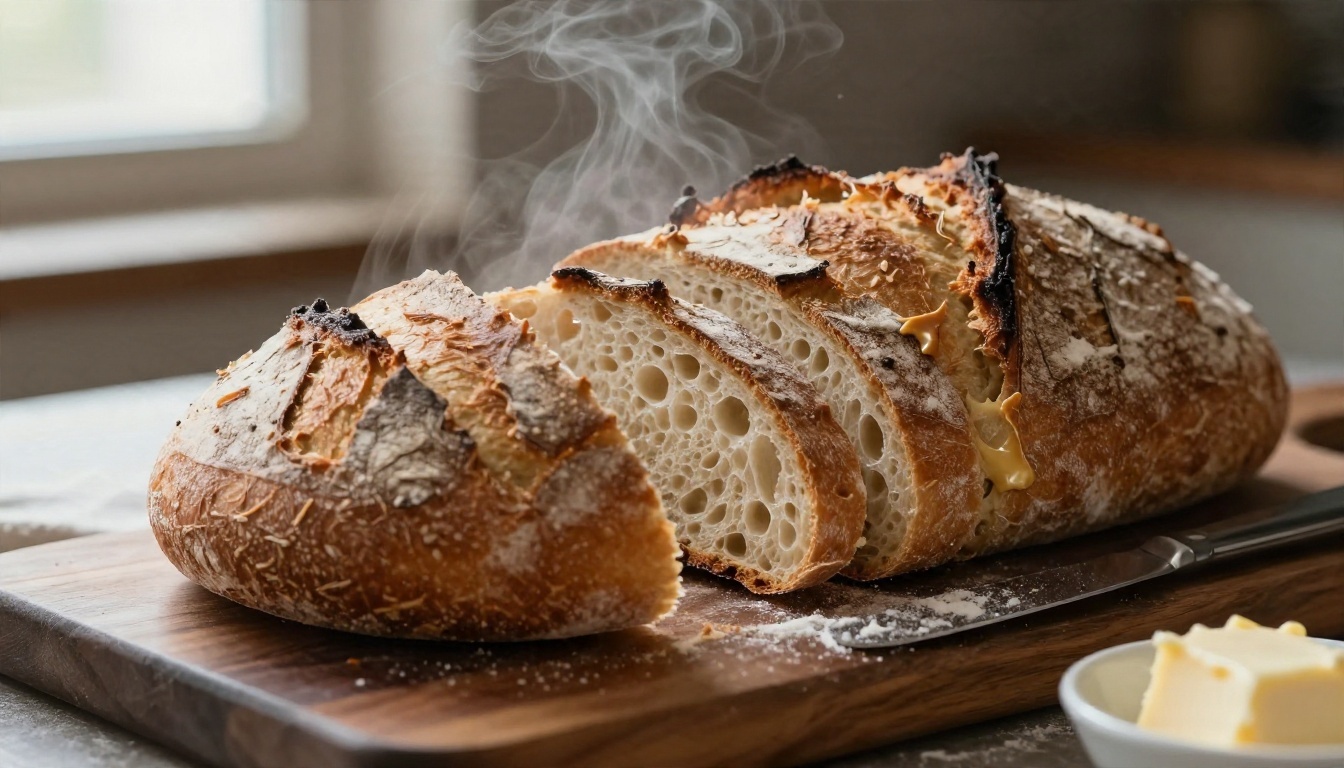
Interiors expose perspective errors. Check that vertical lines stay vertical, that furniture sits on the floor properly and that window light falls where it should. Food rewards models that handle steam, crumb structure and glossy highlights without turning everything plastic.
Hands and Candid Moments
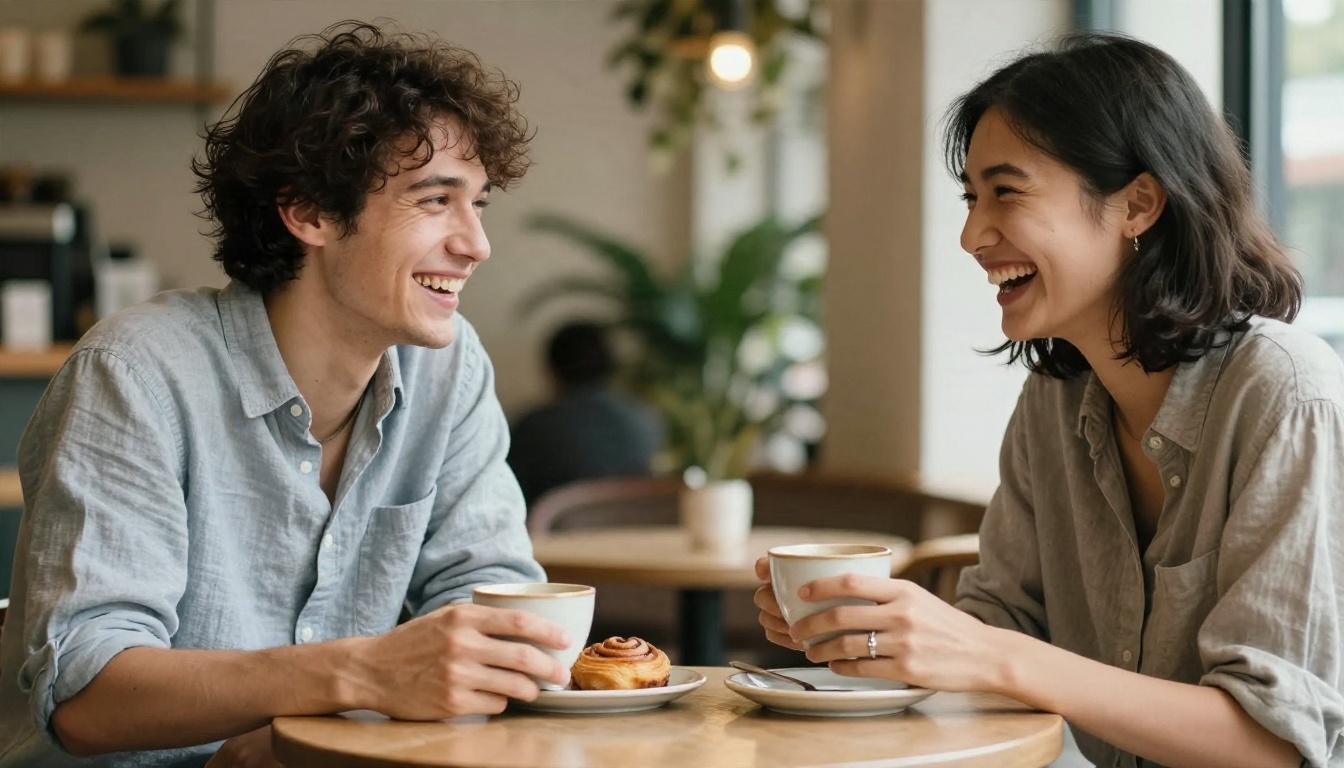
Hands, rings, cups and overlapping fingers are where weaker generators still slip. Count fingers, check that a cup is actually held and not floating, and look at whether the laughter in a face reaches the eyes.
Prompts That Work for Both
The Photographer Formula
The most reliable realism prompts read like a shot list, not a poem. Use this order:
- Subject and action: who or what, doing what
- Environment: where, with two or three concrete details
- Light: direction, quality, time of day
- Camera: lens, aperture, angle
- Texture and film: skin, fabric, grain, color science
Five Copy-Ready Prompts
Paste these into either model and compare.
1. Portrait:
Close-up portrait of a woman in her thirties with freckles and visible skin pores, wind moving a strand of auburn hair, overcast noon light from above, 100mm lens f/2.8, shallow depth of field, natural lip texture, fine film grain, Kodak Portra 400 colors
2. Street:
A man in a navy wool coat walking with a black umbrella past a lit bakery window on a rainy evening, wet cobblestones reflecting warm light, 35mm lens f/1.8, low angle, documentary photograph, fine grain
3. Product:
Overhead flat lay of a leather wristwatch, sunglasses and canvas tote on pale linen, soft window light from the left, visible stitching, 50mm lens f/5.6, natural color
4. Workshop:
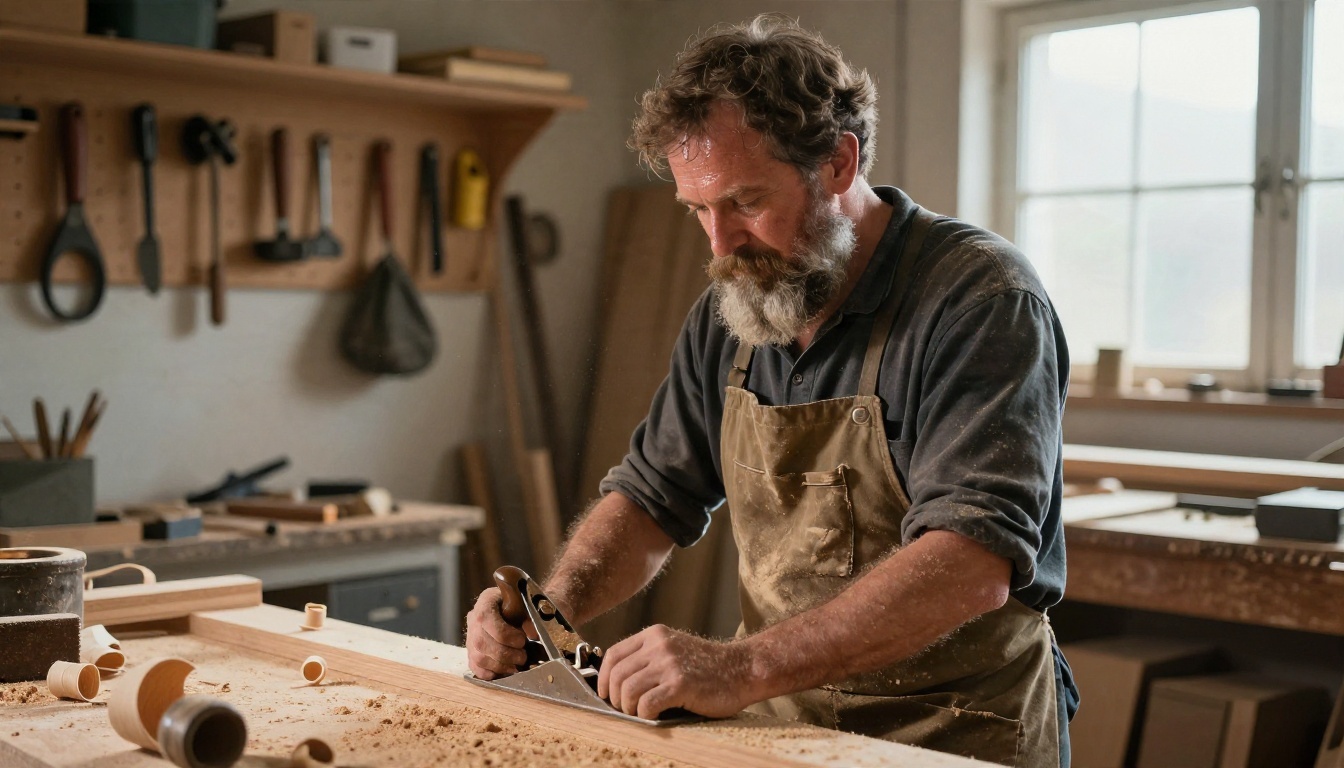
Environmental portrait of a bearded carpenter holding a hand plane, wood curls on the floor, dusty sunbeam from a high window on the right, 85mm lens f/1.8, canvas apron creases, sawdust on forearms
5. Interior:
Sunlit Scandinavian living room with oak floor and gray linen sofa, morning light from a large left window, low angle, 24mm tilt-shift lens f/8, real wood grain, fabric texture
Words That Hurt Realism
Some popular prompt words push a model away from photographs. Skip "masterpiece", "ultra HD 8K stunning", "hyperrealistic" and "perfect skin". They tend to produce the over-polished look you are trying to avoid. Replace them with real photographic facts: lens, light, weather, imperfection.
💡 Tip: add one small flaw to every prompt, such as a scuffed boot, a wrinkled sleeve or flyaway hair. Real photographs are never perfectly clean.
Free Options Worth Trying
FLUX.2 Free Routes
FLUX.2 has the more flexible free story. The smaller Klein 4B models were released with open weights under the Apache 2.0 license, which allows commercial use. The larger Klein 9B and the 32B dev model are reported to carry non-commercial terms, so check the license before using them for client work.
On PicassoIA you can run the Klein family through Flux 2 Klein 4B Base and Flux 2 Klein 9B Base LoRA, without installing anything on your own machine.
Midjourney V7 Trial Reality
Most sources describe Midjourney as paid access with no standing free tier. Trial offers have appeared and disappeared over time, so treat any free-trial claim as unverified until you see it on Midjourney's own sign-up page. If a "free Midjourney V7" site asks for a card or sells credits, it is not an official offer.
Midjourney V7 Is Not on PicassoIA
Midjourney V7 is not on PicassoIA, and this article does not suggest otherwise. If you want a similar polished, photographic look today, the next section lists four models that are on the platform.
Midjourney Alternatives on PicassoIA
Midjourney V7 is not on PicassoIA yet; for similar results today, try these text-to-image models:
Seedream 4.5 is the closest to Midjourney's flattering, editorial feel. Nano Banana Pro is a good pick when you want to edit an existing photo and not start from scratch, and its page lists free 4K generation.
💡 Tip: run one prompt through Flux 2 Pro, then the same prompt through Seedream 4.5. You will see the "documentary versus polished" split yourself in about two minutes.
How to Use Flux 2 Pro on PicassoIA
Flux 2 Pro is the quickest way to test the FLUX.2 side of this comparison.
Step by Step
- Open the Flux 2 Pro model page.
- Paste one of the five prompts above into the prompt field.
- Choose a 16:9 aspect ratio for landscapes and interiors, or a portrait ratio for faces.
- Generate, then zoom to 100 percent and check skin, hands and edges.
- Change one thing only, such as the lens or the light direction, and generate again.
Parameter Tips
- Be literal: FLUX.2 follows named objects closely, so list the three details that matter most.
- Name the light: "soft window light from the left" beats "beautiful lighting."
- Use a photo input when you have one: the model page supports starting from a photo, which helps when you want to keep a face or product layout.
- Keep a seed or a note when a result works, so you can repeat it.
Run Your Own Realism Test
The fairest comparison is the one you run yourself. Pick the five prompts above, run each through two models, and score the results on skin, hands, light and background. Ten minutes will tell you more than any ranking.
Start with Flux 2 Pro for documentary realism, add Seedream 4.5 for a polished editorial look, and keep the winner for your project. Browse every available model at picassoia.com/en/all-models and make your own photographs on PicassoIA today.


