Flux 3 Klein landed in mid October 2026, and within days the same question filled every forum thread: can it do adult glamour work, and how far do the filters let you go? The honest answer has layers. The weights are open, the model is small enough for a gaming PC, and it takes direction well. But what you actually get depends on where you run it, which checkpoint you load and how you write the prompt. This article gives you the prompt formulas, the settings, the LoRA advice and the free online options, all focused on suggestive, tasteful, non-explicit imagery of adults: bikinis, boudoir, lingerie style editorials, evening wear and beach shoots.
One thing first, because it saves you time. Flux 3 Klein is not on PicassoIA. I will say that again where it matters, and I will point you to the models that are on PicassoIA and deliver the same kind of photographic results today, with an uncensored workflow and no hardware to buy.
What Flux 3 Klein Actually Is
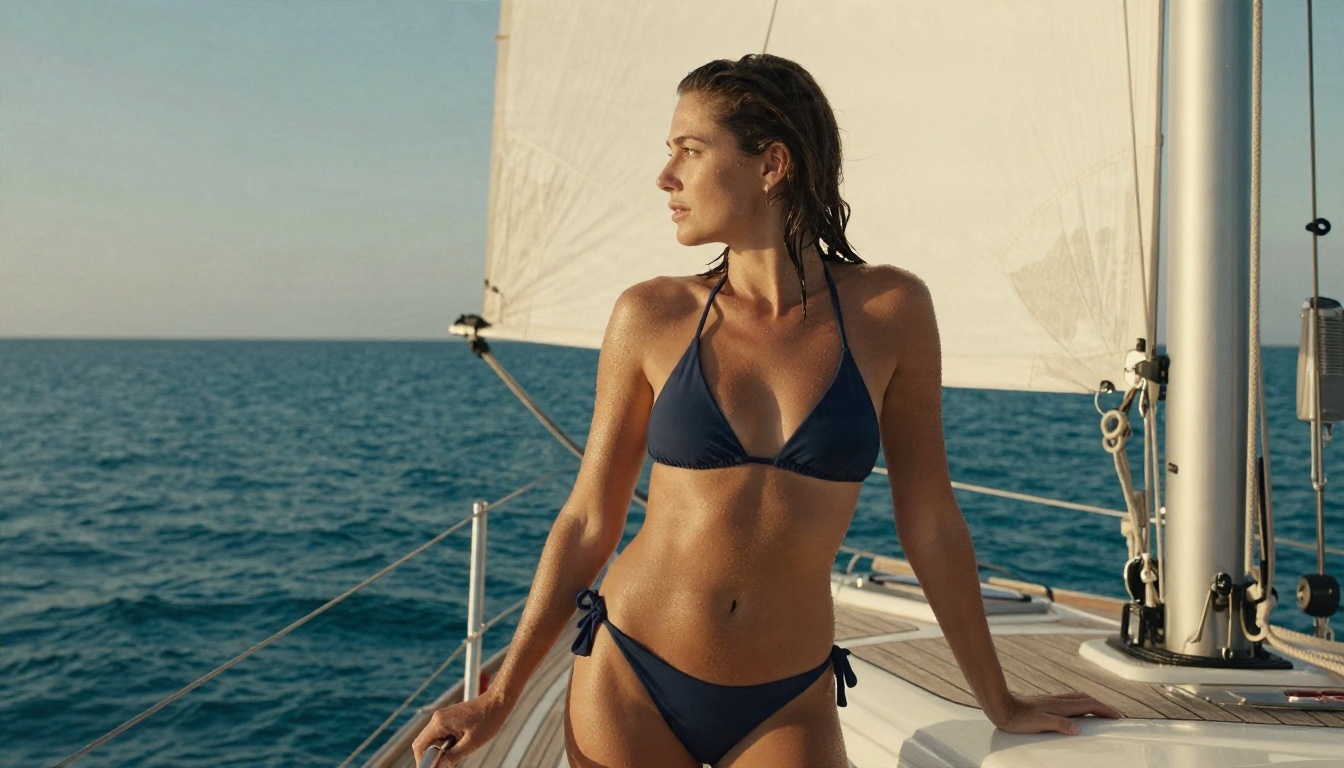
Black Forest Labs released FLUX 3 Image Klein on October 15, 2026. It is the small, fast member of the FLUX 3 family, which the company first unveiled on July 23, 2026 as a multimodal model that learns from images, video and audio together. Klein is the image side of that story, trimmed for local use.
The specs that matter
| Spec | What was reported |
|---|
| Size | 5.6 billion parameters |
| Weights | Open weights for local deployment |
| Tasks | Text to image, image editing, multi reference generation |
| References | Up to 10 reference images in one run |
| Resolution | Native output up to 4K |
| Hardware | Quantized builds run on consumer GPUs with about 8GB of VRAM |
| API price | From about $0.009 per image at 1K output |
Performance claims come from the lab's own internal evaluations, so treat them as marketing until independent tests arrive. In day to day use, the part people care about is simple: it is fast, it follows long prompts, and it holds skin texture well when you ask for photographic detail.
Where it stands on PicassoIA
It does not have a page there yet. For similar results today, the strongest picks are Seedream 4.5, PicassoIA Image Editor Pro, Z Image Turbo and Flux 2 Klein 9B Base LoRA. I cover each one below.
Is Flux 3 Klein Really Uncensored?
Short version: "uncensored" is a property of the setup, not only the model. Three things decide what you get.
- The weights. Open weights can be run locally with no server side moderation. Whether Klein's own training makes it hesitant on adult themes is something I could not confirm from announcements, so test it with your own prompts instead of trusting a forum claim.
- The host. The same model behaves very differently through an official API, a free web demo or your own ComfyUI install. Hosted services add their own filters on top.
- The checkpoint. Community fine tunes and LoRA files shift behavior a lot. That is why LoRA is half the title of this article.
💡 Tip: If a site promises "unlimited uncensored Flux 3 Klein" with no sign up and no GPU, be skeptical. Many of those pages are thin wrappers that quietly swap in a different model.
The rules that never change
Keep everything on the right side of the line: adults only, fictional characters only, no real person's likeness without consent, and nothing explicit. Everything in this article, including every example image, sticks to glamour and fashion photography. That is also the sweet spot where these models look best.
Prompts That Work for Glamour
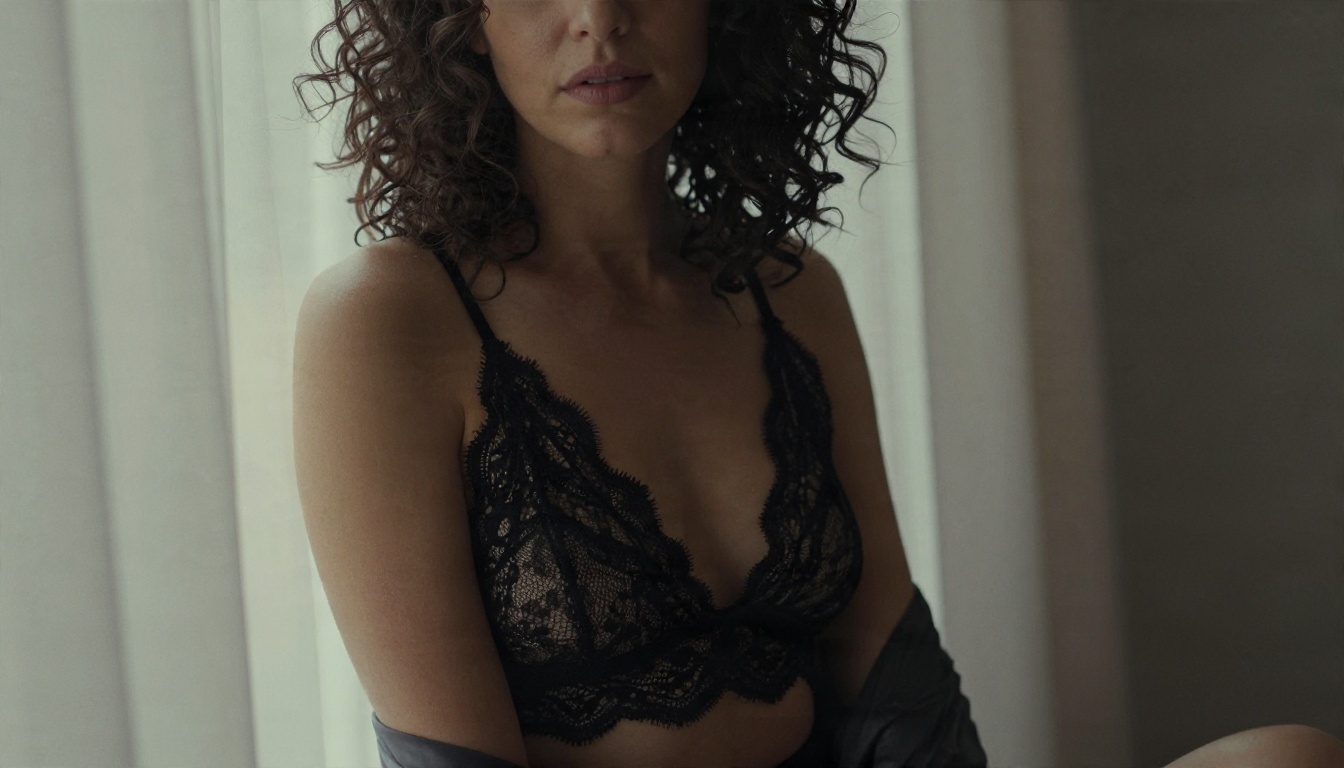
Klein style models respond to prompts written like a photographer's shot list, not like a pile of tags. Natural language beats comma soup, and the order matters: subject, outfit, setting, light, lens, texture.
The six part formula
[Subject and pose] + [outfit] + [setting] + [light direction] + [camera and lens] + [skin and fabric texture]
Here is a prompt built that way, the kind that produced the boudoir portrait above:
Close-up boudoir portrait of an adult woman with dark curly hair wearing a black lace bralette and an open silk robe, seated by a tall window with sheer curtains, soft diffused window light from the left, chin slightly lowered, eyes looking into the lens, visible skin pores and fine lace texture, 85mm f/1.4 shallow depth of field, muted bedroom background in warm greys, subtle film grain.
Words that raise realism
- Lens language: 35mm for environmental shots, 85mm f/1.4 for portraits, 24mm for wide beach scenes.
- Light direction: "soft window light from the left", "rim light from a low sun behind", "hard side light with deep shadows".
- Texture cues: "visible pores", "peach fuzz", "water droplets on skin", "satin sheen with folds", "lace weave".
- Film stock: "Kodak Portra 400" and "light film grain" pull the color toward natural skin tones.
Words that cause trouble
Avoid stacking quality tags like "masterpiece, 8k, ultra detailed, perfect" five times. Small models can over bake the image, smooth the skin and make everything look like plastic. One clear mention of photographic texture does more than ten hype words.
Prompt ideas by mood
| Mood | Outfit | Setting | Light |
|---|
| Boudoir | Lace bralette, silk robe | Bedroom by a window | Soft window light |
| Beach | String bikini | Empty beach at sunrise | Backlit low sun |
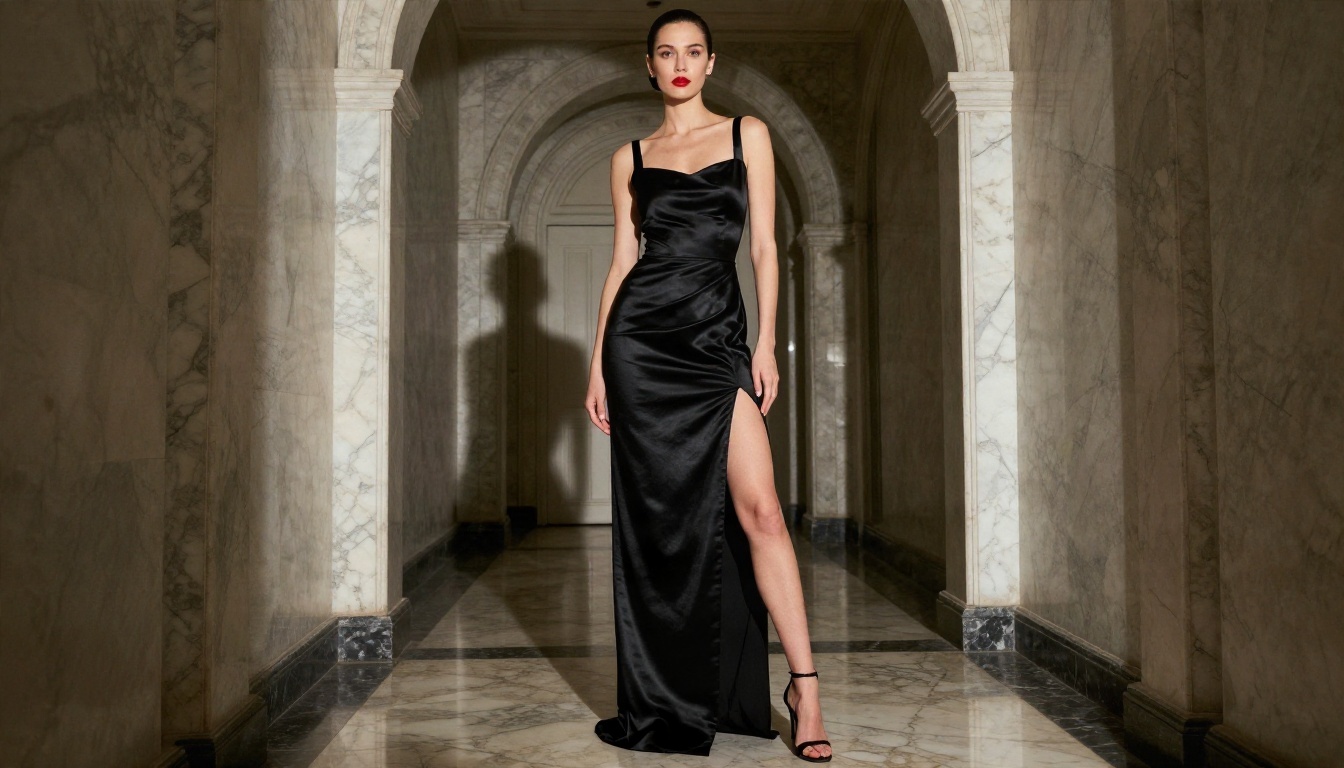
| Evening | Satin gown with leg slit | Marble hallway | Hard side light |
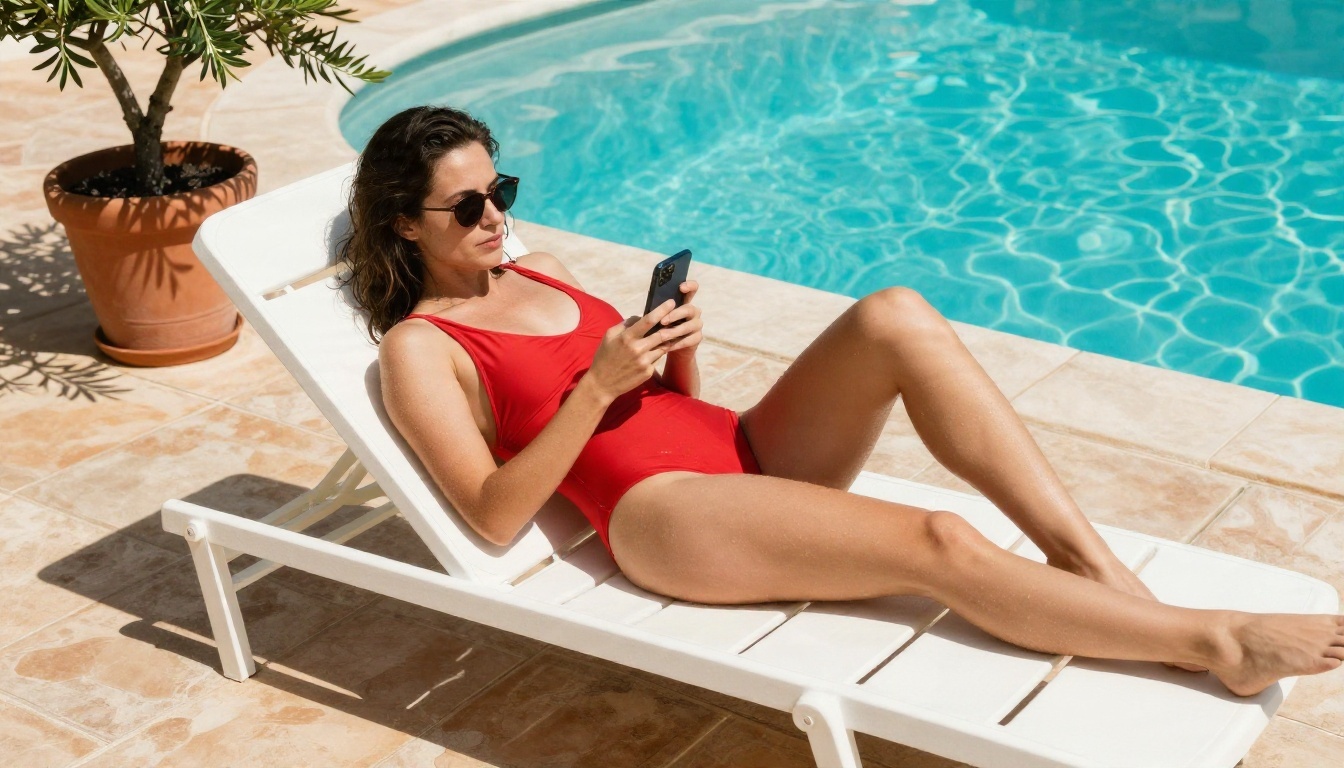
| Poolside | One piece swimsuit | Villa pool, midday | Overhead sun |
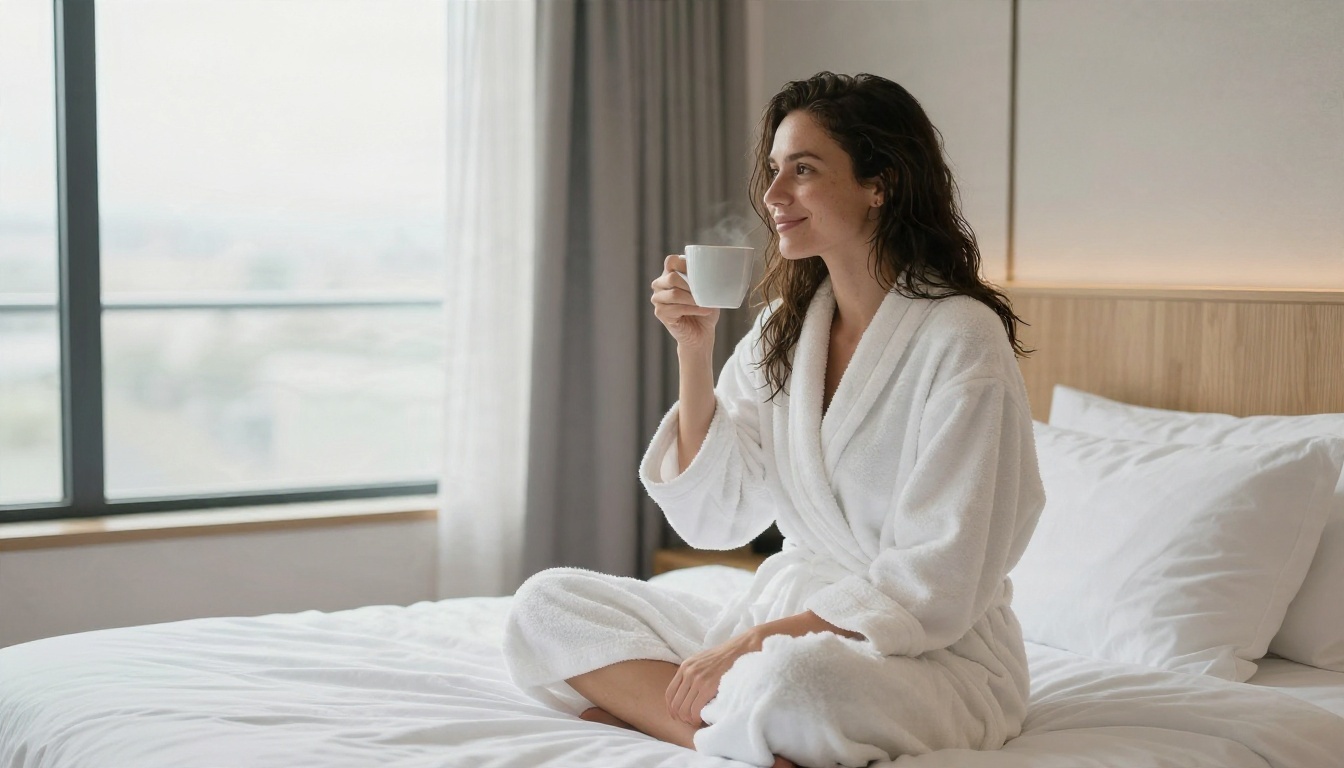
| Morning | Terry bathrobe | Hotel suite | Overcast daylight |
Best Settings for Flux 3 Klein
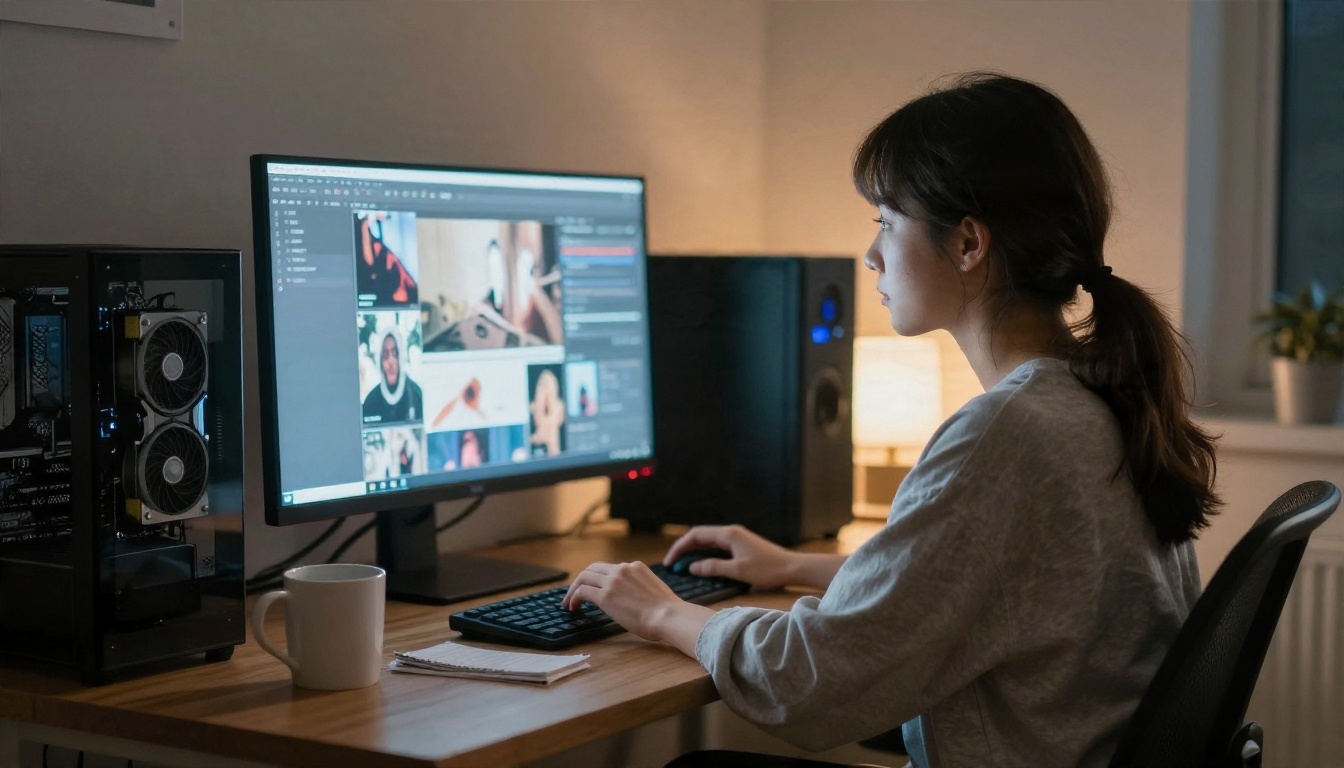
Official numbers are still settling, and community presets change weekly. Treat the values below as a starting range, then adjust by eye. They follow how distilled, few step models of this size usually behave.
Sampler, steps and guidance
| Setting | Starting range | Notes |
|---|
| Steps | 4 to 8 for the distilled build | More steps rarely help on a fast model |
| Guidance | Low, near the default | High values burn skin and add contrast |
| Resolution | 1024 to 2048 on the long side | 4K is possible, but upscale after for speed |
| Aspect ratio | 16:9 for scenes, 3:4 for portraits | Match the final use |
| Seed | Fix it while you tweak a prompt | Change one variable at a time |
| Batch | 4 images per prompt | Pick the best, discard the rest |
Hardware reality check
With a quantized build you can work on an 8GB card, but expect slower runs and some trade offs in fine detail. A 12GB to 16GB card feels comfortable. If you do not own that hardware, the cloud options below are a better use of your evening than fighting out of memory errors.
💡 Tip: Generate at 1K to 2K, pick your favorite, then run it through a super resolution model. It is faster than rendering every draft at 4K.
Use reference images wisely
Klein accepts up to 10 reference images. For consistent characters, feed two or three clean, well lit references of the same fictional character instead of ten mixed ones. Too many references blur identity and clothing details together.
LoRA for Flux 3 Klein
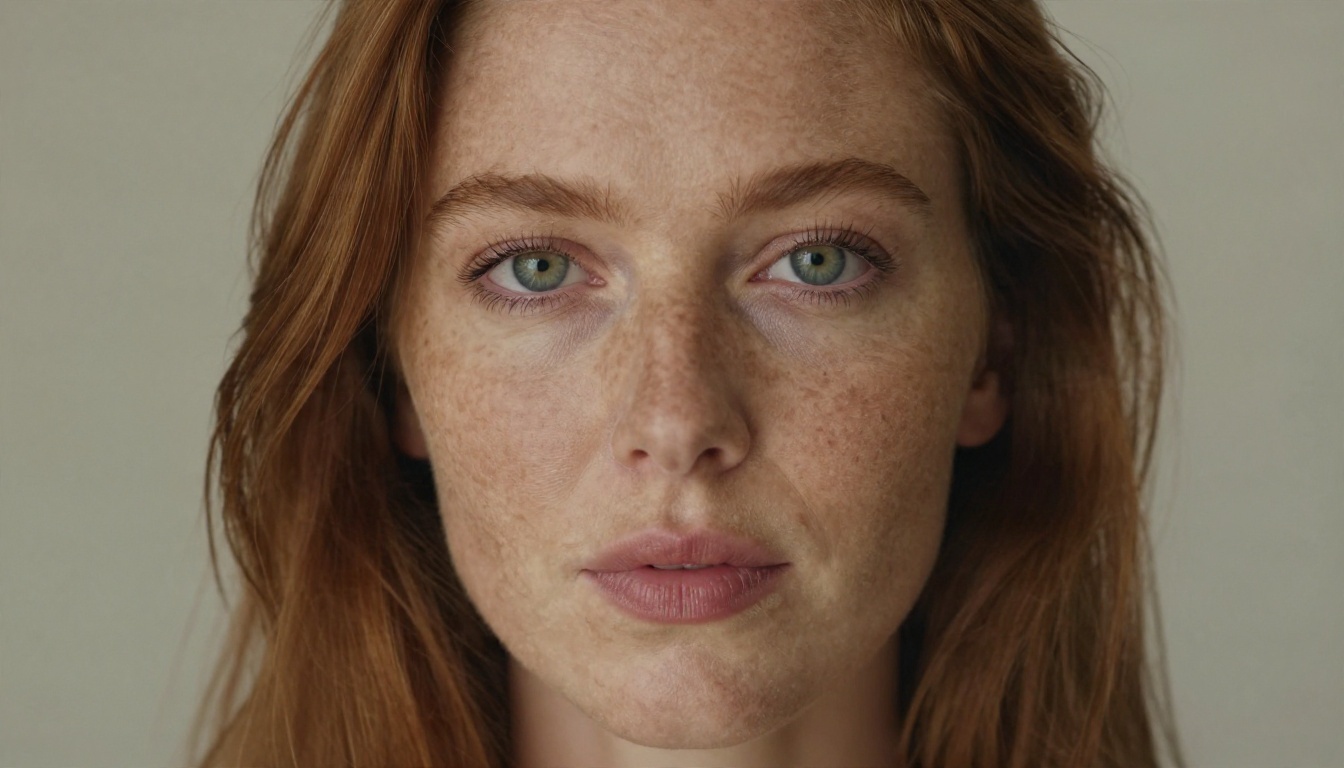
A LoRA is a small add on file that nudges a base model toward a look, a character or a style. For glamour work it is the difference between "nice photo" and "my own recognizable aesthetic".
What a LoRA can do for you
- Lock a fictional character across dozens of images.
- Push the look toward film photography, editorial lighting or a specific skin tone range.
- Improve outfit and fabric accuracy for lingerie, swimwear or evening wear.
- Reduce the "AI face" sameness that base models drift toward.
Strength and trigger words
Start at a LoRA strength of 0.6 to 0.8. Above 1.0, faces warp and textures get crunchy. Always use the trigger word the creator lists, once, early in the prompt. If two LoRAs fight each other, drop the weaker one to 0.4 instead of removing it.
Training your own, responsibly
If you train a LoRA, use photos you own or that were made by you or a model you work with under written consent, 15 to 30 clean images, varied angles and lighting, no sunglasses or heavy filters. Never train on a real person without their permission. Fictional characters made by you are the safe route.
LoRA options on PicassoIA
You do not need a local GPU to use LoRA either. Flux 2 Klein 9B Base LoRA and Flux 2 Klein 4B Base LoRA are built for styled output with LoRA files, and Flux Dev LoRA has a long track record for custom looks. These belong to the earlier Flux 2 Klein and Flux Dev families, not Flux 3 Klein, but the workflow is the same and the results are strong.
Free Online Options
"Free" comes in three flavors, and they are not equal.
| Route | Cost | Catch |
|---|
| Run locally | Free after hardware | Needs a decent GPU and setup time |
| Official API | About $0.009 per 1K image | Pay per image, and provider filters apply |
| Free web demos | Free | Queues, limits, watermarks, hidden filters |
| PicassoIA models | Free to start | Different models from Klein, but photorealistic |
Why web demos disappoint
Free demos tend to cap daily runs, strip your prompt of anything borderline, and shrink the resolution. You end up burning an hour for four soft images.
Why PicassoIA is the practical route
Since Flux 3 Klein is not there, the question becomes which models give you the closest result without a hardware project. That is where the next section comes in.
How to Get Similar Results on PicassoIA
Seedream 4.5 is the first model to try. It produces sharp 2K and 4K photographic images from a plain prompt, and it handles skin, fabric and lighting very well. It also exposes a Disable Safety Checker option, which relaxes input moderation so that only illegal content is blocked. Use that responsibly and keep your work tasteful.
Step by step with Seedream 4.5
- Open the Seedream 4.5 page and sign in.
- Paste a prompt built with the six part formula from earlier.
- Set size to 2K for drafts and 4K for finals.
- Set aspect ratio to 16:9 for scenes or 3:4 for portraits. Use match input image if you upload a reference.
- Toggle Disable Safety Checker if your glamour prompt gets blocked.
- Turn sequential image generation to auto and raise max images to get a batch of related shots, up to 15.
- Add 1 to 14 reference images through image input if you want consistent clothing or a consistent fictional character.
Parameter tips
- Prompt length: up to 4,000 characters, so write the full shot list.
- Batches: use auto mode for "same woman, five outfits" style sets.
- References: two or three clean images beat a dozen noisy ones.
Edit and refine with Image Editor Pro
When the draft is close but not perfect, open PicassoIA Image Editor Pro. It offers unlimited generations, which makes it ideal for iteration: change the swimsuit color, soften the shadows, fix a background, swap the lighting. Describe the edit in plain words and run it as many times as you need.
A fast option for volume
Z Image Turbo is the pick when speed matters. It makes sharp images in seconds, so it works well for testing 20 prompt variations before you commit to one.
Common Mistakes to Avoid
Over prompting
Long is good, noisy is not. If your prompt reads like a spam folder, trim it. Keep one subject, one outfit, one light source.
Ignoring hands
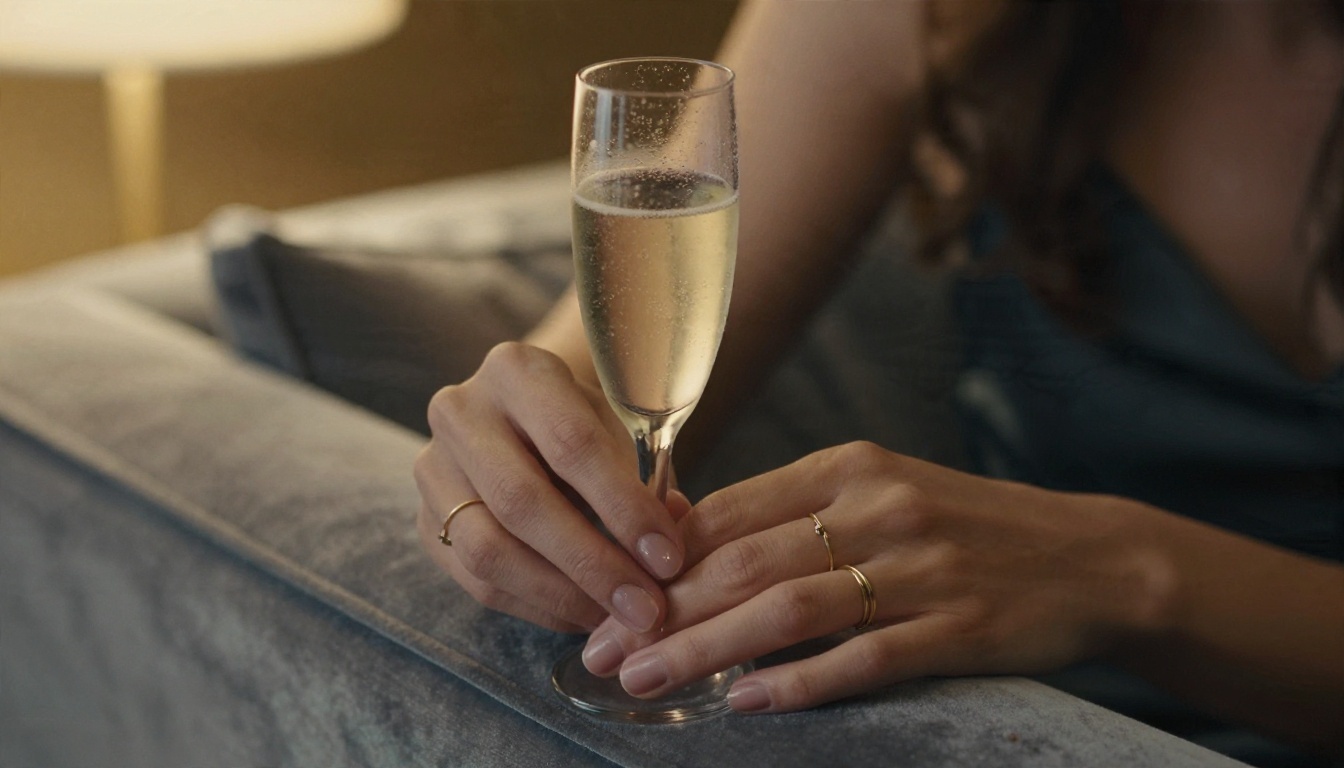
Hands are still the weak spot of most image models. Give them a simple job, like holding a glass or resting on a collarbone. Avoid prompts that ask for ten interlaced fingers.
Cranking guidance
High guidance gives crunchy contrast and orange skin. Stay near the default and let the lighting words do the work.
Skipping the upscale
A 1K draft looks fine on a phone and soft on a monitor. Run your best picks through a super resolution model before posting.
Mixing too many LoRAs
Two is the practical limit. Three or more and faces drift, fabric textures break and the prompt loses control.
Other Models Worth Trying
Different models have different strengths, so it pays to test a few with the same prompt.
| Model | Best for | Link |
|---|
| Seedream 4.5 | Sharp 4K glamour and fashion | Open |
| Image Editor Pro | Unlimited edits and iteration | Open |
| Z Image Turbo | Fast drafts in seconds | Open |
| Flux 2 Klein 9B Base LoRA | Styled output with LoRA files | Open |
| Qwen Image 3 | Photorealistic scenes with strong prompt following | Open |
| Hunyuan Image 3 | Detailed images with natural light | Open |
💡 Tip: Keep one test prompt and run it across three models. In five minutes you will know which one fits your taste.
If you want the full list of what is available, browse picassoia.com/en/all-models.
Try Your Own Shoot Today
You do not have to wait for Flux 3 Klein to show up anywhere, and you do not need an 8GB card and a free weekend. Take the prompt formula from this article, paste it into Seedream 4.5, and generate your first image in under a minute. Then bring the best one into PicassoIA Image Editor Pro and keep refining with unlimited generations until the light, the outfit and the mood match what you pictured.
Start with a simple beach or boudoir idea, change one thing per run, and save the prompts that work. In an afternoon you will have your own library of photographic looks, no queue and no hardware headaches. Open PicassoIA, pick a model from the full model list and make your first image now.


