Search for Flux 3 Max and you will find a lot of confident claims and very few facts. Some pages promise free credits, others list per-second video rates, and a few quote image prices that do not match each other. I went through what is actually reported, separated the solid facts from the guesses, and put the result into one place. If you want to know whether you can use it for free, what to expect from its images, how the API works and what it costs, start here.
The short version: Flux 3 Max is a Black Forest Labs name that shows up mostly in third-party listings, and I could not confirm an official public release with published pricing. That does not make it useless to read about, because the Flux 3 family is real and its pricing patterns tell you a lot. It also means you should plan around models you can open today.
💡 Quick answer: No confirmed free tier, API access reported through hosting partners, and no official Max price I could verify. For similar photoreal results right now, use Flux 2 Max, Flux 2 Pro or Seedream 4.5 on PicassoIA.
What Flux 3 Max Actually Is

Black Forest Labs built its reputation on the Flux line of image models, and the Flux 3 generation extended that line into both stills and video. Within that generation, names like Image, Klein and Max appear in different places. Max, in the Flux naming habit, usually signals the top quality tier, the one that trades speed and cost for detail and prompt accuracy.
What's Confirmed So Far
Here is what I could verify from the research, in my own words:
- A Flux 3 Image model exists, with per-image API rates reported between roughly $0.041 and $0.607 depending on output resolution.
- A smaller Klein variant exists, with reported rates between about $0.008 and $0.036 per image.
- One hosting listing shows a Flux 3 Max video endpoint at about $0.17 per second on a pay-as-you-go basis.
- Black Forest Labs does not publish a public price sheet for its Flux 3 video product, and points buyers toward sales contact.
What's Still Unclear
Several things remain open, and anyone who tells you otherwise is guessing:
- Whether Flux 3 Max is an official Black Forest Labs product name for stills, for video, or for both.
- Whether it has its own public model ID and documentation.
- Whether any free quota exists.
- What the real per-image price is at 1K, 2K and 4K.
Early reports from mid 2026 said there was no public Flux 3 API, no published model ID and no endpoint documentation, with video access handed out individually by application. Later reports list image prices, so the situation has clearly moved, but the Max tier is thinly documented.
| Question | Status |
|---|
| Official free tier | Not confirmed |
| API access | Reported via hosting partners |
| Image pricing for Max | Not verified |
| Video pricing for Max | One partner rate, about $0.17 per second |
| Available on PicassoIA | No, not yet |
⚠️ Plain note: Flux 3 Max is not on PicassoIA yet. PicassoIA does host a separate Flux 3 text-to-video model, but that is a different model from Flux 3 Max.
Free Access: What's Realistic
Everyone wants the free route first, so let me be direct about it.
Why No Confirmed Free Tier
Top-tier image models are expensive to run. A Max-class model pushes high resolution with long sampling, which costs real GPU time per image. That is why almost every model at this level is pay per image or pay per second rather than free. Pages that advertise "free Flux 3 Max" are usually one of three things: a trial credit that runs out after a few generations, a lower tier relabeled with the Max name, or a lead-generation page with no model behind it.

Before you hand over an email address or a card, check three things:
- Does the page show the exact model name in the generation settings, not just in the headline?
- Is the credit limit stated before you sign up?
- Can you see a sample output that matches what you typed, not a stock gallery?
Free Ways to Test Similar Quality
If your goal is to see what a flagship Flux-class model can do without paying per image, the practical route is a platform where the previous generation is open to you. Flux 2 Max produces 4MP images from text and is the closest sibling you can run today. Flux 2 Klein 4B Base and Flux 2 Klein 9B Base LoRA are lighter options for quick tests and styled outputs.
💡 Tip: Run the same prompt across two or three models and compare. You will see within minutes which one handles your subject best, and that is worth more than any benchmark chart.
Image Examples to Test
I cannot show you verified Flux 3 Max outputs, because I could not confirm a public way to generate them. What I can do is show you the kind of briefs that separate a flagship model from an average one. The sample frames below were not produced by Flux 3 Max. They represent the photoreal targets worth testing on any top-tier model.
Portraits and Skin Detail
Portraits are the hardest test. A strong model gives you pores, fine freckles, flyaway hair strands and believable catchlights, without the waxy smoothing that gives AI faces away.
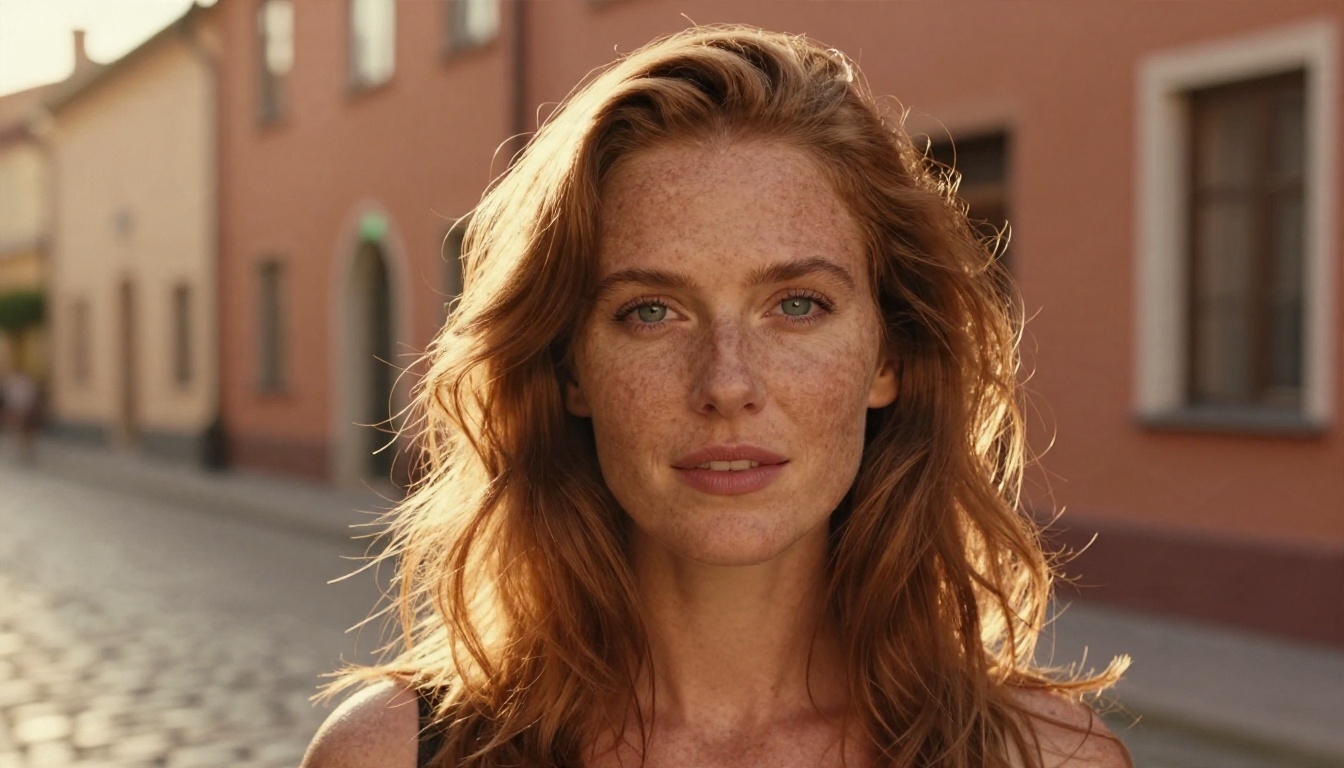
A prompt pattern that works well: subject and age range, one lighting direction, lens and aperture, film stock, one texture detail. For example: "woman in her thirties, freckles, wind-tossed hair, golden hour backlight, 85mm f/1.4, Kodak Portra 400 grain, visible skin pores."
Product Shots
Product work rewards accurate reflections, clean edges and believable materials. Glass and marble are a stress test because the reflections have to agree with the light source.
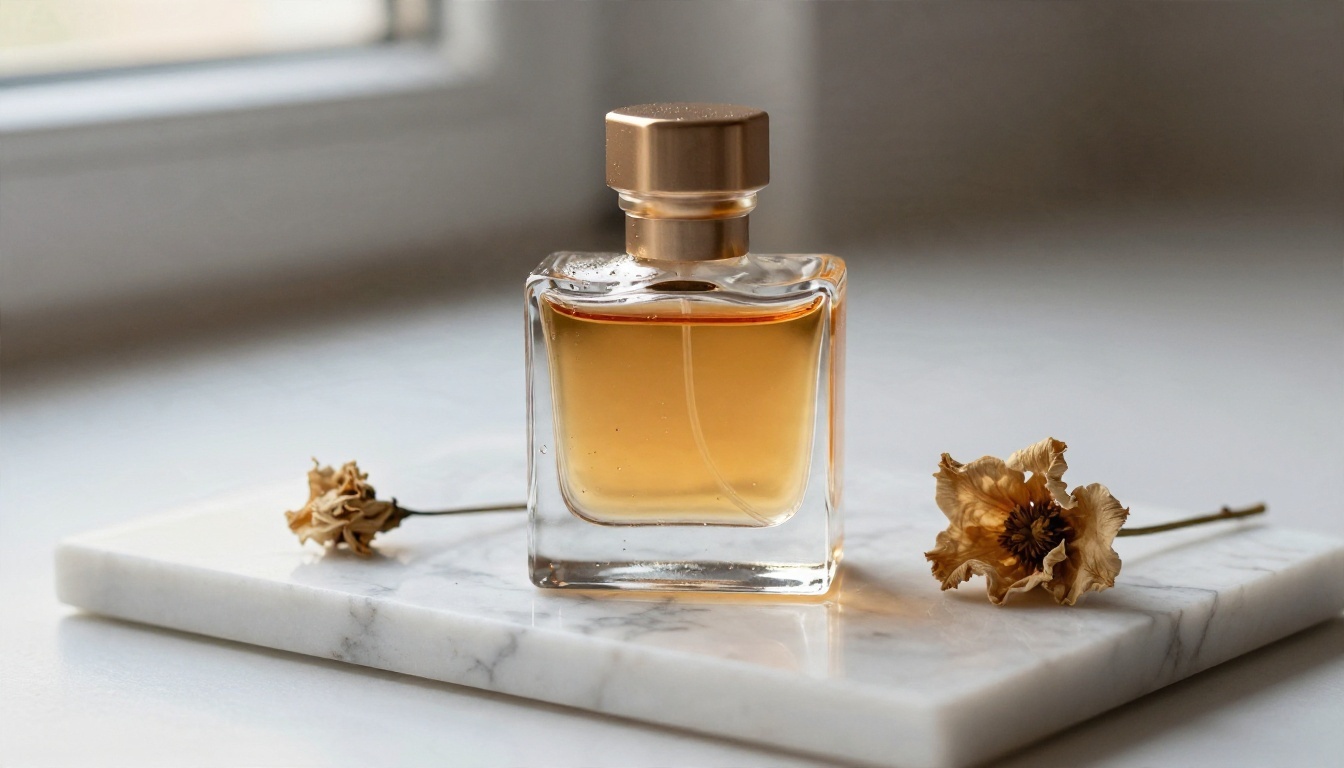
Check three things in every product output: edge cleanliness, reflection logic and material feel. If the marble looks like plastic, the model is not at flagship level for this task.
Interiors and Landscapes
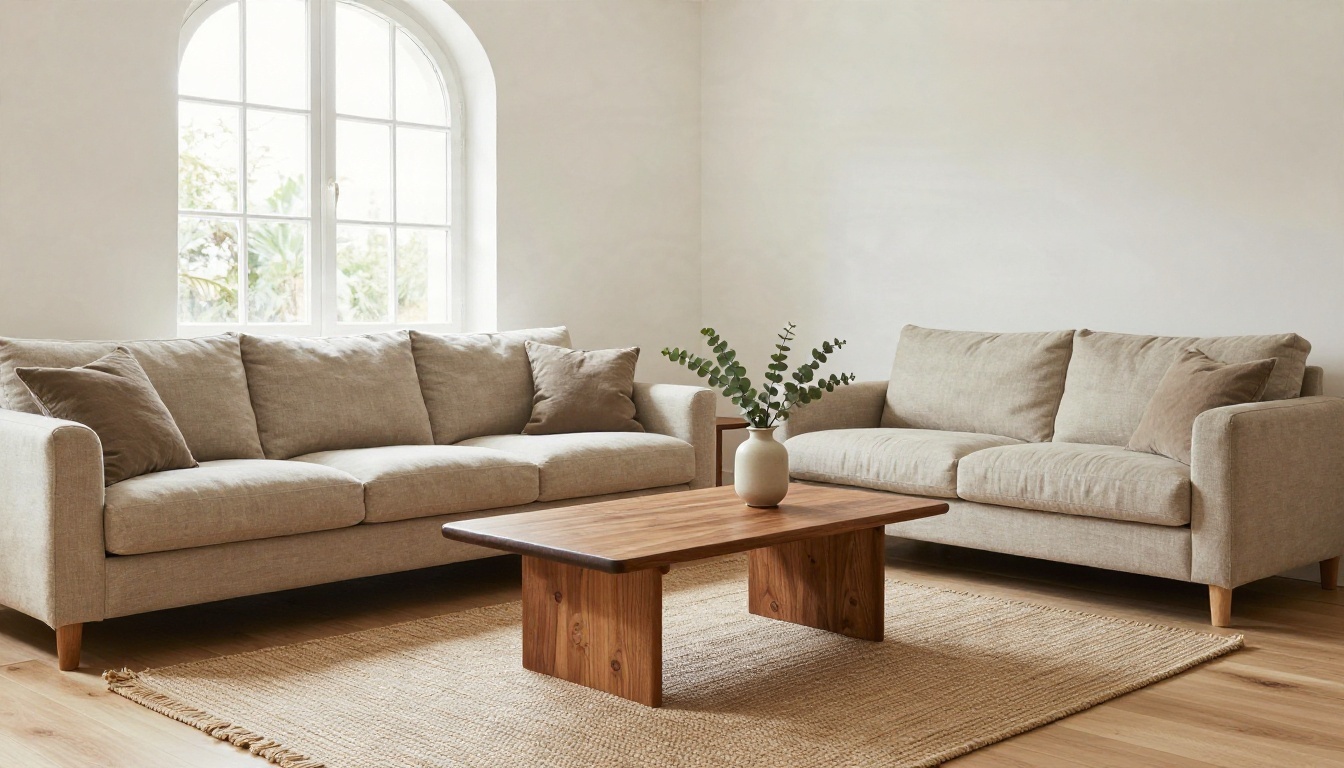
Wide scenes test coherence. Straight lines should stay straight, windows should agree with the light, and repeating patterns like floorboards should not melt.
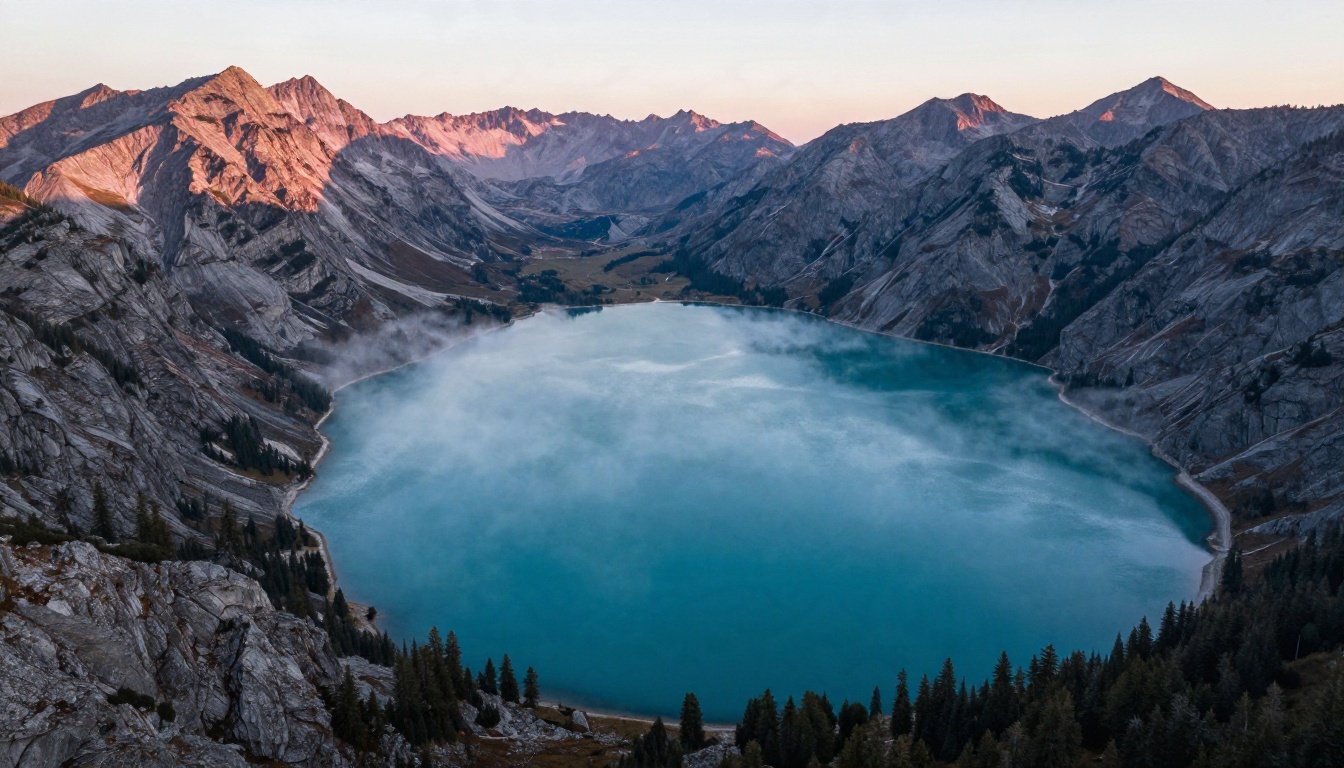
For landscapes, ask for a specific time of day and a lens length. "Dawn, 24mm, f/8" gives a far more believable result than "beautiful mountain lake."
Food and Close-Ups
Food is where texture shows up fast. Glossy oil, shaved cheese and pasta strands need sharp micro detail without looking overcooked in post.
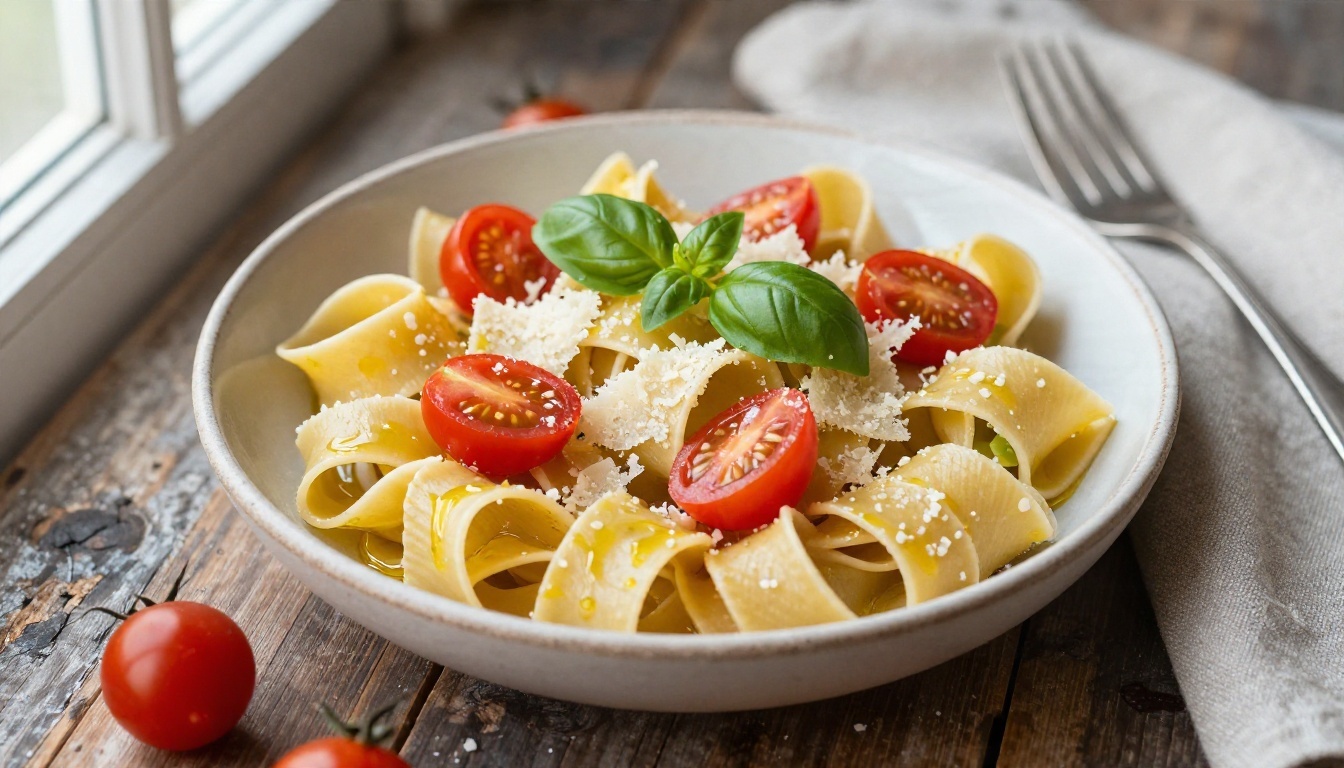
| Test scene | What to check | Common failure |
|---|
| Portrait | Skin pores, hair strands, catchlights | Waxy, over-smooth faces |
| Product | Reflections, edges, material feel | Plastic looking glass |
| Interior | Straight lines, light logic | Warped geometry |
| Landscape | Depth, atmosphere, scale | Flat, repeated textures |
| Food | Gloss, crumbs, texture | Blurry or rubbery detail |
API Access Explained
What Reports Say
The pattern so far: Black Forest Labs sells its own API for the main Flux models, and hosting partners offer the same families under their own endpoints. A listing on one of those partners shows a Flux 3 Max video endpoint on pay-as-you-go billing. For stills, the Flux 3 Image rates I found come from the Black Forest Labs API itself.
Planning an Integration
If you plan to build on a Flux 3 endpoint, do it in an order that protects your budget:
- Confirm the exact model ID in the provider's own documentation, not a third-party summary.
- Check the billing unit: per image, per megapixel or per second.
- Set a hard monthly cap before the first request goes out.
- Log every call with resolution and seed so you can reproduce winners.
- Cache results. Never regenerate an image you already paid for.
💡 Tip: Build your app so the model name is a single config value. When a better or cheaper model appears, you change one line instead of rewriting the integration.
Pricing: What the Numbers Show
Prices below come from third-party listings and pricing trackers, so treat them as a snapshot of November 2026, not a quote. Always confirm on the provider's own page before committing budget.
Per-Image Rates Reported
| Model | Reported rate per image | Notes |
|---|
| Flux 3 Image | $0.041 to $0.607 | Depends on resolution, about $0.048 at 1K |
| Flux 3 Klein | $0.008 to $0.036 | Cheapest tier, up to 4K |
| Flux 3 Max (stills) | Not verified | No reliable figure found |
The spread is wide because resolution drives cost. A 4K output uses many times the compute of a 1K output, and the price follows.
Video Rates Reported
For the Max name specifically, the only number I found is about $0.17 per second for video on a hosting partner. Black Forest Labs itself does not publish public video pricing, so this figure could shift or differ across providers.
Real Cost for a Project
Here is what those reported rates mean in practice. The math is simple multiplication, but it is worth seeing written out.
| Project | Rate used | Total |
|---|
| 100 images at 1K | $0.048 each | $4.80 |
| 1,000 images at 1K | $0.048 each | $48 |
| 100 images at the top rate | $0.607 each | $60.70 |
| 1,000 Klein images at the low rate | $0.008 each | $8 |
| One 5 second video clip | $0.17 per second | $0.85 |
| One minute of video | $0.17 per second | $10.20 |
The lesson is not that any of this is expensive. It is that iteration is what costs money. If you need ten attempts to get one usable image, multiply every number above by ten. Writing a tight prompt first saves more than any discount.
How to Get Similar Results on PicassoIA
Since Flux 3 Max is not on PicassoIA yet, the closest flagship you can run today is Flux 2 Max, a text-to-image model that produces 4MP images. Here is the workflow I would use.
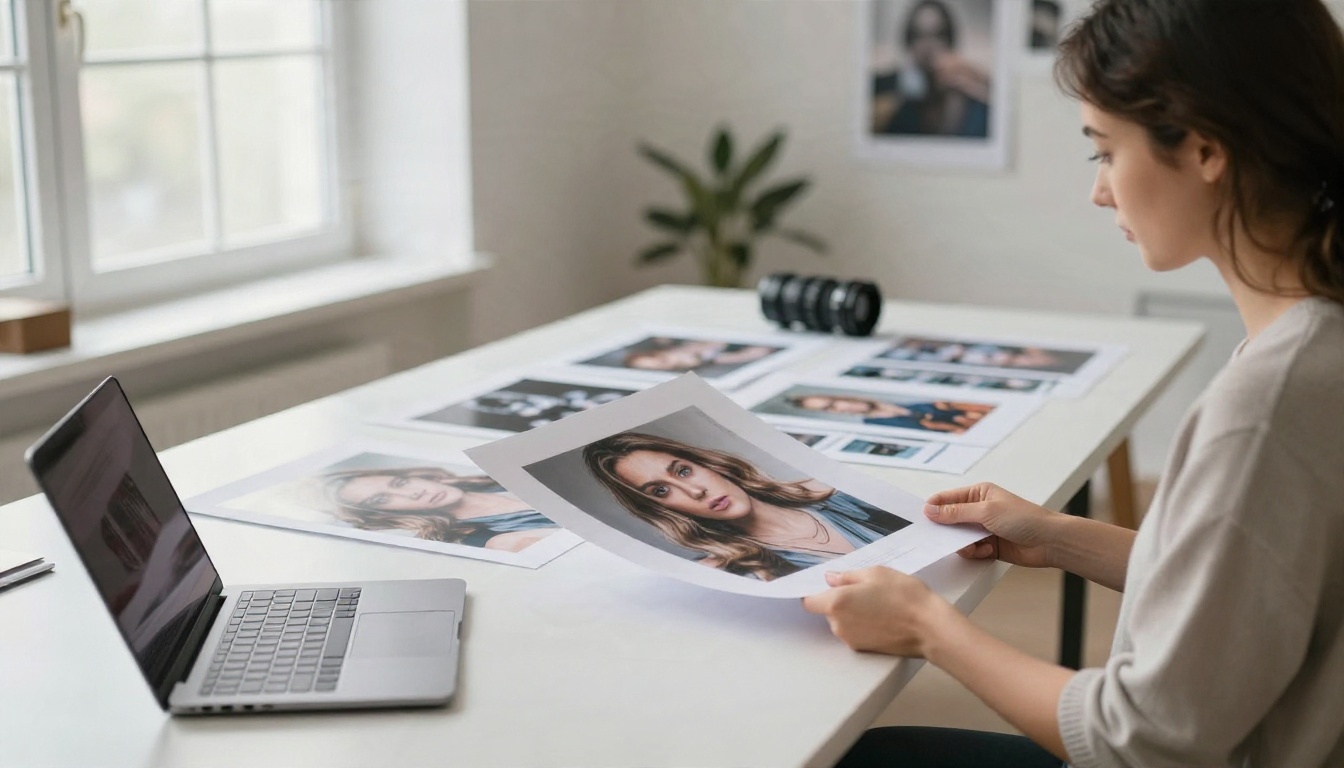
Step-by-Step
- Open the model page for Flux 2 Max on PicassoIA.
- Write your prompt with the five parts: subject, environment, lighting direction, lens and aperture, texture detail.
- Set the aspect ratio. Use 16:9 for banners and covers of articles, 4:5 for social posts, 1:1 for product tiles.
- Generate one image first. Do not queue a batch until the first result is close to what you want.
- Change one thing at a time. Adjust lighting, then lens, then subject details. That way you know what caused each change.
- Save the seed of any result you like, so you can reproduce it later.
- Upscale if needed with a super resolution model before printing or publishing at large sizes.
Prompt Tips
- Name the light source and its direction ("soft window light from the left").
- Add one material detail per object ("brushed aluminum," "linen weave," "veined marble").
- Use a real lens length, such as 35mm for interiors or 85mm for portraits.
- Keep text in images to one or two words, because long text is where most models slip.
- Describe what you want, not what to avoid. Positive detail beats long exclusion lists.
💡 Tip: If your first result looks too clean, add "subtle film grain, Kodak Portra 400." It pulls the output toward photographic realism instead of a polished render.
Alternatives Worth Trying Today
Flux 3 Max is not on PicassoIA yet; for similar results today, try these image models, all of which you can open right now:
Flux 2 Max is the nearest match in style and detail. Flux 2 Pro is the one to pick if you also want to work from existing photos. Seedream 4.5 handles crisp lighting and clean textures well, which makes it a good second opinion on portraits and products. Nano Banana Pro is a strong choice when your prompt has many specific elements that all need to appear.
If you want video as well, the PicassoIA Flux 3 text-to-video model generates clips with synced audio, so you can move a still concept into motion without leaving the platform.
💡 Tip: Build a small test set of five prompts, one each for portrait, product, interior, landscape and food. Run it on every model you consider. In under an hour you will have a ranking based on your own subjects.
Try It Yourself Today
Waiting on a model that has no confirmed public price or free tier is a poor use of your week. The better move is to pick the strongest model you can open right now and start producing. A well written prompt with a clear light source, a real lens and one honest texture detail will get you most of the way, whichever Flux generation sits behind it.
Open PicassoIA, pick Flux 2 Max, paste in one of the five-part prompts from this article and generate your first image. Then run the same prompt on Seedream 4.5 and compare. If you want to browse everything on the platform, the full list is at picassoia.com/en/all-models.
Your best result will come from experimenting, not from reading one more pricing roundup. Try a portrait, a product shot and a landscape today, and keep the seeds of the ones you love.


