Type "Flux AI porn" into a search bar and you get a wall of promises: unfiltered, no restrictions, no sign up, unlimited. Most of those promises fall apart in about five minutes. The sites are slow, the results look plastic, and a surprising number of them exist mainly to collect your email, your card details or your prompts. If you want a photorealistic adult glamour generator that actually works, it helps to know what Flux is, what its filters do, and where the real alternatives sit today.
This article is for adults who want attractive, suggestive, photographic images: swimwear shoots, boudoir editorials, silk and lace fashion, moody portraits. It does not cover explicit pornographic output, and it won't pretend that a "no restrictions" tool is safe just because it says so.
What People Mean by Flux AI Porn
Flux is a model family, not one product
Flux is a family of image models from Black forest Labs, a German company founded by former Stable Diffusion researchers. The family includes fast distilled models, open weight developer models, hosted pro models and newer compact releases. When someone searches for "Flux AI porn generator", they usually mean one of three things:
- A website that wraps a Flux model and advertises adult output.
- A local setup with open weights plus community LoRAs.
- Any photorealistic generator that is "as good as Flux" but looser about adult themes.
Those are three very different experiences, with different costs, different risks and different quality ceilings.
Why "unfiltered" gets searched so much
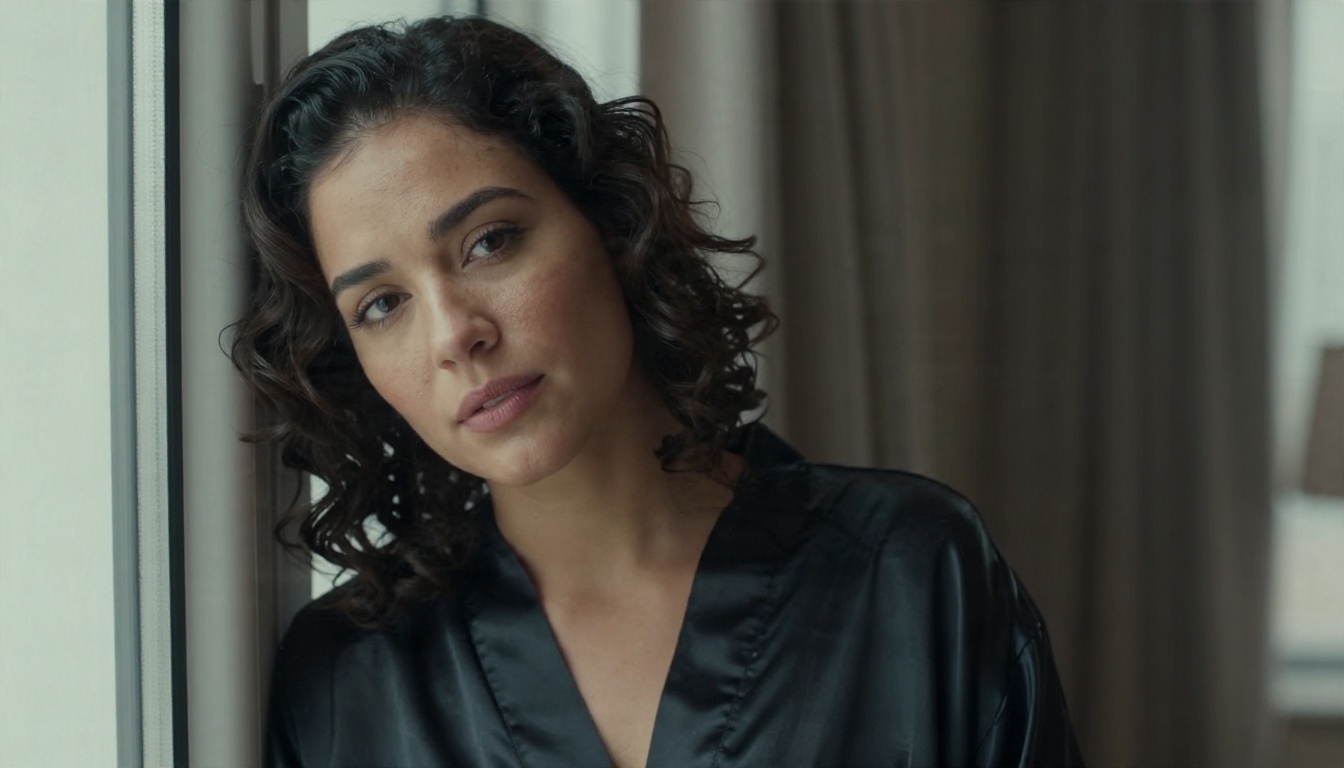
The pattern is easy to spot. A user writes a prompt for a woman in a bikini on a beach, a satin robe portrait or a lingerie editorial. A mainstream tool refuses or blurs the result. Frustration follows, and the search for "unfiltered Flux" begins. The real need is rarely extreme. Most people want glamour, swimwear, boudoir and sensual portraits that a very strict model treats as off limits.
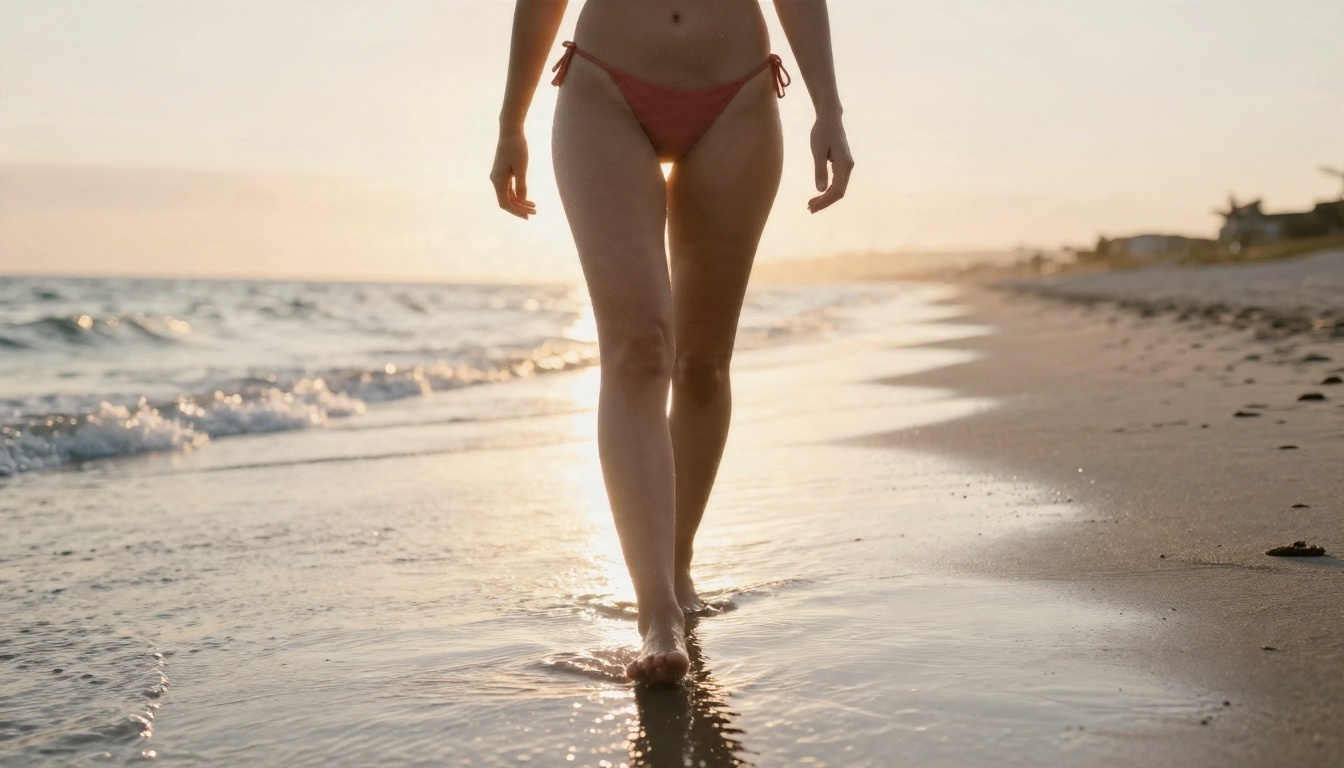
💡 Quick reality check: swimwear, silk, lace and boudoir lighting are normal photographic subjects. You do not need a "no restrictions" tool to produce them. You need a model that handles human skin and fabric well, and a prompt written like a photographer's brief.
What Flux Filters and What It Doesn't
Newer Flux releases ship with safeguards
Black Forest Labs has been open about safety on its newer releases. The open weight FLUX.2 [dev] model was trained on data filtered for several adult categories and for illegal material, and its repository includes input and output filters. The license also expects anyone deploying it to keep filters or manual review in place. The compact FLUX.2 [klein] releases follow a similar approach, with filtering tools in the repositories. FLUX.2 [dev] and [pro] are not on PicassoIA, so this article names them for context only.
In plain terms: the newest official Flux models are not designed to be adult content engines, and the company says so.
Older open weights and community add ons
Earlier open weight releases such as the FLUX.1 developer model are described by many users as having fewer technical filters baked into the weights, with limits set mostly by license and policy. That is why the community built an ecosystem of LoRAs, fine tunes and text encoder experiments around them. Some of those experiments claim to "uncensor" newer models. Treat those claims carefully:
- They come from individual uploaders, not from the model makers.
- Quality varies wildly, and results often look waxy or inconsistent.
- Running them locally needs a strong GPU, storage and setup time.
- Removing a filter does not change what is legal. It only removes a safety net.
| Option | Setup | Typical quality | Main downside |
|---|
| Official FLUX.2 releases | Hosted or local | Excellent | Adult themes filtered |
| Open weights plus community LoRAs | Local GPU, technical | Mixed | Time, hardware, inconsistent skin |
| "Unfiltered Flux" websites | Browser | Often mediocre | Privacy, billing traps, slow queues |
| Photoreal models on PicassoIA | Browser | High | Explicit output not the goal |
The Truth About "No Restrictions"
Some lines never move
Every serious platform draws the same hard lines, and so should you. No minors, ever. Every subject in your prompt should be clearly an adult, and ambiguous age wording is a red flag for any reader and any moderation system. No real people without consent. Putting a real person's face on a generated body is a violation of their rights and is illegal in a growing number of places. No content that depicts non consensual acts. A site that advertises "no restrictions" and ignores these lines is not freedom. It is a liability for you.
What shady generators really cost you
Many "free unfiltered" generators run on a simple business model. They load a trial, throttle you after a few images, then push a subscription with a hard to cancel plan. Others log every prompt you type, and prompts about intimate themes are exactly the kind of data you would not want leaked. Before you paste a card number into a random site, check:
- Does the site show a clear company name and support address?
- Are prices and cancellation terms visible before you pay?
- Do the sample images look like real output, or recycled stock renders?
- Does it ask for access to photos of real people?
If two or more answers are bad, close the tab.

Best Alternatives on PicassoIA
Since the exact FLUX.2 [dev] and [pro] models are not on PicassoIA, here is where to go for similar photorealism today. For adult glamour, swimwear and boudoir style imagery, these are the models to try, in this order.
Seedream 4.5 comes first
Seedream 4.5 is the model I would open before anything else for this kind of work. It produces sharp, natural looking skin, handles fabric like silk, satin and lace convincingly, and follows long, detailed prompts closely. It is also far more relaxed about suggestive adult themes than the strict mainstream tools that made people search for "unfiltered Flux" in the first place. Swimwear shoots, lingerie editorials and sensual portraits are exactly its strength. Output reaches 4K, so crops and prints stay clean.
PicassoIA Image Editor Pro for unlimited runs
PicassoIA Image Editor Pro is the second stop, and the biggest reason is volume: generations are unlimited. Good glamour images usually take iteration. You change the lens, the light, the outfit, the pose. Paying per attempt makes people stop too early. With unlimited runs, you can test twenty variations of a single idea and keep the best one. It also edits existing photos, so you can fix a hand, change a dress colour or adjust a background without starting over.
Flux models that are on PicassoIA
If you like the Flux look specifically, several real Flux models are available:
One more photoreal option
Qwen Image 3 Pro is a strong extra choice for lifelike portraits and clean lighting, especially if you want a different look from the Flux and Seedream families.
💡 For the full catalogue, browse every model at picassoia.com/en/all-models.
How to Get Similar Results on PicassoIA
The tutorial below uses Seedream 4.5, the best first stop for this look. The same steps work in PicassoIA Image Editor Pro when you want unlimited tries.
Step by step
- Open the Seedream 4.5 page and choose the text to image input.
- Write your prompt in this order: subject and pose, outfit, setting, light, camera and lens, film look.
- Set the aspect ratio to 16:9 for scenic shots or 3:4 for portraits.
- Generate a first draft and look at hands, eyes and fabric edges.
- Change one thing at a time: the light direction, the lens, the outfit colour.
- Keep your best seed or prompt, then refine with small edits.
Parameter tips that matter
| Setting | Recommended | Why |
|---|
| Aspect ratio | 16:9 or 3:4 | Matches editorial framing |
| Prompt length | 50 to 120 words | Enough detail for skin and fabric |
| Lens wording | 35mm, 50mm, 85mm | Controls perspective and blur |
| Film wording | Kodak Portra 400, light grain | Warm, natural skin tones |
| Subject age | State "adult woman, late twenties" | Clear and responsible |
A prompt that works
Adult woman in her late twenties, champagne silk slip dress, seated on a linen armchair in a sunlit loft, soft late morning window light from the left, 85mm f/1.8, shallow depth of field, visible skin pores and fabric weave, Kodak Portra 400, fine film grain.
You do not need secret words. You need photographic ones.
Swimwear and beach
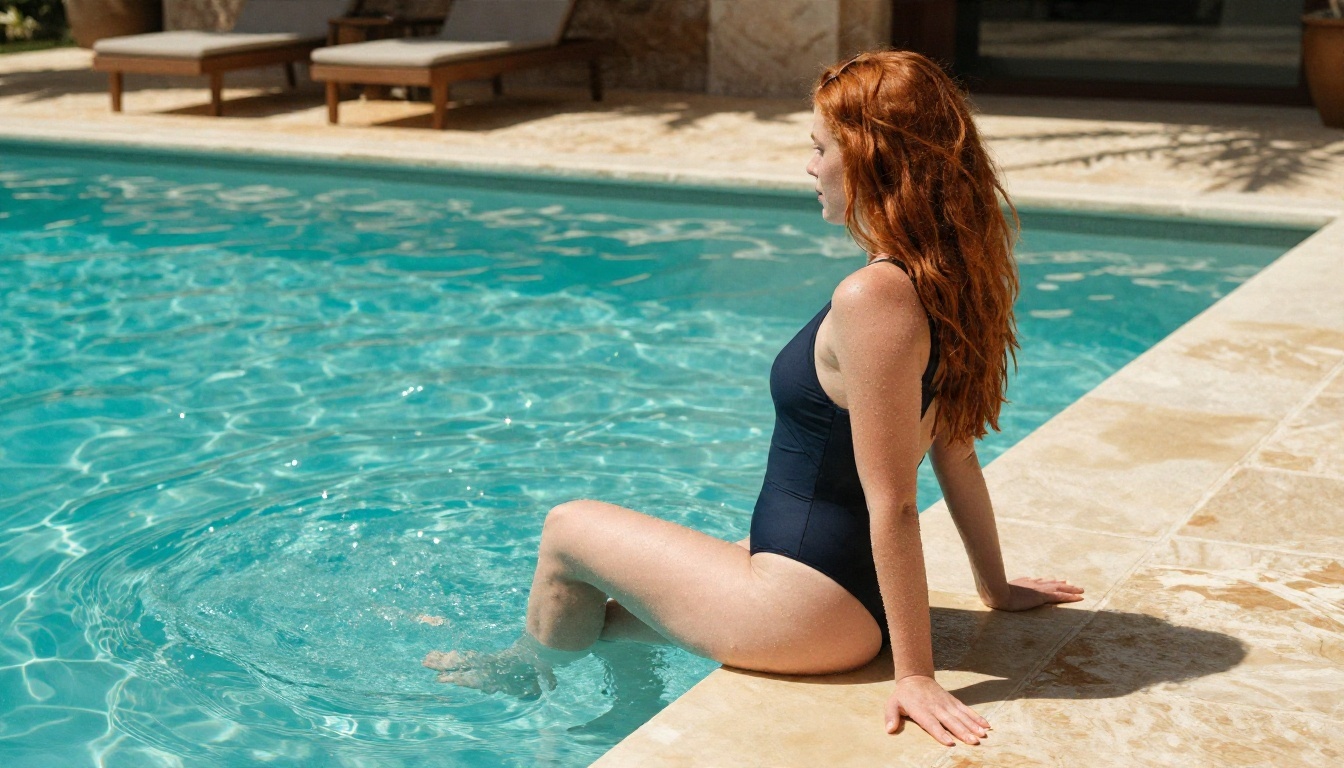
Describe the time of day first. Golden hour gives warm rim light, midday needs a shadow source like a palm or umbrella. Add water droplets, wet sand reflections and a 35mm to 70mm lens for natural proportions.
Boudoir and lingerie editorials
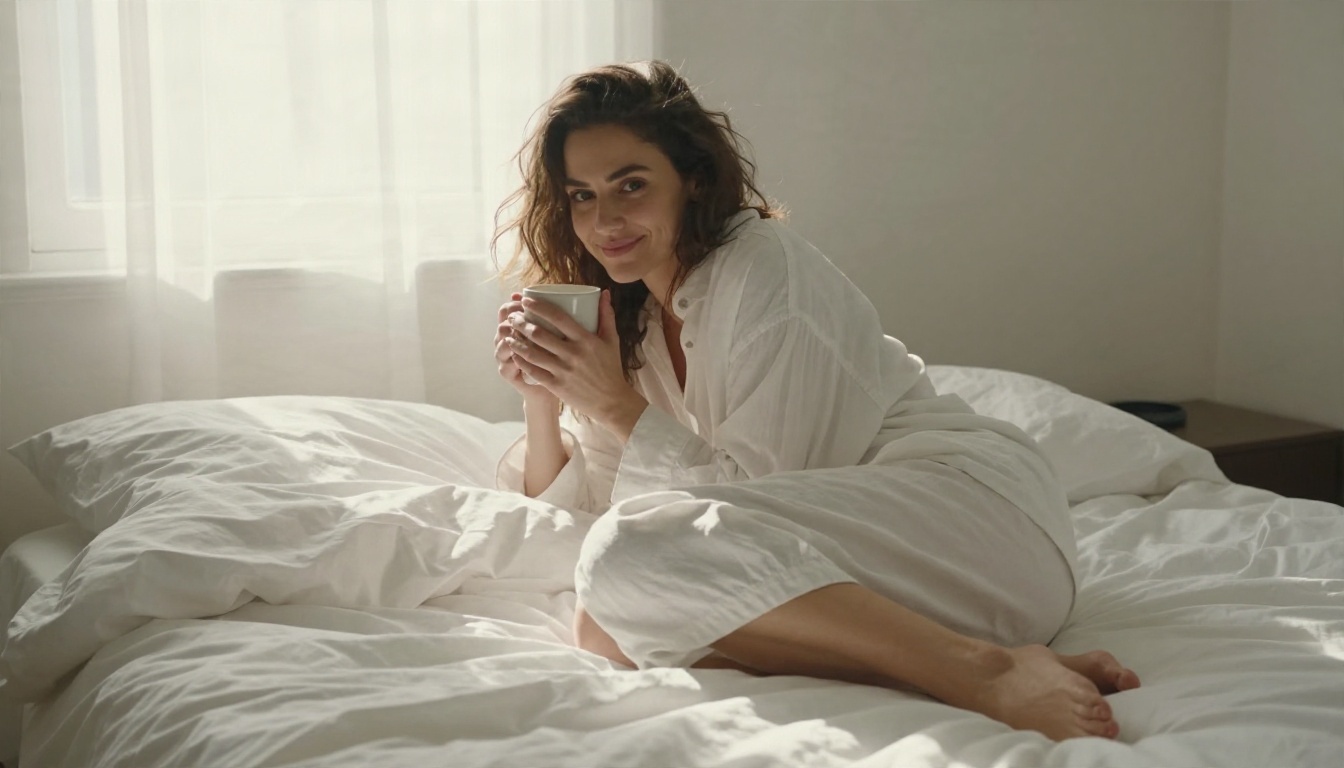
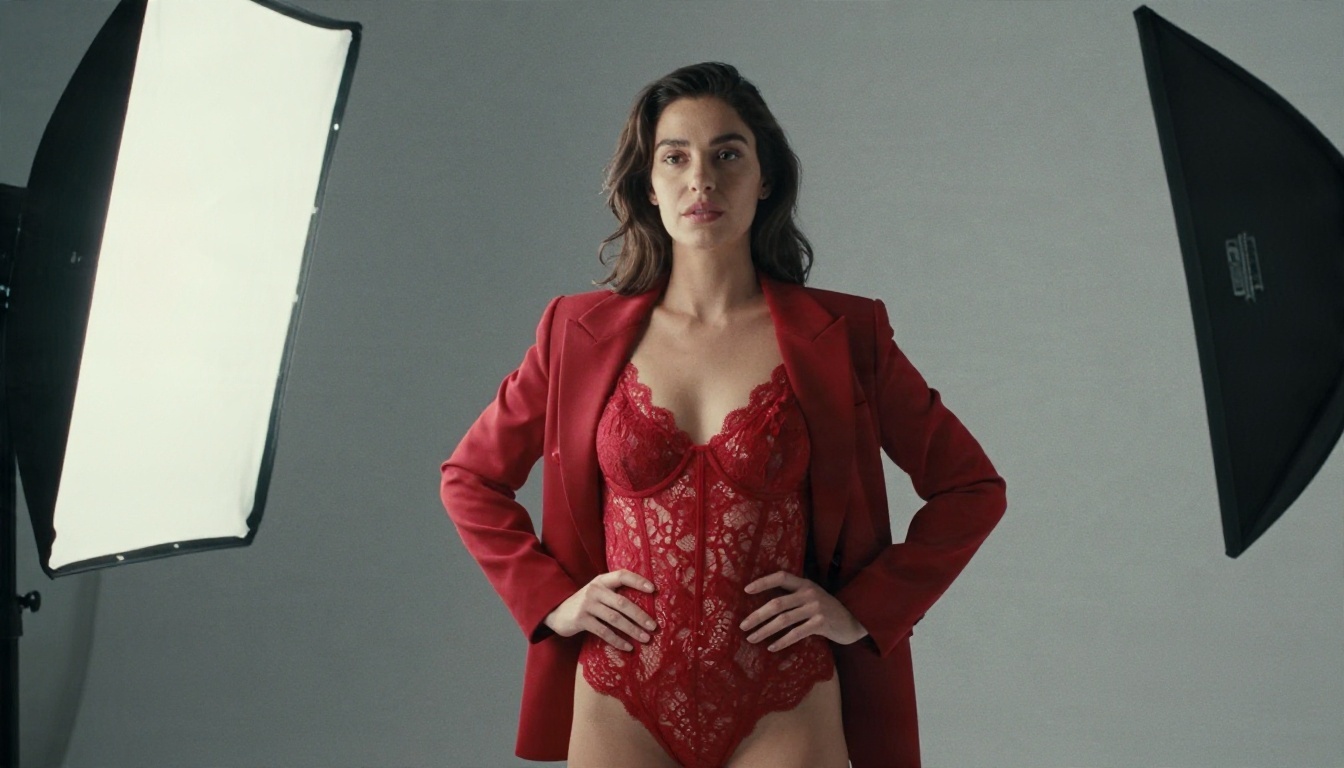
Think like a studio photographer. Mention a large softbox from one side, a reflector fill and a seamless backdrop. Fabrics read well when you name them: satin, lace, silk, cotton knit. Pair them with a blazer, a robe or an oversized shirt for a styled, tasteful look.
Moody portraits
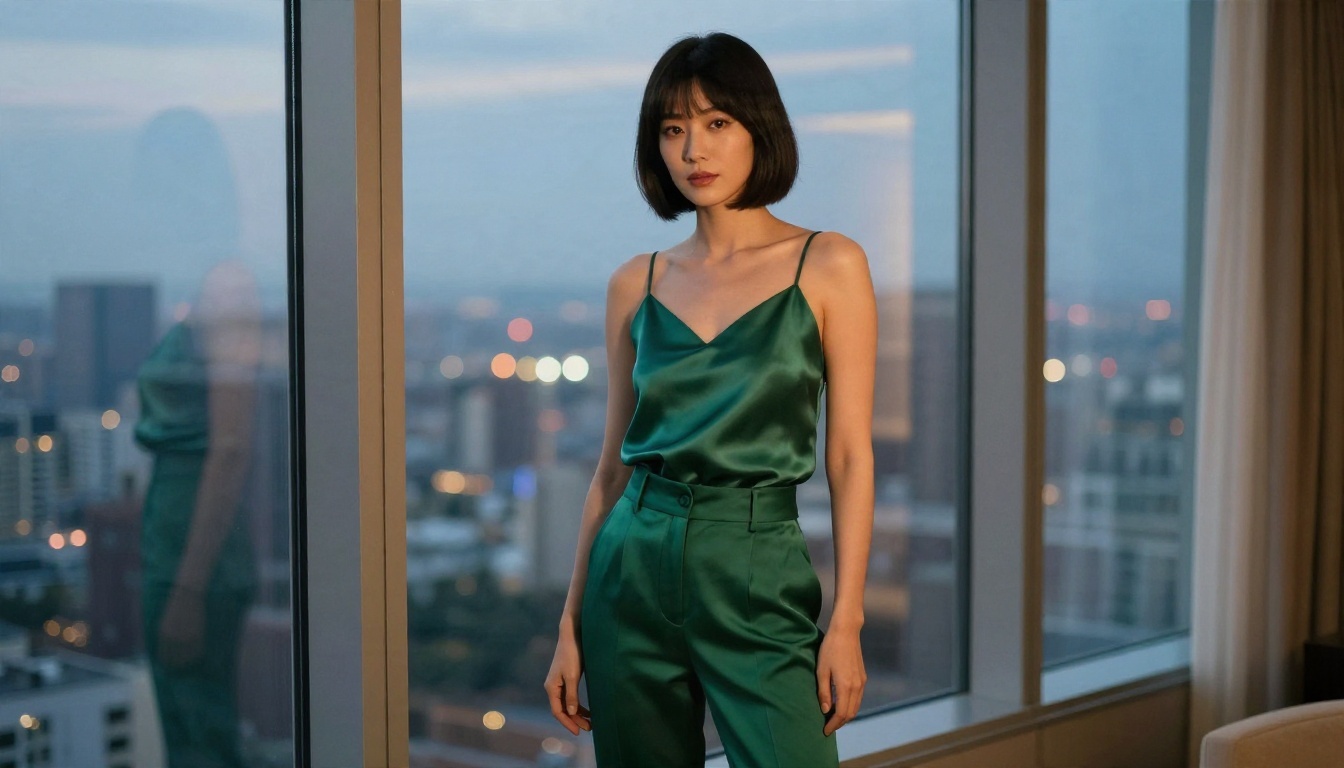
Choose a single light source. Window light, a lamp or dusk through a city window all work. Say "soft shadow falloff", "warm lamp light mixed with cool twilight" and "creamy background blur".
Mistakes That Waste Generations
Prompting like a tag list
Short lists of adjectives such as "sexy, hot, ultra realistic, 8k" give vague, plastic results. A sentence with a pose, a light and a lens beats ten adjectives.
Ignoring hands and edges
Check fingers, jewelry, straps and hair against the background. These small errors give away AI images quickly. Use an editor model to repair them rather than rerolling the whole picture.
Chasing the filter instead of the look
If a prompt gets blocked, rewriting it to be more photographic and less blunt usually solves it. Name the outfit, the setting and the light. A swimsuit editorial with clear context reads as fashion, not as a loophole.
Using real faces
Never feed in photos of real people who have not agreed to it. Build original characters from your own prompts instead.
💡 Workflow tip: draft fast with Flux Schnell, then rebuild the winning idea in Seedream 4.5 for final quality.
Quality Checklist Before You Save
Run each image through this quick list:
- Skin: visible pores, no waxy glow, no uniform blur.
- Light: one clear source, shadows that match.
- Fabric: folds follow the body, stitching and lace pattern look consistent.
- Eyes and teeth: same direction, natural catchlights.
- Background: straight lines stay straight, no melted objects.
- Subject: clearly an adult, original character, no real person.
An image that passes all six is ready to share or print. One that fails two or more is better regenerated with a tighter prompt or fixed in PicassoIA Image Editor Pro.
Create Your Own Images Today
The search for a Flux AI porn generator with no restrictions usually ends the same way: a slow site, a surprise subscription, and pictures that look nothing like the samples. A better path is simpler. Open Seedream 4.5 on Picasso IA, write a prompt like a photographer, and let the model handle skin, fabric and light. When you want to iterate without counting attempts, move to PicassoIA Image Editor Pro and run as many variations as you like.
Try a swimwear shoot at golden hour, a silk robe portrait by a window or a studio editorial with a softbox. Change one detail each time and watch how fast your results improve. When you are ready for more styles, browse every model at picassoia.com/en/all-models and pick the one that fits your next idea.


