Type "Flux Dev no restrictions" into a search bar and you will find two kinds of pages: ones promising a magic uncensored switch, and ones that bury you in install steps. Neither answers the real question. What actually decides whether you get a beautiful, unblocked adult portrait is a mix of three things: the model, the platform running it, and the prompt you write. This article breaks down all three, with settings you can copy, prompts that work, and free online options that will not nag you every second render.
A quick note on scope before we start: everything below is about tasteful, non-explicit adult imagery. Think swimwear, boudoir, glamour and fashion editorials, the kind of pictures you would see in a magazine. That is where Flux Dev shines, and it is also where most people just want the model to stop refusing harmless requests.
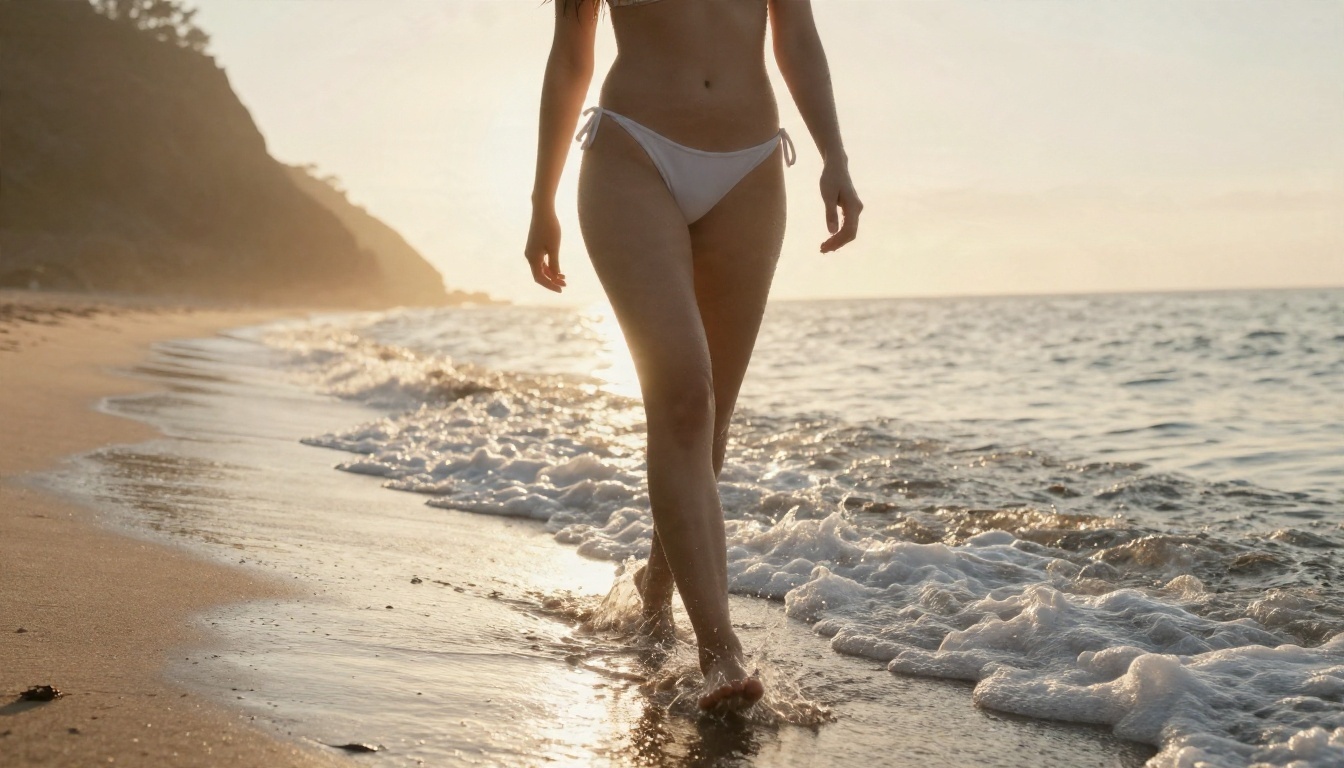
What "No Restrictions" Really Means
The phrase gets used loosely, so let's pin it down. When someone says a model has "no restrictions," they usually mean one of three different things, and mixing them up is why so much advice online contradicts itself.
The model versus the platform
A model is a set of weights. A platform is the website or app wrapped around it. Filters can live in either place. A website can run an open model and still add a prompt scanner, an image classifier or a blocklist on top. So "Flux Dev is uncensored" and "this site lets me generate what I want" are two separate claims, and only the second one matters when you hit the generate button.
With the original FLUX.1 dev release, the weights are openly available. Sources disagree about how much safety behavior is baked into the checkpoint itself, which tells you the model alone is not the whole story. Its successor, FLUX.2 dev, openly ships with input and output filters for adult and copyright-sensitive content. That is a real shift, and it is one reason many creators still prefer the first generation of Flux Dev for portrait work.
License is not a filter
FLUX.1 dev comes with a non-commercial license. That license sets rules about how you can use outputs and weights, but a license is a legal document, not a piece of code that blocks pixels. Treat the license as the boundary for what you publish and sell, and treat the platform's own rules as the boundary for what you can generate there.
💡 Rule of thumb: If an image generator refuses a simple swimsuit prompt, the cause is almost always the platform layer or your wording, not the underlying model.
What people actually want
After reading hundreds of forum threads, the wish list is surprisingly consistent:
- Swimwear, lingerie style and boudoir portraits without constant refusals
- Realistic skin instead of plastic smoothing
- Unlimited or very cheap generations, so experimenting is not painful
- No account walls, queues or watermarks
Every section below maps to one of those four goals.
Uncensored Settings That Matter
Most "uncensored settings" lists are padded with placebo toggles. These are the parameters that genuinely change what Flux Dev gives you.
Guidance scale
Flux Dev is a guidance distilled model, which means it reacts to guidance very differently from older Stable Diffusion checkpoints. The sweet spot sits around 3 to 4. Push it to 7 or 8 and skin turns waxy, contrast gets crunchy and fabrics look pasted on. If your portraits look "AI shiny," lower this number first.
Steps and sampler
Twenty-eight steps is the usual default and it is a solid starting point. Going to 40 or 50 adds slight refinement in hair strands and fabric weave, but past that you are mostly burning time. If you work on a platform with a sampler choice, stick with the default Euler style option for Flux, because exotic samplers rarely help.
Resolution and aspect ratio
Flux Dev likes around one megapixel. For portraits, 832 by 1216 or 1024 by 1024 give the most reliable anatomy. For swimwear scenes on a beach or by a pool, a wide frame such as 1344 by 768 gives the model room to place the subject believably in the environment.
| Setting | Recommended value | Why it matters |
|---|
| Guidance scale | 3 to 4 | Keeps skin natural, avoids a waxy finish |
| Steps | 28 to 36 | Good detail without wasted time |
| Resolution | About 1 megapixel | Reliable hands and faces |
| Aspect ratio | 2:3 portrait or 16:9 wide | Match the scene you describe |
| Seed | Fixed while testing | Lets you compare prompt changes fairly |
| Negative prompt | Not supported | Describe what you want instead |
Why negative prompts do nothing
This trips up almost everyone coming from older tools. The base Flux Dev pipeline has no negative prompt input, so pasting a long "bad hands, blurry, deformed" list achieves nothing. The fix is to write positive descriptions: "five fingers, relaxed natural hands" beats "no extra fingers" every time.
Prompts That Actually Work
Flux Dev reads natural language, not tag soup. It likes full sentences with a clear subject, a setting, light and a camera. A good formula looks like this:
Subject and pose + outfit + environment + light direction + lens + skin and fabric texture + mood
A glamour portrait prompt
Adult woman in her late twenties wearing a champagne silk slip dress, seated on a stone window sill in a sunlit villa, warm morning light from the left, 85mm f/1.8 lens, visible skin pores and faint freckles, soft satin sheen on the fabric, Kodak Portra 400 film grain, relaxed confident expression.
Notice what is missing: no quality spam like "masterpiece, 8k, ultra detailed." Flux does not need it. Specific light and lens details do far more.
A swimwear and outdoor prompt
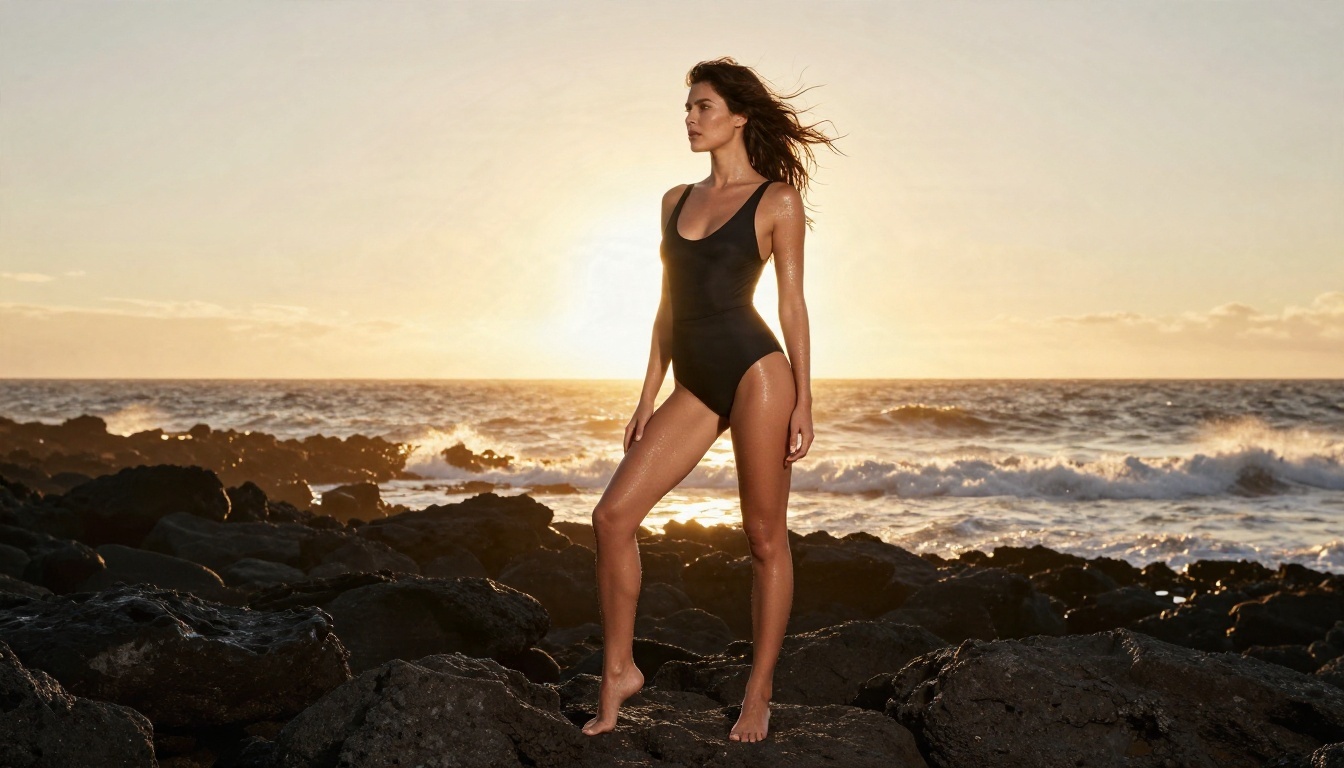
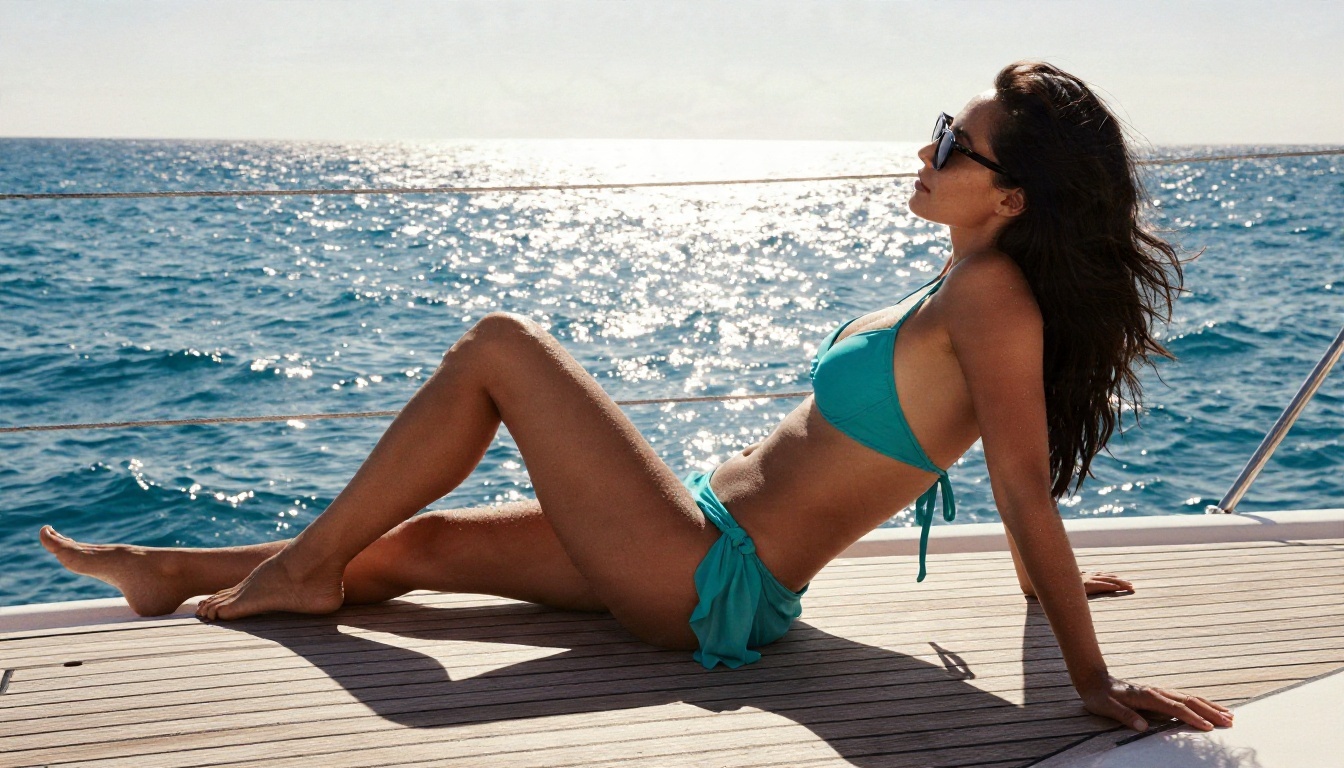
Adult woman in a black high-cut swimsuit standing on dark volcanic rocks at golden hour, low angle, 35mm lens, sunset backlight creating a glowing edge on windblown hair, wet skin with natural sheen, rough basalt texture in the foreground, editorial pose.
A boudoir mood prompt
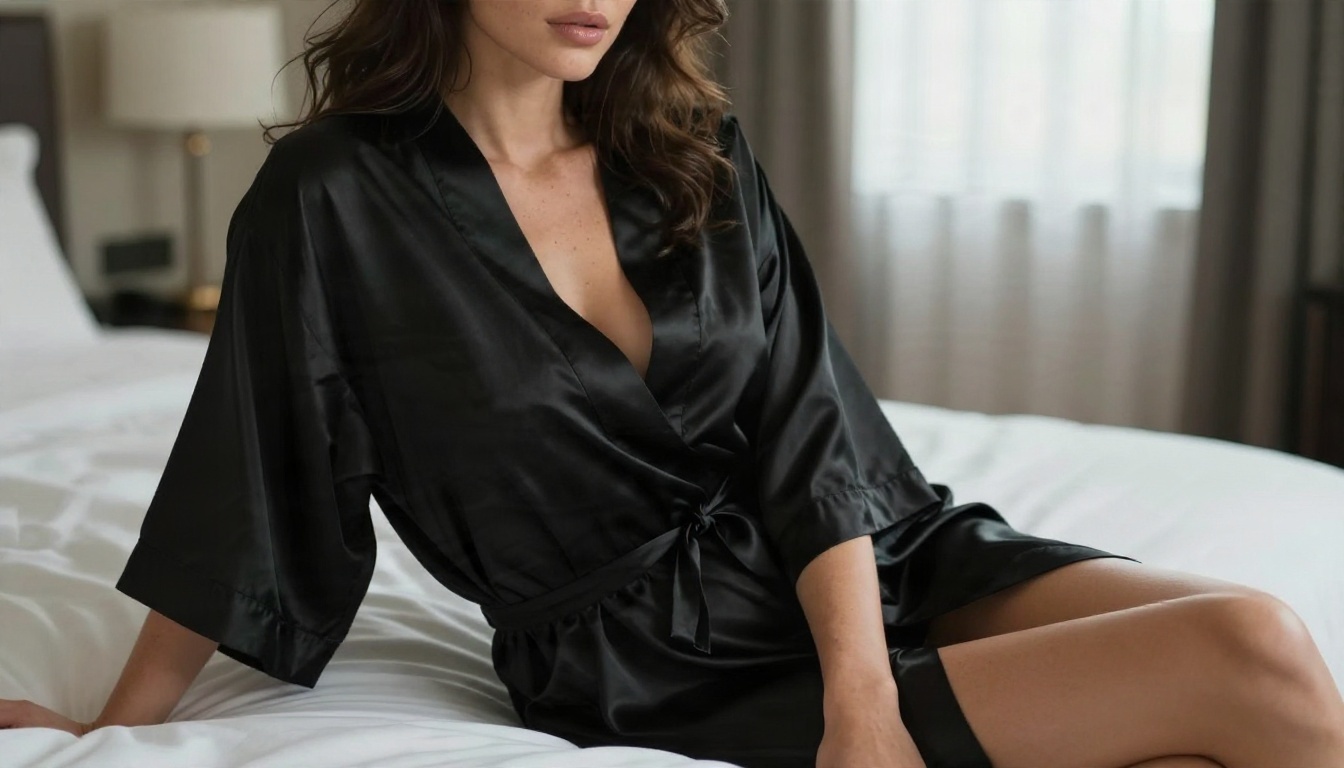
Adult woman in a black satin robe slipped off one shoulder, sitting on a rumpled white linen bed in a boutique hotel room, soft diffused window light, shallow depth of field, 85mm f/1.4 lens, glossy lips, loose waves, tasteful intimate mood.
Words like "tasteful," "editorial," "magazine" and "boudoir" do real work. They steer the model toward flattering, photographic compositions and also lower the chance of a platform filter misreading the request.
Wording that avoids false blocks
Filters on many sites react to certain single words regardless of context. A few swaps help:
| Instead of | Try |
|---|
| Vague "sexy" | "Glamour editorial," "confident pose," "boudoir portrait" |
| "Naked" style words | "Silk robe slipped off the shoulder," "sheer sarong" |
| Generic "girl" | "Adult woman in her late twenties" |
| "Perfect body" | "Athletic build, natural proportions" |
Stating an adult age clearly is not only good practice, it gives the model a stronger anchor for realistic faces and proportions.
💡 Tip: Keep a text file of your best prompts. Change one variable at a time (light, lens or outfit) and keep the seed fixed. That is how you build a personal style faster than any LoRA download.
Free Online Options
Running a 12 billion parameter model at home needs a serious graphics card. If yours is not up to it, online tools are the faster route. Here is how the best options compare, in the order I would try them.
Seedream 4.5 for fast glamour shots
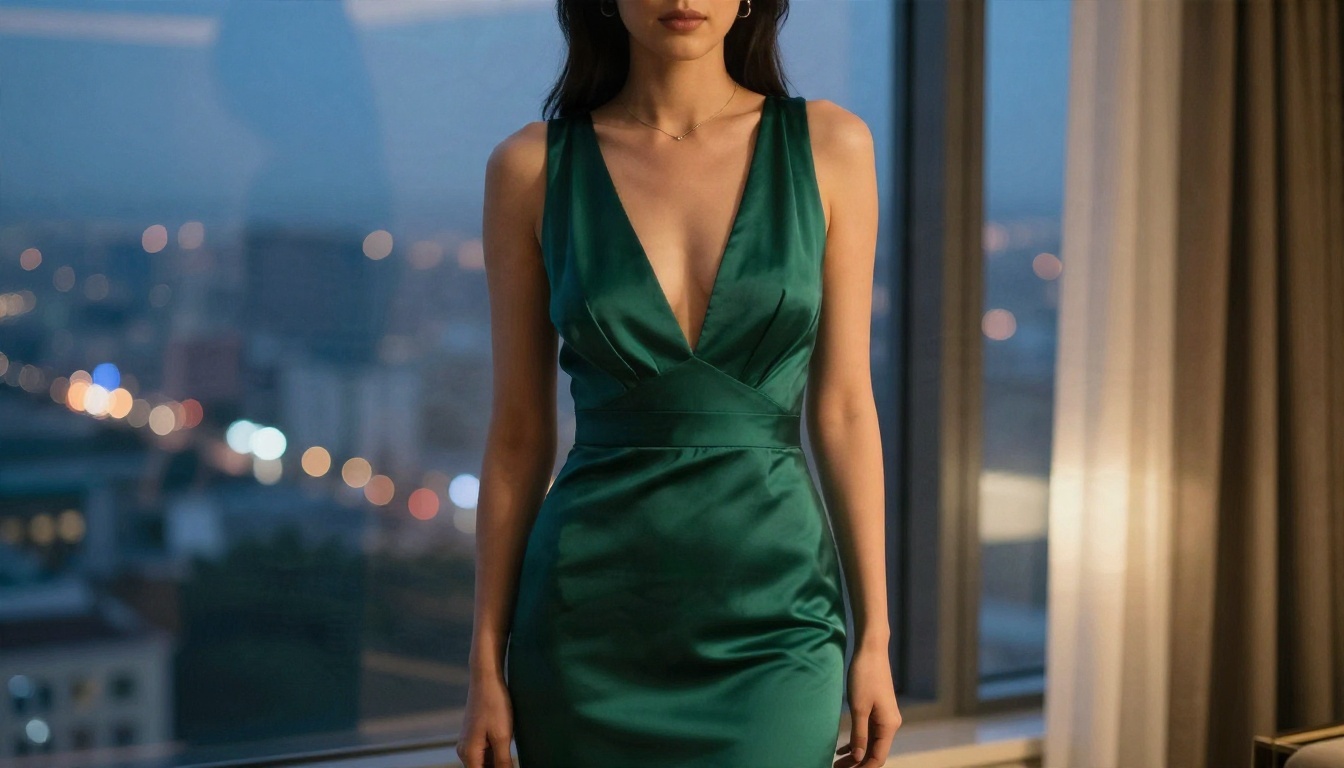
Seedream 4.5 is the first model I would reach for when the goal is adult fashion and swimwear photography. It produces sharp, high resolution results with convincing skin, handles complex lighting well and follows long natural language prompts closely. For editorial, beach and boudoir scenes it is hard to beat.
Image Editor Pro for unlimited tries
PicassoIA Image Editor Pro is where experimentation gets cheap. It offers unlimited generations, so you can run twenty variations of the same prompt, adjust the light, swap the outfit and refine the result without watching a credit counter. It is also useful for editing: take a render you almost love and adjust wardrobe, background or mood instead of starting over.
Flux Dev, Flux Dev LoRA and Krea
If you want the Flux look itself, three variants are worth knowing:
- Flux Dev for the standard model with strong prompt following
- Flux Dev LoRA when you want to load a style or character adapter
- Flux Krea Dev for images that look less "AI" and more like real photography
For another strong alternative, Qwen Image 3 Pro delivers photorealistic portraits and handles fine details like jewelry and fabric weave well.
💡 For a full list of image models, browse picassoia.com/en/all-models.
How to Use Flux Dev on PicassoIA
Flux Dev runs straight in the browser, so there is nothing to install. Here is the exact workflow.
Step 1: Open the model page
Go to the Flux Dev page and open the generator. A second variant, Flux.1 Dev, is also available if you want to compare outputs side by side.
Step 2: Write a full sentence prompt
Use the formula from earlier: subject, outfit, setting, light, lens, texture, mood. Aim for 40 to 80 words. Skip quality spam.
Step 3: Set the parameters
- Guidance scale: 3 to 3.5
- Steps: 28
- Aspect ratio: 2:3 for portraits, 16:9 for scenes
- Seed: fix it while you test prompt changes
Step 4: Iterate one variable at a time
Change only the light direction, then only the lens, then only the outfit. Fixing the seed makes the differences obvious. When one result is close, lock it in and move to polishing.
Step 5: Move to editing or upscaling
If a render is nearly there but the background is off, open it in Image Editor Pro and fix it with unlimited tries, instead of regenerating from scratch.
Plenty of people ask whether they should install the weights themselves. Here is an honest comparison.
What local gives you
Running the model on your own PC gives full control over samplers, adapters and workflows. It also means you decide what the software does, with no platform layer in between. The price is hardware: a card with a lot of video memory is practically required for smooth speeds, plus disk space for the weights and a chunk of time for setup and troubleshooting.
What online gives you
An online generator removes all of that. You open a tab, type a prompt and get a result in seconds. For most people making portraits and swimwear photography, the speed and zero maintenance outweigh the control of a local install.
| Factor | Local install | Online tool |
|---|
| Setup time | Hours | Seconds |
| Hardware needed | High end graphics card | Any browser |
| Cost | Hardware and power | Free tiers or unlimited plans |
| Flexibility | Maximum | Model choice and presets |
| Maintenance | You | None |
💡 A hybrid approach works well: prototype ideas online, then only invest in a local build if you find yourself generating hundreds of images every week.
A word on community fine tunes
Many "uncensored" Flux checkpoints and LoRAs circulate online. Some are fine, many are poorly labeled, and a number are bundled with unknown code or sloppy licensing. Download only from sources you trust, scan what you get, and remember that the base license still applies to anything built on top of it. On PicassoIA you can load adapters through Flux Dev LoRA without touching an unknown file on your own machine.
3 Common Mistakes to Fix
Most disappointing results trace back to the same three errors.
Mistake 1: Guidance too high
The most common cause of plastic skin. Keep it near 3.5 and the image relaxes into something that looks photographed.
Mistake 2: Prompt spam
Strings like "ultra realistic, masterpiece, best quality, 8k, HDR" belong to older models. Replace them with one concrete lighting sentence and one lens.
Mistake 3: Ignoring hands and edges
Hands that look wrong usually come from a vague pose. Describe them directly: "fingers relaxed on the window sill, short natural nails." For clothing edges and straps, mention fabric type and fit, such as "thin silk strap, fitted at the waist."
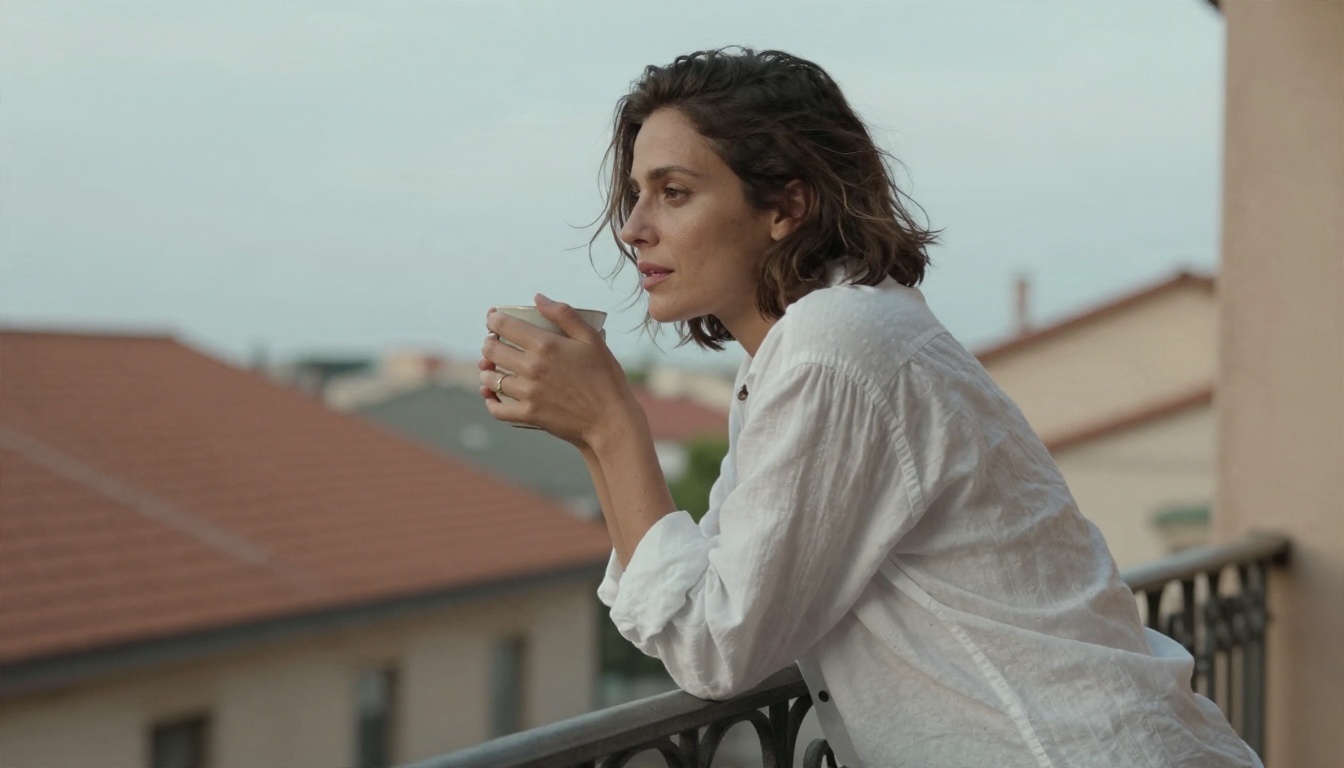
A checklist before you hit generate
- Is the subject clearly an adult, with a specific age range?
- Do you describe light direction and a lens?
- Is there one texture detail for skin and one for fabric?
- Is the guidance scale between 3 and 4?
- Did you fix the seed for testing?
If you can answer yes five times, you are ready for a strong result.
Try It Yourself Today
"No restrictions" is less about a hidden switch and more about picking the right model, the right platform and a prompt that speaks the model's language. Start with Seedream 4.5 for polished glamour work, move to PicassoIA Image Editor Pro when you want unlimited tries and quick edits, and bring in Flux Dev whenever you need its natural language precision.
Pick one of the prompts above, paste it in, change a single detail and see what happens. In ten minutes you will have a better feel for light, lens and wording than any settings list can give you. Ready to build your own set of images? Open Picasso IA, choose a model from picassoia.com/en/all-models and start creating.


