Search for "Flux Kontext uncensored" and you will find a lot of confident promises and very little detail. Some pages say the model has no filter at all. Others say it blocks everything remotely spicy. Neither is accurate, and the gap between the two is where you lose time and credits. This article sorts out what Flux Kontext actually does with adult-leaning requests, how to use it for free online, which prompts pass, and where you hit a wall.
Short version: Flux Kontext is an image editing model, it ships with safety checks, and it is not a tool for explicit content. It handles swimwear, boudoir styling, glamour portraits and outfit changes well. If you want more room than that, other models on PicassoIA are a better fit, and I will point you to them in order.
What Flux Kontext Actually Is
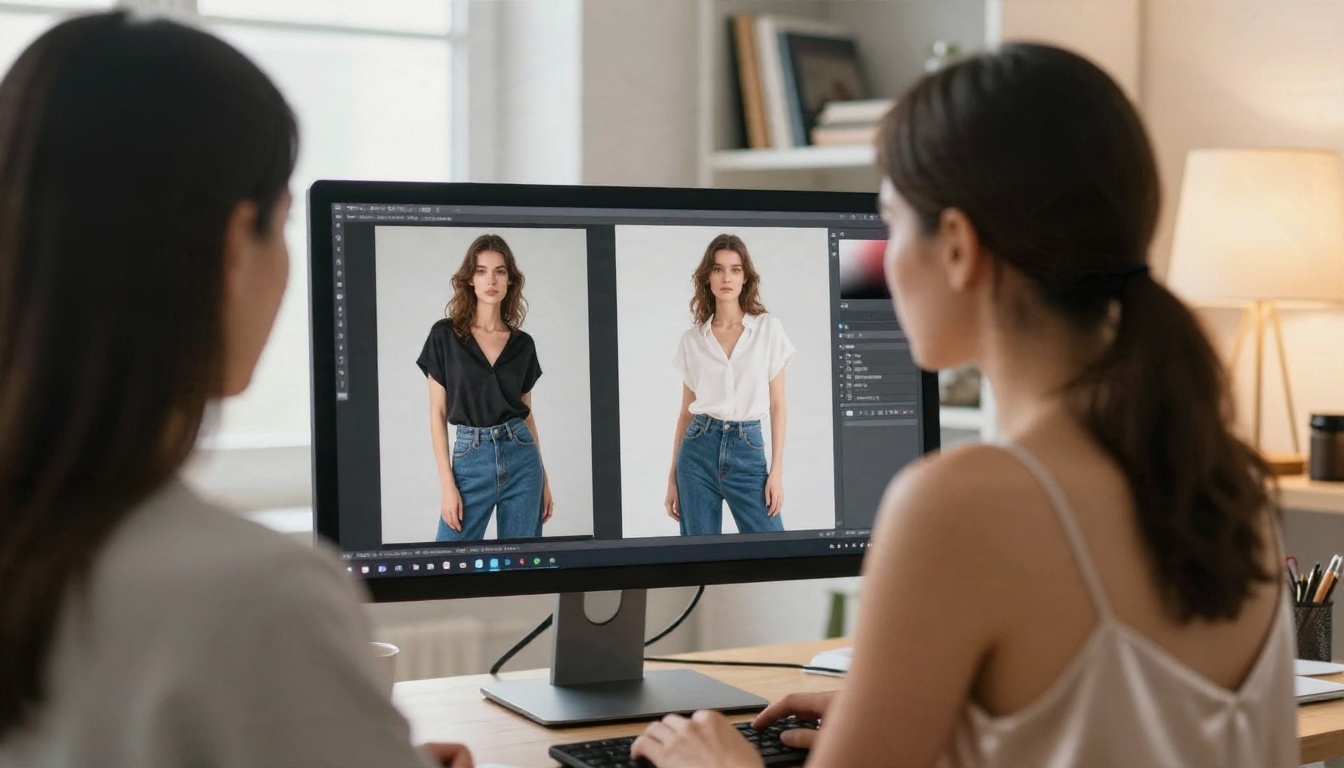
Flux Kontext comes from Black Forest Labs, the team behind the Flux family. Unlike a plain text-to-image model, it takes an existing photo plus a written instruction and changes only what you describe. Swap the outfit, move the scene to a beach, change the lighting, keep the same face. That "keep the same person" behavior is why people care about it for portrait and glamour work.
There are several versions, and the differences matter for the "uncensored" question:
The Dev release is the one that fuels the "uncensored" searches, because open weights can be downloaded and run locally. That part is true. What people skip is that the official release includes filters for illegal and infringing content, and the licence asks that you keep filters or manual review in place. Black Forest Labs also says it worked with the Internet Watch Foundation to filter known abuse material out of its training data, and outside testers tried hard to push the models into producing banned content with little success.
💡 Reality check: "Open weights" does not mean "no rules". It means you can run the model yourself. The licence, the law and the host's policy still apply.
Is It Really Uncensored?
No, and the honest answer has three layers.
Hosted versions filter at several points: the text prompt, the uploaded image and the output image. If any of them looks like explicit sexual content, you get a blocked result or a blank image.
Open weights are looser in a technical sense, because someone running a copy locally controls the pipeline. But community tweaks do not change the legal limits, and they do not make the base model good at explicit anatomy, since it was never trained to be.
Third-party sites that advertise "Flux Kontext uncensored" often just point to the same model with a different logo, or to a different model entirely. Treat the label as marketing until you test it.
The Safety Tolerance Setting
On PicassoIA, Flux Kontext Pro exposes a Safety Tolerance value from 0 to 6. Zero is the strictest, six is the most permissive. There is a catch that most articles leave out: when you upload an input image, the ceiling is 2. Raising it higher only works for pure text-to-image generation with no reference photo.
So the setting does real work, but it will not turn an editing model into an explicit one. At the default of 2 you already get the loosest level that is allowed for photo edits.
What Passes and What Gets Blocked
From testing patterns across edit-style prompts, this is the practical line:
| Usually passes | Usually blocked |
|---|
| Swimwear and beach outfits | Explicit nudity |
| Lingerie style fashion shots, covered and tasteful | Sexual acts or poses |
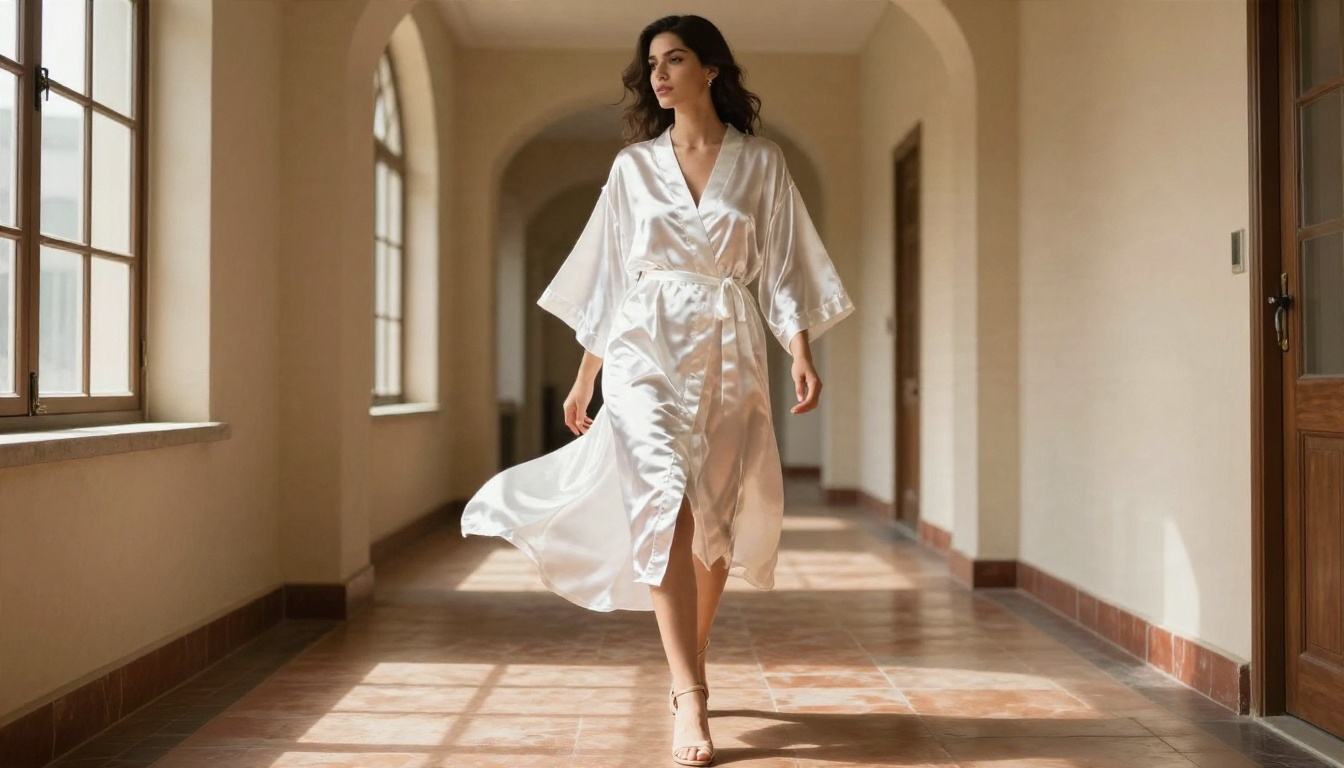
| Satin robes, evening dresses, open backs | Anything involving minors |
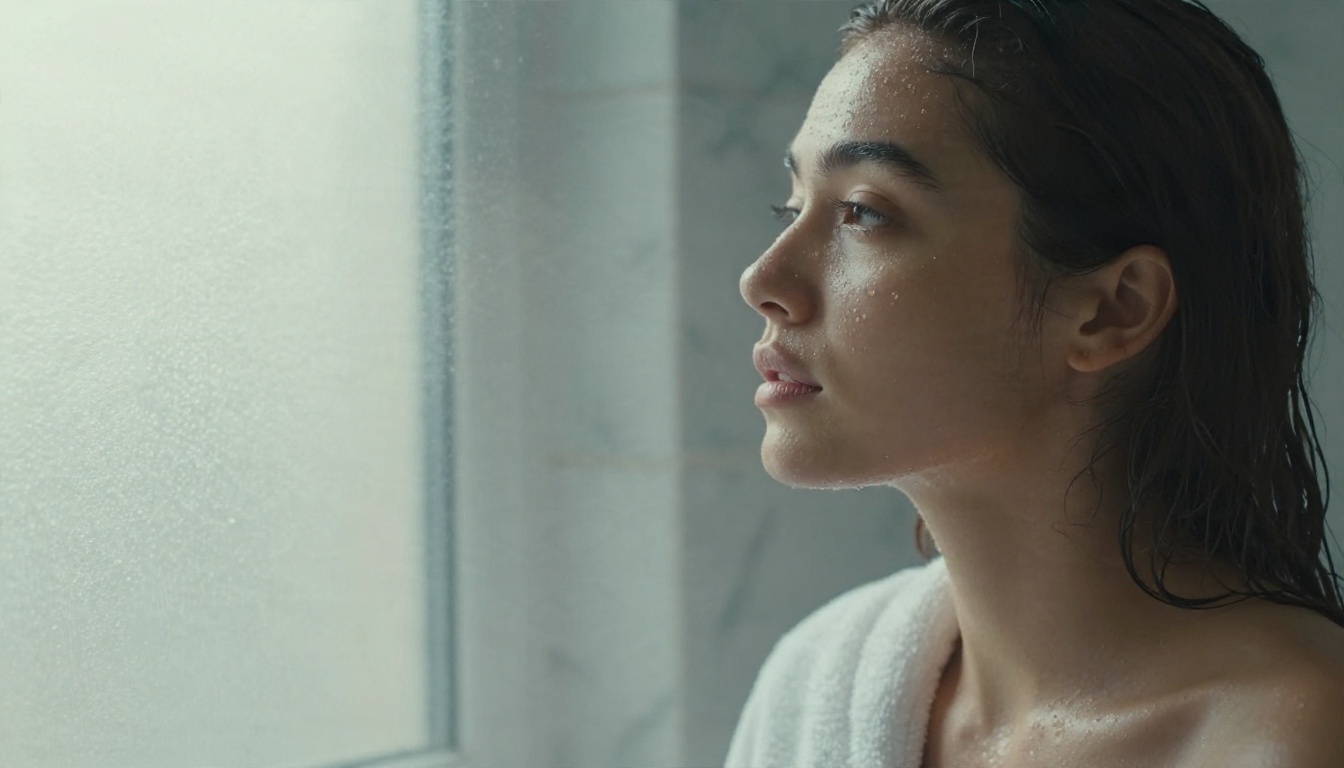
| Wet hair, towel and spa scenes | Edits of real people without consent |
| Boudoir mood with soft light | Sexualised edits of public figures |
The category in the middle is "suggestive but covered", and that is where Flux Kontext shines. If your goal is glamour, fashion or swimwear content, you will rarely hit a wall.
Free Online Use, Step by Step
Running Flux Kontext locally needs a strong GPU and a lot of patience with setup. Using it in a browser is simpler, and you can start without paying for hardware. The hosted route works like this, and the steps below use Flux Kontext Pro on PicassoIA.
How to Use Flux Kontext on PicassoIA
- Open the model page. Go to Flux Kontext Pro and sign in.
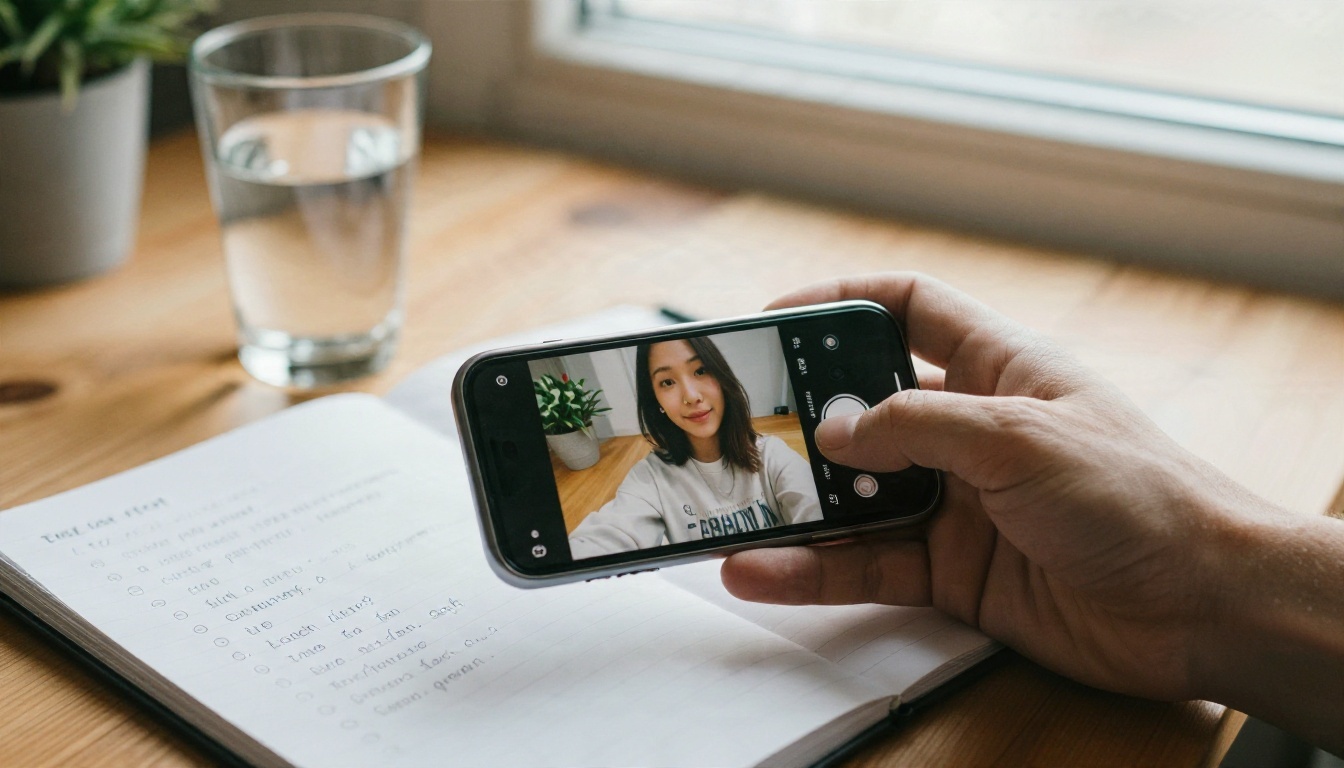
- Upload an input image. JPEG, PNG, GIF or WebP all work. Use a sharp photo with the face clearly visible, because the model preserves identity best when it has good source detail.
- Write one instruction. Describe a single change, for example: "Change the outfit to a red two piece swimsuit and a white beach cover up, keep the face, hair and pose the same."
- Set the aspect ratio. Leave it on
match_input_image for edits. Pick 16:9, 4:5 or 9:16 only when you want to recompose.
- Check Safety Tolerance. Keep it at 2 for edits. Lower it to 0 or 1 if you want to avoid borderline blocks on a shared account.
- Fix a seed when you iterate. Reusing the same seed while you tweak the wording gives you comparable outputs, so you can see what each word changes.
- Choose PNG or JPG. PNG keeps maximum detail. JPG is lighter for sharing.
- Run, review, refine. If the result drifts, shorten the prompt and name what to keep.
💡 Free access note: Free usage tiers change often. Check the model page for the current allowance before you plan a batch of edits.

NSFW Prompts That Actually Work
"NSFW" covers a huge range. For Flux Kontext, the useful slice is non-explicit glamour: the kind of image that belongs on a swimwear campaign or a boudoir shoot. These templates pass consistently and give clean results.
Outfit Swap Prompts
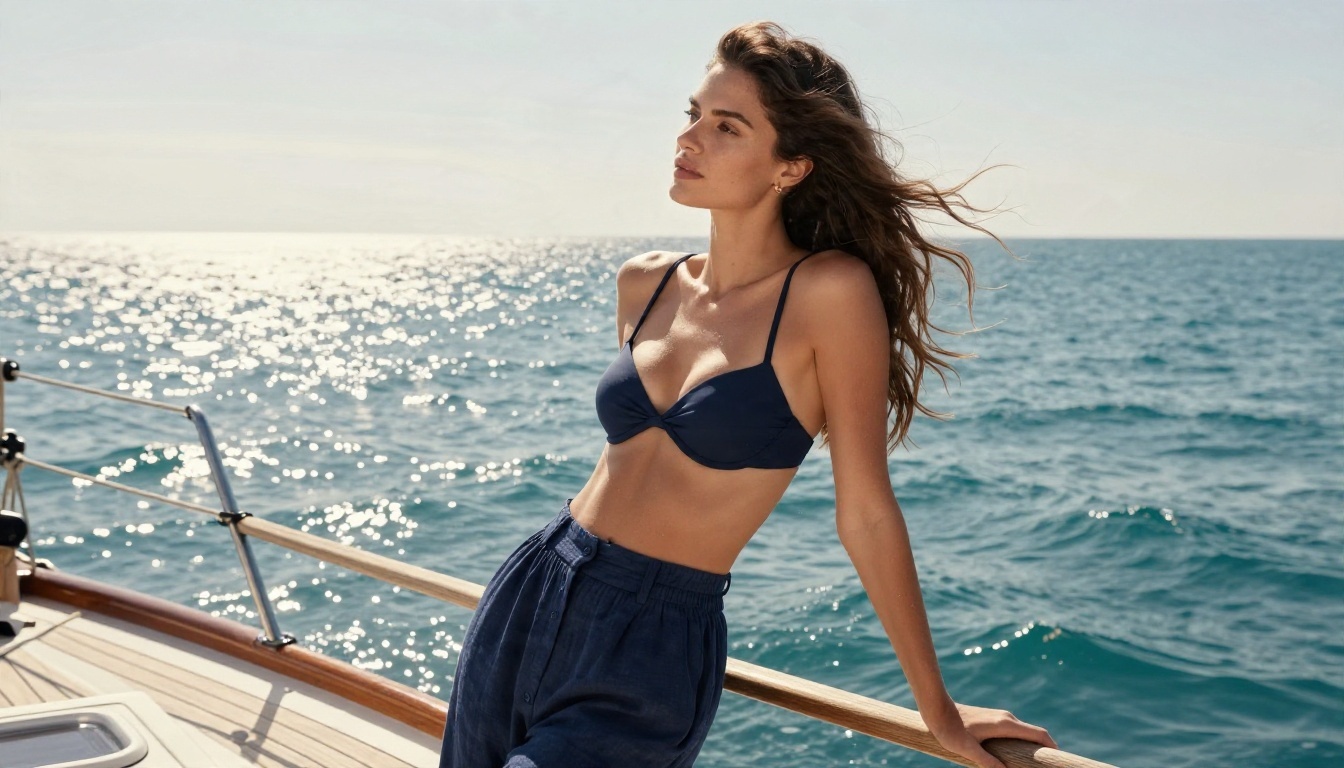
- "Change the outfit to a navy bikini top and high waisted linen trousers. Keep the face, hair, pose and background unchanged."
- "Replace the dress with a black silk slip dress and a thin gold necklace. Keep the same lighting."
- "Put her in a white satin robe, loosely tied, warm hotel corridor light, keep her face identical."
Mood and Lighting Prompts
- "Make the lighting warm golden hour from the right, soft rim light on the hair, keep everything else the same."
- "Add gentle morning steam and water droplets on the shoulders, soft frosted window light."
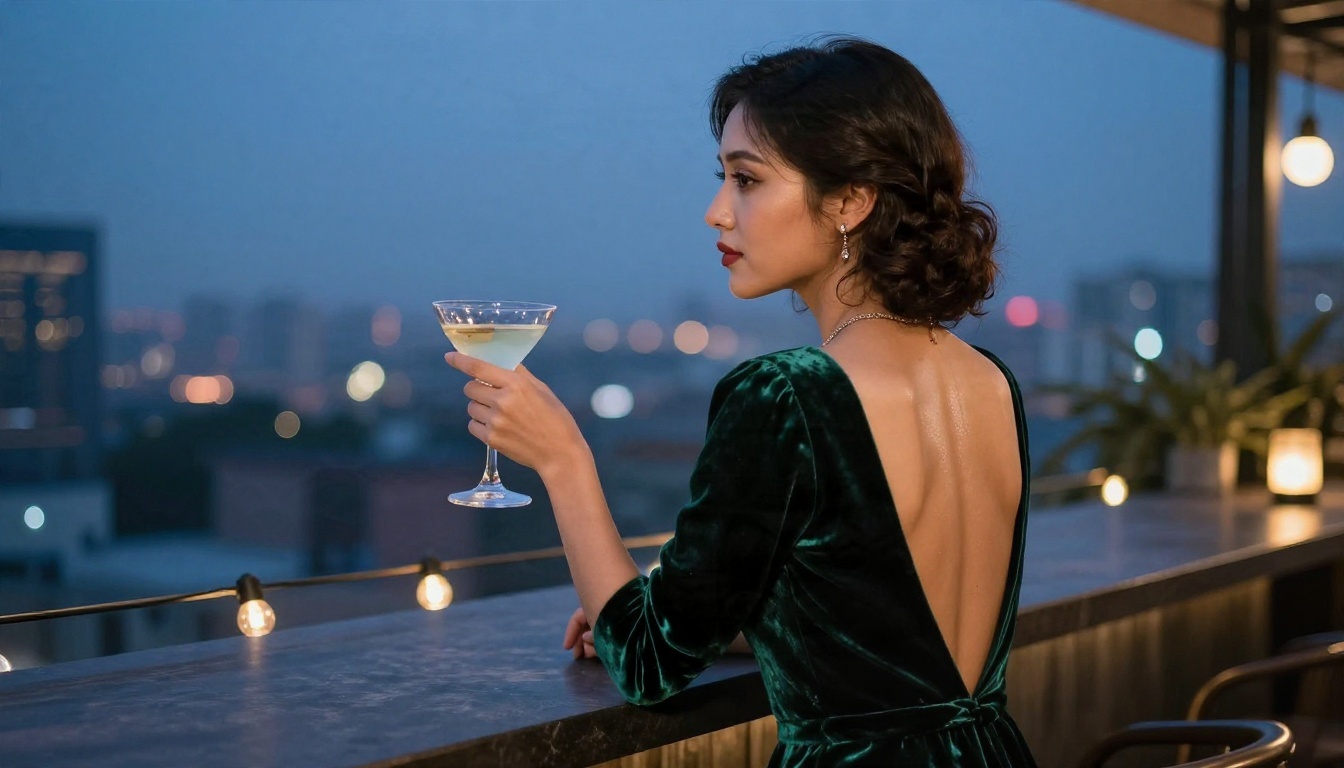
- "Shift the scene to a rooftop at dusk with warm string lights, keep the emerald velvet dress and the pose."
Wording That Helps
| Do this | Not this |
|---|
| Name what to keep ("keep the face and pose") | Vague "make it sexier" |
| Describe fabric and light | Describe body parts in detail |
| One change per prompt | Five changes in one sentence |
| Use fashion vocabulary (slip dress, robe, two piece) | Slang that trips filters |
💡 Tip: The words "tasteful", "editorial" and "fashion shoot" nudge the model toward a magazine look. They also lower the odds of a blocked output, because they signal intent.
The Real Limits
Knowing where the model fails saves you hours.
Content limits. Explicit imagery is blocked on hosted versions and not something the model does well even when run locally. Edits that sexualise real, identifiable people without their consent are off the table, and so is anything that involves minors. Those lines are not about filters being "too strict". They are about harm.
Technical limits. Kontext is strong on identity but can drift after many chained edits. Hands, jewellery and small text sometimes warp. Large pose changes break the "same person" feel faster than lighting or outfit changes.
Workflow limits. Each edit is one instruction. If you stack ten ideas into one prompt, you will get a muddy compromise.
Rules That Do Not Bend
Use photos of yourself, of models who agreed, or of people who gave permission. Do not edit someone's photo into a sexualised version without their consent. Platforms ban it, laws increasingly criminalise it, and it hurts real people. Everything in this article assumes consent.
Models With More Room
If Flux Kontext feels too tight for your project, change the tool instead of fighting the filter. These are the models I would try, in this order.
1. Seedream 4.5
Seedream 4.5 is the first stop for adult-leaning, non-explicit glamour. It generates 4K images from text, handles skin texture and fabric very well, and gives you more freedom than most hosted editors for swimwear, boudoir and fashion scenes. It is also fast, which matters when you iterate on prompts.
2. PicassoIA Image Editor Pro
PicassoIA Image Editor Pro is built for photo editing with unlimited generations. That changes the economics: you can try ten phrasings of the same outfit swap without counting credits, which is exactly the situation where Flux Kontext gets expensive. If your workflow is "edit, check, edit again", start here.
3. Flux Kontext Variants
Keep Flux Kontext Pro for identity-preserving edits and Flux Kontext Max when you need the highest fidelity. Flux Kontext Dev is the lighter option for experiments.
4. Other Editors Worth a Try
Nano Banana and Nano Banana Pro are strong at edits from a reference photo. Flux 2 Klein 9B Base LoRA suits styled looks and LoRA based consistency.
💡 Rule of thumb: Use Seedream 4.5 for text-to-image glamour. Use Image Editor Pro for repeated edits. Use Flux Kontext when keeping the same face across edits is the top priority.
Flux Kontext vs the Alternatives
| Model | Strength | Typical use | Cost model |
|---|
| Seedream 4.5 | 4K realism, speed, flexibility | Glamour and swimwear from text | Per generation |
| Image Editor Pro | Unlimited edits | Iterating on outfits and scenes | Unlimited |
| Flux Kontext Pro | Identity preservation | Outfit and scene swaps | Per generation |
| Flux Kontext Max | Fidelity | Tricky prompts | Per generation |
| Flux Kontext Dev | Open weights | Local experiments | Free to run, GPU needed |
Prompt Habits That Save Credits
A few habits make any of these models behave better.
Describe the photo, not the feeling. "Warm window light from the left, 85mm lens, soft film grain" beats "make it hot". Photographic words give the model something concrete.
Lock what matters. Always add "keep the face, hairstyle and pose unchanged" to edit prompts. Without it, Kontext may reinterpret the person.
Edit in steps. Change the outfit first. Then the background. Then the lighting. Three small edits drift less than one giant one.
Reuse seeds. When one result is nearly right, keep the seed and change only one phrase. You will see exactly which word moved the image.
Start from a clean source. Blurry, heavily compressed photos produce soft edits. Upscale or restore the source first if it looks rough.
Common Mistakes
- Pushing Safety Tolerance and expecting miracles. On edits, 2 is the maximum, so the slider cannot do more.
- Stacking too many changes. One instruction per run keeps results clean.
- Trusting "uncensored" labels. Test before you pay for a plan on a site you do not know.
- Ignoring consent. It is the one mistake that cannot be fixed with a better prompt.
Where This Is Heading for Creators
Editing models are changing how photo shoots work. A single portrait can become a swimwear set, a rooftop evening series and a morning boudoir mood board without a studio booking. The skill that matters is not finding a loophole in a filter. It is writing clear instructions, keeping identity stable and picking the right model for each job.
Used that way, Flux Kontext is one tool among several, and the "uncensored" question mostly stops mattering. You get strong glamour results inside the limits, and when you need more room you switch to a model built for it.
Try It Yourself
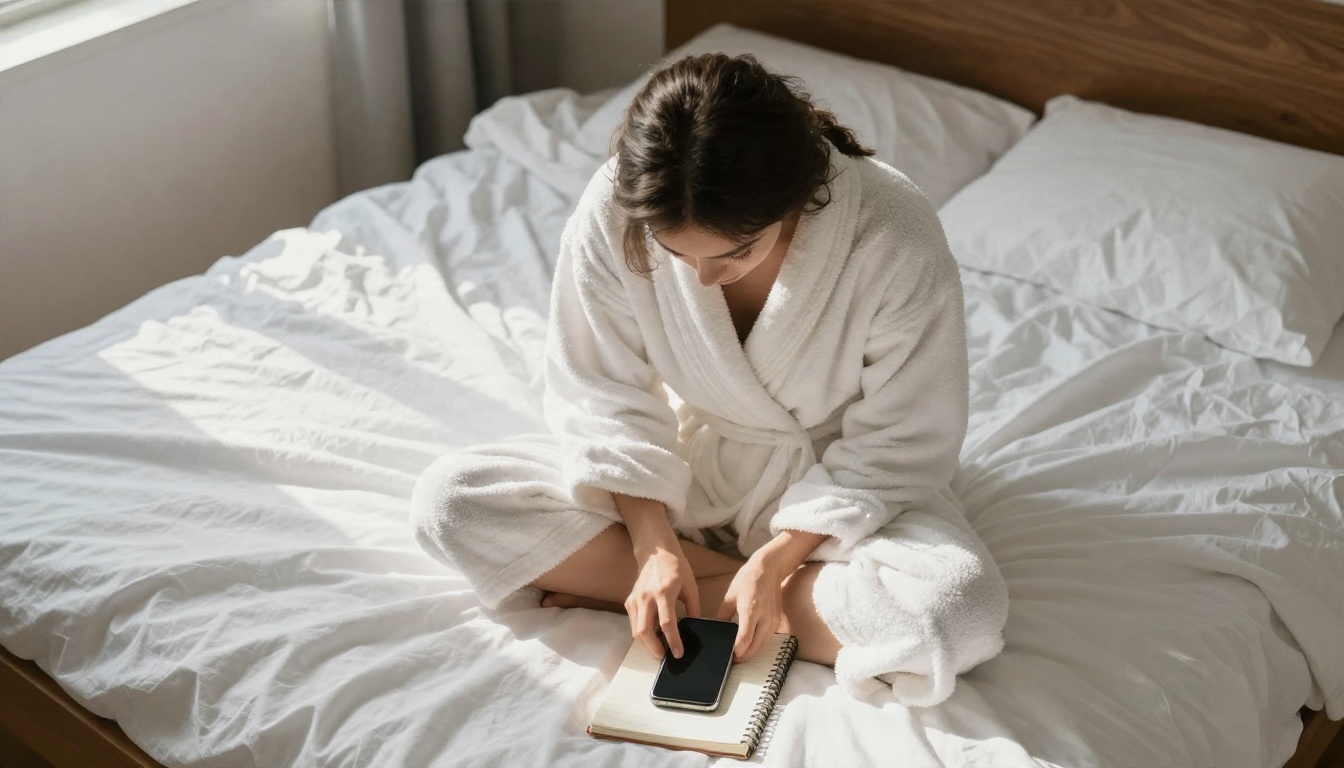
The fastest way to settle this is to test. Upload one of your own photos to Flux Kontext Pro, run a single outfit swap, and compare it with the same idea in Seedream 4.5 and PicassoIA Image Editor Pro. Within ten minutes you will know which one fits your style, your speed and your tolerance for retries.
Ready to build your own glamour set? Open PicassoIA, pick a model, and start experimenting. You can browse every image and editing model at picassoia.com/en/all-models.


