You type one sentence, wait a few seconds, and get back a photograph that looks like it came out of a studio shoot. That is the promise of Flux Max AI, and for once the promise mostly holds up. The model behind the name is Flux 2 Max, the top tier of the FLUX.2 family from Black Forest Labs, released in December 2025. It handles skin, fabric, food and architecture with a level of detail that used to need a camera and a lighting kit.
This article covers what the model does, where you can run it free online, how to set it up, nine prompts with the photorealistic results they produce, and the limits you will run into. No hype, just what works.
💡 Quick answer: Flux Max AI is a text to image model that outputs up to 4 megapixels, accepts up to 8 reference images, and exports WebP, JPEG or PNG. You can run it in the browser on PicassoIA with no code and no install.
What Flux Max AI Actually Is
People search for "Flux Max" and land on a mix of names, so a quick clarification helps. Black Forest Labs makes several image models, and the word "Max" shows up in more than one of them. The one this article covers is FLUX.2 [max], which on PicassoIA is called Flux 2 Max.
Where It Comes From
Black Forest Labs is the team founded by the researchers behind the original Stable Diffusion work. Their FLUX line moved quickly: first the Flux 1 releases, then Kontext for editing, then FLUX.2 in several tiers. Flux 2 Max sits at the top of that second generation, built for quality first and speed second.
What It Does Well
From testing and from the model's published behavior, these are the strengths worth caring about:
- Photorealism. Skin pores, wool fibers, flour dust and wood grain come through without the plastic look older models had.
- Prompt following. Long, specific prompts are respected. If you ask for light from the left and a brass knife, you get both.
- Typography. Short words render far more reliably than in earlier generations.
- Reference images. You can feed up to eight source images to steer subject, style or composition.
- Consistency in edits. Reference-driven results keep faces and objects recognizable across versions.
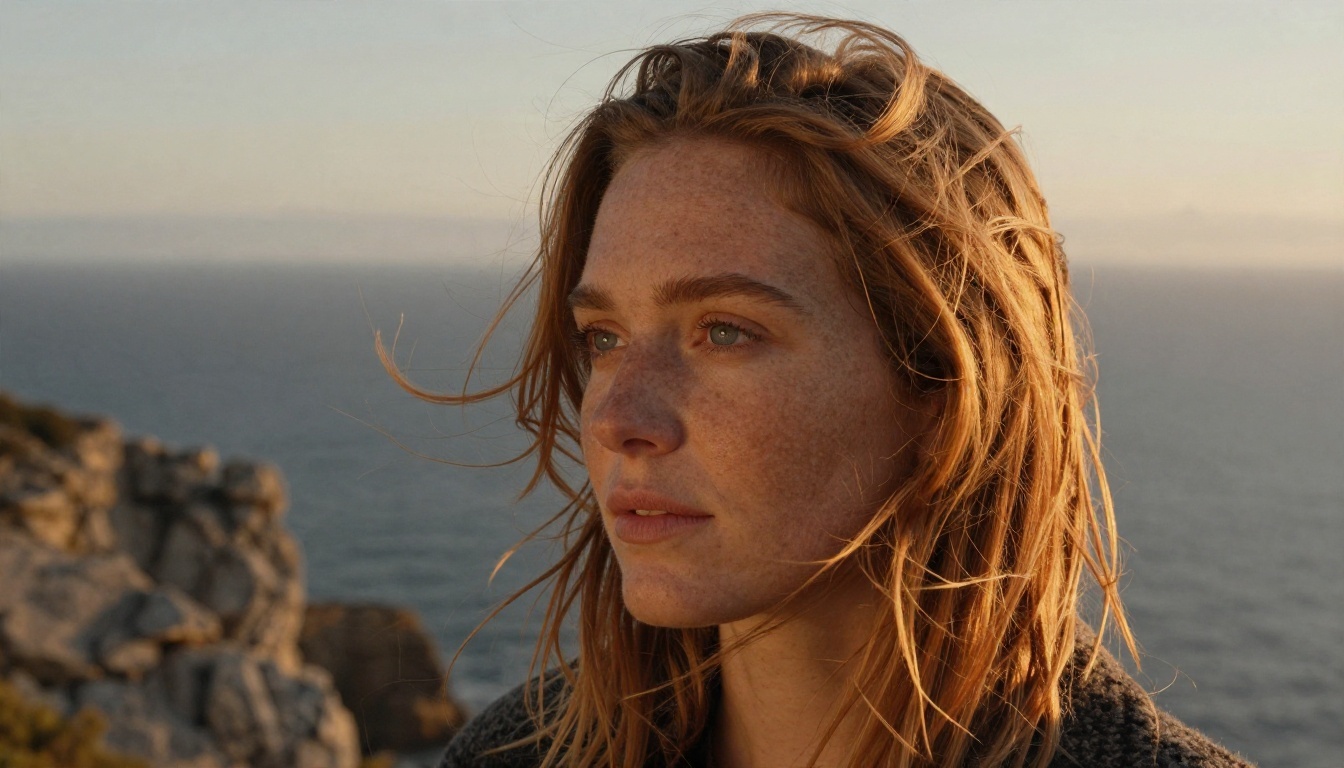
A portrait prompt with named lens, light direction and skin detail.
Try Flux Max AI Free Online
The official route to this model is through Black Forest Labs' own API and partner platforms, which bill by the megapixel. Prices differ by platform, and the figures I found ranged from a few cents to around ten cents per image depending on size and whether you were generating or editing. There is no consumer app from the company itself.
Free Access on PicassoIA
The browser route is simpler. PicassoIA hosts Flux 2 Max with a ready-made interface, so there is nothing to configure: no API key, no Python, no GPU. You open the page, write a prompt, pick an aspect ratio and press generate.
What "Free" Really Means
Free online generators always have a catch, so here is the honest version. The model page describes the tool as free to use online, but free tiers on any platform can come with daily or credit-based allowances, and those can change. Treat the free access as a way to test the model properly before you decide whether you need more volume.
💡 Tip: Spend your first free runs on low-resolution drafts (0.5 MP or 1 MP). Lock the composition you like with a seed, then re-run only the winner at higher resolution.
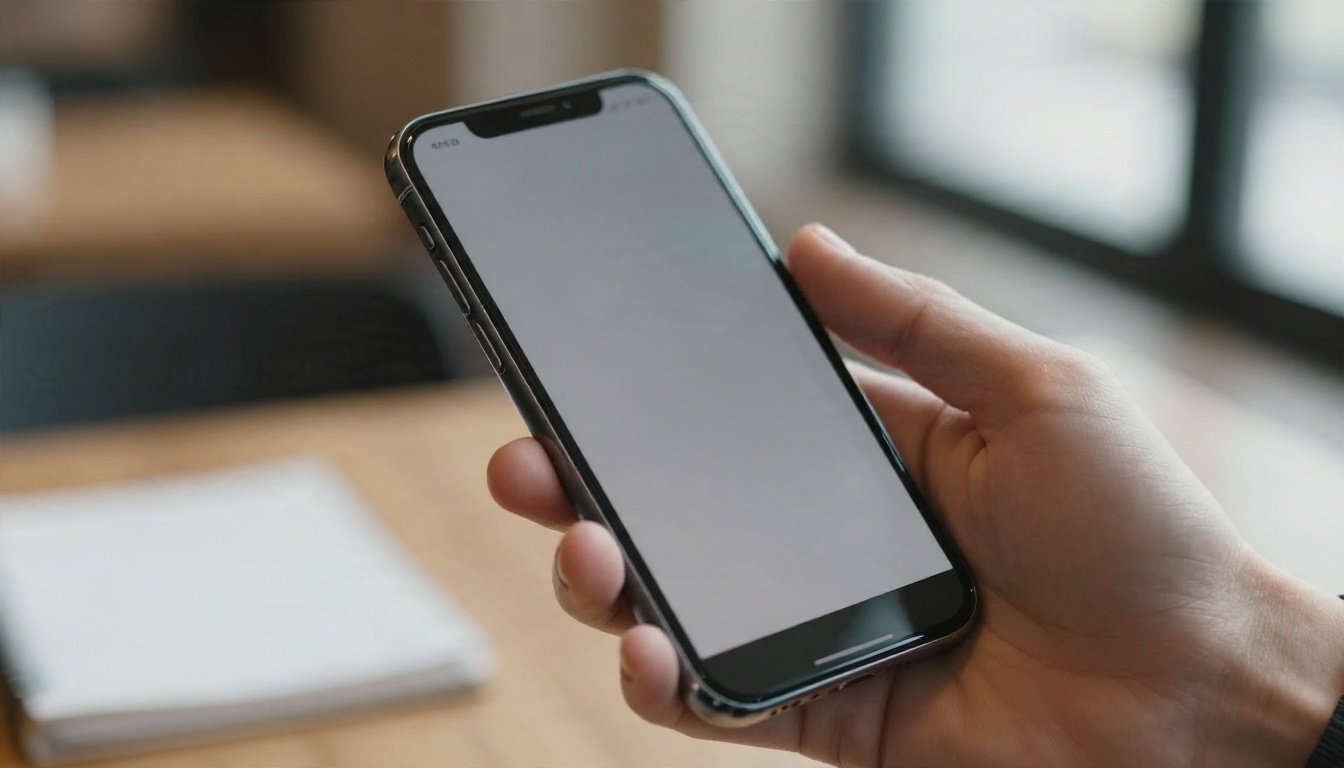
The whole workflow fits in a browser tab, even on a phone.
How to Use Flux 2 Max on PicassoIA
This is the practical part. The steps below apply to Flux 2 Max on its model page.
Step by Step
- Open the model page. Go to the Flux 2 Max page on PicassoIA.
- Write your prompt. Describe subject, setting, light, camera and texture. Aim for 40 to 80 words.
- Pick an aspect ratio. Presets include 1:1, 16:9, 3:2, 2:3, 4:5, 5:4, 9:16, 3:4 and 4:3, plus a custom option.
- Choose the resolution. Options run from 0.5 MP up to 4 MP. The default is 1 MP.
- Add reference images if needed. Upload up to eight files in JPEG, PNG, GIF or WebP.
- Set a seed. Leave it empty for variety, or fix a number to reproduce a result.
- Generate and download. Export as WebP, JPEG or PNG.
Settings That Matter
| Setting | Options | My recommendation |
|---|
| Resolution | 0.5, 1, 2, 4 MP | 2 MP for finals, 1 MP for drafts |
| Aspect ratio | 10 presets plus custom | 16:9 for blogs, 4:5 for social |
| Output format | WebP, JPG, PNG | PNG for editing, WebP for the web |
| Output quality | 0 to 100 | 90 for lossy formats |
| Safety tolerance | 1 (strict) to 5 (permissive) | Leave at the default of 2 |
| Seed | Any integer | Fix it when comparing prompt changes |
The model's own notes say that up to 4 MP is possible but 2 MP or below is recommended. That tip is worth following, and I explain why in the limits section.

Treat each run like a contact sheet: compare, pick, refine.
Flux Max AI Prompts That Work
Prompt quality decides most of the outcome. The model rewards specificity, so vague prompts like "a nice kitchen" waste a run.
A Simple Prompt Formula
Use this order and you will rarely go wrong:
- Subject and action. Who or what, doing what.
- Environment. Where, with two or three concrete props.
- Light. Direction, time of day, softness.
- Camera. Angle, focal length, aperture.
- Texture and finish. Skin, fabric, grain, film stock.
Example skeleton: "A [subject] [action] in [place], [light direction and quality], shot from [angle] with a [focal length] lens at [aperture], visible [texture details], subtle film grain."
Portrait Prompt
Prompt: "Close-up of a woman in her thirties with freckles and wind-tousled auburn hair on a rocky coastal cliff at golden hour, warm low sun from the right rim-lighting her hair, soft grey sea haze behind, visible skin pores and wool coat texture, 85mm f/1.8 shallow depth of field, Kodak Portra 400 film grain."
Notice the three layers of realism: a lens, a film stock and named textures. Portraits are where weak models fall apart, and this is the quickest way to test any generator.
Food and Product Prompts
Food is a good stress test because crumb, steam and flour dust are hard to fake.
Prompt: "Overhead view of a rustic wooden kitchen table with a freshly baked sourdough loaf, scattered flour, a ceramic bowl of ripe figs, a linen napkin and a brass knife, soft window light from the left, 50mm f/2.8 lens, natural tones."
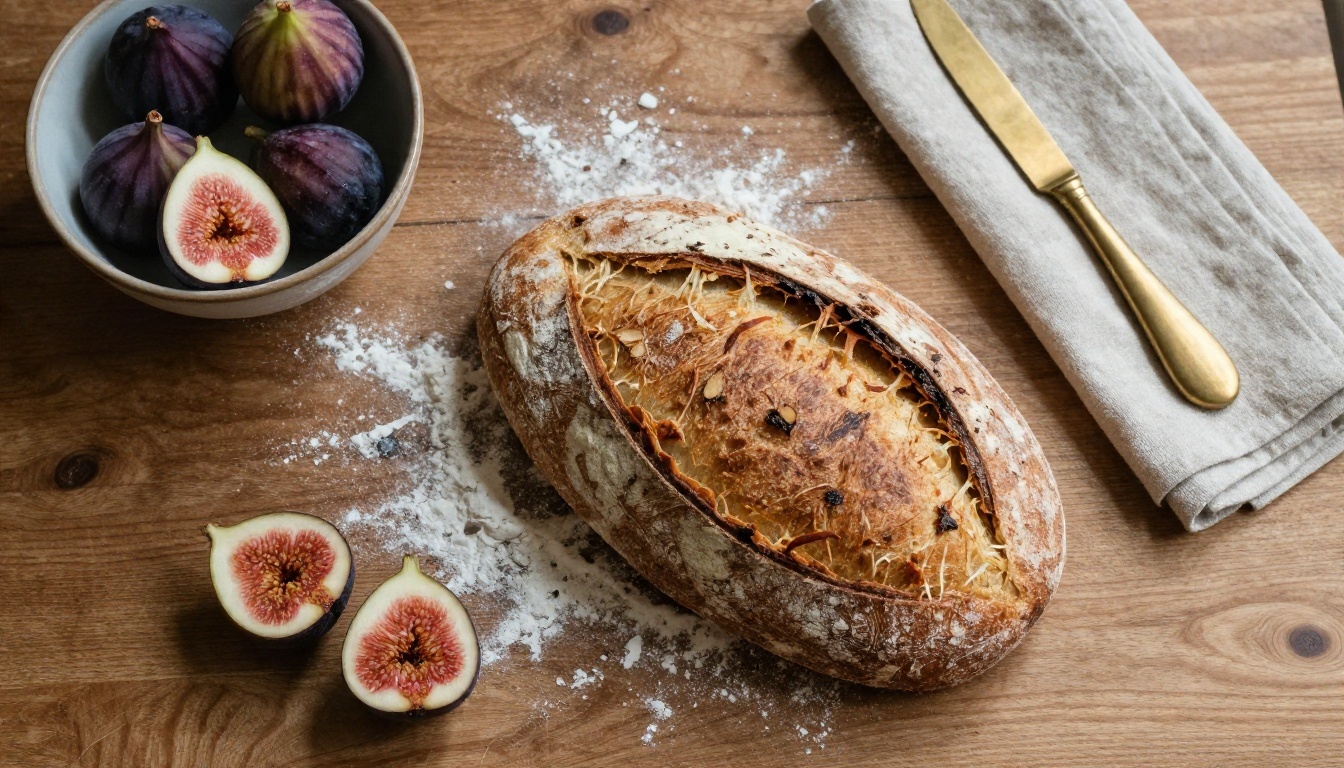
Overhead food shots reward small props and one clear light direction.
Product shots follow a similar logic, but the background needs to be plain.
Prompt: "Low-angle product photograph of a minimalist brown leather backpack and a stainless steel water bottle on a pale travertine pedestal, soft diffused studio light from the upper left, beige seamless backdrop, 70mm f/4 lens."
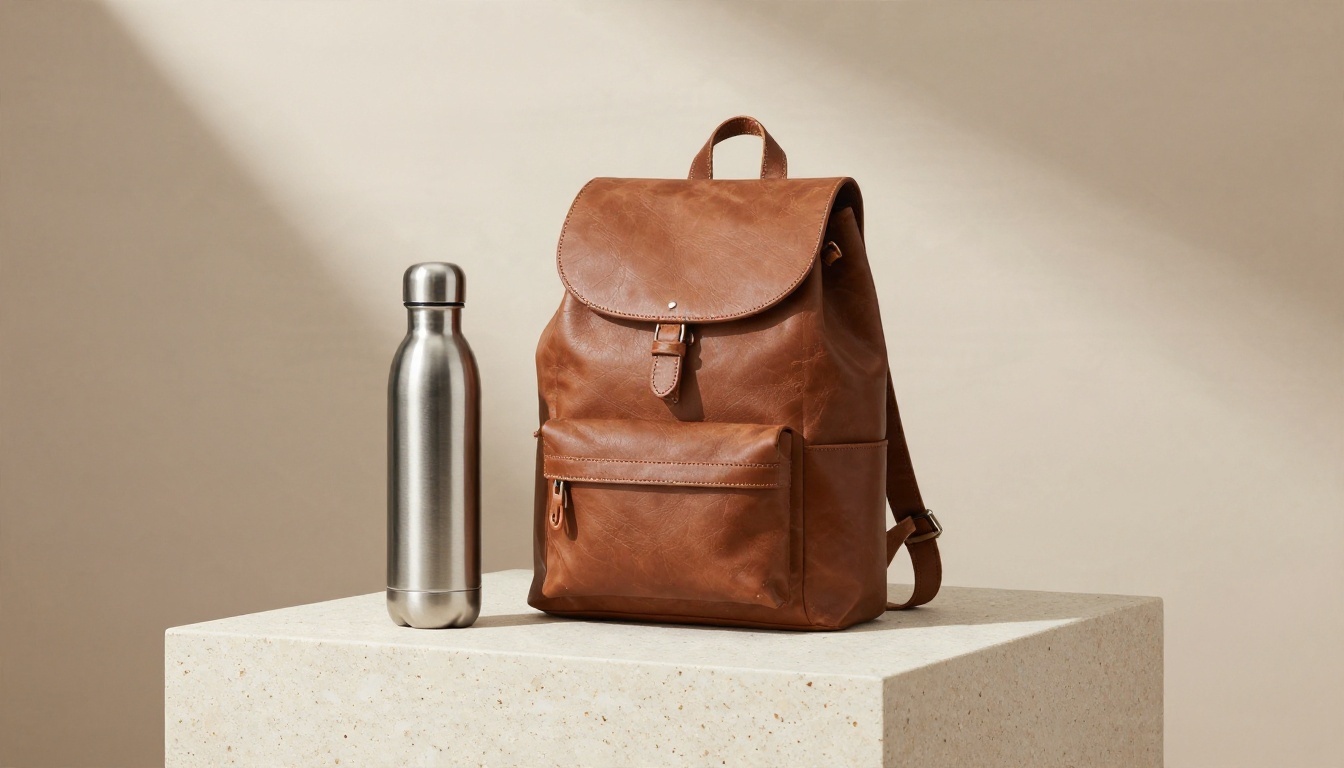
A seamless backdrop and one soft light keep product images clean.
💡 Tip: For e-commerce mockups, upload your real product photo as a reference image and describe only the new setting. This keeps the product shape and changes the scene.
Interior, Street and Landscape
Wide scenes need a different approach: fewer subjects, more atmosphere.
Interior prompt: "Wide architectural photograph of a modern Scandinavian living room with a linen sofa, oak floor, tall plants and floor-to-ceiling windows overlooking a pine forest, soft overcast daylight from the right, 24mm f/5.6 lens."
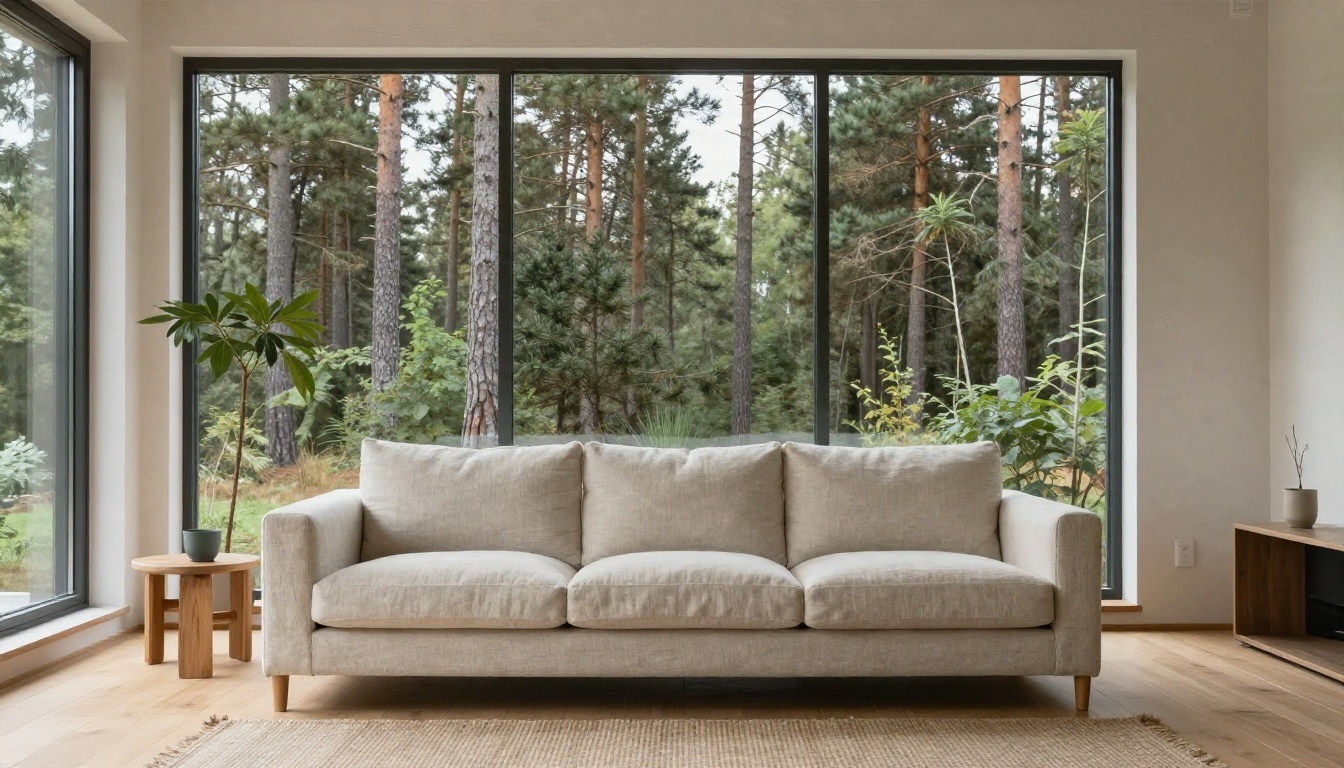
Overcast light is forgiving and gives interiors a calm, believable look.
Street prompt: "Street photograph of an elderly man in a flat cap sipping espresso at a small zinc table outside a Lisbon cafe, cobblestone street and pastel tiled facades behind, warm late afternoon light from the left, 135mm f/2."
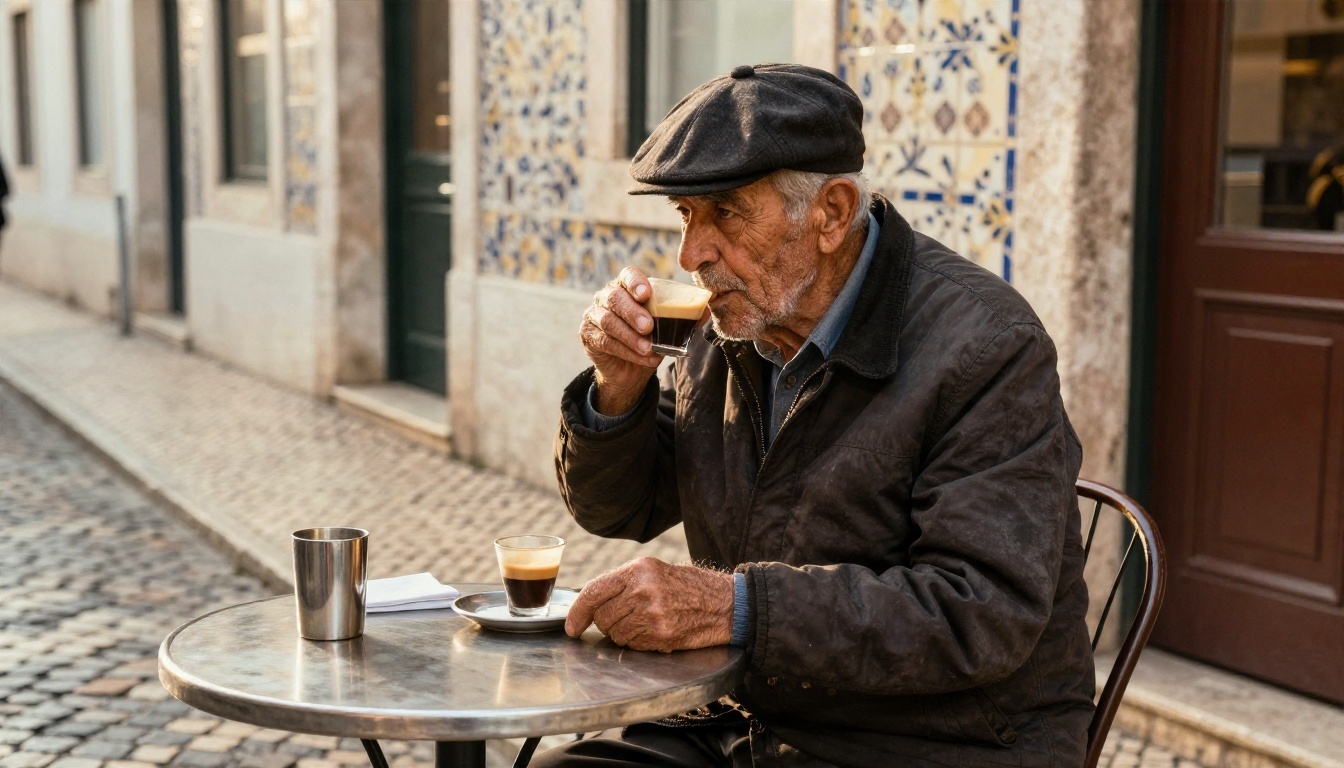
A long lens compresses the background and keeps attention on the face.
Landscape prompt: "Misty alpine lake at dawn with a lone wooden rowing boat at a weathered pier, pine-covered mountains fading into layered fog, soft pink and blue pre-sunrise light, wide elevated composition, 24mm f/8 lens."
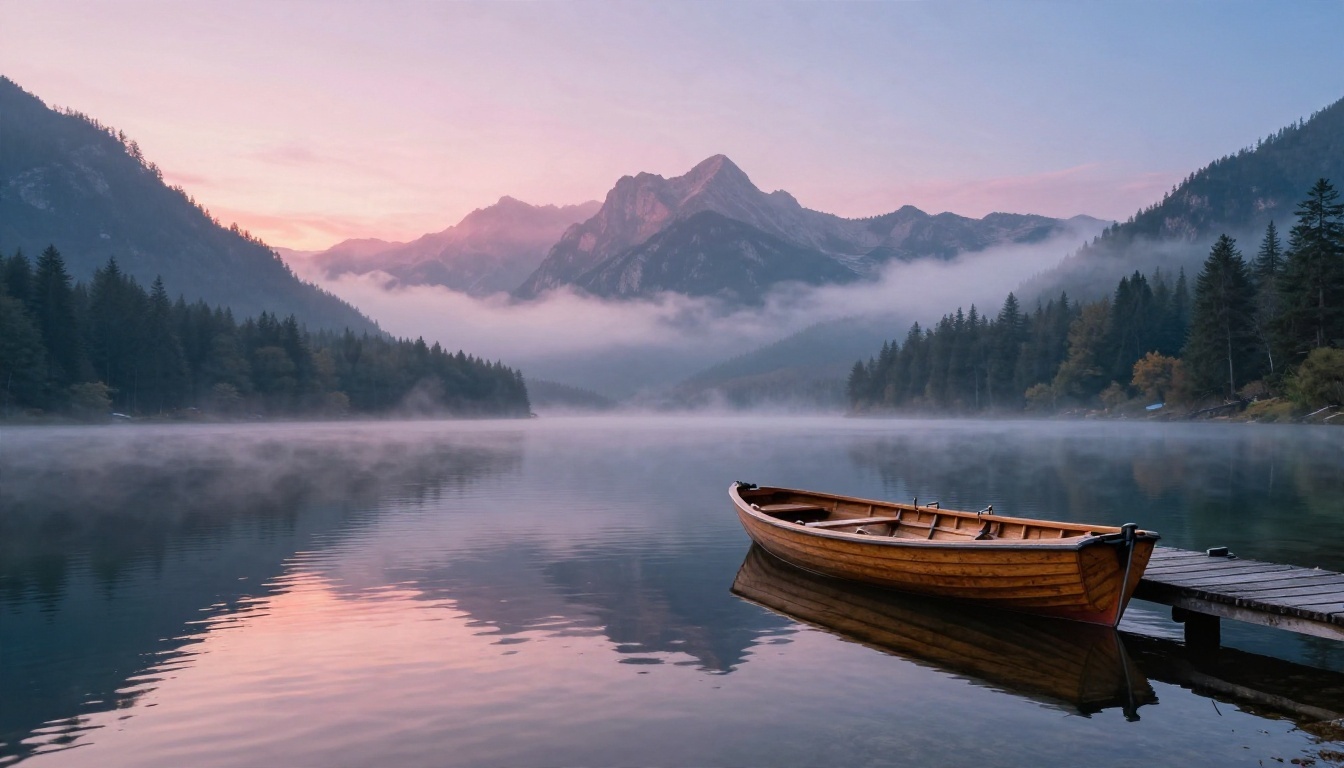
Layered fog gives depth without any extra prompt words.
Fashion Prompt
Prompt: "Fashion editorial photograph of a model in a cream tailored blazer and wide trousers walking across a sunlit concrete plaza, mid-stride, full-length from a low angle, strong directional sunlight from the left with crisp shadows, fabric folds and wool weave visible, 85mm f/2 lens."
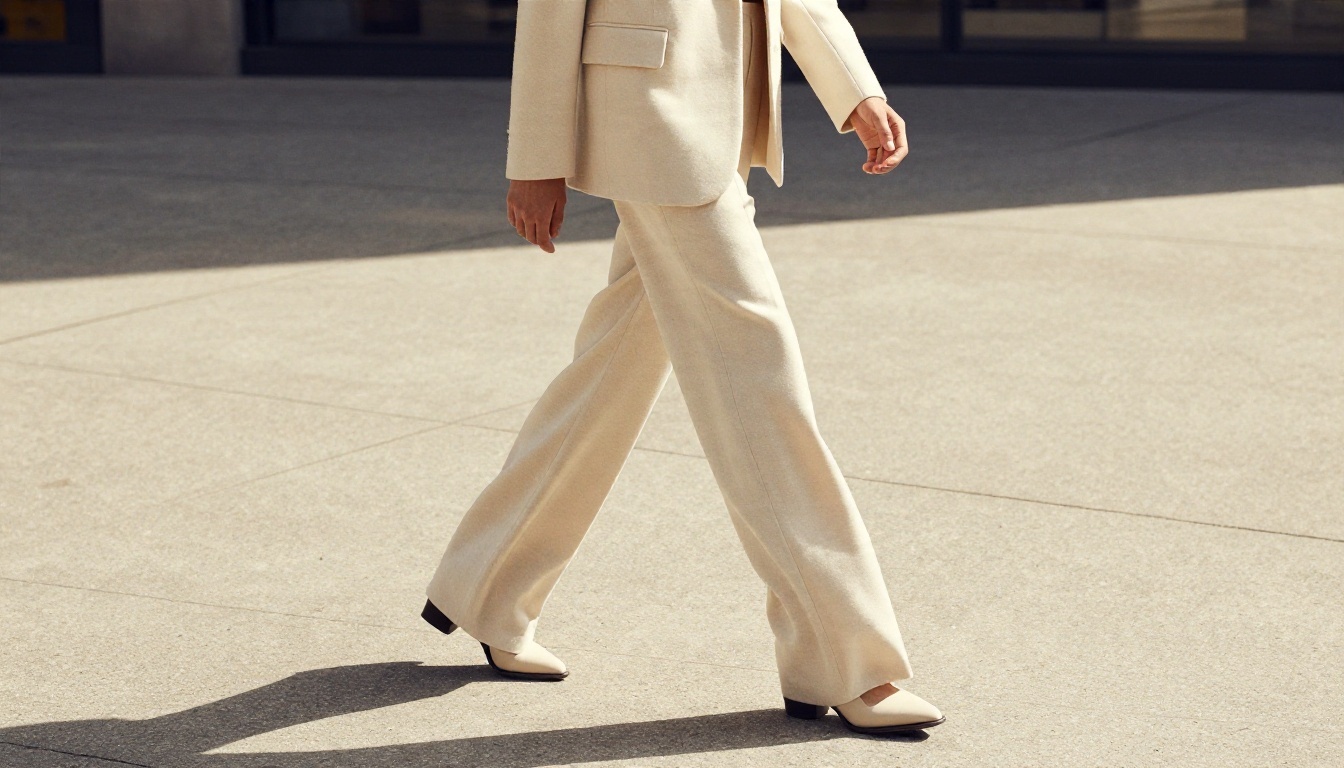
Hard sunlight and a low angle give fashion images an editorial punch.
A note on how these examples were made: the images in this article are illustrations of the prompt style, rendered with a fast image tool for the page. They show the kind of photographic result you should aim for. Results on any model vary with seed and wording, so run each prompt a few times.
The Real Limits of Flux Max AI
No model is perfect, and being clear about the weak spots saves you time and credits.
Resolution and Aspect Ratio Caps
Although the model advertises up to 4 MP, the maximum image size is 2048 x 2048. If your aspect ratio is not 1:1, a high resolution setting may not be fully respected. That is the reason the recommendation is 2 MP or below. For genuine large prints, generate at 2 MP and upscale with a super resolution model afterward.
Custom sizes have their own rule: width and height round to the nearest multiple of 32. Ask for 1000 pixels and you get 992 or 1024.
Text, Hands and Long Prompts
- Text in images. Short words like "OPEN" or "CAFE" work. Paragraphs of text do not. Keep text to one or two words and put them in quotation marks.
- Hands and small objects. Better than older models, but crowded scenes with many fingers or tiny items still produce occasional errors. Re-run with a new seed rather than rewriting the prompt.
- Overloaded prompts. Past roughly 100 words, details start to fight each other. Cut the least important ones.
- Real-time facts. Some providers advertise web grounding for this model, but do not rely on it for current events or logos.
Cost and Speed
Speed is good but not instant: expect seconds rather than minutes at 1 MP, and longer at 4 MP. On paid APIs, price scales with megapixels in and out, so editing with eight reference images costs more than a plain text run. On PicassoIA you work through the browser interface, which keeps the process simple, but free allowances are finite.
💡 Tip: Draft at 0.5 MP with a fixed seed, change one thing per run, and only raise the resolution when the composition is right. It cuts waste by more than half.
Flux Max Compared With Other Models
Flux 2 Max is not the only strong option, and the best choice depends on the job. Here is how it sits next to related models you can run on PicassoIA.
| Model | Best for | Notable trait |
|---|
| Flux 2 Max | Top quality photorealism | Up to 4 MP, up to 8 reference images |
| Flux 2 Pro | Balanced quality and speed | Text or photo input |
| Flux Kontext Max | Rewriting existing images | Edits an image with text instructions |
| Flux 1.1 Pro Ultra | Photorealistic 4 MP output | Strong natural look |
| Seedream 4.5 | 4K output and flexible styles | Good for adult and stylized work |
| Nano Banana Pro | 4K images with strong edits | Free 4K option |
When to Pick Which
- Choose Flux 2 Max when realism and prompt accuracy matter most.
- Choose Flux Kontext Max when you already have an image and want to change one thing in it.
- Choose Flux 2 Pro for everyday work where you want a lighter, quicker run.
- Choose Nano Banana Pro when you want a different visual flavor to compare against.
Common Mistakes to Avoid
- Writing adjectives instead of details. "Beautiful, stunning, amazing" adds nothing. "Freckles, wool coat, low sun from the right" adds a lot.
- Skipping the light. A prompt without light direction gives flat, generic results.
- Chasing 4 MP too early. Resolution does not fix a weak composition.
- Changing five things per run. Change one thing and keep the seed fixed, or you will never know what helped.
Start Making Your Own Images
The fastest way to judge Flux Max AI is to run your own prompt. Open Flux 2 Max on PicassoIA, copy one of the prompts above, and swap in your own subject. Then change the light direction, run it again with the same seed, and see what moves.
Once you have a result you like, try a second model for contrast. Flux 2 Pro and Nano Banana Pro take the same prompts, and seeing three takes on one idea teaches you more about prompting than any checklist. For the full catalog of image, video and audio tools, browse all PicassoIA models and build your own workflow from there.


