Flux Prompt Generator: Free Online Tool With NSFW Prompts and Examples
A free, fill-in-the-blank Flux prompt generator with a seven-part formula, copy-ready suggestive prompts for swimwear, loungewear and evening glamour, a Flux Dev walkthrough, and a model comparison for photoreal results.
Most people type five words into an image model, get a flat, plastic-looking result, and blame the model. The model is rarely the problem. The prompt is. A Flux prompt generator fixes that by turning a handful of choices (who, where, what light, which lens) into a long, structured description that Flux Dev can actually follow. This article gives you a free generator you can run in your head or in a notes app, plus copy-ready suggestive prompts for swimwear, loungewear and evening glamour, all written to stay tasteful and non-explicit.
💡 Quick answer: a good Flux prompt has seven parts: subject, pose, wardrobe, setting, light, lens, and texture. Fill each slot with one concrete phrase, join them in plain sentences, and you will beat 90% of the prompts people paste from forums.
What a Flux Prompt Generator Does
A prompt generator is any tool, template or script that converts rough ideas into a finished prompt. Some are web forms with dropdowns. Some are language models that rewrite your sentence. The simplest one is a fill-in-the-blank template, and it is also the most reliable because you control every word.
Natural Language Beats Tag Soup
Older Stable Diffusion habits rewarded comma-separated tags like "masterpiece, best quality, 8k, ultra detailed". The Flux family reads sentences far better. It understands relationships between objects, so "a woman holding a ceramic cup in her left hand while light from a window falls across her cheek" works better than a pile of keywords.
Three things follow from this:
Write in sentences. Subject first, then action, then environment.
Skip the quality spam. Words like "masterpiece" add little. Camera and film details add a lot.
Be specific about light. Light direction is the single biggest realism lever.
Why Free Matters Here
You do not need a paid subscription to write good prompts. A generator is only a thinking structure. The cost sits in the image generation step, and on PicassoIA you can test Flux variants such as Flux Schnell for quick drafts before spending time on a final render.
The 7 Part Prompt Formula
Here is the template. Copy it, then replace each bracket with one concrete phrase.
[Subject, age range, hair, expression] + [pose or action] + [wardrobe]
in [setting with 2 to 3 props], lit by [light source and direction],
shot on [lens, aperture, angle], [skin and fabric texture],
[film stock and grain].
Subject and Pose
Start with the person, then the action. "A woman in her late twenties with wavy chestnut hair, relaxed smile, looking toward the camera with a slight head tilt" gives the model a face, an age and an attitude. Vague subjects produce generic faces.
Poses sell the mood. Walking, leaning, stretching, sitting on a bed edge, glancing over a shoulder: each verb pulls the whole image toward a different feeling. Use one pose per prompt.
Wardrobe and Setting
Name fabric and cut, not just garment type. "Ivory silk robe loosely tied at the waist" renders better than "robe". "White string bikini" is clearer than "swimwear". Then anchor the scene with props: a leather notebook, a vase of peonies, a linen sofa. Props give the model texture to work with.
Light and Lens
This is where photorealism lives. Pick a light source (window, golden hour sun, tungsten wall sconce, softbox) and a direction (from the left, from behind, from above). Then pick a lens.
Lens
Best for
Look
24mm
Aerial, pool, wide scenes
Open, airy, slight distortion
35mm
Beach, corridors, environmental portraits
Natural, storytelling
50mm
Bedroom, café, lifestyle
Honest, close to human eye
85mm
Portraits
Soft background, flattering
105mm
Tight face shots
Strong compression, creamy blur
Texture and Film Stock
Finish with micro-details. "Tiny freckles across the nose, visible pores, fine peach fuzz" breaks the airbrushed look. "Linen weave", "satin sheen", "wet sand grain" do the same for surfaces. Close with a film reference such as Kodak Portra 400 and "subtle film grain" for warm, believable skin tones.
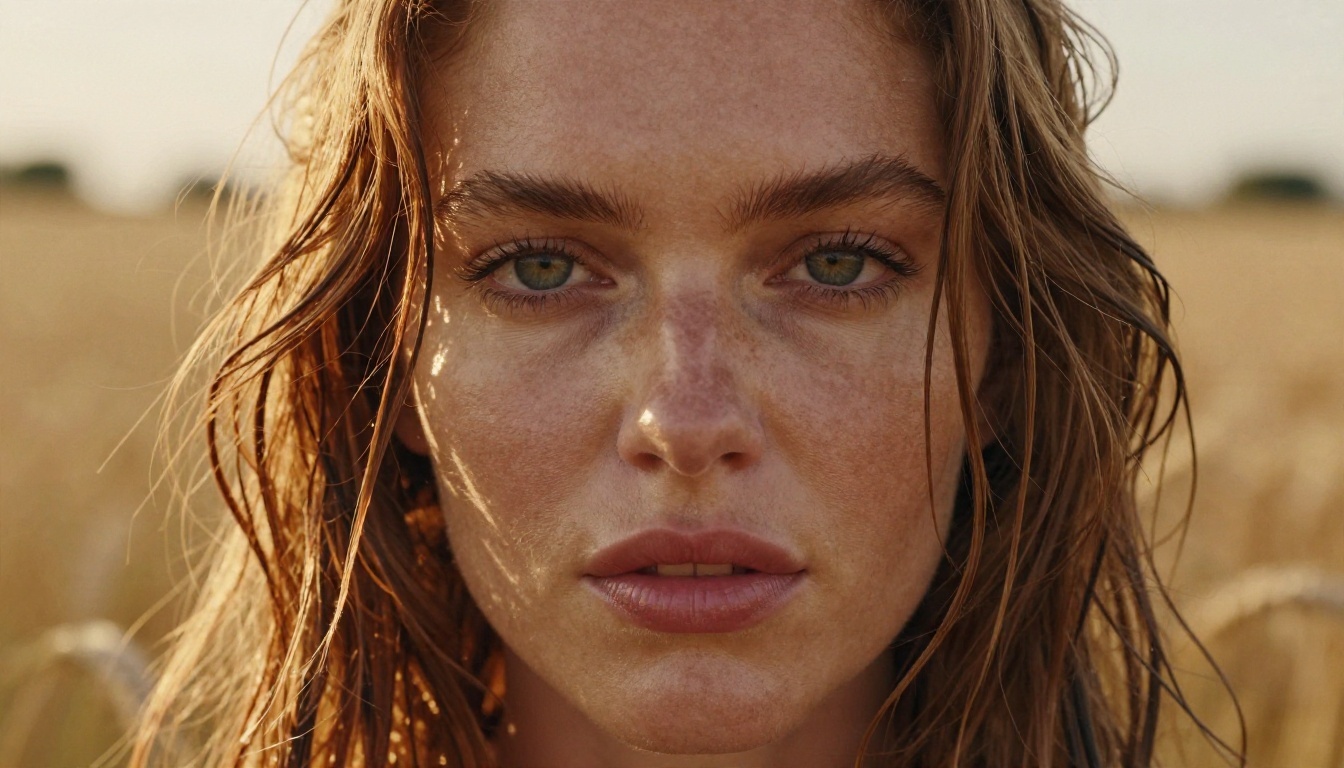
💡 Tip: this portrait came from a prompt with only one light source, one lens and three skin details. Short and specific beats long and vague.
NSFW Prompts That Stay Tasteful
"NSFW" in image generation covers a wide range. This section stays on the suggestive, glamour end: swimwear, loungewear, evening wear, implied intimacy. Nothing explicit. That boundary is also good for results, because aesthetic prompts built on light, fabric and mood produce better pictures than anything crude.
Beach and Swimwear
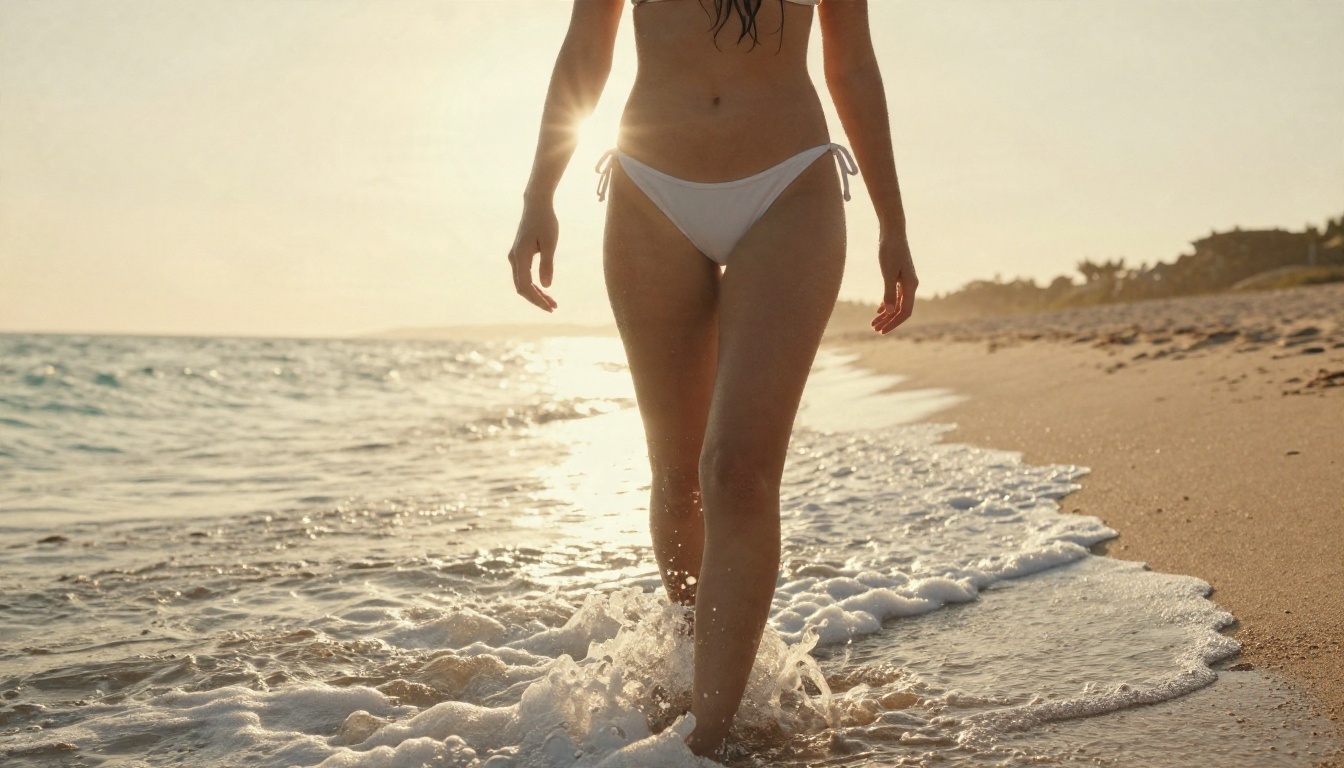
Swimwear prompts work when the environment does the heavy lifting. Golden hour, wet skin, backlight and a low camera angle create a classic editorial look.
Copy-ready prompt:
Low-angle shot of a tanned woman in a white string bikini walking out of
shallow turquoise water onto a sandy beach at golden hour, water droplets
on her skin, wet hair swept back, sun low behind her creating a warm
backlight, soft foam around her ankles, 35mm f/2 lens, crisp sand grain,
gentle haze on the horizon, subtle film grain, Kodak Portra 400.
Boudoir and Loungewear
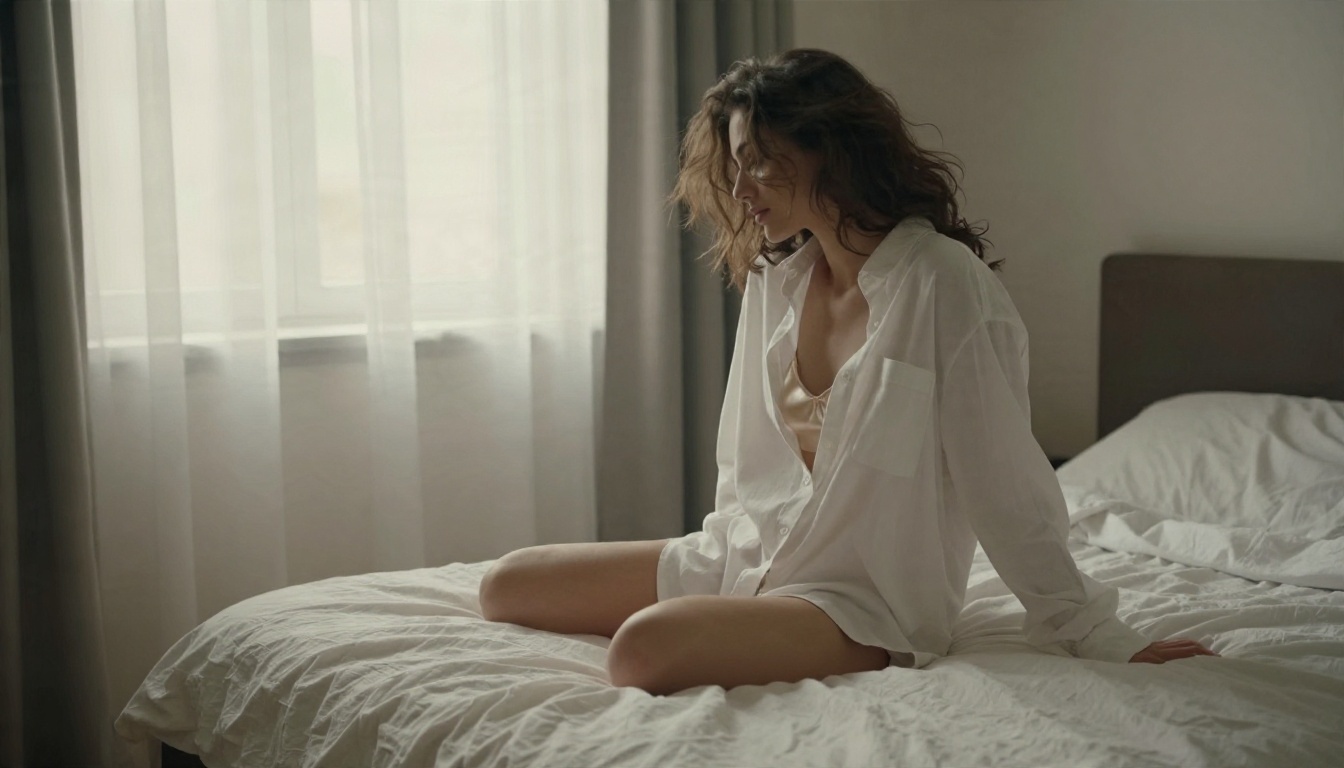
Morning light, rumpled linen and oversized shirts read as intimate without being explicit. Keep the wardrobe described in terms of fabric and fit, and let shadows do the suggesting.
Copy-ready prompt:
Elegant morning photograph of a woman sitting on the edge of a bed in an
oversized white button-up shirt and a cream satin camisole, hair tousled,
high angle, soft window light from the left through sheer curtains,
rumpled white linen sheets, 50mm f/2 lens, visible linen weave, muted
warm tones, film grain, Kodak Portra 400.
⚠️ Heads up: many hosted image services run a content filter. The more clinical or anatomical your wording, the more likely a prompt gets blocked. Fabric, light and mood words get through far more often, and they look better.
Evening Glamour
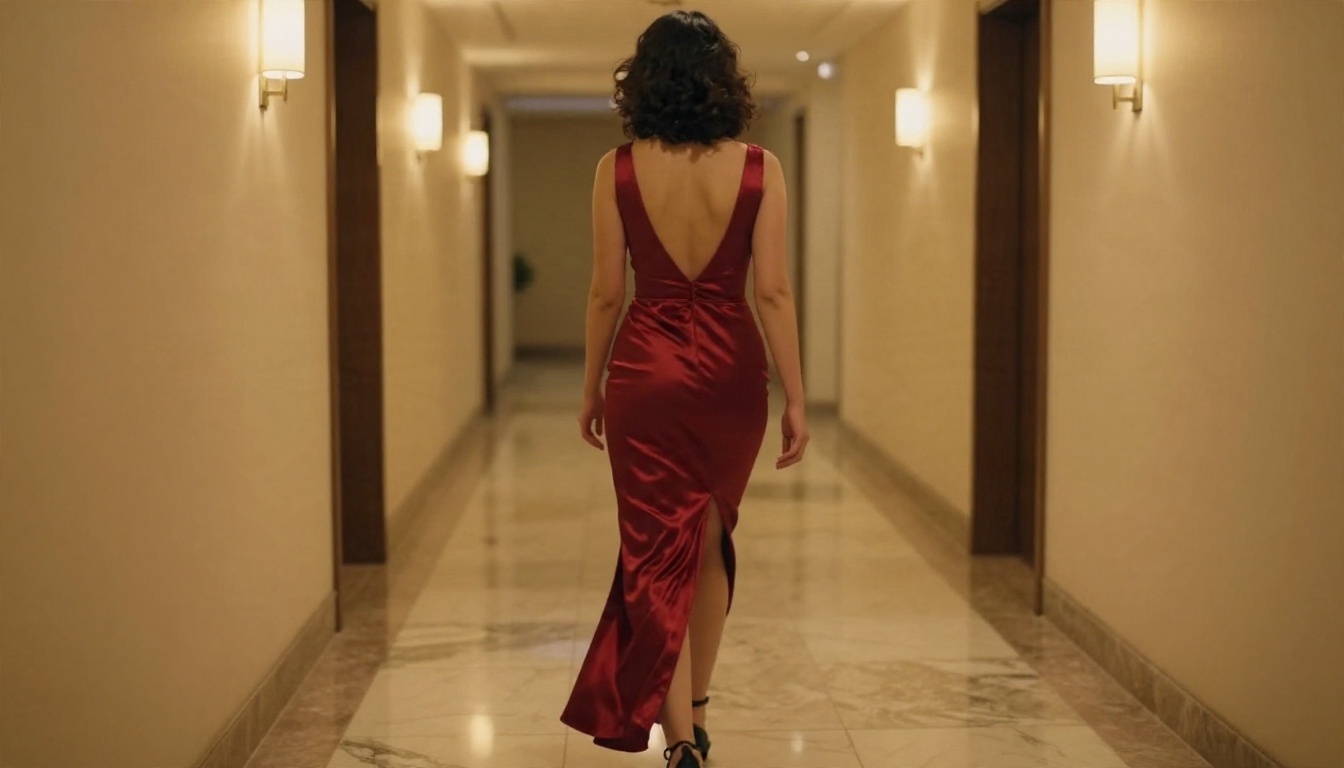
Evening wear is the safest high-impact category. A satin gown, warm tungsten light and a reflective floor give you drama without a single risky word.
Copy-ready prompt:
Full-length shot of a woman in a backless deep red satin evening gown with
a high leg slit, walking down a dim marble hotel corridor, head turned
over her shoulder, warm tungsten wall sconces casting amber pools of
light, reflective floor, 35mm f/1.8 lens, satin sheen and fabric movement,
subtle film grain, Kodak Portra 400.
Pool and Fitness
Not every suggestive image needs a bedroom. Aerial pool shots and gym portraits show the body through sunlight, water and sweat sheen.
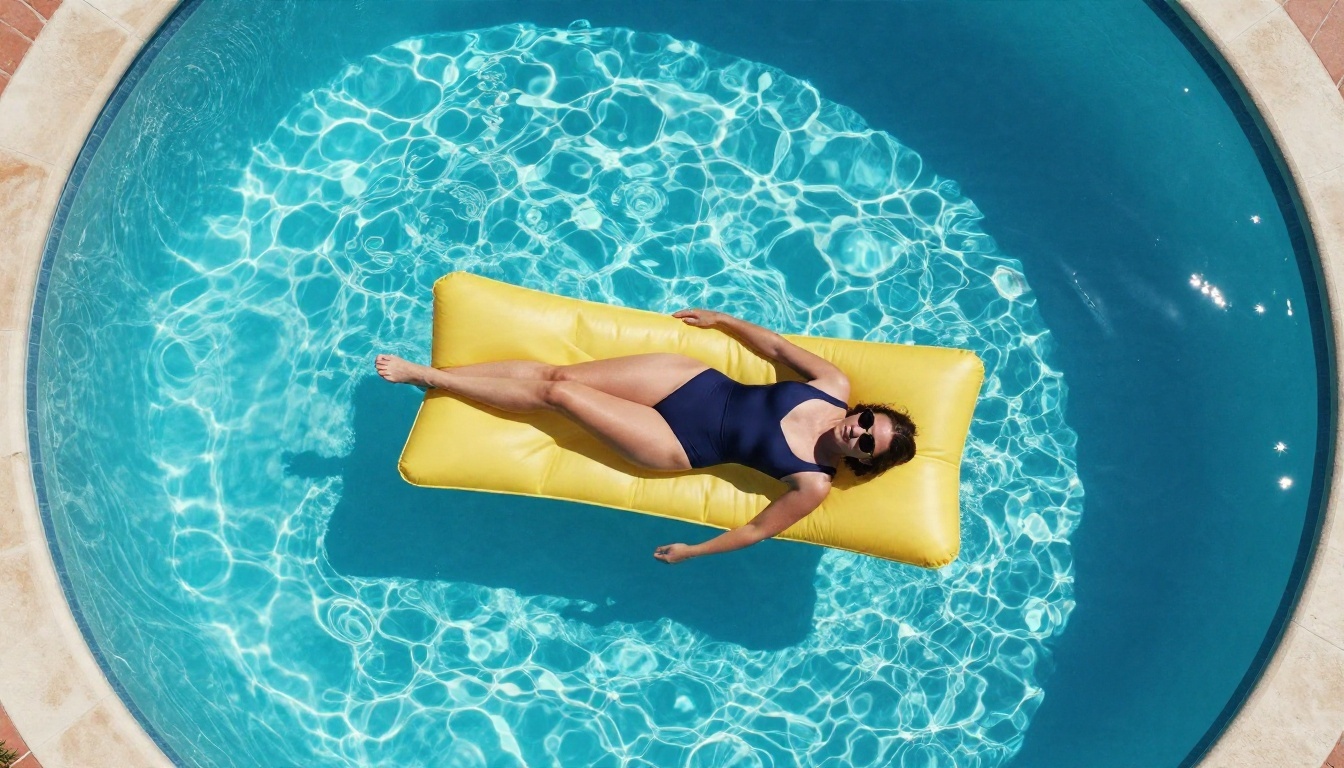
Copy-ready pool prompt:
Aerial drone view looking straight down at a woman in a navy one-piece
swimsuit lounging on a pale yellow floating mat in a clear blue villa pool,
sunglasses on, one arm trailing in the water, hard midday sun casting
crisp shadows and dappled ripples on the pool floor, terracotta tiles at
the edge, 24mm lens, natural color, light film grain.
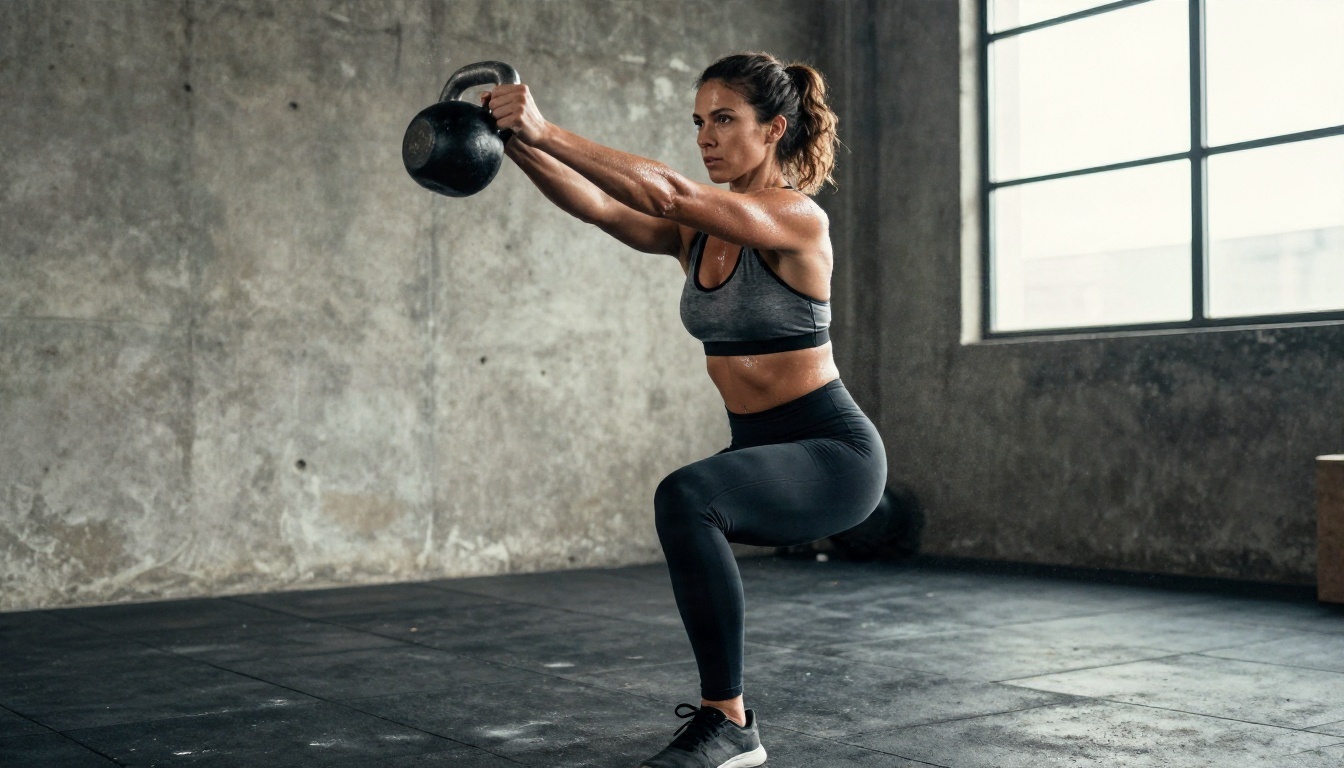
Copy-ready fitness prompt:
Side-lit photograph of an athletic woman in a sports bra and leggings doing
a kettlebell swing in a raw concrete loft gym, sweat sheen on her
shoulders, strong hard light from a large window on the right carving
muscle definition, chalk dust in the air, 70mm f/2.8 lens, gritty rubber
floor and steel texture, film grain.
Copy Ready Prompt Examples
Here is a quick-reference table you can adapt. Swap the subject and keep the structure.
Mood
Wardrobe
Light
Lens
Setting
Sun-kissed
White string bikini
Golden hour backlight
35mm
Beach, shallow surf
Intimate
Oversized white shirt, satin camisole
Window light from left
50mm
Linen bed, sheer curtains
Dramatic
Red satin gown
Tungsten sconces
35mm
Marble hotel corridor
Carefree
Navy one-piece
Hard midday sun
24mm
Villa pool, aerial
Athletic
Sports bra, leggings
Hard side light
70mm
Concrete loft gym
Editorial
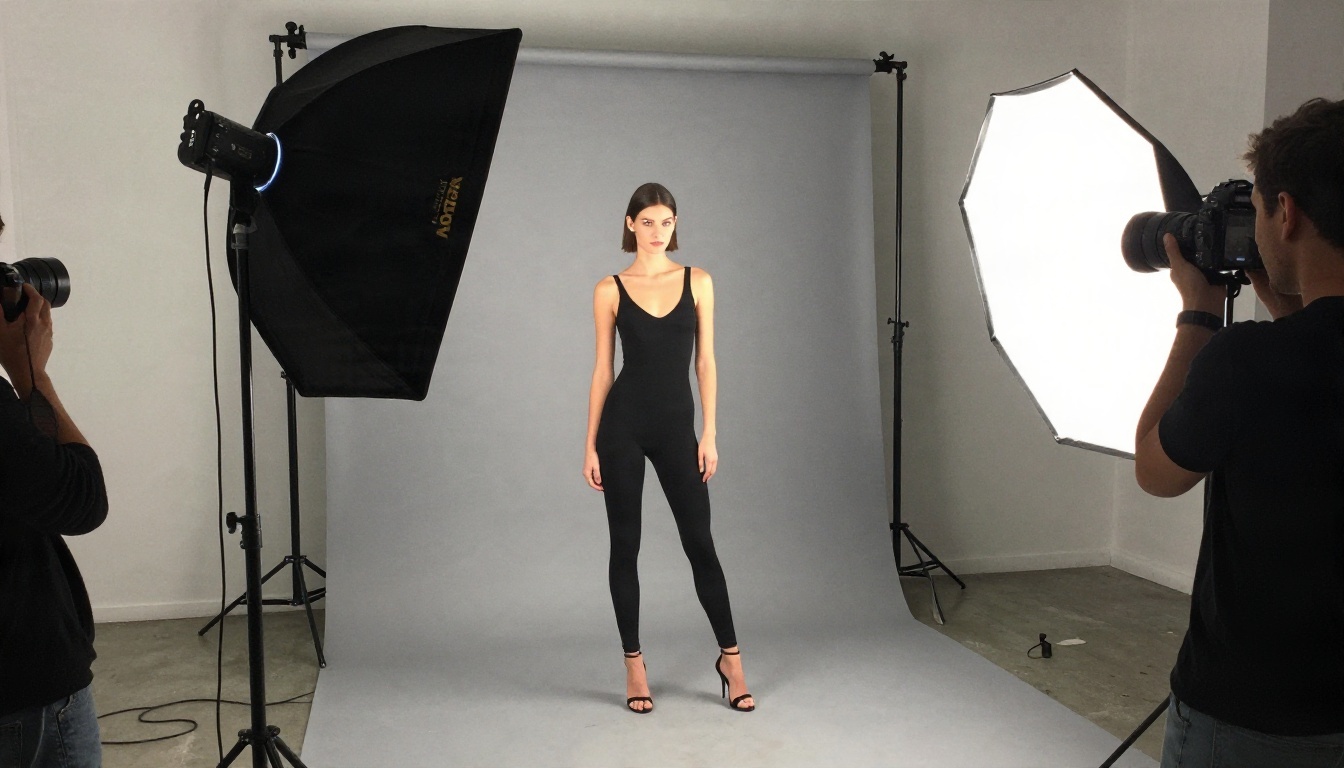
Black bodysuit
Octabox from left, white fill
28mm
Grey seamless studio
Studio Lighting Shortcut
If you want a clean fashion look, describe the studio like a photographer would: "large octabox softbox from camera left, white reflector bouncing fill from the right, seamless grey backdrop". Flux reads lighting setups surprisingly well.
How to Use Flux Dev on PicassoIA
Flux Dev is the best starting point for the formula above. It is built for photorealistic output and follows long, descriptive prompts closely.
Paste your prompt. Use the seven-part template. Keep it between 50 and 120 words.
Set the aspect ratio. Choose 16:9 for wide scenes, 3:2 for classic photo framing, 2:3 or 9:16 for full-length portraits.
Generate a first draft. Look at light direction, face and wardrobe, not at fine detail.
Change one thing. Swap the lens, the light or one prop, then regenerate. Changing several variables at once hides what worked.
Lock a seed. When you like a result, reuse the seed so small prompt edits keep the same composition.
For fast drafts, run the same prompt through Flux Schnell, which prioritizes speed. When you want higher resolution and a finer finish, step up to Flux 1.1 Pro Ultra, which outputs around 4MP.
Editing Instead of Rewriting
If a picture is nearly right but the outfit or background is off, do not rewrite the prompt. Use an editing model such as Flux Kontext Fast and describe the change: "change the dress to deep green satin, keep everything else the same".
💡 Tip: keep a running notes file with three columns: prompt, seed, verdict. After twenty generations you will have your own personal prompt generator built from what actually worked.
Which Model for Which Look
Flux is excellent, but it is not the only option. For suggestive, adult-leaning work in particular, the order below is the one I would follow on PicassoIA.
Seedream 4.5 is the model to try first when your prompt leans toward swimwear, lingerie-adjacent loungewear or evening glamour. It renders skin texture and satin sheen cleanly, and it responds well to the same seven-part formula. Paste a prompt from this article unchanged and compare it against your Flux result.
Image Editor Pro for Volume
PicassoIA Image Editor Pro matters when you iterate a lot. Unlimited generations mean you can try twenty wardrobe variations, fix a hand, or change a background without watching a counter. For anyone refining a look over dozens of attempts, that is the real value.
The Flux Family
Beyond the models above, PicassoIA also carries lighter and specialized Flux options, including Flux 2 Klein 4B Base and Flux Dev LoRA for custom styles. Use Qwen Image 3 Pro as another photoreal option when you want a different rendering of the same prompt.
3 Common Prompt Mistakes
1. Stacking adjectives instead of details. "Beautiful, stunning, gorgeous, perfect woman" tells the model nothing. "Light freckles, green eyes, damp wavy auburn hair" tells it everything.
2. Forgetting the light. Without a light source, models default to flat, even lighting that looks like a stock photo. Always name the direction.
3. Mixing styles. A prompt that asks for "film grain, Kodak Portra, neon cyberpunk, 3D render" confuses the output. Pick one visual language. For photorealism, stay with natural light, a real lens and a real film stock.
⚠️ Reminder: keep your subjects adult, keep your content tasteful, and respect the rules of any platform you publish to. The goal is beautiful photography, not shock value.
Try It Yourself
You now have the formula, six tested prompts and a model order that makes sense. Pick one example from the table, change the subject and the light, and run it in Seedream 4.5. Then run the same prompt in Flux Dev and compare. The difference between the two will teach you more about your own taste than any tutorial.
When you want to iterate without limits, open PicassoIA Image Editor Pro and keep refining. For the full catalog of image, video and editing models, browse picassoia.com/en/all-models and start building your own prompt library today.