Type "Flux Schnell free API" into a search bar and you will get a pile of contradictory answers: one site says it costs nothing, another quotes a fraction of a cent, a third says you need a paid plan. The confusion is real, because Flux Schnell is an open model that many companies host differently, and each host sets its own rules. This article sorts it out. You will see what the model is, what the official endpoint charges, where genuinely free access exists, which limits tend to bite, and how to skip the API entirely if all you want is images.
💡 Quick answer: There is no single "Flux Schnell free API." There is an official paid endpoint, a handful of third-party hosts with tiny per-image prices, a few time-limited or rate-limited free endpoints, and browser-based tools that need no API at all. Prices below come from public pages read in November 2026 and they change often, so check the provider before you build anything on them.

What Flux Schnell Actually Is
Flux Schnell is the speed-focused member of the FLUX.1 family from Black Forest Labs. "Schnell" is German for "fast," and the name fits: the model is distilled to produce a usable image in 1 to 4 denoising steps, where older diffusion models needed 20 to 50. It has roughly 12 billion parameters and is released under the Apache 2.0 license, which is the detail that explains the whole pricing mess.
Because the weights are open and the license permits commercial use, anyone can host the model. That is why you see it on dozens of platforms, each with its own price list. The sibling models work differently: Flux Dev has a non-commercial license for the open weights, and Flux 1.1 Pro is only available through paid hosted access.
Why developers pick it
- Speed: a 1-megapixel image often arrives in a few seconds.
- Low cost per image: the cheapest hosts charge well under a cent.
- Open license: you can switch hosts without rewriting your product around a closed model.
- Good prompt following for its size: not as detailed as Dev or Pro, but strong for the price.
Who it is not for
If you need fine skin texture, long legible text inside the picture, or heavy editing control, the larger siblings or newer models will serve you better. Schnell trades some polish for velocity.
The Real Cost of the Official API
Black Forest Labs sells access to its own models through a credit system. Based on the figures published around October 2026, one credit equals $0.01, and the older FLUX.1 models consume a flat number of credits per image. For Schnell, that works out to roughly $0.014 per image, although the page I could find did not print the Schnell price on its own line, so treat that number as an estimate and confirm it in the official pricing table.
The more important point is what the official page does not list: no signup credits, no monthly free allowance, and no trial. If you want to test the official endpoint, you pay from the first image.

What $0.014 means in practice
| Images per month | Approx. cost at $0.014 | Approx. cost at $0.003 |
|---|
| 100 | $1.40 | $0.30 |
| 1,000 | $14 | $3 |
| 10,000 | $140 | $30 |
| 100,000 | $1,400 | $300 |
For a hobby project those numbers are small. For a consumer app that lets thousands of people generate images daily, the difference between $0.014 and $0.003 decides whether the business works.
Third-Party Hosts and Their Prices
Because the model is open, aggregator sites undercut the official rate. The figures below were reported by different public price trackers and provider pages. They disagree with each other, which is normal: some quote the base rate, some include a markup, some assume bulk volume.
| Source | Reported price per image |
|---|
| Black Forest Labs (official, estimated) | about $0.014 |
| CostGoat tracker | $0.0030 |
| PiAPI | $0.0015 |
| PricePerToken tracker | $0.0005 |
The spread is nearly 30x from top to bottom. A few honest cautions:
- The lowest numbers usually come with limits: queue priority, concurrency caps, or reduced resolution.
- Trackers lag. A price listed in a table may have changed weeks ago.
- Quality is not always identical. Some hosts run a quantized (compressed) version for speed. It is usually fine, but outputs can differ slightly from the reference.
💡 Tip: Run the same prompt and seed on two hosts before committing. If the images look the same to you, buy from the cheaper one.
Where "Free" Really Exists
Free access does exist, but it comes in three flavors, and each has a catch.
Free endpoints with reduced limits
Together AI has offered a free Flux Schnell endpoint since it launched its FLUX support. The official announcement, dated October 2024, described it as free for three months and required a free account. Current documentation still lists a free Schnell model with reduced rate limits and lower performance than the paid Turbo tier. Third-party blogs in 2026 repeat the claim that models carrying a "free" suffix do not consume credits, but I could not confirm the current terms on an official page. Treat it as likely, not guaranteed.
Signup credits
Several platforms, including Fal.ai and Replicate, are described in aggregator articles as giving small signup credits. These claims come from secondary sources, so verify them in each provider's billing page. Even when true, credits run out. A few dollars at $0.003 per image still buys hundreds of images, which is plenty for testing.
Community demos
Hugging Face hosts community Spaces that run Flux Schnell. Some need no account, others ask for a free login. They are handy for a quick test, but they are not an API you should depend on. One popular Space I checked showed a runtime error, and community demos get paused, rebuilt, or removed without notice.

Rate Limits You Will Hit
Rate limits matter more than price once you move from experiments to a real workflow. The honest situation: I found no official, current, published number for Flux Schnell rate limits that applies across providers. What the sources do tell us:
- Free tiers state that limits are reduced, without giving a stable figure.
- One old community forum post mentioned a free plan capped at 6 images per minute. That is unverified and possibly outdated, so do not plan around it.
- Paid tiers usually limit concurrent requests instead of images per minute.
How limits show up in real work
| Symptom | Likely cause | Fix |
|---|
| HTTP 429 errors | Too many requests per minute | Add retry with exponential backoff |
| Long waits, no error | Free queue priority | Batch jobs overnight |
| Fewer images than requested | Cap on outputs per call | Loop single requests |
| Sudden 401 or 403 errors | Expired token or exhausted credits | Check the billing dashboard |
A simple retry habit
Whatever host you use, wrap calls in a retry loop that waits 1 second, then 2, then 4, and stops after five attempts. That one habit removes most of the "it worked yesterday" bug reports.

Skip the API: Use It Online
Here is the part most "free API" searches miss. If your goal is images, not integration, you do not need an API at all. A browser tool removes the token setup, the billing dashboard, the rate-limit handling, and the code.
On Picasso IA, Flux Schnell runs directly in the browser. Per the model page, it offers fast generation of a 1-megapixel image in under five seconds, eleven aspect ratios, webp, jpg or png output, seed control, and no credit counters or usage caps. That makes it the closest thing to a "free Flux Schnell API" for people who just need the pictures.

API or browser: which one fits you
| You are... | Best option |
|---|
| Building an app that generates images for customers | Paid API from a host you trust |
| Testing prompts and styles | Browser tool |
| A designer making social posts or mockups | Browser tool |
| Running thousands of automated jobs | Paid API with volume pricing |
| Prototyping on a weekend | Free tier or browser tool |
How to Use Flux Schnell on Picasso IA
Here is the short workflow, using the settings that the model page exposes.
- Open the model page. Go to Flux Schnell on Picasso IA.
- Write a specific prompt. Describe the subject, setting, light, and lens. "A potter arranging mugs on a wooden shelf, soft window light from the left, 50mm lens, shallow depth of field" beats "pottery shop."
- Pick an aspect ratio. Options run from 1:1 and 4:5 for social feeds to 16:9 and 21:9 for banners, and 9:16 or 9:21 for vertical formats.
- Leave steps at 4. The default of 4 inference steps is the recommended value. Lower numbers are faster but produce weaker images.
- Choose megapixels. Use 1 for finished work and 0.25 for quick drafts.
- Set a seed when you want repeatability. A fixed seed lets you rerun a prompt and tweak a single word. Note that the speed-optimized "Go Fast" mode is not fully deterministic, so switch it off if you need exact repeats.
- Choose the output format. Webp is smallest, png is lossless, jpg works everywhere. Quality runs from 0 to 100, with 80 as the default.
- Generate and iterate. Because there is no credit meter, you can run ten variations without worrying about the bill.

💡 Prompt tip: Schnell responds well to concrete photographic language: lens length, light direction, surface texture. Vague mood words give vague pictures.
Custom looks with LoRA
If you want a consistent brand style, try Flux Schnell LoRA. It lets you apply a trained style on top of the fast base model, so a series of product shots or illustrations keeps the same look.
Quality: Where Schnell Wins and Loses
Speed has a cost, and it helps to be honest about it.
Where Schnell wins:
- Quick concept images and mood boards
- Social media visuals at standard sizes
- Bulk generation where cost per image matters
- Rapid prompt testing before using a bigger model
Where it struggles:
- Fine skin detail and hands in close-ups
- Long text rendered inside the image
- Complex scenes with many distinct subjects
- Strict photographic realism at high zoom
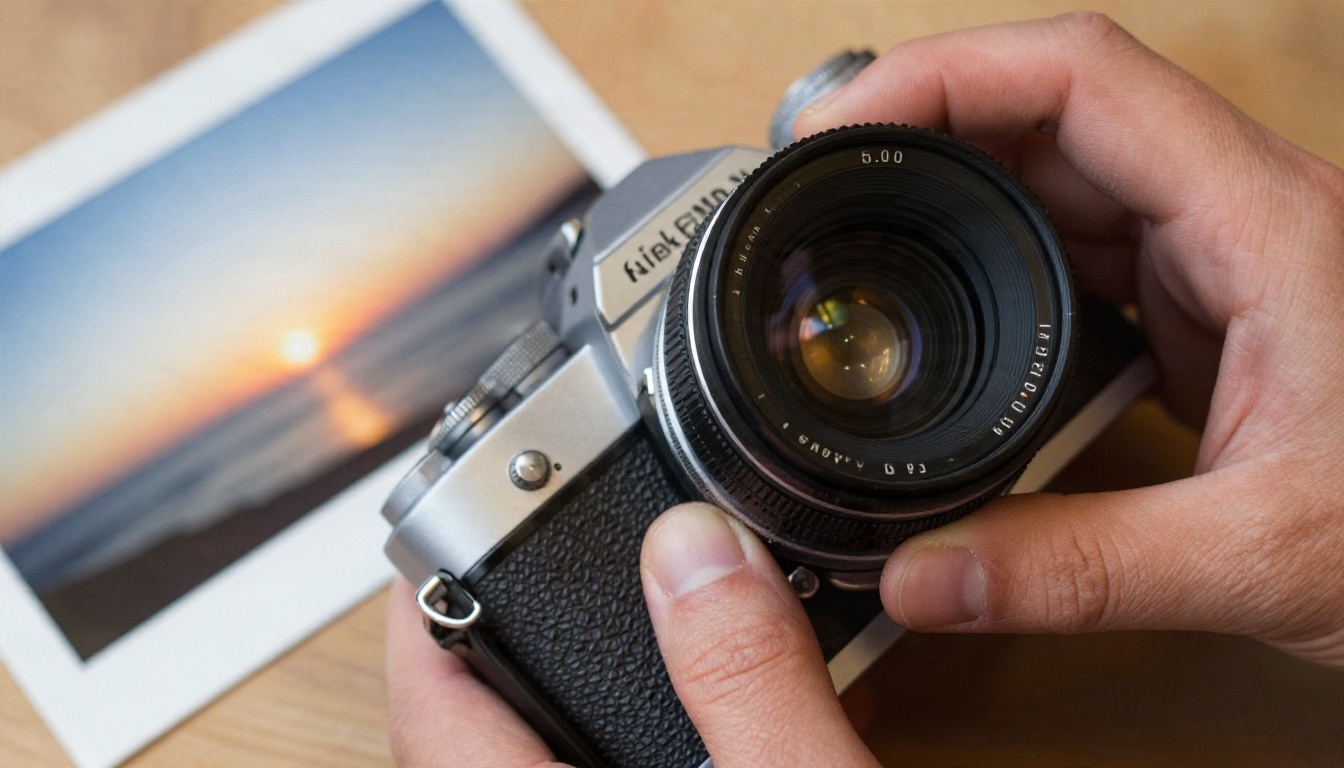
A sensible workflow: draft with Schnell, finish with something heavier. Once you pick the winning composition, regenerate it with Flux Dev or Flux 1.1 Pro for more detail. The cost is higher per image, but you only pay it for the final one.
Other Models Worth a Look
Schnell is not the only fast option, and your needs may fit another model better.
Trying two or three of these with the same prompt takes minutes, and it tells you more than any benchmark chart.

Who Benefits Most From a Free Setup
The cheap, fast route fits some people better than others.
Small shop owners
A ceramics seller, a bakery, or a florist needs product backdrops, social posts, and flyers. Schnell produces those in seconds, and a browser tool means nobody has to learn code.
Freelancers and designers
Draft ten moodboard directions in a coffee break, show the client the best three, then polish the winner.
Indie developers
Prototype the feature on a free tier or a sub-cent host. Move to a paid plan only when real users show up. Keep your calls behind a small wrapper function so changing the host later takes ten minutes, not ten days.

Checklist Before You Pick a Host
Run through these questions before committing:
- Is the price per image published and recent? Screenshots from a year ago do not count.
- What happens when you hit the limit? An error message is better than a silent slowdown.
- Is the model quantized? Ask, or compare outputs.
- Does the license match your use? Schnell's Apache 2.0 terms are friendly, but other Flux models are not.
- Can you export your data and switch? Avoid hosts that lock you into proprietary formats.
- Is there a free path for testing? If not, set a spending cap on day one.
Make Your First Images Today
The honest answer to "is there a free Flux Schnell API" is: sometimes, with limits, and never forever. Official access costs around a cent or two per image, third-party hosts go far lower, and free tiers come and go. If you are writing code for paying customers, pick a host with published terms and plan for a bill. If you just want great pictures, skip the setup.
Open Flux Schnell on Picasso IA, type a prompt, and watch an image appear in seconds. Try a few aspect ratios, lock a seed, then compare the result against Seedream 4.5 or Nano Banana Pro using the exact same words. You will know within ten minutes which model suits your work, and it will not cost you a credit.
Sources used for pricing and free tier details: Together AI announcement, Together AI image models docs, PiAPI Flux API, PricePerToken Flux pricing, CostGoat Flux pricing, and the Picasso IA blog post on Black Forest Labs credits.


