Why Adult Art Generation Matters
The demand for AI-generated adult content has exploded, but most platforms restrict this type of creation. Commercial services like certain popular image generators enforce strict content policies that block mature themes entirely. This leaves adult content creators, boudoir photographers, and artists exploring intimate themes without proper tools.
PicassoIA takes a different approach. By offering open-source models without content restrictions, the platform gives creators the freedom to generate +18 art professionally. Models like flux-schnell, p-image-edit, and wan-2.2-image don't impose artificial limits on creative expression.
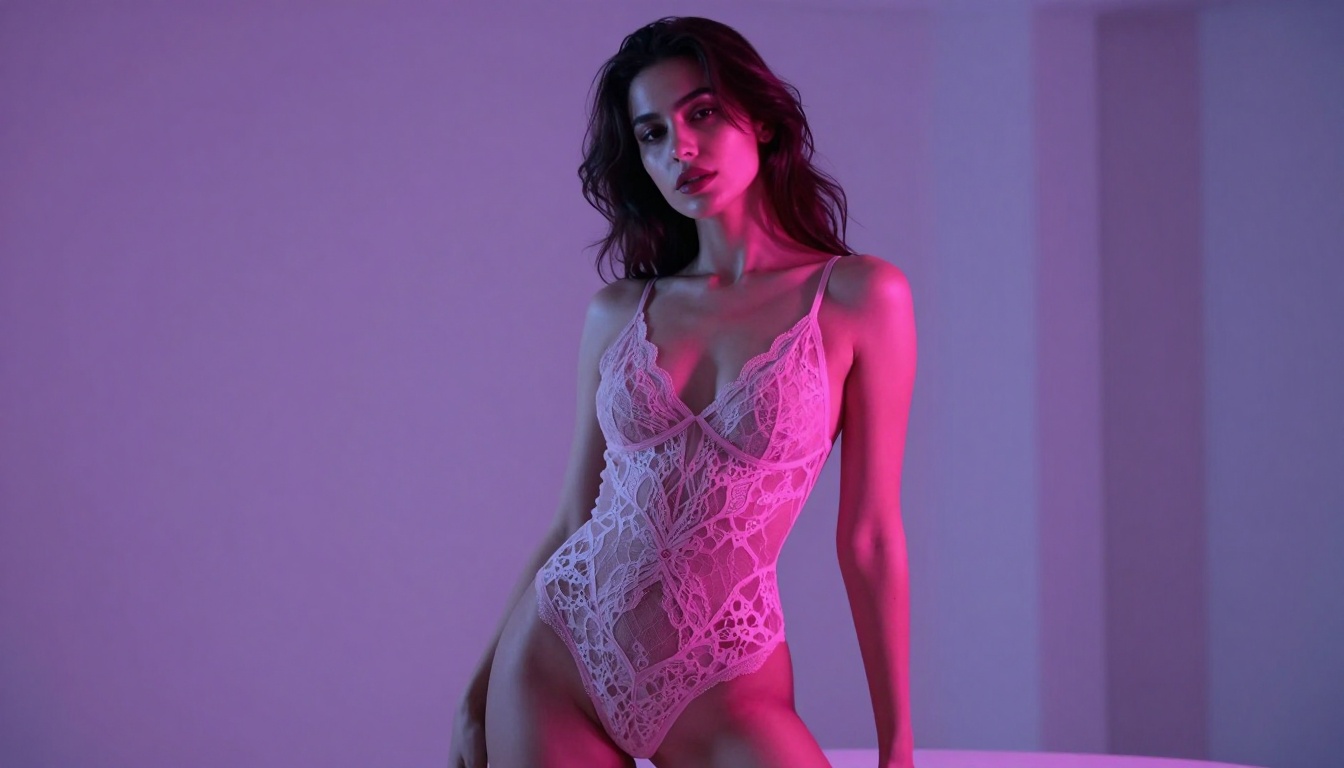
The Flux Family for Adult Content
Black Forest Labs developed the Flux model family with exceptional prompt understanding and visual quality. The "Turbo" or "Schnell" variant specifically optimizes for speed without sacrificing detail—perfect for iterating on adult content where you need multiple attempts to nail the aesthetic.
Flux Schnell generates images in just 4 inference steps compared to 28+ steps for other models. This speed advantage matters when you're experimenting with poses, lighting, and composition. You can test 10 variations in the time other models take to produce one.
The model excels at:
- Realistic skin textures and body proportions
- Complex lighting scenarios (candlelight, neon, natural light)
- Fabric rendering (silk, lace, leather)
- Atmospheric mood creation
- Fine detail preservation in intimate scenes
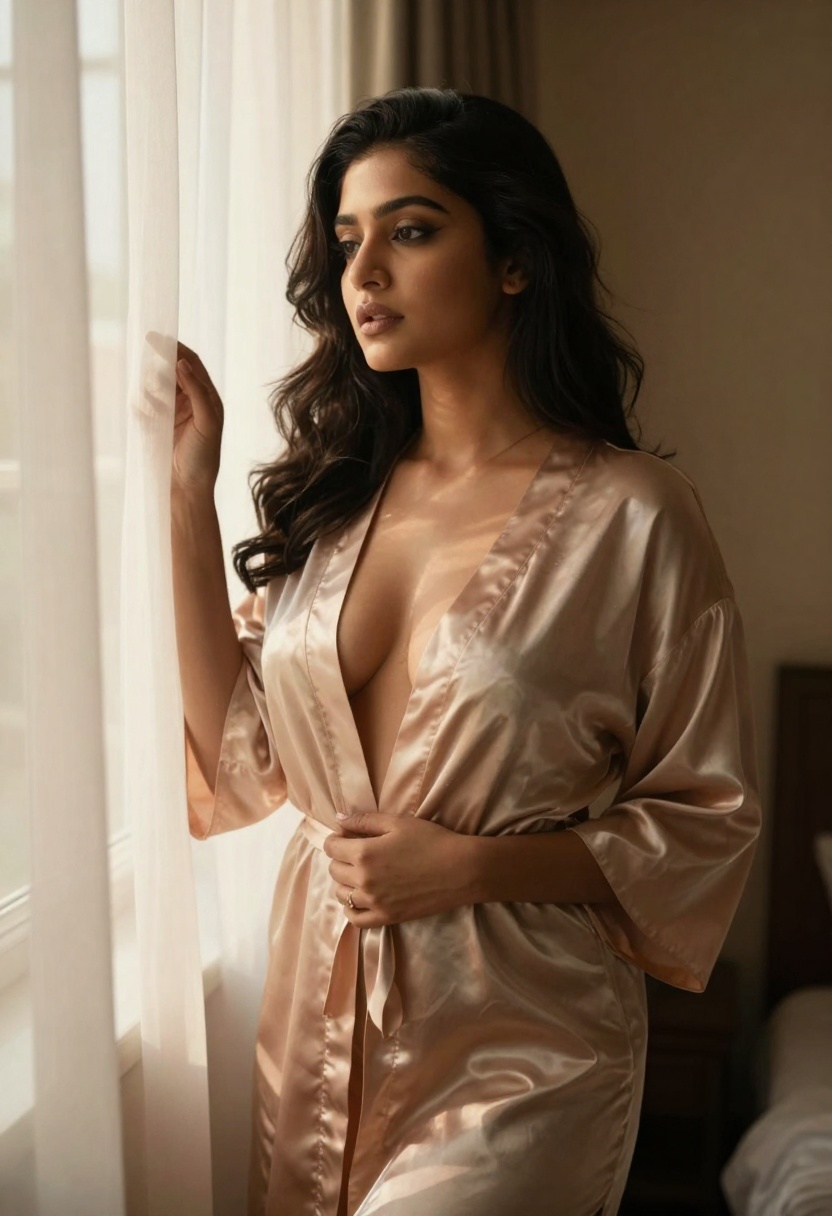
Prompt Structure for Adult Art
Writing effective prompts for mature content requires balancing explicit direction with artistic elements. Generic prompts produce generic results. Here's what actually works:
Start with Composition
Begin your prompt by describing the scene structure: "Close-up portrait," "Full body shot," "Environmental scene," or "Artistic detail focus." This frames the entire generation.
Define the Subject
Be specific about physical characteristics, pose, and expression. Instead of "attractive woman," write "confident woman with long dark hair in relaxed pose, subtle smile." The model interprets specificity better than vague descriptions.
Specify Clothing and Textures
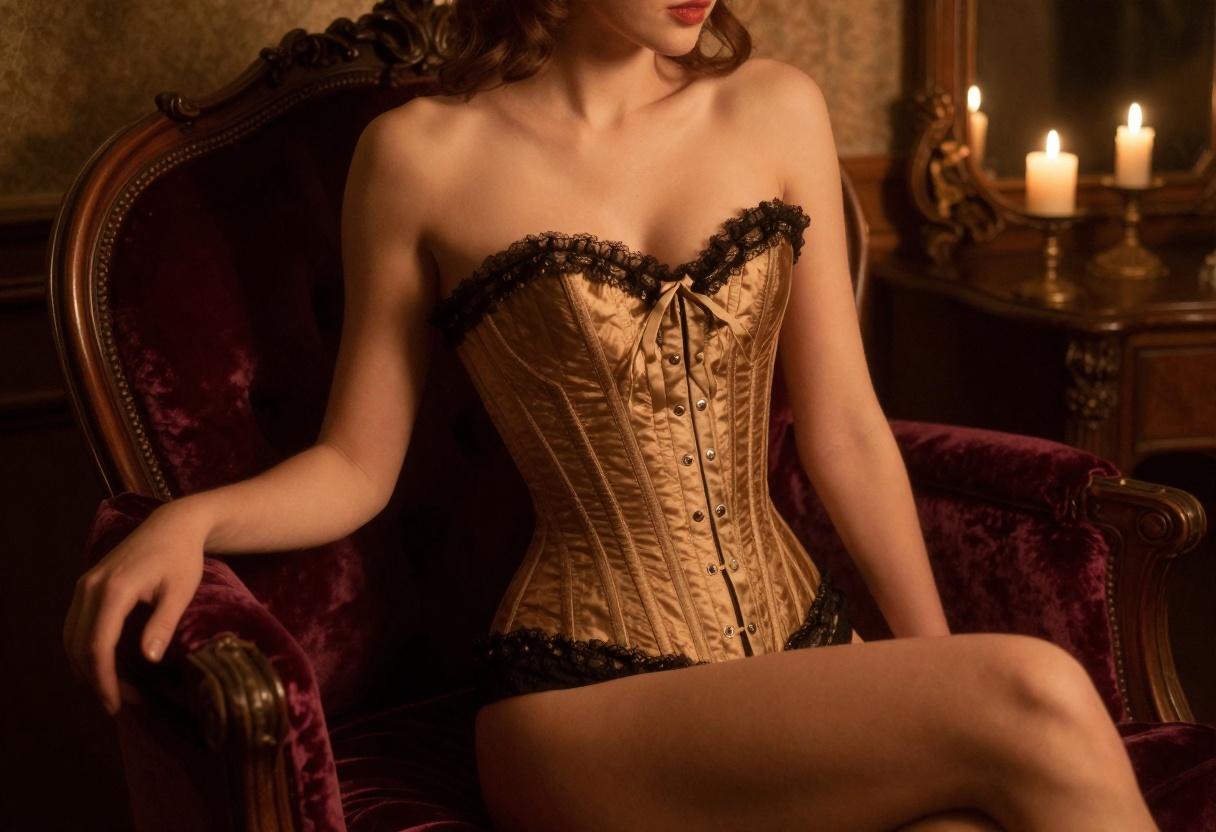
Describe garments in detail: "sheer black lace bodysuit," "red satin robe loosely tied," "vintage corset with ribbon details." Material descriptions (silk, lace, leather, satin) dramatically affect the output quality.
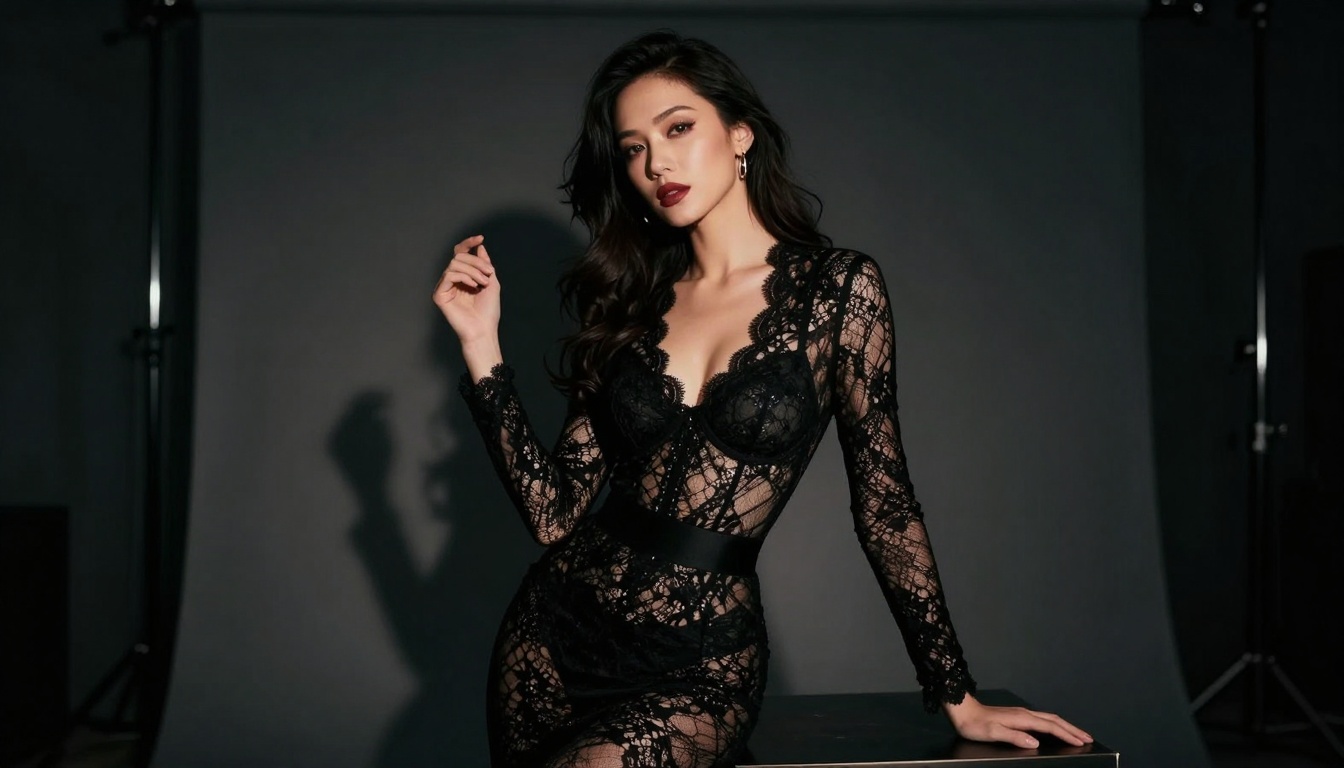
Lighting Makes Everything
Lighting defines mood more than any other element. Try these approaches:
- Dramatic: "Hard shadows from single light source, high contrast"
- Soft romantic: "Diffused window light, golden hour warmth"
- Moody: "Low-key lighting with selective highlights"
- Vibrant: "Neon pink and blue lights, contemporary aesthetic"
Add Style References
Include photography or art style cues: "professional boudoir photography," "film noir aesthetic," "contemporary fashion photography," or "artistic figure study." These contextual markers guide the model's artistic choices.
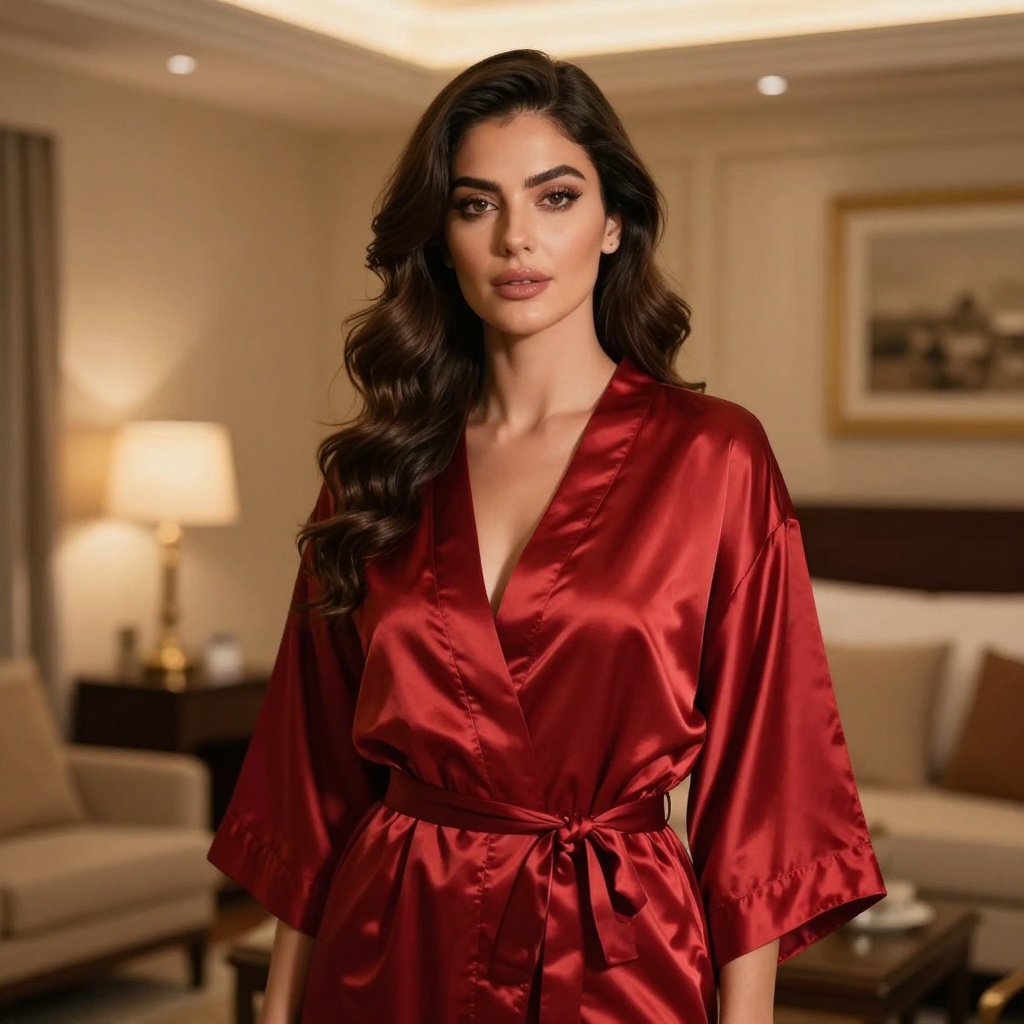
Quality Modifiers
End prompts with technical specifications: "photorealistic, 8k resolution, cinematic composition, high detail, professional photography." These push the model toward polished outputs rather than amateur aesthetics.
PicassoIA's Unrestricted Models
Three models on PicassoIA stand out for adult content generation:
p-image-edit
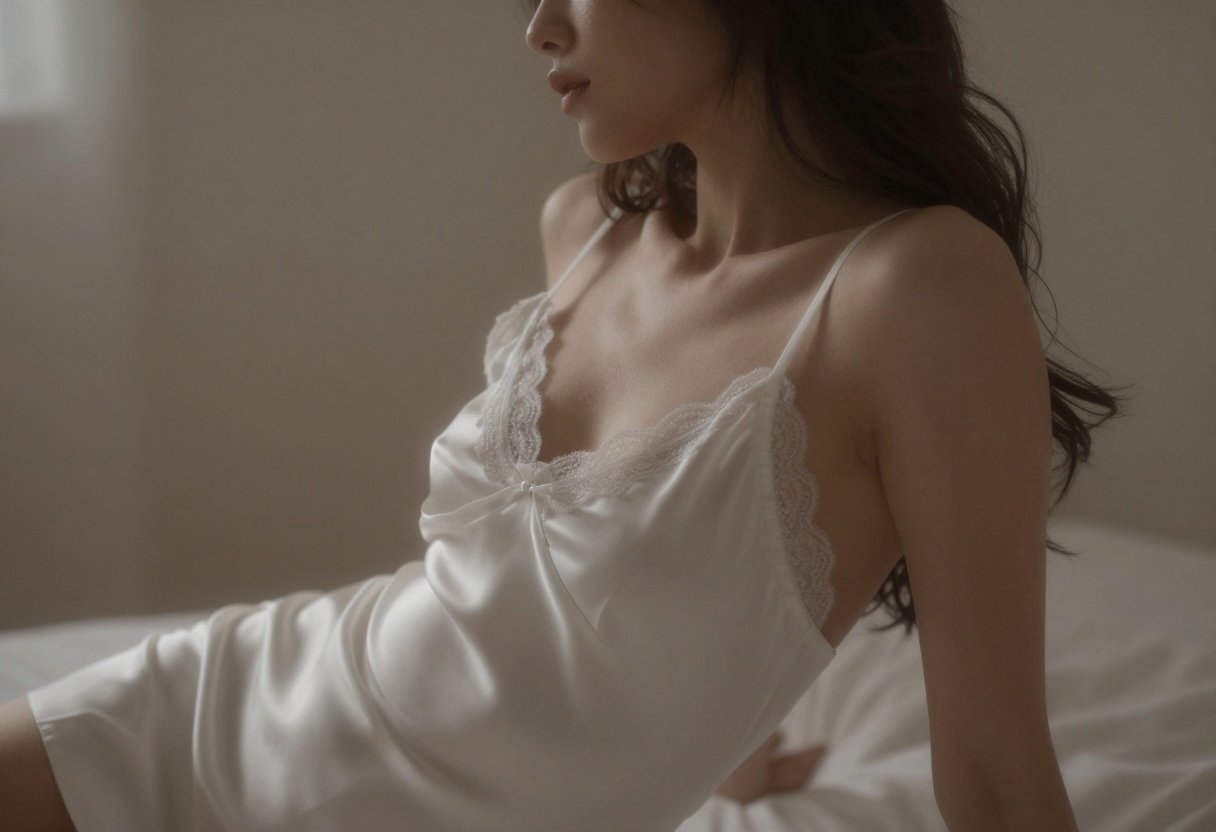
This model transforms existing images in under one second. You can upload a reference photo and modify elements through text prompts. The tool works brilliantly for:
- Adjusting lighting and mood on existing shots
- Changing clothing or styling
- Refining poses and expressions
- Creating variations of successful compositions
The disable_safety_checker parameter gives you complete control. Other platforms would block this, but PicassoIA trusts creators to use tools responsibly.
wan-2.2-image
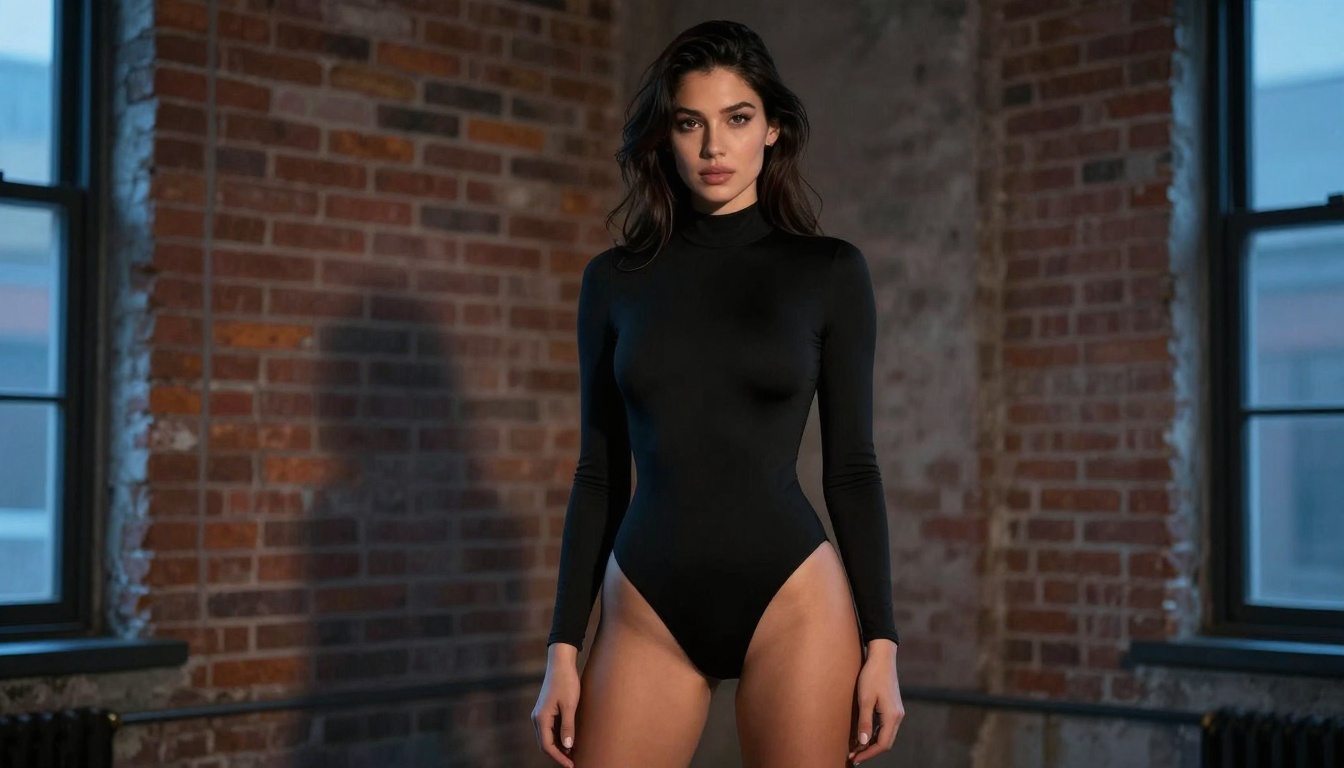
This model generates cinematic 2-megapixel images in 3-4 seconds. The "cinematic" description isn't marketing fluff—the outputs genuinely look like film stills. The model handles:
- Complex atmospheric lighting
- Multiple fabric textures simultaneously
- Realistic skin rendering
- Environmental integration (backgrounds that complement subjects)
The aspect ratio flexibility (1:1, 16:9, 9:16, 4:3, 3:4, 21:9) lets you create content for any platform without cropping or distortion.
flux-schnell
The fastest Flux variant produces professional results in 4 inference steps. You can generate dozens of variations quickly to find the perfect composition. The model's parameter flexibility includes:
- Multiple aspect ratios for different platforms
- Seed control for reproducible results (when you nail a good generation)
- Output format options (webp, jpg, png) for specific use cases
- Quality control from 0-100 for file size vs. detail trade-offs
The speed enables rapid experimentation without burning through credits or waiting endlessly for renders.
Technical Settings That Matter
Getting optimal results requires understanding key parameters:
Aspect Ratio Selection
Choose ratios based on your final use:
- 1:1 for Instagram posts and profile images
- 16:9 for desktop wallpapers and banners
- 9:16 for mobile screens and stories
- 3:2 and 2:3 for traditional photography ratios
Seed Values for Consistency
When you generate something excellent, note the seed value. Using the same seed with similar prompts produces consistent results across multiple images. This matters for:
- Creating series or sets with cohesive style
- Generating variations while maintaining core aesthetic
- Replicating successful compositions with minor adjustments
Inference Steps
More steps mean more detail refinement but slower generation. For adult content:
- 4 steps (Flux Schnell) for rapid iteration and testing
- 28+ steps (Flux Dev) for final polished outputs
- Start fast, finish detailed when you've found your composition
Disable Safety Checker
Most commercial platforms force safety filters that block adult content entirely. PicassoIA lets you disable this when needed. Use this parameter for:
- Mature artistic expression
- Boudoir photography aesthetics
- Fashion content that major platforms would flag incorrectly
The platform trusts creators instead of imposing blanket restrictions.
Common Issues and Solutions
Output Too Safe or Generic
If your generations look tame despite explicit prompts:
- Add specific clothing descriptions
- Include material textures (silk, lace, leather)
- Specify lighting mood (dramatic, intimate, moody)
- Use artistic style references (boudoir photography, film noir)
Inconsistent Quality
Quality varies between generations? Try:
- Lock successful seeds for reproducibility
- Use higher inference steps for final outputs
- Add quality modifiers to prompts (photorealistic, 8k, high detail)
- Specify professional photography styles
Anatomy or Proportion Problems
Models sometimes struggle with hands, complex poses, or body proportions:
- Describe poses simply and directly
- Avoid overly complex hand positions
- Use reference images with p-image-edit instead of pure text-to-image
- Generate multiple variations and select the best
Wrong Aesthetic
If outputs don't match your intended style:
- Reference specific photography types (fashion, editorial, boudoir)
- Include era or movement references (vintage, contemporary, film noir)
- Describe lighting more precisely
- Add environment and setting details
How to Use flux-schnell on PicassoIA
Ready to start creating? Here's the exact process for generating adult art with flux-schnell:
Step 1: Access the Model
Navigate to the flux-schnell model page on PicassoIA. The interface displays all available parameters and example outputs.
Step 2: Write Your Prompt
In the prompt field, enter your detailed description. Remember the structure: composition + subject + clothing/textures + lighting + style references + quality modifiers.
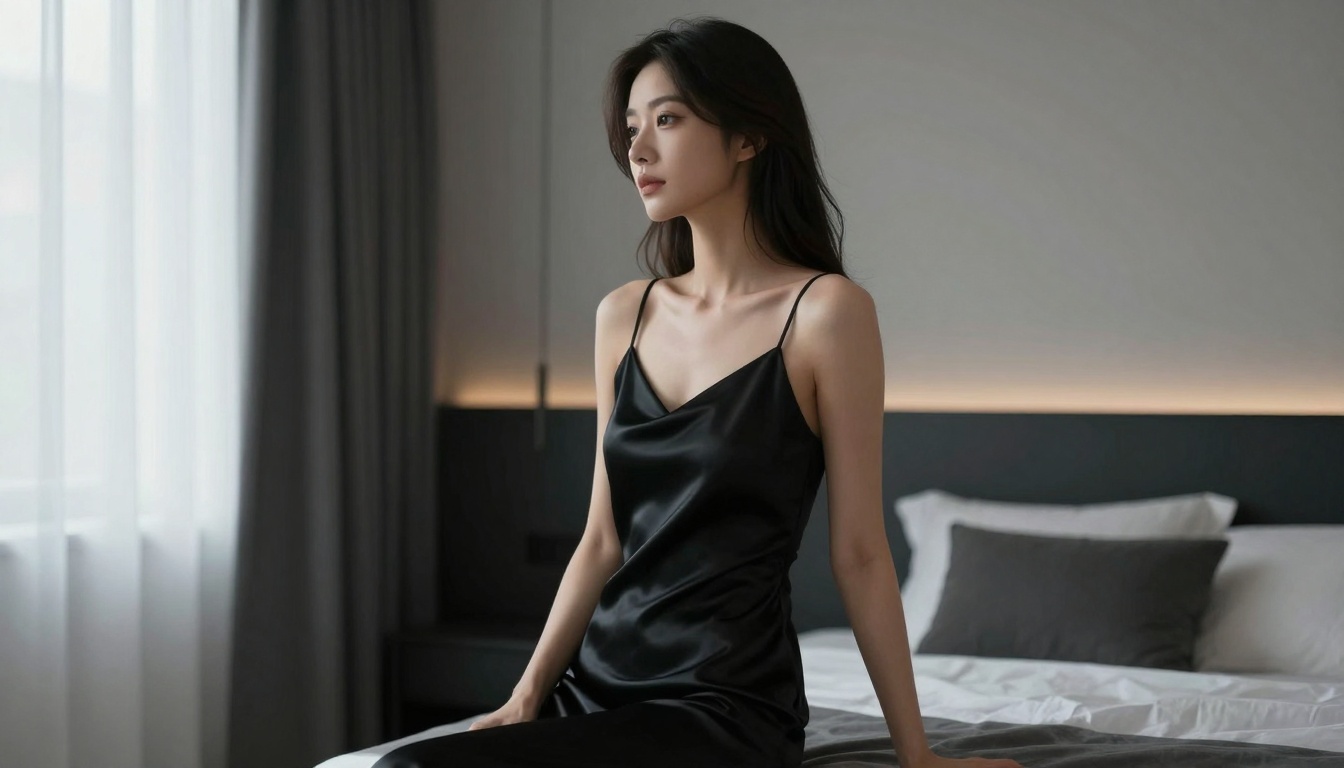
Example prompt: "Full body portrait of confident woman in black lace bodysuit, standing pose with hand on hip, dramatic side lighting creating strong shadows, moody atmospheric setting, professional boudoir photography, cinematic composition, photorealistic, 8k detail, high quality"
Step 3: Configure Generation Settings
Aspect Ratio: Select based on your intended use (16:9 for desktop, 9:16 for mobile, 1:1 for social)
Output Format: Choose webp for web use (smaller files), png for maximum quality, or jpg for compatibility
Output Quality: Set 80-100 for professional results (lower values reduce file size)
Megapixels: Use 1 for standard quality, 0.25 for faster previews
Num Inference Steps: Keep at 4 for flux-schnell's optimal speed/quality balance
Disable Safety Checker: Enable this for adult content to remove restrictions
Step 4: Generate Multiple Variations
Click generate to create your image. The model produces results in seconds thanks to flux-schnell's optimization. Generate 5-10 variations with slight prompt adjustments to find the perfect composition.
Step 5: Refine Successful Results
When you find a generation you like:
- Note the seed value for reproducibility
- Generate variations using the same seed with minor prompt changes
- Increase inference steps if you want more refined detail
- Switch to flux-dev for final polished versions
Step 6: Use p-image-edit for Adjustments
Upload successful generations to p-image-edit for quick modifications:
- "Adjust lighting to be warmer and softer"
- "Change fabric from black to deep red"
- "Add subtle rim lighting from behind"
- "Shift mood to more romantic and intimate"
The model applies changes in under a second, letting you perfect details without regenerating from scratch.
Best Practices from Experience
After generating hundreds of adult art images, these practices consistently produce better results:
Start broad, then refine. Generate 10+ variations with slightly different prompts before committing to one direction. You'll spot patterns in what works.
Save successful seeds. When something looks great, document the seed. It's your shortcut to reproducing that quality with different subjects or settings.
Layer your improvements. Don't try to perfect everything in one prompt. Generate a good base, then use p-image-edit to adjust specific elements like lighting, color tone, or small details.
Match style to content. Vintage corsets deserve warm candlelight and classic photography aesthetics. Modern lingerie pairs better with contemporary fashion photography and bold lighting.
Experiment with contradictions. Unexpected combinations often produce interesting results: "intimate bedroom scene with industrial warehouse lighting," "soft romantic pose with stark architectural background."
Quality over quantity. One exceptional image beats 50 mediocre ones. Take time to craft detailed prompts and generate variations until you nail the aesthetic.
Legal and Ethical Considerations
Creating adult content with AI requires awareness of important guidelines:
Always use fictional subjects. Never attempt to generate images resembling real people without explicit consent. PicassoIA's models work best with descriptive prompts rather than celebrity or real person references anyway.
Respect platform terms. While PicassoIA allows adult content creation, understand where and how you can use these images. Some platforms prohibit AI-generated adult content regardless of quality or artistry.
Age verification matters. Ensure your content distribution includes appropriate age gates and warnings. Adult content should only reach consenting adult audiences.
Attribution and disclosure. When sharing AI-generated adult art, consider disclosing its AI origin, especially in commercial contexts or when the distinction might not be obvious.
The Future of Adult Art AI
Open-source models continue improving rapidly. Flux already produces photorealistic results that rival professional photography. Future developments will likely include:
- Better anatomical accuracy for complex poses
- More precise fabric and texture rendering
- Enhanced lighting control for specific moods
- Improved consistency across multi-image sets
- Animation capabilities for adult content
PicassoIA's commitment to unrestricted access positions the platform as a leader for adult content creators. While commercial services tighten restrictions, open-source models continue expanding creative freedom.
Getting Started Today
The barriers to creating professional adult art have disappeared. PicassoIA gives you access to state-of-the-art models without arbitrary restrictions or content filters.
Start with flux-schnell for rapid experimentation. The 4-step generation speed lets you test dozens of ideas quickly. When you find successful compositions, switch to flux-dev for polished final versions. Use p-image-edit to refine specific details without regenerating from scratch.
The models interpret detailed prompts better than vague descriptions. Invest time in learning what language produces your desired aesthetic. Study successful outputs and identify the prompt patterns that consistently work.
Adult content creation with AI isn't about replacing human creativity—it's about expanding possibilities. These tools let you explore artistic concepts, test compositions, and create content that would be impossible or prohibitively expensive through traditional photography.
PicassoIA's unrestricted approach respects creators while providing cutting-edge technology. Whether you're a professional adult content creator, boudoir photographer, or artist exploring intimate themes, these models offer unprecedented creative freedom.
Visit PicassoIA and start creating today.


