You typed a prompt into Flux, asked for a woman in a swimsuit on a beach, and got a stiff, over-covered figure with plastic skin. So you did what thousands of people do next: you searched for a Flux uncensored LoRA on Civitai. This article sorts the useful downloads from the noise. You'll see what these LoRAs change, which types are worth your disk space, which settings keep them from wrecking your image, and what to use if you'd rather skip the whole local setup.
One note before anything else: everything here assumes adult subjects only, made for your own legal, consensual use. Every image in this article is a non-explicit, photorealistic adult portrait, and that is the line worth holding.
What a Flux Uncensored LoRA Does
Why Base Flux Plays It Safe
Flux Dev is one of the best open-weight photorealistic generators ever released, but its training data and tuning lean cautious. Ask for anything beyond swimwear and it tends to drift: clothes get added, anatomy gets vague, poses get stiff. That is not a bug in your prompt. It is how the base model was shaped.
A LoRA (Low-Rank Adaptation) is a small add-on file, usually between 20 MB and 400 MB, that nudges the base model toward something it under-represents. Instead of retraining billions of parameters, you load a tiny patch on top at generation time.
What the LoRA Changes
An "uncensored" Flux LoRA typically does three things:
- Restores body detail the base model blurs or avoids, such as natural proportions and skin variation.
- Loosens clothing bias, so lingerie, swimwear and glamour poses come out as requested.
- Improves pose variety, because the training set contains poses the base model rarely produces.
💡 Reality check: a LoRA does not turn Flux into a different model. It shifts the odds. The base checkpoint you load it on still decides most of the final look.
Best Flux Uncensored LoRA Types on Civitai
Civitai changes weekly, and individual LoRAs get updated, renamed or pulled without notice. Rather than pin you to a list that will be stale by next month, here are the categories that consistently produce good results, plus how to judge any single download.
Anatomy and Body Realism LoRAs
These are the workhorses. They restore believable proportions and skin transitions that stock Flux smooths over. Look for ones trained on real photography rather than illustrations, with sample images that show natural skin texture, not airbrushed gloss. If every sample has the same face, the LoRA is overfit and will push that face into your results.
Lingerie and Swimwear Style LoRAs
Narrower in purpose, these LoRAs teach fabric behavior: how lace sits, how silk folds, how a wet swimsuit clings. They are often the safest choice if your goal is glamour or boudoir work, since they don't need to be pushed hard. Strength around the middle of the range is usually enough.
Merged Checkpoints vs Standalone LoRAs
Some creators publish a full checkpoint with the uncensored behavior merged in, while others publish a standalone LoRA. Hugging Face also hosts several public releases, such as FLUX Uncensored V2, an updated version of an earlier adapter built for the Flux Dev base.
| Format | File size | Flexibility | Best for |
|---|
| Standalone LoRA | 20 to 400 MB | High, adjustable strength | Mixing with style or character LoRAs |
| Merged checkpoint | 12 to 24 GB | Low, behavior baked in | One-click simplicity |
| Quantized GGUF merge | 6 to 12 GB | Medium | Cards with limited VRAM |
💡 Quick filter for any Civitai page: check the sample images for repeated faces, read the comments for broken-hand complaints, and confirm the listed base model says Flux and not SDXL. A great SDXL LoRA does nothing useful on Flux.
Settings That Actually Work
Flux reacts more sharply to LoRA changes than SDXL did. Small number tweaks cause big visual shifts, so move in small steps.
LoRA Strength
Community guides most often suggest a starting range of 0.5 to 0.8. Some creators go up to 1.0. Treat those numbers as a starting point, since the right value depends on the base checkpoint and how the LoRA was trained.
| Strength | What you usually see |
|---|
| 0.3 to 0.5 | Subtle shift, base model mostly in charge |
| 0.6 to 0.8 | Balanced, the usual sweet spot |
| 0.9 to 1.0 | Strong effect, higher risk of face drift |
| Above 1.0 | Burnt colors, warped hands, repeated faces |
A practical routine: fix your seed, generate at 0.5, then 0.65, then 0.8, and compare the three. Pick the lowest value that gives you the result you want. If you stack two LoRAs, cut each one by roughly a third.

Steps, Guidance and Sampler
For Flux Dev, a solid baseline looks like this:
- Steps: 24 to 30. Going past 35 rarely adds anything.
- Guidance: 3 to 4. Higher values make skin look waxy and contrasty.
- Sampler: Euler with the simple or beta scheduler.
- Seed: lock it while you test, then randomize.
If skin looks plastic, lower guidance before you touch LoRA strength. It is the most common fix people overlook.
Resolution and Aspect Ratio
Flux handles roughly one megapixel natively. Good starting sizes are 1024 x 1024, 1216 x 832 for landscape and 832 x 1216 for portrait. Generate there, then upscale. Asking for 2048 pixels directly often produces duplicated limbs.
Prompting a Flux LoRA
Flux likes natural language, not tag soup. Write a short paragraph: subject, setting, light, lens. Then add the LoRA's trigger word if it has one, which the Civitai page lists. Photographic language works well: 85mm f/1.8, window light from the left, Kodak Portra 400 grain. Negative prompts don't work on Flux Dev in the usual way, so describe what you want rather than what you don't.
Hardware and Licence Reality
VRAM Requirements
This is where many people stall. Running Flux locally with a LoRA is demanding.
| Setup | Approx. VRAM | Speed |
|---|
| Flux Dev full precision | 24 GB | Fast on high-end cards |
| Flux Dev fp8 | 12 to 16 GB | Good |
| Flux Dev GGUF Q4 | 8 to 10 GB | Slower, small quality drop |
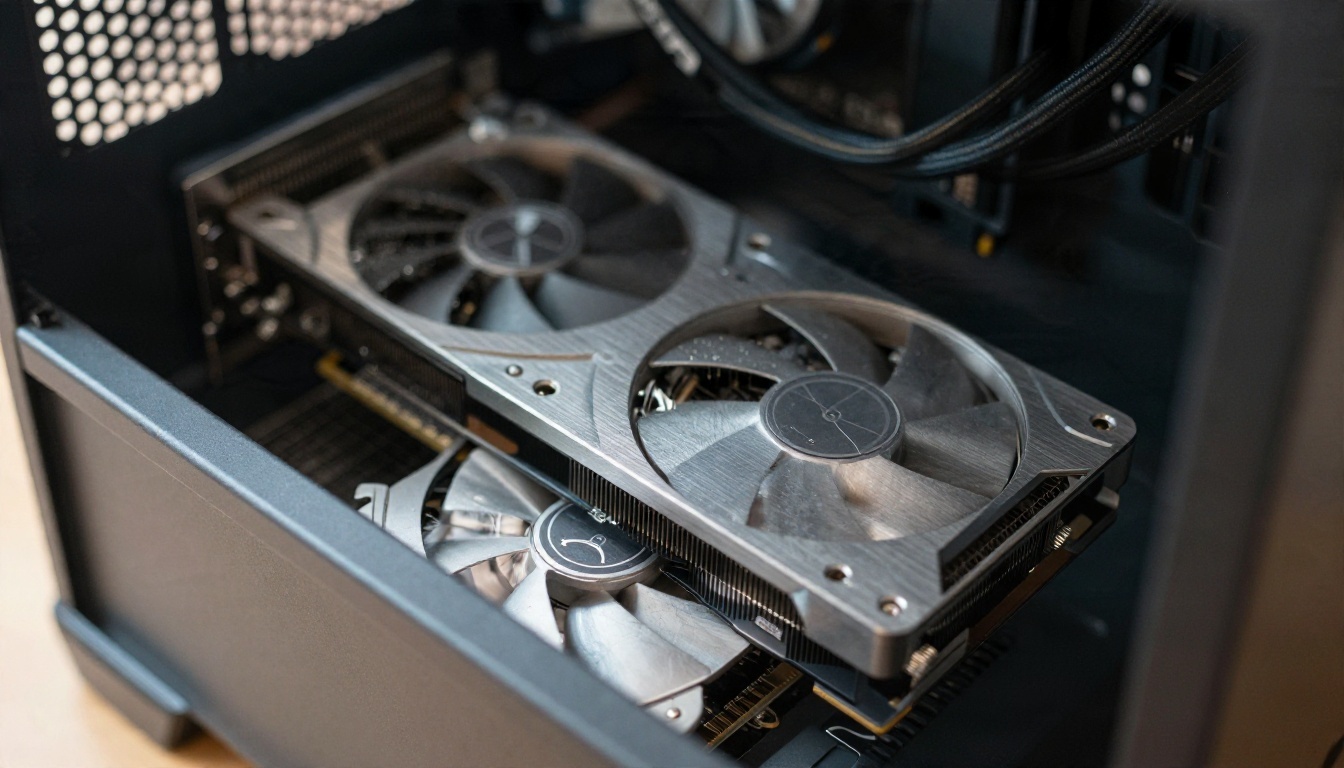
If you have an 8 GB card, expect long waits, out-of-memory errors and a lot of troubleshooting with node graphs. That is a real cost, even when the software itself is free.
Licence and Safety Checks
Two things deserve a minute of your time before every download:
- Licence. Flux Dev carries a non-commercial licence, and that binds the base weights even when a LoRA's own page says nothing. If you sell the images, check the terms of the specific model you used.
- Model card contents. Read the example prompts and sample images. Some uncensored releases on public hosting sites contain prompts that reference minors in sexual contexts. Skip any LoRA like that, always. It is a red flag about the whole release, and nobody should touch it.
Also remember that files from unknown uploaders can carry malicious code when they are in older pickle formats. Prefer .safetensors files and stick to creators with a track record.
Free Alternatives Without Downloads
Why Skip Local Setup
Let's be straight about the trade-off. A Civitai LoRA gives you control, but it costs you a capable GPU, an afternoon of setup, and ongoing updates whenever a node breaks. For many people the goal is simply good-looking, photorealistic adult glamour images without the hassle.
The Civitai LoRAs themselves, and checkpoints like FLUX Uncensored V2, are not on PicassoIA, so there is nothing to load or link there. For similar results today, these are the models to try:
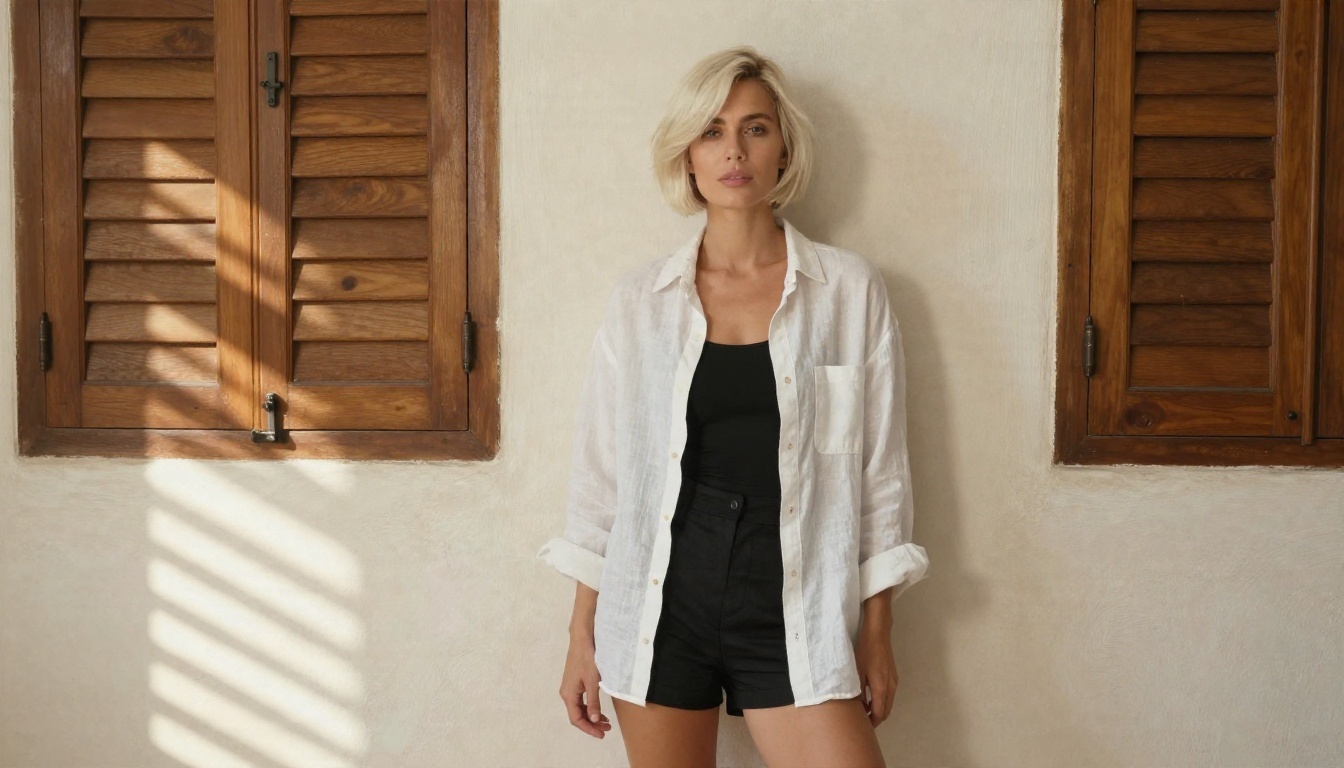
- Seedream 4.5 is the first choice. It produces sharp, photorealistic portraits with convincing skin, fabric and light, and it follows long natural-language prompts well.
- PicassoIA Image Editor Pro gives you unlimited generations and editing in one place, so you can iterate on a look without watching a counter.
- Flux Dev if you like the Flux look and want to stay in that family without any install.
- Z Image Turbo for fast drafts when you want to test ten prompt ideas in a few minutes.
The real advantage is speed and freedom from tooling. No 20 GB downloads, no out-of-memory crashes, no node graphs. You write a prompt, wait seconds, and see the result.
💡 Fair warning: hosted models apply their own rules, and each one differs. Test with a short prompt first, so you know what a model gives you before you spend time on a long one.
How to Get Similar Results on PicassoIA
Steps with Seedream 4.5
Seedream 4.5 is the best match for the photoreal glamour look people chase with Flux LoRAs. Here is a workflow that works well:
- Open the model page and choose a 16:9 or 3:2 aspect ratio for scenes, or 2:3 for full-length portraits.
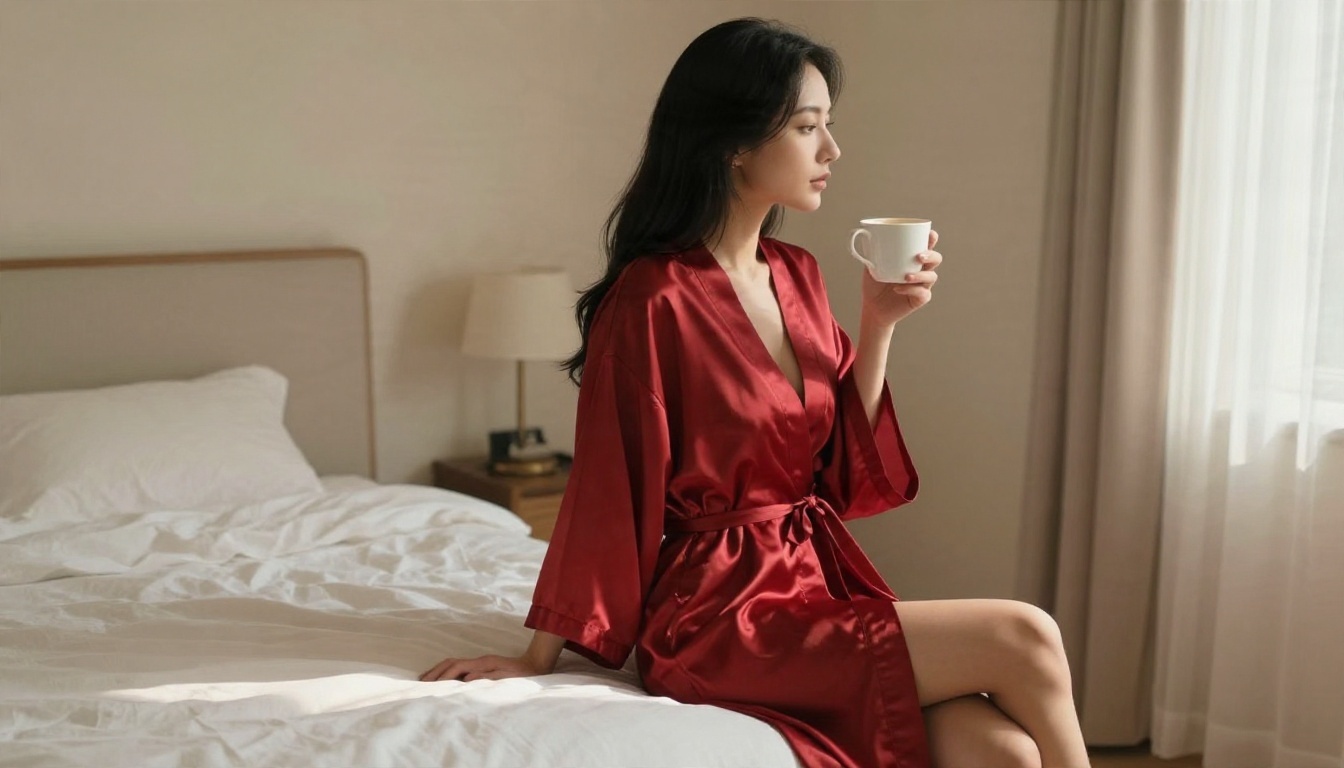
- Write the prompt as one paragraph. Subject, clothing, setting, light, lens. For example: adult woman in a red silk robe sitting on the edge of a hotel bed, morning light through sheer curtains from the right, 85mm f/1.8, shallow depth of field, Kodak Portra 400 grain.
- Be specific about light. Direction and quality ("soft window light from the left") do more for realism than any adjective like "beautiful".
- Name textures. Silk sheen, linen creases, visible pores, flyaway hair. Seedream rewards this detail.
- Generate, then change one thing. Swap the lens, shift the light direction, or alter the pose. Keep the rest fixed so you know what caused the change.
Prompt tips that replace LoRA strength tuning:
| Instead of this LoRA habit | Do this in a prompt |
|---|
| Raising strength for more realism | Add lens, light direction and film stock |
| Using a trigger word | Describe the pose and outfit in plain words |
| Stacking LoRAs for style | Name one photographic style, such as editorial or boudoir |
| Lowering guidance for soft skin | Ask for "natural skin texture, visible pores" |
Using Image Editor Pro
PicassoIA Image Editor Pro fits a different stage of the workflow. Once you have an image you like, use it to adjust clothing, change the setting, fix small details or restyle the lighting. Because generations are unlimited, you can run ten small edits instead of hoping the first attempt is perfect.
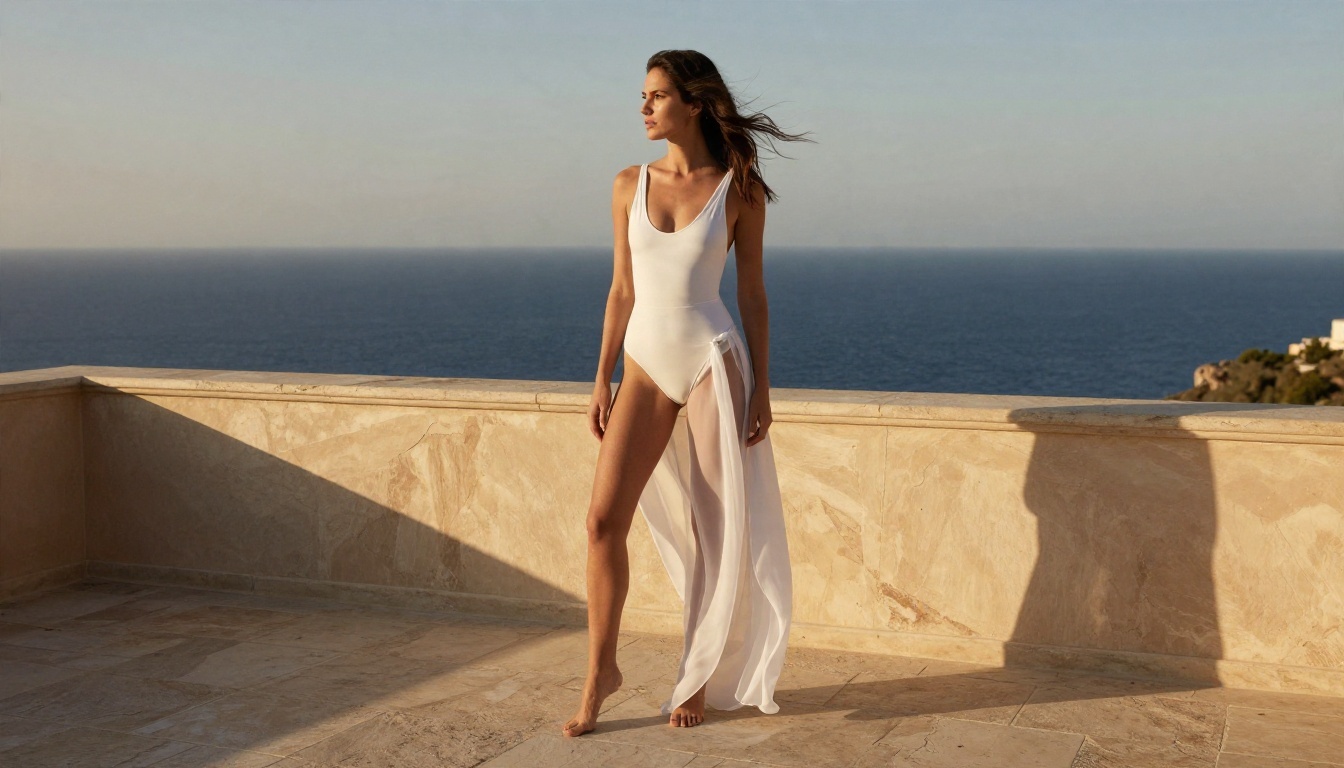
A reliable routine: create the base image in Seedream 4.5, then bring it into Image Editor Pro for refinements. Describe edits as short instructions, one change at a time, such as "change the robe to white satin" or "move the light to golden hour".
💡 Workflow shortcut: keep a text file of prompts that worked. Reusing a proven prompt with a new setting beats starting from scratch every time.
Make Your Own Images Today
Here is the honest summary. A Flux uncensored LoRA from Civitai is a good tool if you own a strong GPU, enjoy tinkering, and are willing to test strengths, read model cards and manage files. Start at 0.5 to 0.8, keep guidance low, generate at native resolution, and skip any release with a suspicious model card.
If you'd rather spend your time on the images than on the setup, try the same photoreal glamour look on PicassoIA. Start with Seedream 4.5 for the base image, move to PicassoIA Image Editor Pro for unlimited edits, and keep Flux Dev in your back pocket for that familiar Flux texture.
Write one detailed paragraph, hit generate, and see what you get in seconds. Then change the light, the lens or the outfit and run it again. You can browse every available model at picassoia.com/en/all-models, so pick one, write a prompt, and make your first image today.