Most people who try Flux.1 for glamour and boudoir work hit the same wall: the skin looks like plastic, the light looks like a stock render, and the hands look like they belong to someone else. The model is not the problem. The prompt and the settings are. This article shows what actually moves the needle when you want Flux.1 NSFW realism that reads as a real photograph, while keeping every image suggestive, tasteful and non-explicit. You will get prompt formulas, a settings table, lighting and lens wording, LoRA weights, and nine free examples with the exact thinking behind them.
💡 Scope note: everything here is about adult subjects, fictional people, and non-explicit glamour: lingerie, swimwear, silk, boudoir and editorial styling. No real person's likeness, and nothing explicit.
What Flux.1 Realism Actually Means
Realism in an image model is not sharpness. A photo that looks real has imperfection: uneven skin tone, small freckles, a fold in the fabric, a light source that makes sense. Flux.1 is strong here because it follows long, natural-language prompts closely, so you can describe a scene the way a photographer would brief an assistant.
Why Flux.1 Beats Older Models
Older Stable Diffusion checkpoints leaned on tag soup: "masterpiece, best quality, 8k, ultra detailed". Flux.1 ignores most of that noise. It reads sentences. That means a prompt like "a woman in a champagne slip sitting on a linen bed, morning light from the left" gives you a more coherent result than twenty comma-separated buzzwords.
You can try the model directly on Flux.1 Dev, which is the open-weights, quality-focused variant most people use for photoreal work. The related Flux Dev page is another entry point for the same family.
Where the Line Sits
Adult-leaning content has a clear boundary in this article. Think of a magazine swimwear shoot or a perfume campaign: suggestion, mood, styling, a confident expression. That is where realism pays off the most, because the viewer's eye goes straight to skin, fabric and light. Explicit content adds nothing to the realism problem, so it is simply left out.
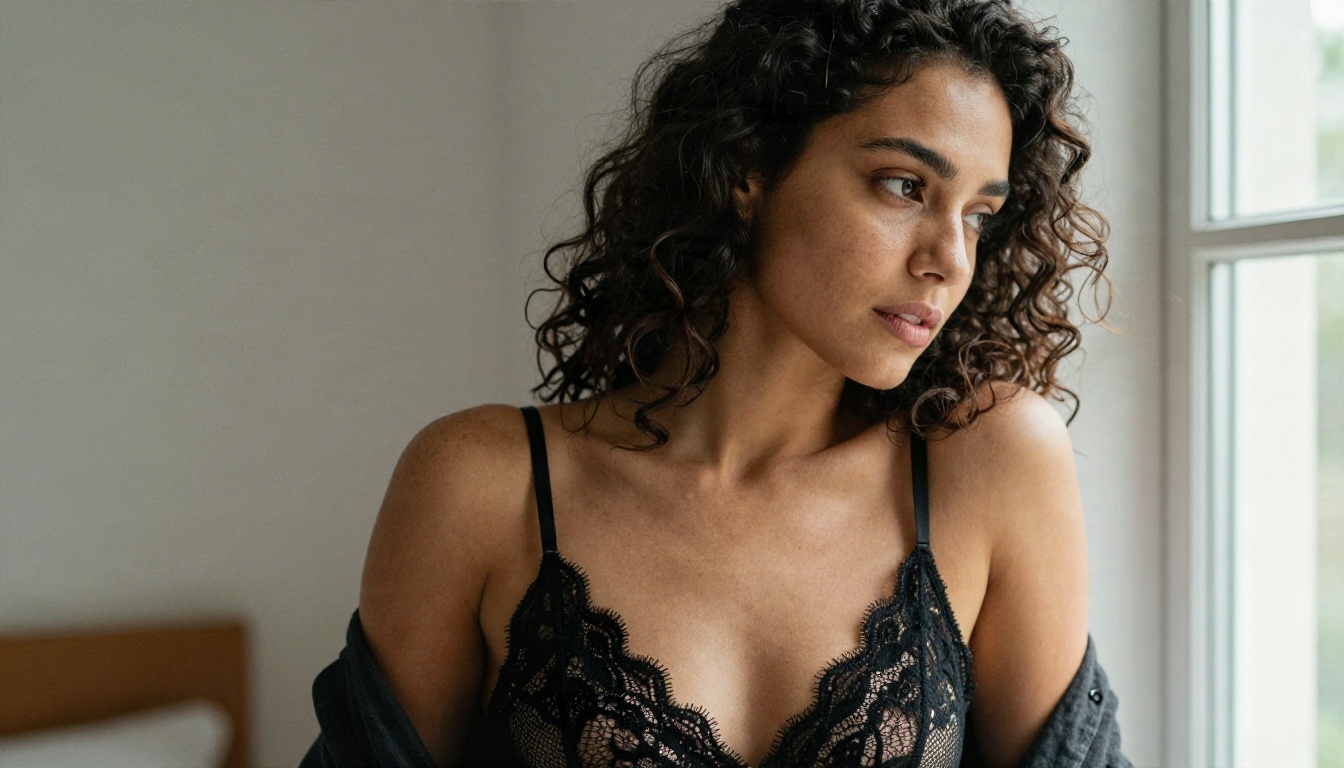
Prompts That Produce Real Skin
Skin is where realism lives or dies. If the skin is wrong, nothing else saves the picture.
A Prompt Formula That Works
Use this order every time. Flux.1 weights early words more heavily, so put the most important thing first.
- Subject and age: "an adult woman in her late twenties with wavy chestnut hair"
- Action or pose: "reclining on the edge of a white linen bed, one strap slipping off her shoulder"
- Environment: "sunlit coastal hotel suite, sheer curtains, rattan chair"
- Light: "golden morning light from the left, soft rim light on hair"
- Camera: "85mm f/1.8, shallow depth of field, shot at eye level"
- Texture and film: "visible skin pores, fine freckles, Kodak Portra 400, fine film grain"
Writing the age as an explicit adult range is a good habit. It keeps the output clearly in adult territory and also helps the model pick realistic proportions and skin.
💡 Tip: keep prompts between 50 and 120 words. Under 30 words the model fills in generic "AI beauty". Over 200 words it starts dropping details at the end.
Skin Texture Phrases
These phrases consistently push Flux.1 toward believable skin without making it look rough or dirty:
- visible skin pores on the cheeks and nose
- fine peach fuzz catching the window light
- natural freckles across the shoulders
- subtle sheen on the collarbone
- slight redness on the knees and elbows
- unretouched, candid, editorial
Avoid "perfect skin", "flawless", "airbrushed" and "porcelain". Those words tell the model to smooth everything, which is exactly the plastic look you are trying to escape.
Wardrobe and Pose Wording
Fabric is a realism cue in itself. Silk shows specular highlights and micro-wrinkles. Lace shows a repeating pattern with small gaps. Knitwear shows loose fibers. Name the material and one physical detail:
- "champagne silk slip with delicate lace trim and soft folds at the hip"
- "oversized cream knit sweater slipping off one shoulder"
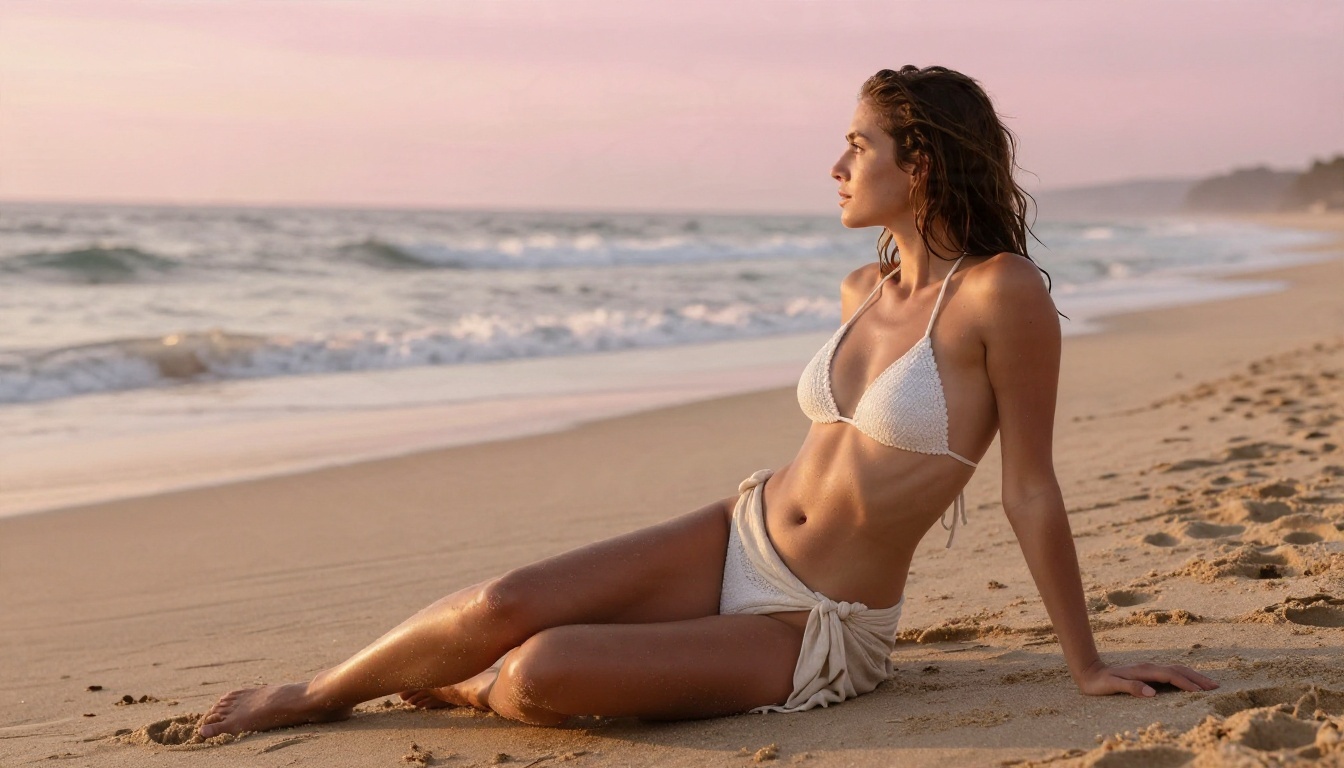
- "white crochet bikini top with visible stitch texture"
For poses, describe what the body is doing in plain words: "one knee bent, one hand resting on the sheet, the other touching her collarbone". Relaxed, asymmetrical poses look far more natural than a straight-on stance.
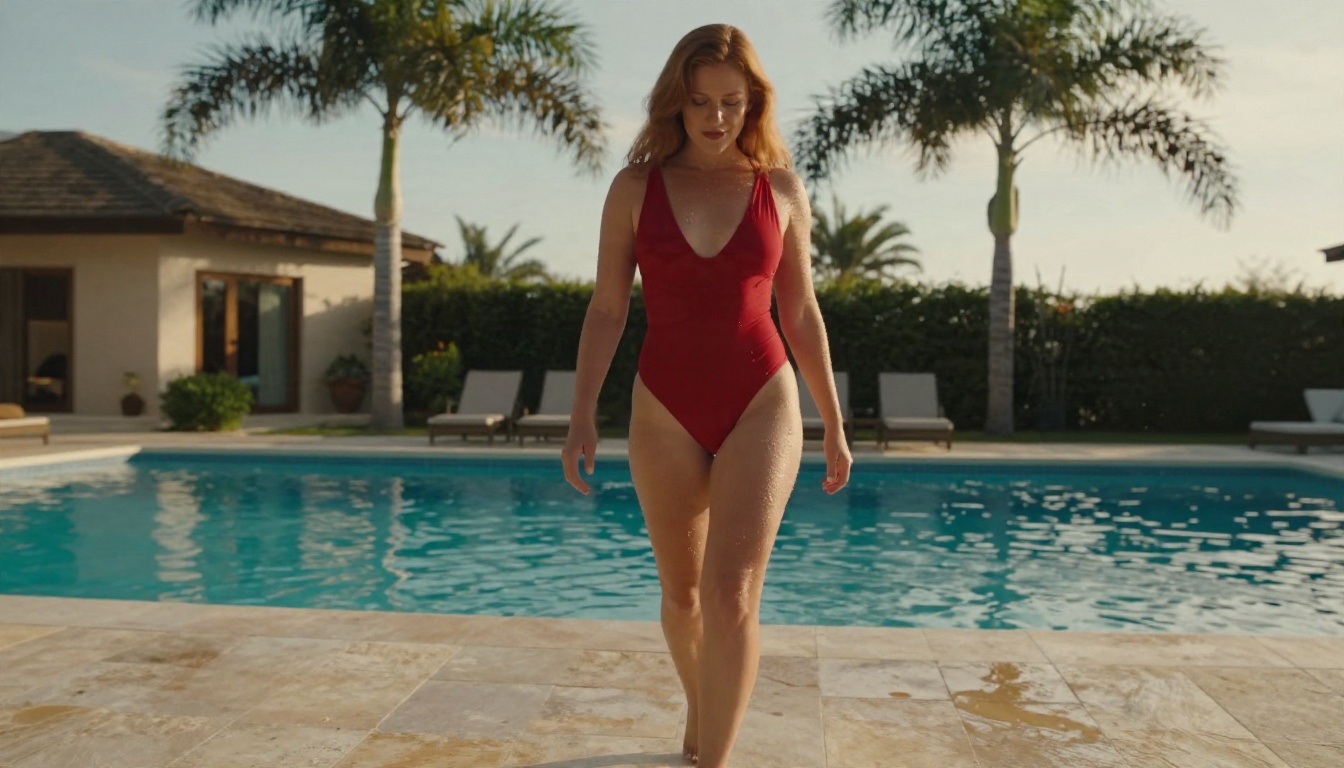
Prompt idea above: low-angle shot, red high-cut swimsuit, water droplets on tanned skin, late afternoon sun from behind, 35mm f/2. The backlight and wet skin do most of the realism work.
Settings That Matter Most
Flux.1 Dev is a guidance-distilled model. That has two practical consequences: it does not use a negative prompt, and the CFG value behaves differently from older models. Pushing it high does not add detail. It adds burn.
| Setting | Realistic range | Starting point | What happens outside the range |
|---|
| CFG value | 2.5 to 4.5 | 3.5 | Above 5, skin turns orange and contrast crunches |
| Steps | 24 to 36 | 28 | Below 20 looks soft, above 50 adds little |
| Aspect ratio | 16:9, 3:2, 4:5 | 3:2 | Extreme ratios distort faces at the edges |
| Resolution | about 1 MP | 1344 x 768 | Very large sizes can duplicate limbs |
| Seed | any | random, then lock | Lock a seed once you like a composition |
| LoRA weight | 0.5 to 0.9 | 0.7 | Above 1.0 overpowers the base model |
CFG Value
Start at 3.5. If the picture looks oversaturated or too dark, lower it toward 3.0. If the model ignores part of your prompt, raise it by 0.5 at a time. Do not jump to 7 or 8 like you would on an older model.
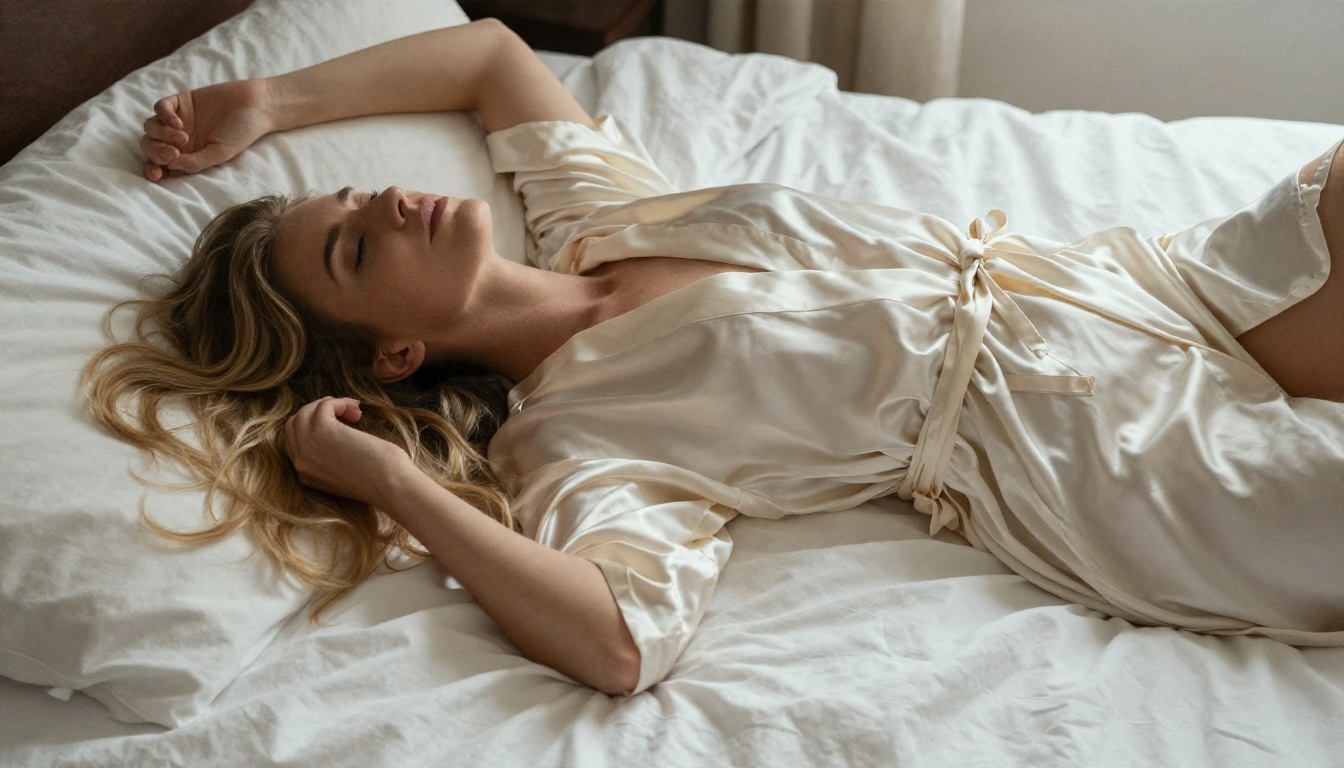
Overhead boudoir frame generated at a low CFG value. Notice how the cream and beige tones stay soft instead of clipping to white.
Step Count
Flux.1 converges quickly. Around 28 steps is the sweet spot for realism. Going to 50 costs more time and rarely improves skin. If you are drafting compositions, drop to 20 and refine later.
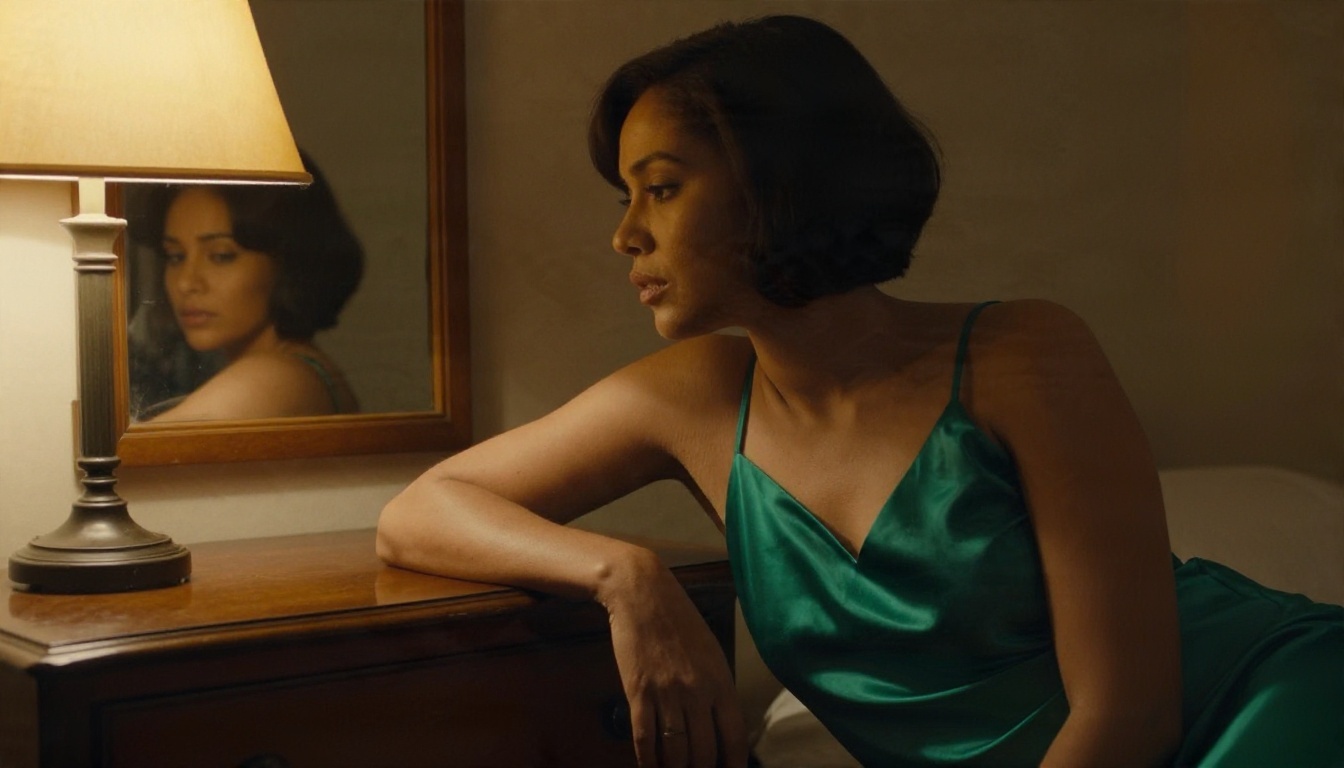
Resolution and Aspect Ratio
Stay close to one megapixel for the first pass. A 3:2 or 16:9 frame gives a cinematic, editorial feel. If you need a bigger file, generate at normal size and then run Super Resolution afterward instead of forcing a giant canvas, which often creates doubled shoulders or extra fingers.
💡 Rule of thumb: composition first at 1 MP, detail later with an upscaler.
Lighting and Camera Language
If you only fix one thing in your prompts, fix the light. Flux.1 responds to photographic vocabulary better than almost any other model.
Light Direction
Always say where the light comes from and what it does:
- golden morning light from the left through sheer curtains, soft rim light on the hair
- warm tungsten bedside lamp on the left, deep shadows on the right
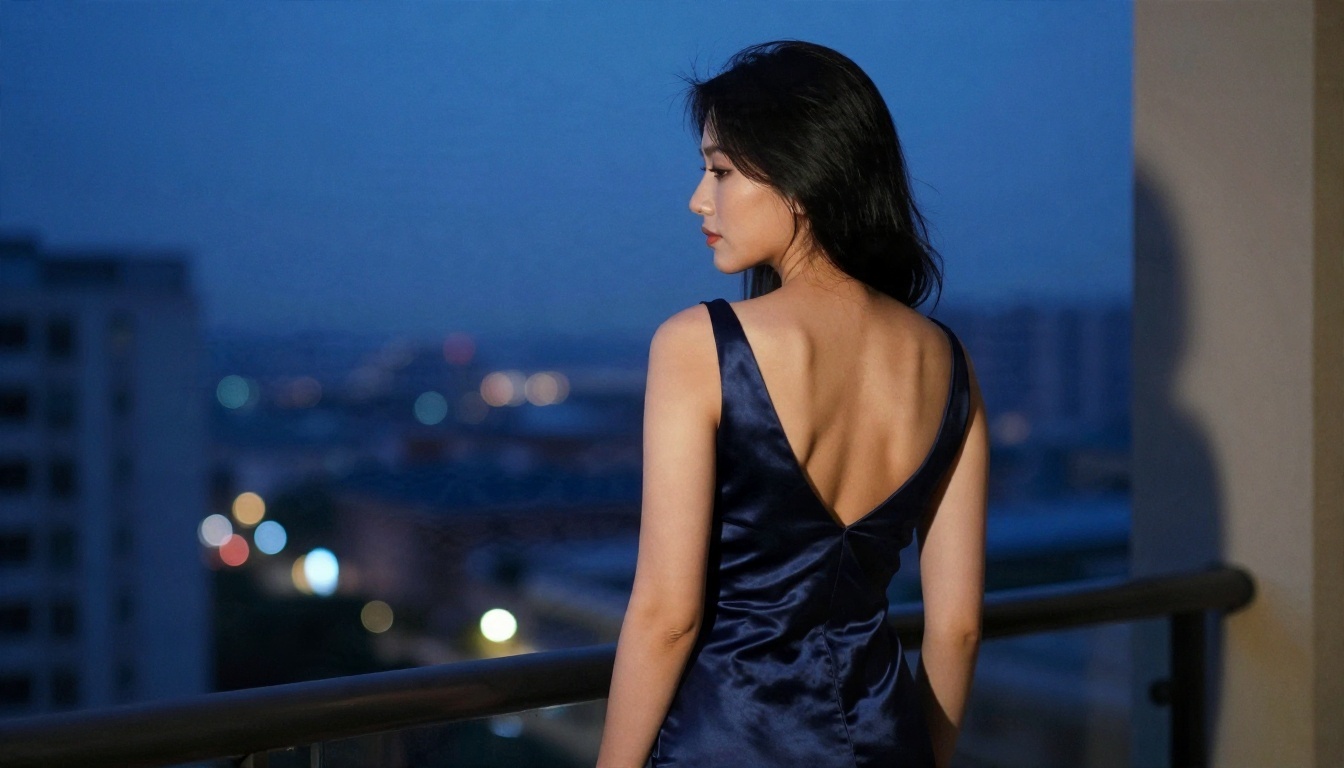
- cool blue hour sky mixed with warm interior light from behind
- soft diffused daylight from a window above
Mixed color temperatures (warm lamp plus cool dusk, for example) are a very strong realism signal. Real rooms are rarely lit by a single clean source.
Lens Choice
Lens names change perspective and depth of field in a believable way:
| Lens wording | Look | Best for |
|---|
| 85mm f/1.8 | Flattering compression, creamy background | Portraits, close-ups |
| 50mm f/1.4 | Natural field of view, moody falloff | Bedroom, indoor scenes |
| 35mm f/2 | Wider context, environmental feel | Pool, beach, grove |
| 24mm f/2.8 | Dramatic perspective, a little distortion | Architecture, wide rooms |
Add "Kodak Portra 400" and "fine film grain" for warm, natural skin tones. These two phrases are the cheapest realism upgrade available.
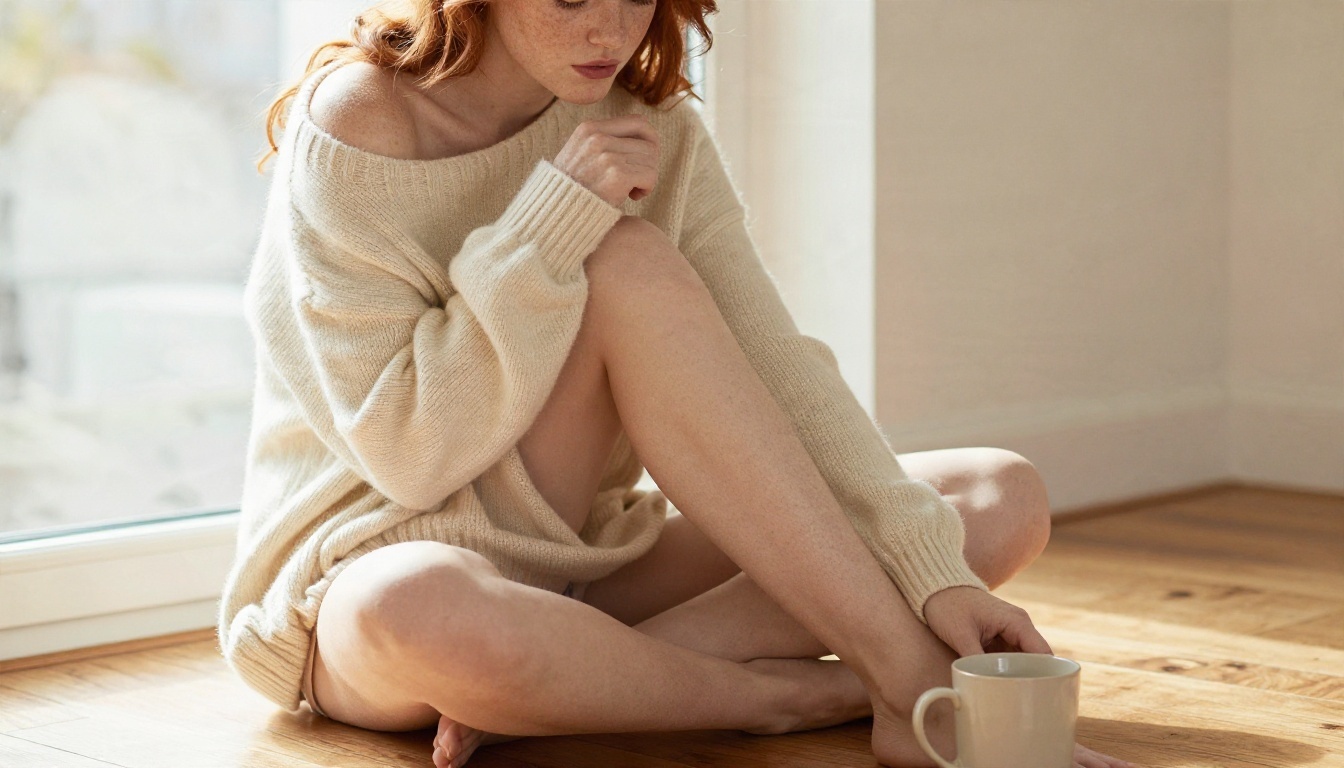
A casual lifestyle frame often looks more real than a posed glamour shot. Loose braid, off-shoulder knit, a mug, window light: all small, ordinary details.
LoRAs and Realism Add-Ons
A LoRA is a small add-on that nudges the base model toward a style or a subject. For realism, the useful ones focus on skin detail, film color and natural lighting.
LoRA Weights
Start at 0.7. Raise it to 0.9 if the effect is too subtle. Drop to 0.5 if faces start to look the same from image to image. Do not stack three or four realism LoRAs together: conflicting add-ons tend to produce garbled textures. One good realism LoRA beats a pile of them.
You can run custom weights on Flux Dev LoRA, and there is a faster variant on Flux Schnell LoRA if you want quick drafts.
Fixing Hands and Faces
Hands remain the weak point of many image models. Three fixes work well:
- Hide them naturally. Hands holding a mug, resting on sheets, or touching hair are easier than open fingers.
- Describe them once. "Relaxed hand with five natural fingers resting on the sheet" is enough. Repeating it makes things worse.
- Inpaint the result. Generate the whole frame, then fix only the hand region and re-run that patch.
For skin that looks too smooth, try Flux Krea Dev, a Flux variant tuned to avoid the typical AI look.
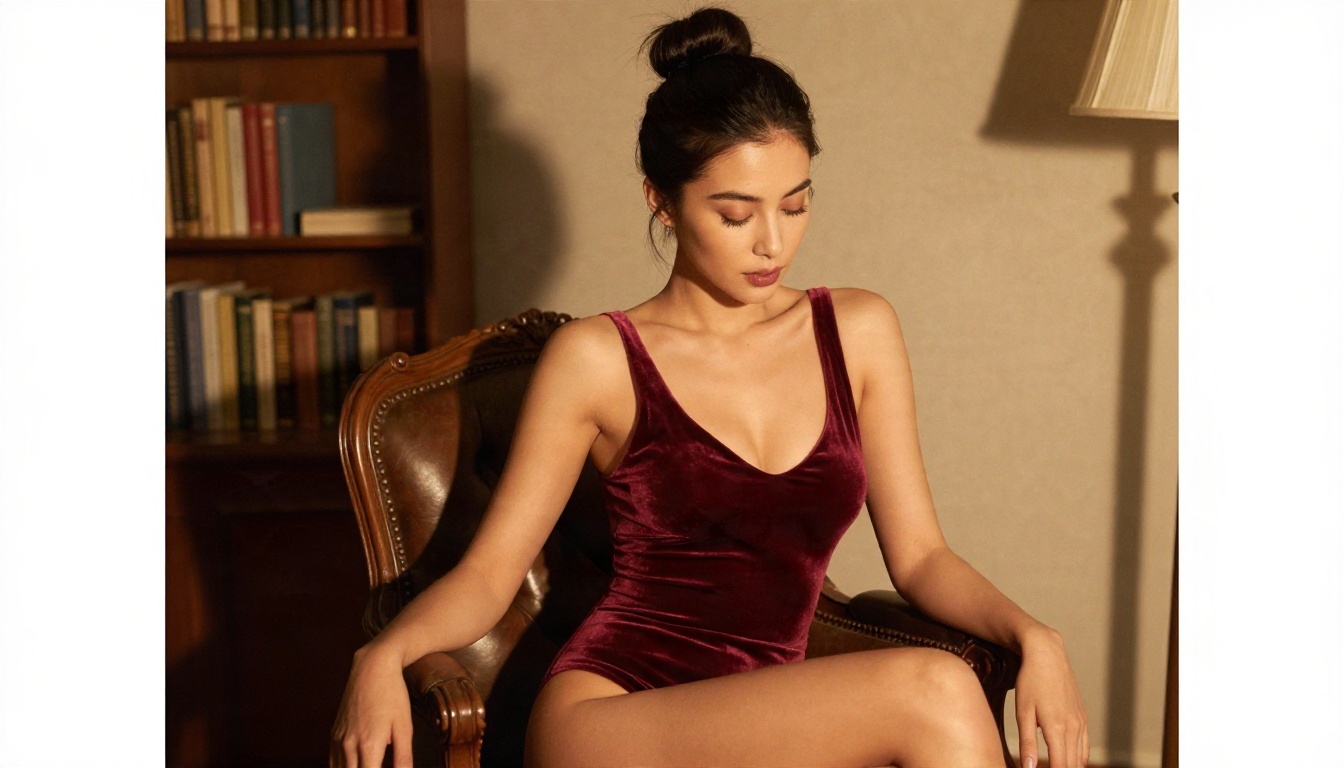
Side profile, hands tucked out of the frame's focus area. A simple composition choice that avoids half the common errors.
How to Use Flux.1 Dev on PicassoIA
Here is the fastest path from prompt to finished image on Flux.1 Dev.
- Open the model page. Go to the Flux.1 Dev page and sign in. The prompt box sits at the top.
- Paste a structured prompt. Use the six-part formula above: subject, pose, environment, light, camera, texture.
- Pick the aspect ratio. Choose 3:2 or 16:9 for editorial framing.
- Set the CFG value. Start at 3.5. Leave it there until you have a baseline.
- Set steps. Use 28 for the first pass.
- Generate four variations. Change only the seed between runs so you can compare fairly.
- Lock the best seed. Edit one phrase at a time, such as the light direction or the lens, and regenerate.
- Upscale the winner. Run it through a super resolution model for a print-ready file.
💡 Speed tip: if you only need drafts, use Flux Schnell to test compositions in seconds, then move the final prompt to Flux.1 Dev for quality.
A Sample Prompt to Paste
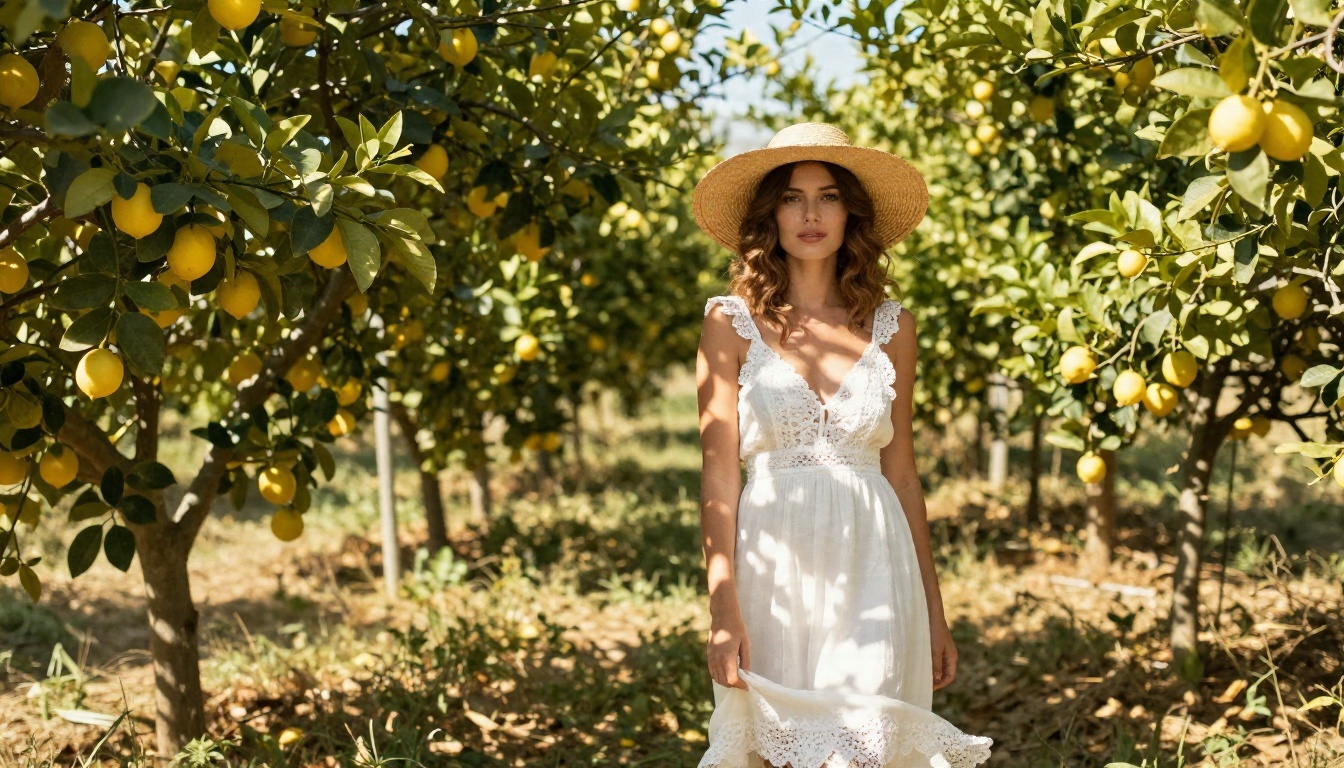
"An adult woman in her late twenties with wavy chestnut hair, wearing a lace-trimmed white sundress and a straw hat, standing in a sunlit lemon grove in southern Italy. Dappled sunlight through the leaves, a light breeze moving the hem. 35mm f/2 lens, visible skin texture, warm Kodak Portra 400 color, fine film grain, candid summer editorial photograph."
Settings: CFG 3.5, 28 steps, 3:2.
Free Online Examples and Alternatives
Flux.1 Dev is excellent for photoreal portraits, but it is not the only option, and for adult-leaning glamour some models are more relaxed and more flexible than others. Here are the ones worth testing, in the order I would try them.
Seedream 4.5 First
Seedream 4.5 is the first model to try for glamour, swimwear and boudoir styling. It handles skin, fabric and light with very little prompt work, outputs up to 4K, and is quick enough to iterate in minutes. Use the same six-part formula and skip the CFG tuning.
PicassoIA Image Editor Pro
PicassoIA Image Editor Pro is the next stop. It offers unlimited generations, so you can run dozens of variations of a pose or outfit without counting credits. It is also the easiest way to fix details: change a strap, adjust a hand, swap a background or recolor a dress while keeping the face and the lighting.
More Models Worth Testing
Prompt Mistakes to Skip
- Stacking buzzwords. "Ultra 8K masterpiece hyperrealistic" adds nothing in Flux.1.
- Writing "perfect skin". It produces plastic. Ask for pores and freckles instead.
- Ignoring the light. If you do not name a light source, you get flat, even light.
- Using high CFG. More is not better. Stay near 3.5.
- Overlong prompts. Anything beyond about 150 words loses focus.
- Changing five things per run. Change one variable at a time so you know what worked.
A Quick Checklist Before You Generate
- Adult age stated clearly
- Light direction named
- Lens and aperture named
- One fabric detail
- One skin texture phrase
- CFG near 3.5, steps near 28
Start Making Your Own Images
You now have a repeatable recipe: a six-part prompt, a CFG value near 3.5, around 28 steps, one named light source and one believable lens. Take the sample prompt above, change the outfit, the room and the time of day, and generate four versions. Then compare them side by side and keep the one where the skin looks least perfect, because that is usually the one that looks most real.
Ready to try it? Open Flux.1 Dev for detailed photoreal portraits, start with Seedream 4.5 for effortless glamour, and use PicassoIA Image Editor Pro when you want unlimited variations and quick fixes. Every model, from text to image to upscaling, is listed at picassoia.com/en/all-models. Pick one, paste a prompt, and see what your first realistic frame looks like.


