You type a prompt, hit a button, and an image appears. No email, no password, no credit card. That is the promise behind every free adult AI no sign up generator, and for about five minutes it feels like magic. Then the queue timer shows up, a watermark lands across your picture, and the one detail you asked for gets quietly filtered out.
This article walks through what these tools actually do, where their limits hide, and what to use when "free and instant" stops being good enough. Everything here stays on the tasteful side: glamour, swimwear, boudoir and editorial portraits, nothing explicit.
What "No Sign Up" Really Means
Anonymous versus account-free
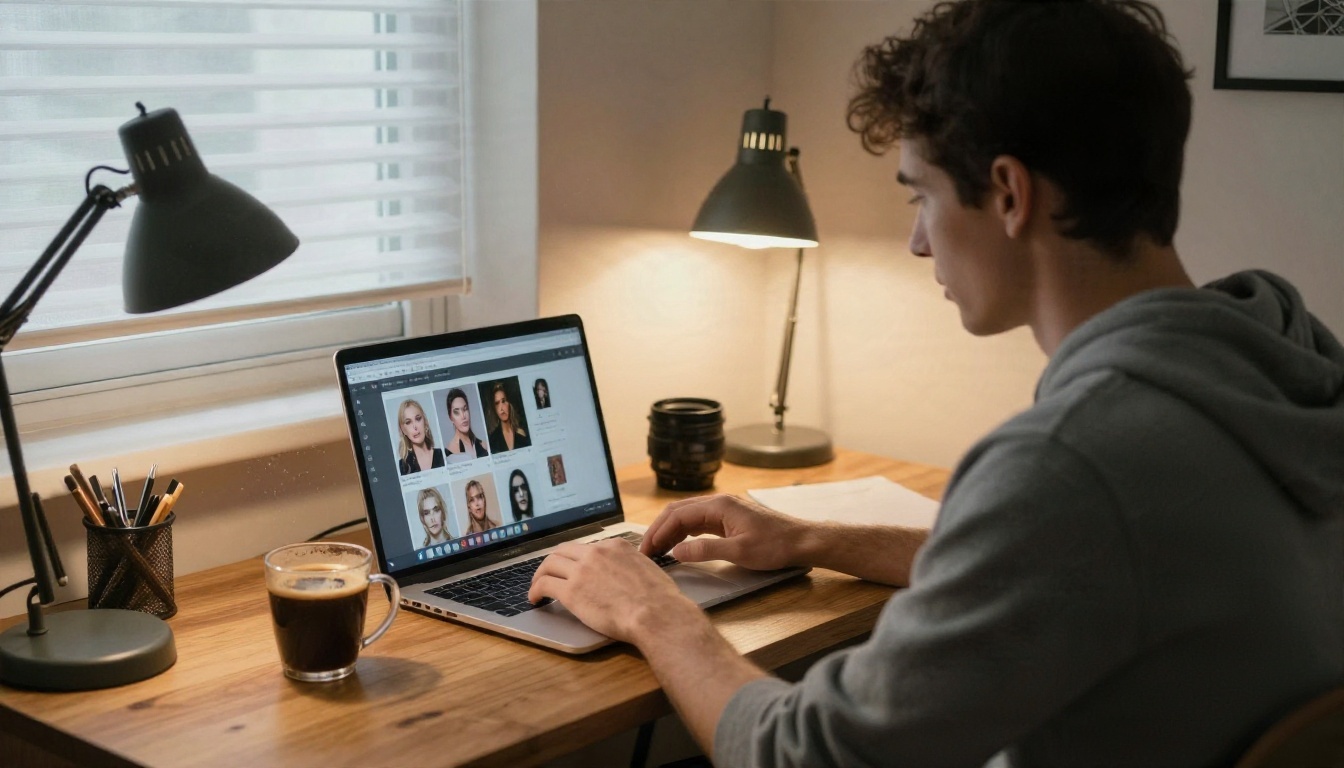
The phrase gets used loosely. An account-free generator simply skips the registration form. It does not mean the service forgets you. Most sites still track your session with cookies, your IP address, or your browser fingerprint so they can enforce daily limits. Anonymous is a stronger claim, and few tools can honestly make it.
Think of it like a coat check with no ticket. You walk in without giving a name, but the attendant still remembers your face.
Why people search for it
The demand is easy to read. People want to test an idea quickly, avoid another inbox full of marketing emails, or keep a creative hobby private. Some are curious and just want to see what the technology can do before committing to anything. Others have been burned by services that demanded a card for a "free trial" and then billed them.
💡 Tip: Wanting speed and privacy is reasonable. The trick is knowing what you trade away to get them.
How Free Online Generators Work
The credit and queue model
Running an image model costs real money in GPU time. A site that gives away generations without charging has to recover that cost somewhere. The usual answers are:
- Shared queues: free users wait behind paying ones, sometimes for minutes.
- Daily caps: you get a handful of images, then the tool tells you to come back tomorrow.
- Lower-tier models: the free engine is often a smaller, older checkpoint, not the flagship.
- Ads and upsells: banners, pop-ups and "upgrade to remove limits" buttons.
None of this is sinister. It is simply how a free tier pays for itself.
Watermarks and resolution caps

Watermarks are the most visible tradeoff. A logo across the corner, or worse, a tiled pattern across the whole frame, makes the image unusable for anything beyond a private preview. Resolution caps work the same way. You might get a 512 or 768 pixel image that looks fine on a phone and falls apart the moment you zoom in or print it.
Skin is where low resolution hurts most. Pores, fine hairs and fabric weave are exactly the details that separate a believable photograph from a plastic-looking render.
Content filters
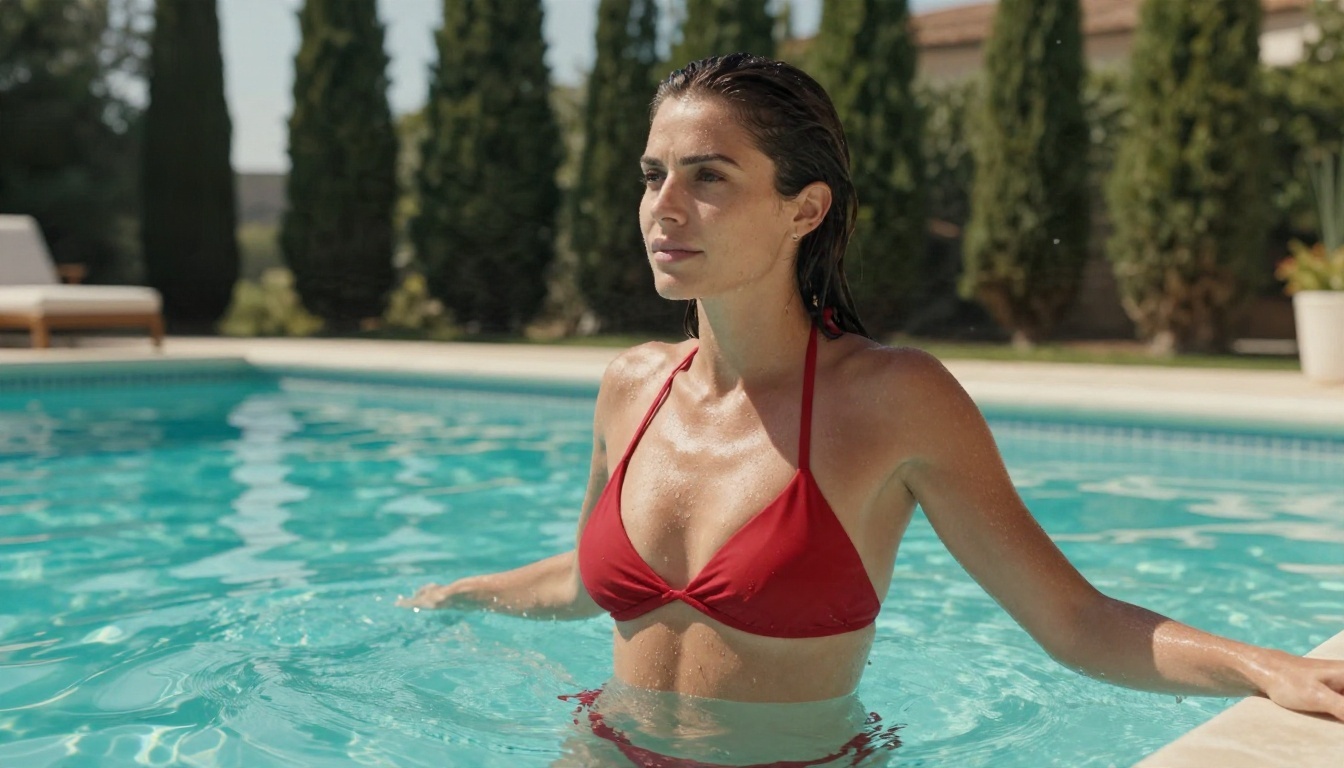
Even sites that advertise themselves as adult-friendly usually run filters. Some block specific words. Others scan the finished image and blur or reject it. You will notice this when a harmless prompt like "woman in a bikini at a pool" comes back as a gray box with a policy message.
Filters are inconsistent, which makes them frustrating. Two near-identical prompts can get opposite results, and you rarely get an explanation.
The Real Cost of Free
Privacy tradeoffs
Skipping the sign up form does not make your prompts invisible. Many free tools log prompts, store generated images, or use them to improve their models. Some keep a public gallery of everything users create, which is a surprise nobody enjoys.
Before you type anything personal, check three things:
- Is there a clear privacy policy written in plain language?
- Does the site say whether images are public or private by default?
- Can you delete your generations?
If the answer to any of these is a shrug, treat the tool as public.
Quality ceilings
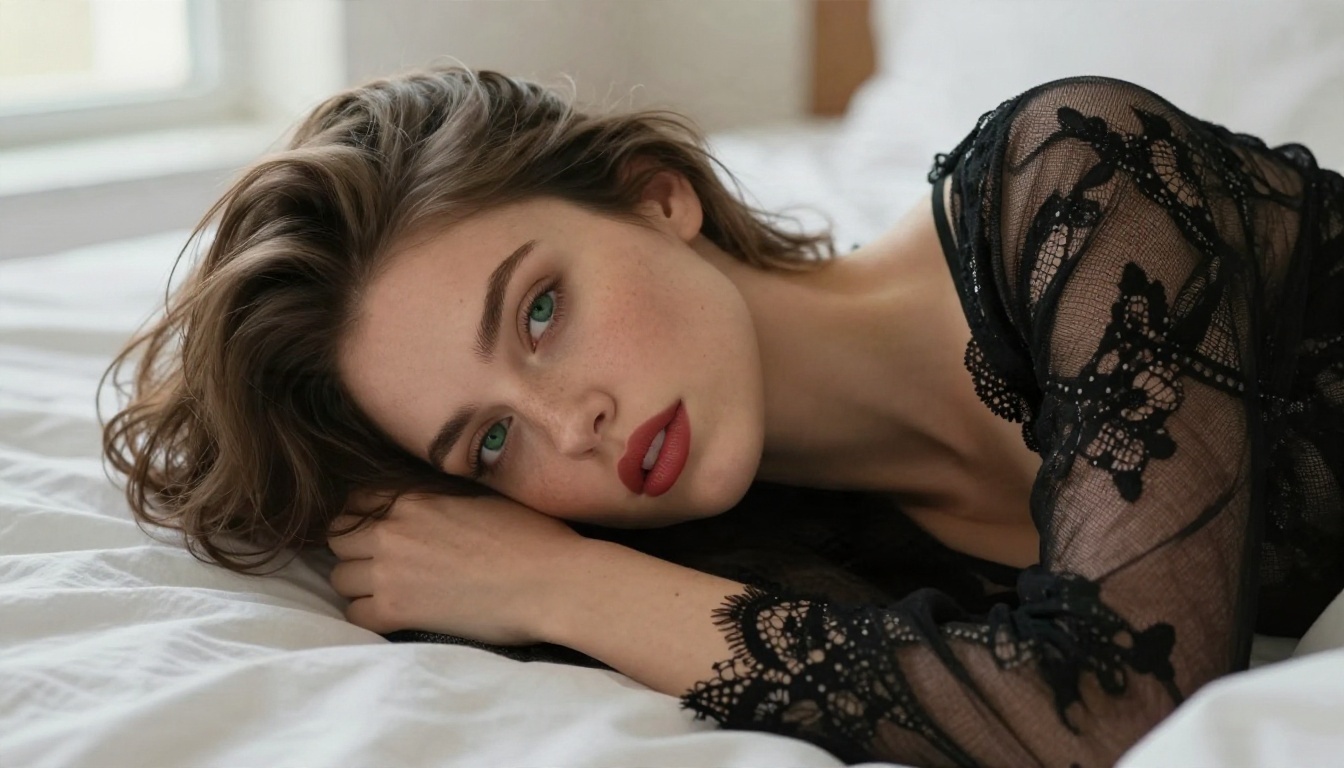
The quality gap between a free anonymous tool and a modern flagship model is large. Hands, eyes, jewelry and lace are the usual giveaways. Free engines tend to smear fine detail, repeat patterns, and flatten lighting so everything looks evenly lit and slightly waxy.
A direct comparison makes the tradeoffs clearer:
| Feature | Typical free, no sign up tool | Account-based unlimited platform |
|---|
| Registration | None | Quick account |
| Daily generations | Often capped | Generous or unlimited |
| Resolution | Low to medium | High, up to 4K on some models |
| Watermark | Common | Usually none |
| Queue time | Minutes at peak | Seconds |
| Prompt filters | Inconsistent | Clear and predictable |
| Image history | Often lost on refresh | Saved to your library |
| Editing tools | Rare | Inpainting, upscaling, variations |
💡 Tip: If you generate more than a few images a week, the time you lose to queues and re-rolls costs more than a free account ever would.
Better Alternatives on PicassoIA
If your goal is photorealistic glamour and swimwear imagery without hitting a wall every few images, an account-based platform with strong models and generous limits is the better route. Here is where to look, in the order worth trying.
Seedream 4.5 is the first pick
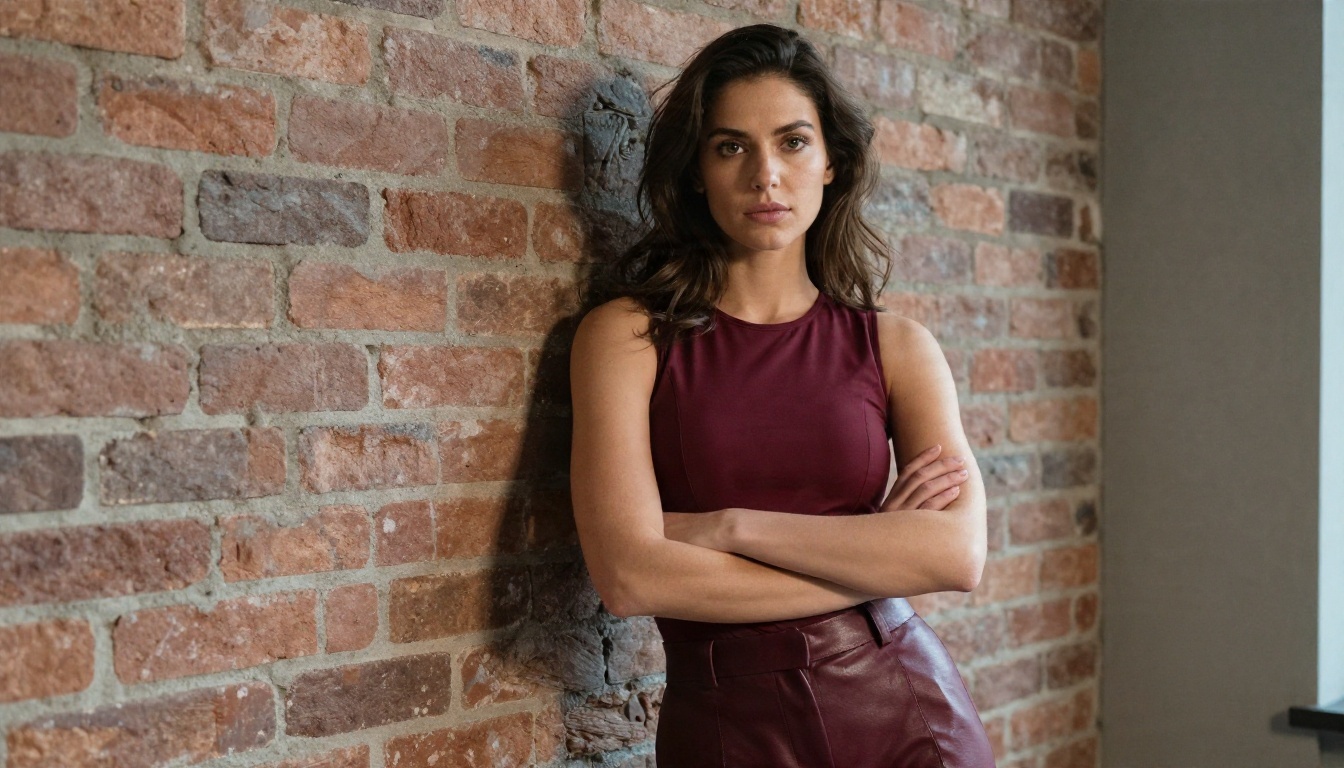
Seedream 4.5 is the model to start with. It handles skin texture, fabric, and lighting direction far better than most free generators, and it follows detailed prompts closely. That matters for adult-leaning glamour work, where small details like the sheen on satin or the way window light wraps around a shoulder decide whether the image feels real.
Strengths worth knowing:
- Sharp output with believable skin and hair detail
- Strong prompt adherence, so your lighting and lens choices actually show up
- High resolution, good enough for prints and wallpapers
- Fast turnaround, usually seconds instead of minutes
Image Editor Pro for unlimited edits
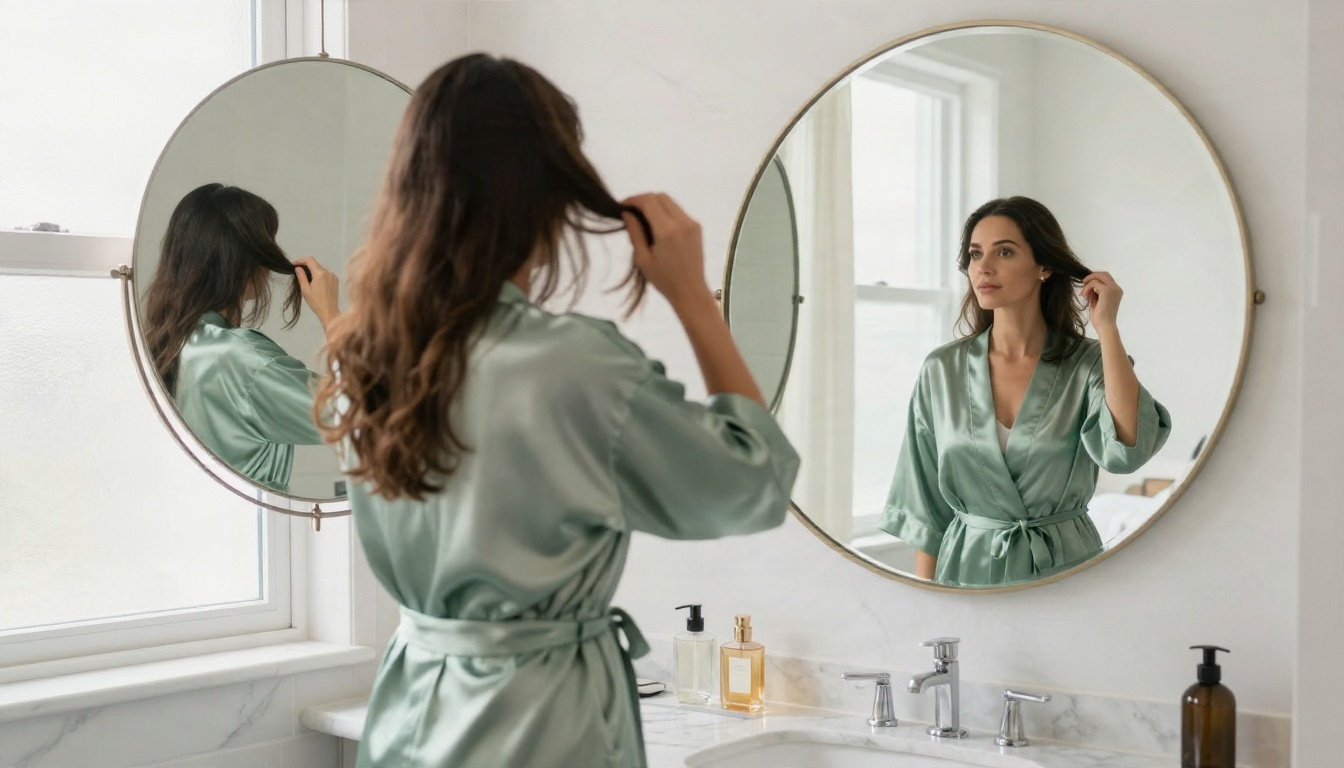
PicassoIA Image Editor Pro is the second stop, and its big selling point is unlimited generations. That changes how you work. Instead of rationing attempts, you can iterate freely: change the outfit, shift the lighting, adjust the pose, and run the same idea ten times until it lands.
It works well for refining an image you already like. Upload a result from another model, describe the change you want, and let it adjust the details without starting from scratch.
Other models worth a look
Once you have the first two covered, these models each bring a different flavor:
If you want to bring a still image to life afterwards, a video model such as LTX 2.5 Fast can animate it.
💡 Tip: Browse the full lineup at picassoia.com/en/all-models to compare styles side by side.
How to Use Seedream 4.5 on PicassoIA
Step by step
Here is the fastest route from idea to finished image:
- Open the model page. Go to Seedream 4.5 on PicassoIA.
- Write your prompt. Start with the subject, then the setting, lighting, and lens.
- Pick a 16:9 or 3:2 ratio for landscape scenes, or a vertical ratio for portraits.
- Generate. Results typically return in seconds.
- Review at full size. Check eyes, hands, and fabric edges.
- Iterate. Change one detail at a time so you can see what each edit does.
- Refine in Image Editor Pro if you need unlimited tweaks to the final look.
Parameter tips
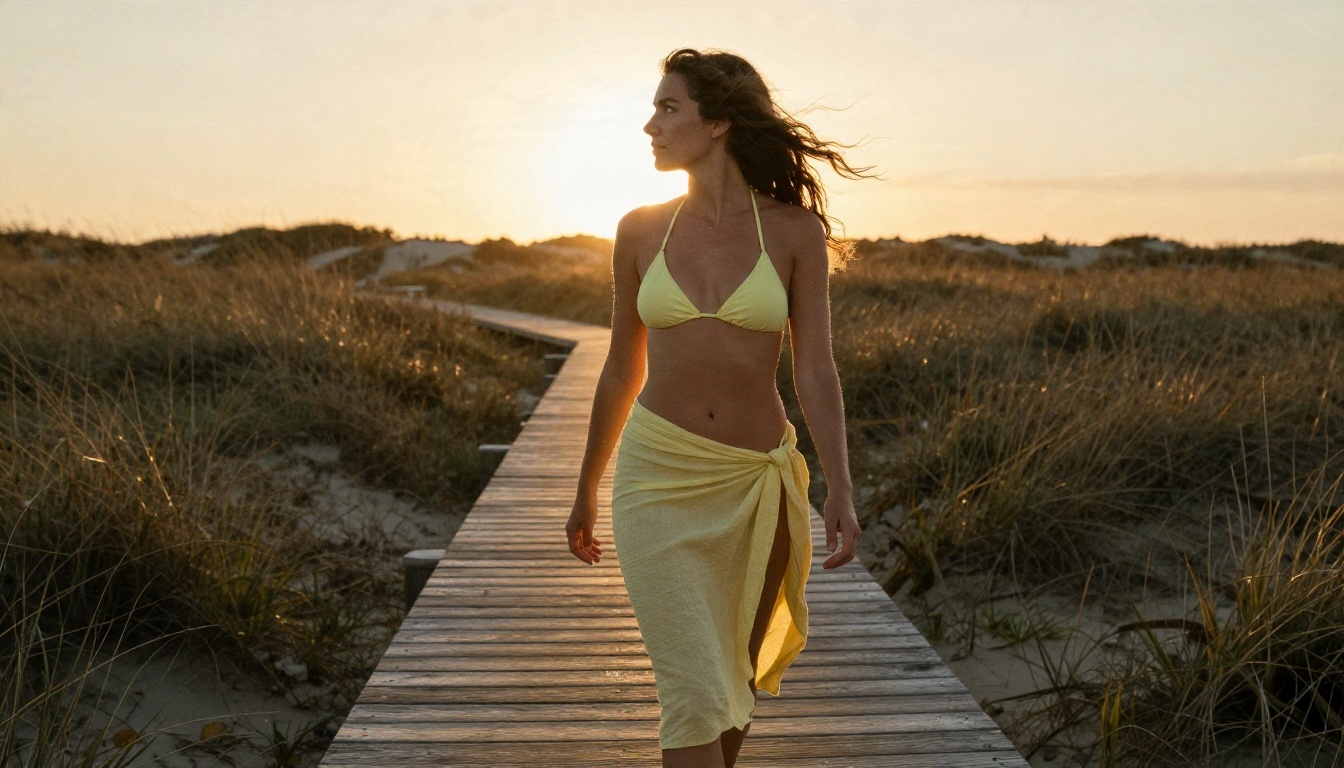
A few habits make a noticeable difference:
- Name the light. "Warm backlight from low sun" beats "nice lighting" every time.
- Name the lens. "85mm f/1.8" nudges the model toward portrait compression and soft backgrounds.
- Keep one subject. Crowded scenes dilute detail and invite anatomy mistakes.
- Describe texture. Words like "satin sheen," "linen weave," and "fine freckles" push realism.
- Lock the seed when you like a composition and want to vary only one element.
Prompts That Actually Work
Photographic language beats adjectives
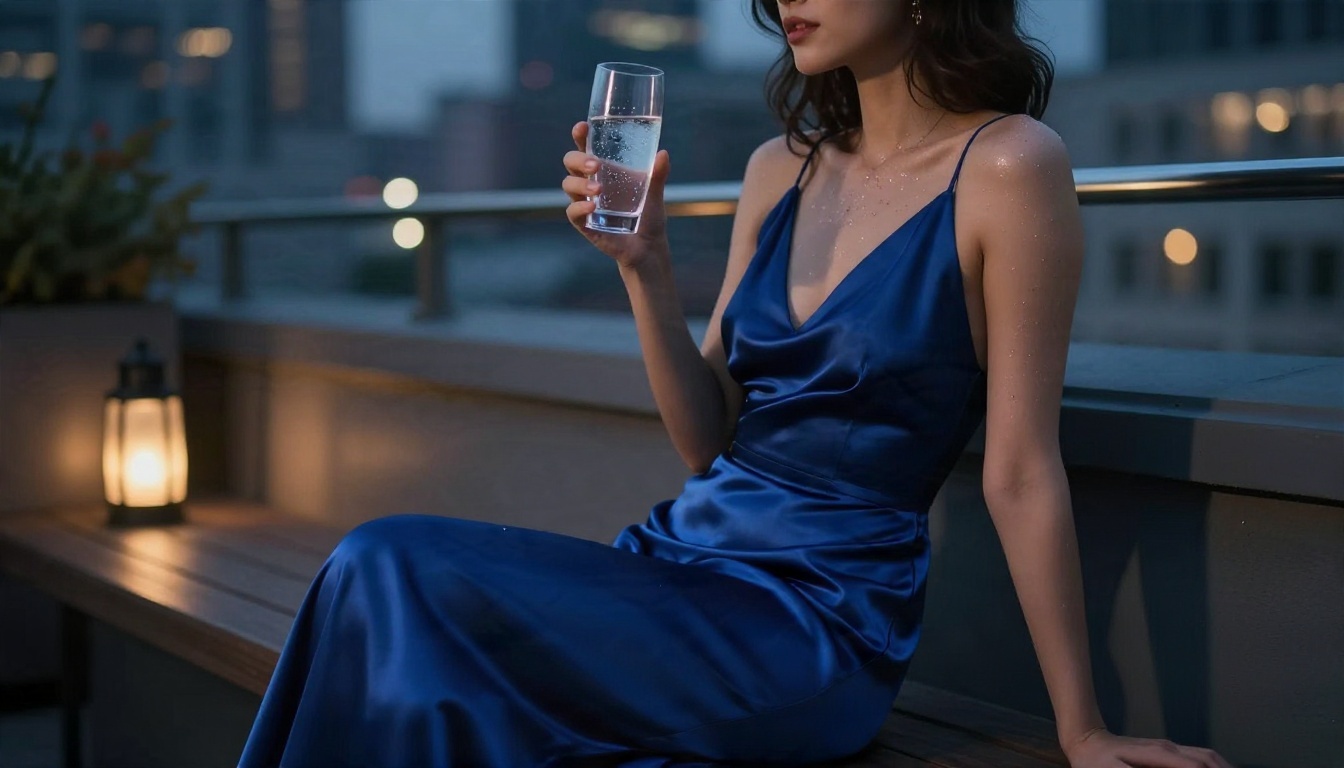
Generic words like "beautiful," "stunning," or "sexy" tell the model almost nothing. Photographers describe a scene with physical facts, and models respond to the same vocabulary. Compare these two prompts:
- Weak: "Gorgeous woman in a hot dress, ultra detailed."
- Strong: "Woman in a midnight blue satin gown seated on a rooftop bench at blue hour, string lights glowing warm on the left, cool twilight behind her, 50mm lens at f/1.8, visible satin sheen, Kodak Portra 400 film grain."
The second prompt gives the model a place, a light source, a fabric, a lens and a film stock. It has far less room to guess wrong.
Three common mistakes
- Stacking too many styles. Mixing "film photo," "oil painting," and "studio render" confuses the output.
- Ignoring the background. An empty setting gets filled with generic clutter. Name two or three specific props.
- Overloading with quality tags. Piles of "8K, masterpiece, ultra HD" add little. A concrete lens and lighting note does more.
💡 Tip: Write the prompt as if you were briefing a photographer on a shoot day. Location, time, wardrobe, light, lens.
Limits Worth Respecting
Adult-oriented AI comes with a few non-negotiable lines, and good platforms hold them for everyone's benefit.
- Adults only. Every subject should be clearly an adult. Anything that suggests otherwise is off the table.
- No real people without consent. Do not generate images of a named real person, a coworker, an ex, or a celebrity. Fabricated imagery of real people causes genuine harm.
- Keep it tasteful. Suggestive, glamorous and artistic is the goal. Aesthetic and attractive images age better and travel further than anything crude.
- Mind where you share. Many social platforms restrict adult imagery. Check the rules before posting.
There is also a practical angle. Images that stay on the editorial side, such as swimwear shoots, boudoir portraits, and evening glamour, are easier to share, easier to print, and easier to reuse than anything pushing past those lines.
A quick checklist before you hit generate
- Is my subject a fictional adult?
- Does the prompt describe a location, a light source, and a lens?
- Am I using a model that supports the look I want?
- Do I know whether my images are saved privately?
If you can answer yes to all four, you are set.
Try It Yourself Today
Free, no sign up generators are fine for a quick experiment. They fall short the moment you want consistent quality, higher resolution, or the freedom to iterate without a timer ticking down.
If you are ready for a better setup, here is a simple plan. Open Seedream 4.5 and write one detailed, photographic prompt. Take the best result into PicassoIA Image Editor Pro and refine it with unlimited generations until the lighting, outfit and mood feel right. Then try Flux Dev or Realistic Vision v5.1 to see how the same idea changes in a different engine.
You will quickly notice the difference between a rationed free tool and a platform that lets you experiment as much as you like. Pick a scene, write the prompt, and make your first image on PicassoIA. The full model lineup is waiting at picassoia.com/en/all-models.


