You download a shiny AI app, type your first prompt, and three minutes later a pop-up asks for $9.99 a week. Sound familiar? Finding a free AI app for Android that does real work, without a paywall ambush or a filter that refuses half your requests, takes a bit of sorting. This article sorts it for you: which apps are worth a spot on your home screen, what "free" actually includes, and which options give you fewer restrictions when the mainstream tools say no.
💡 Quick answer: For chat, the built-in assistants on Android are the easiest free start. For images and video, a browser-based platform often beats a store app because the limits are friendlier and the models are newer. For uncensored results, jump to the section on Seedream 4.5 and the PicassoIA Image Editor Pro.
What "Free" Really Means on Android
Almost every app in the Play Store advertises itself as free. Very few are free in the way you picture it. Before you compare names, compare the rules behind the word.
Daily Caps and Credits
Most image and video apps run on credits. You get a small pool that refills every day or every week, and each generation burns some of it. A sharper model or a longer clip burns more. Roundups published in 2026 list free image tiers anywhere from about 10 images every few hours to a few dozen credits per day, and they often disagree with each other, so treat any single number as a rough guide and check the app's own pricing screen.
Chatbots work differently. Instead of credits, they usually throttle you by compute. You can chat as much as you want until the heavy model runs out of allowance, and then the app quietly switches you to a lighter one. Several reviews report that ChatGPT now lets free users hold unlimited everyday text chats, while Gemini resets its free allowance on a rolling window of a few hours. Claude and Perplexity also offer free tiers with limits on the stronger models.
Watermarks and Slow Queues
Two hidden costs hit hardest on mobile. First, watermarks: a free image with a logo stamped in the corner is fine for a private chat and useless for a post. Second, queues: free users often wait behind paying ones, so a five-second render turns into a two-minute wait while your battery drains.
Privacy Trade-Offs
A free app has to earn its keep somehow. Some do it with ads, some by training on your prompts, and a few by collecting more permissions than a generator needs. If an AI photo app asks for your contacts or constant location, say no and move on.
| Hidden cost | What you notice | Quick fix |
|---|
| Credit pool | "You're out of credits" mid-session | Spread work across two or three tools |
| Watermark | Logo on every export | Use a tool with clean exports |
| Queue | Long waits at peak hours | Generate early in the day |
| Data use | Odd permissions requests | Deny and use the browser version |
Best Free AI Apps by Task
One app rarely does everything well. Pick by job, not by hype.
Chatbots for Everyday Questions
If you mostly want answers, summaries, and help with writing, start with what is already on your phone. Gemini sits behind a long press of the power button on many Android devices, which makes it the fastest option for a quick question. ChatGPT, Claude, and Perplexity all have Android apps with free plans, and each has a different personality: ChatGPT is the generalist, Claude is calm with long documents, Perplexity leans toward search with citations.
You can also try newer and open models in a browser tab, which is handy when your daily allowance in the app runs out. GPT 5.6 Luna is built for quick text replies. DeepSeek V3.1 is solid for code and writing, and DeepSeek R1 is the one to open when a question needs step-by-step reasoning.
💡 Tip: Keep two chatbots installed. When one hits its limit, switch instead of waiting. It sounds basic, yet it removes most of the frustration of free tiers.
Image Generators on Your Phone
For images, store apps like Leonardo, Ideogram, Playground, Adobe Firefly, and Picsart all offer a free plan. The tradeoff is the same everywhere: a small daily allowance, watermarks on some exports, and prompts that get blocked quickly if they brush against a filter. Ideogram is usually praised for text inside images, Leonardo for stylized work, and Firefly for commercially safer output.
If you want newer models without installing anything, open a model page in your phone's browser. Nano Banana Pro handles sharp 4K results and edits well. Z Image Turbo is a speed pick when you want to test prompts fast. GPT Image 2.5 Flare is a quick option for clean, instruction-following images.
Video Apps and Clip Makers
Video is where free tiers shrink the most. Rendering a few seconds of motion costs far more compute than a still, so expect one or two short clips per day in a typical free plan, often with a watermark. For better odds on a phone, animate a still you already like rather than writing a video prompt from scratch. Wan 2.5 I2V Fast turns a single image into a moving clip quickly. LTX 2.5 Fast is built for speed, and Kling v3 Video is the pick when you want more cinematic motion.
Free Limits Side by Side
Numbers change often, and the sources I checked do not always agree, so read this table as a map of what kind of limit to expect, not a contract.
| Tool type | Typical free allowance | Common catch |
|---|
| ChatGPT | Everyday text chat, daily caps on voice and images | Heavy features are throttled |
| Gemini | Compute-based allowance that refreshes every few hours | Falls back to a lighter model |
| Claude | Chat on lighter models | Limits on longer sessions |
| Leonardo | Roughly 150 tokens per day | Credits vanish on large renders |
| Adobe Firefly | Around 25 generations per month | Very small monthly pool |
| Playground | Around 10 images every few hours | Bursts, then a wait |
| Ideogram | Weekly credits, about 10 to 20 prompts per day on mobile guides | Prompts are filtered |
| Picsart | Free editor with a paid Gold tier | Best AI tools sit behind the paywall |
⚠️ Heads up: Free-tier numbers are the most edited facts on the internet. Many "best of" articles are written by the apps themselves. Open the pricing screen of the app before you plan a project around a number.
Uncensored Options That Actually Work
This is the question behind a lot of searches: what do you use when a mainstream app refuses a prompt that is not harmful, just a little suggestive?
What "Uncensored" Means in Practice
For most people, "uncensored" does not mean extreme. It means swimwear shots, glamour portraits, boudoir lighting, and artistic figure studies without a lecture. Mainstream apps tend to over-block anything with skin, because they are built for the widest audience and the strictest app store rules. Tools with looser moderation let adults make tasteful, attractive images. None of this changes what is off limits: no explicit pornography, no real people without consent, and nothing involving minors.
Seedream 4.5 for Fewer Blocks
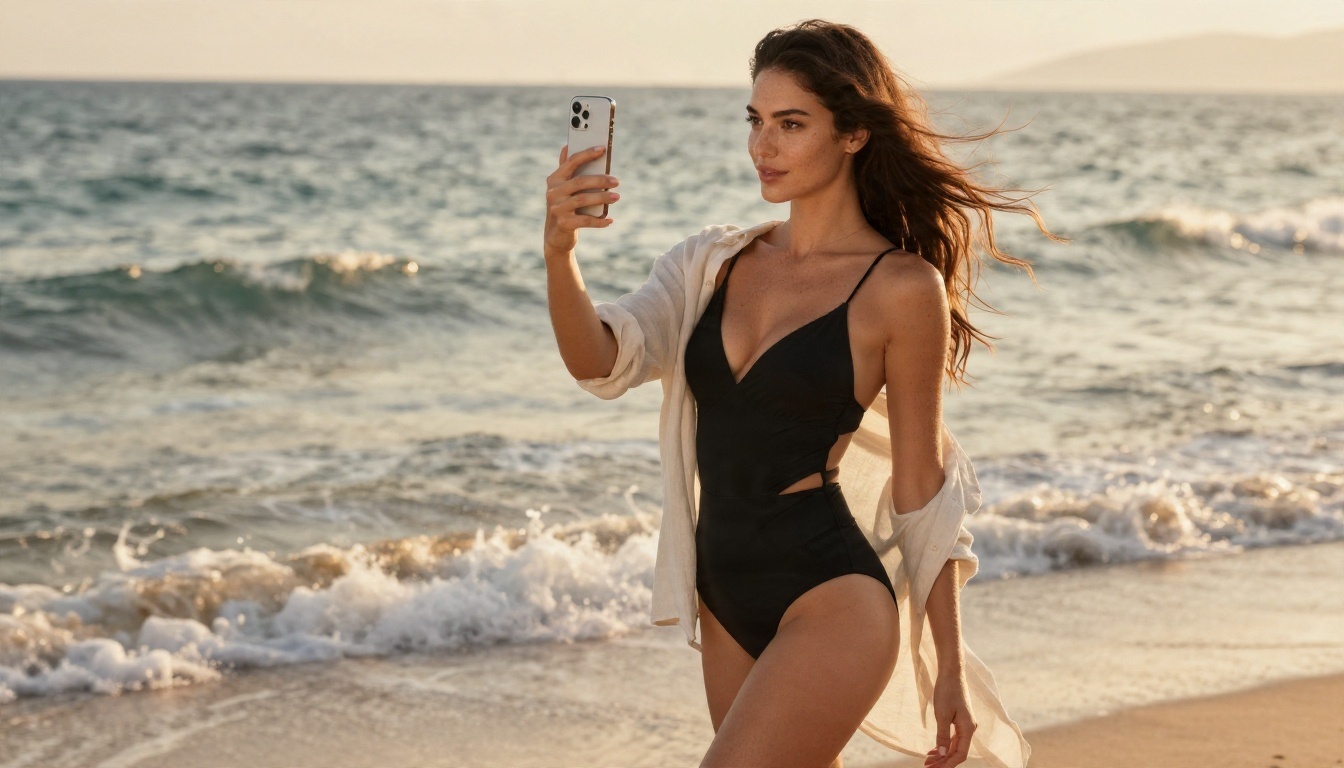
Start with Seedream 4.5. It makes sharp, photographic images, handles skin, fabric, and light convincingly, and is far less jumpy about glamour and swimwear prompts than most store apps. It also follows long prompts well, which matters when you describe lighting and mood in detail. For adult-leaning work, this is the model to open first.
Image Editor Pro Without Caps
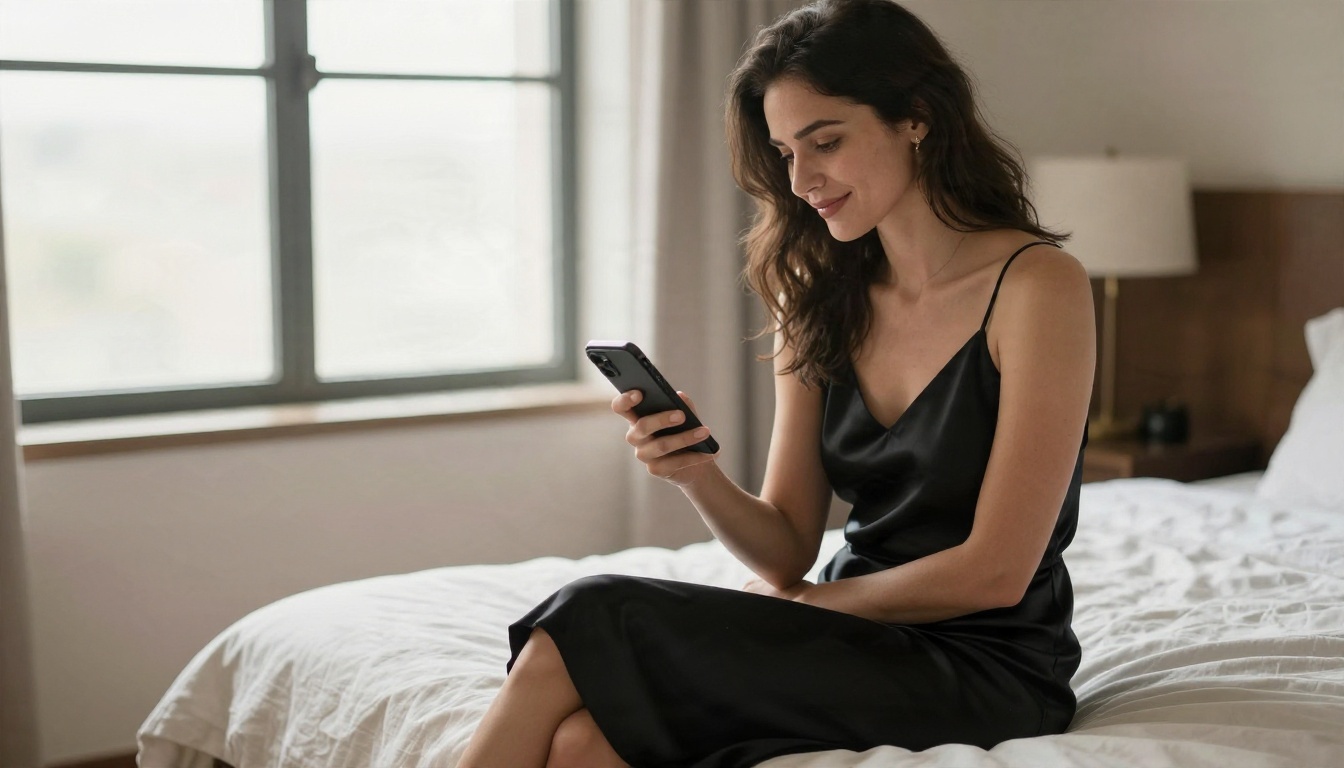
The PicassoIA Image Editor Pro is the second stop. It is built around unlimited generations, which solves the biggest pain of free apps: running out of credits at the exact moment a prompt starts working. You can upload a photo, change the outfit, background, or lighting, and keep iterating until the result is right, with no counter ticking down.
Other Models Worth Testing
Once you have the first two, a few more are worth a try for variety. Z Image Turbo is quick for trying many prompts in a row. Flux 2 Klein 9B Base LoRA is useful when you want a particular look. Nano Banana Pro is a strong editor for changing a photo without losing the face. Different models read the same prompt differently, so run one prompt through two of them before you decide.
💡 Browse more: The full list of image, video, and chat models is at picassoia.com/en/all-models.
How to Use Seedream 4.5 on Android
You do not need to install anything. Everything below works in Chrome or any mobile browser.
- Open the model page. Go to Seedream 4.5 in your phone's browser. Add it to your home screen from the browser menu for one-tap access.
- Write a specific prompt. Describe the subject, the setting, the light, and the lens. For example: a woman on a sunlit balcony in a white linen shirt, warm morning light from the left, 85mm lens, shallow depth of field, natural skin texture.
- Choose the aspect ratio. Use 9:16 for phone wallpapers and stories, 16:9 for banners, and 1:1 for profile pictures.
- Generate, then adjust one thing at a time. If the light is wrong, change only the light line. Changing five things at once makes it hard to see what helped.
- Refine in the editor. Send the best result into the PicassoIA Image Editor Pro to fix details, change clothing or background, and keep generating without a cap.
- Animate it if you like. Feed the final still into Wan 2.5 I2V Fast for a short moving clip.
| Setting | Good starting point | Why |
|---|
| Prompt length | 40 to 80 words | Enough detail without confusing the model |
| Aspect ratio | 9:16 for phones | Fills the screen with no cropping |
| Lighting words | "soft window light from the left" | Gives realistic shadows |
| Lens words | "85mm, shallow depth of field" | Adds a portrait look |
Smart Ways to Stretch Free Limits
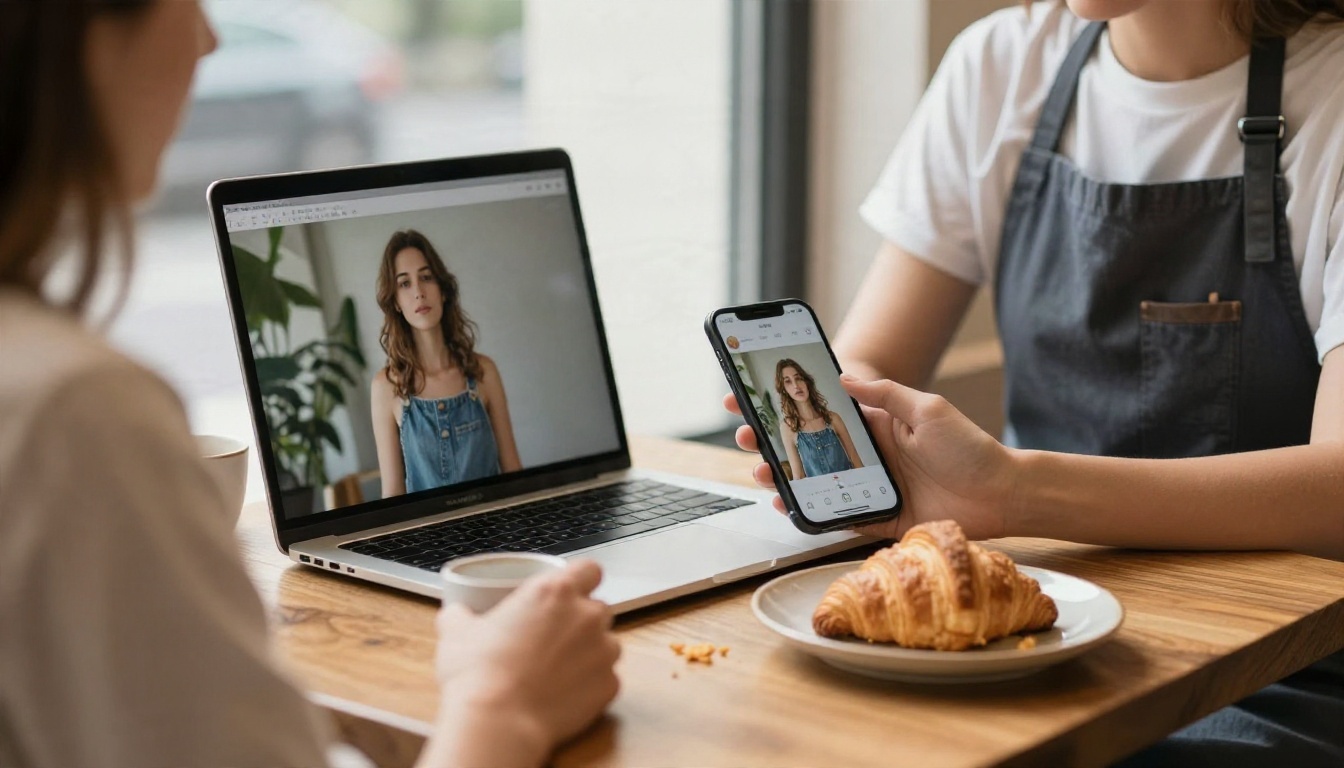
Free tiers reward people who plan. A few habits make a small allowance feel much bigger.
Draft Cheap, Finish Once
Test the idea with a fast model, such as Z Image Turbo, and only spend your best credits on the final render. Most people burn credits on their first, vague prompt. Sharpen the wording on cheap generations first.
Rotate Between Tools
Each app resets on its own schedule. If you keep a chatbot, an image tool, and a video tool, one empty tank rarely stops your day. Use Gemini when ChatGPT is throttled, and switch to a browser model when the app's image credits run dry.
Edit Instead of Regenerating
When an image is 90 percent right, do not roll the dice again. Fix the last 10 percent with an editor. It costs less and keeps the part you already like.
Mistakes to Avoid
A few errors cost people time, money, or an account.
Fake "Unlimited" Apps
If an app claims unlimited, uncensored, free generations with no account and no ads, ask who is paying for the servers. Often the answer is you: through ads, data collection, or a subscription that starts after a "free trial" you forgot to cancel. Look for the cancellation terms before you enter a card number.
Sketchy APK Downloads
Uncensored AI apps are a favorite lure for malware. Avoid installing APK files from random sites, especially ones promising unlocked premium features. A browser-based tool needs no install and cannot read your messages or photos. For most people, that is the safer route.
Ignoring the Rules
Even loose tools have limits. Keep prompts to adults, avoid real people without their permission, and do not post anything that could embarrass or harm someone. Following those basics keeps your account, and your reputation, intact.
⚠️ Rule of thumb: If you would not be comfortable explaining an image to the person in it, do not generate it.
Try It on Your Own Phone
The best free AI app for Android is rarely one app. It is a small toolkit: a built-in assistant for quick questions, a browser-based image model for the pictures you care about, and an editor that does not count your edits. Open Seedream 4.5 in your phone's browser, write one detailed prompt, and see how it compares with the app you use now. Then send the result to the PicassoIA Image Editor Pro for unlimited tweaks, and animate your favorite with Kling v3 Video.
Ready for more? Browse every image, video, and chat model at picassoia.com/en/all-models, pick one, and make your first image today.


