The landscape of creative tools has shifted dramatically with the emergence of free AI editing platforms that now incorporate what were once premium features. These tools deliver professional-grade capabilities without subscription barriers, fundamentally altering how designers, photographers, and content creators approach image manipulation. The integration of advanced parameter systems, real-time generation, and sophisticated control interfaces represents a significant milestone in accessible creative technology.

What Professional Features Actually Come Free
The distinction between free and paid tools has blurred considerably. Current free AI editors offer parameter control systems that rival professional software, including seed value manipulation, style weight adjustments, and batch processing capabilities. These aren't stripped-down versions; they're complete implementations that handle complex editing tasks.
💡 Parameter precision matters: Free tools now allow adjustments at the same granular level as subscription services. The difference lies in usage limits rather than capability limitations.
Three key features available without cost:
- Advanced seed control: Fine-tune generation outcomes with specific seed values
- Style weighting systems: Balance multiple artistic influences in single generations
- Real-time preview: See adjustments immediately without waiting for full renders
Interface Customization for Personal Workflows
Modern free editors understand that creative professionals need workspace flexibility. Customizable interfaces allow rearrangement of control panels, shortcut creation for frequent operations, and personalized workspace layouts that mirror individual working styles.

Workspace optimization elements include:
| Interface Element | Customization Level | Impact on Workflow |
|---|
| Control Panels | Full rearrangement | Reduces mouse travel |
| Keyboard Shortcuts | User-defined | Accelerates common tasks |
| Tool Presets | Save and recall | Maintains consistency |
| Workspace Layouts | Multiple configurations | Adapts to project types |
The ability to tailor the editing environment transforms how efficiently creators can work. This customization extends beyond simple button placement to include parameter grouping, toolset organization, and visual feedback systems that provide immediate understanding of adjustments.

Parameter Control Systems in Detail
Understanding the parameter architecture reveals why free tools now compete with professional offerings. These systems manage three primary dimensions of image generation:
1. Seed Value Management
- Deterministic generation from specific starting points
- Result reproducibility across sessions
- Fine variation exploration from established bases
2. Style Weight Balancing
- Multiple influence coordination
- Priority assignment between artistic directions
- Progressive style application
3. Generation Parameter Sets
- Batch application of multiple adjustments
- Preset creation for project consistency
- Parameter inheritance across operations
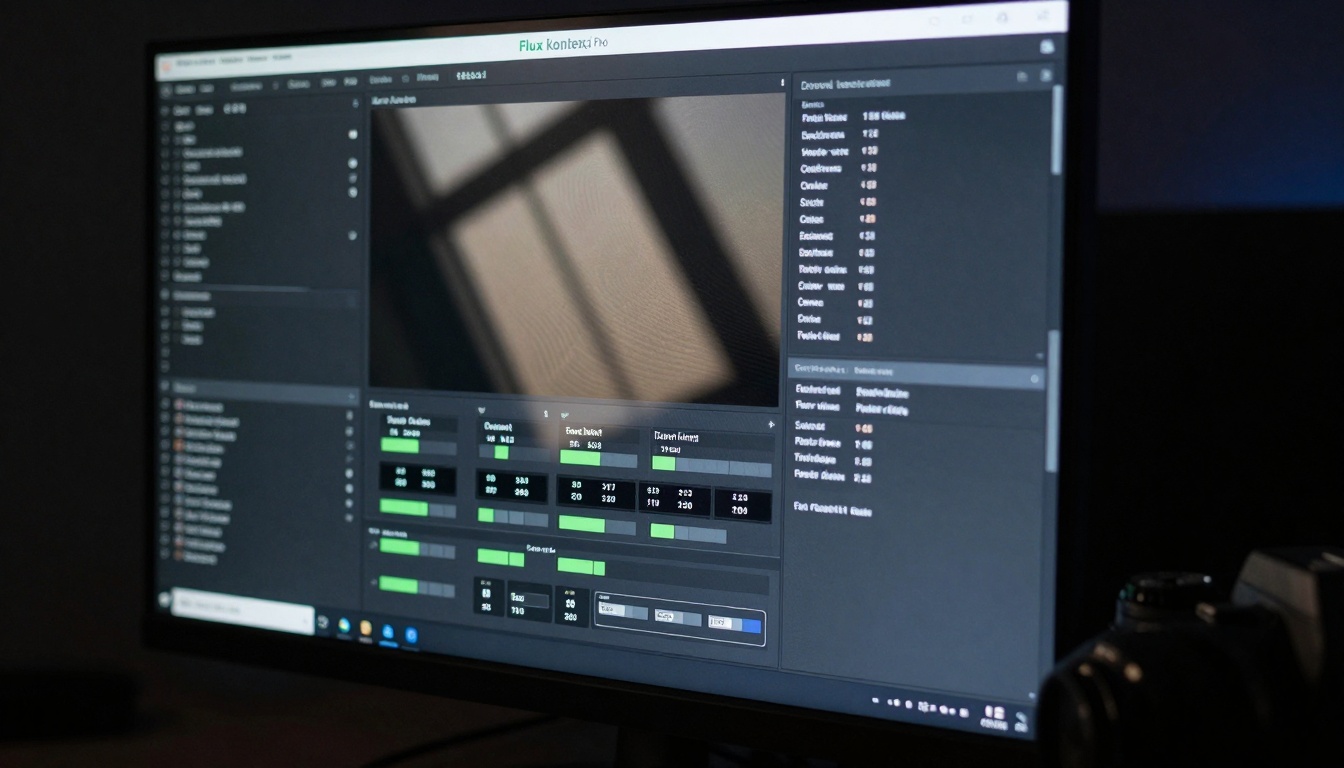
Real-Time Generation and Preview Systems
The most significant advancement in free AI editors is the elimination of waiting periods. Real-time preview systems show immediate effects of parameter adjustments, allowing creators to iterate rapidly without disruptive pauses. This fundamentally changes the creative process from sequential to interactive.
Real-time capabilities include:
- Live parameter adjustment visualization
- Instant style application preview
- Progressive generation refinement
- Comparative view of multiple variations
💡 Iteration speed transforms creativity: When adjustments show immediate effects, creators experiment more freely, discovering approaches they wouldn't attempt with delayed feedback systems.
Batch Processing for Production Workflows
Professional image creation often involves handling multiple files with consistent treatments. Free editors now include batch processing systems that apply identical parameter sets across entire collections, maintaining quality consistency while dramatically reducing manual effort.
Batch system components:
- Parameter set application across multiple images
- Progressive quality maintenance
- Automated variation generation
- Output organization systems
Free AI editors don't exist in isolation. They connect with established creative ecosystems through several integration methods:
File format compatibility includes standard image formats with preservation of editing layers and metadata. Workflow bridges allow movement between traditional editing software and AI tools without quality degradation. Parameter export systems enable sharing of adjustment sets across different platforms.
Quality Output Without Subscription Costs
The question of output quality relative to paid alternatives has shifted considerably. Current free tools produce results indistinguishable from subscription services in most practical applications. The limitations appear in volume rather than capability.
Quality assurance mechanisms:
- Advanced sampling methods
- Resolution maintenance systems
- Artifact reduction algorithms
- Consistency across generation batches
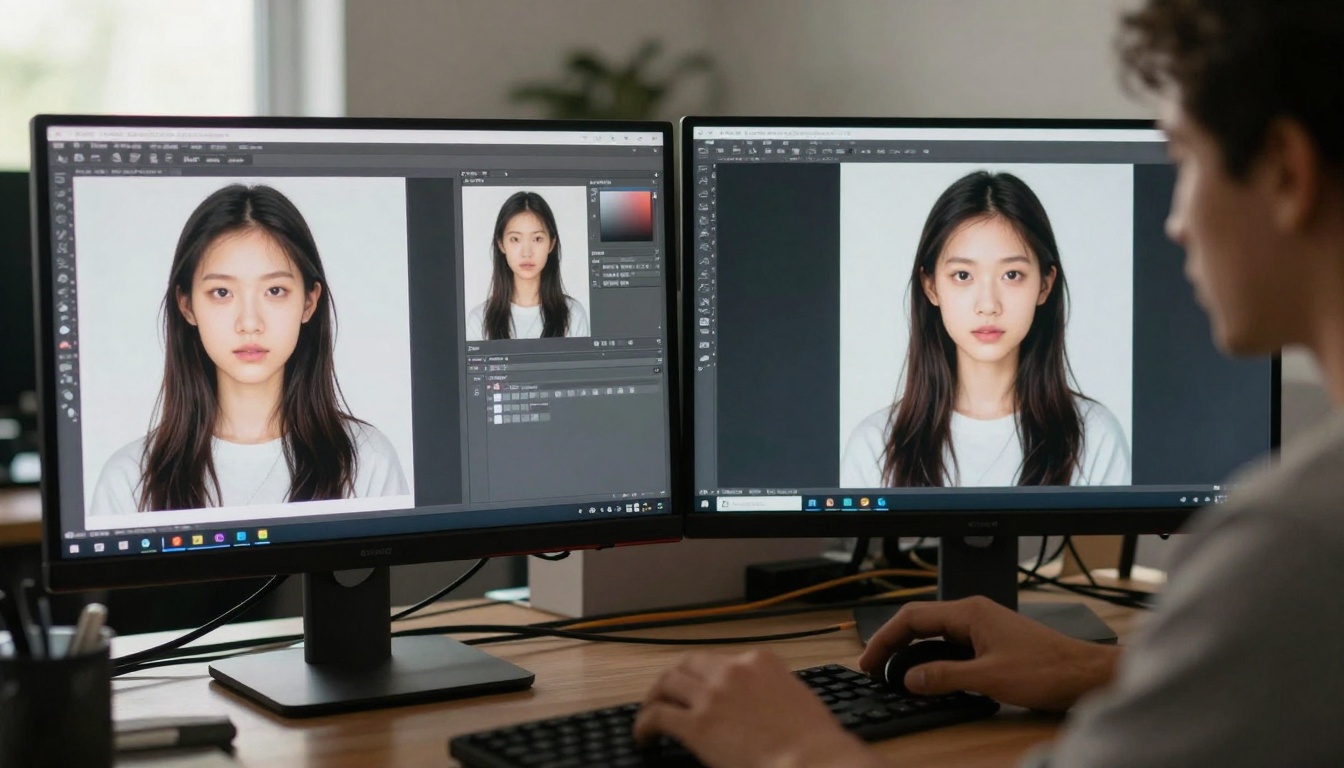
Practical Applications Across Creative Fields
The availability of professional features without cost opens new possibilities across creative disciplines:
Photography enhancement uses AI tools for restoration, color correction, and composition adjustment. Design workflow acceleration applies batch processing to production tasks. Content creation scalability leverages parameter sets for consistent visual branding across multiple assets.
Field-specific applications:
| Creative Field | Primary Application | Feature Utilization |
|---|
| Photography | Image restoration | Parameter precision for damage repair |
| Graphic Design | Batch processing | Consistent treatment across collections |
| Content Creation | Style maintenance | Weight systems for brand consistency |
| Digital Art | Exploration iteration | Real-time preview for creative discovery |
Advanced Control Through Custom Shortcuts
Efficiency in professional editing comes from minimizing interface friction. Free editors now support extensive shortcut customization that mirrors individual working patterns rather than imposing standardized controls.

Shortcut implementation levels:
- Basic operation acceleration for frequent tasks
- Parameter combination triggers for complex adjustments
- Workflow sequence automation for repetitive processes
- Tool switching optimization for fluid movement between functions
The emergence of fully-featured free editors represents more than technical advancement; it signals a fundamental change in how creative tools reach users. The traditional subscription model faces competition from accessible alternatives that deliver comparable capabilities.
Economic implications:
- Lowered entry barriers for new creators
- Reduced overhead for small studios
- Tool experimentation without financial commitment
- Skill development in professional systems
Future Development Trajectory
Current capabilities represent only the beginning. The trajectory points toward even more sophisticated features becoming available without cost, including collaborative editing systems, project management integration, and advanced analytics for creative process optimization.
Anticipated developments:
- Enhanced collaboration tools for team workflows
- Deeper software integration with existing ecosystems
- Advanced analytics for creative process insights
- Cross-platform consistency across devices and operating systems

Getting Started with Professional Features
Beginning with free AI editors offering advanced capabilities requires understanding both the tool's potential and practical implementation methods:
Initial setup recommendations:
- Interface customization before serious work begins
- Shortcut establishment for frequent operations
- Parameter preset creation for common adjustments
- Workspace organization that matches thinking patterns
Progressive skill development approach:
- Start with basic parameter adjustments
- Progress to style weight balancing
- Advance to batch processing implementation
- Master workflow optimization techniques
Try Creating Your Own Images
The capabilities discussed represent current reality rather than future promise. These tools exist now, accessible without financial barriers. Experimentation reveals possibilities that theoretical understanding cannot anticipate. The most effective learning comes from direct engagement with the tools, testing parameter systems, exploring style combinations, and developing personal workflows.
Suggested starting points:
- Parameter adjustment experiments with seed values
- Style weight testing across different image types
- Batch processing trials with small collections
- Interface customization to match working preferences
The transformation of creative tools continues accelerating. What remains constant is the opportunity for creators to shape their working environments, develop efficient processes, and produce quality results regardless of budget constraints. The tools have democratized; the creative potential expands correspondingly.


