You snap a photo of your living room, tap a button, and a magazine-ready version appears on screen. Then the app asks for $19.99 a month before you can save it. That moment is why so many people search for a free AI interior design app without subscription, and why most of them end up frustrated after three renders.
The good news: truly usable free options exist. The honest news: they all come with limits, and some of those limits are well hidden. This article walks through what "free" actually means in this category, the caps you will hit, what real room results look like, and which alternatives let you keep redesigning without a recurring bill.
💡 Quick answer: No app offers unlimited, watermark-free, high-resolution redesigns forever at zero cost. But you can get very close by combining a free-tier room app with a general image editing model, which is exactly what the later sections show.
What "Free" Really Means in These Apps
The word "free" on an app store page covers at least four different business models. Knowing which one you are dealing with saves hours.
The Credit Wall
Most room design apps give you a small pile of starter credits. A typical setup is 3 to 10 generations on signup, then a prompt to subscribe or buy a pack. Some apps refill credits weekly, others never do. The app is technically free to download and technically free to use, right up until the credits run out.
Watermarks and Export Locks
A second pattern lets you generate as many renders as you like but blocks the download. You see the beautiful result, you cannot keep it. Others let you export, but stamp a logo across the corner or lower the resolution to something barely usable for a mood board.
Trial Traps
The third pattern is the "free trial" that auto-converts. You enter a card, get seven days, and forget to cancel. If an app asks for payment details before showing you a single render, treat "free" as a marketing word and not a pricing promise.
💡 Tip: Before installing, check the app store listing for "in-app purchases" and "monthly premium" labels. If either appears, expect a cap somewhere.

The Real Limits You Will Hit
Even the best free tiers share a handful of constraints. None of them are dealbreakers, but all of them shape what you can realistically accomplish.
Generation Caps
The most common ceiling is the number of renders per day, week or account. Reports from late 2026 describe a few apps in open beta with no stated cap, but beta periods end, and pricing pages are usually updated without much notice. Other apps limit the number of generations while keeping quality identical, which is the fairer deal.
A realistic expectation is 3 to 10 free renders to start, sometimes with a small weekly top-up.
Style and Resolution Limits
Free tiers often lock the style menu. You might get Modern, Scandinavian and Minimalist, while Japandi, Mid-Century or Industrial sit behind a paywall. Resolution is the other quiet limit. A free render at 1024 pixels wide looks fine on a phone and soft on a laptop.
| Limit | What you typically see on free tiers | Why it matters |
|---|
| Renders | 3 to 10, sometimes weekly refill | Not enough to compare 5 layouts |
| Styles | 3 to 8 of 30+ | You may miss the look you want |
| Resolution | Around 1024 px | Soft when printed or zoomed |
| Export | Watermark or blocked | Hard to share with a contractor |
| Room types | Living room and bedroom first | Kitchens and bathrooms often locked |
| Commercial use | Usually not allowed | Matters for real estate staging |
Layout Accuracy
This is the limit nobody advertises. Many room apps generate a new room inspired by your photo instead of preserving your actual walls, windows and door positions. The result looks gorgeous but cannot be built. If you plan to buy furniture or repaint, you need a tool that keeps the architecture fixed and only changes the surfaces and objects.
Free Apps Worth Testing Today
A search of current listings shows a crowded field. Treat the following as starting points and confirm pricing on each app's own page, because free tiers change often.
Apps With Open Betas
AI Room Planner is described as running a free beta with no stated usage cap, reachable through iOS, Android and a browser with an email login. That sounds ideal, but beta access is by definition temporary. Intero is listed as free on mobile with 30 plus styles and photo-based input, though independent confirmation of its long-term pricing is thin.
Freemium Apps
InstantInterior AI limits the number of generations on its free plan but not the render quality. Planner 5D has a free level and paid plans that go up to roughly $49.99 a month for unlimited renders and extra features. Others, such as HomeDesigns AI and Interior AI, are reported to have little or no usable free tier, so check before investing time.
| App | Reported free access | Watch out for |
|---|
| AI Room Planner | Free beta, no stated cap | Beta can end without warning |
| Intero | Free on iOS and Android | Long-term pricing unclear |
| InstantInterior AI | Limited free generations | Cap on number of renders |
| Planner 5D | Free level available | Unlimited renders need a paid plan |
| HomeDesigns AI | Little to no free export | Credits needed for downloads |
| Interior AI | No free tier reported | Paid from the first render |
💡 Reality check: Most comparison pages are written by the apps themselves. If an article claims "unlimited and free forever", look for an independent review before trusting it.
Room Examples: What Good Output Looks Like
Seeing a result is more useful than reading a feature list. These are the kinds of outcomes a decent free workflow can produce, and the details to judge when you test an app yourself.
A Bedroom With Calm Colors
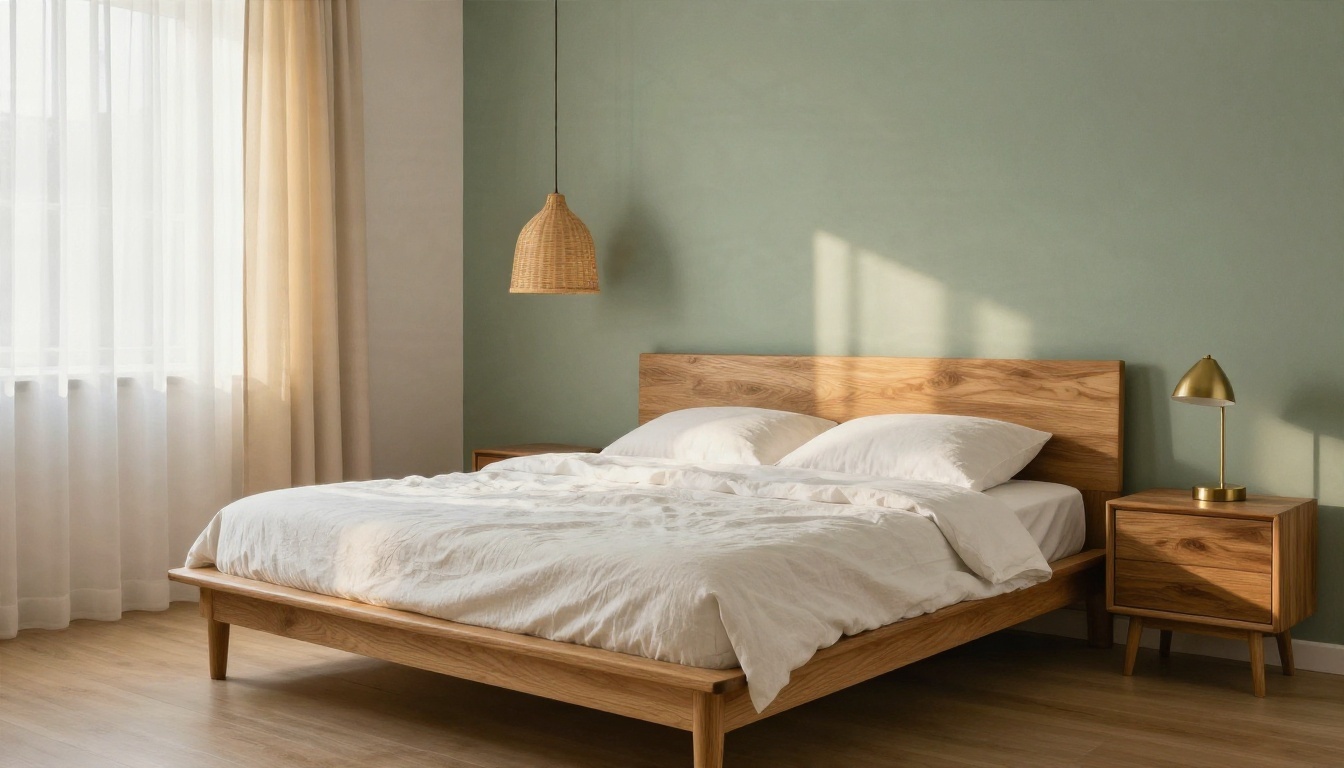
A bedroom is the easiest room for AI, because the layout is simple: bed, nightstand, light source. The example above shows a platform oak bed, white linen, a rattan pendant and a sage green accent wall. When you review your own result, check three things: Do the shadows fall in one consistent direction? Does the bedding look like real fabric with creases? Is the wall color believable under that light? If yes, the render is good enough to shop from.
A Kitchen With Honest Materials
Kitchens are harder, because reflective surfaces and repeated shapes expose weak models fast.
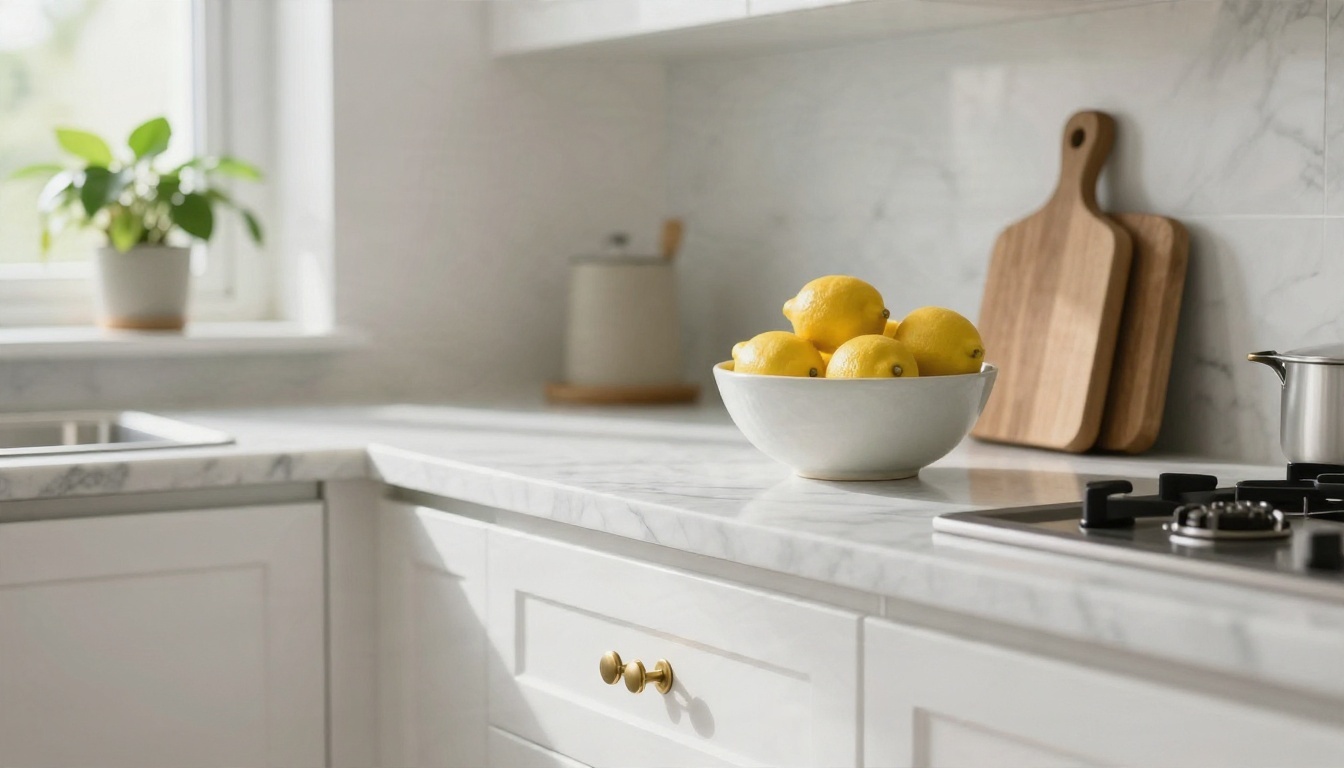
Look at marble veining, cabinet edges and the glaze on small objects. Free-tier outputs often smear these details. If the marble looks like a flat gray gradient or the handles melt into the doors, the app is giving you inspiration, not a plan.
A Bathroom That Survives Zooming
Bathrooms combine glossy tile, steam, metal and fabric in a small space.
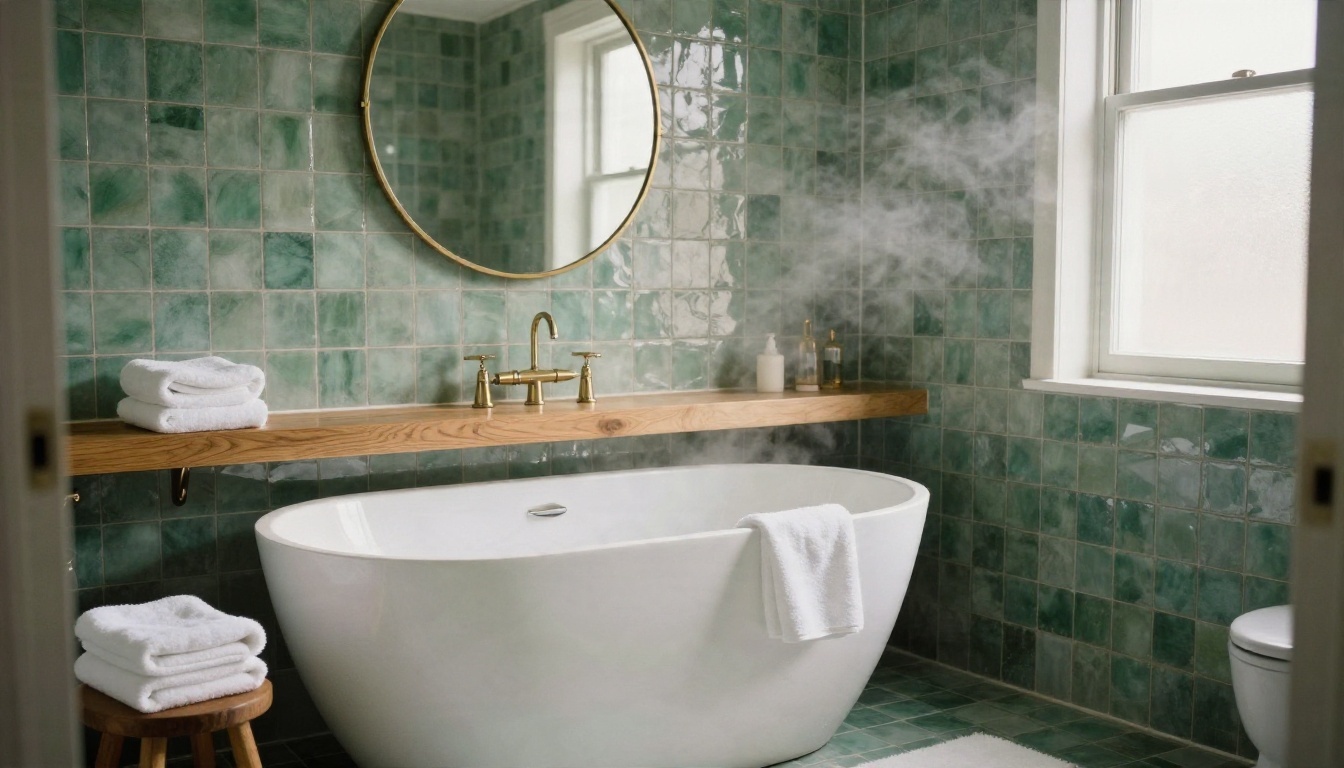
A good result shows uneven glaze on the tile, soft towel loops and a mirror that reflects something plausible. A weak one shows perfect, repeated tile patterns and a mirror reflecting nothing. Zoom in before you decide.
Alternatives When Free Tiers Run Out
Here is the part most roundups skip. You do not need a dedicated room app to redesign a room. Modern image models can edit a photo of your space from a written instruction, and several are available on PicassoIA.
Nano Banana for Room Edits
Nano Banana is built for editing and generating images from natural language. Upload your room photo and write something like "keep the windows and floor, replace the sofa with a low oatmeal linen sofa, paint the walls warm white". It tends to respect the original structure better than apps that regenerate the whole scene. For sharper results at higher resolution, Nano Banana Pro is worth testing, and Nano Banana 2 Lite is a lighter option when you want quick iterations.
Seedream 4.5 for Finished Looks
When you are not editing a photo but imagining a room from scratch, Seedream 4.5 produces crisp, magazine-style interiors from a text description. It is good for building mood boards: write "sunlit dining room, round walnut table, linen pendant, garden view" and compare several variants. Qwen Image 3 and GPT Image 2 are two more models to try when you want a different interpretation of the same brief.
Fast Edits and Sharp Finals
For small changes such as swapping a rug or changing a wall color, P Image Edit and Flux Kontext Fast return results quickly, so you can test five paint colors in the time one app render would take. When you pick a favorite, run it through Real ESRGAN to upscale it 4x for a sharp file you can send to a designer or print.
How to Redesign a Room Step by Step
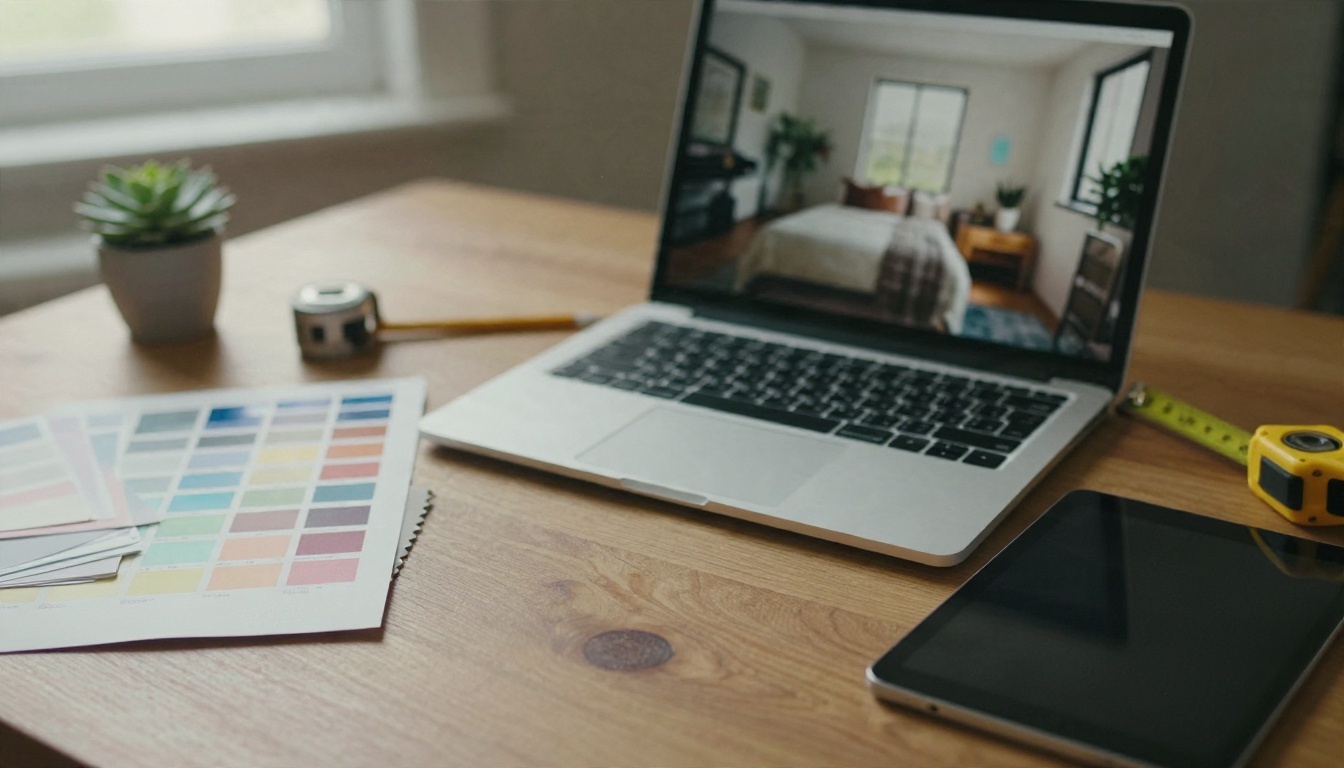
This workflow works with any of the models above, and with most room apps too.
- Photograph the room properly. Stand in a corner, hold the phone at chest height, and use daylight. Avoid wide-angle distortion, because it makes the AI invent geometry.
- Decide what stays fixed. Windows, doors, floors and built-ins are expensive to change. Name them in your prompt as things to keep.
- Write one change per prompt. "Replace the sofa with a rust velvet sofa" works better than a paragraph of ten changes.
- Generate three variants. Compare them side by side and note what you like in each. Combine those notes into a second prompt.
- Add real measurements. AI does not know your sofa must fit a 2.2 meter wall. Check sizes against your measuring tape before buying anything.
- Upscale the winner. Use Real ESRGAN to get a sharp image you can zoom into when shopping or sharing.
- Save your prompts. A good prompt is reusable. Keep a note with the wording that gave you the best results.
💡 Prompt formula: [room type] + [what to keep] + [what to change] + [materials] + [light direction] + [camera angle]. Example: "Living room, keep window and herringbone floor, replace sofa with oatmeal linen, add jute rug, warm morning light from the left, eye-level shot".
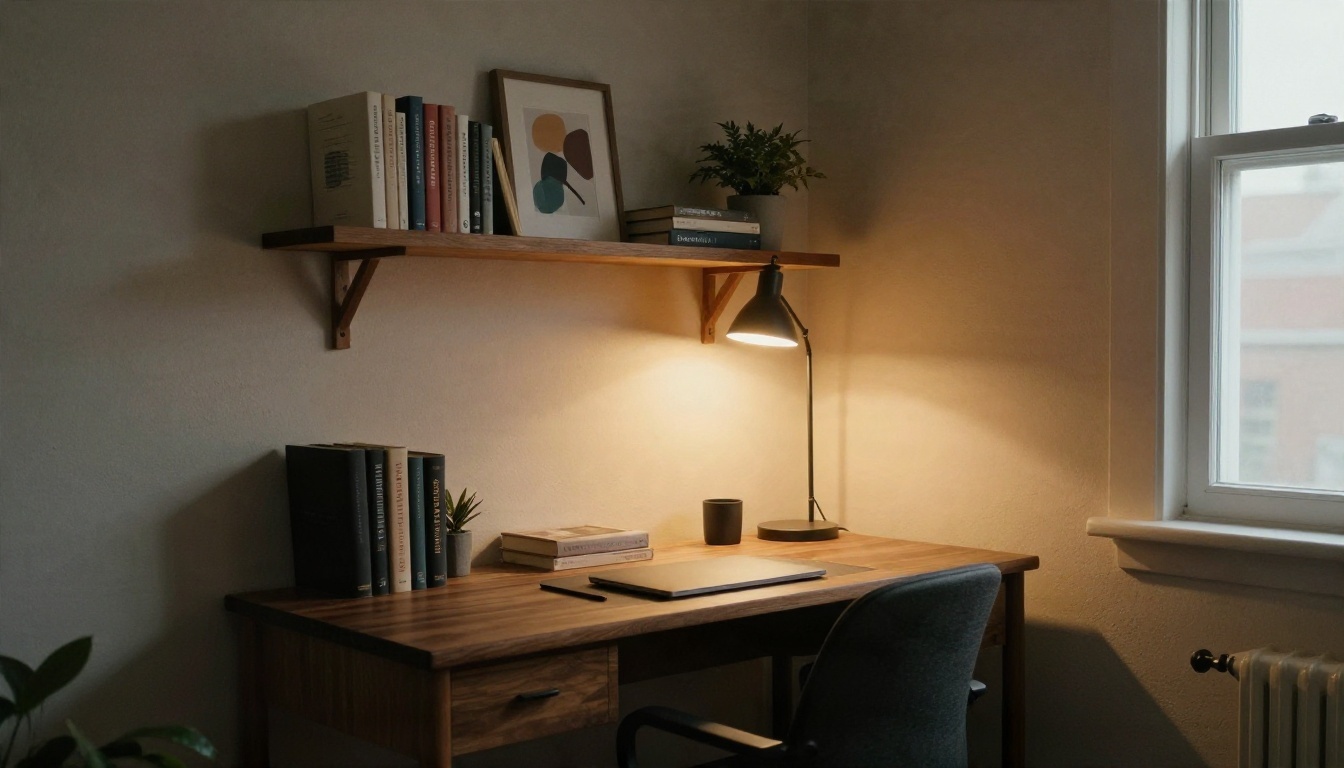
Free App vs General Image Model
Is a dedicated app better than a general image model? It depends on what you value most.
| Factor | Dedicated room app | General image model on PicassoIA |
|---|
| Ease of use | One-tap styles | Needs a short prompt |
| Layout control | Often regenerates the room | Edits can preserve structure |
| Number of tries | Capped by credits | Easy to iterate on many edits |
| Style range | Preset menu | Anything you can describe |
| Furniture shopping links | Sometimes built in | None, you source it yourself |
| Output quality | Varies, often locked | Photoreal, upscalable |
Dedicated apps win on convenience: you tap "Japandi" and you are done. General models win on flexibility and structure. If you plan to buy real furniture, the control over the layout is worth the extra minute of typing.
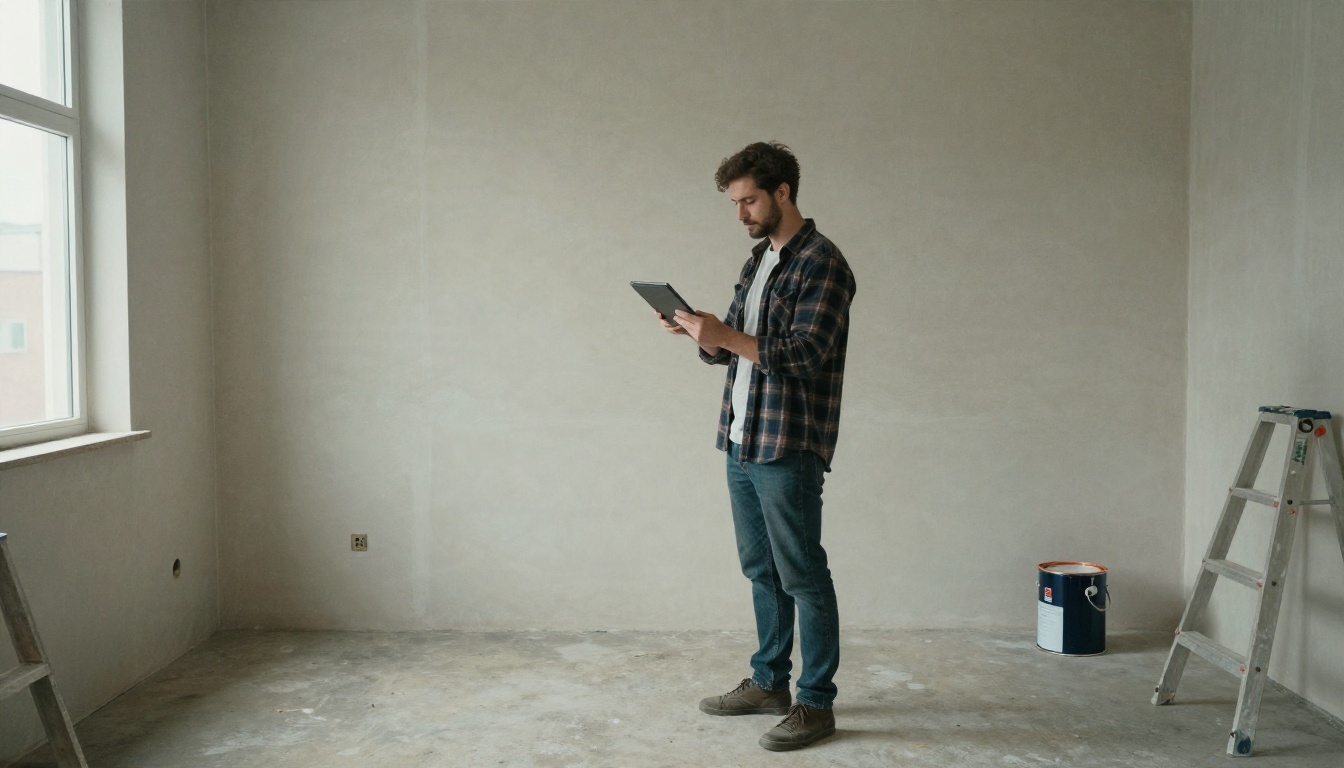
An empty room is the best test. Photograph it, ask for a furnished version, and see whether the walls, windows and floor stay where they are. If they do, you have a tool you can trust for staging, renting or renovating.
Mistakes That Waste Free Credits
Free tiers punish sloppy attempts. Avoid these five habits.
- Uploading a dark, blurry photo. The AI guesses, and the guesses look strange. Take the photo in daylight.
- Asking for too many changes at once. The model averages everything and gives you a generic room.
- Ignoring scale. A gorgeous sectional that is 3 meters wide will not fit your 2.5 meter wall.
- Skipping the zoom check. Warped chair legs and melted handles show up only when you enlarge the image.
- Trusting "unlimited" blindly. Betas end. Download and save your favorite renders the same day you create them.
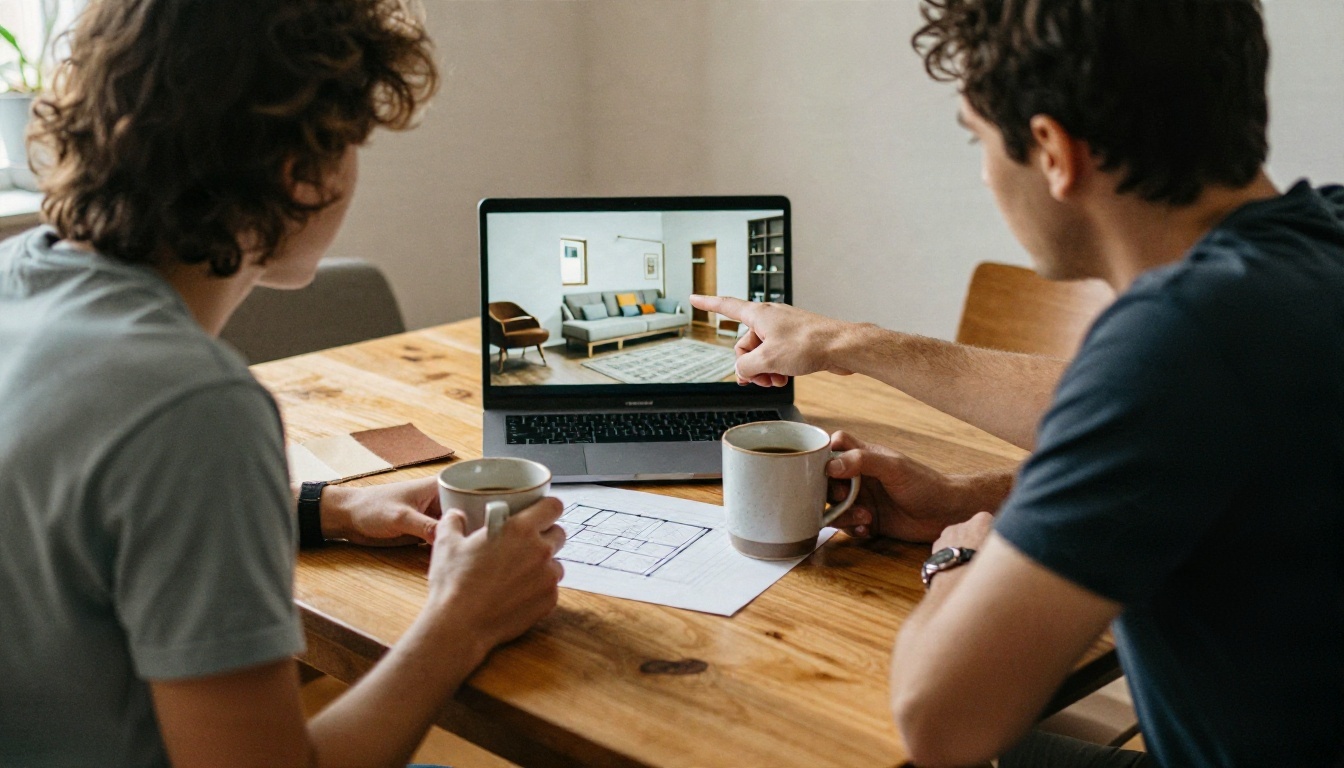
A final tip that costs nothing: show your renders to someone else before spending money. A friend, partner or roommate will spot the issue you stopped seeing after the tenth variation.
Start Your Own Redesign Today
A free AI interior design app without subscription is realistic if you keep your expectations grounded. Expect a few renders, some locked styles and the occasional watermark. Combine a free tier for quick inspiration with a flexible image model for the edits that matter, and you can plan an entire room without a monthly bill.
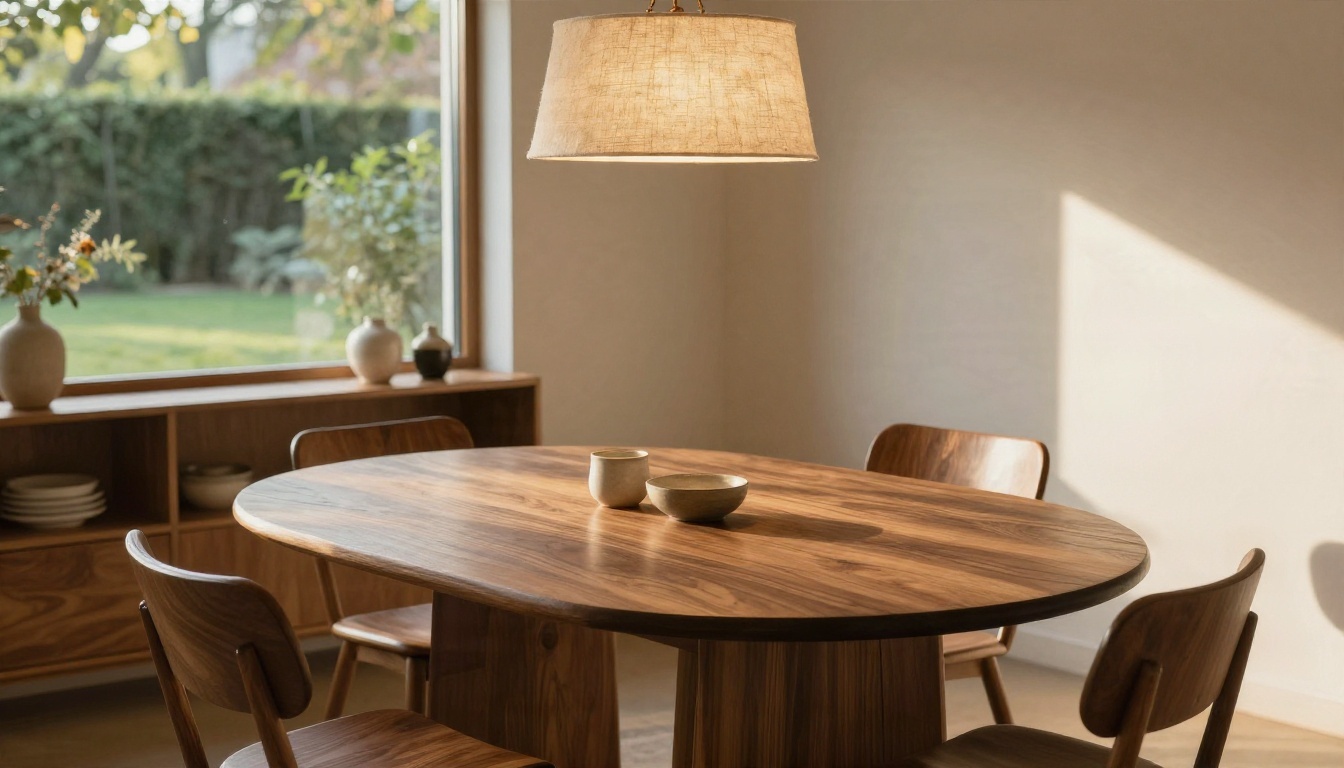
The best way to find out what works for your space is to try it. Upload a photo of your own room to Nano Banana, describe one change, and see the result in seconds. Then test the same idea in Seedream 4.5 and compare. Browse the full catalog at picassoia.com/en/all-models and build your next room on PicassoIA, one prompt at a time.


