You type a few words, a character answers in her own voice, and ten minutes later you are deep in a story that feels oddly personal. That pull is the reason free AI nude chat is one of the most searched phrases in the companion space. It is also the reason so many people hit a wall: a paywall after five messages, a filter that cuts a scene in half, or an app that quietly forgets everything you told it yesterday. This article sorts out what these tools actually do, how they treat fictional AI characters, where the free limits really sit, and what to use when an app stops working for you.
A quick note on scope. Everything here is about adults (18+) chatting with invented characters. No real people, no celebrities, no private individuals, and nothing involving minors. The visuals in this article stay glamorous and non-explicit on purpose.

What "Nude Chat" Really Means
Flirty Text, Not Photos
Despite the name, a nude chat with an AI is almost always a text conversation. You write, the model replies in character, and the tone ranges from gentle flirting to mature romance. The word "nude" in the search query tells you the intent: people want a chat partner that does not shut down the moment a conversation turns intimate.
Most products in this space fall into three groups:
- Text roleplay apps where you pick or build a character and talk to it.
- Companion apps with a single persistent partner, voice notes and memory.
- Mixed apps that bolt on image generation, sometimes behind a paid tier.
The big mainstream assistants, such as ChatGPT or Gemini, have traditionally refused sexual roleplay. Some providers have talked about loosening rules for verified adults, so policies keep moving. Treat any claim you read, including this one, as a snapshot and check the current terms inside the app.
Who These Apps Serve
Adults who like interactive fiction are the core audience. Some want a romance story with a custom character. Others are lonely and want a friendly voice at midnight. Others write fan fiction and use the chat as a co-writer. None of those uses need a real person to be involved, and that is the line worth holding.
💡 Tip: If an app does not ask for any age confirmation at all, treat that as a warning about how seriously it takes safety in general.
Fictional Characters Come First
Original Characters vs Real People
The safest and most satisfying setup is an original character: a name, a personality, a backstory and a voice that you or the app invented. A fictional bartender in a rainy port city, a rival detective, a ship captain with a dry sense of humor. These characters give the model something to hold onto, and the conversation feels like a story instead of a loop of generic compliments.
Real people are a different matter. Using a real person's name, face or likeness for intimate chat or imagery is exactly what responsible platforms block, and it can harm the person involved. Stick to characters that exist only on your screen.

What a Good Character Sheet Holds
Free apps give you a short text box for a character description. Spend your words well. A sheet that works looks like this:
| Field | Example | Why it helps |
|---|
| Name and age | "Mara, 31" | Anchors the voice and keeps the character an adult |
| Personality | Teasing, patient, hates small talk | Gives replies a consistent tone |
| Setting | A late night jazz bar | Creates scene details to reuse |
| Speech habits | Short sentences, dry jokes | Prevents generic chatbot phrasing |
| Boundaries | Slow burn, no explicit scenes | Keeps the story where you want it |
A sheet like this also makes your free messages count. When the model already knows who it is, you do not burn your daily allowance on setup.
Free Apps and Their Rules
Mainstream Assistants
General assistants are built for broad audiences, so their default is caution. Ask for romance with a fictional character and you will usually get warm, tasteful writing. Push toward explicit territory and you get a polite refusal. That is not a bug. It is how those products are designed, and it is why a separate category of companion apps exists.
Companion and Roleplay Apps
Dedicated companion apps take the opposite approach: adult themes are allowed for verified or self declared adults, with limits that differ from one app to the next. Names that come up often in reviews include Character.AI, Replika, Chai, Candy AI, SpicyChat, CrushOn AI, Janitor AI and Talkie. Their rules differ sharply:
- Some keep adult content permanently off.
- Some allow it only on the web version, while the mobile app ships in a restricted mode because of app store rules.
- Some allow it only on paid plans.
- Some change their policy without much notice.

Free Tier Reality
Review sites disagree with each other on exact numbers, and many of them earn affiliate fees, so be careful with any table that claims precise message counts. What stays consistent across sources is the pattern:
| Model | What you usually get free | Typical catch |
|---|
| Unlimited free text | Many messages per day, sometimes no cap | Slower replies, smaller models, queues at busy hours |
| Daily cap | A fixed number of messages | Story stops mid scene until tomorrow |
| Trial burst | A handful of messages | Paywall almost immediately |
| Bring your own key | Platform is free | You pay per message to an API provider |
Before you invest time in a character, send a short test chat and watch how fast the limit appears. It takes two minutes and saves an evening.
Where Free Limits Hit
Message Caps
The most visible limit is the message cap. Some apps show a counter, others just stop replying. A cap hurts most during long stories because the best part of a scene tends to arrive right when your allowance ends. Write longer, richer messages instead of many short ones, and the model will give you richer replies for the same count.
Memory Resets
Free tiers often keep only a short window of the conversation. The character forgets a name, a promise or a setting you established an hour ago. Fix this by keeping a short recap note and pasting it at the start of each session:
- Two sentences about who the character is.
- Two sentences about what happened so far.
- One sentence about the tone you want next.

Filters Appearing Mid Story
Even on permissive apps, a content filter can show up without warning. You may see a message asking you to change the topic, or the character may suddenly turn formal. This often follows a policy update on the app side, not a change in what you did. If it happens often, the app has probably tightened its rules, and it is time to look at alternatives rather than fight the filter.
💡 Tip: Never try to trick a filter with coded language aimed at sensitive topics such as minors or real people. Those lines exist for good reasons, and accounts that cross them get banned.
Privacy and Safety Checks
Before You Sign Up
Intimate chat is personal data. Treat it that way. Before you create an account, check these points:
- Age gate: does the app verify that you are an adult?
- Data policy: are chats used to train models, and can you delete them?
- Payment page: is billing clear, with an easy cancel button?
- Email: use a separate address instead of your main one.
- Real details: never share your full name, workplace, address or photos of yourself.

Red Flags to Skip
Some apps are built mainly to collect payment details and nothing else. Walk away if you see any of these:
- A "free" chat that asks for a card before the first message.
- A character that pressures you to buy credits to "keep her happy".
- No contact page, no company name and no terms of service.
- Promises of real nude photos of real people. That is not what these tools do, and it is a scam pattern.
Better Alternatives on PicassoIA
PicassoIA is not a companion app, and it does not pretend to be one. What it offers is more control over the two ingredients that make a fictional character feel real: the writing and the visuals. That is useful when a free app caps your messages or filters your story, because you keep your character instead of starting over.
Build the Character Text
General language models are strong at writing character sheets, dialogue samples, scene settings and recap notes. Each follows its own content rules, so use them for story craft in a tasteful register. These are good starting points:
A simple workflow: ask a model for a one page character sheet, save it, and paste it into any chat app you like. Your character stays yours.

Give Her a Face
Text is only half the experience. A portrait turns a name into a person. Seedream 4.5 is the first model to reach for when you want glamorous, photorealistic images of an adult fictional character. It handles skin texture, fabric sheen and soft lighting well, and it does not apply the blanket blocks that some newer models add for mature themes. Keep prompts to glamour and mood: silk, lace, window light, a late night room. That is where the realism shines, and it keeps your images tasteful.
Then there is PicassoIA Image Editor Pro. Its big advantage is unlimited generations, so you can iterate on a face, an outfit or a background as many times as you want, with no daily counter ticking down like in a free chat app. Generate a base portrait, then edit hair color, wardrobe, setting or lighting until the character matches the voice in your head.
More Image Options
If you want a different look, try these as well:
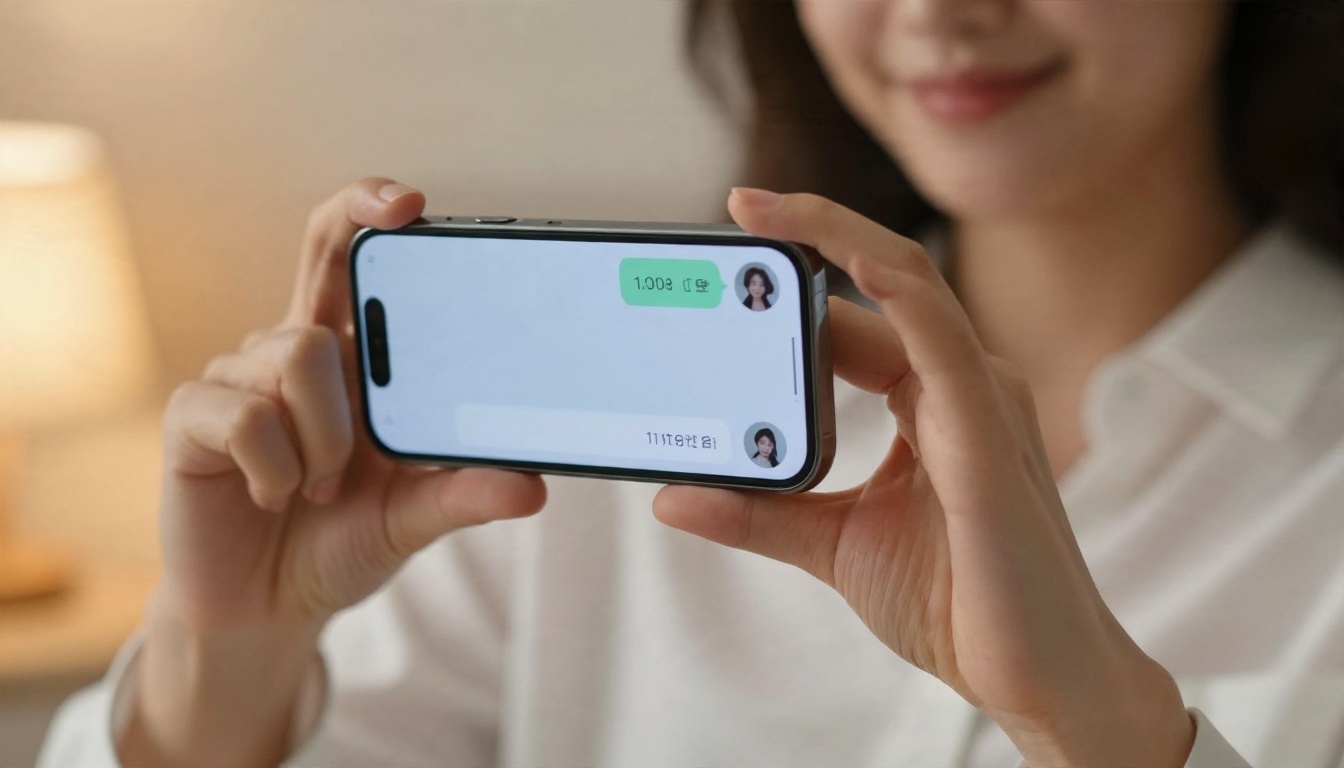
Free Chat Apps vs. Building Your Own
Here is how the two paths compare in plain terms:
| Factor | Free companion app | Your own character on PicassoIA |
|---|
| Message limits | Daily caps or paywalls | Image Editor Pro is unlimited |
| Memory | Short, resets often | You keep the character sheet |
| Visuals | Locked to the app's style | Photorealistic, fully your choice |
| Rule changes | Policy can shift overnight | Your assets stay with you |
| Chat in real time | Yes, built in | Pair with any chat tool |
The honest trade off: a companion app gives you instant back and forth conversation, and PicassoIA gives you ownership of the character and the imagery. Many people use both. They chat in an app and keep their character visuals and writing on PicassoIA so a policy change never wipes out their work.

Build a Character Portrait in 5 Steps
This is the shortest route from an idea to a finished portrait with Seedream 4.5.
- Write the subject. Start with age (adult), hair, expression and outfit. Example: "a woman in her thirties with dark wavy hair, silk robe, soft half smile".
- Set the scene. Add a room, a time of day and a light direction, such as "warm window light from the left, linen bed, morning".
- Choose the lens look. Phrases like "85mm lens, shallow depth of field, film grain" push the result toward real photography.
- Pick 16:9 or portrait. Wide frames suit scenes, portrait frames suit profile pictures.
- Refine in Image Editor Pro. Open PicassoIA Image Editor Pro and adjust small details until the face matches your character sheet.
💡 Tip: Keep one "master prompt" in a note and change only one detail per generation. That way you always know which change improved the image.

Common Mistakes to Avoid
- Writing a giant prompt with ten conflicting ideas.
- Using a real person's name or photo as a reference.
- Asking for text inside the image, which often comes out garbled.
- Starting over every time instead of editing the best result.
Try It Yourself
Free AI nude chat apps are fun, but they are rented space. Message caps, resets and surprise filters mean your character can vanish the moment a policy changes. When you build the writing and the visuals on your own, the character stays with you.
Open Seedream 4.5, generate a portrait of your first fictional character, then refine her in PicassoIA Image Editor Pro with as many tries as you like. Draft her voice with Claude Sonnet 5 or GPT 5.6 Luna, and bring the result to whichever chat app you prefer. For more image, writing and editing options, browse every model at picassoia.com/en/all-models and start creating today.


