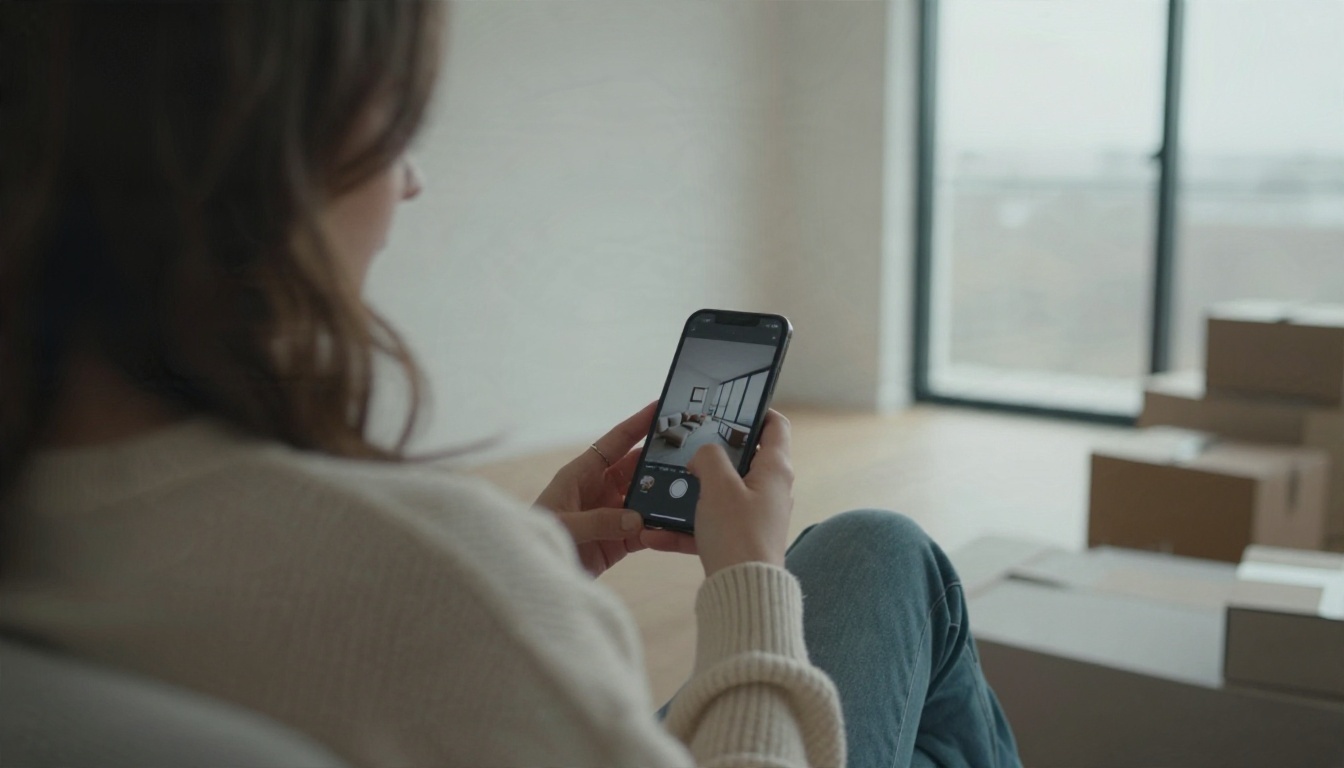
You have a bare room, a phone full of Pinterest saves, and zero appetite for a subscription. Fair. The good news is that a free AI room design app can now turn one photo of your space into a believable redesign in under a minute, and several of them work online without making you create an account. The bad news is that "free" and "no login" come with strings, and the strings are rarely on the front page.
This article sorts out what is actually available, what the limits look like in practice, and which prompts produce rooms that look like real photographs instead of plastic showrooms.
What a Free AI Room Design App Does
At its core, an AI room design tool takes one of two inputs and gives you back a picture of a room you could, in theory, build.
- Photo to redesign: you upload a picture of your real room, pick a style (Scandinavian, Japandi, mid-century), and the tool restyles it while trying to keep the walls, windows and proportions.
- Text to room: you describe a room from scratch and get a brand new image, useful for mood boards and early ideas.

Neither mode produces a floor plan or a purchase list you can trust to the centimeter. Think of the output as a visual sketch with excellent lighting. That is plenty for choosing a wall color, testing whether a green kitchen feels calm or heavy, or settling an argument with a partner about a sofa.
Photo redesign versus text to room
Photo redesign is the better fit when you already live in the space. It respects your window positions and ceiling height, so the result feels like your room. Text to room is better when you are still choosing a direction and want ten different moods quickly.
Who gets the most out of it
Renters who cannot repaint, buyers staging a listing, people planning a move, and anyone who wants to see a layout idea before dragging a sofa across the floor. If you need exact dimensions for a contractor, you still want a floor planner or a professional.
Free Online Options Without a Login
Several online tools advertise a no-signup experience. Based on what their own pages and independent comparison posts said at the time of writing, here is how the picture looks. These details change often, so treat every number below as a snapshot and confirm on the tool itself before you plan around it.
| Tool | Free access style | What to watch |
|---|
| Upsampler room redesign | Browser tool, no account, six interior styles | Daily allowance per visitor on shared hardware |
| VisualGPT | Free generations without signup reported | Premium features sit behind a paid account |
| GenRoom | A few starter credits | Sources disagree on the exact credit count and watermark rules |
| Interior AI Designer by SkyeBrowse | Free in the browser, up to four variations per request | Output quality varies by room |
| PixelBin room design | Trial without signup | Further edits use paid credits |
| RoomGPT | One free generation reported | Heavy use pushes you to a paid plan |
| Planner 5D AI decorating | Free version with basic tools | Fuller features need an upgrade |
💡 Pattern worth knowing: almost every free tier lets you generate without an account but asks for a login (or a payment) when you want to save, download in high resolution, remove a watermark, or run more than a handful of attempts.
Mobile apps with free tiers
On iPhone and Android you will find apps such as Intero and AI Room Planner offering free installs with in-app purchases. The usual deal is a limited number of free renders, then a subscription or credit pack. Read the trial terms before you hand over a card, because a "free trial" that auto-renews is not the same as a free app.
What "no login" really means
Sometimes it means no account at all. Sometimes it means a hidden anonymous quota tied to your browser or IP address, which resets daily. Sometimes it means you can generate but not download. When a tool says no signup, test it once with a throwaway room photo and check what you can actually save.
Real Limits You Will Hit
Free access is not charity. Someone pays for the graphics processors, so limits show up in predictable places.
- Generation caps. A small daily or lifetime number of renders, often between one and a handful.
- Resolution. Free outputs are frequently capped at a modest size, fine for a phone screen and soft on a large monitor.
- Watermarks. A small mark in a corner on free results.
- Queue time. Shared hardware means waiting at busy hours.
- Style menus. Free tiers often offer fewer styles, and the best ones sit behind paid plans.
- Commercial rights. If you plan to use images in a real estate listing or a client pitch, check the usage terms. Many free plans restrict this.
Why results drift from your real room
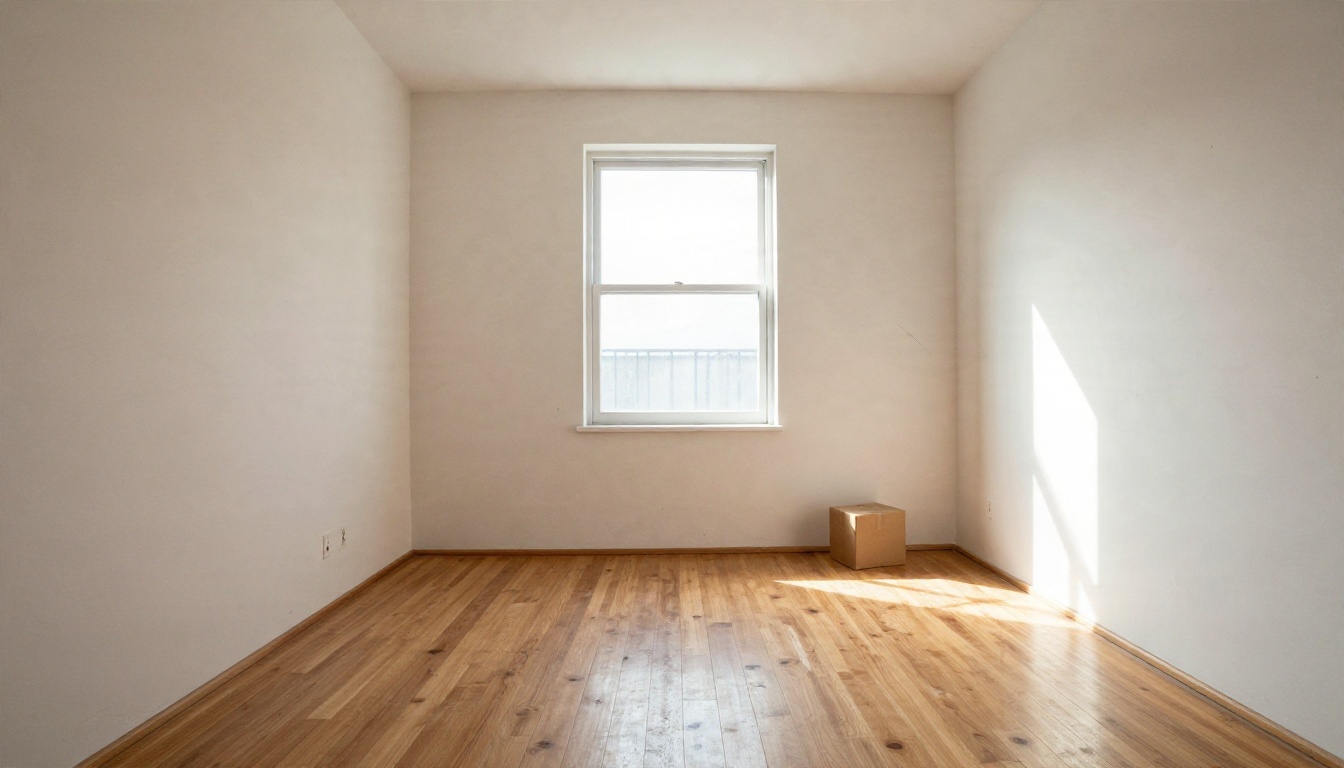
Restyling tools sometimes move a window, add a door, or change the ceiling height. The cleaner and better lit your starting photo, the fewer surprises. A wide photo taken from a corner at chest height, with the lights on and clutter cleared, gives the model far more to hold on to than a dark close-up of one wall.
The quiet cost of free tools
Free web tools often store the photos you upload. If your room photo includes family pictures, documents, a street number or a window view that reveals your address, crop it or pick another image. It takes ten seconds and removes the worry.
Prompts That Produce Believable Rooms
The single biggest difference between a plastic-looking render and a room that looks like a magazine photo is the prompt. Describe materials, light and camera, not just furniture. Names of real finishes (linen, oak, travertine, plaster) push the result toward realism.
A formula that works
Use this order: room type, style, main furniture, materials and colors, light, camera.
💡 Template: "A [room] in [style] style with [3 to 4 key furniture pieces], [wall color], [floor material], soft [morning/evening] window light from the [left/right], shot on a 35mm lens, natural film grain, realistic textures."
Living room prompt
"A Scandinavian living room with an oatmeal linen sofa, round oak coffee table, jute rug, tall window on the left, soft morning light, 35mm lens, natural film grain, realistic wood and fabric textures."
Bedroom prompt
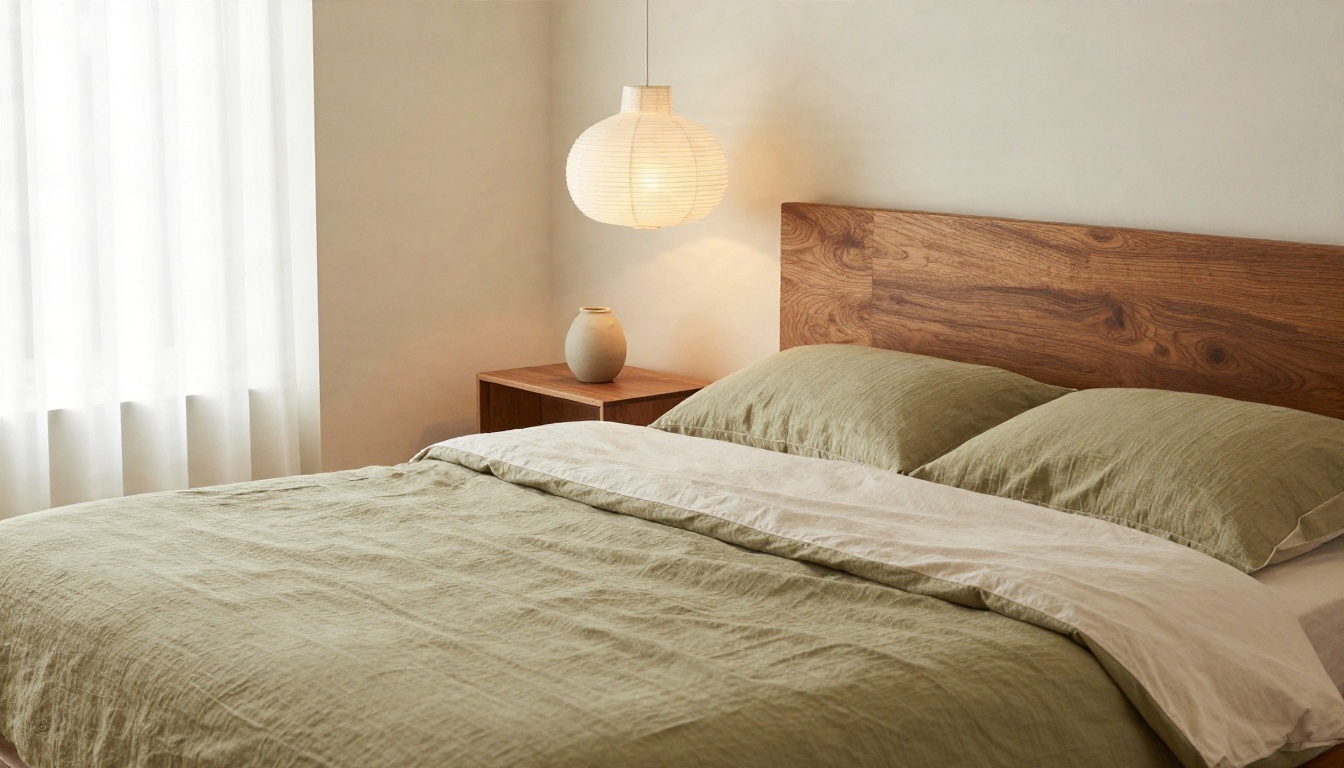
"A Japandi bedroom with a low platform bed, sand and olive linen bedding, paper pendant lamp, walnut bedside table, diffused daylight through curtains, 50mm lens, photorealistic."
Kitchen prompt
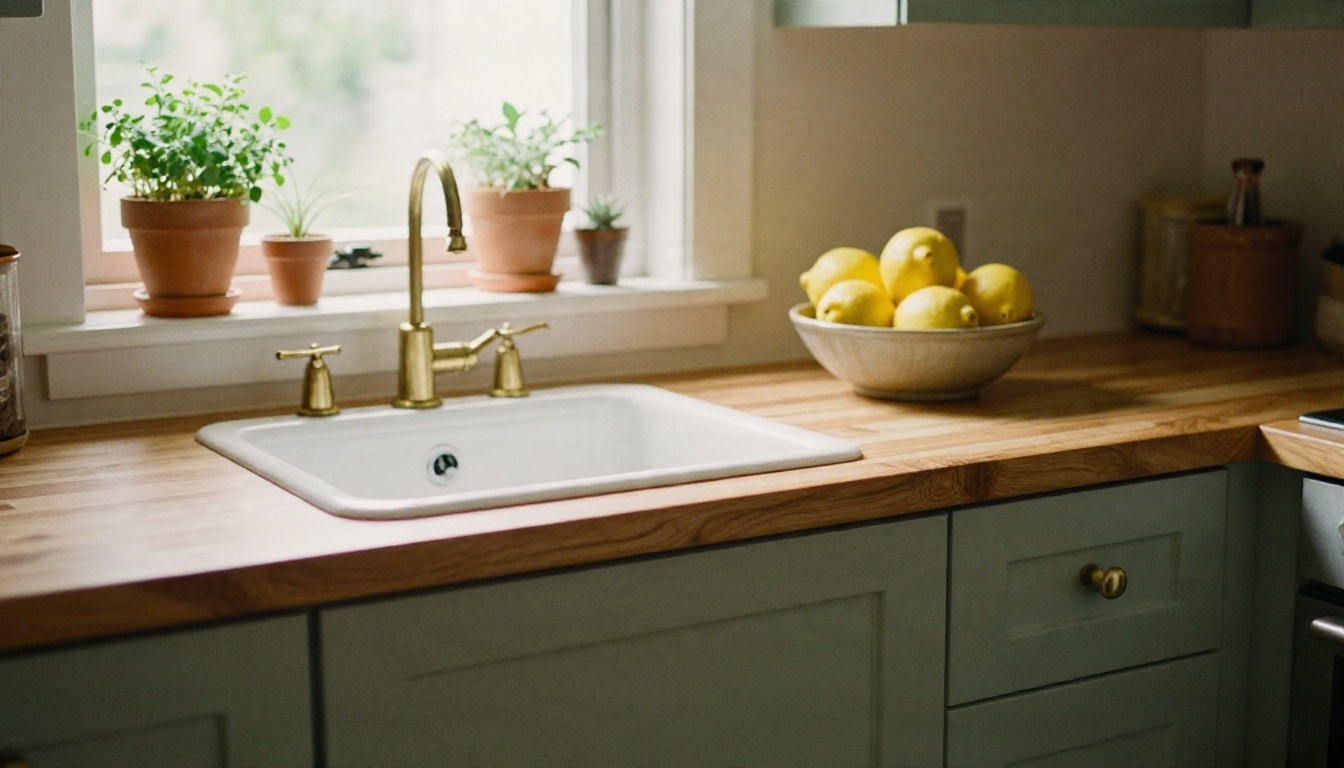
"A small kitchen with sage green shaker cabinets, butcher block counter, brass handles, herbs in terracotta pots on the windowsill, warm midday light from the right, 35mm lens, realistic paint sheen."
Home office prompt
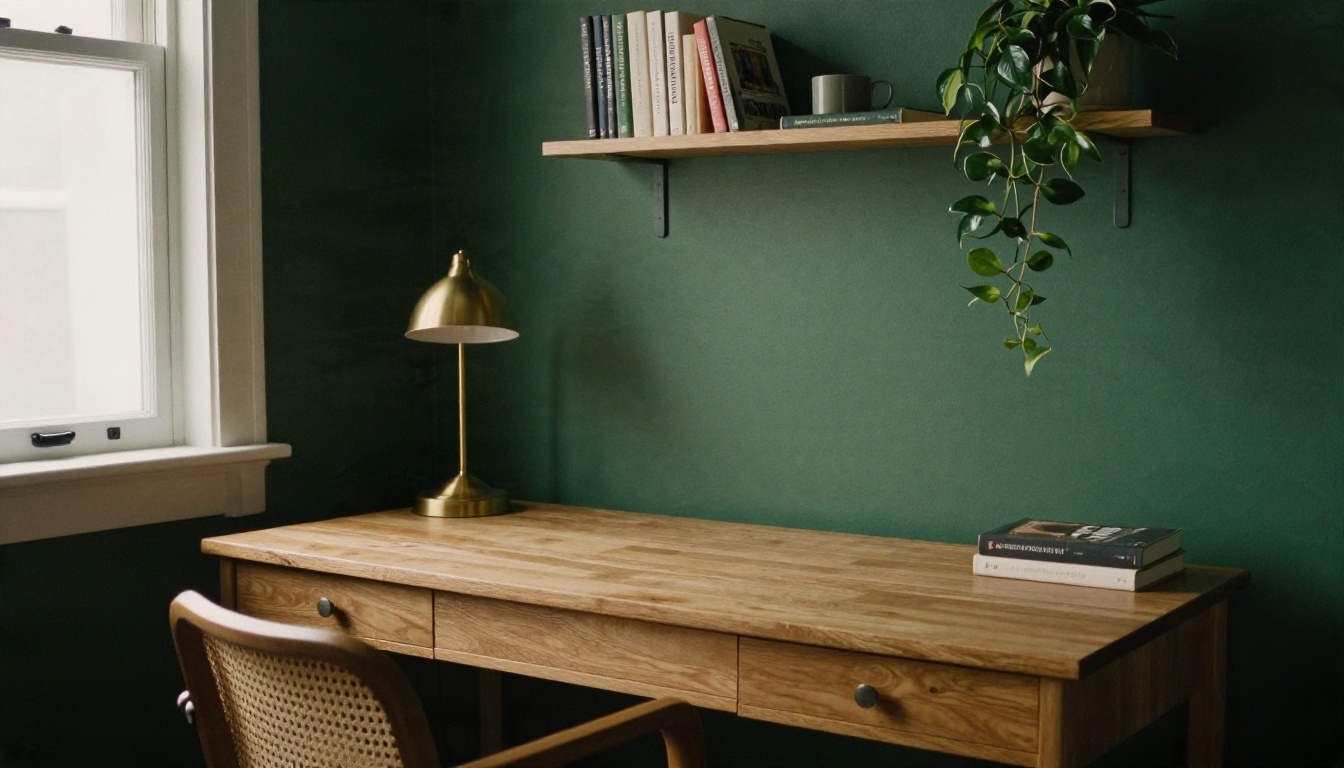
"A home office corner with a solid oak desk, rattan chair, brass lamp and a deep forest green wall, shelves with books and plants, soft overcast light from the left, matte paint finish."
Words that hurt realism
Avoid futuristic, glowing, neon and ultra stylized unless you really want a sci-fi set. Also skip long lists of twenty objects. The model treats a crowded prompt as a crowded room and the result looks cluttered and fake.
Style Ideas You Can Test Today
Not sure where to start? These directions give consistently pleasant results because their material palettes are simple.
| Style | Palette | Materials | Best for |
|---|
| Scandinavian | Warm white, oat, soft grey | Light oak, linen, wool | Small living rooms |
| Japandi | Sand, olive, charcoal | Walnut, paper, ceramic | Bedrooms |
| Modern farmhouse | Cream, sage, black | Butcher block, iron, shiplap | Kitchens |
| Dark academia | Forest green, burgundy | Dark wood, brass, books | Home offices |
| Coastal | Sky blue, sand, white | Rattan, cotton, driftwood | Bright bedrooms |
| Mid-century | Mustard, teak, olive | Teak, leather, wool | Living and dining rooms |
Rooms people forget to test
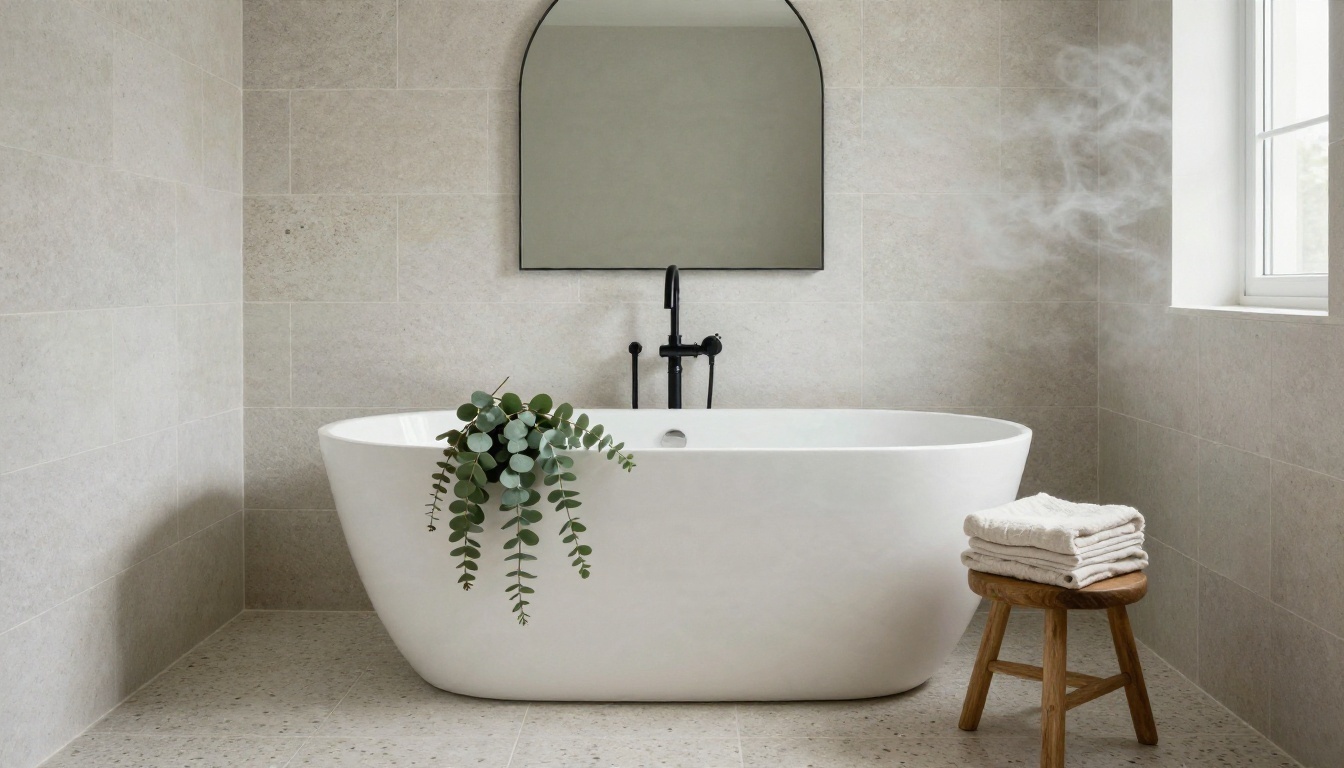
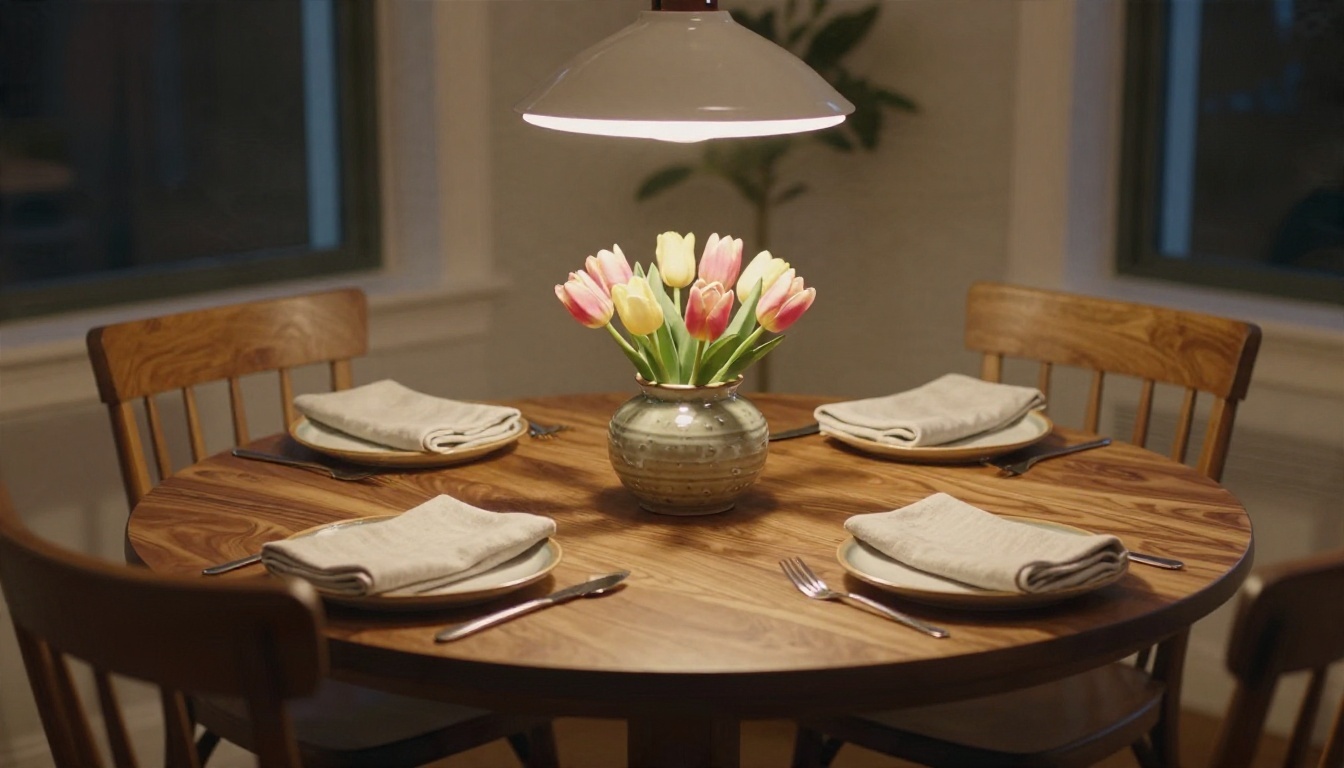
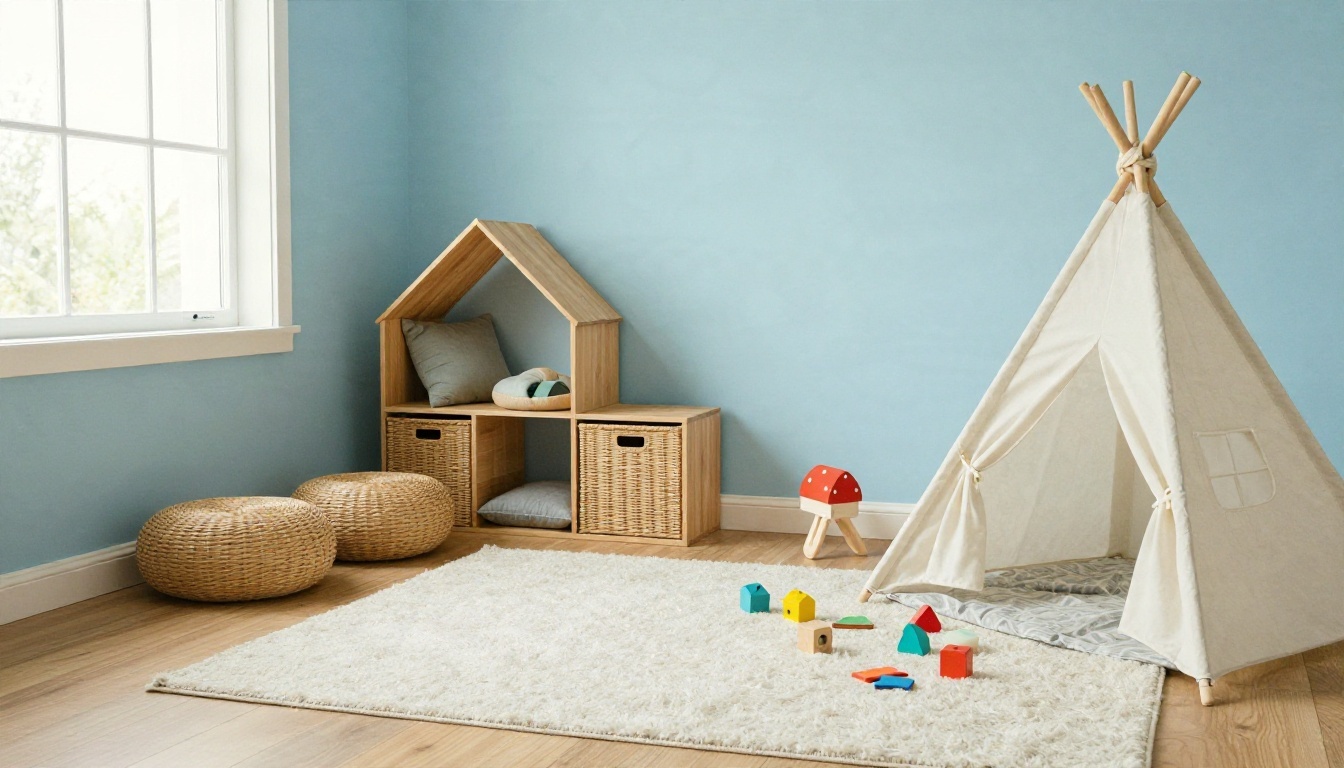
Bathrooms, dining nooks and children's rooms respond very well to AI mockups because the colors matter so much. A terrazzo floor or a pastel wall is cheap to try on a screen and expensive to redo with a trowel.
Testing three versions side by side
Generate the same room in three palettes: one neutral, one bold, one dark. Put them next to each other on your phone. The one you keep scrolling back to is usually the right one.
Redesign Your Room With PicassoIA
General AI image models can do something the single-purpose room apps often cannot: you control the whole look through the prompt, and you can edit an existing photo with plain language. On PicassoIA you can do both.
- Nano Banana is the one to reach for when you have a photo of your room and want to change a single thing: swap the sofa color, repaint the wall, add a rug. It edits the image and keeps the rest of the scene recognizable.
- Nano Banana Pro is the step up when you want sharper detail and higher resolution for a final mood board.
- Nano Banana 2 Lite is built for speed, handy for running a dozen palette experiments in a row.
- Seedream 4.5 is a strong choice for text to room images with rich materials and believable light.
- Seedream 5 Pro gives crisp 2K output when you want a hero image of a finished room.
Step by step with a room photo
- Take a wide photo in daylight with the lights on, standing in a corner at chest height.
- Open Nano Banana and upload the photo as the input image.
- Write one clear change, such as: "Keep the room layout and windows. Replace the sofa with an oatmeal linen three-seater and repaint the walls warm white. Keep natural daylight."
- Generate, then compare with the original.
- Make one change per round. Changing six things at once is how a window ends up in the wrong wall.
- When you like the direction, run it again in Nano Banana Pro for a sharper final.
Parameter tips that matter
- Say what must stay the same ("keep the layout, windows and floor") before saying what changes.
- Use an aspect ratio close to your original photo, usually 16:9 or 4:3.
- Add light direction. "Soft morning light from the left" does more for realism than any amount of adjectives.
- Generate several variations and pick the best, instead of polishing one weak one.
💡 Check the model page for the current free access and generation limits before a big session, since plans can change.
Upscaling and cleanup
If you need a bigger image for a presentation, PicassoIA also lists super resolution models in its collection, and you can find them through all models. Removing a stray object or a cluttered corner is the same idea as editing: describe the empty result you want.
Free App or General Model?
Both routes have a place. Here is the honest trade.
| Question | Room design app | General image model |
|---|
| Ease for beginners | Very easy, preset styles | Needs a good prompt |
| Control over look | Limited to menus | Almost unlimited |
| Keeps your room structure | Often yes | Yes with photo editing models |
| Free limits | Small, often daily | Check each model page |
| Output style | Consistent, sometimes generic | Matches your wording |
| Other uses | Rooms only | Rooms, products, portraits, more |
When a dedicated app wins
If you want one click and no typing, a preset-based tool is quicker. Upload, tap a style, done. For a quick "what would this look like in grey" test, it is hard to beat.
When a general model wins
If you care about the exact sofa shape, the exact wall color, or the exact evening mood, a general image model gives you control the preset menus cannot. It is also the better fit when you want your room image to match a brand or a client's taste.
Mistakes That Waste Your Free Renders
Free quotas are small, so avoid burning them on predictable errors.
- Dark, tilted photos. Poor input gives poor output. Turn the lights on.
- Too many changes in one prompt. Split them across rounds.
- No style anchor. "Nice modern room" means nothing. Name materials and a palette.
- Ignoring scale. If the render shows a king bed in a box room, it is lying to you. Measure before you buy.
- Treating the render as a blueprint. Use it for mood, then verify dimensions in the real room with tape.
- Skipping the fine print. Check watermark, resolution and commercial use before you share results.
A cheap way to plan a whole home
Pick one palette and one material set, then generate each room with the same wording. A shared oak tone, a shared warm white, and a shared brass accent make a flat feel designed rather than assembled from random shop windows.
Before you buy anything
Save your favorite renders in one folder, screenshot the shopping links you actually like, and wait a week. If the picture still excites you after seven days, it is a real preference and not a scroll-induced impulse.
Try Your Own Room Today
Free no-login room tools are good for a first look. A flexible image model is what you need when the first look is not quite right. Take one photo of the room you keep meaning to fix, open Nano Banana or Seedream 4.5 on PicassoIA, paste one of the prompts above, and change a single detail. Then try it in a darker palette, then a lighter one.
In ten minutes you can have three versions of the same room to compare, and you will know more about what you want than a month of saving inspiration photos would tell you. Browse every available model at picassoia.com/en/all-models and start building the room you actually want to walk into.


